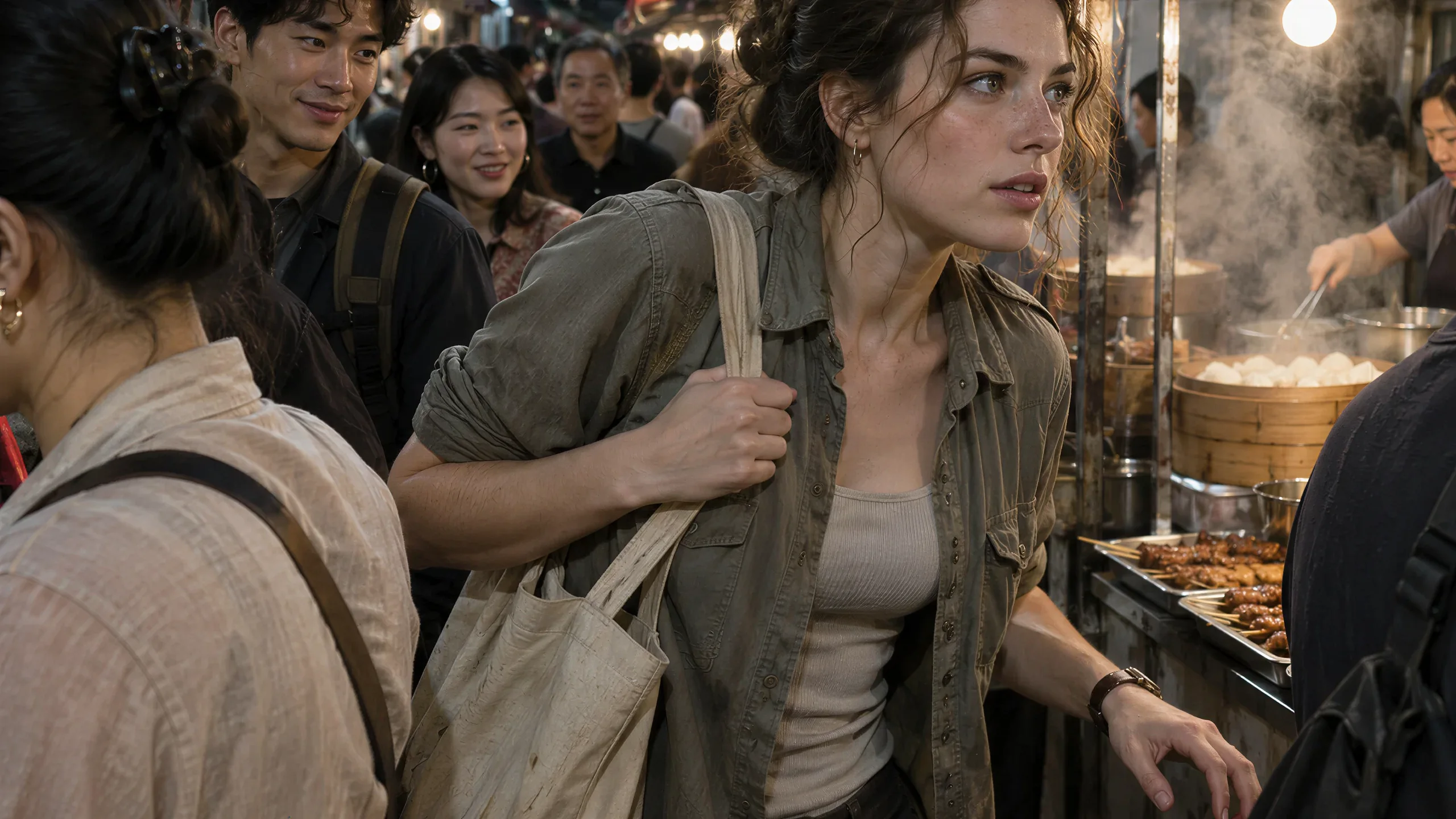
Cinematography Studio puts four cinema dials in one monitor room: Move, Light, Lens and Look. Start from one of 12 starter cards, write a scene in one sentence, or drop in your own photo or video clip (up to 30 seconds). Move, Light, Focal length and Depth shoot a new frame or clip—you always see the maximum price before running. Film body, Glass, Look and Adjust run live in your browser with no credits and no account needed.
Compare 3× before you commit
Toggle 3× on the desk bar to bracket two or three options side by side on Light, Move, Lens (24mm, 50mm and 85mm) or Look. On paid brackets, each arm is its own generation, the button shows the highest total you can be charged before you start, and any failed arm is refunded automatically. Look compare is instant and uses no credits on your own photo or an existing take; on a new shot it shoots one neutral take and grades all three looks locally in your browser.
72 real 33-point .cube LUTs
The Look dial includes 72 real 33×33×33 LUTs (13 featured looks including Natural, plus 59 library looks across Film stock, Era, Genre, Warm, Cool and Black & white), six Adjust sliders, Match reference, Import .cube and Mine for saved grades. Check your grade live with Wipe compare, Hold for original, 2.39:1 frame lines and an RGB parade scope. Download LUT exports a standard 33³ .cube file in your browser—no account and no credits needed—for DaVinci Resolve, Premiere Pro, Final Cut Pro, OBS and ffmpeg. LUTs expect Rec.709 or sRGB input; convert camera log footage to Rec.709 first. Film grain, vignette, anamorphic streaks, halation and bloom live in the Lens dial's five Body and five Glass styles and bake cleanly when you export your PNG or MP4.
Camera moves, Relight, Previs and Send to
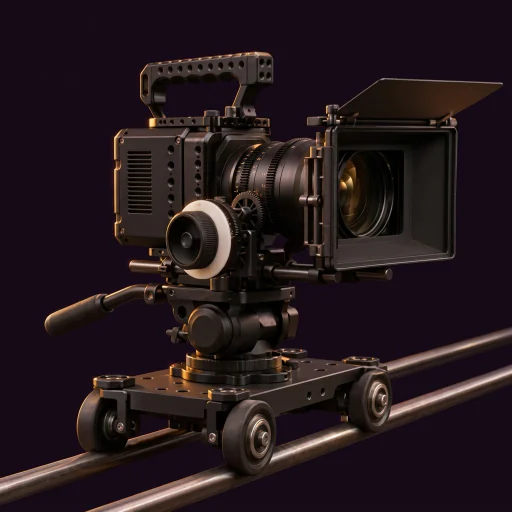
Open the Move dial for seven visual cards or All 52 camera moves across eight groups; chain up to three moves and set Slow, Steady or Whip pace. Click Plan it in 3D to open Previs with your camera, lens and moves, or pull saved 3D camera paths back via From Previs. On any still frame you shoot or drop in, open the Light dial to pick one of four directional relight setups (Backlight, Hard split, Golden hour, Neon spill) and tune Color, Brightness and Softness before pressing Relight. When a frame or clip is ready, Download gives you the graded file, the original and the .cube LUT, and Send to passes your graded result straight to Film Maker or Video Editor (or Change angle for stills), or hands your lens, moves and Look settings to Previs.
Cinematography field guides
FAQ
What is the difference between Reshoot and Instant dials?
Reshoot dials—Move, Light, plus Focal length (24 / 50 / 85mm) and Depth (T8 or T1.4) inside Lens—generate a new frame or clip and show the exact maximum price before you run. Instant controls—Look, six Adjust sliders, five film Bodies and five Glass styles—process pixels live in your browser using WebGL2 with no credits, even after you finish shooting.
How is a 3× bracket compare charged?
For Light, Move and Lens brackets, each arm is a separate generation. The button shows the highest possible total for all arms before you start, and any arm that fails is refunded automatically. Look compare uses no credits on your own photo or an existing take; on a brand-new shot it shoots one neutral take and applies each look locally at no extra cost.
Can I grade my own photo or clip without signing in?
Yes. Drop in a JPG, PNG or WebP image or an MP4 / MOV clip up to 30 seconds long. You can test all 72 looks, five film bodies, five glass styles, six Adjust sliders, Wipe compare and RGB parade, then export the graded PNG or MP4 and .cube LUT right in your browser with no account and no credits.
Are the .cube LUTs free for commercial work?
Yes. Downloading a 33×33×33 .cube file happens locally in your browser with no account and no credits, and you can use it in both personal and commercial projects. All looks are PopNow's own emulations, not copies of any manufacturer's film stock.
Can I use a LUT on camera log footage?
Convert log footage to Rec.709 first using your camera maker's conversion LUT or a color space transform in your editor, then apply the PopNow .cube LUT on top. Applying a Rec.709 print LUT directly to raw log produces washed-out contrast.
Which AI models does Cinematography Studio use?
Open Shot settings to choose between Auto (which picks a suitable model for your shot) and Cinema (the Cinema engine tier). Before you run, Shot settings displays the active model and the main button shows the maximum price.
How does Relight work?
Relight reshapes the light on a still frame you generated or dropped in. Open the Light dial, choose from four setups (Backlight, Hard split, Golden hour or Neon spill), adjust Color temperature, Brightness contrast ratio and Softness, then press Relight. Relight applies to still frames rather than video clips.
Where can I reuse my saved looks and finished shots?
Save any Look, Adjust mix or imported .cube to Mine so you can apply it to future shots with one click. Use Send to to pass your graded frame or clip directly to Film Maker or Video Editor, or to carry your lens, moves and Look settings into Previs. Use Change angle to explore new viewpoints of a still frame.





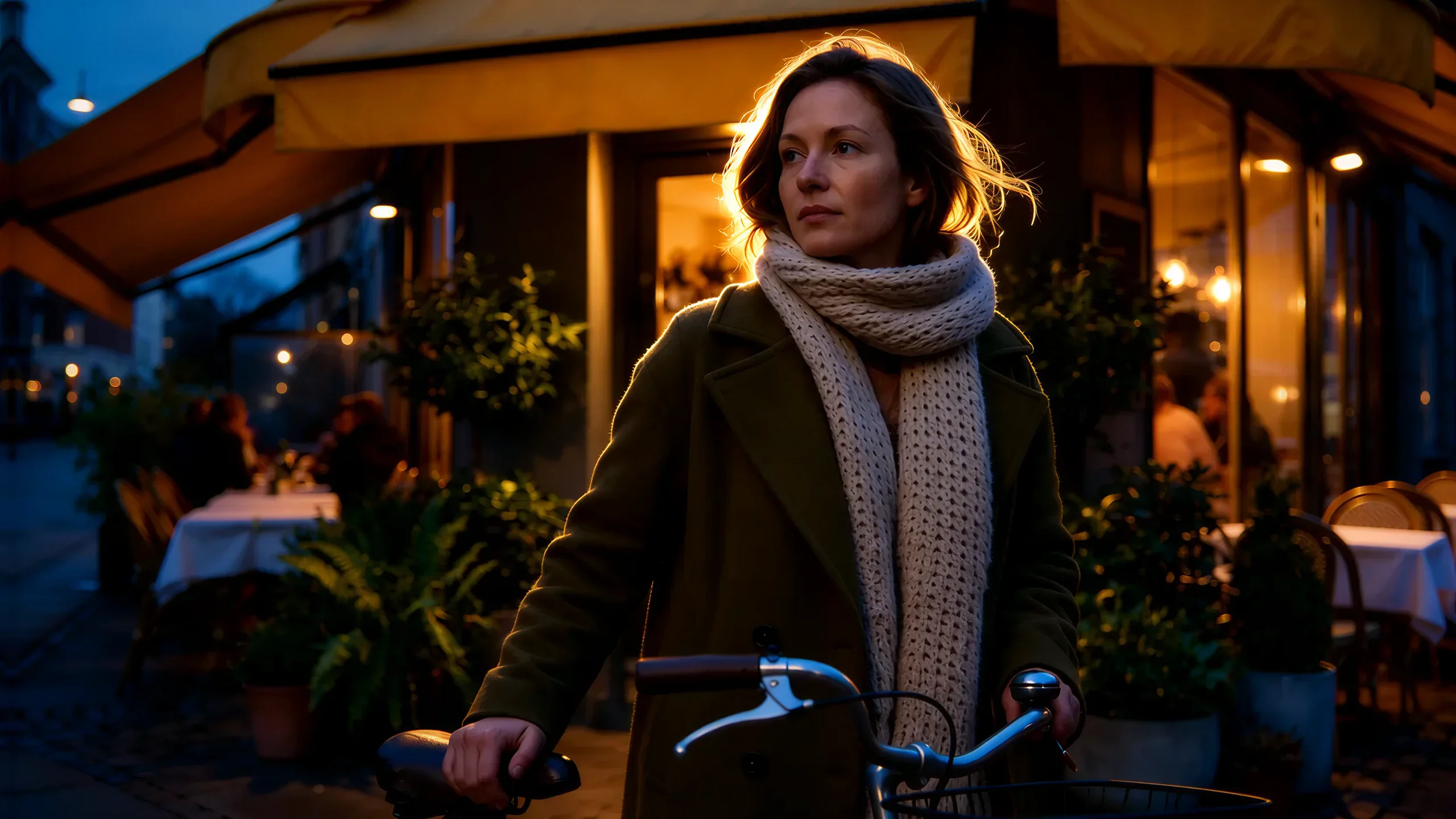

 MoveFor video
 LightBacklight
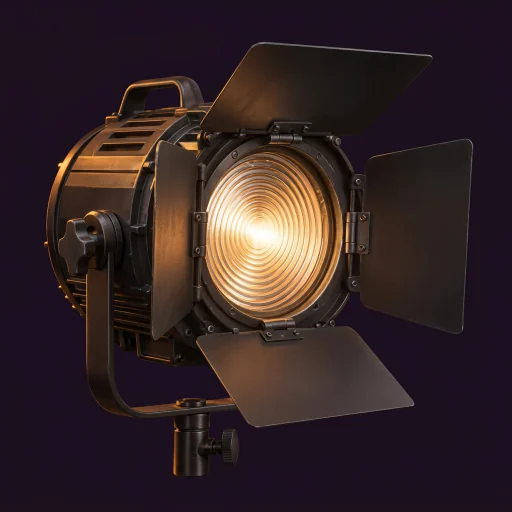
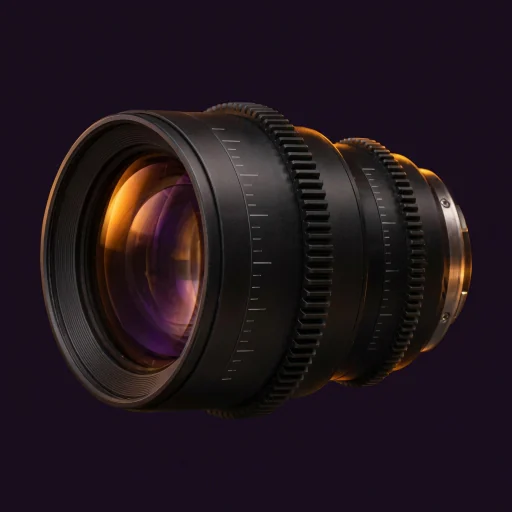 Lens50mm · T1.4
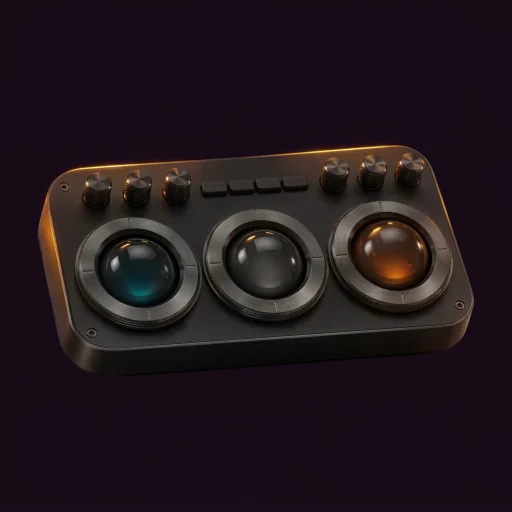 LookTeal & orange