

Make images and videos in Telegram
Open in Telegram PopNowbot
Retro sci-fi photo: a couple in their seventies in matching mint tracksuits having a picnic on the moon, Earth rising behind them
- Image · Nano Banana 2.1 · 1KGenerate · 22OptionsCancel
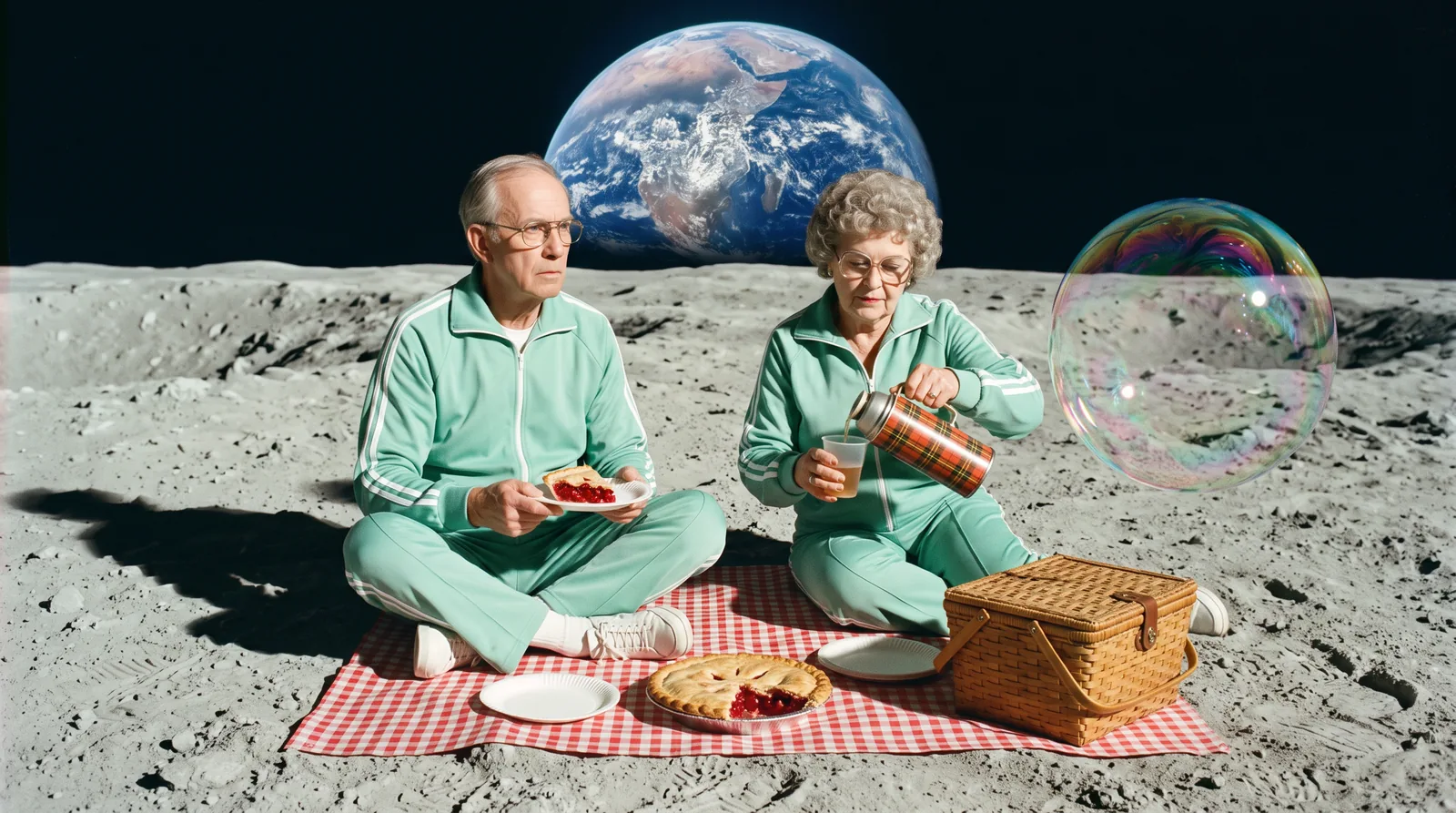 Done. It’s also saved to your PopNow assets.
 PopNowImagemake it move
- Video · Kling 2.6 · 5sGenerate · 345OptionsCancel
- Done. It’s also saved to your PopNow assets.
Start in three steps
- 1
Open @PopNowAIBot
Tap Open in Telegram on this page, then tap Start in the chat. You can also search for @PopNowAIBot in Telegram.
- 2
Connect your PopNow account
Tap Connect PopNow and sign in with Google, GitHub or an email code. No account yet? Create one on the same screen.
- 3
Send a prompt or a photo
The bot answers with a price card. Tap Generate and your image or video comes back in the same chat.
What you can make
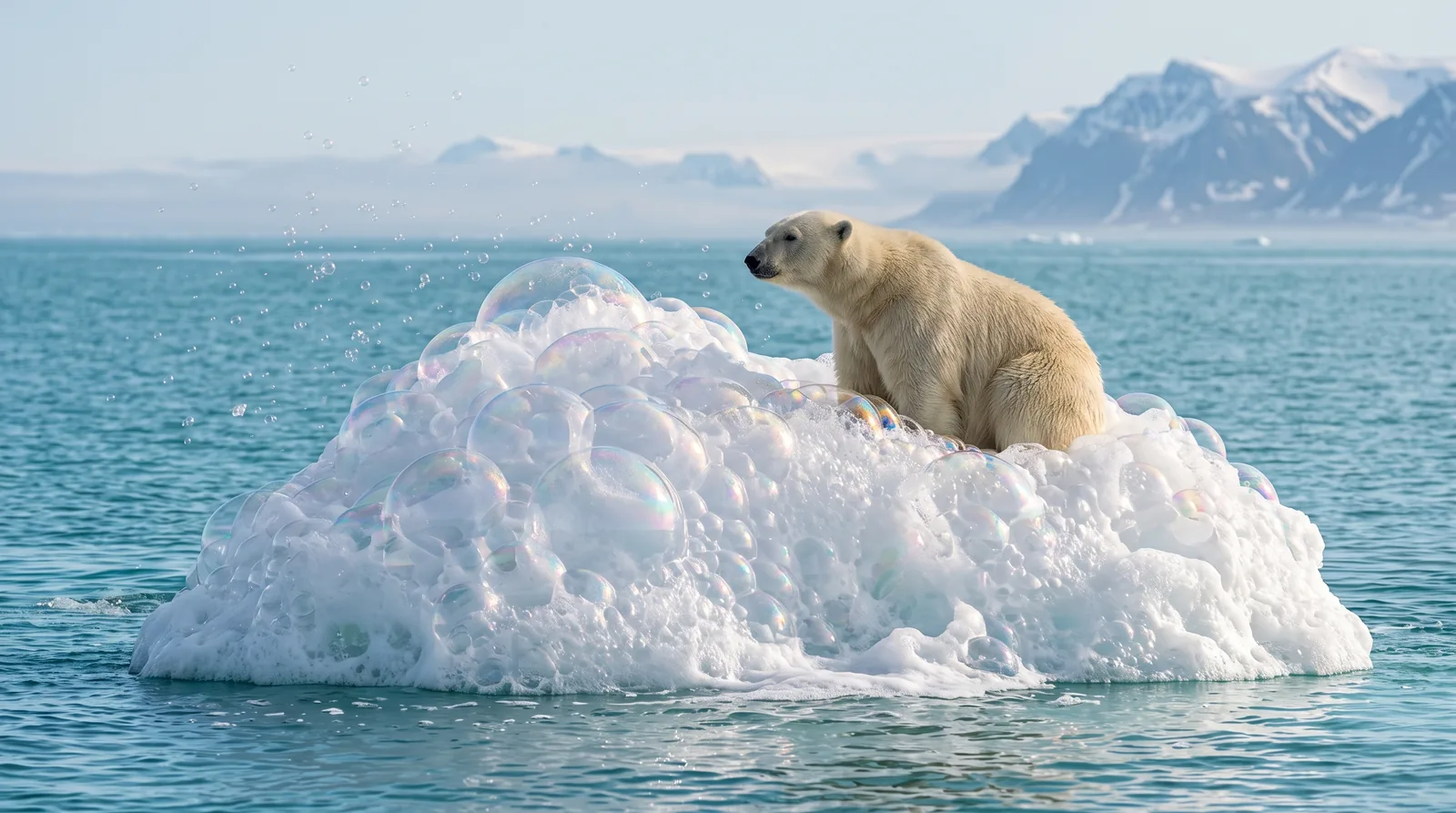
Images
Describe a picture in plain words, or start the message with /image.

Photo edits
Send a photo and say what to change: the light, the outfit, the background.
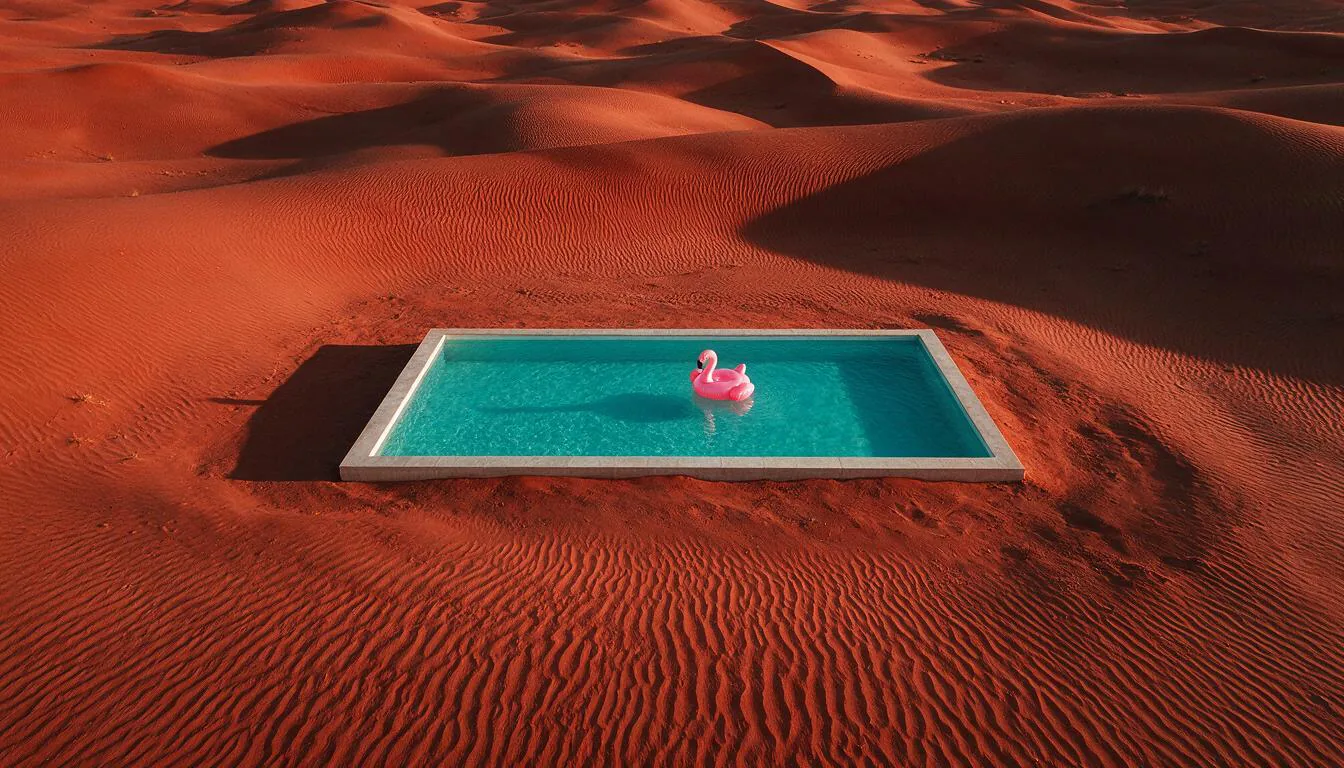
Videos
Reply “make it move” to any picture, or write a scene after /video.
Effects
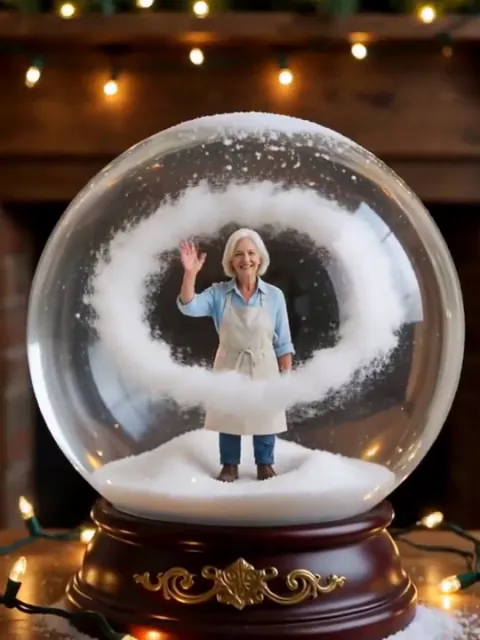
Send a photo with an effect name like zombie or snow globe, or use /effect.
Background removal
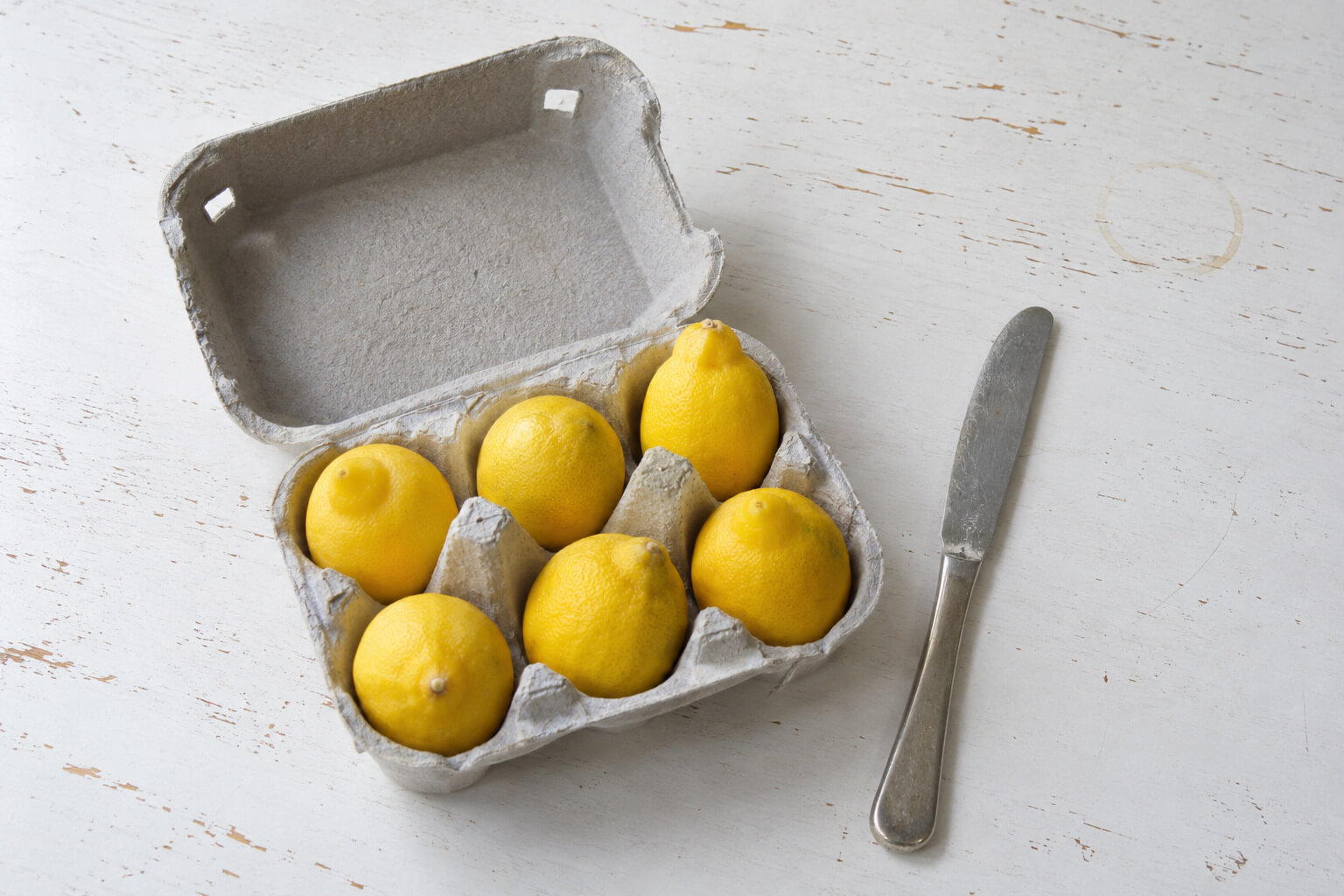
Send a photo and tap Remove background to get a clean cutout.
Upscale
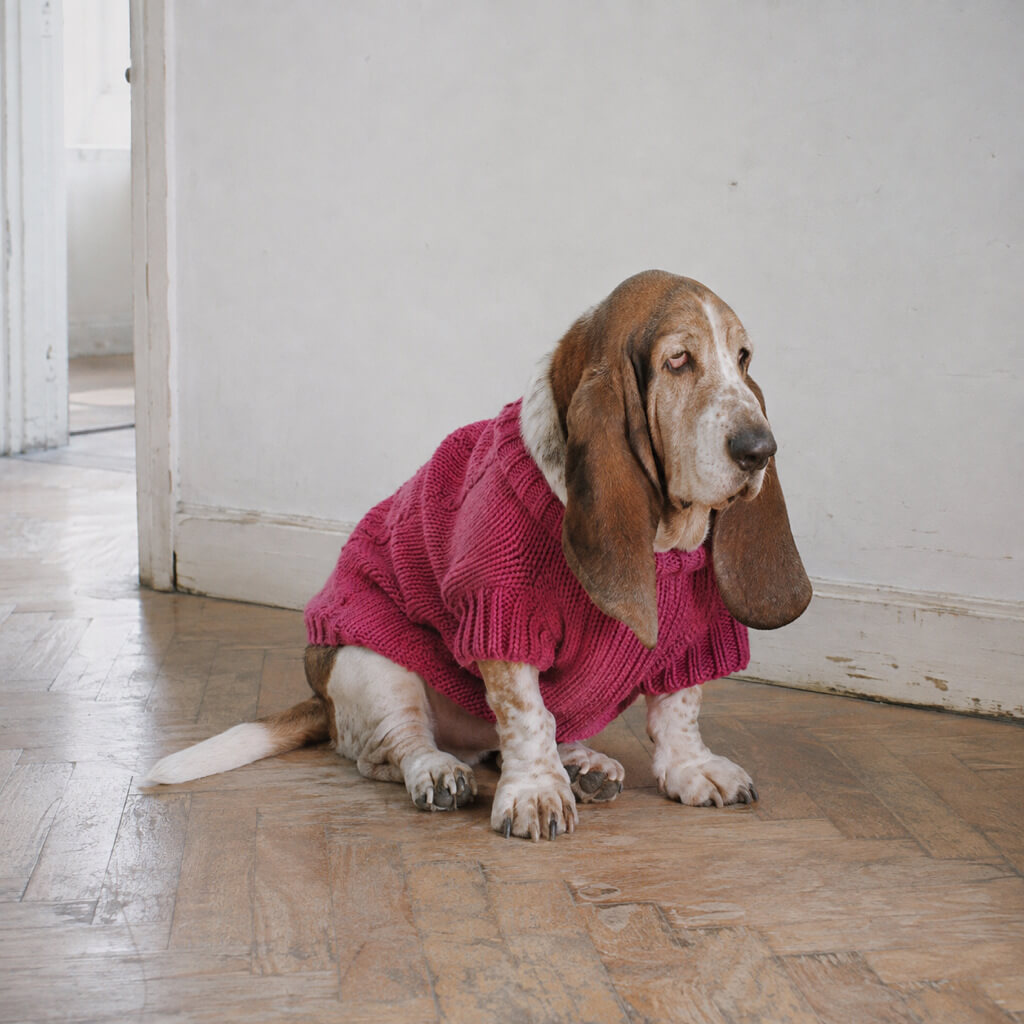
Ask for a bigger, sharper version of any photo or result.
One account, one balance
The bot runs on the same PopNow account as the website, the app and your AI apps. Your credits, your creations and your price protection all carry over, and the price on the Generate button is the most a job can cost.
World’s first AI studio with automatic price protection
Questions
How much does the Telegram bot cost?
You pay only for what you make. Each job uses the same credits as on the website, and the price is on the Generate button before you tap it. That price is the most you pay. If a job fails, the credits come back automatically.
Do I need a PopNow account?
Yes. Tap Connect PopNow in the bot and sign in with Google, GitHub or an email code. If you don’t have an account yet, you can create one on the same screen.
How do I add credits?
Credits are shared with your PopNow account. Buy them on the PopNow website and the new balance is ready in Telegram right away. Send /balance in the chat to check it.
Where do my images and videos go?
Every result is sent back to the chat, where you can save or forward it. It’s also saved in your PopNow assets. Send /mine to see your ten latest creations.
What can I send the bot?
A text prompt, or a photo with or without a caption. Photos and videos you send must be under 20 MB, which is a Telegram limit. Reply to a result to keep editing it.
Which models does the bot use?
The same ones as the website. The bot picks a good default for each job, and Options lets you change the model, the aspect ratio or the length before you tap Generate. Every change updates the price.
Which languages does the bot speak?
It follows your Telegram language: English, Simplified and Traditional Chinese, Japanese, Korean, German, French, Spanish, Portuguese, Russian, Italian and Polish. You can write prompts in any of them.
Does it work in group chats?
Not yet. The first version works in a private chat between you and @PopNowAIBot.
What does PopNow see from my Telegram account?
Your Telegram ID, name and username, which Telegram shares when you tap Connect PopNow, plus the messages you send to the bot. The bot can’t read your other chats.
How do I disconnect Telegram?
Send /disconnect to the bot, or open Account settings on the website and disconnect Telegram under Connected AI apps. Both work right away.
How do I know I’m talking to the real bot?
Open it from this page. The official bot is @PopNowAIBot, and it never asks for your password or card details in the chat.