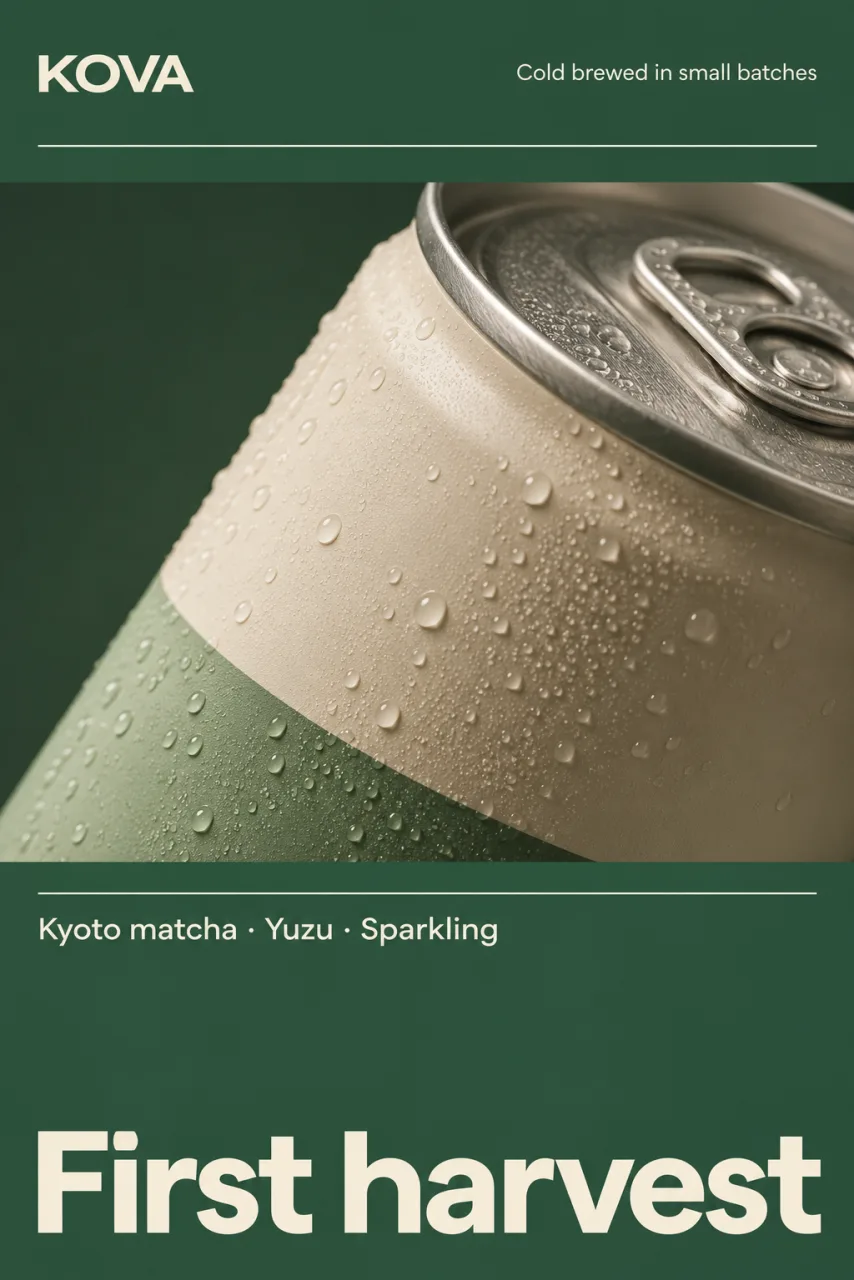
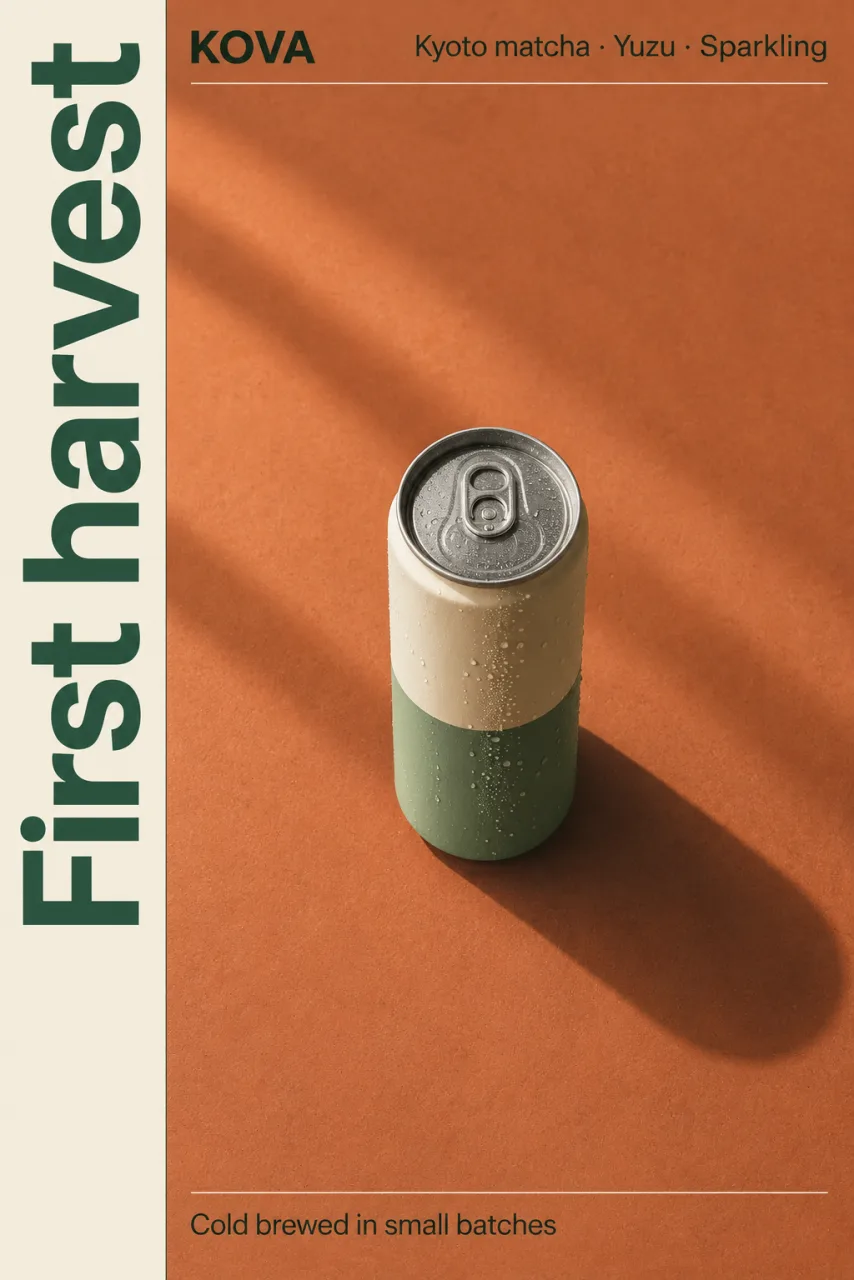
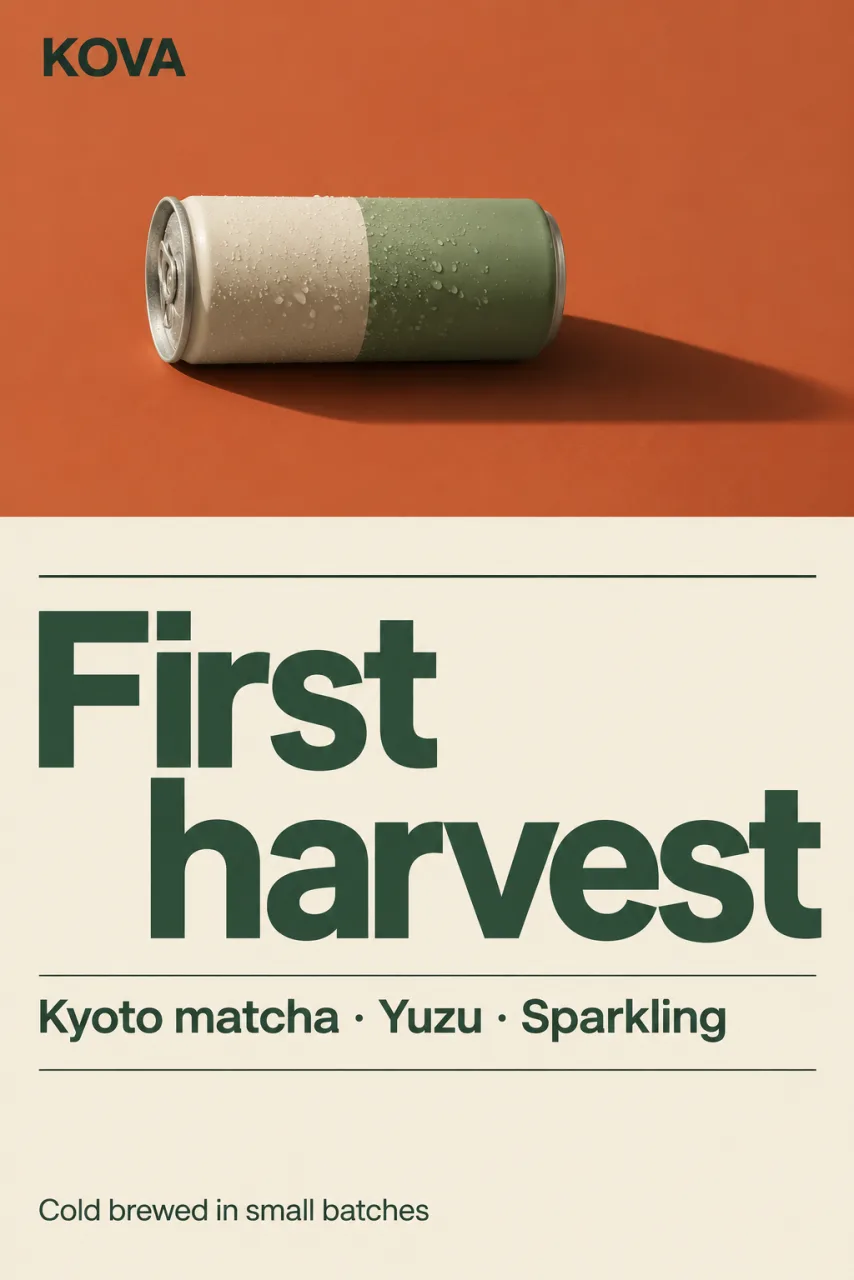
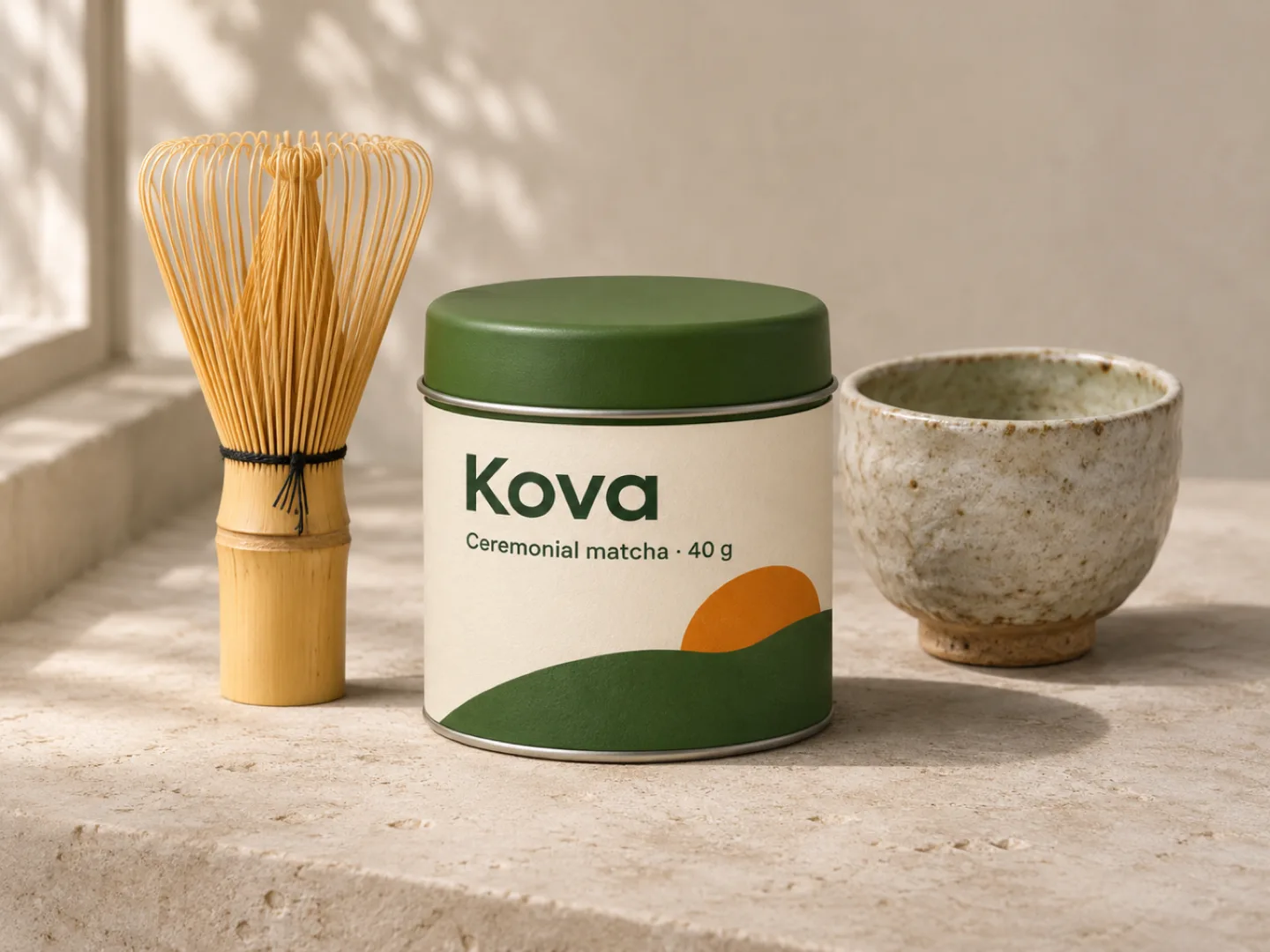
Design Studio turns one brand name or website into a full set of editable designs: a brand guide, posters, social posts, business cards, packaging, store listing photos and a vector logo. Colors, fonts and text stay live across every piece, and exports are built in your browser.
- Type your brand name or paste your website, then pick a color palette.
- Preview your brand for free, then generate a vector logo and brand photos when you like what you see.
- Open any artboard in the full-screen editor to change text, colors, layout and photos.
- Export PNG, JPG, SVG, a 3mm bleed PDF, a layered PSD or the whole Brand Pack ZIP.
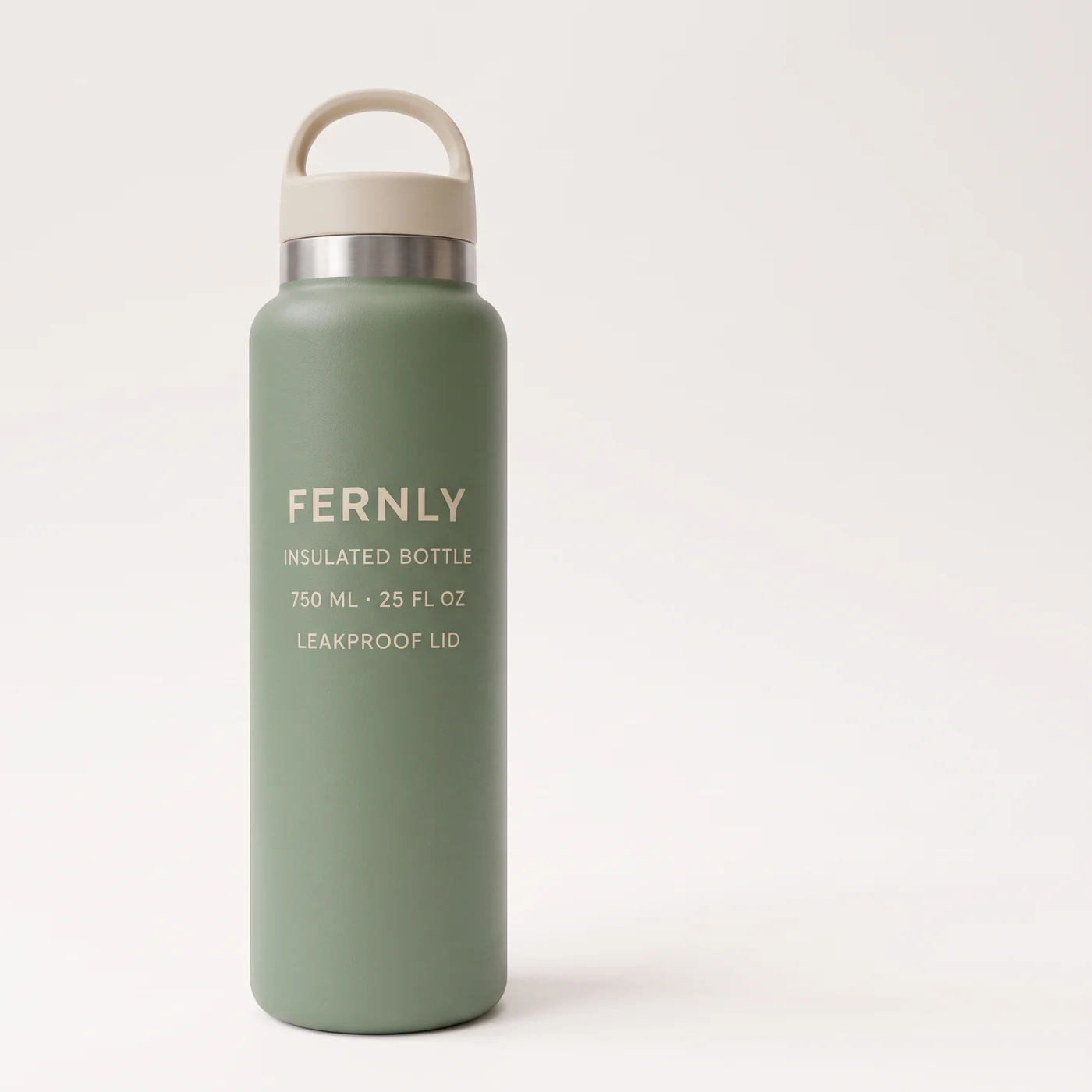
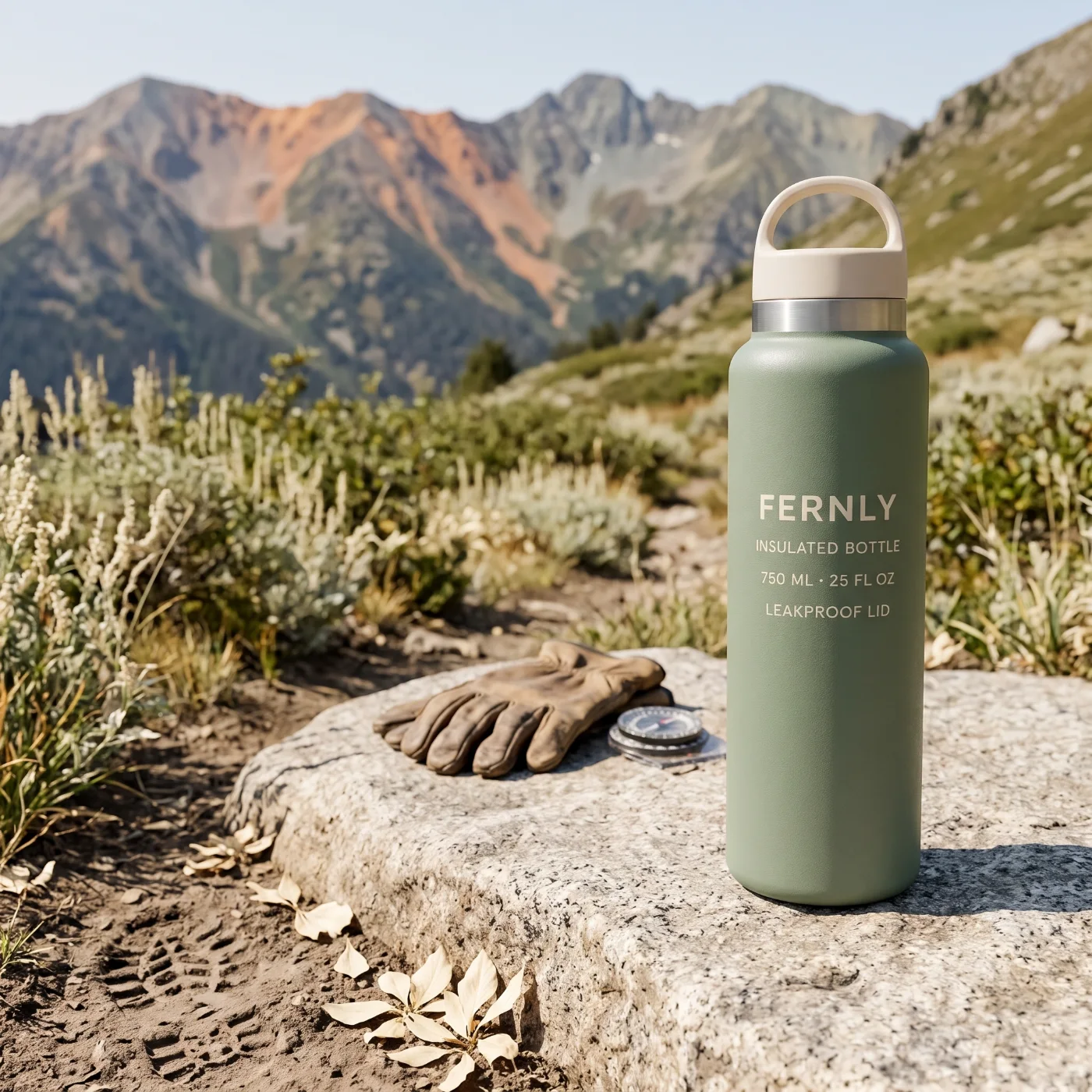
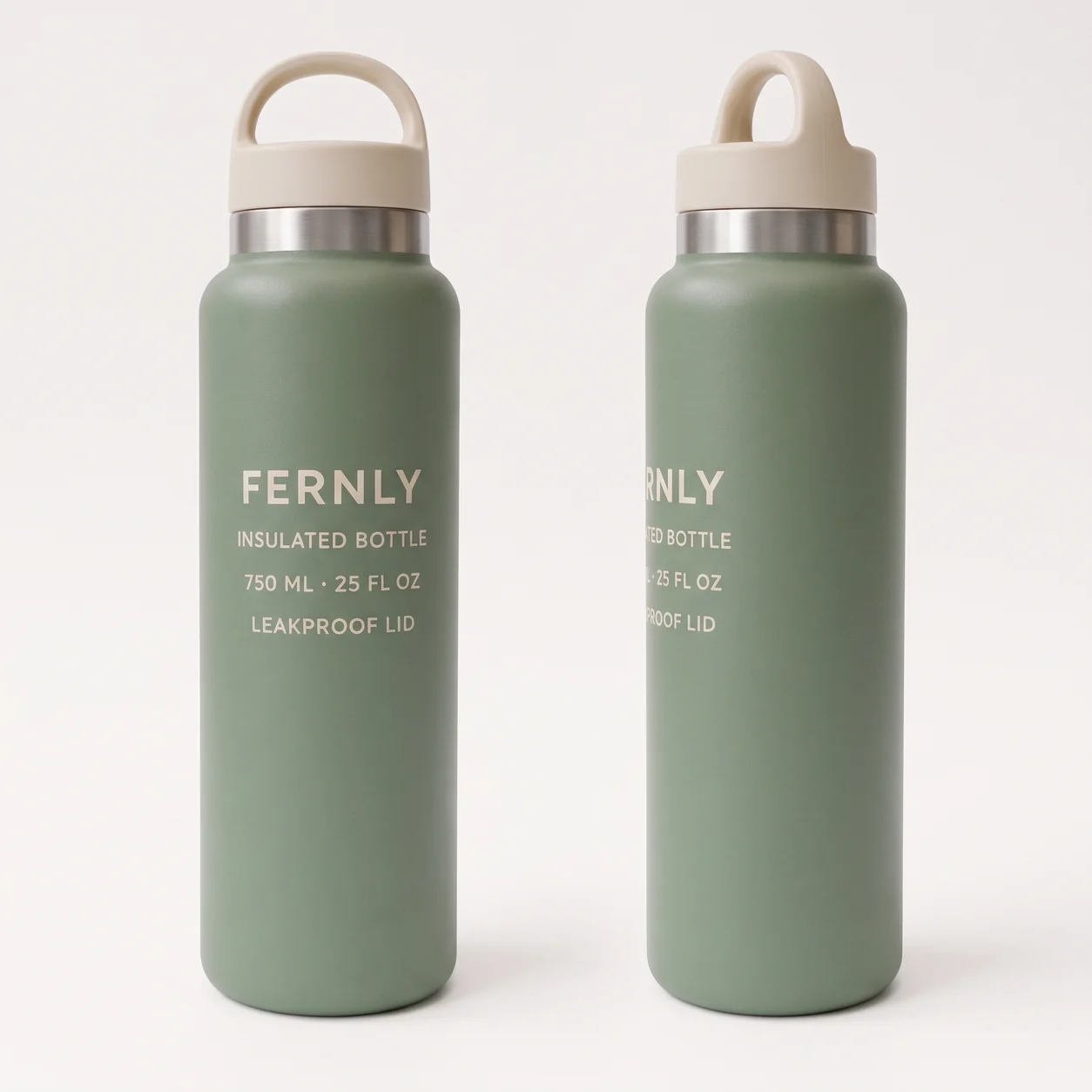
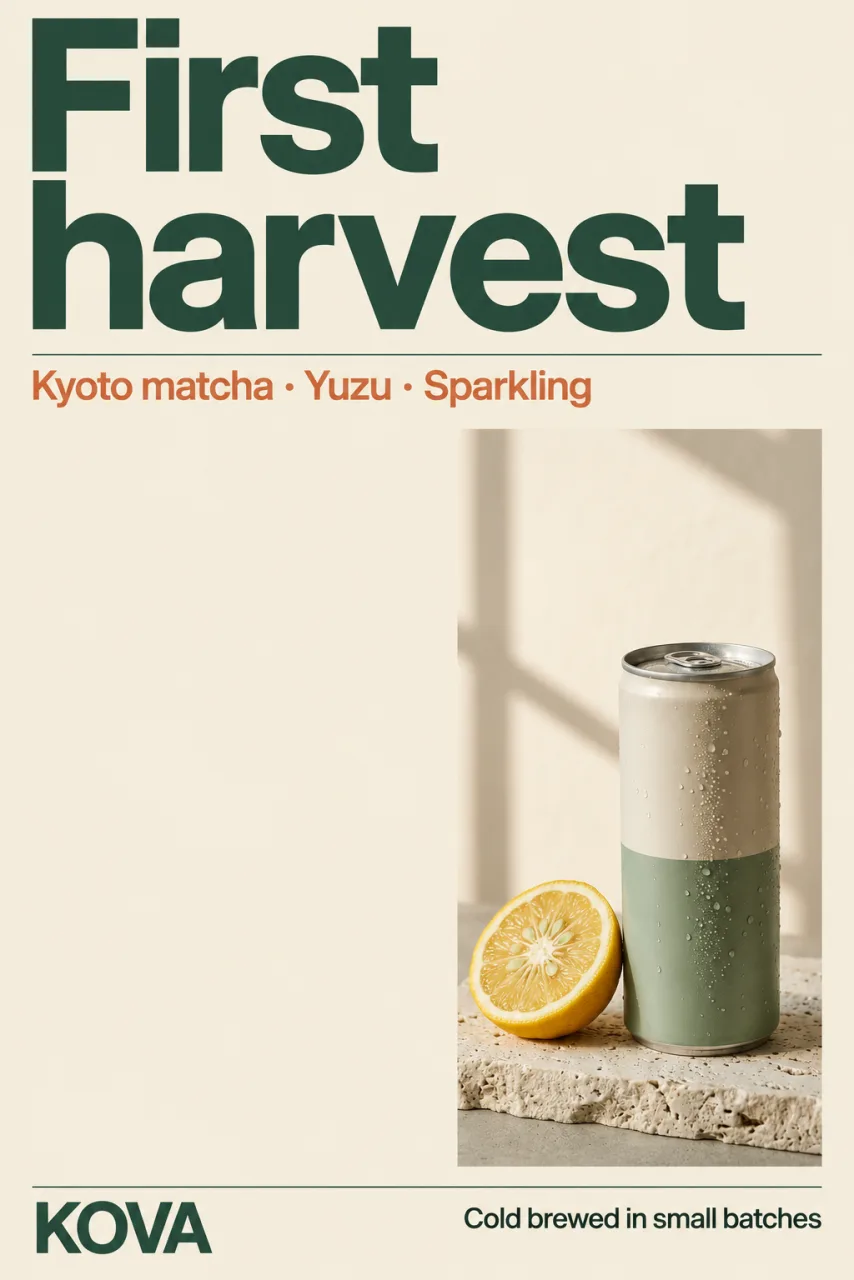
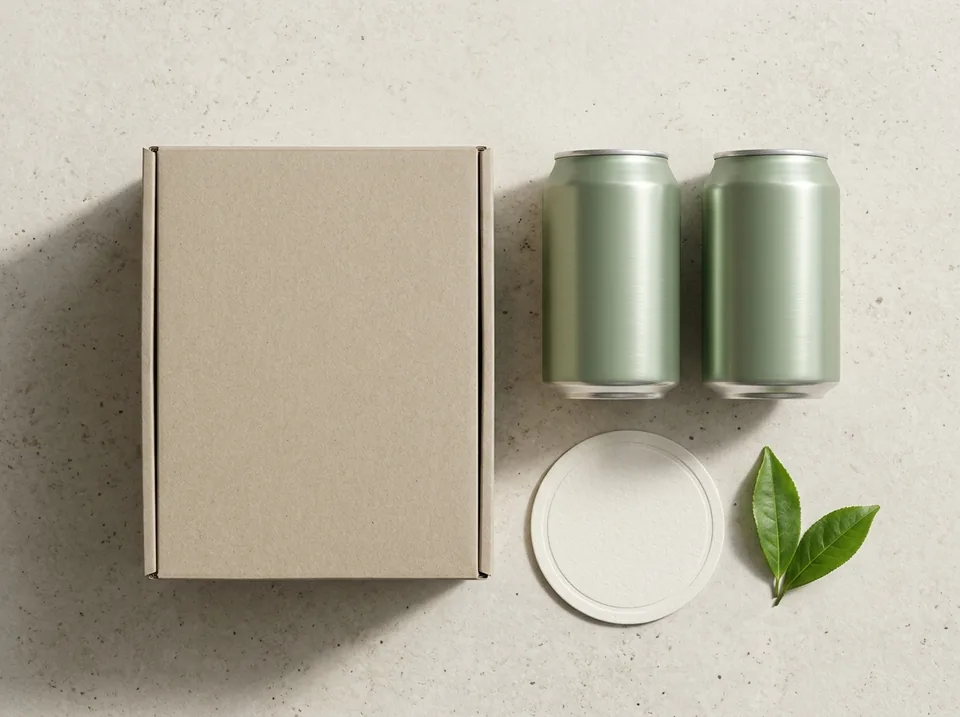
Brand Kit lays out your whole identity. E-commerce turns a phone photo of your product into a white-background main image and gallery shots. Poster gives you editable layouts or art typography drafts. Social builds posts, stories and carousels in every size at once. Logo makes real vector logos with four lockups. Packaging puts your design on real-scene mockups or on your own photo.
Headlines, captions, badges, shapes, logos and photos sit on their own layers and follow your brand colors and fonts. Change a color or font once and every artboard updates. In the editor you can drag, resize and rotate layers, edit text on the canvas, switch between Editorial, Full bleed and Swiss layouts, and resize a piece to another format.
Download PNG or JPG at 1× or 2×, SVG for logos, a print PDF with 3mm bleed and selectable text, a layered PSD, a store-ready listing ZIP for each marketplace, or a Brand Pack ZIP with every artboard, color tokens and a fonts guide. Exports are built in your browser and are free.
Previewing, editing, mockups and exports are free. AI work such as a vector logo, brand photos, poster drafts or product shots shows its price on the button before you start. If one part fails, the credits for that part come back automatically.
What can I make in Design Studio?
A full brand kit (brand guide, posters, social posts, business cards, menus, invitations, banners and more), store listing photos for your product, editable posters, social sets in every size, vector logos and packaging mockups.
Is Design Studio free to use?
Trying the example, editing, mockups and every export are free. Signed-in users get 3 free brand previews a day. Generating a vector logo, brand photos, poster drafts or product shots uses credits, and the button shows the price before you start.
Can I edit the text after the design is made?
Yes. All text is real, editable text. Double-click it on the canvas, change the font or color for the whole brand at once, or rewrite and translate a line with AI.
Are the logos real vectors?
Yes. Logos are clean SVG paths you can scale to any size. Each logo comes with horizontal, reverse, mark-only and favicon versions, and you can also trace an existing image to SVG for free on your device.
Which file formats can I download?
PNG and JPG at 1× or 2×, SVG, PDF with 3mm bleed and selectable text, layered PSD, a Brand Pack ZIP and store listing ZIPs sized for each marketplace.
How do I make product photos for my online store?
Open E-commerce and add a photo of your product. Design Studio locks the text printed on your pack, makes a white-background main image first, then the gallery shots in the same light.
Can other PopNow studios use my brand?
Save your brand on the Brands page and set it as your default. Ad Maker and Motion Studio use your default brand's logo, colors and fonts.
Can I use the designs and fonts commercially?
Yes. The fonts are open-source fonts licensed for commercial use (SIL OFL 1.1 or Apache 2.0). Check that your logo is clear to register before you file a trademark.



 Sample