






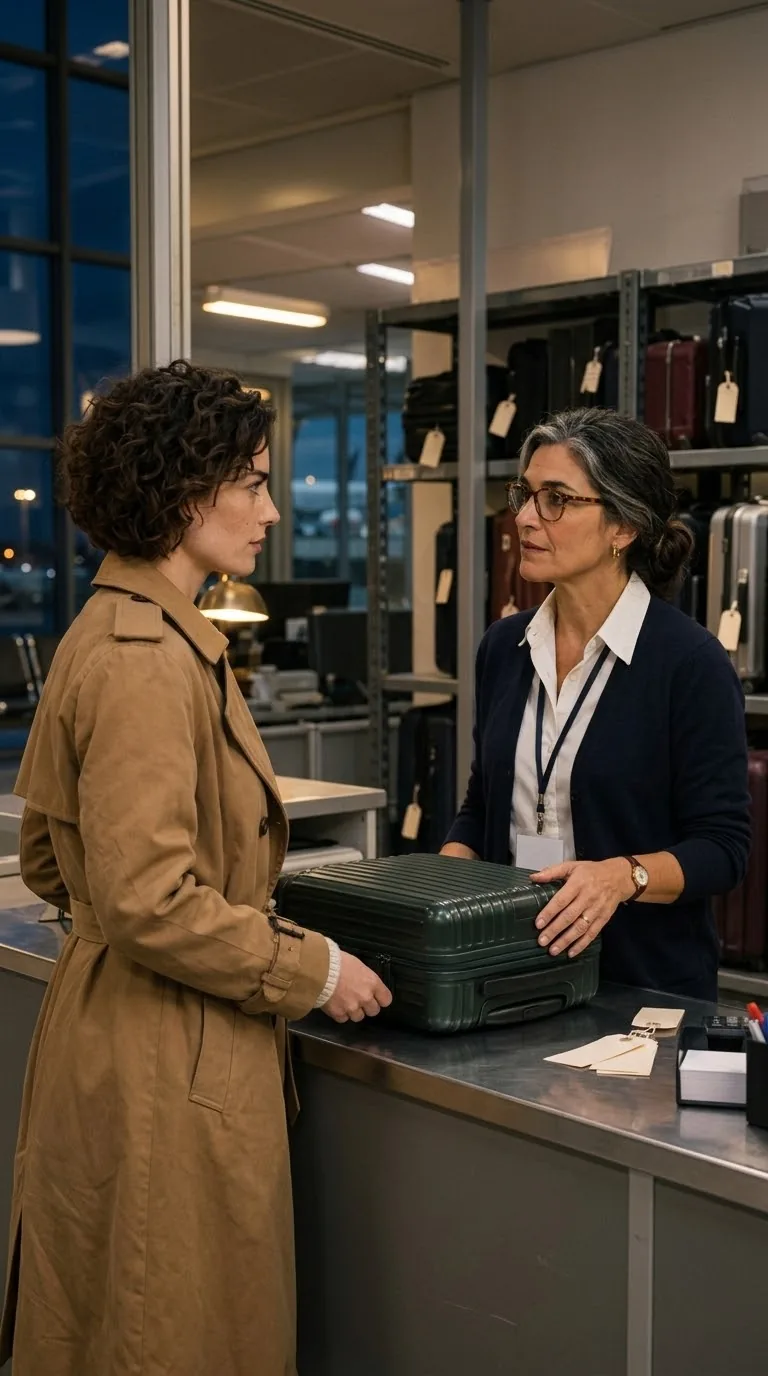
Open the suitcase?
Let viewers choose what happens next.
Skills and workflows
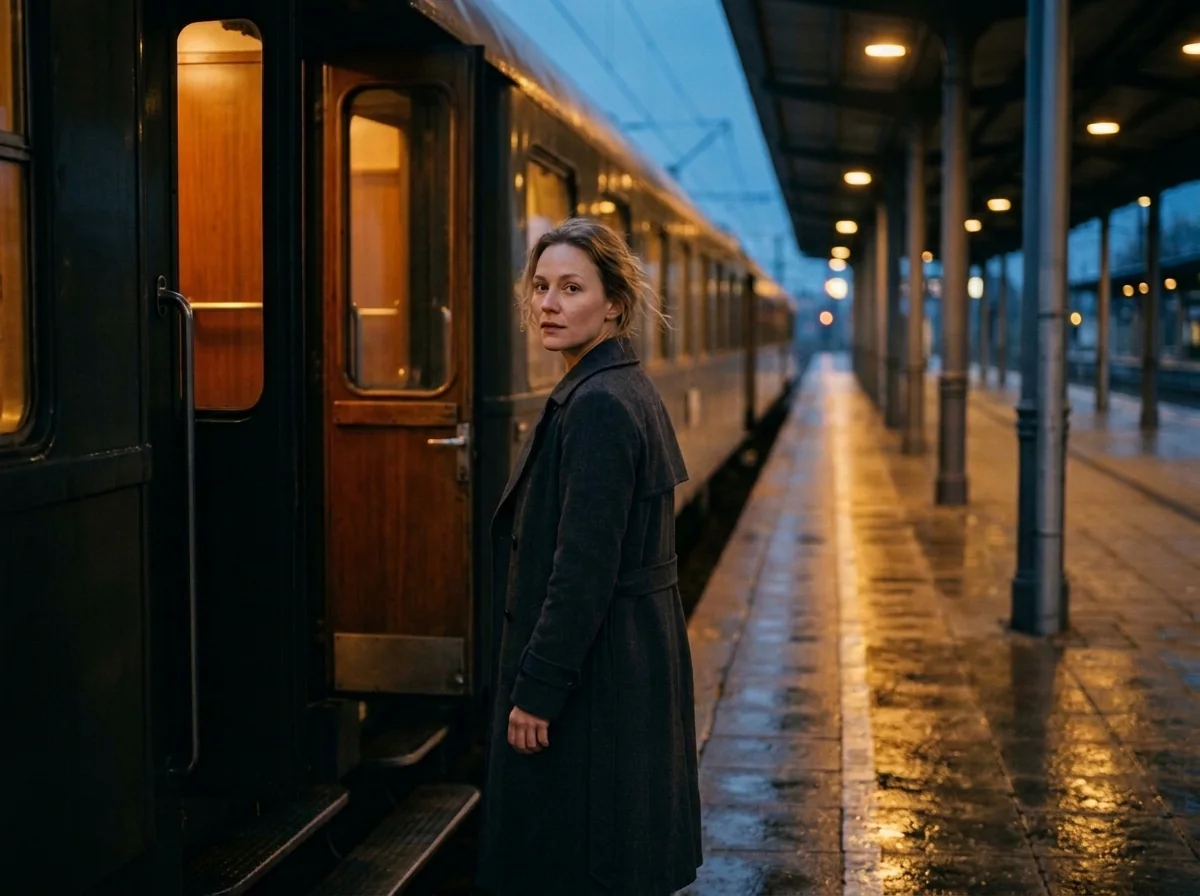 Branch a Video1–30 MP4 or MOV clips into branching paths
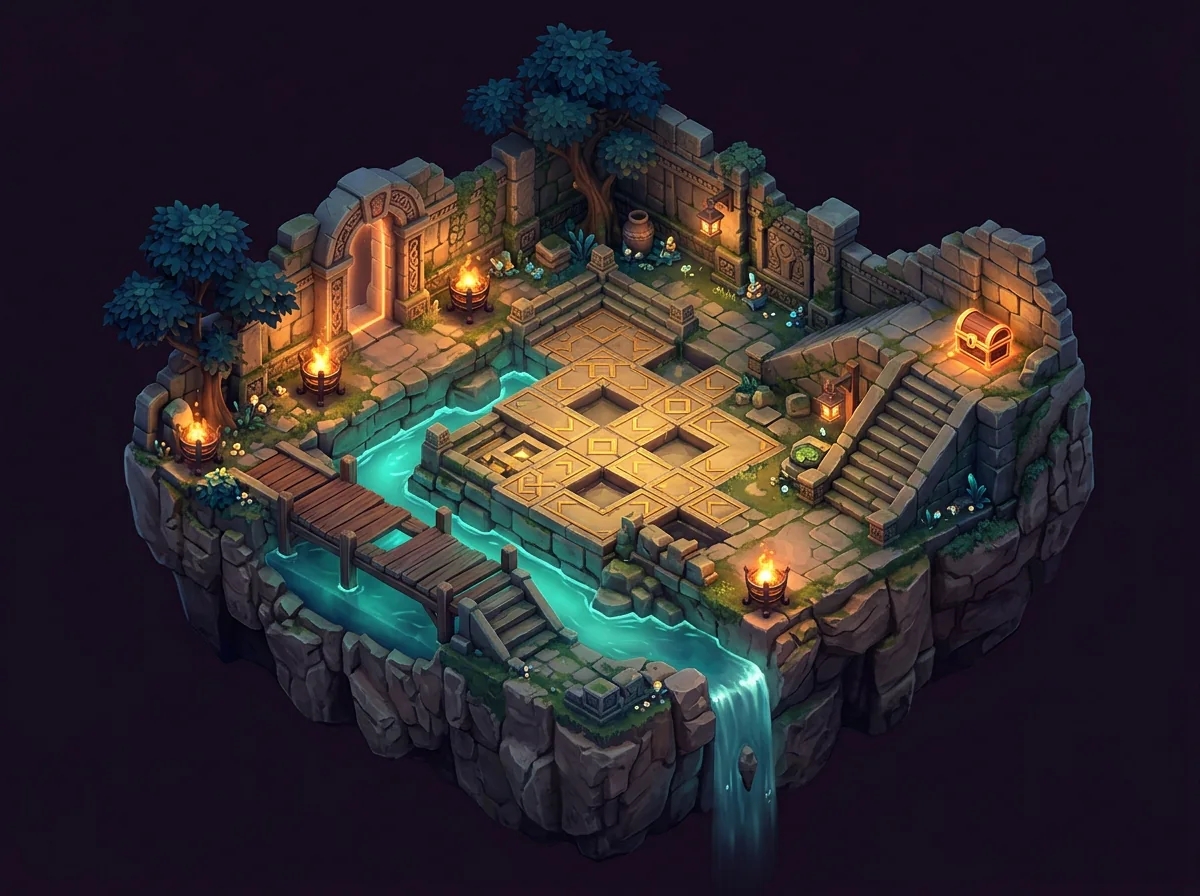 Playable Level & MinigameDeterministic H5 levels or uploaded ZIP
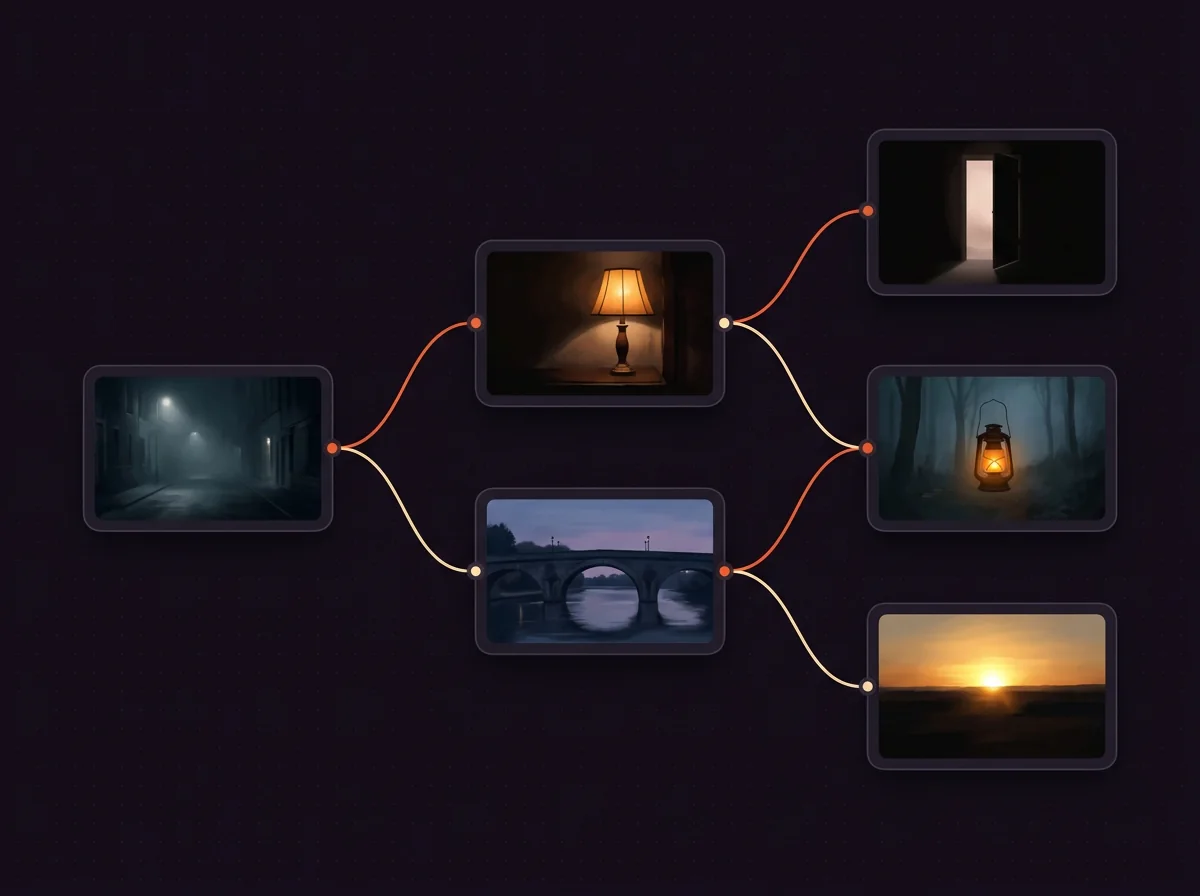 Story Map EditorNode graph for choices, timers, and endings
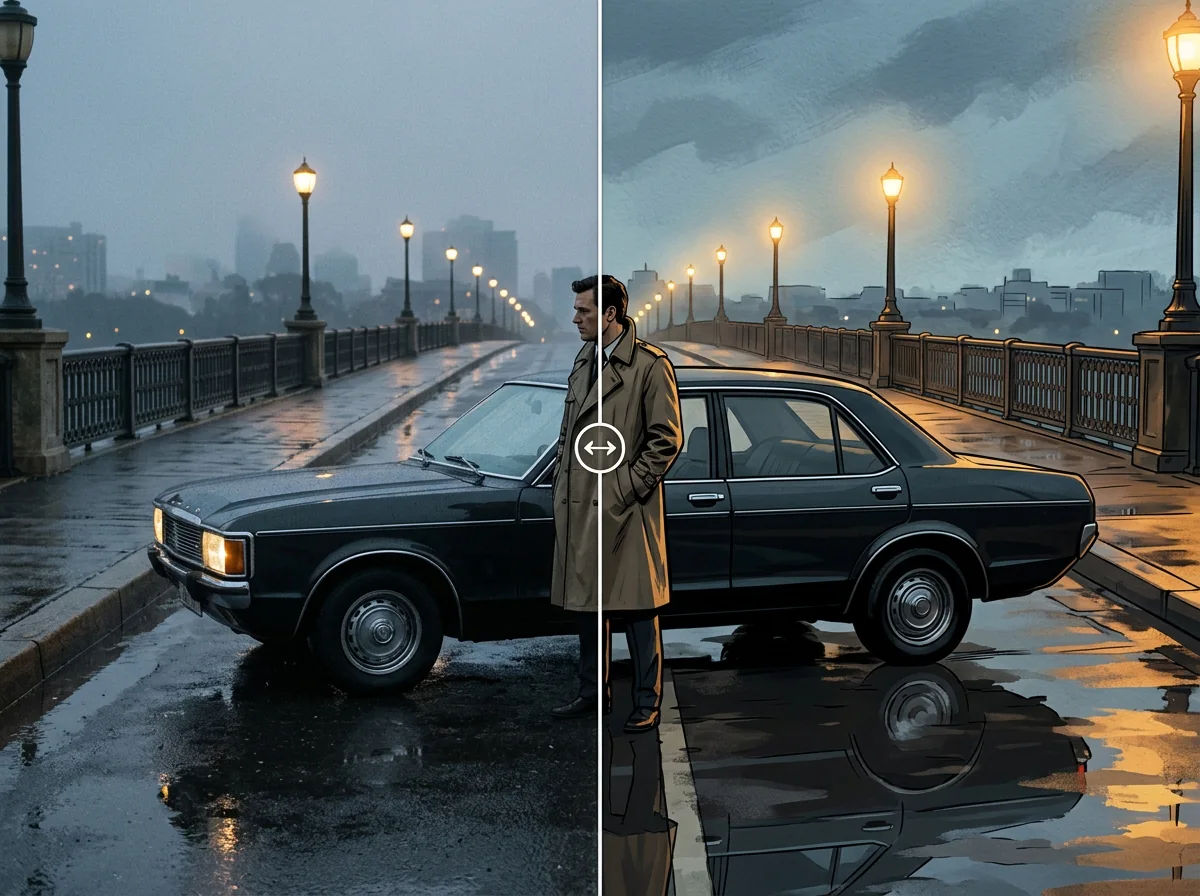 AI Video RemakeRestyle up to 10 clips keeping original pacing
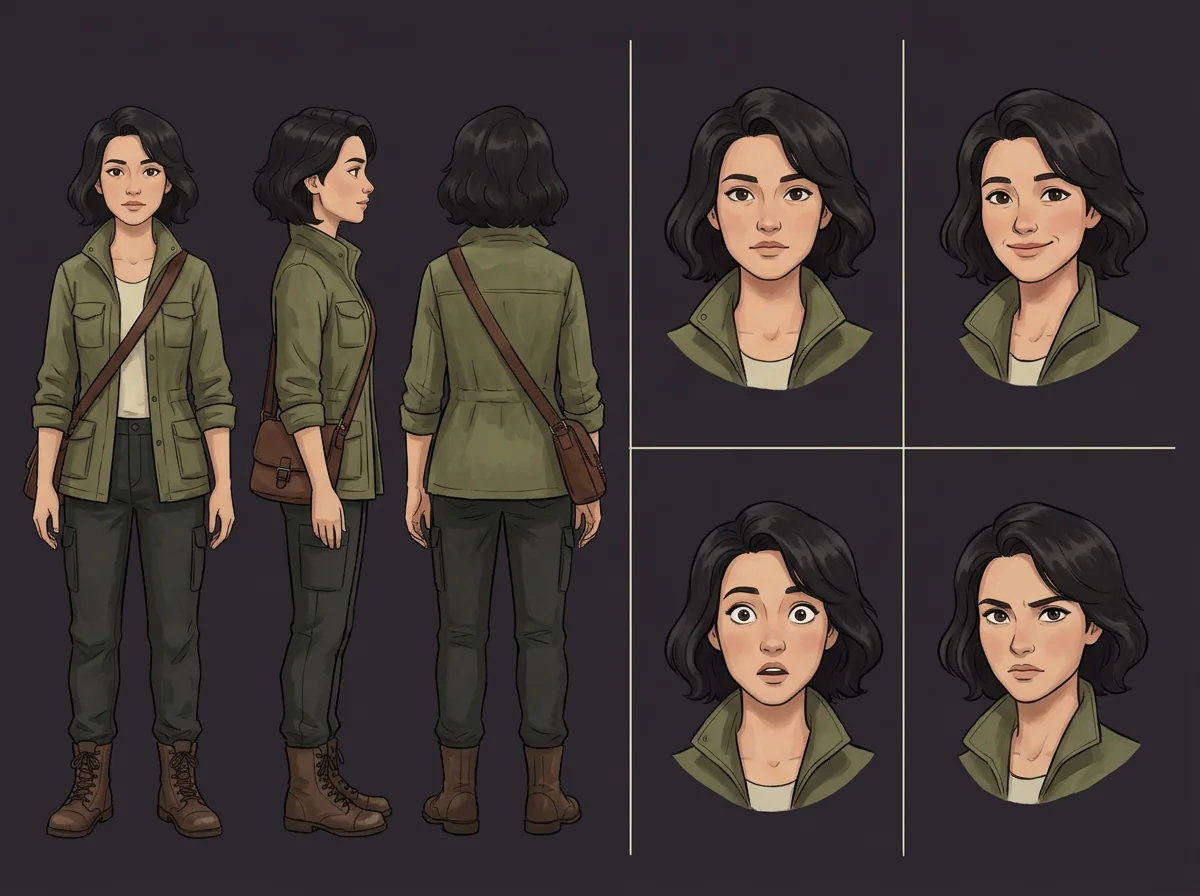 Character & World KitTurnarounds, expressions, voice, and score

Who gets the key?
Who gets the key?
 Shot 1Shot 2Shot 3Shot 4Shot 5new
Only the branches are new.
Keep your original episodes untouched. PopNow finds natural turning points and generates only the new branch shots that fork off.
Wire it like a map.
Connect choices, timers, six touch gestures, and story values on one horizontal Story map. Drag a wire from any choice to any shot.

You never pay more than the cap shown on the button.
Any check fails → credits return automatically.
World’s first AI studio with automatic price protection.
Every branch shows its price.
See your credit cap before a run starts. Every branch clip checks face, look, and branch difference automatically — failed takes refund on the spot.

Send a link. Or take it all.
Publish a link viewers can play in the Default or Paper theme, or download a ZIP with every clip, a printable story map, and a player that works offline.
Interactive Studio for branching video and interactive drama
PopNow Interactive Studio turns existing video episodes or illustrated scenes into branching interactive stories. Upload finished clips, map viewer choices and light touch gestures, generate matching AI branch scenes, and share a link or download a portable ZIP archive.
Do I need to reshoot my whole show?
No. Upload finished episodes and generate only the new branch shots. Original scenes stay untouched.
Can I test Interactive Studio without signing in?
Yes. You can play the sample story, try the Story map, and load local video files to check durations and thumbnails before signing in to upload.
What happens if a generated branch fails quality checks?
Every branch clip runs automatic face, look, and branch-difference checks. Failed takes refund their credits automatically, and you can retry, route to an original shot, or hide the option.
How do viewers watch my published story?
Share the unlisted link. Viewers pick branches and collect endings right in their browser, with no sign-in and no editing tools on screen.
Are viewer themes included?
Yes. All 8 viewer themes (Default, Paper, Noir, Amber, Neon, Forest, Crimson, and Minimal) are included at no extra cost and can be switched anytime before rebuilding.
Can I host the finished interactive story myself?
Yes. Download a ZIP with your video clips, a story map file (JSON), a spreadsheet of every choice (CSV), a printable flowchart (PDF), and a player that runs offline in any browser. The package follows a portable vertical drama delivery spec.
What video files can I upload?
Upload MP4 or MOV files: up to 30 per project, 1 GB each and 2 GB in total. You can also pull in a Short Drama series from your PopNow account, or start from an outline that extracts the cast, story beats, and a branch script before any new video is generated.
How do story values and endings work?
Add story values such as Trust or Courage on the Story map, each with a start, minimum, and maximum. Every choice can change those values, and every route closes on a titled good, neutral, or dark ending. Choices can also be timed or triggered by six touch gestures: tap, swipe, rapid tap, shoot, hold, and rub.
Can I dub or subtitle my interactive story?
Yes. Open the finished clips in Localize Studio to dub voices and add subtitles in up to 10 languages per run, or in the Video Editor to grade color and mix audio, then rebuild and publish the story with the new versions.
World’s first AI studio with automatic price protection.