


Studios
Video
 One line in, a finished short film out
 Product photo in, a full ad campaign out
 A premise in, a cliffhanger series out
 A photo and a script in, a talking video out
 Your song in, a beat-synced music video out
 Set lens, light and color, then shoot
 Pick a viral format, remake it with your cast
 One idea in, a whole series out
 Cut, caption and mix clips on one timeline
 Template or prompt in, crisp motion graphics out
 Block out every shot in 3D before filming
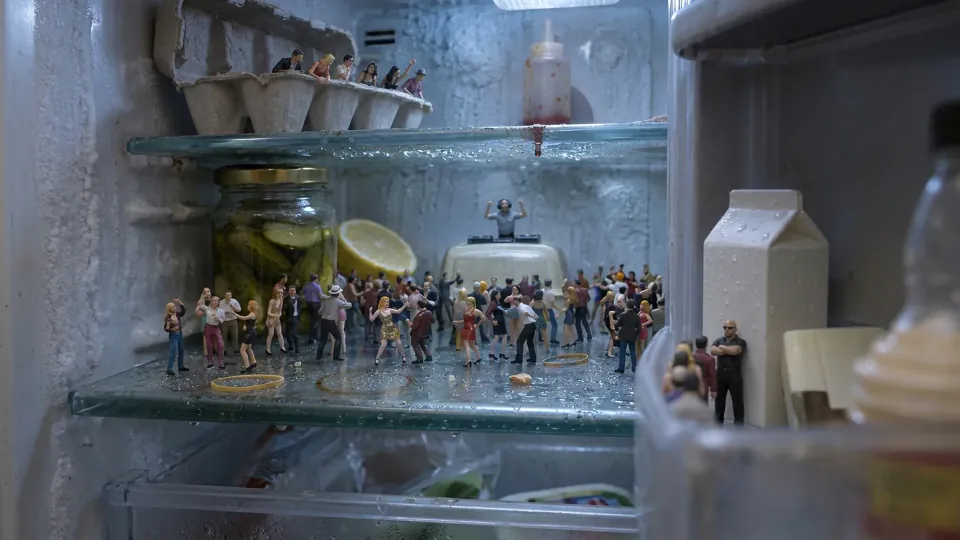
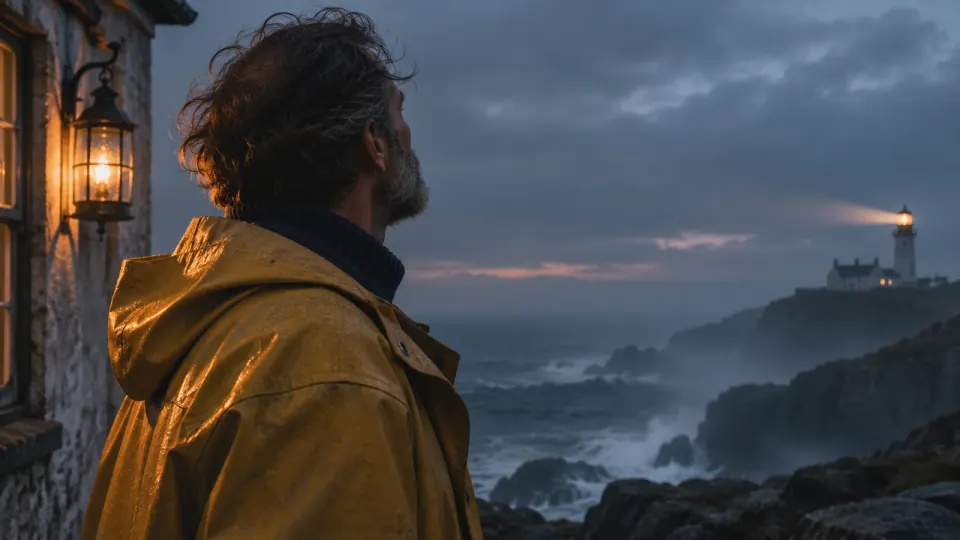
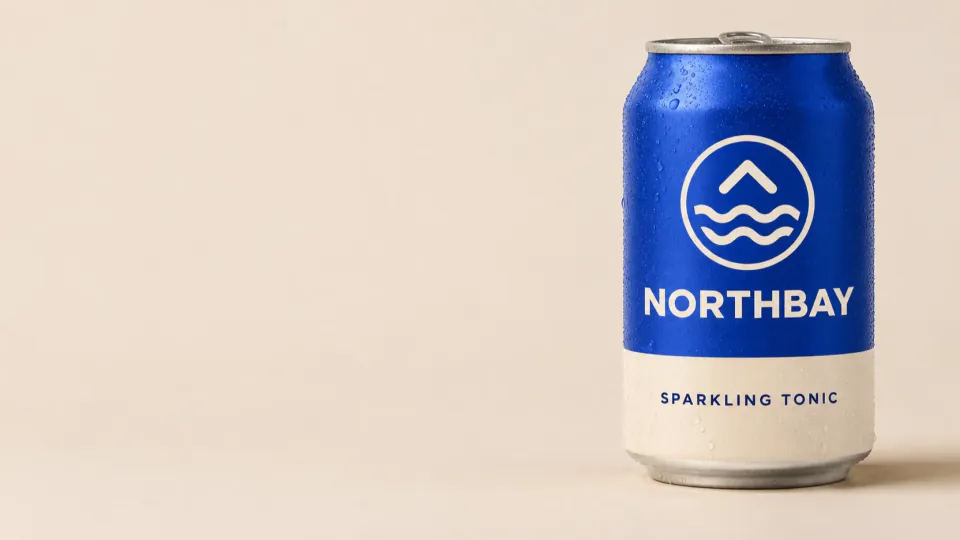
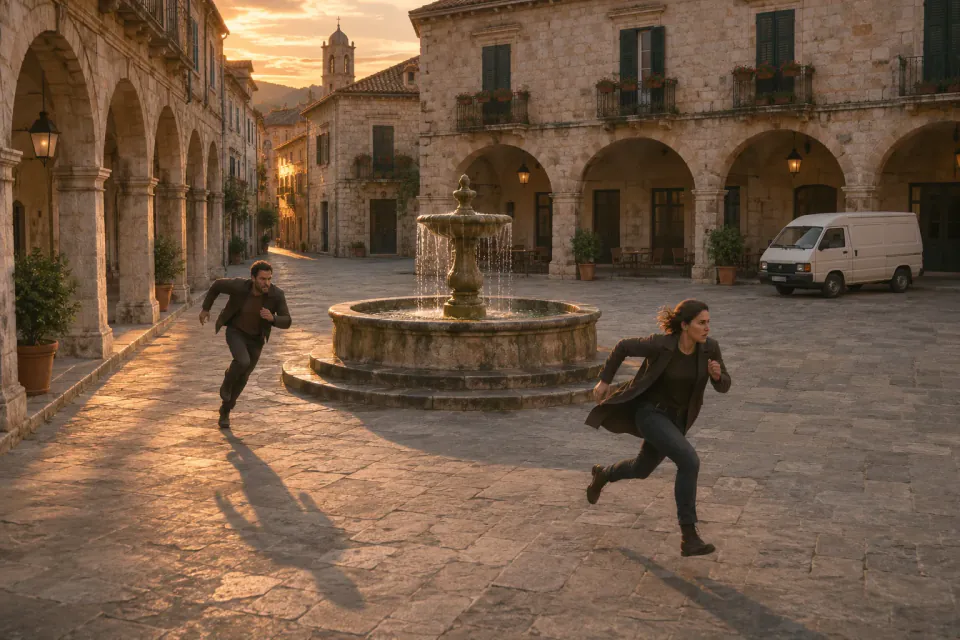
Image


How PopNow studios work
End-to-end production rooms, not single prompts
PopNow studios are 21 dedicated workspaces built around complete deliverables rather than single-frame outputs. Open a studio when you want to produce a full ad campaign, a multi-shot short film, a coordinated portrait set, a multi-voice podcast, or a playable browser game from start to finish in one place.
Single-shot generators on PopNow (/image, /video, and /audio) work well when you need one frame, one clip, or one sound quickly. Studios break larger projects into clear production stages: brief or script, cast and visual references, storyboard or shot list, shot-by-shot rendering, timing, captions, and export. When one shot drifts off-model or one line needs a different read, you revise that piece alone without rebuilding the rest of the project.
Four categories across 21 studios
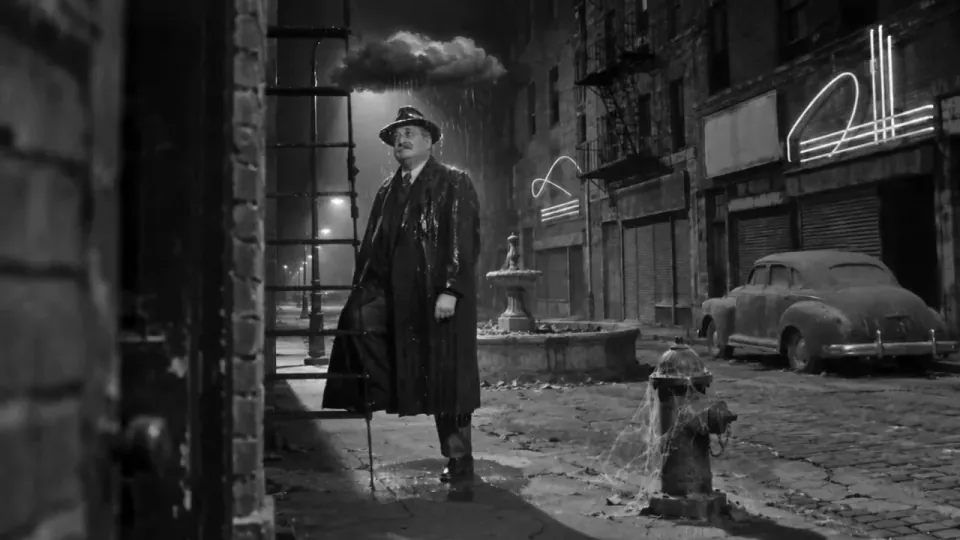
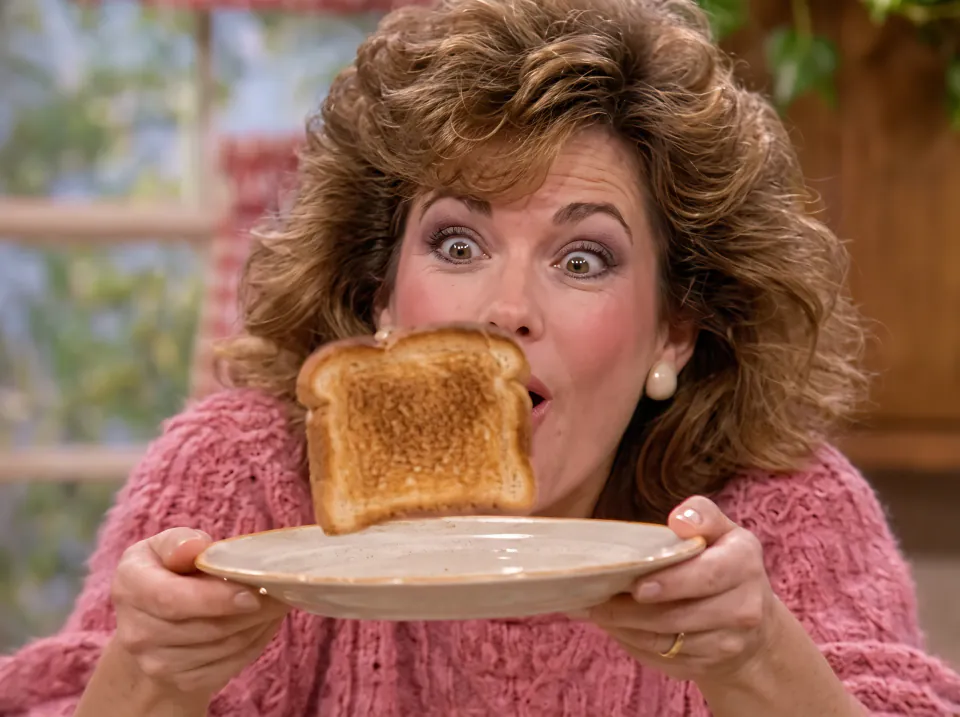
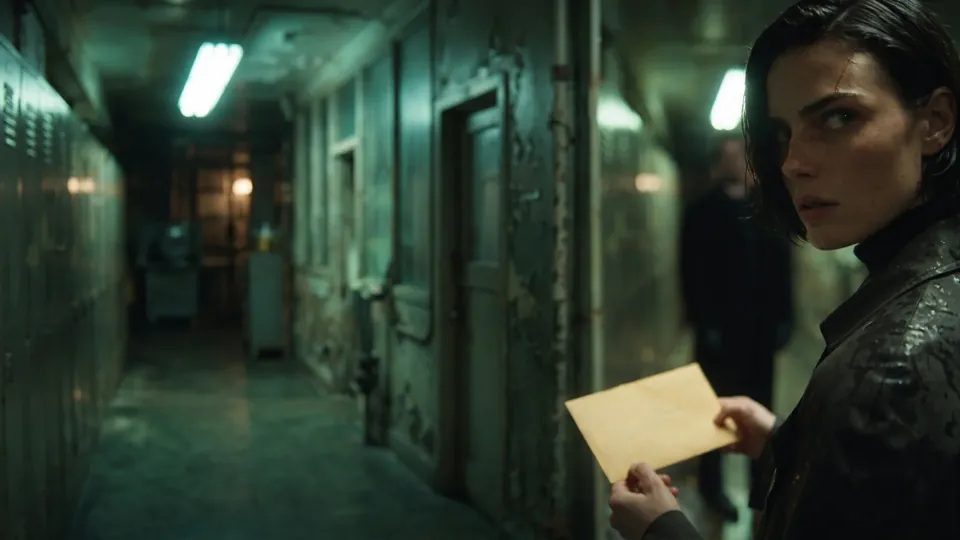
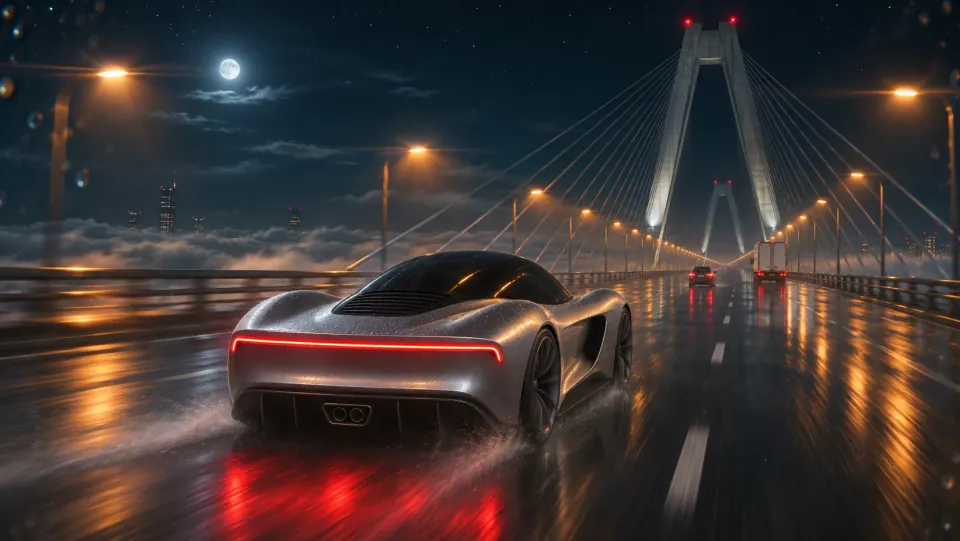
Video (11 studios): Ad Maker turns a product photo and brief into multi-format ad spots and campaign assets. Film Maker carries a story premise from script and cast lock through storyboard, shot rendering, and assembled short film. Cinematography lets you set lens focal length, lighting setup, and film look before shooting. Short Drama builds multi-episode vertical cliffhanger series with recurring cast. Talking Avatar pairs a portrait and script into lip-synced talking videos. Show Studio turns one concept into a recurring faceless series. Music Video cuts visuals tightly to the beat grid of your song. Viral Remakes adapts proven short-form structures with your own characters. Motion Studio produces crisp motion graphics and kinetic titles from templates or prompts. Previs blocks cameras and subjects in 3D before generating final footage. Video Editor brings clips together on one timeline for cutting, captions, and audio mixing.
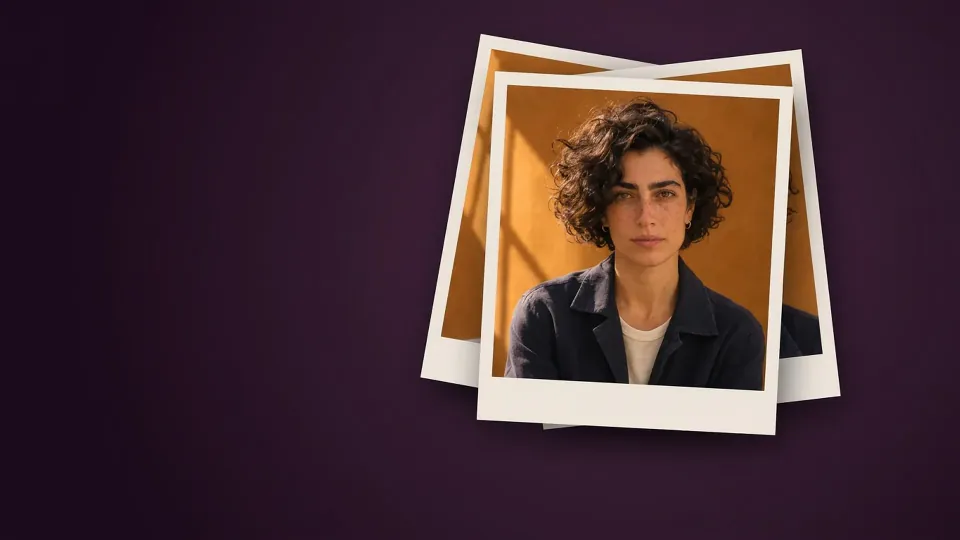
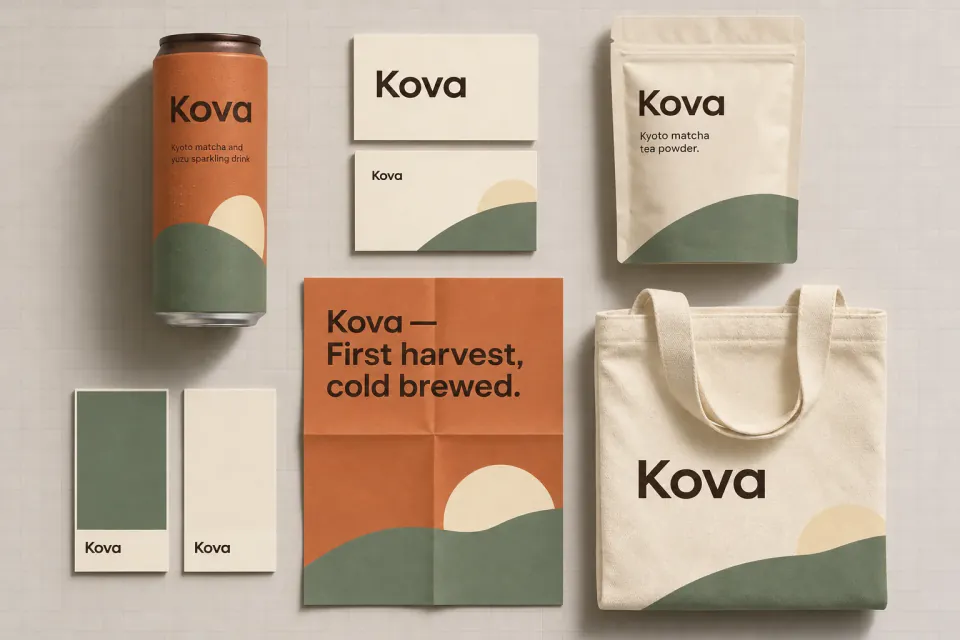
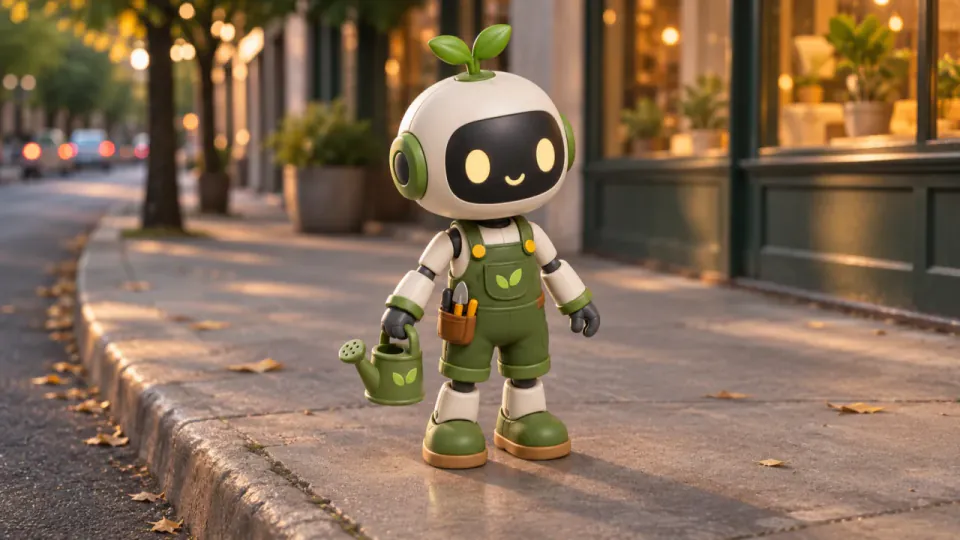
Image (6 studios): Photo Studio turns reference selfies into coordinated studio portrait sets with controlled lighting and styling. Design Studio turns a short brief into brand kits, posters, and print or social layouts. Comic Maker draws multi-panel stories page by page with speech bubbles and consistent cast. Virtual Creator keeps one face, wardrobe, and aesthetic steady across daily social posts. 3D Studio turns a photo or prompt into textured 3D models and multi-angle renders. Canvas gives you a visual node board to chain image, video, and audio steps into reusable pipelines.
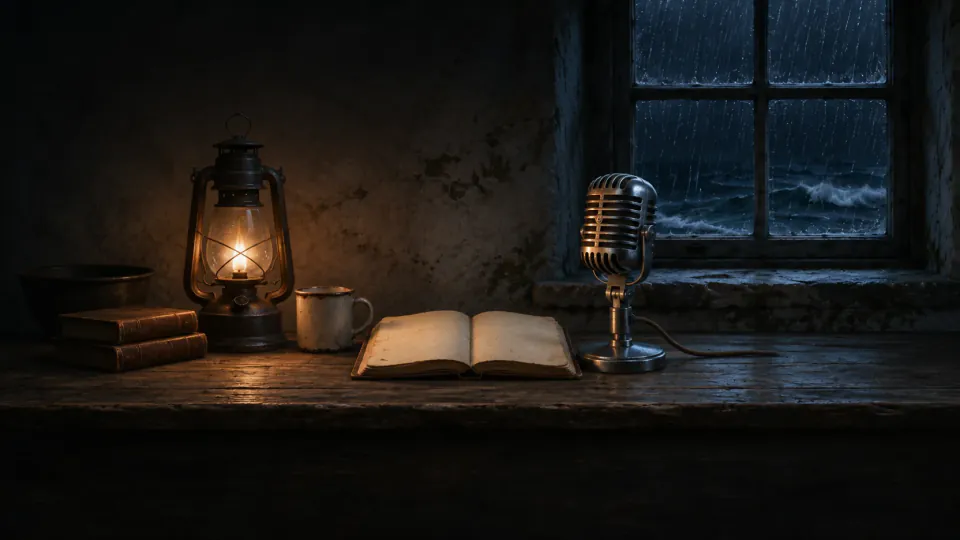
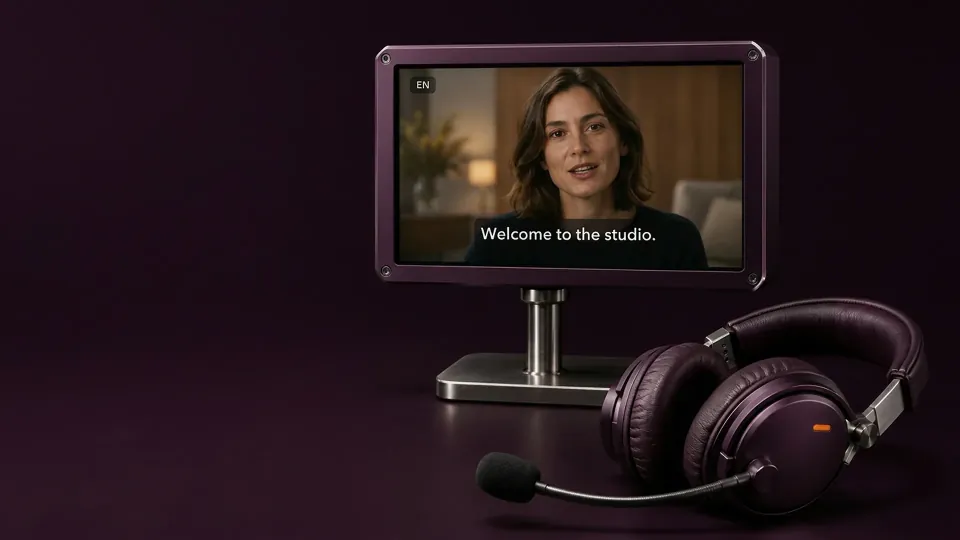
Sound (2 studios): Sound Studio turns scripts into multi-voice podcasts, audiobooks, and audio dramas with distinct speaker roles and pacing. Localize Studio translates and dubs existing videos into other languages with matched voice timing and lip sync.
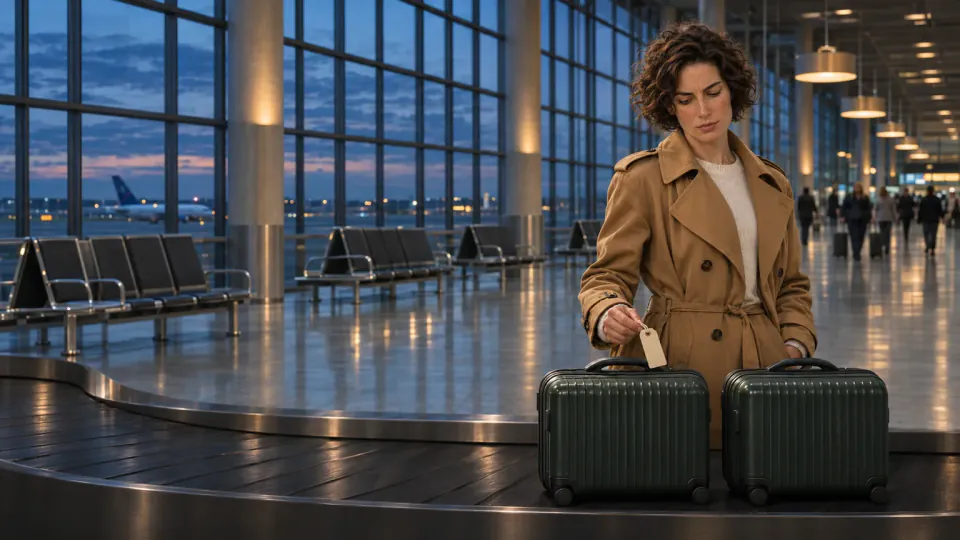
Interactive and games (2 studios): Game Maker turns a plain description into a playable browser game you can test immediately and share by link. Interactive Studio turns an episode into a branching story where viewers pick what happens next.
Assets move cleanly between rooms
Real creative projects rarely stay inside a single tool. Every reference you upload and every asset you generate lands in your PopNow account library, ready to pull into another studio without re-exporting or re-uploading across separate websites.
You can establish a character look in Photo Studio or Virtual Creator, cast that character in Film Maker, Short Drama, or Comic Maker, and keep facial details aligned across scenes. Product renders from 3D Studio feed straight into Ad Maker or Canvas. Voice tracks from Sound Studio and shots from Cinematography or Previs drop into Video Editor for final assembly, and the exported cut goes straight to Localize Studio when you need international versions.
All in Pop: one credit balance for every studio
Covering video generation, image design, talking avatars, audio editing, voice synthesis, music, and layout work usually means paying for seven separate monthly subscriptions that reset every billing cycle whether you ship a project or not. All in Pop replaces that stack with one PopNow account and one shared credit balance.
Every one of the 21 studios—along with single-shot image, video, and audio pages—draws from the same one-time credit packs that do not expire. Browsing studios, editing briefs, arranging timelines, and testing layouts cost zero credits. Before any generation starts, the action button displays the exact credit amount for your chosen model, resolution, and duration, and PopNow Protect refunds failed or spec-mismatched runs automatically.
Frequently asked questions
When should I open a studio instead of a single-shot generator?+
Use the Image, Video, or Audio generators when you only need one standalone frame, clip, or track. Open a studio when your work requires visual or character continuity across multiple shots, pages, layouts, voices, or branches, or when you want to edit and regenerate individual pieces without starting over.
Do the 21 studios require separate plans or monthly subscriptions?+
No. All 21 studios share one PopNow account and one credit balance. You buy one-time credit packs that never expire, with no recurring monthly subscription required to keep access to any studio.
Can I inspect the exact cost before a studio starts generating?+
Yes. Opening a studio, browsing presets, drafting scripts, and arranging shots do not use credits. Right before you confirm a render or voice run, the action button displays the exact credit total based on the selected model, resolution, and length.
Can I reuse characters, voices, and renders across different studios?+
Yes. Uploaded references and generated outputs are stored in your PopNow library and stay available across rooms. A portrait built in Photo Studio can star in Film Maker or Talking Avatar, footage from Previs can be cut in Video Editor, and finished videos can move directly into Localize Studio.
Which studios fit product marketing and social campaigns?+
Start with Ad Maker for multi-format product campaigns, Design Studio for brand kits and static layouts, or 3D Studio for multi-angle product renders. For short-form social reels, Viral Remakes adapts trending pacing to your own cast, while Motion Studio builds animated titles and callouts.
What happens if a studio render fails or returns the wrong specs?+
PopNow Protect applies to studio generations as well as single-shot runs. If a model call fails or returns a different aspect ratio or duration than requested, the credits for that step are returned automatically to your balance so you can retry only the affected shot.
Can I use studio outputs in commercial client work?+
Yes. Exports created from your own inputs or properly licensed assets can be used for commercial campaigns, client deliverables, and publishing under the PopNow Terms of Service. If you upload another person's face or voice in avatar or dubbing workflows, you must confirm that you have their permission.