What the Super Dolly In effect does
Super Dolly In turns one still photo into a short AI video. A long, fast push that races from wide to your face.
How to use Super Dolly In
- Add one photo Upload a clear photo of the person, pet or object you want in the Super Dolly In clip.
- Keep the default model or pick another MiniMax H3 is selected; the list shows every other model with its price before anything runs.
- Press Generate The clip is usually ready in about 55 s. Download it or send it to another tool.
Which photos work best for Super Dolly In
Avoid
- Tight crops where the head touches the edge
- Blurry or very dark shots
What we saw when we tested Super Dolly In
How Super Dolly In does on each model
- MiniMax H3 (210 credits · about 55 s)$0.21 vs Runway $0.50 · 768p · 5s−58% vs Runway
- Seedance 2.0 Mini · 480p (125 credits · about 2 min)$0.13 vs fal $0.36 · 480p · 5s−65% vs fal
The prompt behind Super Dolly In
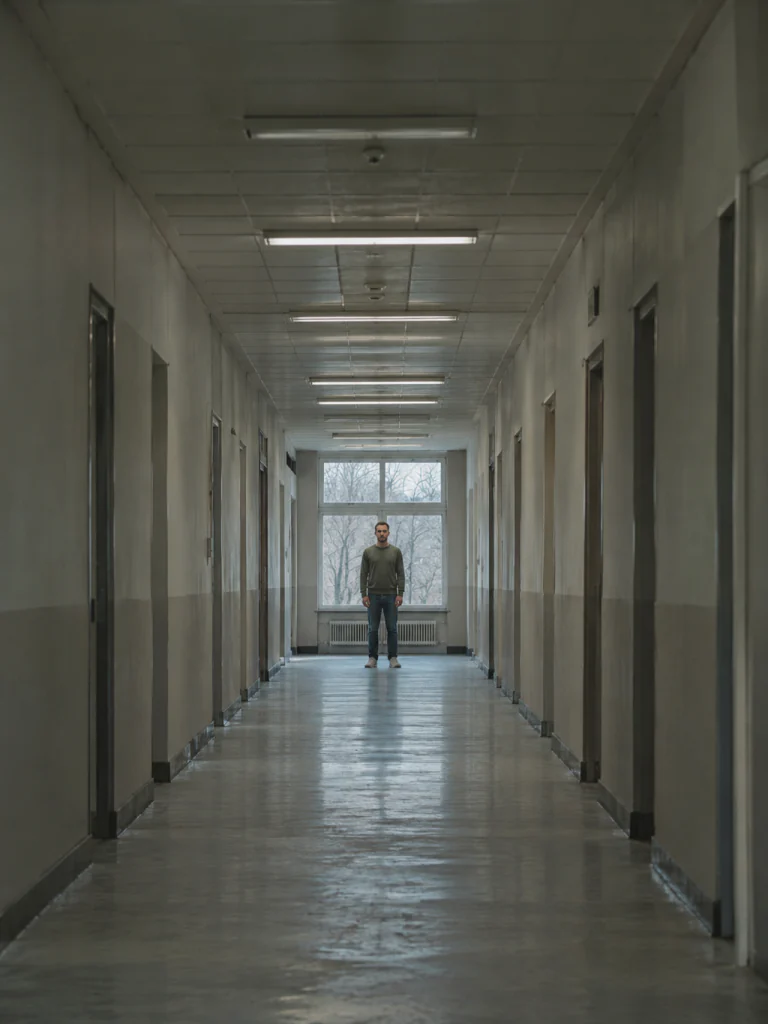
Within the first second the camera launches into a fast, very long dolly push straight toward the person, racing down the space and closing from a wide shot to a tight close-up of their face in one unbroken move, the walls streaking past. The person stays exactly as they appear in the photo.
Super Dolly In: questions and answers
How many credits does Super Dolly In cost?
210 credits with MiniMax H3; the cheapest option for Super Dolly In is 125 credits. There’s no subscription, and failed runs are refunded automatically.
What does Super Dolly In change in my photo?
The person stays exactly as they appear in the photo.

 Your photo

