


AI video effect · Jump into the Crowd 2
Crowd Celebration Effect: Photo to Video
You sprint into a stadium celebration and leap straight into the cheering crowd.
1Add a photo
- One person or pet, clearly in view
- A little empty space around them leaves room for the gag
- Bright, sharp photos get the funniest results
More options
about 1 min
More to try
All effects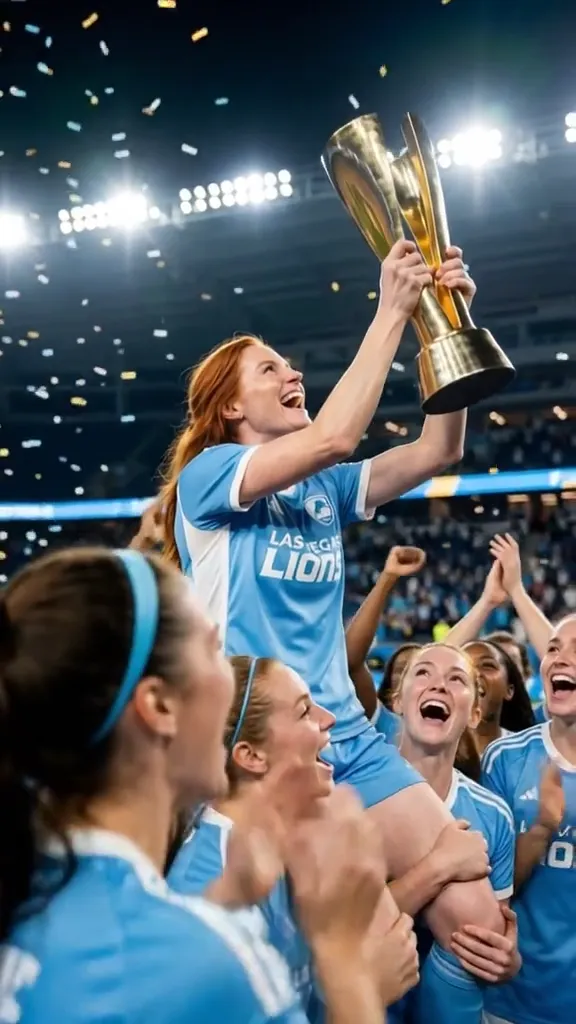 2 photosTop of the WorldTwo portraits join a team trophy celebration with raised cups and falling gold confetti.Try itNewRecreate
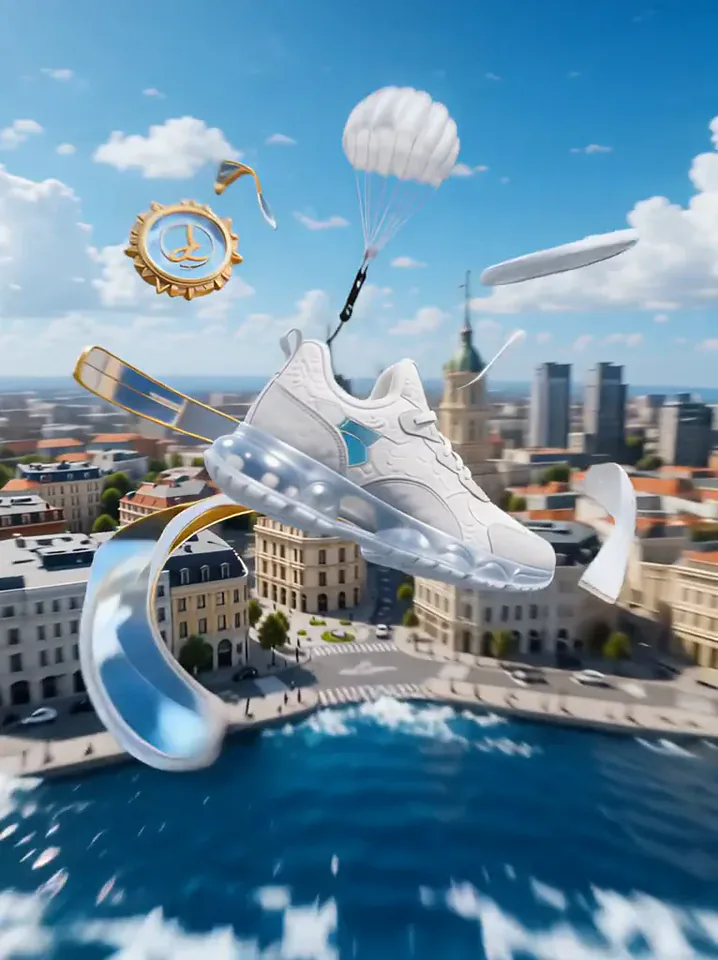 Product LandmarkYour product bursts from the sea, parachutes into a city and becomes a grand landmark.Try itNewRecreate
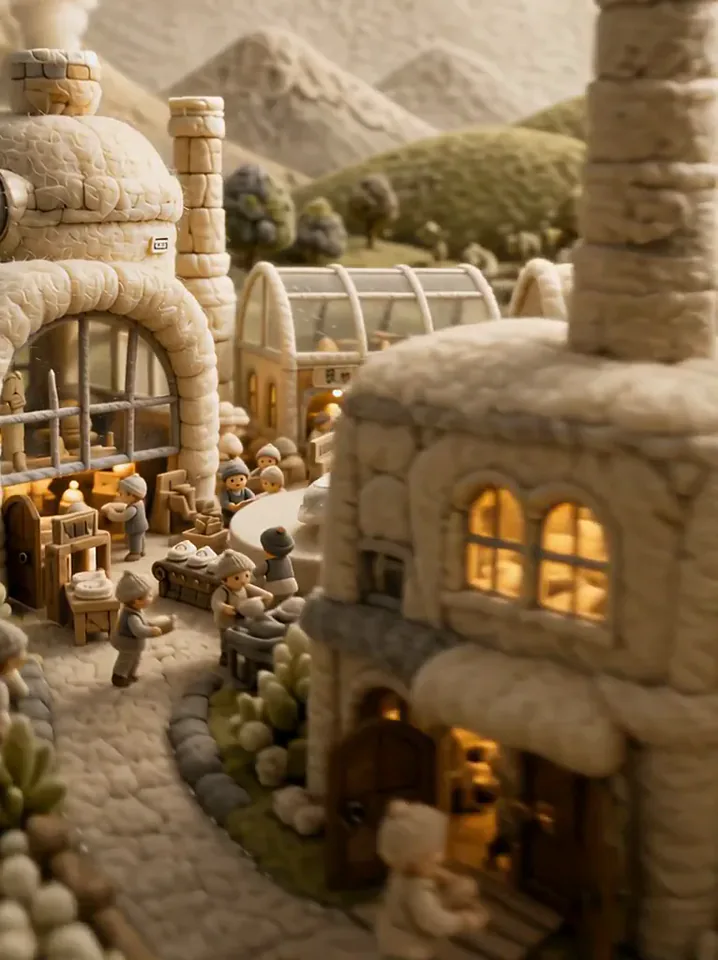 Fluffy FactoryThe camera flies over a felt village into a factory where your product gets made.Try itNewRecreate
 My Future Has Infinite PossibilitiesYou walk through one life and step into another, a quick glimpse of your future self.Try itNewRecreate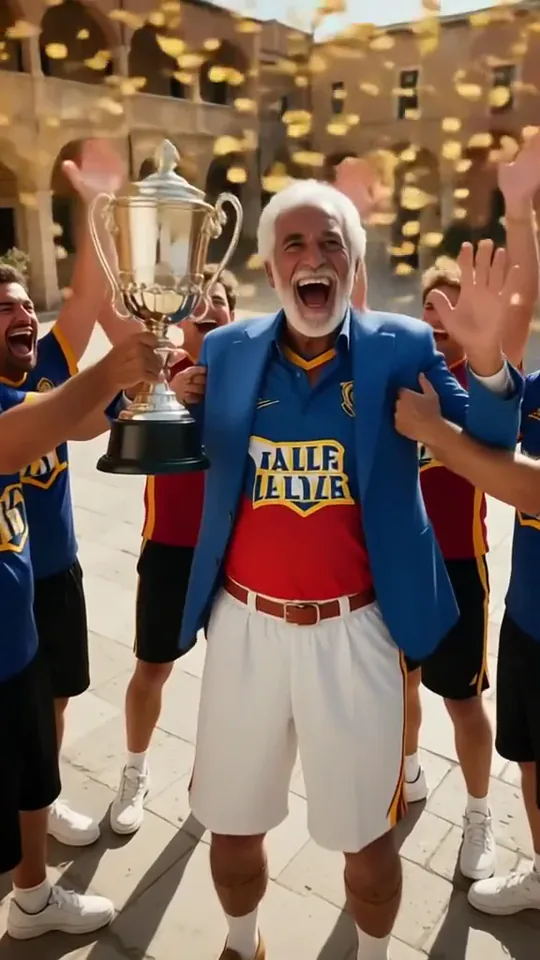
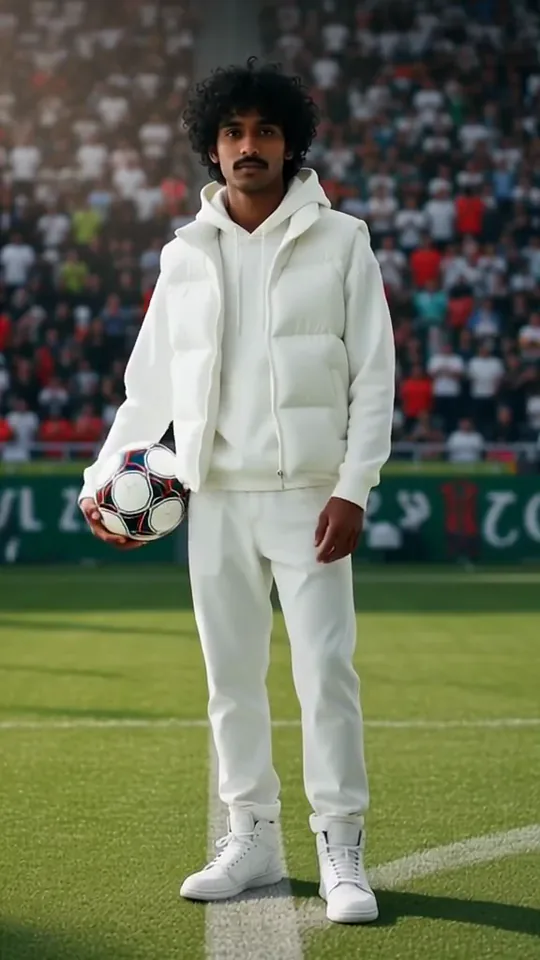 Sideline Ball BoyYou stand on the sideline of a big match and catch the ball as play rushes past.Try itNewRecreate
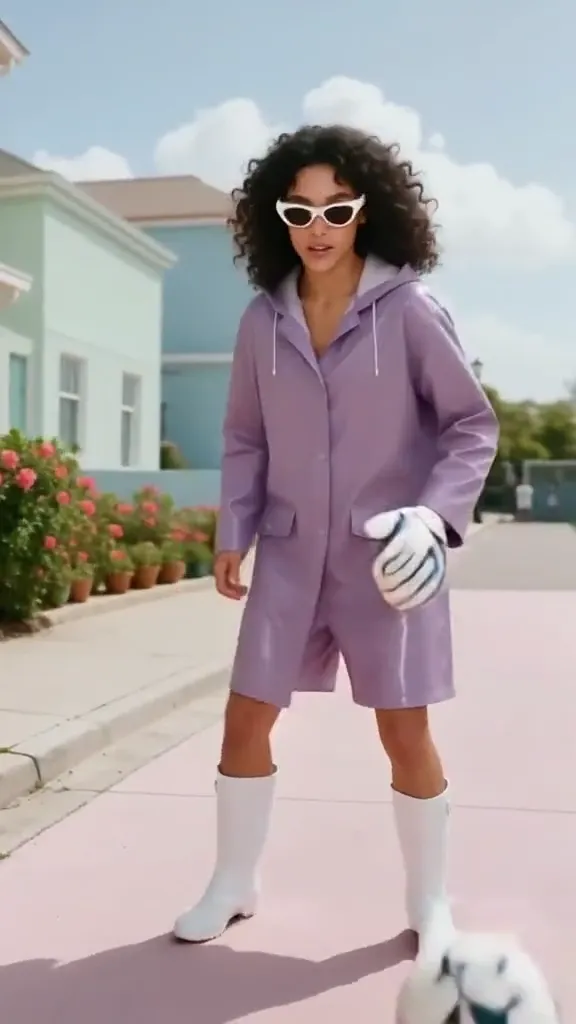 Epic SaveYour subject becomes a gloved goalkeeper, reaching around a ball in front of a stadium goal.Try itNewRecreate
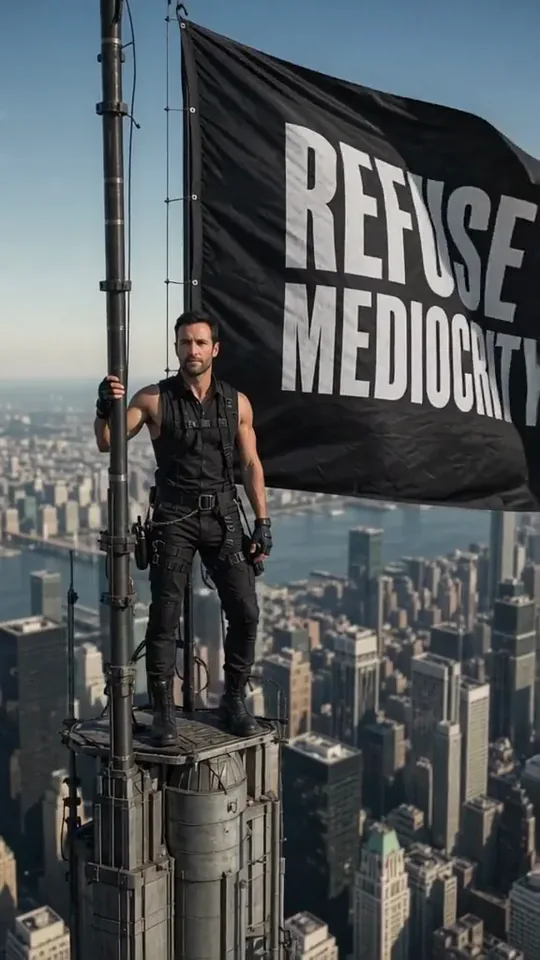 Skyline Track FlagYou stand atop a skyscraper spire, holding a giant flag over the city.Try itNewRecreate
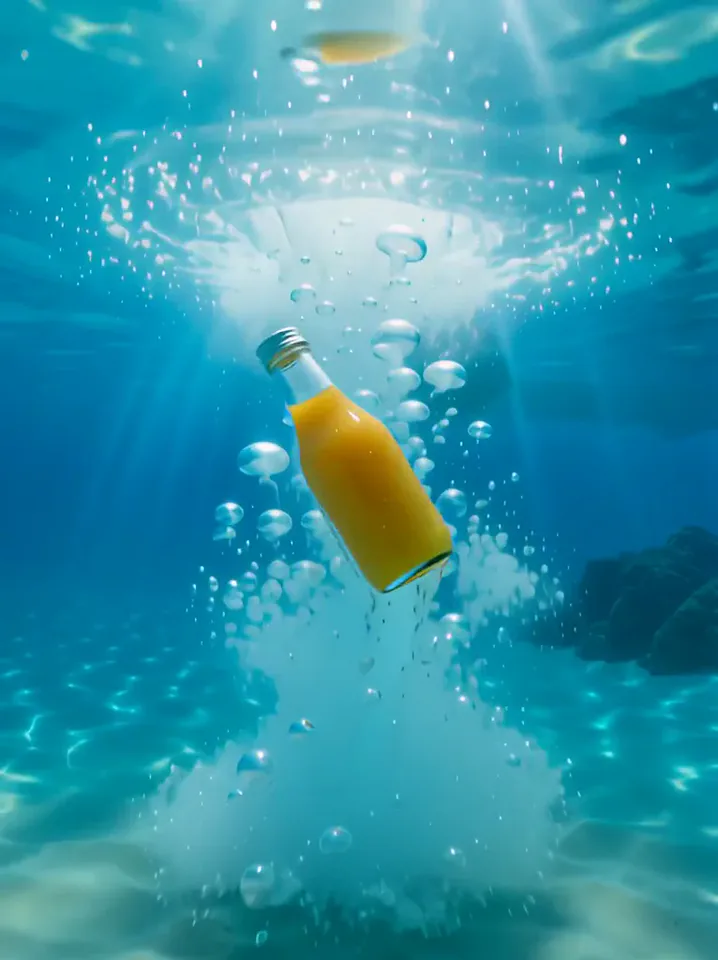 Surfing SummerYour product rides a summer adventure: parachute drop, water slide, dive and surf.Try itNewRecreate
What the Jump into the Crowd 2 effect does
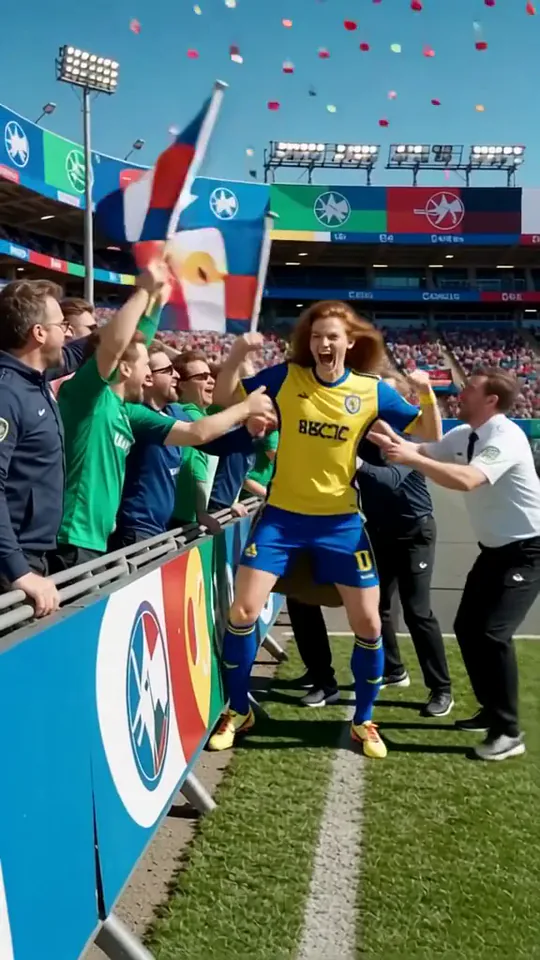
A person leaves an everyday moment for the edge of a soccer field, where fans lean toward the barrier with flags and raised hands. The sampled action is about approaching and joining the celebration. It does not consistently show the literal leap suggested by the original template name.
This is a fixed preset: the template sets the motion, scene, and 8-second length. You only upload one photo; there is no choreography, scene, or duration to write or adjust.
How to use Jump into the Crowd 2
- Choose the source Use a single clear image with the main subject easy to distinguish. Read the photo suggestions below before uploading, and compare your framing with the two source examples.
- Run the preset Start Crowd Celebration with your uploaded photo. Its movement and setting are already selected, so you do not need a written prompt or a separate motion reference.
- Review the result Watch the whole clip before saving it. Check the opening, the main action, and the ending together; the sampled examples illustrate possible results rather than a guarantee that every detail will repeat.
Which photos work best for Jump into the Crowd 2
Works well
- A clear standing portrait with face and clothing visible.
- A single person separated from the surrounding background.
Avoid
- A body largely hidden behind other people.
- Expecting an identical jump or crowd contact in every run.
Jump into the Crowd 2 examples
What we saw when we tested Jump into the Crowd 2
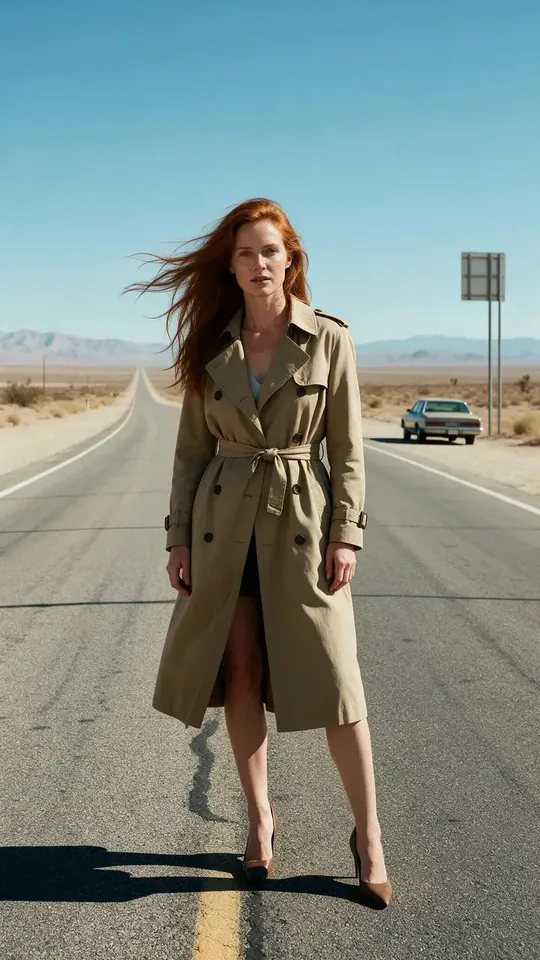
The red-haired woman begins on a desert road, then appears in a yellow-and-blue sports outfit at the stadium barrier. Fans wave flags around her as she celebrates with raised arms.
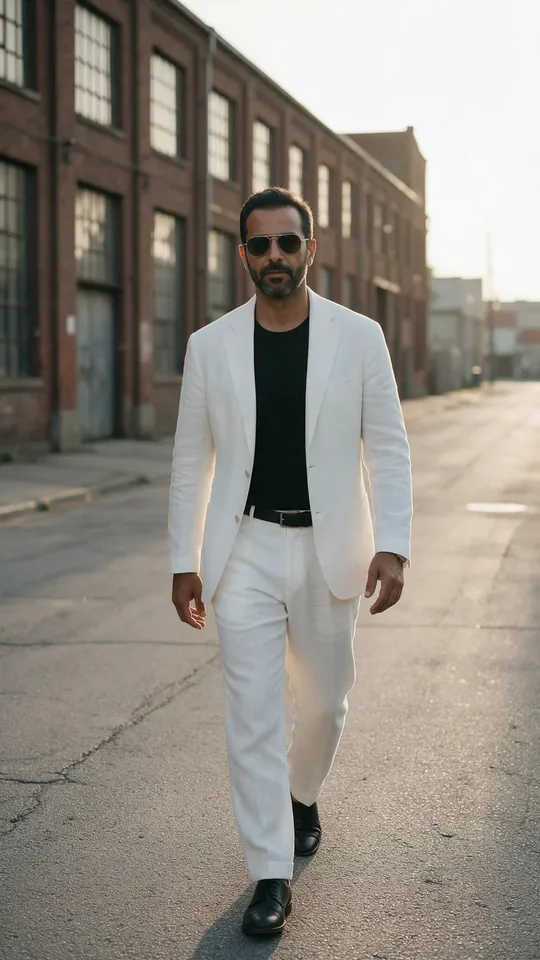
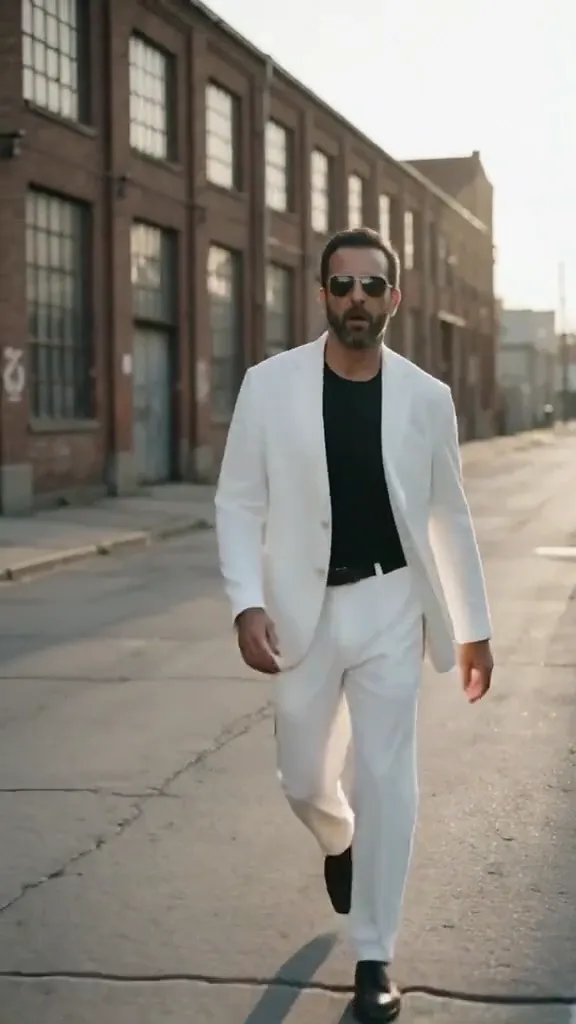
The white-suited man begins walking along an industrial street. He becomes a player in a striped white kit moving beside the fans, with flags, confetti, and outstretched arms around the barrier.
How Jump into the Crowd 2 does on each model
- PixVerse V6 Effects The single template model runs the complete 8-second sequence. The two examples below show this preset with different uploads; they are not a comparison between model options.
The prompt behind Jump into the Crowd 2
You never write a prompt for Jump into the Crowd 2. This is the exact text it sends with your photo:
A joyful jump into a cheering crowd.What the prompt asks for
- What happens
A joyful jump into a cheering crowd.
Tips for a better Jump into the Crowd 2 result
- Keep the fans and barrier visible to explain the celebration context.
- Review the actual movement before describing the result as a leap into the stands.
Jump into the Crowd 2 cost and time
Jump into the Crowd 2 costs 249 credits with PixVerse V6 Effects and is usually ready in about 1 min.
Jump into the Crowd 2: questions and answers
Do both runs show a jump into the stands?
The sampled views show approaching the barrier and celebrating beside fans. A completed leap into the crowd is not clearly established by these sheets.
Will the original street stay in the final scene?
Both reviewed runs move from everyday settings into stadium-side celebrations. The initial location serves as the before moment.
Can I choose the fan flags?
Flags are generated as part of the crowd scene. The template does not offer a custom flag upload or selection.
Does the white suit remain the final sports outfit?
The second run changes it into a striped white playing kit. Color can echo the source while the garment itself changes.
Which part should I retain in a short edit?
Keep the approach and the fan interaction together. The barrier and waving flags help the viewer understand why the subject is celebrating.
Related effects and tools
- Still in the Rush · Everyone blurs past in fast-forward. You don’t move.
- Red Carpet · Camera flashes and confetti as you own the carpet.
- Confetti · A glittering confetti shower for your big moment.
- Trim and arrange the finished clip in the Video Editor