


AI video effect · Nail Lab
Nail Lab Effect: Photo to Video
A team of tiny workers on ladders gives you a fresh manicure.
1Add a photo
- Show the full outfit from head to toe
- A clean wall or street makes a great runway
- Standing poses work better than sitting
More options
about 1 min
More to try
All effects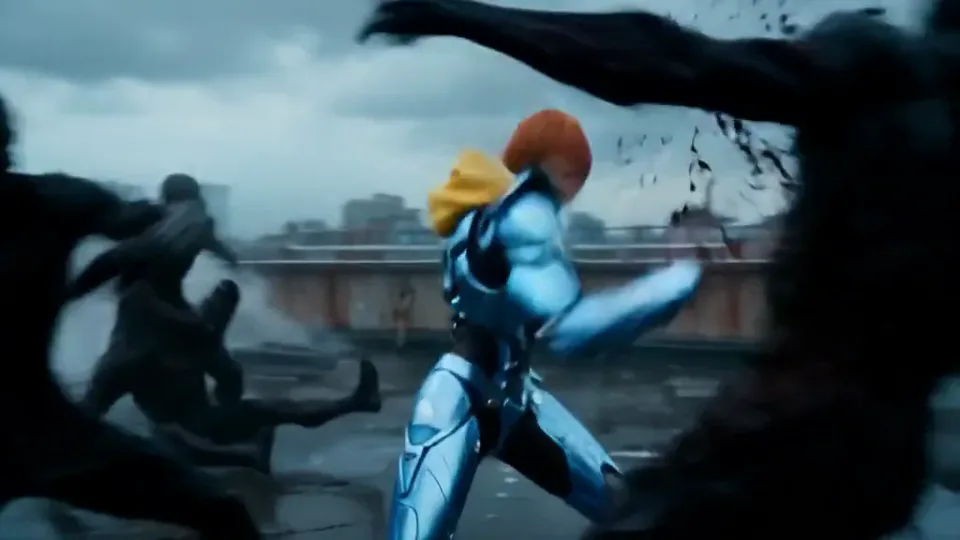 Cyber Armor: Reborn in the RainIn a storm, lightning gathers in your hands and sleek silver-blue armor builds around you.Try itNewRecreate
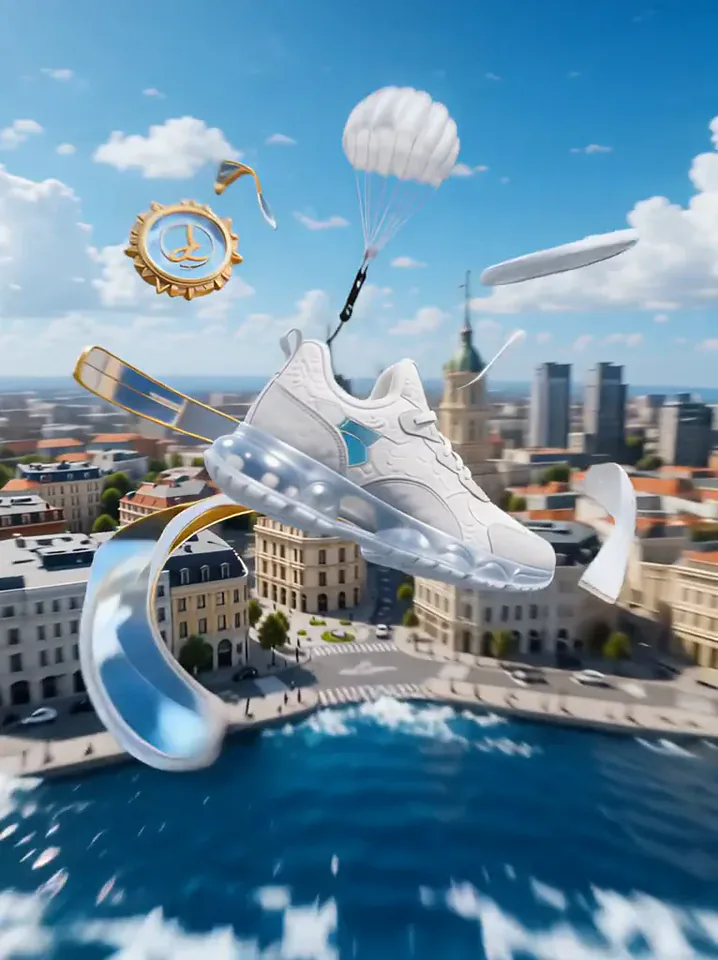 Product LandmarkYour product bursts from the sea, parachutes into a city and becomes a grand landmark.Try itNewRecreate
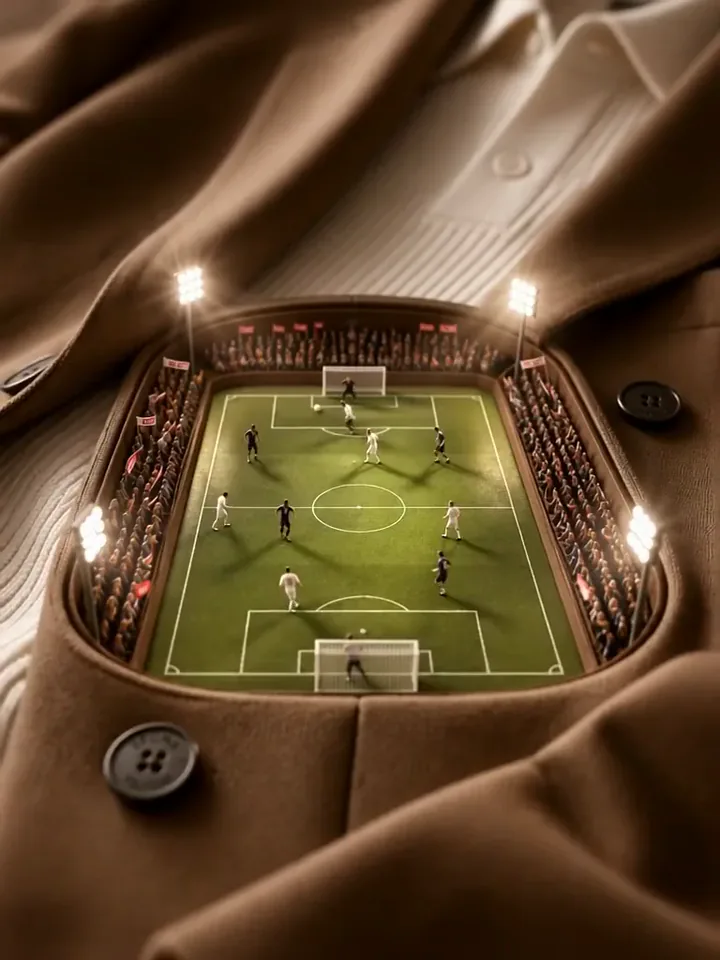 Mini Football PitchThe camera dives into your clothes and finds a tiny floodlit stadium with a live match.Try itNewRecreate
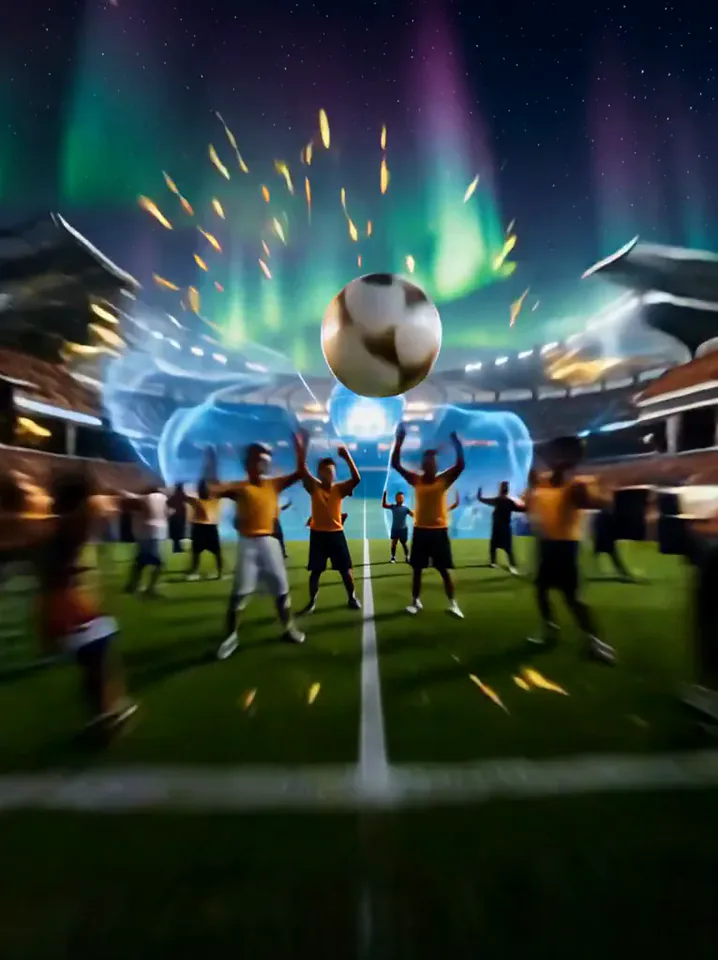 A Kick Through the WorldYou kick the ball, and it tours the world before landing in a stadium goal.Try itNewRecreate
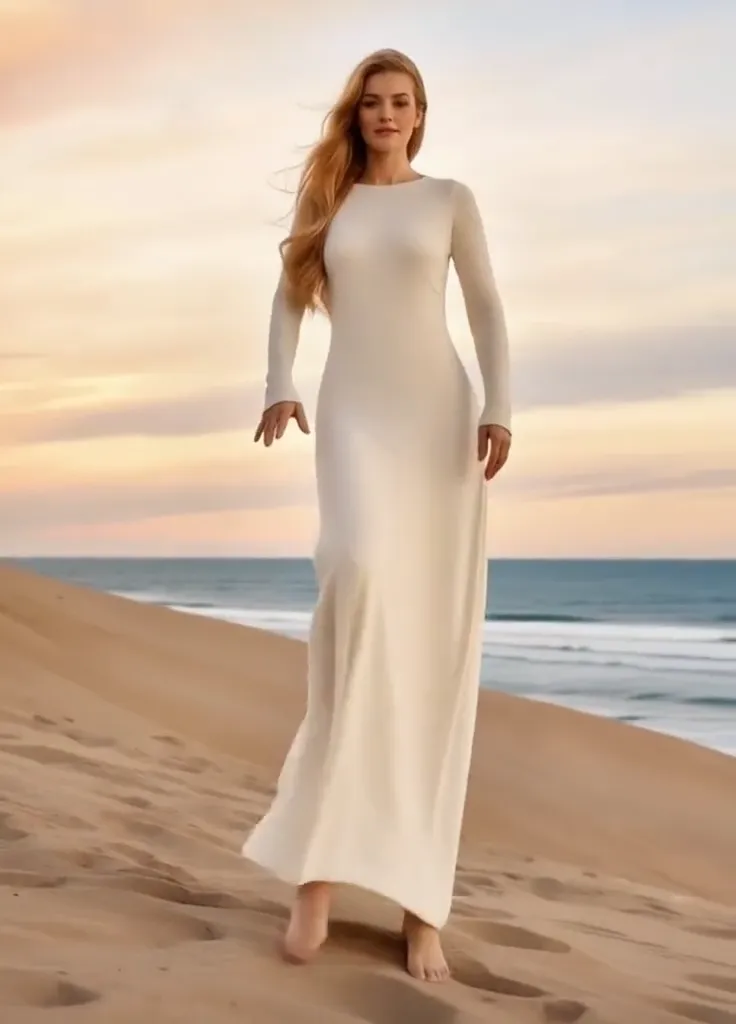 Thriller Dance StepsYour subject performs a playful routine with raised arms, broad steps, and a backward lean.Try itNewRecreate
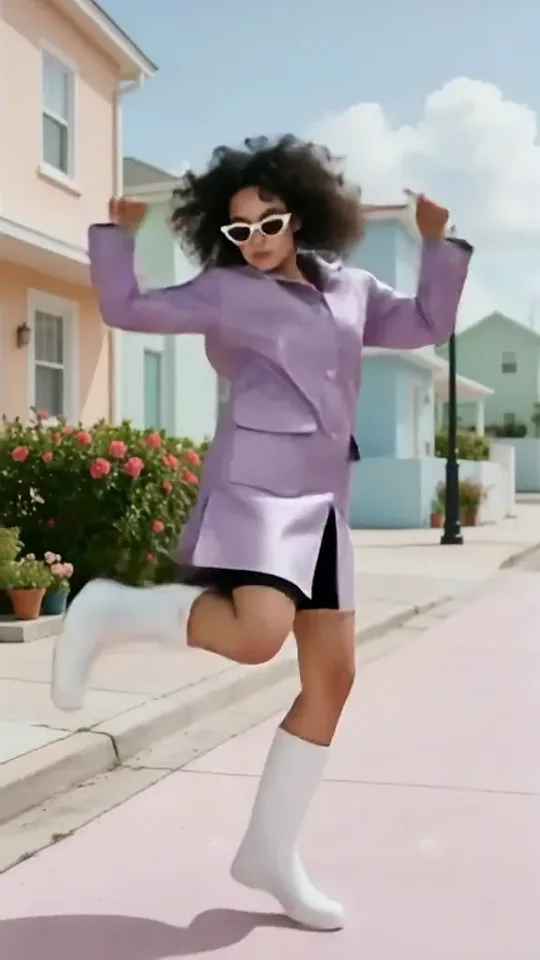 Dai Dai DanceYou break into a bouncy dance with big steps and arm swings, right where you stand.Try itNewRecreate
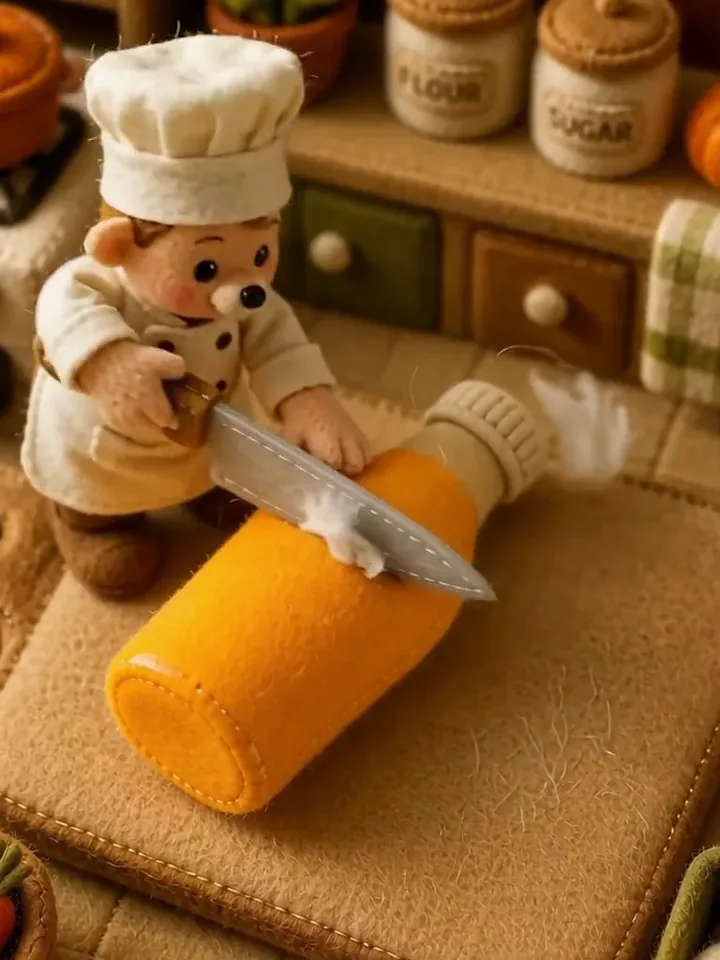 Fluffy ChefYour product turns to soft felt, and a little felt chef slices it open to reveal cotton.Try itNewRecreate
 Summer PostcardYour product joins a paper-craft summer scene, clinks glasses, and becomes a postcard.Try itNewRecreate
 Product UniverseGolden swirls carry your product into a giant dream world built around its colors and shape.Try itNewRecreate
 Fluffy FactoryThe camera flies over a felt village into a factory where your product gets made.Try itNewRecreate
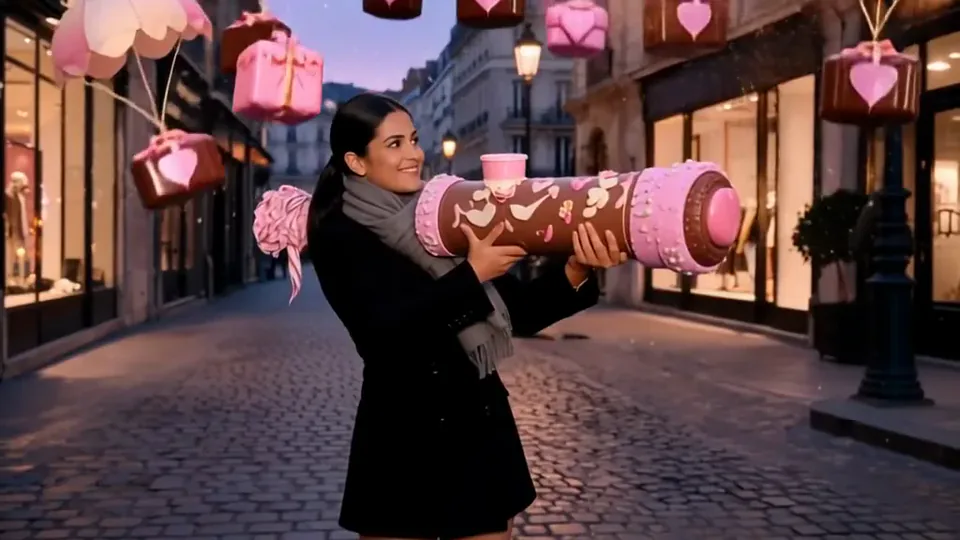
What the Nail Lab effect does
Miniature workers bring ladders and tools to a hand-sized beauty scene turned enormous. Glossy pink nails contrast with the tiny attendants, making scale the main visual trick. The face is not the centerpiece: the result moves into close views of hands and nail surfaces.
This is a fixed preset: the template sets the motion, scene, and 5-second length. You only upload one photo; there is no choreography, scene, or duration to write or adjust.
How to use Nail Lab
- Choose the source Use a single clear image with the main subject easy to distinguish. Read the photo suggestions below before uploading, and compare your framing with the two source examples.
- Run the preset Start Nail Lab with your uploaded photo. Its movement and setting are already selected, so you do not need a written prompt or a separate motion reference.
- Review the result Watch the whole clip before saving it. Check the opening, the main action, and the ending together; the sampled examples illustrate possible results rather than a guarantee that every detail will repeat.
Which photos work best for Nail Lab
Works well
- A clear portrait with a simple, readable color palette.
- A source where clothing and skin tones are not heavily obscured.
Avoid
- Expecting the result to document your exact real manicure.
- Several people or hands tangled together in one source.
Nail Lab examples
What we saw when we tested Nail Lab
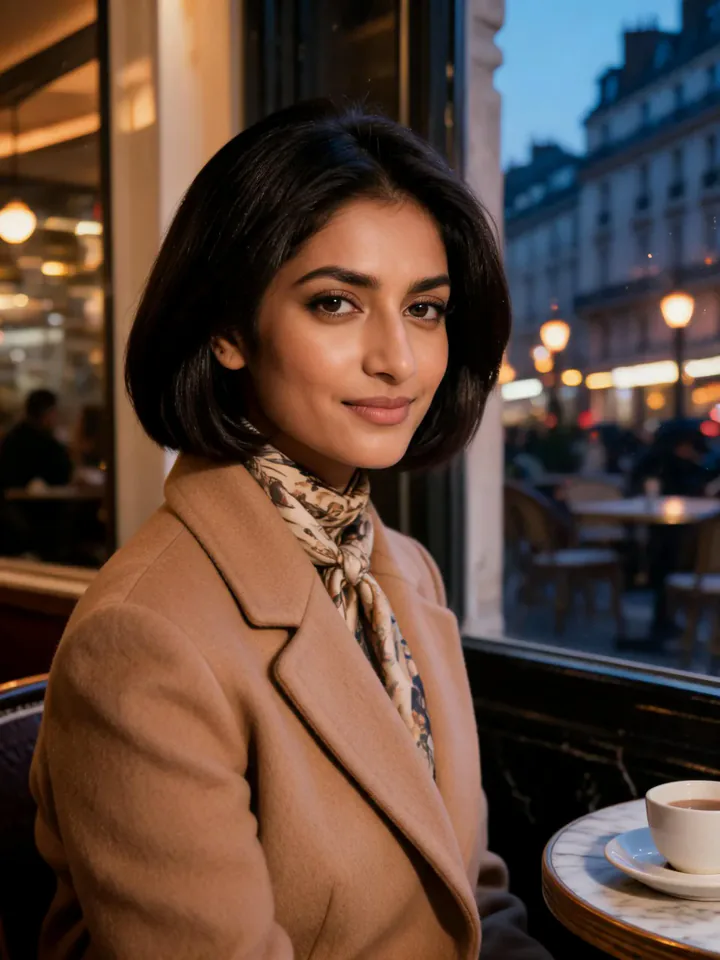
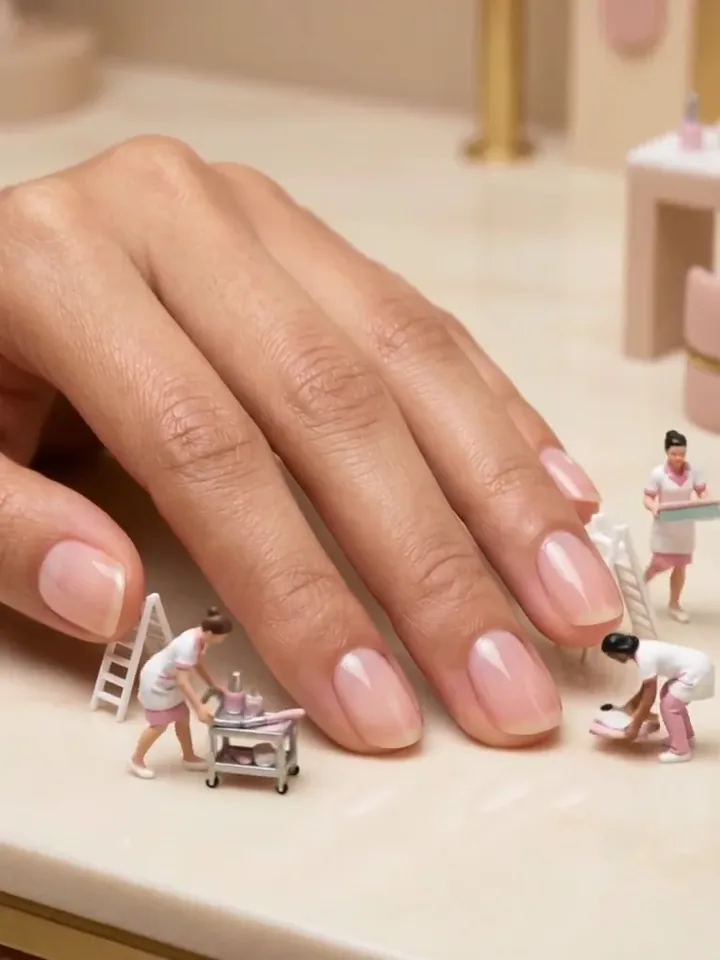
The cafe portrait becomes a large hand resting on a pale salon surface. Tiny workers stand on ladders and beside equipment around glossy pink nails.
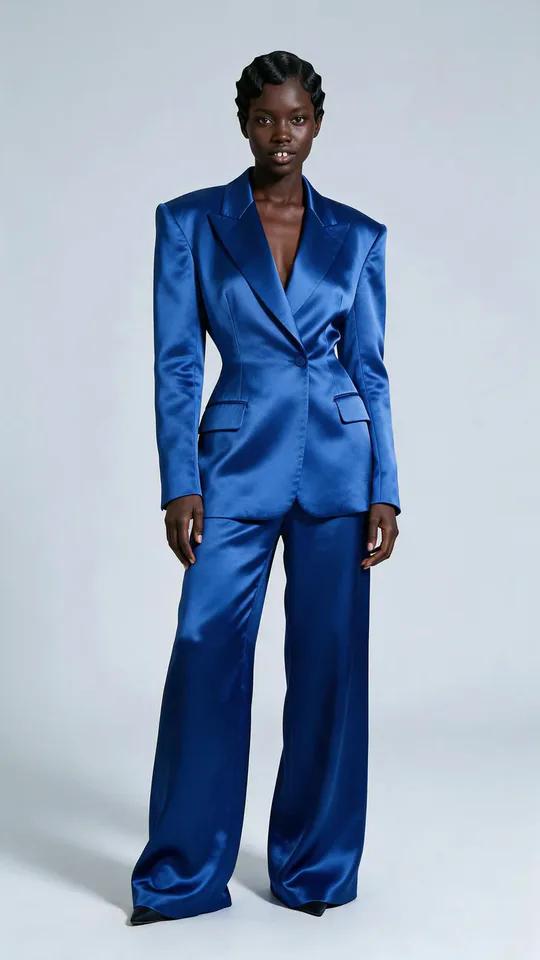
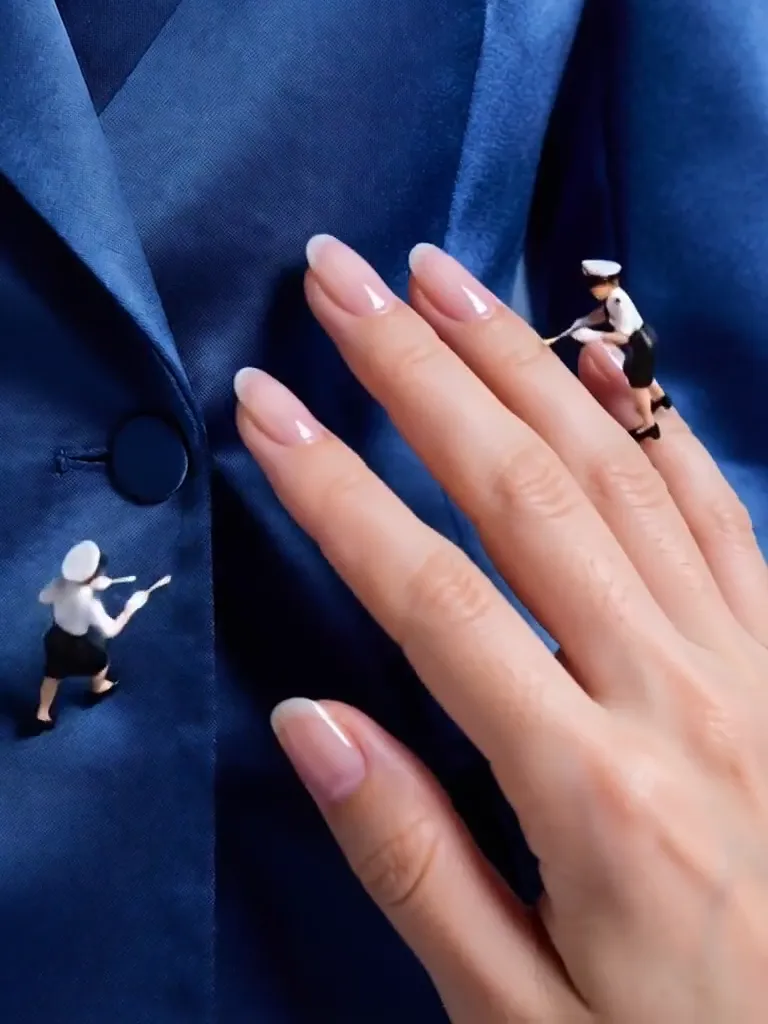
The blue-suit portrait leads to hands against blue fabric. Small uniformed attendants appear around the fingers, and a later close view displays a neat set of pink nails.
How Nail Lab does on each model
- PixVerse V6 Effects The single template model runs the complete 5-second sequence. The two examples below show this preset with different uploads; they are not a comparison between model options.
The prompt behind Nail Lab
You never write a prompt for Nail Lab. This is the exact text it sends with your photo:
A playful nail design lab with colorful polish.What the prompt asks for
- What happens
A playful nail design lab with colorful polish.
Tips for a better Nail Lab result
- Check the number and shape of fingers in the moving close views.
- Choose this for a miniature salon scene rather than exact nail-design matching.
Nail Lab cost and time
Nail Lab costs 156 credits with PixVerse V6 Effects and is usually ready in about 1 min.
Nail Lab: questions and answers
Do I have to upload a close-up of my nails?
The two reviewed sources are portraits, not manicure close-ups. The preset generates the hand-focused composition from them.
Can I choose a particular nail pattern?
The reviewed results use glossy pink nails. This page does not offer a pattern picker or a separate nail-art reference upload.
Will my face stay on screen in the nail scene?
The sampled results focus on hands and tiny workers. They do not keep the source portrait as the central image.
Are the little attendants the same in both runs?
The first has workers with ladders around a salon counter, while the second shows small uniformed attendants against blue fabric. Their styling varies.
Is this a reliable preview of a salon treatment?
It is a playful scale effect. The generated nails and fingers should not be treated as an exact representation of a real treatment outcome.
Related effects and tools
- Miniature World · Your wide shot turns into a busy toy-model town.
- Tiny Critters · A palm-sized elephant, fox and bunnies wander in and climb onto you.
- Glam Sweep · A quick arc that eases into slow motion on your best angle.
- Trim and arrange the finished clip in the Video Editor