


AI video effect · Dai Dai Dance
Dai Dai Dance Effect: Photo to Video
You break into a bouncy dance with big steps and arm swings, right where you stand.
1Add a photo
- A clear face, looking toward the camera
- Waist-up framing shows the expression best
- Avoid sunglasses or hands covering the face
More options
about 1 min
More to try
All effects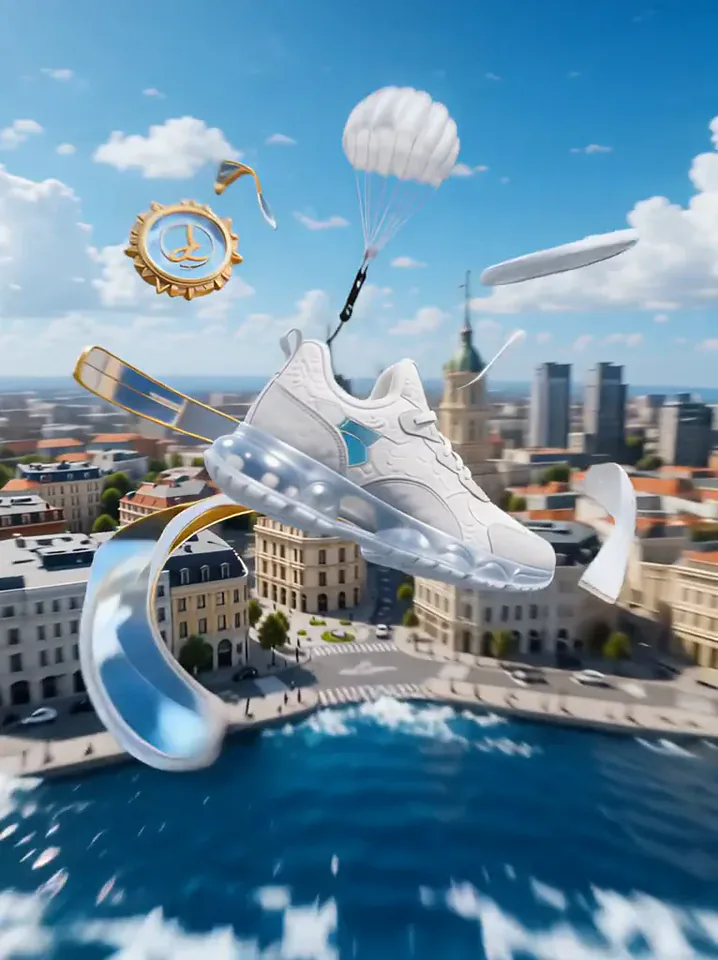 Product LandmarkYour product bursts from the sea, parachutes into a city and becomes a grand landmark.Try itNewRecreate
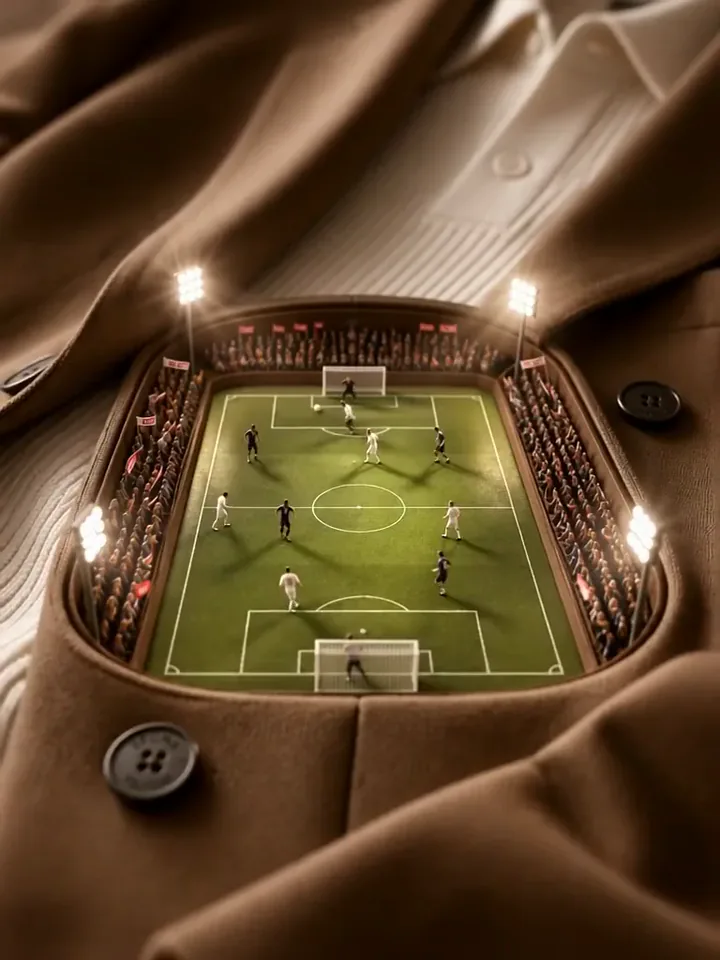 Mini Football PitchThe camera dives into your clothes and finds a tiny floodlit stadium with a live match.Try itNewRecreate
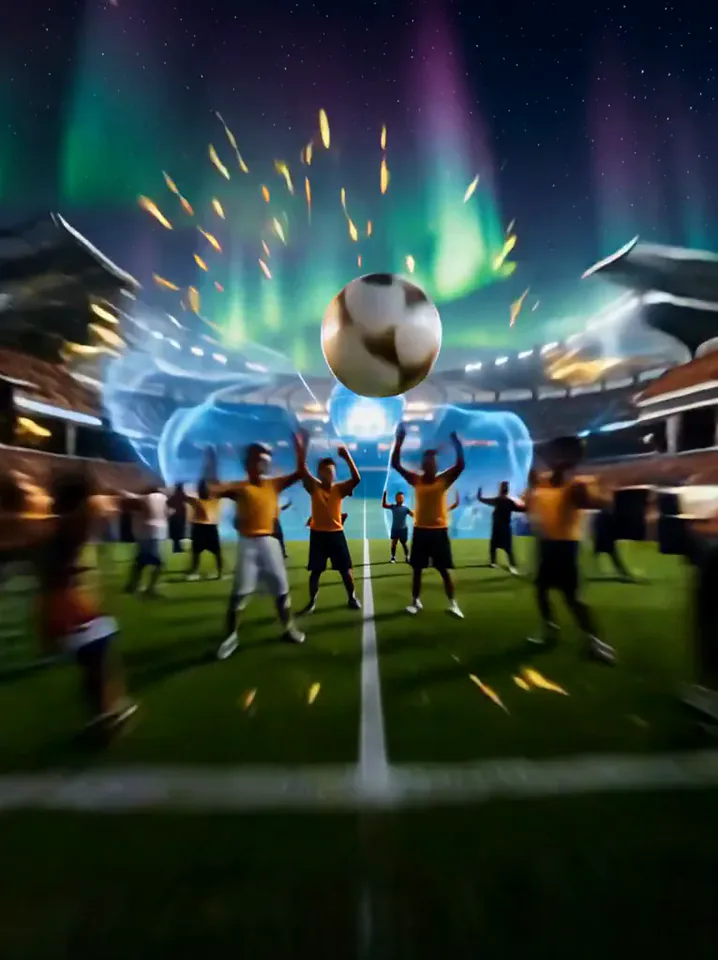 A Kick Through the WorldYou kick the ball, and it tours the world before landing in a stadium goal.Try itNewRecreate
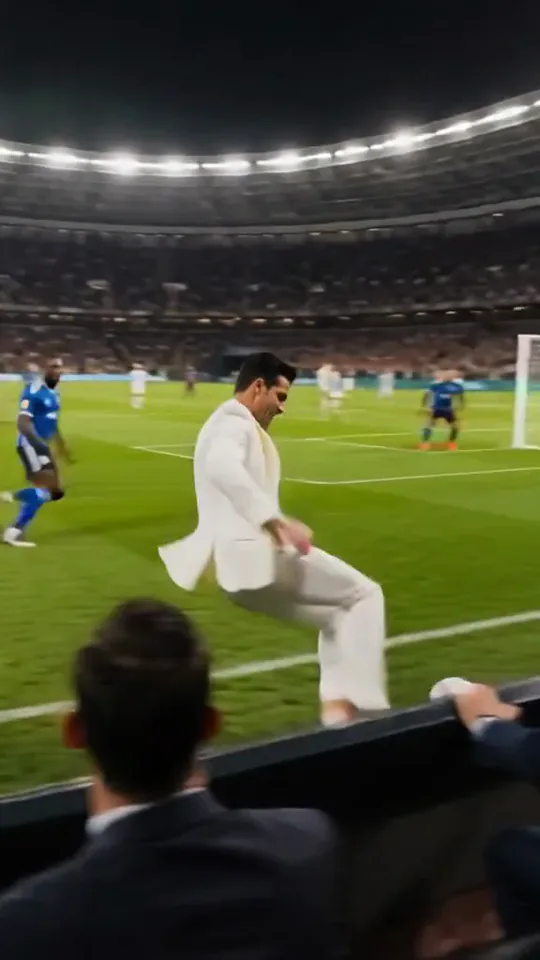 Crowned God in One BattleYou leave your seat, take over the match, score, then come back to high-five the camera.Try itNewRecreate
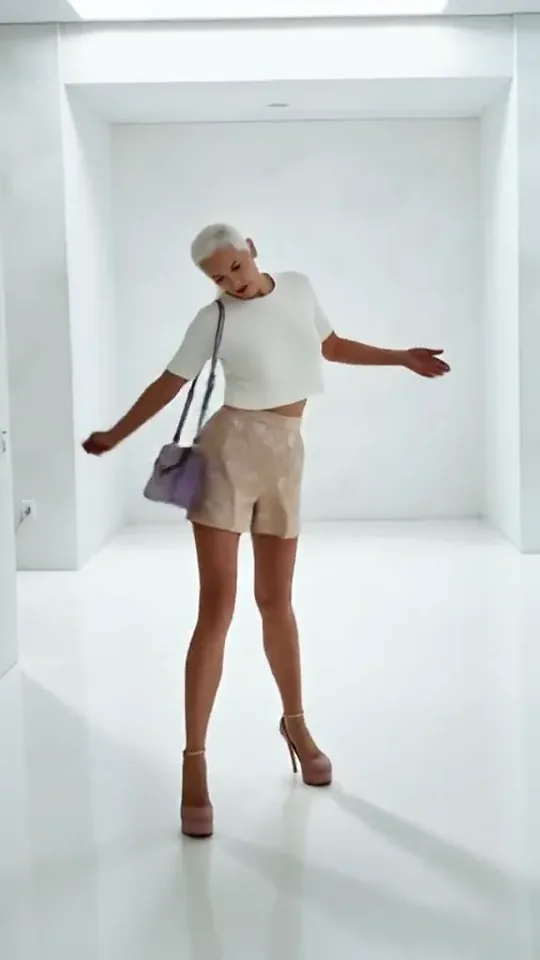 Step by StepYou stroll forward with a light, playful swagger through a bright white room.Try itNewRecreate
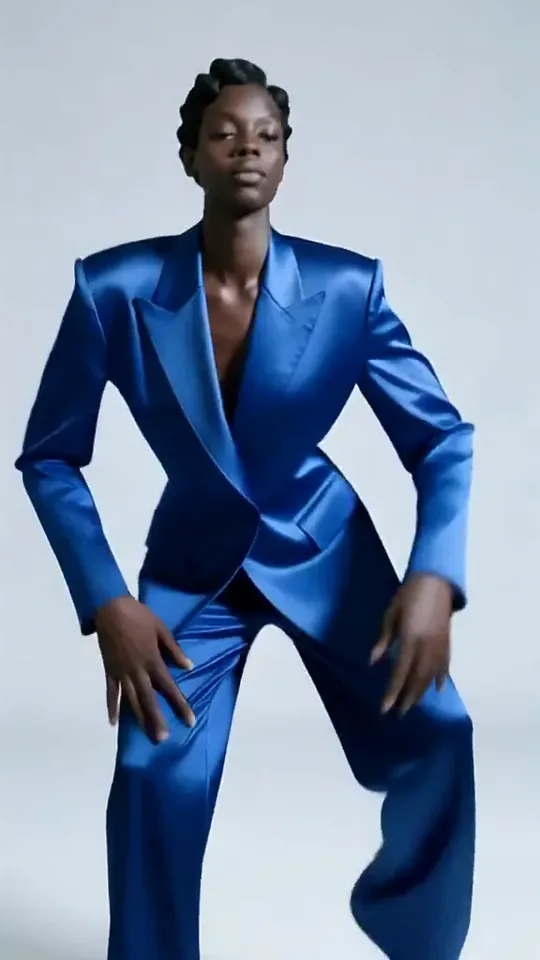 Apex DanceYou dance on the spot with sharp, angular moves, hip turns and a confident head roll.Try itNewRecreate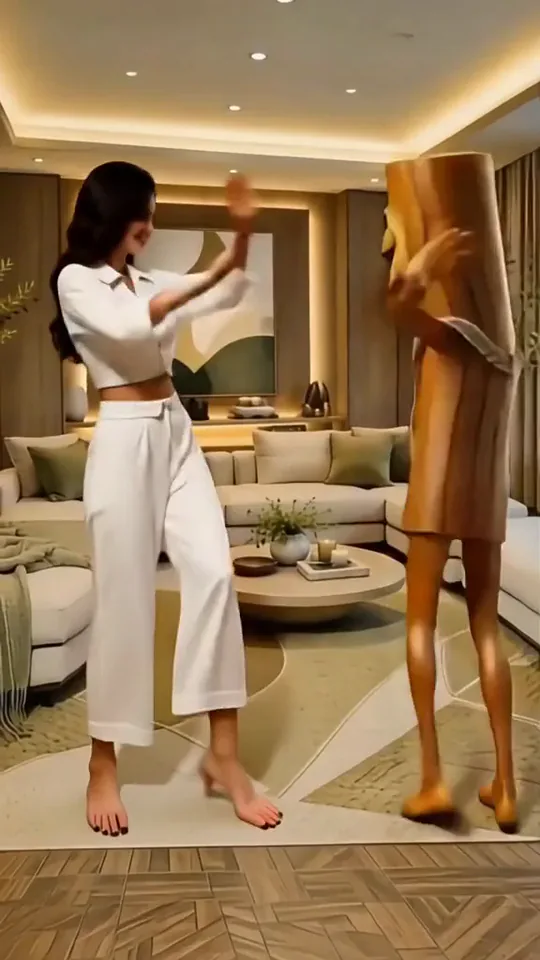
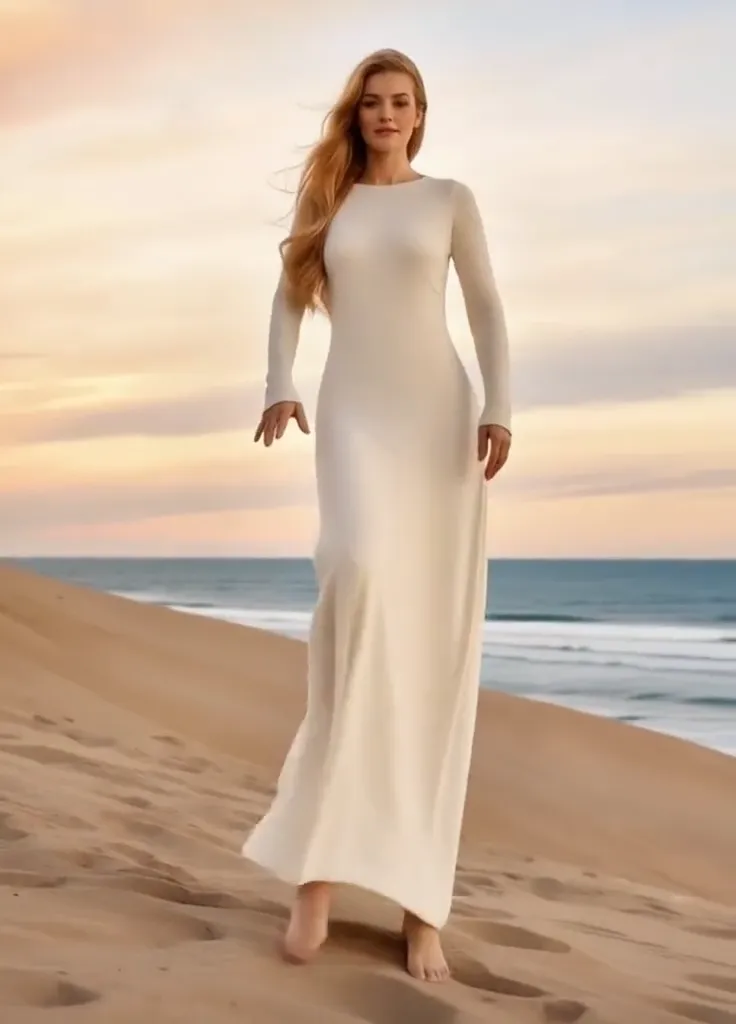 Thriller Dance StepsYour subject performs a playful routine with raised arms, broad steps, and a backward lean.Try itNewRecreate
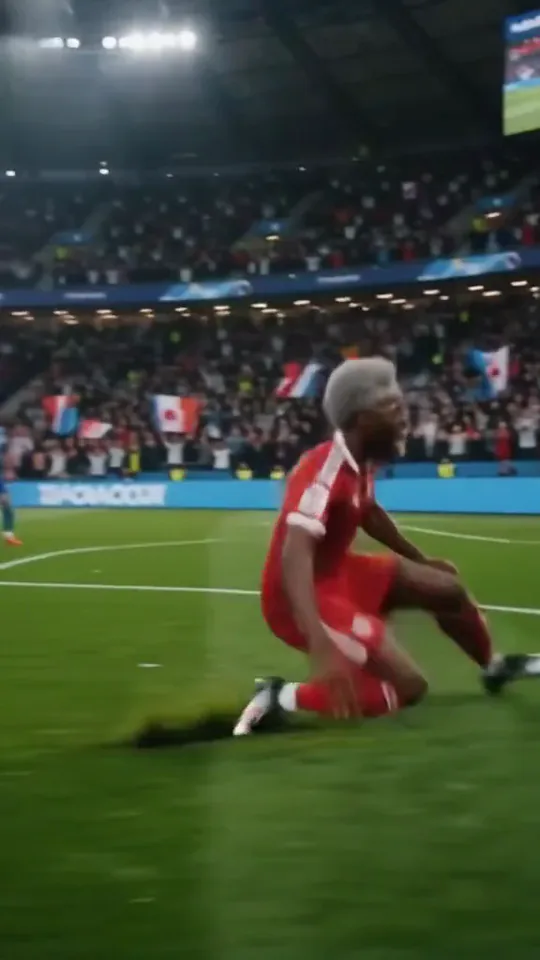 Stadium LegendYou go from an everyday moment to sprinting down the wing and celebrating on your knees.Try itNewRecreate
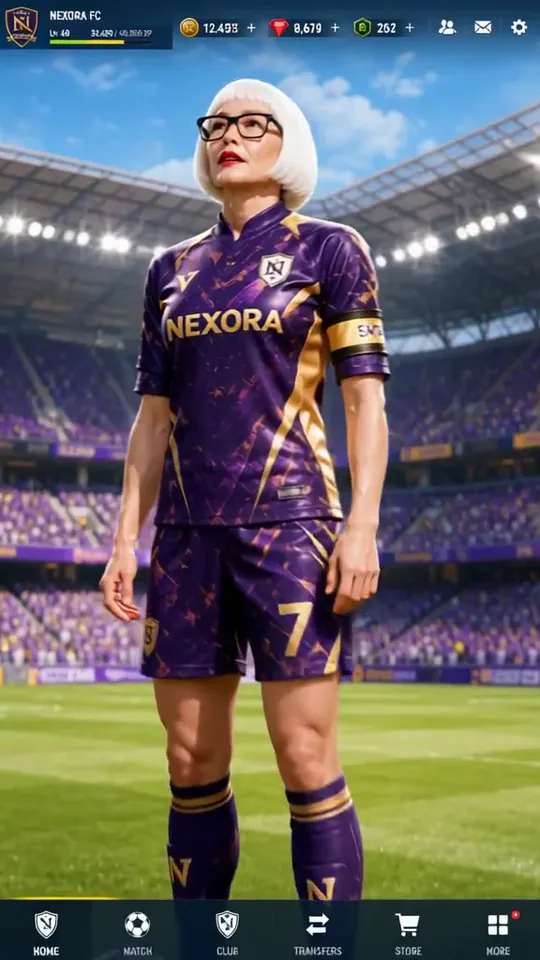 Superstar LobbyYou become the star player on a game's home screen, then step out into the stadium.Try itNewRecreate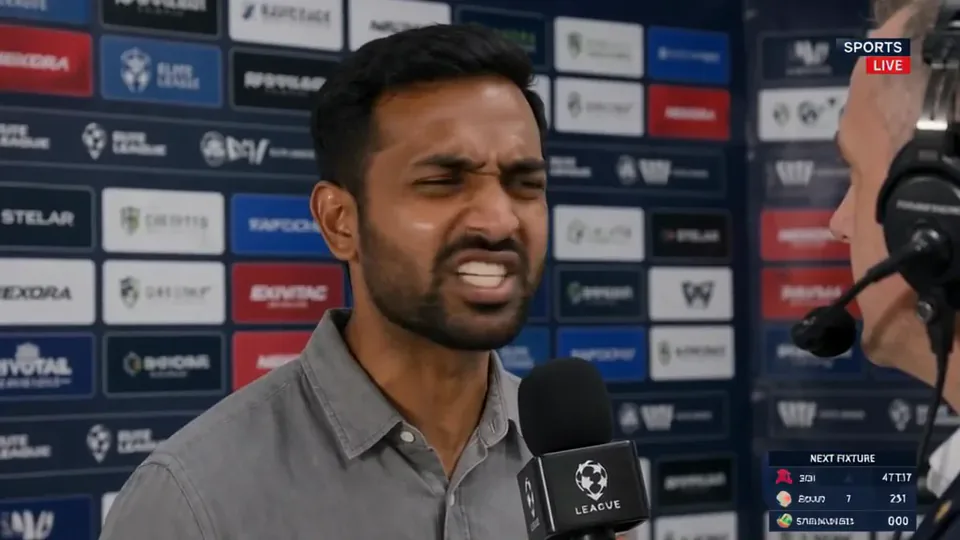
What the Dai Dai Dance effect does
Bent knees, playful pointing, and swinging arms give this solo routine a lively, exaggerated feel. The dancer moves within a familiar-looking setting rather than entering a performance stage. A roomy standing photo helps the body shapes read clearly from head to toe.
This is a fixed preset: the template sets the motion, scene, and 16.3-second length. You only upload one photo; there is no choreography, scene, or duration to write or adjust.
How to use Dai Dai Dance
- Choose the source Use a single clear image with the main subject easy to distinguish. Read the photo suggestions below before uploading, and compare your framing with the two source examples.
- Run the preset Start Dai Dai Dance with your uploaded photo. Its movement and setting are already selected, so you do not need a written prompt or a separate motion reference.
- Review the result Watch the whole clip before saving it. Check the opening, the main action, and the ending together; the sampled examples illustrate possible results rather than a guarantee that every detail will repeat.
Which photos work best for Dai Dai Dance
Works well
- A full-length portrait with feet inside the frame.
- Simple surroundings with room beside the arms.
Avoid
- A person partly hidden behind a table or railing.
- Several overlapping bodies that confuse the dance silhouette.
Dai Dai Dance examples
What we saw when we tested Dai Dai Dance
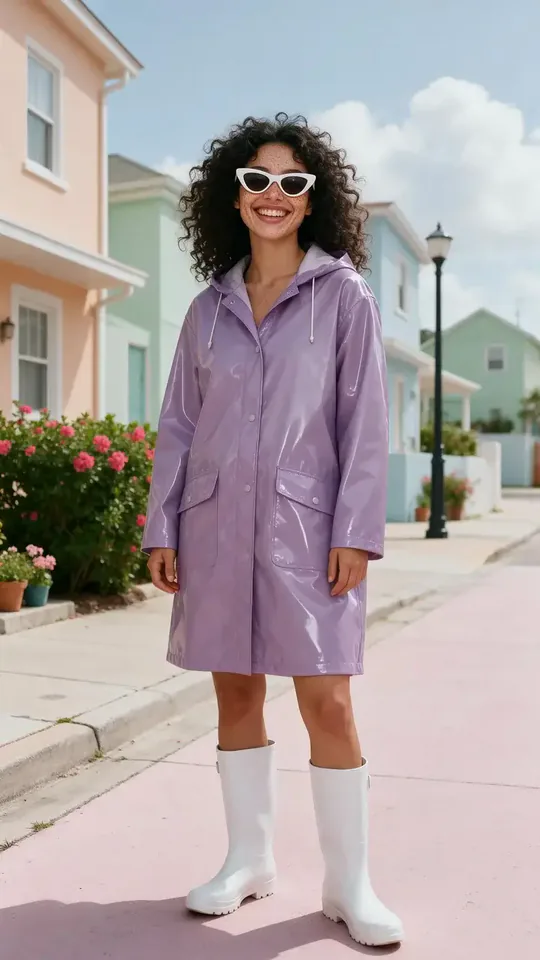
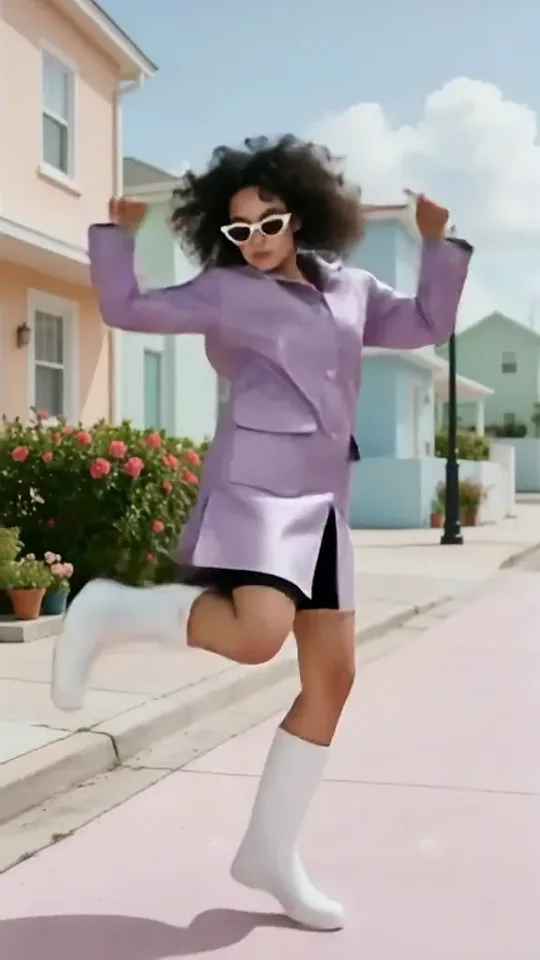
The purple-raincoat subject dances on the pastel street from her source. The sampled poses include a low sideways lean, raised pointing arms, and a lifted leg; her white sunglasses and boots remain prominent.
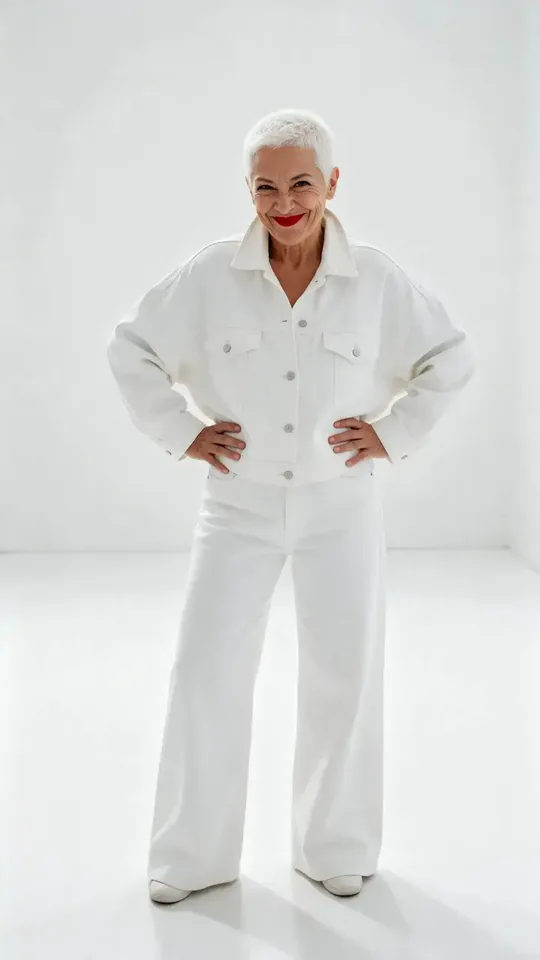
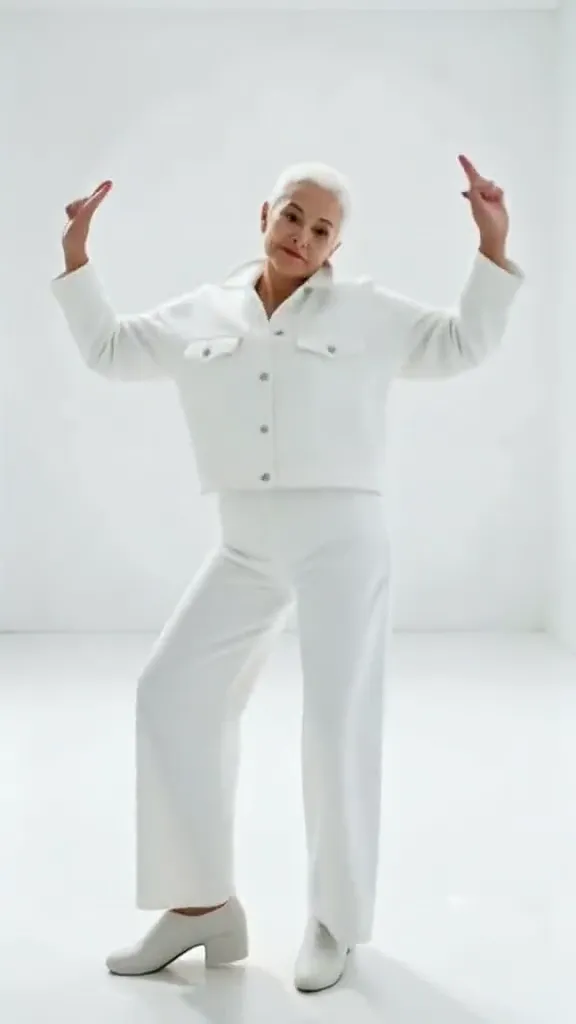
The silver-haired woman in white performs corresponding broad gestures in a pale room. Her arms point upward and one leg lifts, while the white outfit remains distinct against the floor.
How Dai Dai Dance does on each model
- PixVerse V6 Effects The single template model runs the complete 16.3-second sequence. The two examples below show this preset with different uploads; they are not a comparison between model options.
The prompt behind Dai Dai Dance
You never write a prompt for Dai Dai Dance. This is the exact text it sends with your photo:
A fun, rhythmic dance with bouncy steps.What the prompt asks for
- What happens
A fun, rhythmic dance with bouncy steps.
Tips for a better Dai Dai Dance result
- Keep the feet visible to make the lifted-leg pose easier to interpret.
- Leave the arm gestures in the frame when converting the clip to a narrower format.
Dai Dai Dance cost and time
Dai Dai Dance costs 507 credits with PixVerse V6 Effects and is usually ready in about 1 min.
Dai Dai Dance: questions and answers
Are the pointing gestures added from my photo?
The source portraits are standing poses. The upward-pointing arms and lifted-leg action are generated by the dance preset.
Does a white outfit work in a white room?
The second example does show the routine in that combination. Clear lighting and body edges help keep the movement readable despite similar colors.
Can the purple coat remain part of the dance?
The first result keeps the purple raincoat as a strong visual feature. Other garment details may still change during generated movement.
Is this a camera-travel effect?
The sampled views emphasize the dancer changing pose within the setting. The main attraction is the body movement, not a journey through new locations.
How should I frame the arms before uploading?
Leave some room to either side of the person. The routine reaches beyond the neutral standing silhouette in both examples.
Related effects and tools
- Groove · Sharp footwork, a body wave, a spin and a hard pose.
- Party Freestyle · You break into a high-energy freestyle while the house party cheers.
- Twirl · One spin and the dress flares into a perfect circle.
- Trim and arrange the finished clip in the Video Editor