


AI video effect · Thriller Dance Steps
Thriller Dance Steps Effect: Photo to Video
Your subject performs a playful routine with raised arms, broad steps, and a backward lean.
1Add a photo
- A clear face, looking toward the camera
- Waist-up framing shows the expression best
- Avoid sunglasses or hands covering the face
More options
about 1 min
More to try
All effects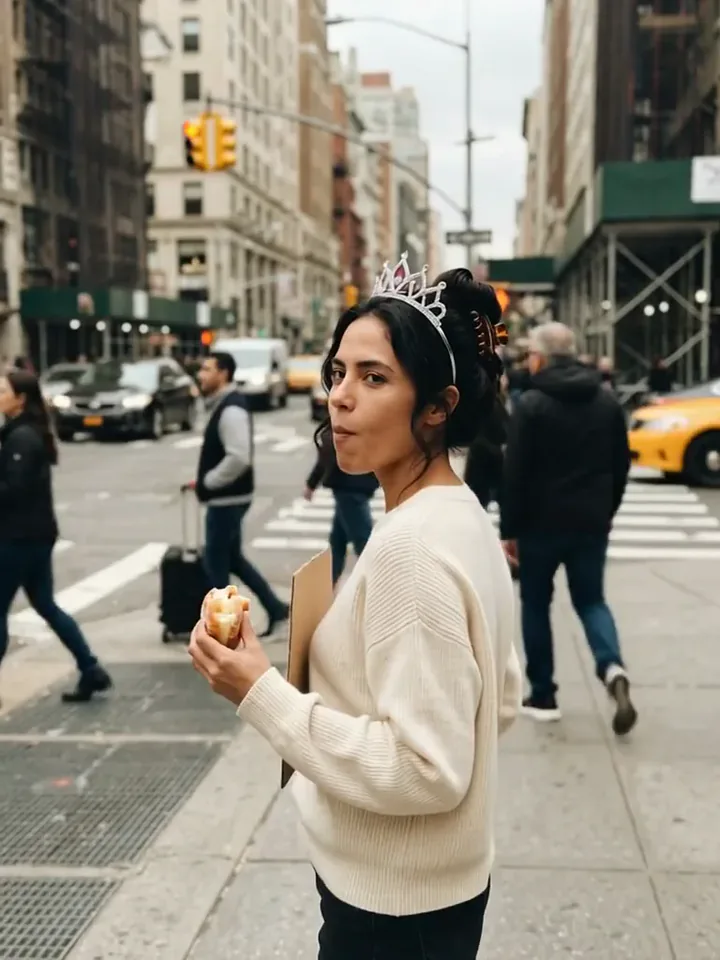 Today Is My BirthdayYou celebrate your birthday on a busy street with a tiara, a treat and a sign.Try itNewRecreate
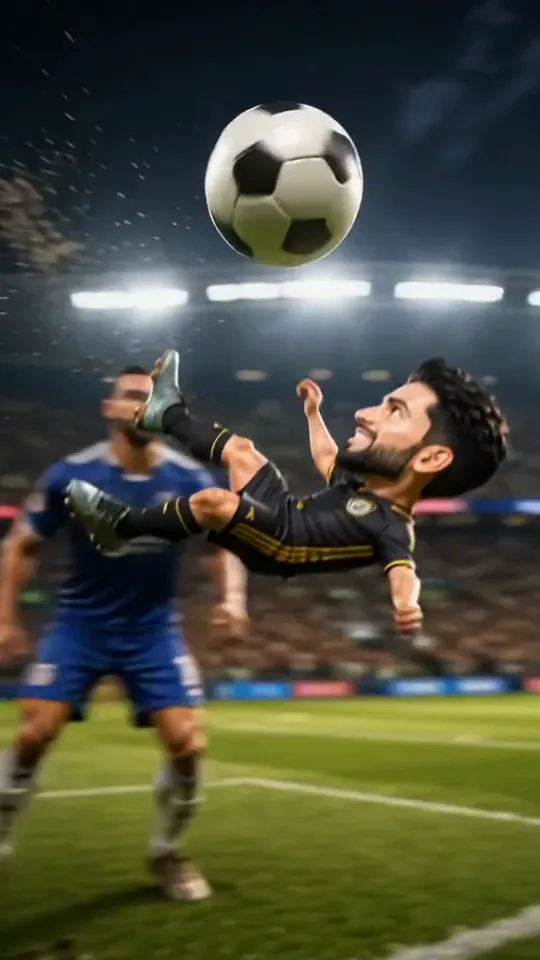 Mini Football HeroYou turn into a tiny big-headed footballer who weaves past giants to score a bicycle kick.Try itNewRecreate
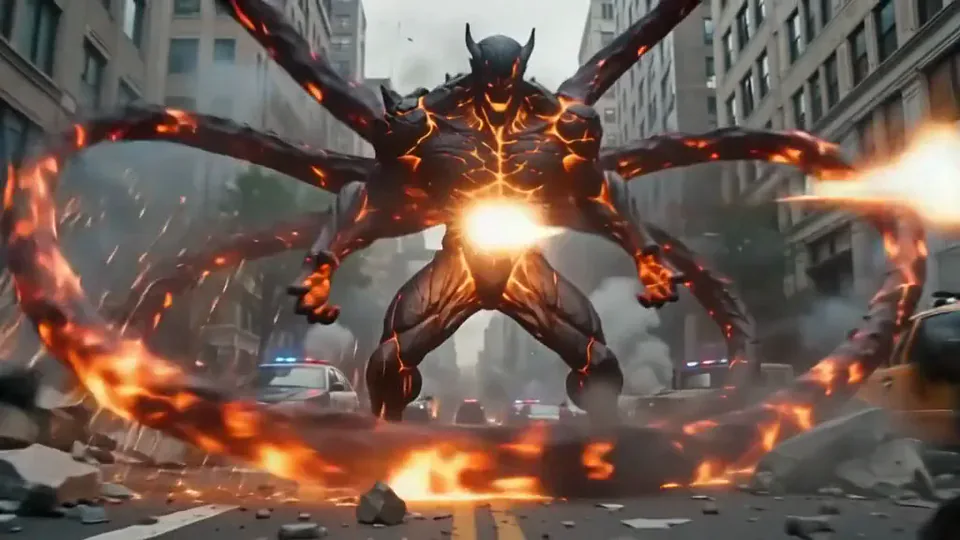 Magma RiseYou crack open in glowing magma and rise as a towering lava creature in a city street.Try itNewRecreate
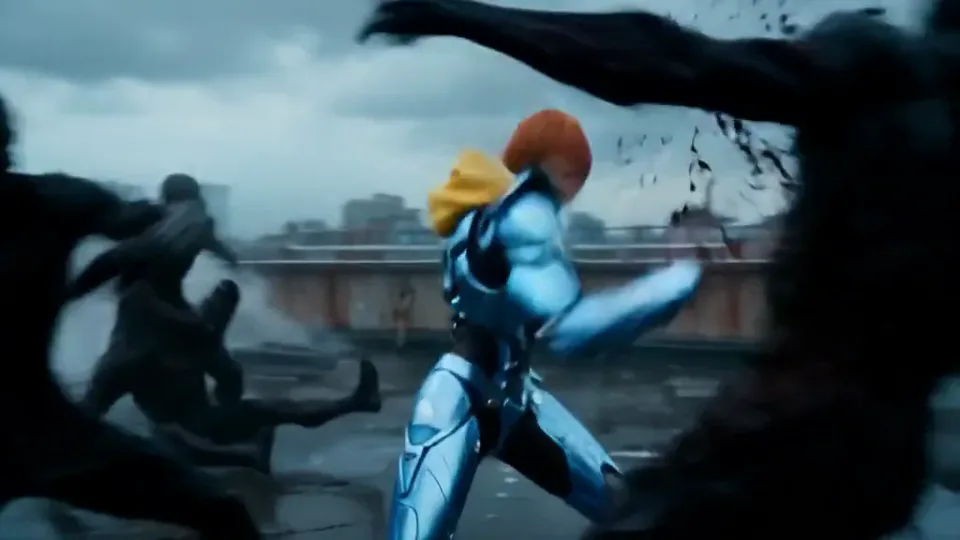 Cyber Armor: Reborn in the RainIn a storm, lightning gathers in your hands and sleek silver-blue armor builds around you.Try itNewRecreate
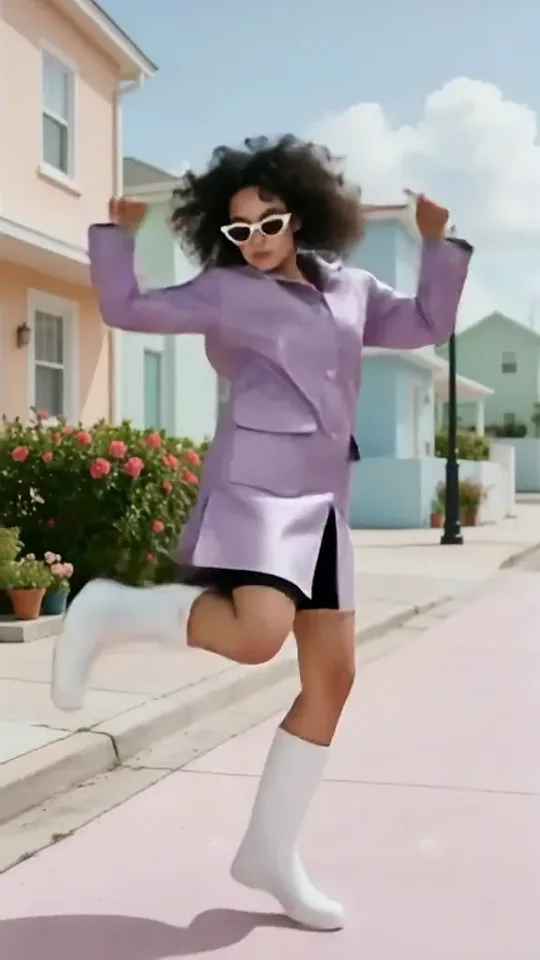 Dai Dai DanceYou break into a bouncy dance with big steps and arm swings, right where you stand.Try itNewRecreate
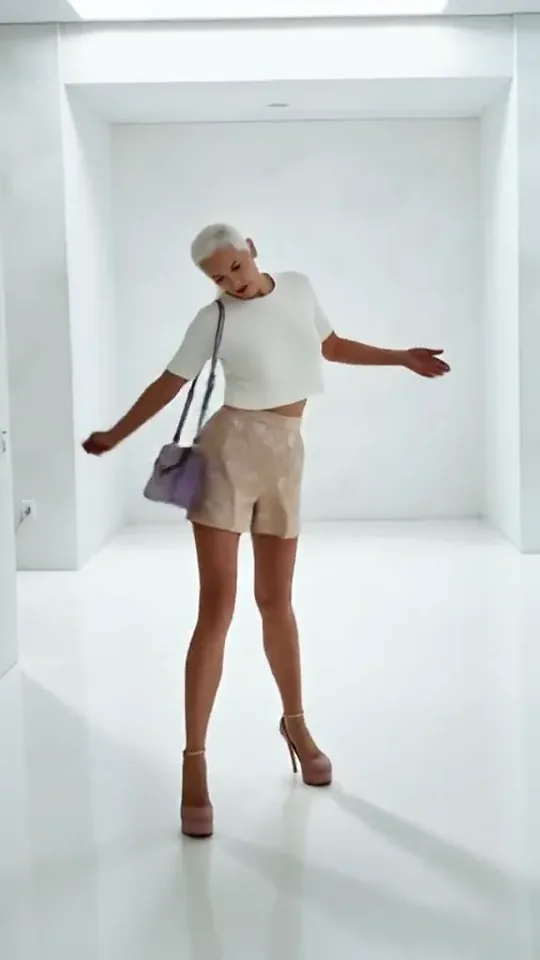 Step by StepYou stroll forward with a light, playful swagger through a bright white room.Try itNewRecreate
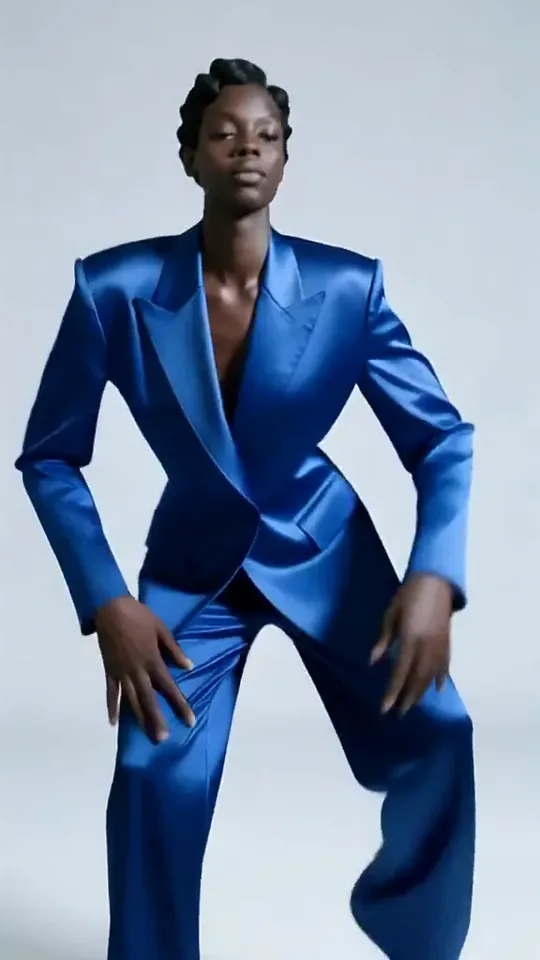 Apex DanceYou dance on the spot with sharp, angular moves, hip turns and a confident head roll.Try itNewRecreate
 Love LauncherYou fire a pink confetti cannon, and gift boxes drift down on little parachutes.Try itNewRecreate
 Kitty ShopYour cat becomes a little shopkeeper, pushing a treat cart down a cobbled street.Try itNewRecreate
What the Thriller Dance Steps effect does
A solo dancer moves through a playful routine built from bent elbows, raised hands, wide steps, and a pronounced backward lean. The surrounding setting stays recognizable in both examples. The emphasis is on the changing body shapes rather than a costume reveal or a new stage.
This is a fixed preset: the template sets the motion, scene, and 15-second length. You only upload one photo; there is no choreography, scene, or duration to write or adjust.
How to use Thriller Dance Steps
- Choose the source Use a single clear image with the main subject easy to distinguish. Read the photo suggestions below before uploading, and compare your framing with the two source examples.
- Run the preset Start Thriller Dance Steps with your uploaded photo. Its movement and setting are already selected, so you do not need a written prompt or a separate motion reference.
- Review the result Watch the whole clip before saving it. Check the opening, the main action, and the ending together; the sampled examples illustrate possible results rather than a guarantee that every detail will repeat.
Which photos work best for Thriller Dance Steps
Works well
- One standing person with arms and legs visible.
- Space around the body so broad steps have room.
Avoid
- A close face crop that leaves the body to be invented.
- Furniture or another person covering the lower legs.
Thriller Dance Steps examples
What we saw when we tested Thriller Dance Steps
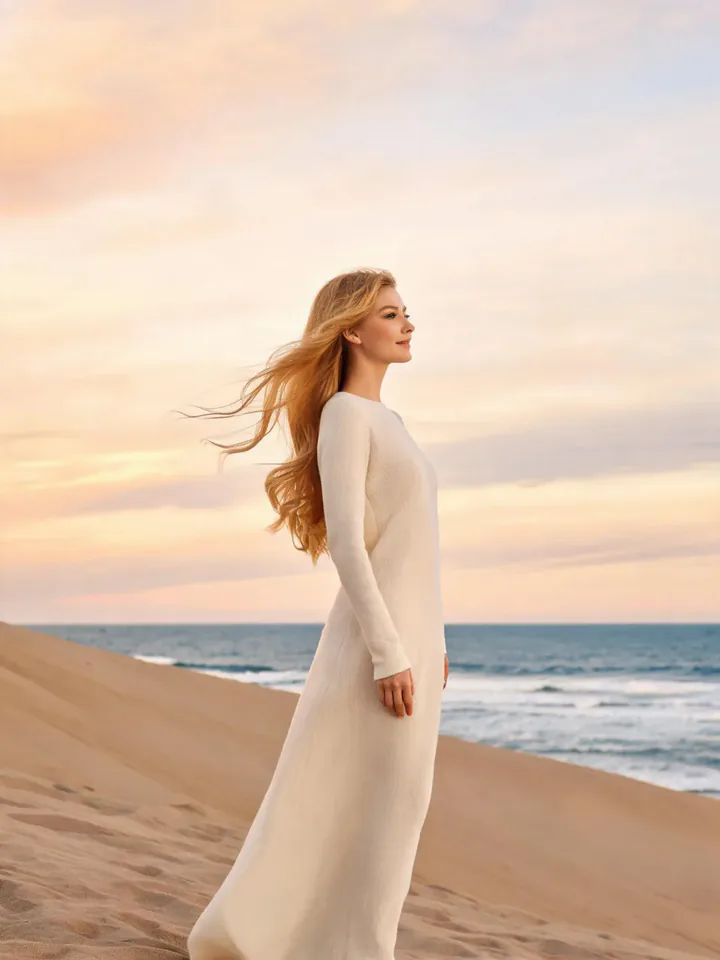
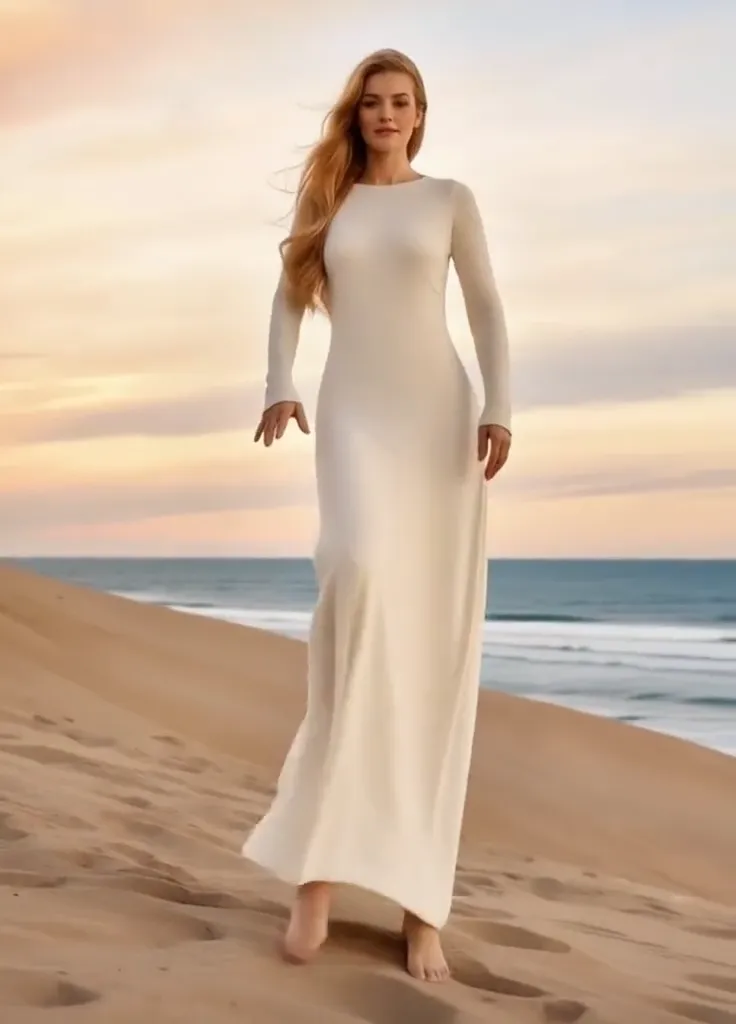
The beach source shows a woman in a flowing white outfit. The result keeps the sand and sea behind her as she bends her arms, steps forward, leans back, and finishes in a wider stance.
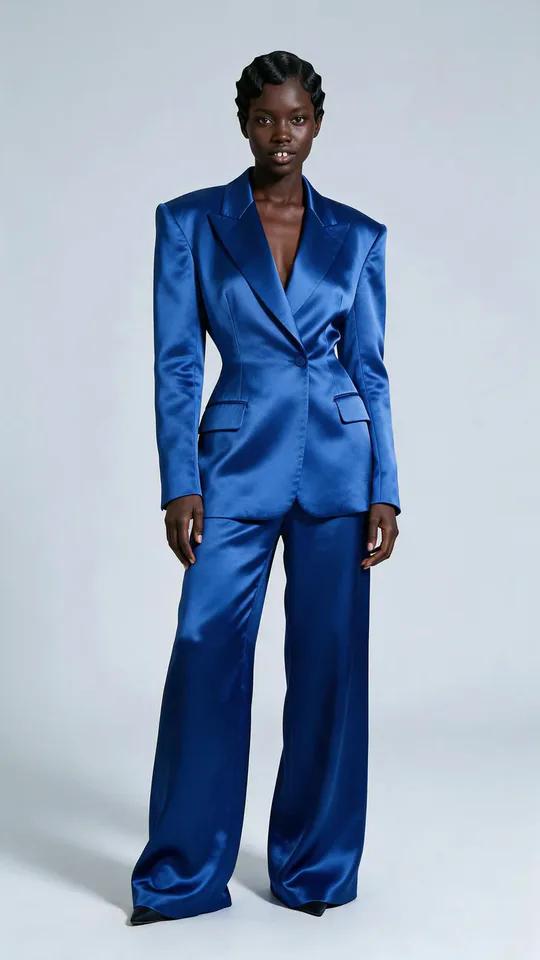
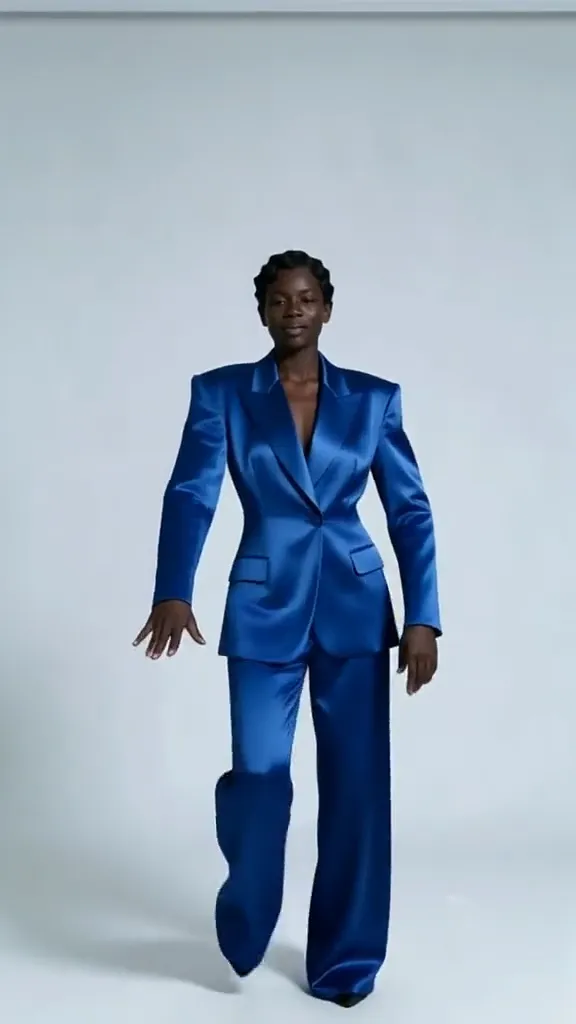
The blue-suit source stays in a plain light studio. The dancer raises bent arms, leans back sharply, and spreads the legs; the wide blue pants make the pose changes easy to see.
How Thriller Dance Steps does on each model
- PixVerse V6 Effects The single template model runs the complete 15-second sequence. The two examples below show this preset with different uploads; they are not a comparison between model options.
The prompt behind Thriller Dance Steps
You never write a prompt for Thriller Dance Steps. This is the exact text it sends with your photo:
A retro dance routine with sharp, synchronized steps on a sunlit stage.What the prompt asks for
- What happens
A retro dance routine with sharp, synchronized steps on a sunlit stage.
Tips for a better Thriller Dance Steps result
- Leave space above the head for raised hands.
- Use a full-body source when preserving the trouser or shoe silhouette matters.
Thriller Dance Steps cost and time
Thriller Dance Steps costs 467 credits with PixVerse V6 Effects and is usually ready in about 1 min.
Thriller Dance Steps: questions and answers
Does the routine need a dance-floor photo?
The beach example performs the movement on sand. A clear standing subject matters more than having a staged dance floor in the upload.
Can I choose the exact dance steps?
The routine is built into this preset. The upload changes the dancer reference rather than providing choreography controls.
Will a long white outfit block all leg movement?
The beach result still shows broad shifts of stance beneath flowing fabric. A less restrictive silhouette can make the steps easier to read.
Is a soundtrack included with these poses?
This template runs without generated audio. The sampled images cannot demonstrate a song, beat, or sound effect.
Does the template always create a new background?
Both reviewed runs retain recognizable parts of their beach or studio setting. That observation does not promise pixel-for-pixel background preservation.
Related effects and tools
- Groove · Sharp footwork, a body wave, a spin and a hard pose.
- Party Freestyle · You break into a high-energy freestyle while the house party cheers.
- Speed Ramp · Normal speed sinks into dreamy slow motion.
- Trim and arrange the finished clip in the Video Editor