


AI video effect · Vibe Copines
Vibe Copines Effect: Photo to Video
You dance with a goofy wooden character in a cozy living room.
1Add a photo
- A clear face, looking toward the camera
- Waist-up framing shows the expression best
- Avoid sunglasses or hands covering the face
More options
about 1 min
More to try
All effects Epic SaveYour subject becomes a gloved goalkeeper, reaching around a ball in front of a stadium goal.Try itNewRecreate
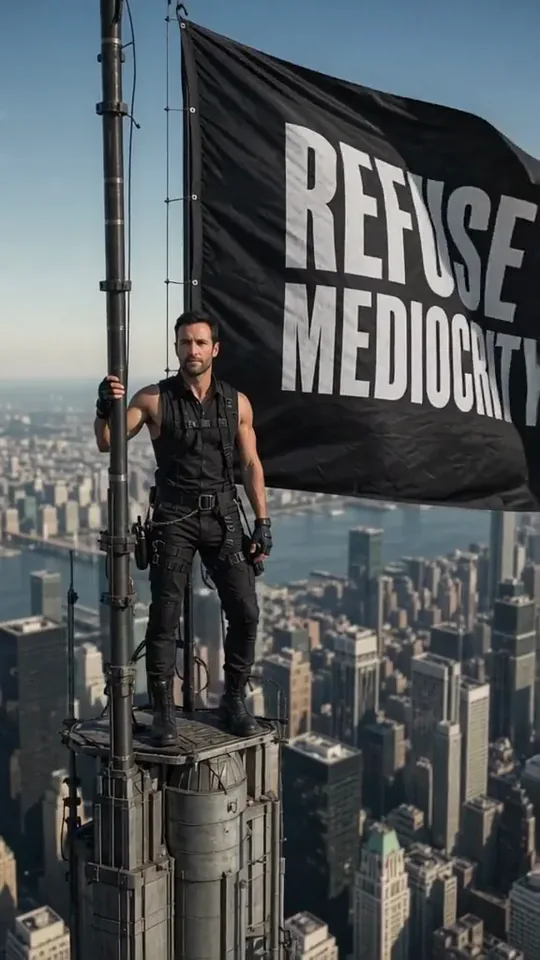 Skyline Track FlagYou stand atop a skyscraper spire, holding a giant flag over the city.Try itNewRecreate
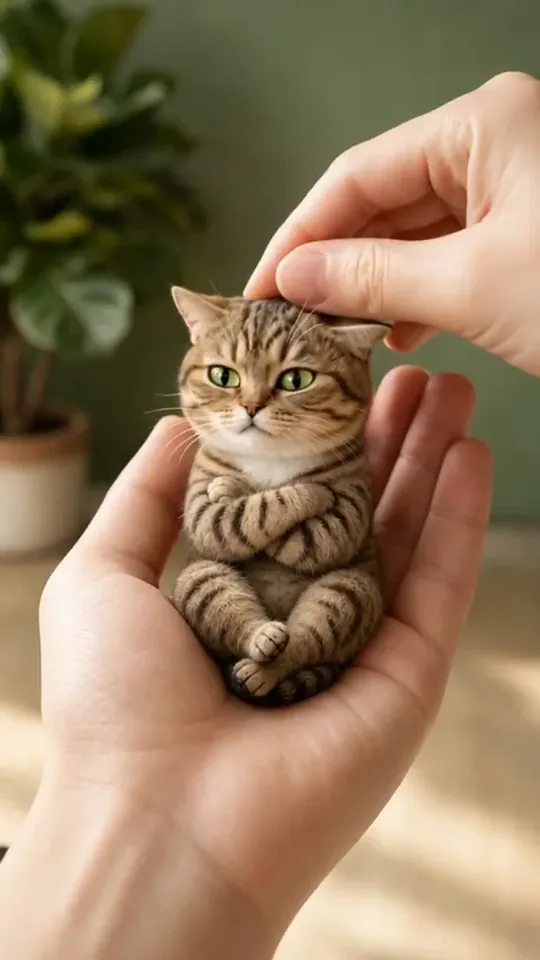 Poke My Little CutieYour pet shrinks to palm size for a gentle cheek poke and a very unimpressed look.Try itNewRecreate
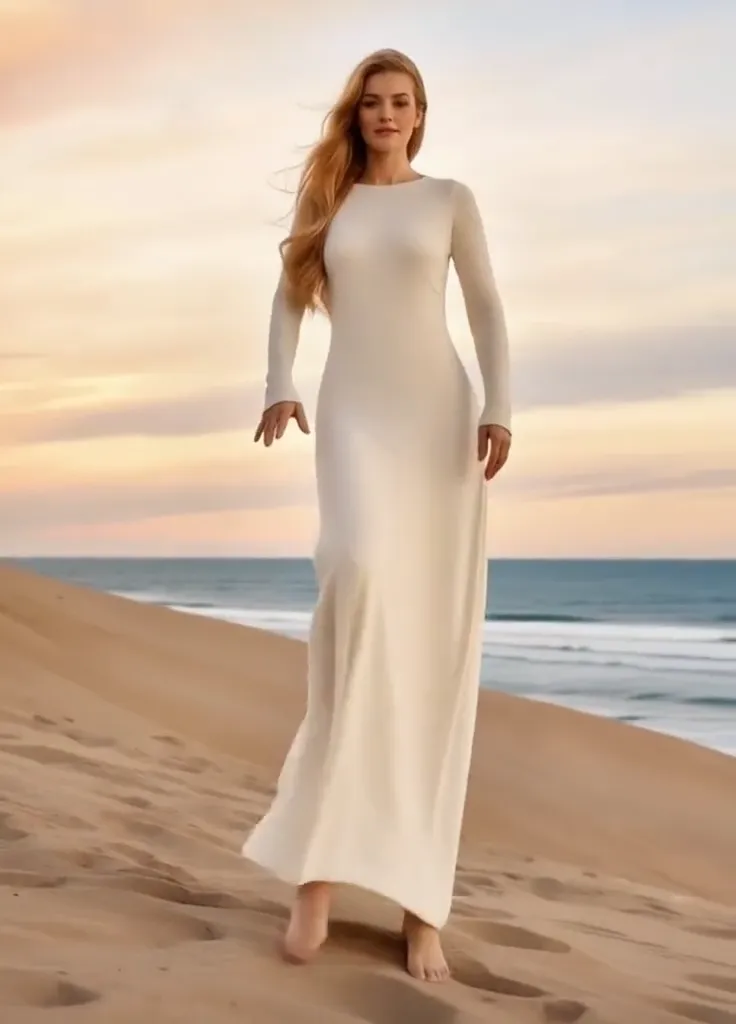 Thriller Dance StepsYour subject performs a playful routine with raised arms, broad steps, and a backward lean.Try itNewRecreate
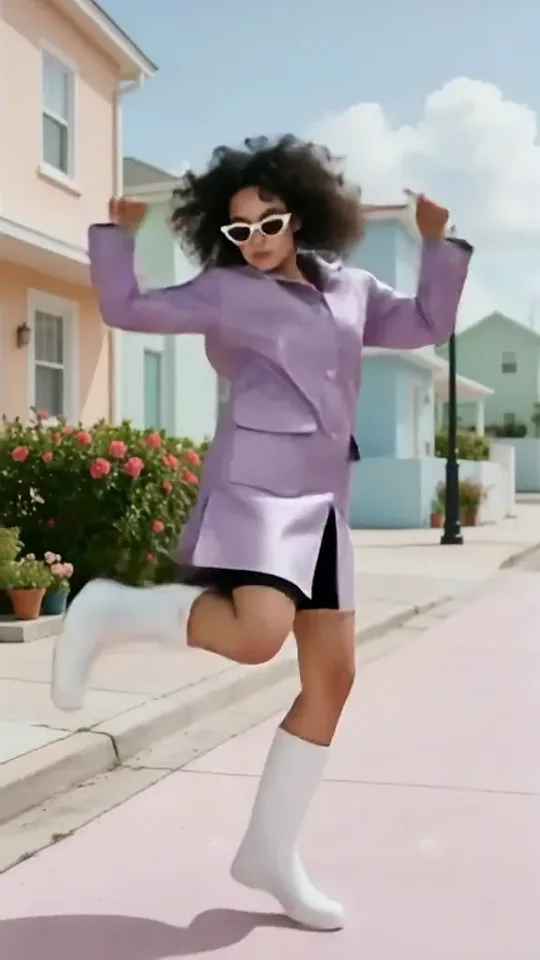 Dai Dai DanceYou break into a bouncy dance with big steps and arm swings, right where you stand.Try itNewRecreate
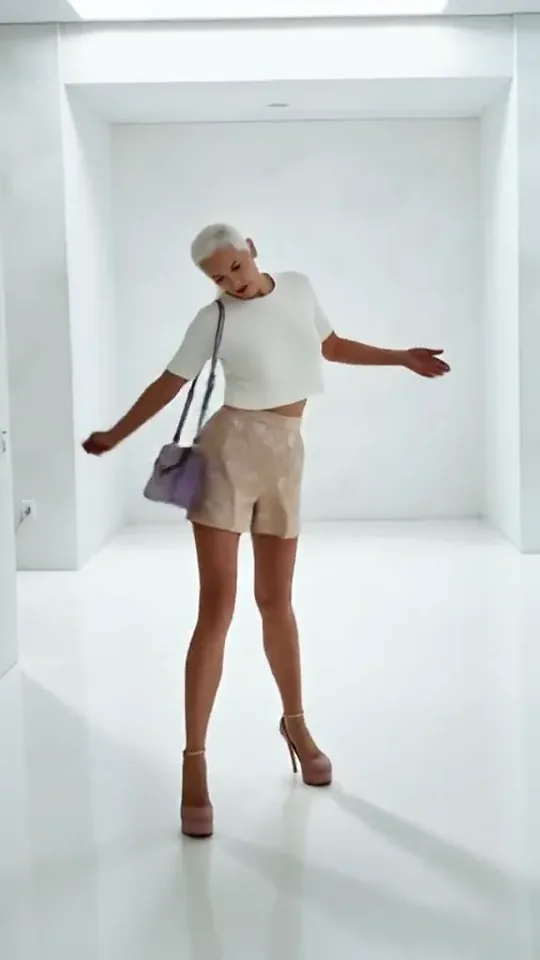 Step by StepYou stroll forward with a light, playful swagger through a bright white room.Try itNewRecreate
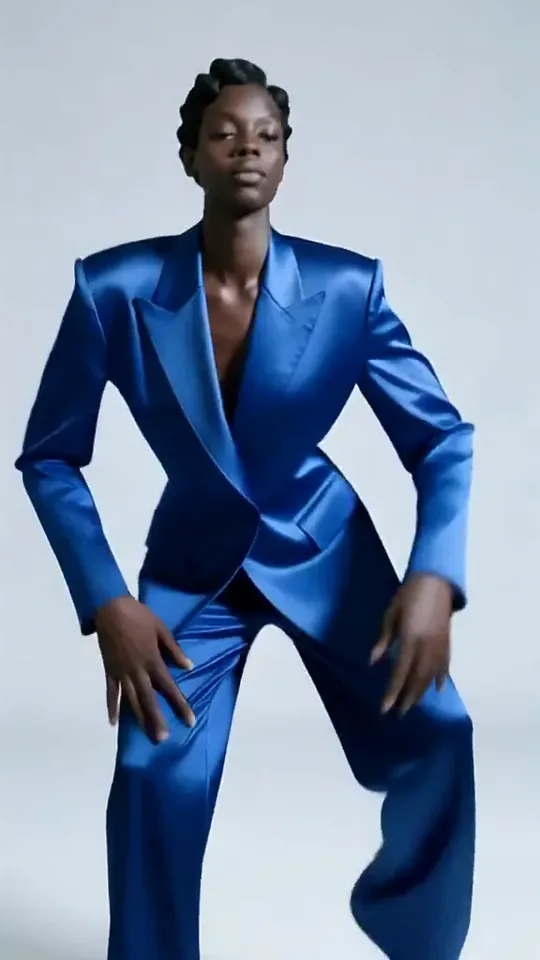 Apex DanceYou dance on the spot with sharp, angular moves, hip turns and a confident head roll.Try itNewRecreate
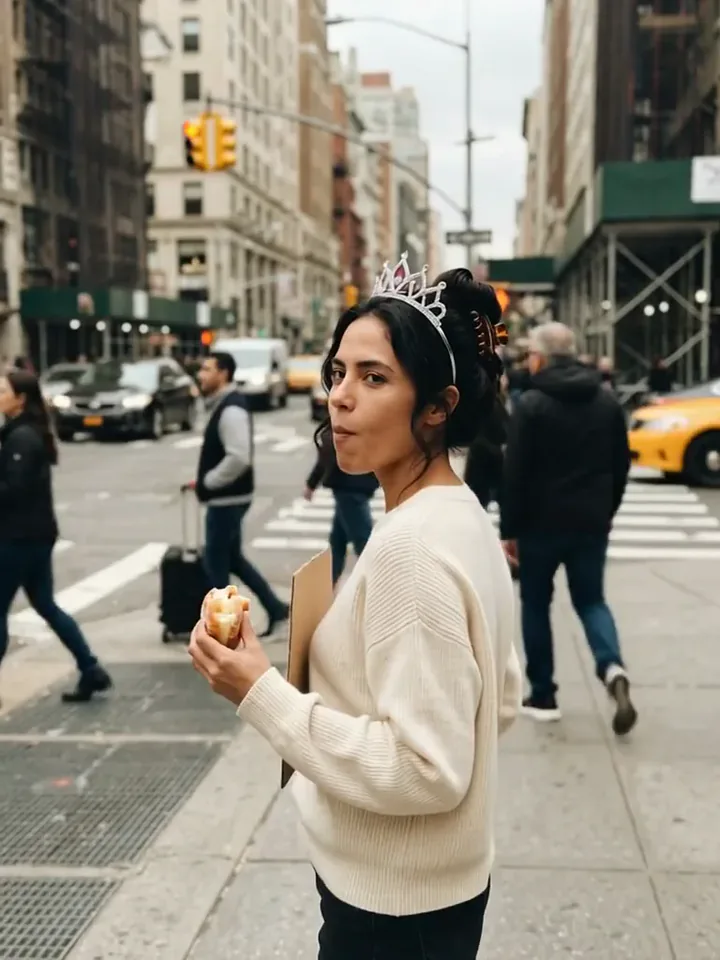 Today Is My BirthdayYou celebrate your birthday on a busy street with a tiara, a treat and a sign.Try itNewRecreate
 Mini Football HeroYou turn into a tiny big-headed footballer who weaves past giants to score a bicycle kick.Try itNewRecreate
What the Vibe Copines effect does
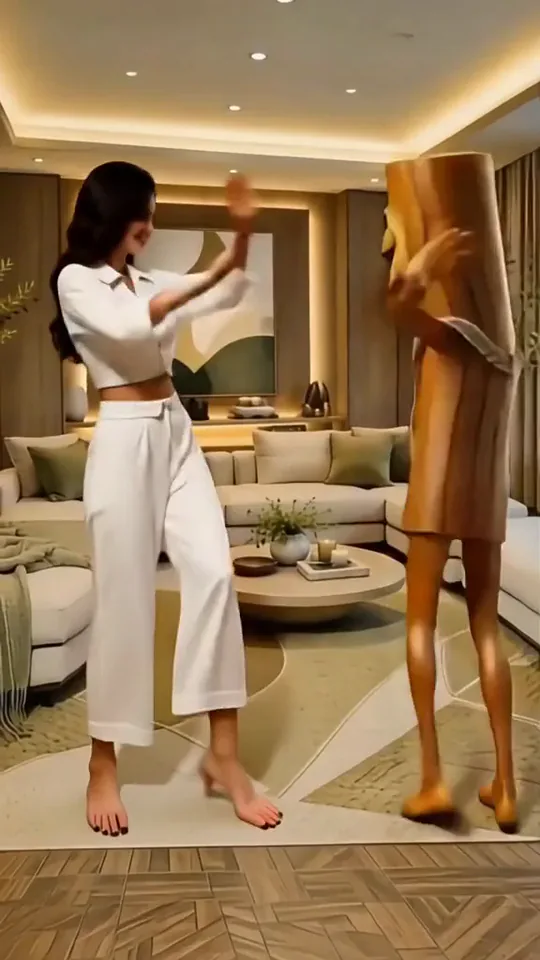
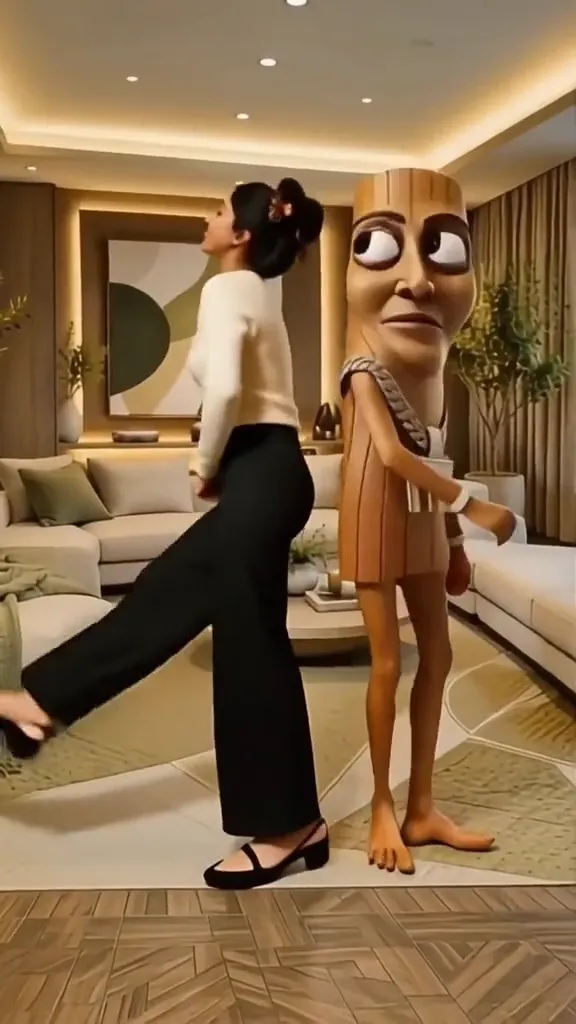
A human dancer shares a cozy living room with a tall wooden cartoon companion. Both figures make broad arm gestures and turn their bodies, making the contrast between a familiar portrait and the exaggerated wooden face the joke. The room stays central to the scene.
This is a fixed preset: the template sets the motion, scene, and 13.4-second length. You only upload one photo; there is no choreography, scene, or duration to write or adjust.
How to use Vibe Copines
- Choose the source Use a single clear image with the main subject easy to distinguish. Read the photo suggestions below before uploading, and compare your framing with the two source examples.
- Run the preset Start Vibe Copines with your uploaded photo. Its movement and setting are already selected, so you do not need a written prompt or a separate motion reference.
- Review the result Watch the whole clip before saving it. Check the opening, the main action, and the ending together; the sampled examples illustrate possible results rather than a guarantee that every detail will repeat.
Which photos work best for Vibe Copines
Works well
- One person with a clear face and visible shoulders.
- A standing photo with enough body detail to suggest the outfit.
Avoid
- Overlapping people or arms covering the face.
- Very dark portraits with little distinction between hair and background.
Vibe Copines examples
What we saw when we tested Vibe Copines
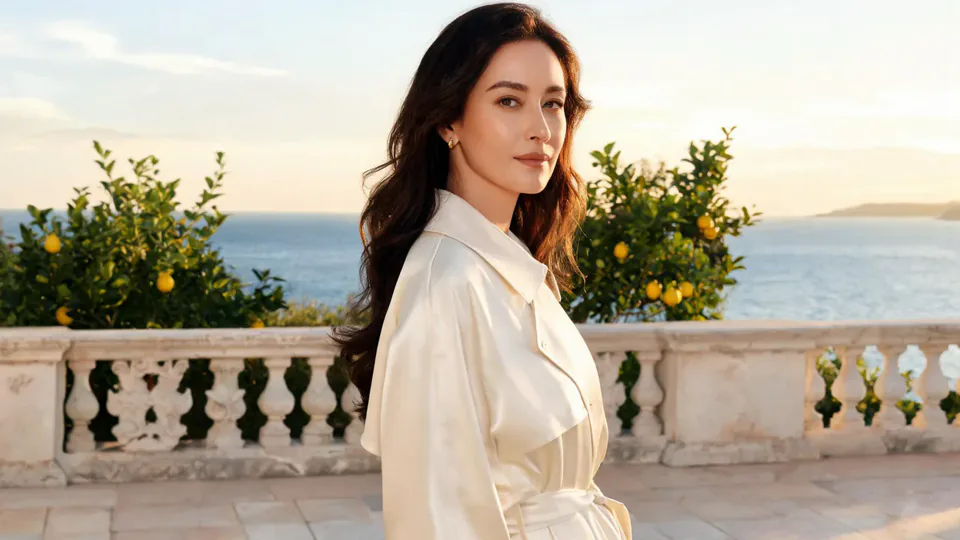
In the preview source, the woman in white already stands beside the wooden character. The result shows her turning, lifting her arms, and leaning beside the companion in the same warm room.
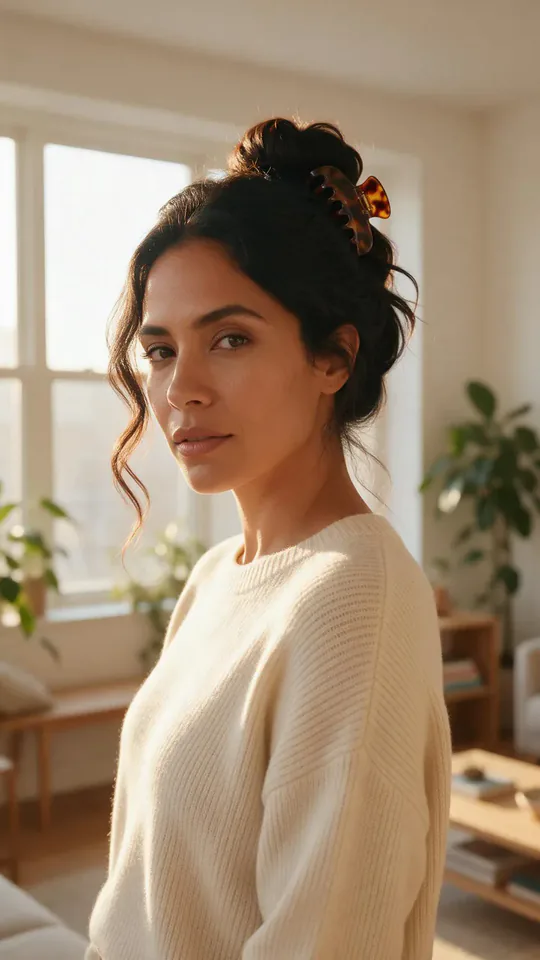
The second source is a close portrait of a woman in a cream sweater. The result expands her into a full-body dancer in dark pants beside the same kind of wooden companion, with matching arm poses.
How Vibe Copines does on each model
- PixVerse V6 Effects The single template model runs the complete 13.4-second sequence. The two examples below show this preset with different uploads; they are not a comparison between model options.
The prompt behind Vibe Copines
You never write a prompt for Vibe Copines. This is the exact text it sends with your photo:
A bright, upbeat moment with friends, playful moves and a cheerful mood.What the prompt asks for
- Light and mood
A bright, upbeat moment with friends, playful moves and a cheerful mood.
Tips for a better Vibe Copines result
- A full-length source gives you more control over the visible clothing reference.
- Leave space around the dancer when cropping the output so the wooden companion remains in view.
Vibe Copines cost and time
Vibe Copines costs 417 credits with PixVerse V6 Effects and is usually ready in about 1 min.
Vibe Copines: questions and answers
Do I need a second upload for the wooden dancer?
Only the human photo is uploaded here. The wooden companion belongs to the preset and appears in the second run without being in its source portrait.
Is this a solo dance with a small background prop?
The wooden figure is tall and stands directly beside the human dancer. It is a prominent companion, not a tiny ornament.
Will a close portrait keep my exact pants and shoes?
The cream-sweater source does not show a complete outfit. Its result supplies dark pants and shoes, so unseen clothing is generated.
Can I use my own living room as the dance set?
The second example moves into a furnished room with warm ceiling lighting. This preset does not offer a separate room upload or set selector.
Do the sampled frames prove a particular song is playing?
The sheets show poses and scenery only. This template is configured without generated audio, so choose any accompanying music separately.
Related effects and tools
- Dance Duo · You and a friend bust out the same dance routine, side by side.
- Groove · Sharp footwork, a body wave, a spin and a hard pose.
- Party Freestyle · You break into a high-energy freestyle while the house party cheers.
- Trim and arrange the finished clip in the Video Editor