


AI video effect · Crowd Focus
Crowd Focus Effect: Photo to Video
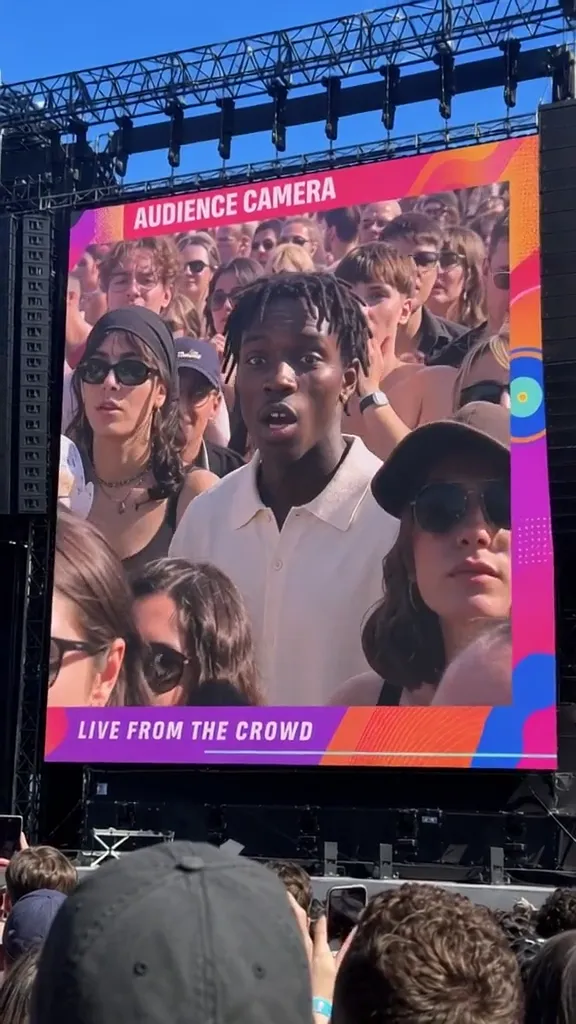
You appear on the stadium's big screen and react as the crowd watches.
1Add a photo
- One person or pet, clearly in view
- A little empty space around them leaves room for the gag
- Bright, sharp photos get the funniest results
More options
about 1 min
More to try
All effects Surfing SummerYour product rides a summer adventure: parachute drop, water slide, dive and surf.Try itNewRecreate
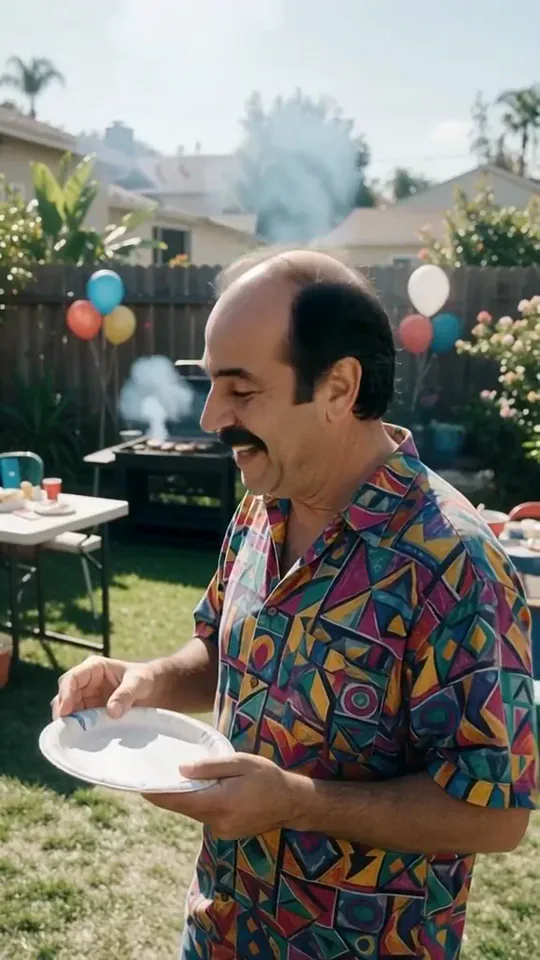 Courtyard Makeover PartyYour backyard lawn turns into a landscaped patio around you while you keep smiling.Try itNewRecreate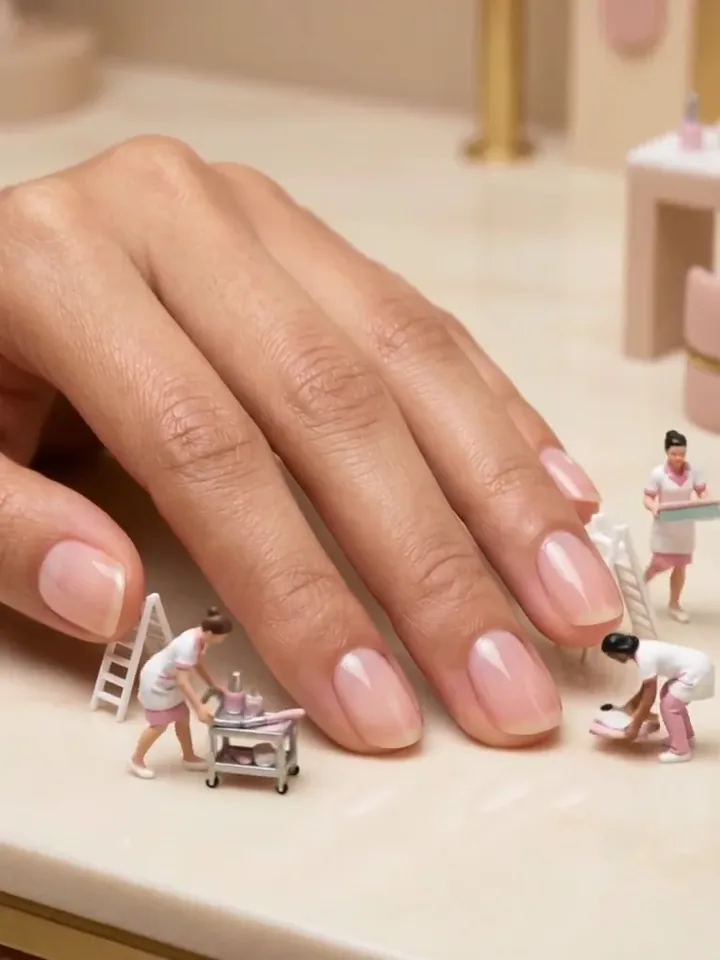
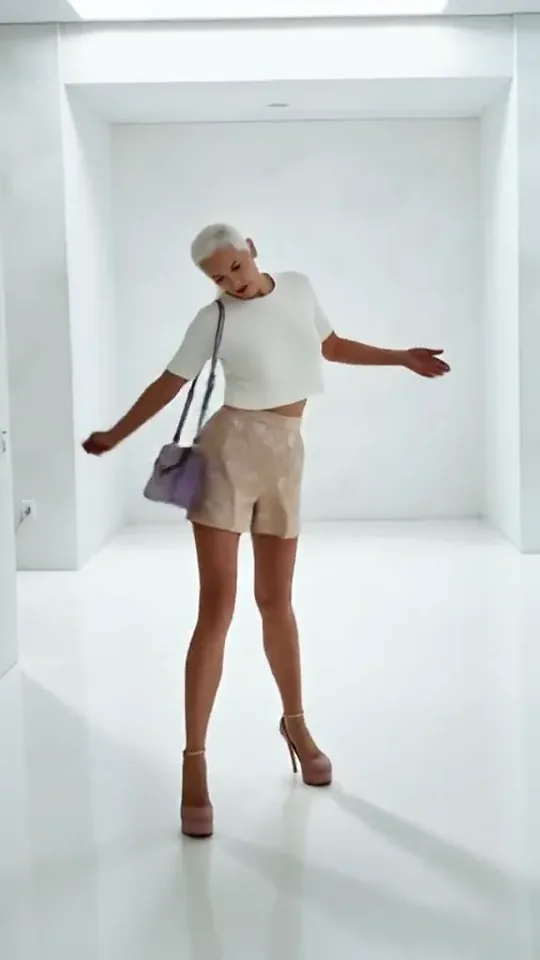 Step by StepYou stroll forward with a light, playful swagger through a bright white room.Try itNewRecreate
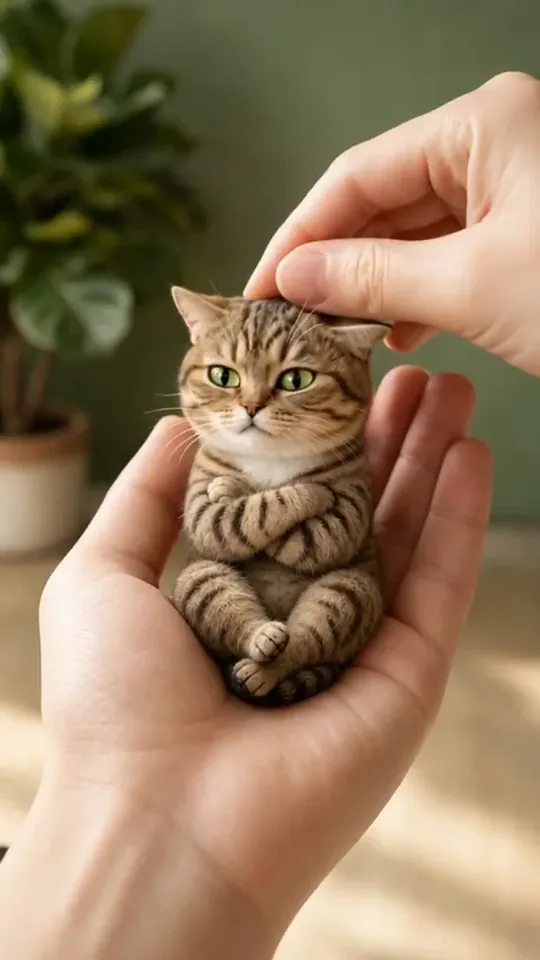 Poke My Little CutieYour pet shrinks to palm size for a gentle cheek poke and a very unimpressed look.Try itNewRecreate
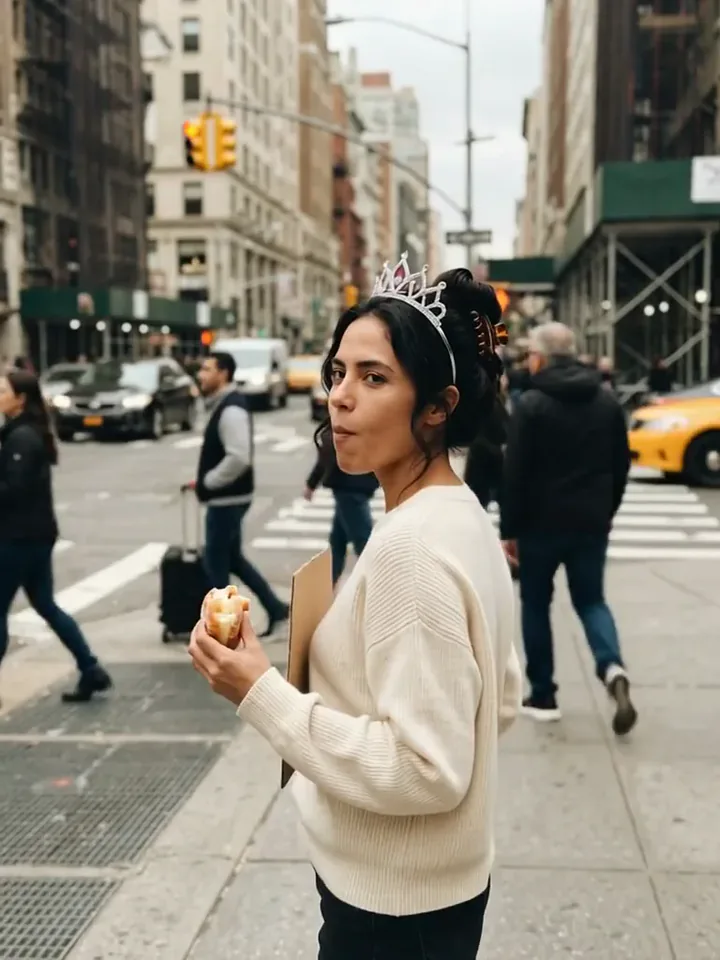 Today Is My BirthdayYou celebrate your birthday on a busy street with a tiara, a treat and a sign.Try itNewRecreate
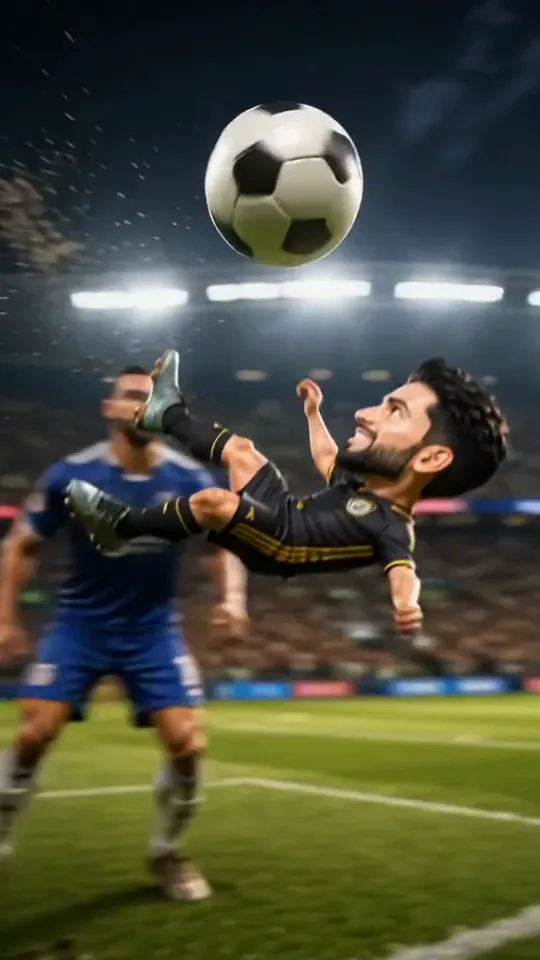 Mini Football HeroYou turn into a tiny big-headed footballer who weaves past giants to score a bicycle kick.Try itNewRecreate
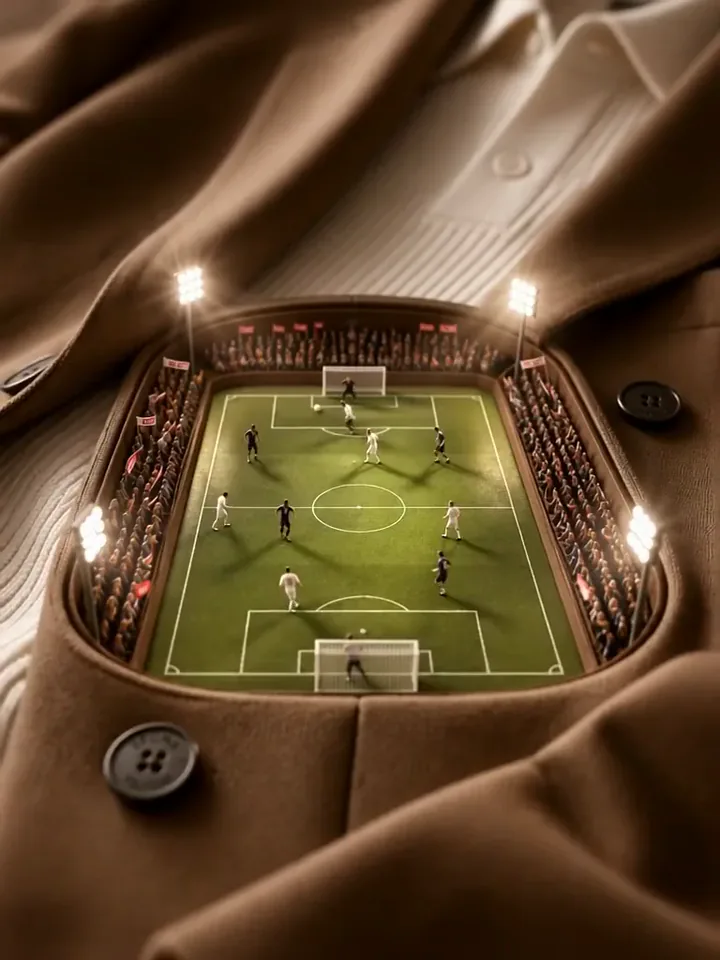 Mini Football PitchThe camera dives into your clothes and finds a tiny floodlit stadium with a live match.Try itNewRecreate
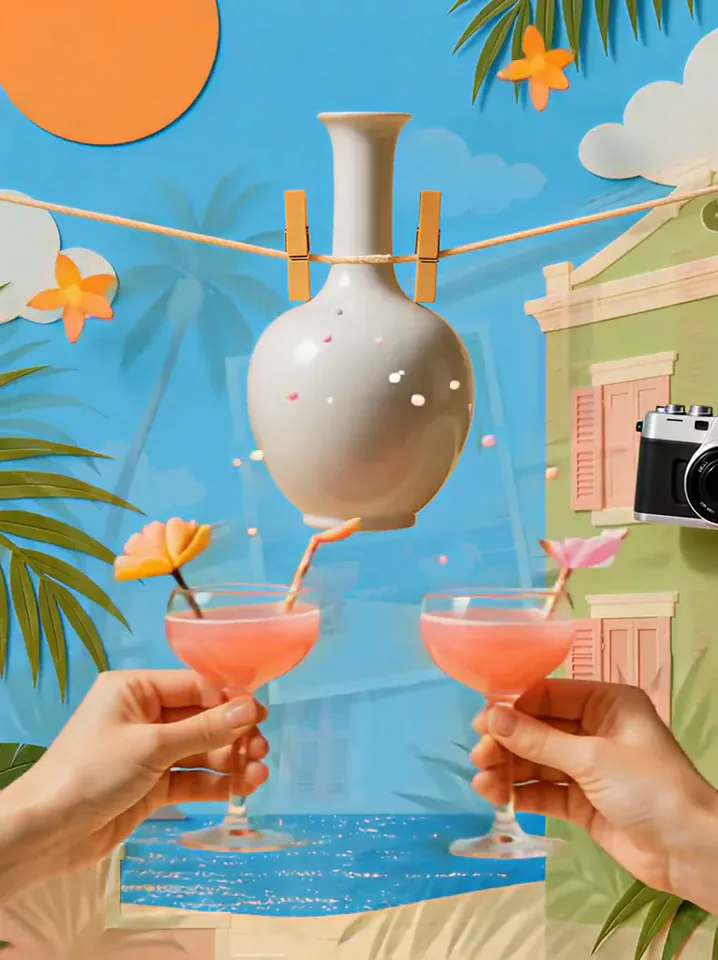 Summer PostcardYour product joins a paper-craft summer scene, clinks glasses, and becomes a postcard.Try itNewRecreate
 Product UniverseGolden swirls carry your product into a giant dream world built around its colors and shape.Try itNewRecreate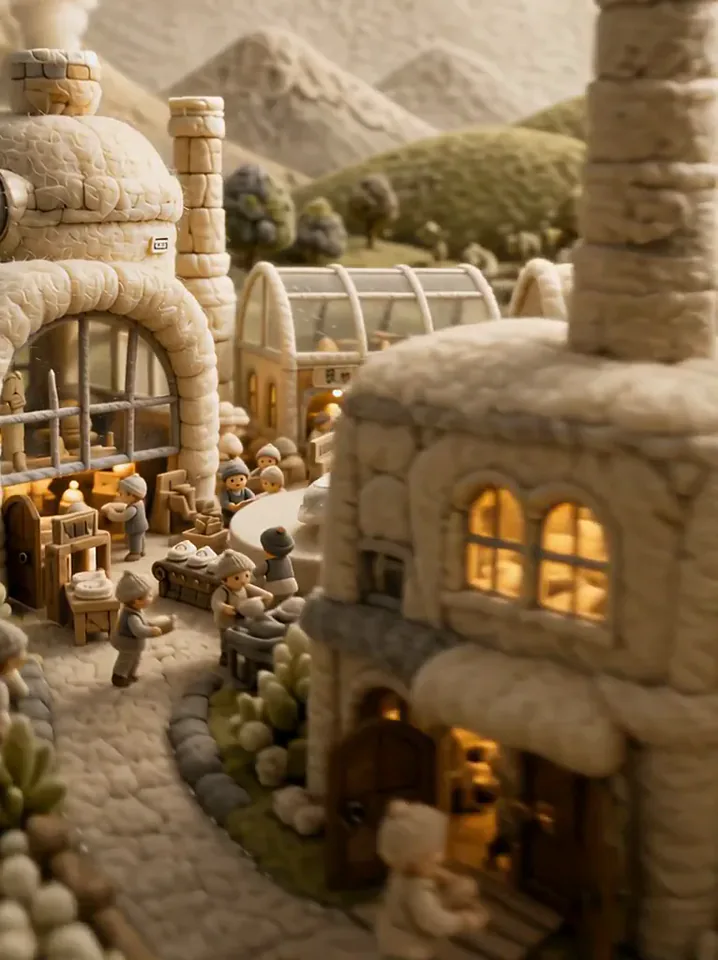

What the Crowd Focus effect does
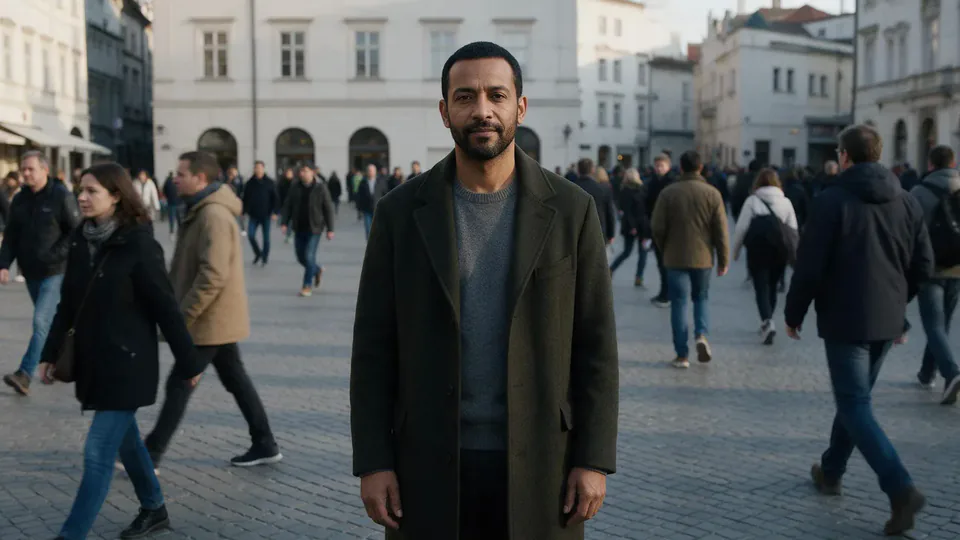
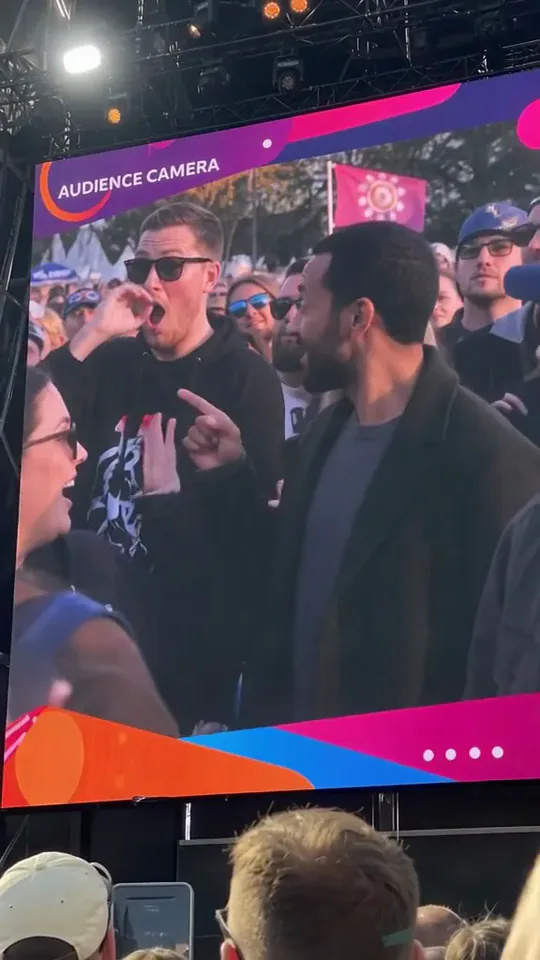
Become the person highlighted on a large screen above a crowd. The screen frames a close reaction shot among other spectators, while the foreground shows people watching below. Smiles and a hand-heart gesture turn the moment into a cheerful public shout-out.
This is a fixed preset: the template sets the motion, scene, and 6-second length. You only upload one photo; there is no choreography, scene, or duration to write or adjust.
How to use Crowd Focus
- Choose the source Use a single clear image with the main subject easy to distinguish. Read the photo suggestions below before uploading, and compare your framing with the two source examples.
- Run the preset Start Crowd Focus with your uploaded photo. Its movement and setting are already selected, so you do not need a written prompt or a separate motion reference.
- Review the result Watch the whole clip before saving it. Check the opening, the main action, and the ending together; the sampled examples illustrate possible results rather than a guarantee that every detail will repeat.
Which photos work best for Crowd Focus
Works well
- A single portrait with an expressive, unobstructed face.
- Even lighting that makes the eyes and mouth easy to read.
Avoid
- Wide group shots with many similarly sized faces.
- Heavy shadows or motion blur across the expression.
Crowd Focus examples
What we saw when we tested Crowd Focus
The preview begins with a man standing in a crowded square. His result appears on a large audience screen, turning toward nearby spectators, smiling, and forming a heart with his hands.
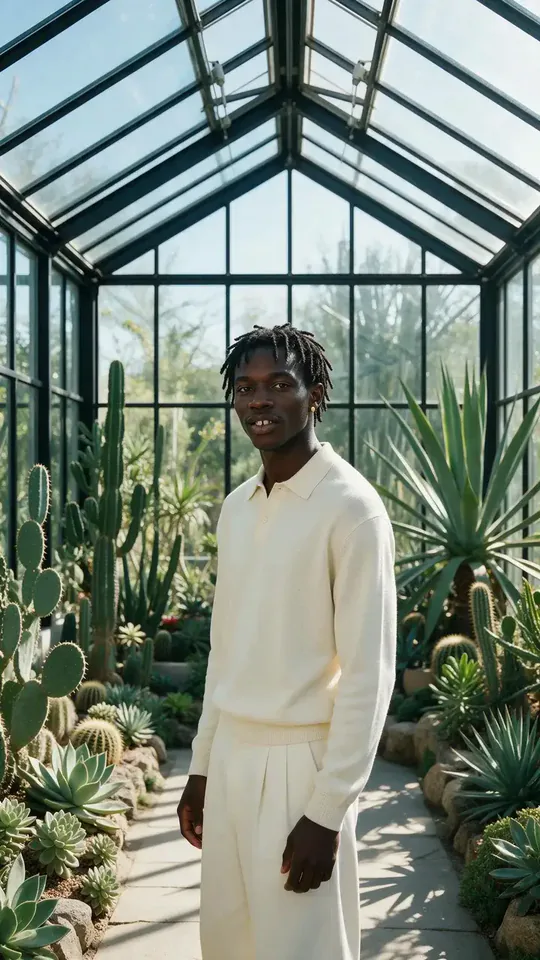
The greenhouse portrait becomes another audience-screen reaction. The man in cream is surrounded by spectators and ends with a hand-heart pose; raised hands from the watching crowd also enter the foreground.
How Crowd Focus does on each model
- PixVerse V6 Effects The single template model runs the complete 6-second sequence. The two examples below show this preset with different uploads; they are not a comparison between model options.
The prompt behind Crowd Focus
You never write a prompt for Crowd Focus. This is the exact text it sends with your photo:
The crowd moves around him while the camera locks onto him.What the prompt asks for
- What happens
The crowd moves around him while the camera locks onto him.
Tips for a better Crowd Focus result
- Choose a face that remains clear when presented as a screen within the video.
- Keep the lower foreground in the final crop if you want the watching-crowd context.
Crowd Focus cost and time
Crowd Focus costs 187 credits with PixVerse V6 Effects and is usually ready in about 1 min.
Crowd Focus: questions and answers
Am I standing on a stage in this effect?
The central action is displayed on an audience camera screen. The examples place the featured person among spectators rather than alone on a performance stage.
Can an indoor portrait become an audience shot?
The greenhouse source does become an outdoor crowd scene on the large display. The source location does not have to match the event setting.
Are the surrounding spectators taken from my photo?
The greenhouse source has no surrounding crowd. The other people in that result are generated as part of the audience scene.
Can I request a wave instead of the heart gesture?
The reaction sequence is fixed by this template, although its exact expressions vary. There is no gesture selection on this page.
Should I crop away the giant screen border?
Keeping some border and foreground heads helps explain the audience-camera reveal. A tight crop can make it look like an ordinary crowd portrait.
Related effects and tools
- Still in the Rush · Everyone blurs past in fast-forward. You don’t move.
- Red Carpet · Camera flashes and confetti as you own the carpet.
- Hand Heart · Your hands make a heart that starts to glow.
- Trim and arrange the finished clip in the Video Editor