


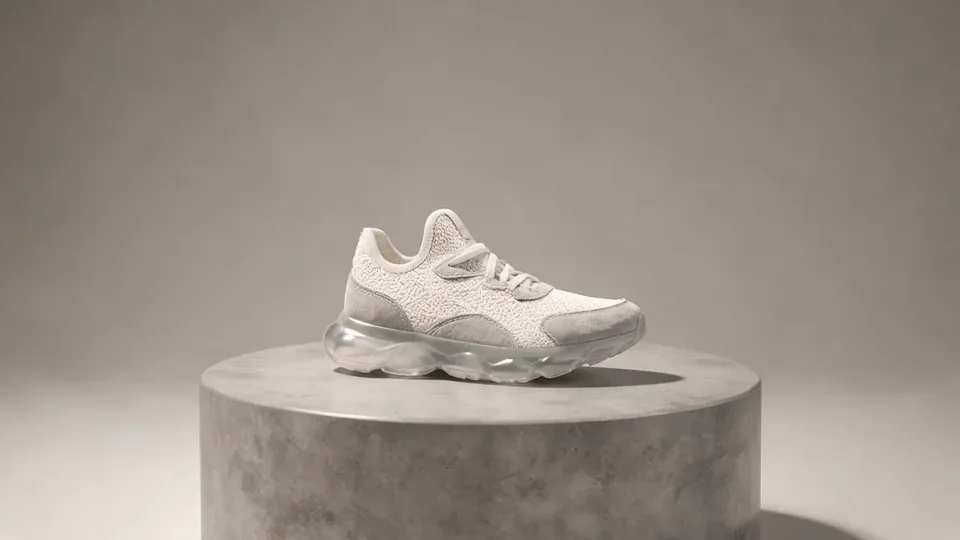
AI video effect · Fluffy Factory
Fluffy Factory Effect: Photo to Video
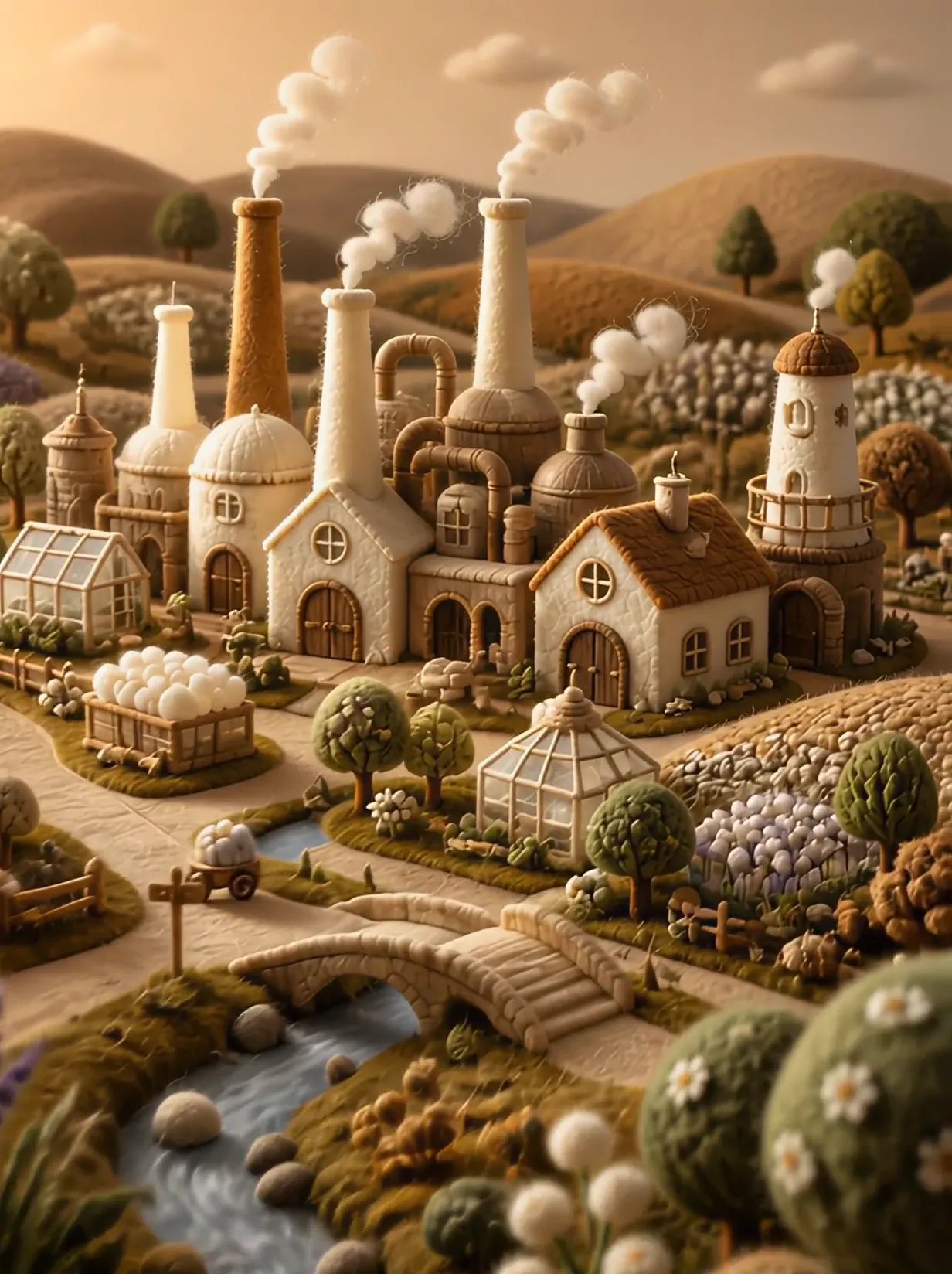
The camera flies over a felt village into a factory where your product gets made.
1Add a photo
- One product on a plain surface
- Center it with space all around
- Soft, even light keeps the edges crisp
More options
about 1 min
More to try
All effects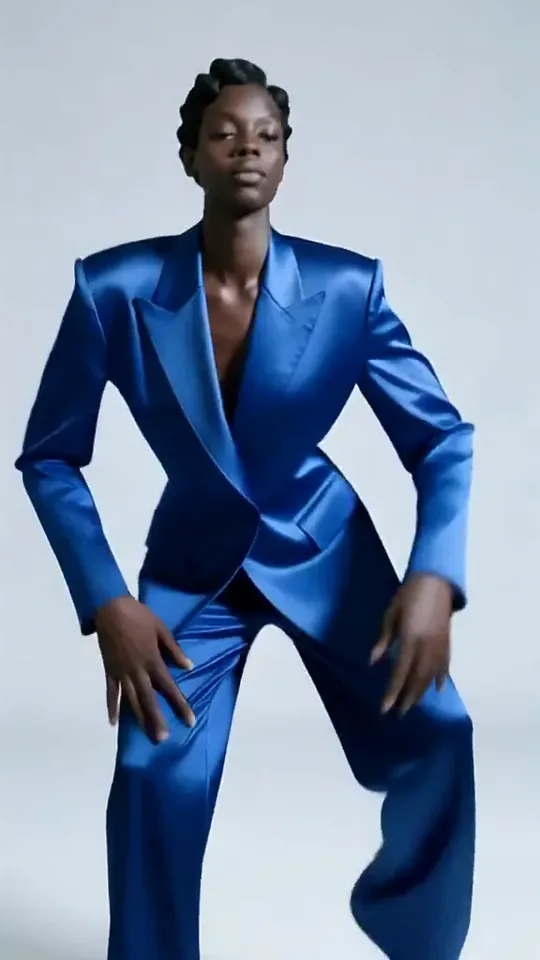 Apex DanceYou dance on the spot with sharp, angular moves, hip turns and a confident head roll.Try itNewRecreate
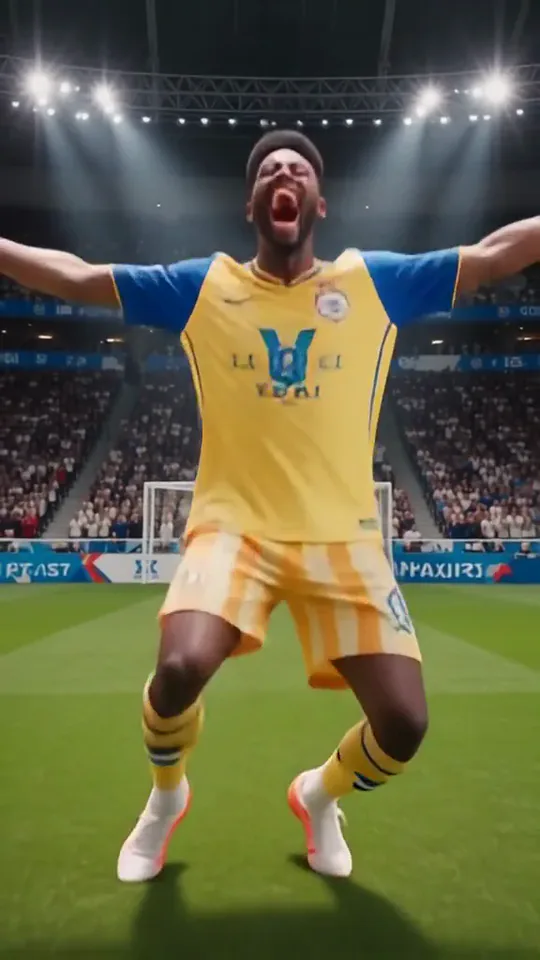 Knee SlideYou run onto the pitch in full kit and drop into a knee-slide goal celebration.Try itNewRecreate
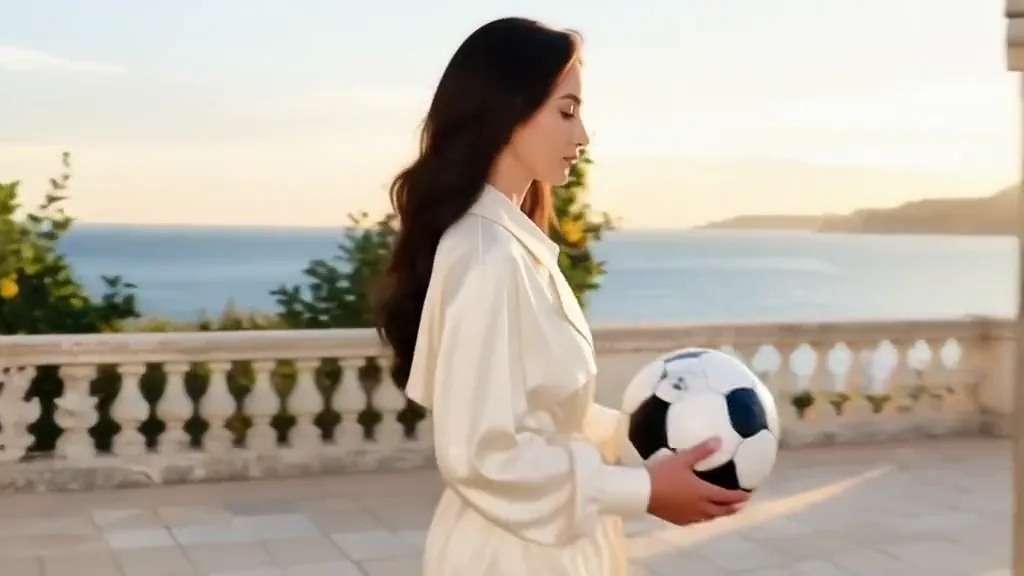 Tunnel to CaptainYour subject walks with a soccer ball into a captain-style stadium portrait.Try itNewRecreate
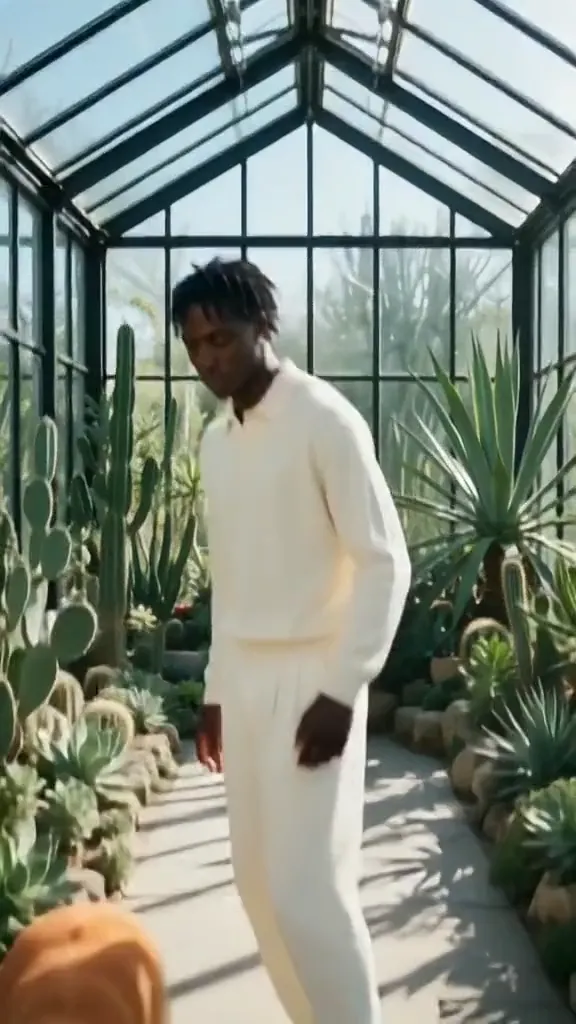 Golden Field BreakerYour portrait leads into a golden dog running with a soccer ball ahead of the players.Try itNewRecreate
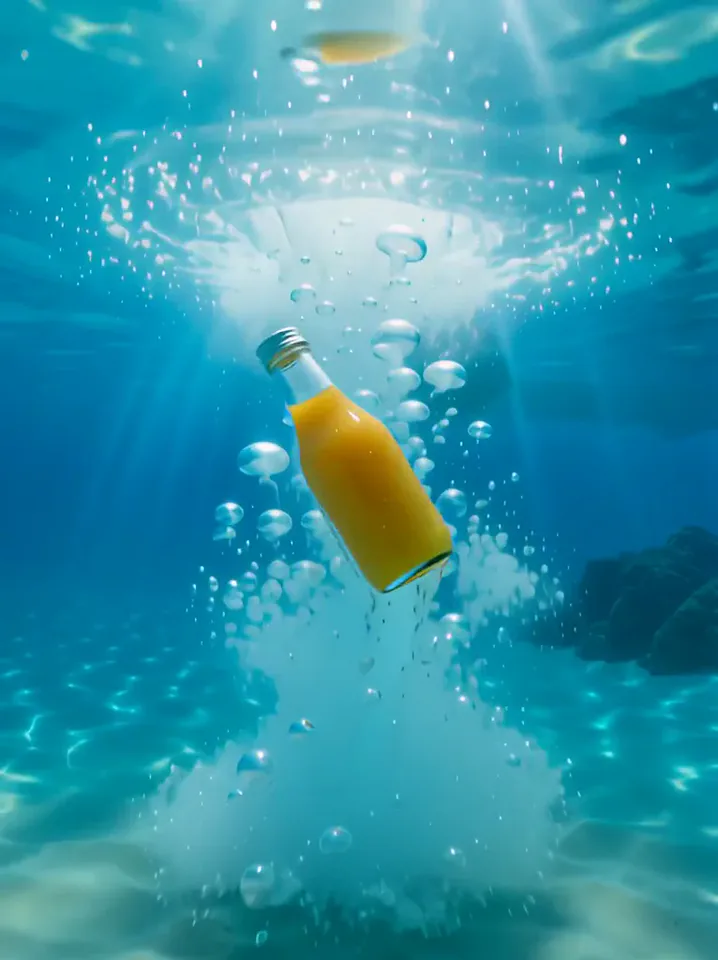 Surfing SummerYour product rides a summer adventure: parachute drop, water slide, dive and surf.Try itNewRecreate
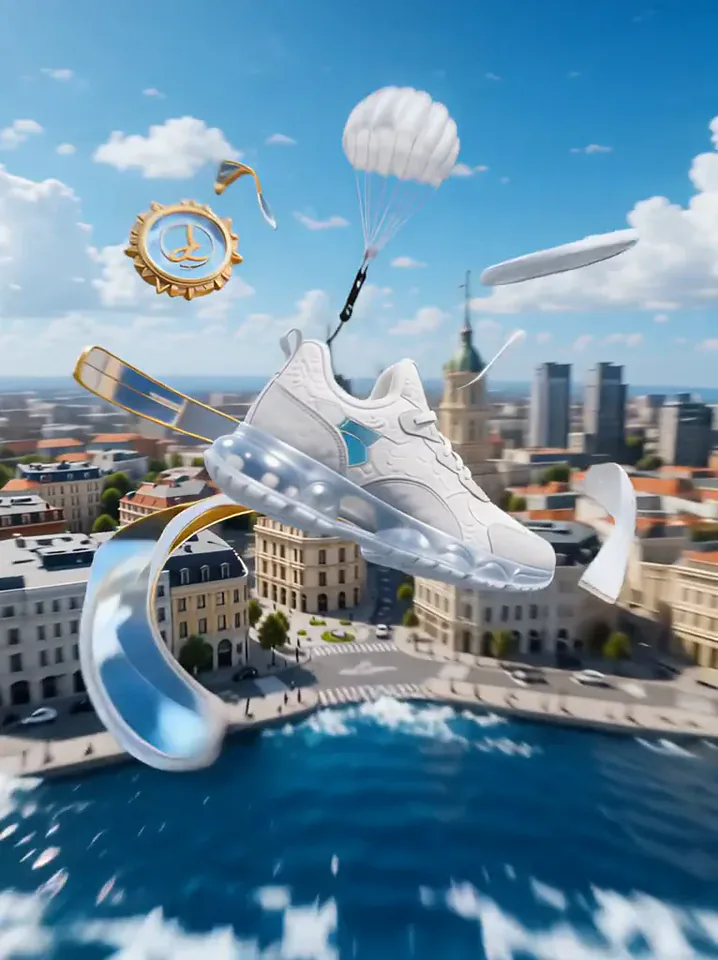 Product LandmarkYour product bursts from the sea, parachutes into a city and becomes a grand landmark.Try itNewRecreate
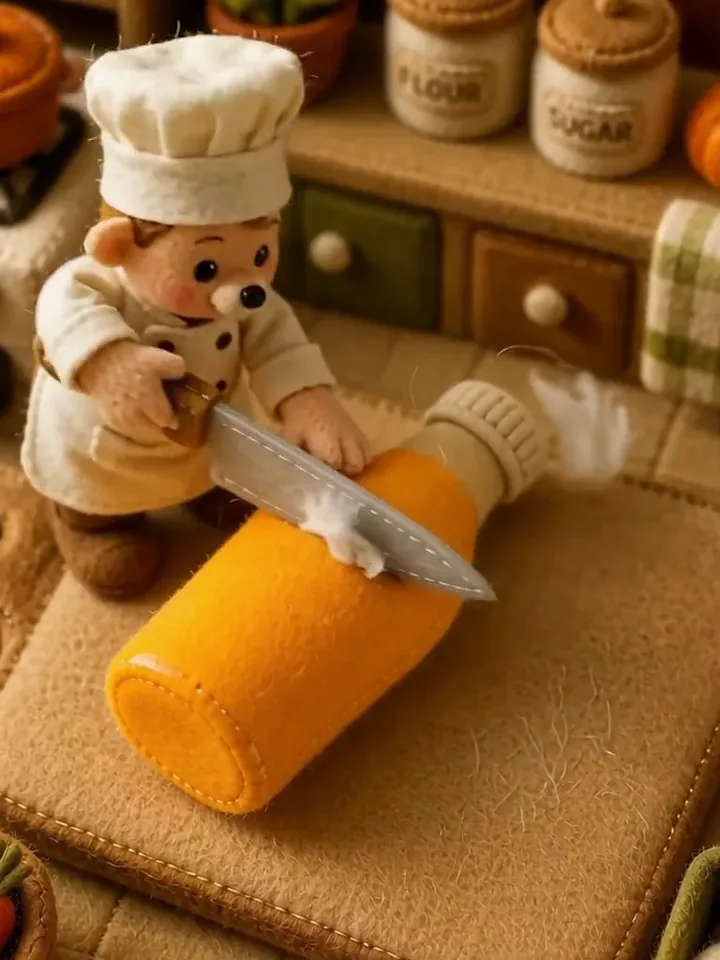 Fluffy ChefYour product turns to soft felt, and a little felt chef slices it open to reveal cotton.Try itNewRecreate
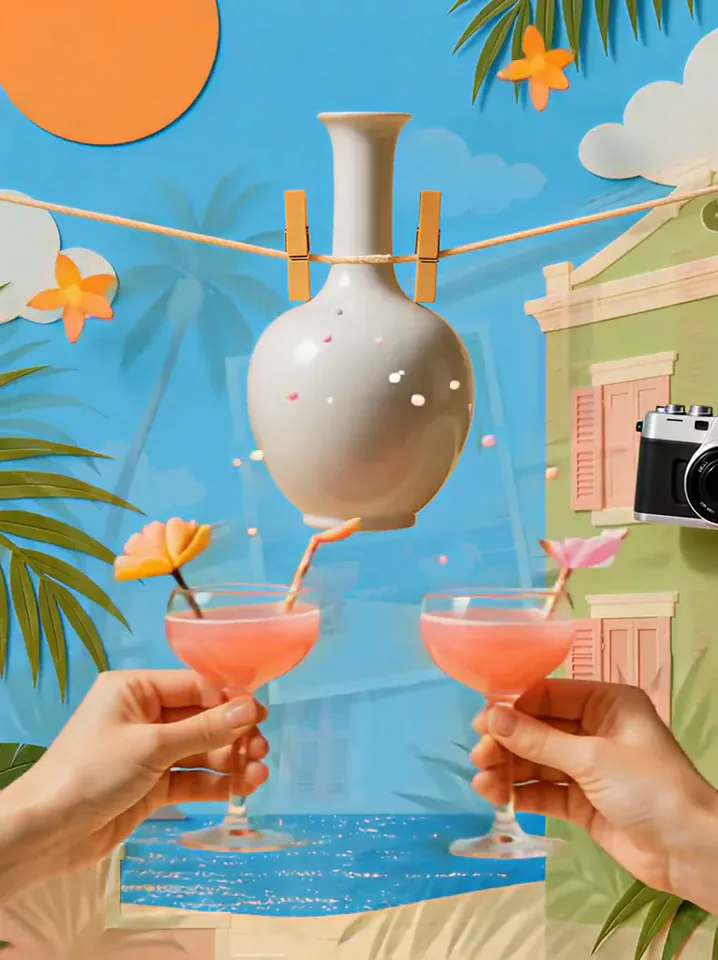 Summer PostcardYour product joins a paper-craft summer scene, clinks glasses, and becomes a postcard.Try itNewRecreate
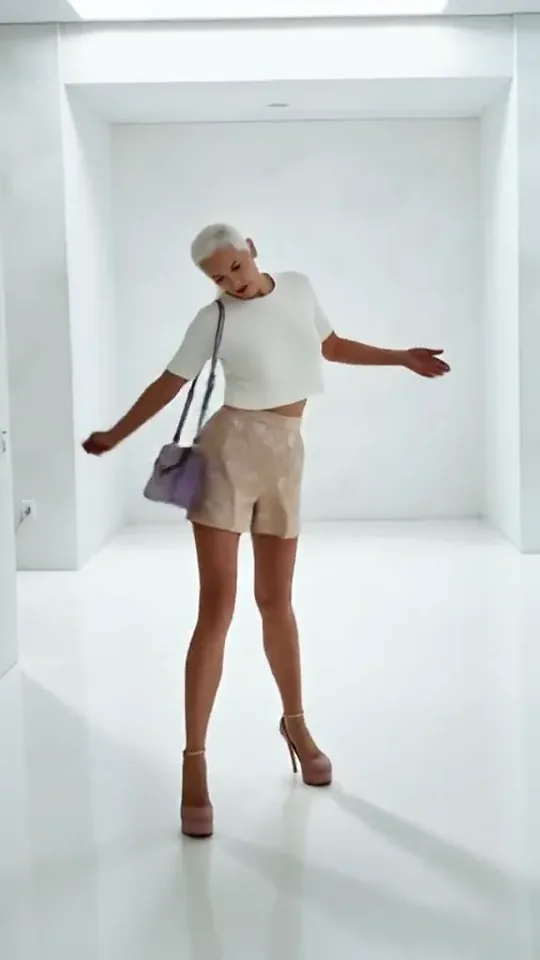 Step by StepYou stroll forward with a light, playful swagger through a bright white room.Try itNewRecreate
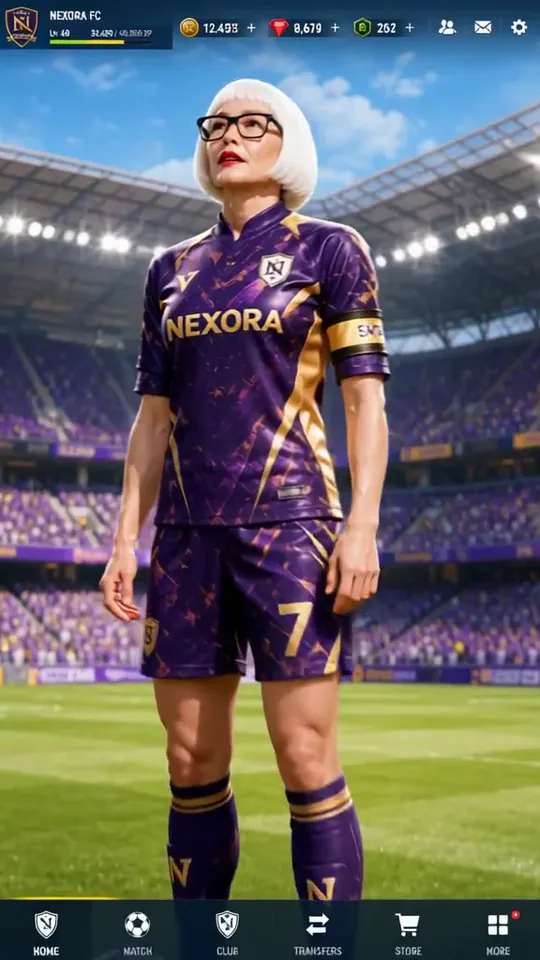 Superstar LobbyYou become the star player on a game's home screen, then step out into the stadium.Try itNewRecreate

What the Fluffy Factory effect does
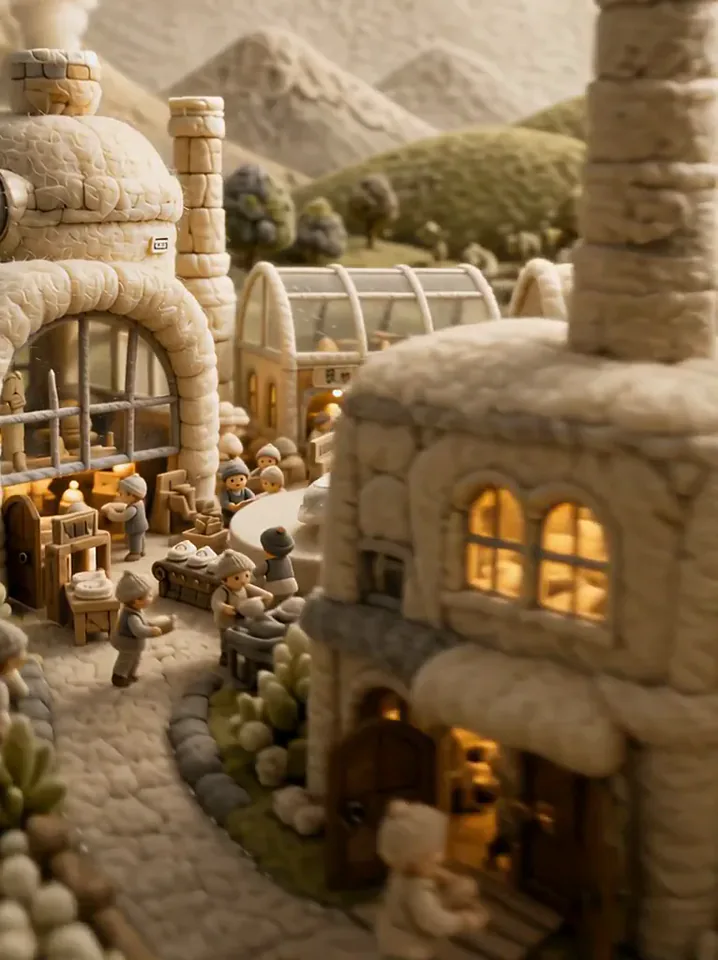
A handmade-looking village leads into a busy little factory built around your product. Rounded buildings, soft hills, tiny workers, and production platforms make the object part of an entire miniature world. The wider journey distinguishes this scene from a single tabletop craft demonstration.
This is a fixed preset: the template sets the motion, scene, and 10-second length. You only upload one photo; there is no choreography, scene, or duration to write or adjust.
How to use Fluffy Factory
- Choose the source Use a single clear image with the main subject easy to distinguish. Read the photo suggestions below before uploading, and compare your framing with the two source examples.
- Run the preset Start Fluffy Factory with your uploaded photo. Its movement and setting are already selected, so you do not need a written prompt or a separate motion reference.
- Review the result Watch the whole clip before saving it. Check the opening, the main action, and the ending together; the sampled examples illustrate possible results rather than a guarantee that every detail will repeat.
Which photos work best for Fluffy Factory
Works well
- An isolated product with a recognizable full shape.
- A simple color palette that can carry into a miniature village.
Avoid
- Many products packed together with no clear hero object.
- Labels that need to remain exact throughout small moving views.
Fluffy Factory examples

What we saw when we tested Fluffy Factory
The white sneaker source leads to pale, soft-textured hills and rounded factory buildings. Later frames move closer to tiny workers surrounding a shoe on a circular production platform.
The vase source becomes a warmer brown village with vessel-shaped structures. Inside the workshop, tiny workers surround a white vase, with small bowls and work stations filling the foreground.
How Fluffy Factory does on each model
- PixVerse V6 Effects The single template model runs the complete 10-second sequence. The two examples below show this preset with different uploads; they are not a comparison between model options.
The prompt behind Fluffy Factory
You never write a prompt for Fluffy Factory. This is the exact text it sends with your photo:
A soft, fluffy factory line built around the product.What the prompt asks for
- What happens
A soft, fluffy factory line built around the product.
Tips for a better Fluffy Factory result
- Choose a shape recognizable without reading a label.
- Keep some of the village approach when trimming so the workshop has a sense of place.
Fluffy Factory cost and time
Fluffy Factory costs 311 credits with PixVerse V6 Effects and is usually ready in about 1 min.
Fluffy Factory: questions and answers
Is this a real view of how my product is made?
The soft buildings and tiny workers form an invented craft world. The scene should be presented as a playful concept rather than manufacturing documentation.
Does the product appear immediately at full size?
The reviewed sequences begin with wider village views before focusing on workshop activity. The approach is part of the miniature-world reveal.
Can I use a vase instead of a shoe in the factory?
The second run does exactly that, with vessel-like structures and a vase at the production center. Other object types have not been established by these two samples.
Will factory signs use my exact business wording?
Signs are generated within the environment. Check any visible writing instead of expecting accurate labels from the source photo.
How is this different from the little chef scene?
The factory includes a whole village and several work areas. The chef scene concentrates on slicing a soft product open on a kitchen board.
Related effects and tools
- Knit World · Everything turns into soft knitted yarn and you become a cozy knit plush.
- Miniature World · Your wide shot turns into a busy toy-model town.
- Felt Doll · A fuzzy needle-felted wool doll of you, embroidered smile included.
- Trim and arrange the finished clip in the Video Editor