


AI video effect · Knee Slide
Knee Slide Effect: Photo to Video
You run onto the pitch in full kit and drop into a knee-slide goal celebration.
1Add a photo
- One person or pet, clearly in view
- A little empty space around them leaves room for the gag
- Bright, sharp photos get the funniest results
More options
about 1 min
More to try
All effects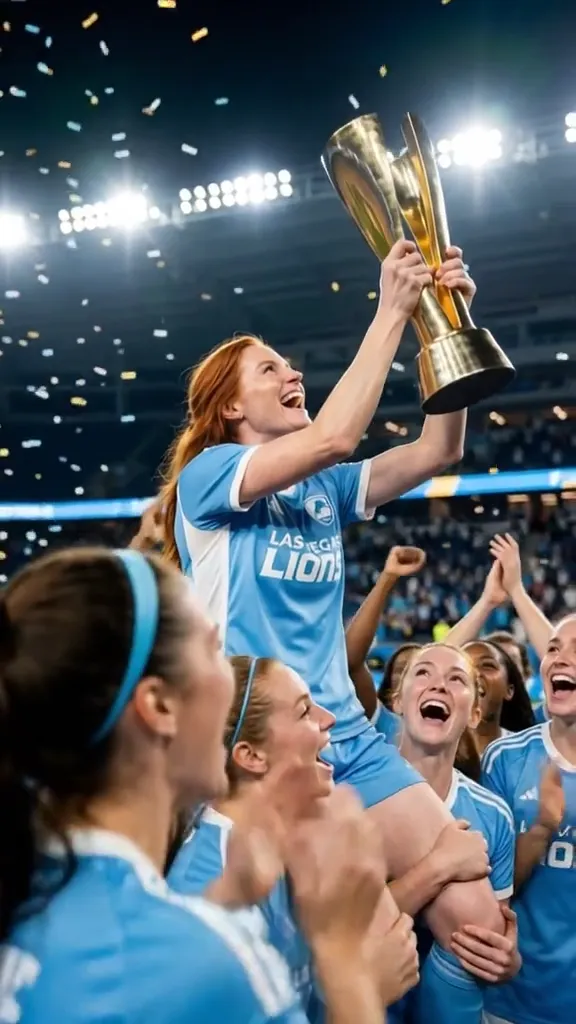 2 photosTop of the WorldTwo portraits join a team trophy celebration with raised cups and falling gold confetti.Try itNewRecreate
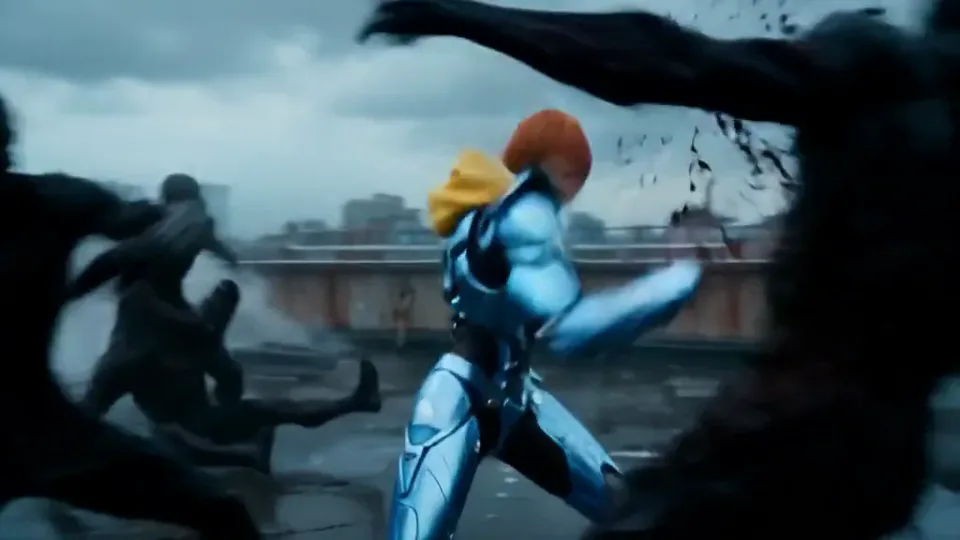 Cyber Armor: Reborn in the RainIn a storm, lightning gathers in your hands and sleek silver-blue armor builds around you.Try itNewRecreate
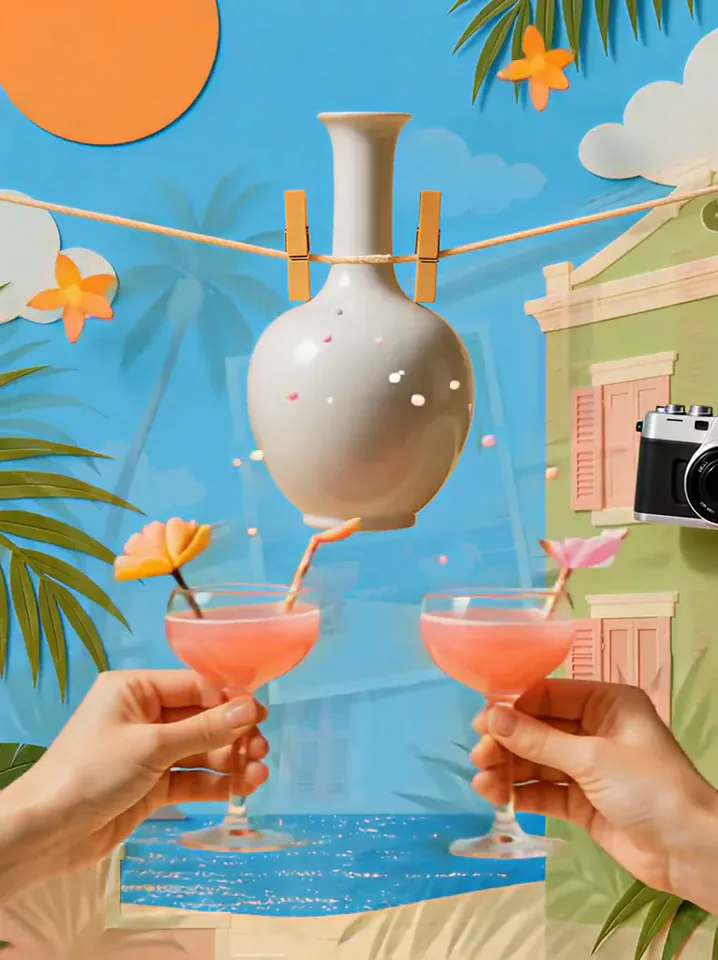 Summer PostcardYour product joins a paper-craft summer scene, clinks glasses, and becomes a postcard.Try itNewRecreate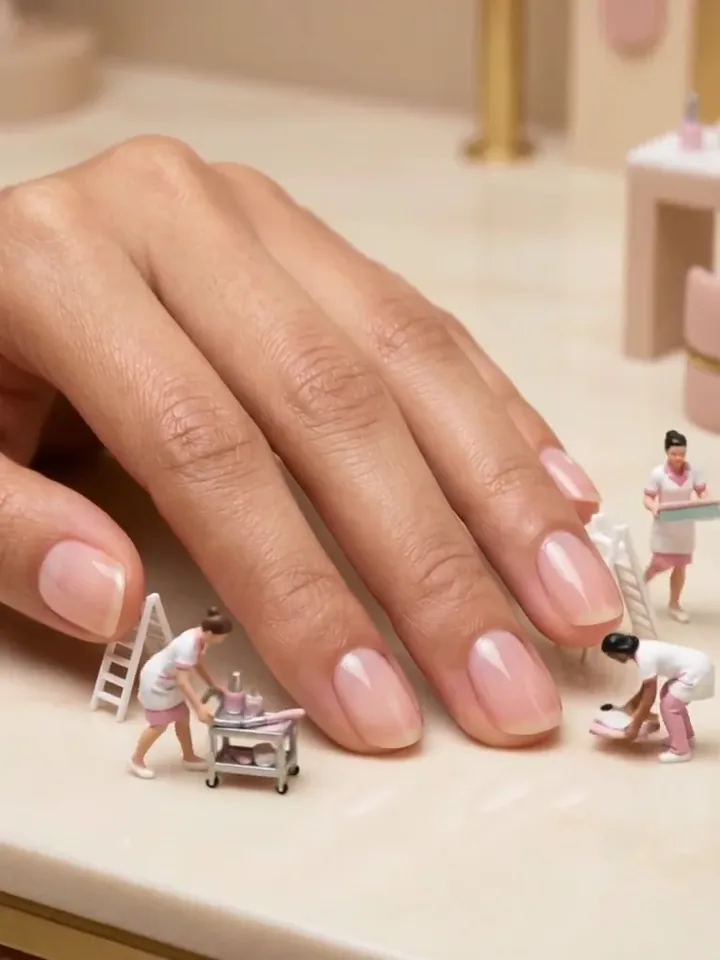
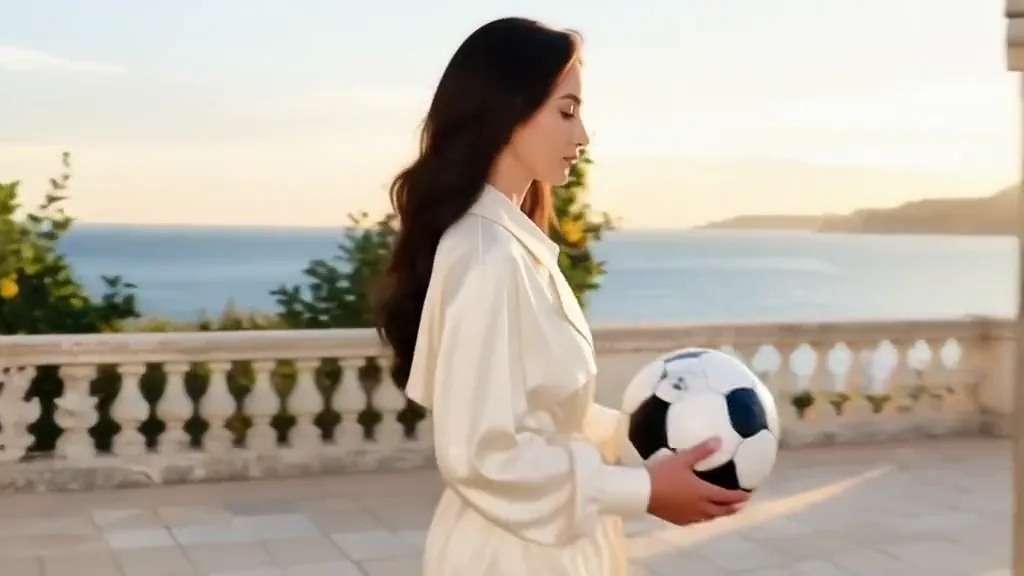 Tunnel to CaptainYour subject walks with a soccer ball into a captain-style stadium portrait.Try itNewRecreate
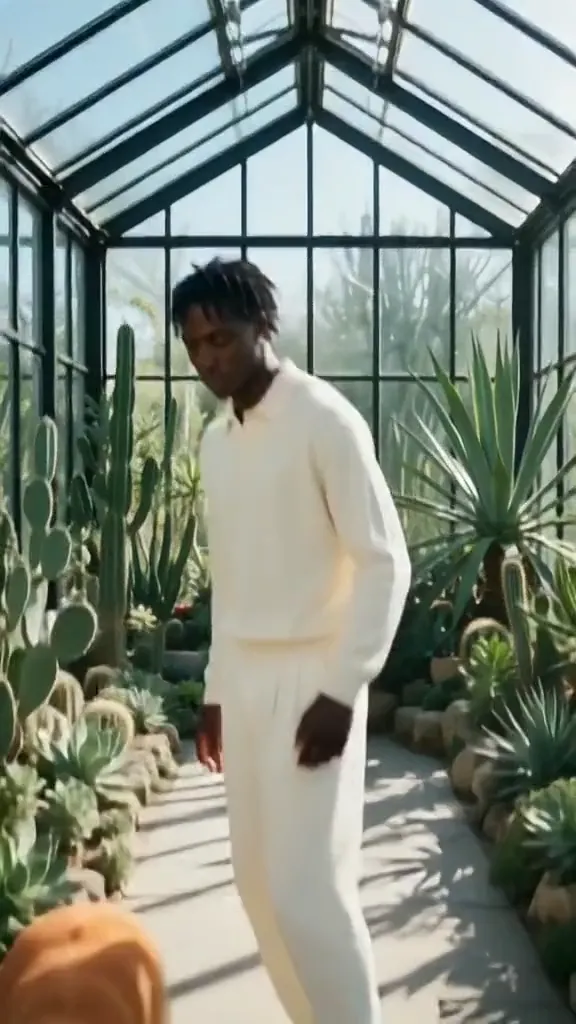 Golden Field BreakerYour portrait leads into a golden dog running with a soccer ball ahead of the players.Try itNewRecreate
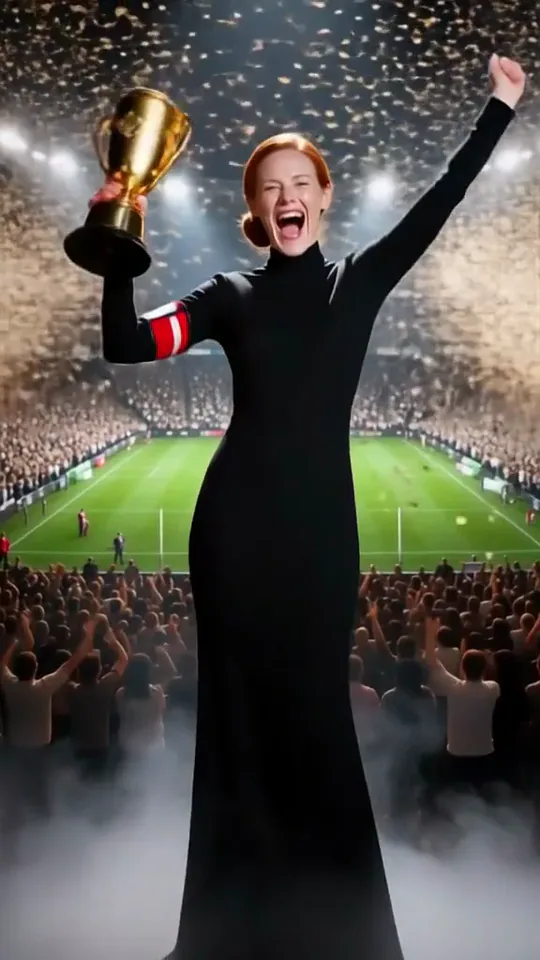 Trophy CelebrationYou lift a golden trophy in a stadium as fireworks burst and confetti rains down.Try itNewRecreate
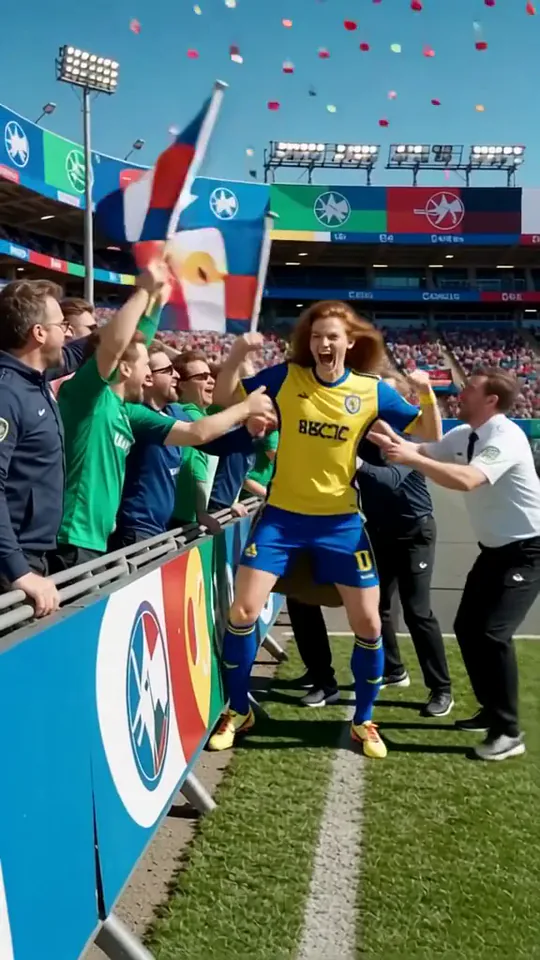 Jump into the Crowd 2You sprint into a stadium celebration and leap straight into the cheering crowd.Try itNewRecreate
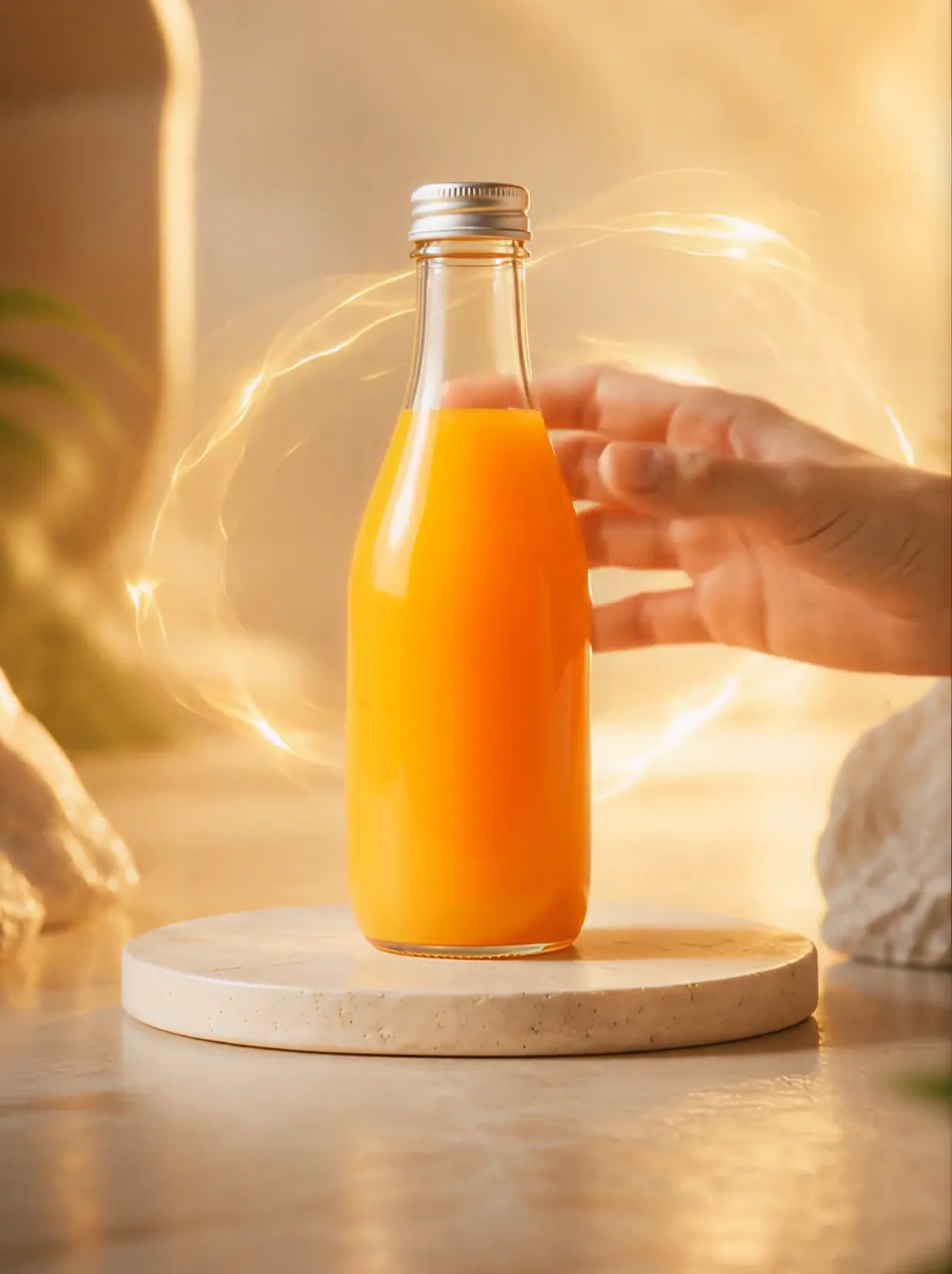 Product UniverseGolden swirls carry your product into a giant dream world built around its colors and shape.Try itNewRecreate
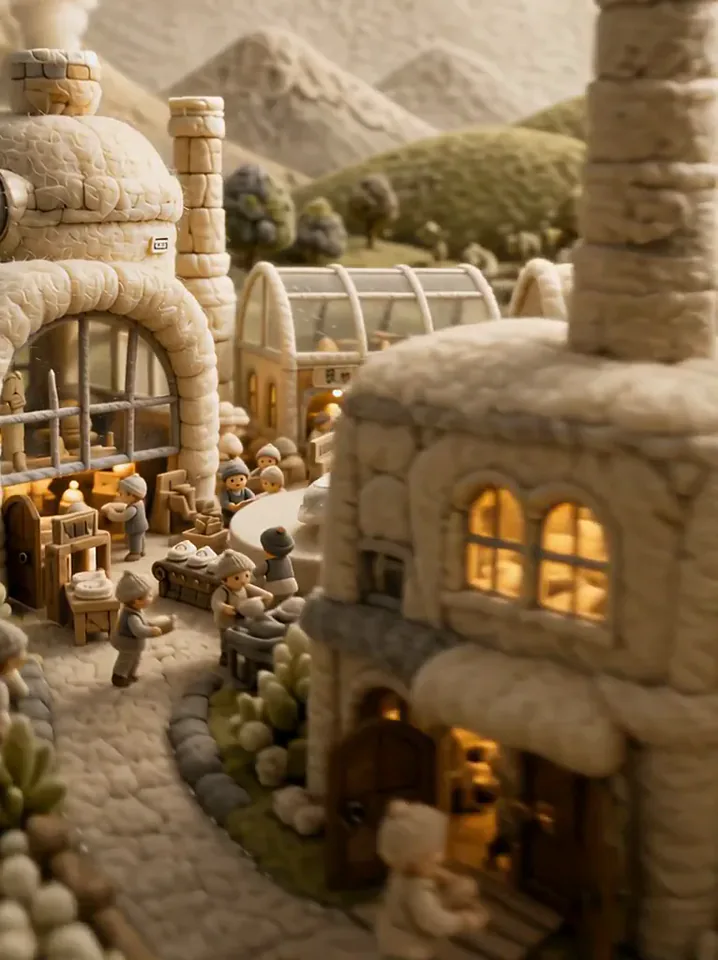 Fluffy FactoryThe camera flies over a felt village into a factory where your product gets made.Try itNewRecreate
What the Knee Slide effect does
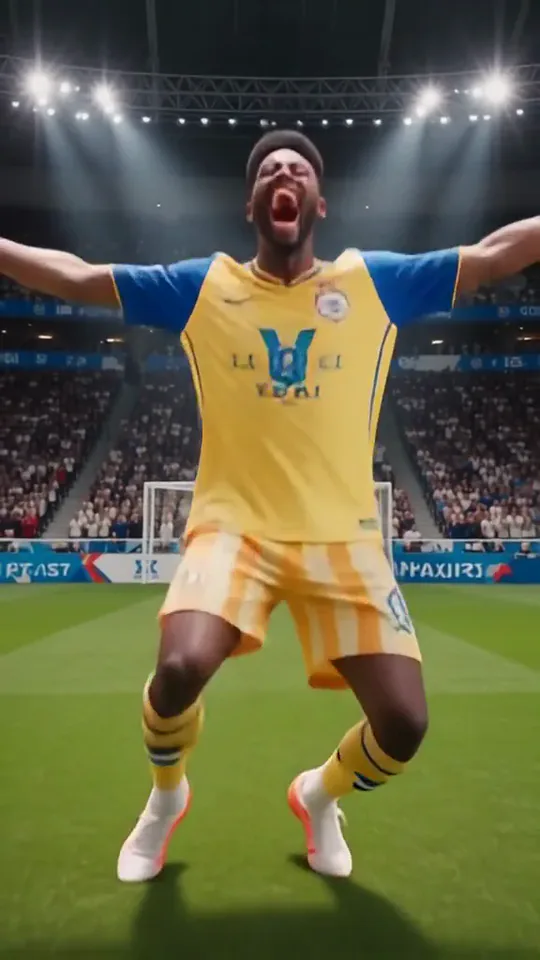
A short sports celebration turns the source person into a uniformed player on stadium grass. The body drops low into a kneeling finish, with arms spread and a broad expression. The quick change from everyday clothing to match kit is part of the reveal.
This is a fixed preset: the template sets the motion, scene, and 5-second length. You only upload one photo; there is no choreography, scene, or duration to write or adjust.
How to use Knee Slide
- Choose the source Use a single clear image with the main subject easy to distinguish. Read the photo suggestions below before uploading, and compare your framing with the two source examples.
- Run the preset Start Knee Slide with your uploaded photo. Its movement and setting are already selected, so you do not need a written prompt or a separate motion reference.
- Review the result Watch the whole clip before saving it. Check the opening, the main action, and the ending together; the sampled examples illustrate possible results rather than a guarantee that every detail will repeat.
Which photos work best for Knee Slide
Works well
- One standing subject with a clear face and body outline.
- A full-length image with visible legs and feet.
Avoid
- A seated figure whose lower body is mostly hidden.
- Expecting the original coat or suit to remain the final outfit.
Knee Slide examples
What we saw when we tested Knee Slide
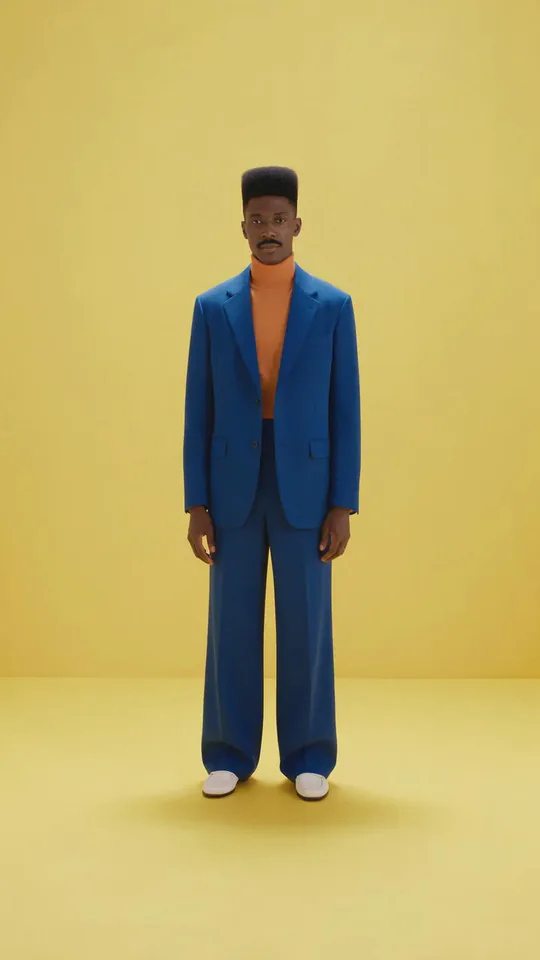
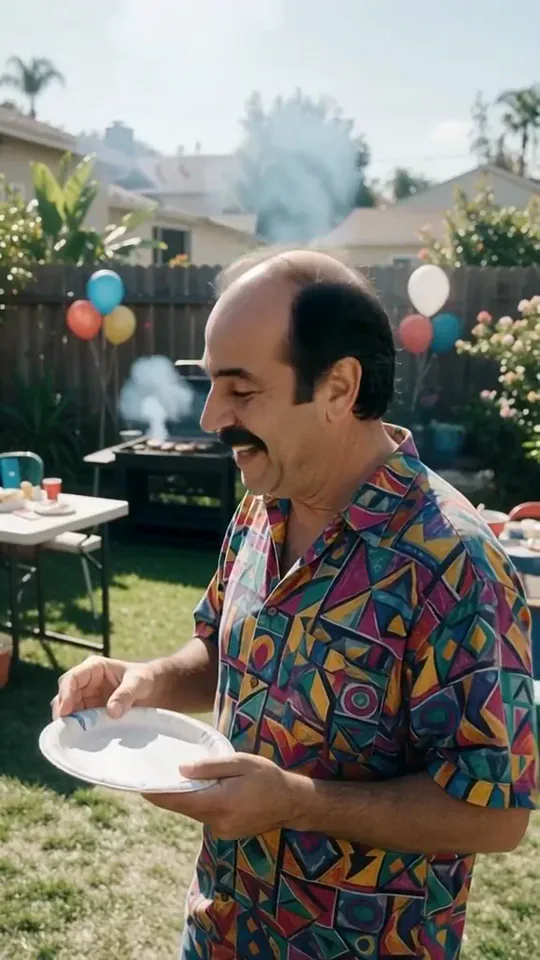
The blue-suited man appears in a stadium before changing into a yellow-and-blue kit. Later sampled views show him low on the grass with arms spread and a wide smile.
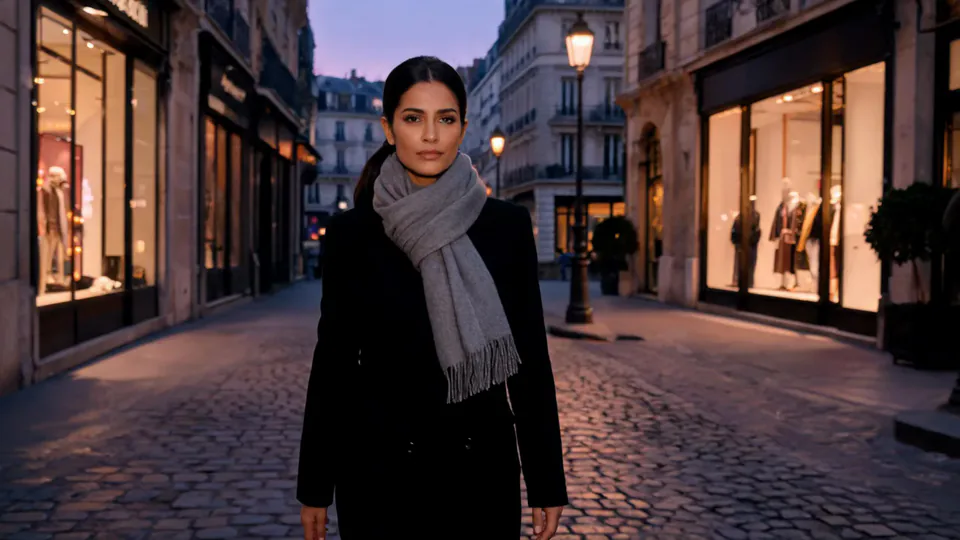
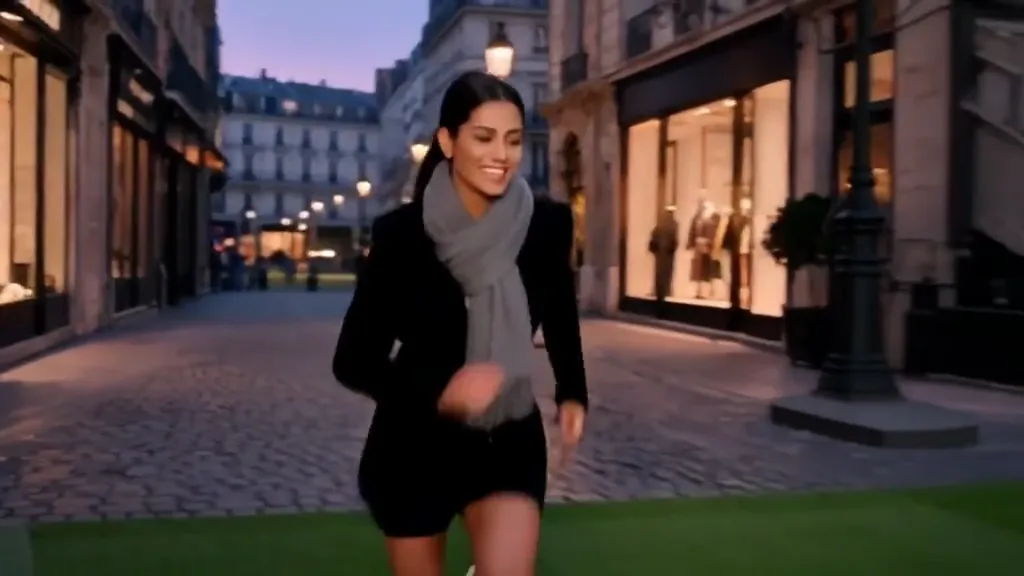
The woman in a black coat and scarf starts on her street, bends forward during the transition, and appears in a white shirt and dark shorts. She finishes on her knees with both arms stretched high and wide.
How Knee Slide does on each model
- PixVerse V6 Effects The single template model runs the complete 5-second sequence. The two examples below show this preset with different uploads; they are not a comparison between model options.
The prompt behind Knee Slide
You never write a prompt for Knee Slide. This is the exact text it sends with your photo:
Knee slide goal celebration.What the prompt asks for
- What happens
Knee slide goal celebration.
Tips for a better Knee Slide result
- Keep enough room around the lower body for the kneeling finish.
- Check the knees, hands, and face together rather than selecting only the brightest stadium frame.
Knee Slide cost and time
Knee Slide costs 156 credits with PixVerse V6 Effects and is usually ready in about 1 min.
Knee Slide: questions and answers
Does the source have to show a soccer field?
The sources use a plain yellow background and a shopping street. The grass, stands, and match lighting are generated.
Will the slide happen in my everyday clothing?
Both examples change into sports kits before the final pose. The original outfit serves as the opening reference.
Can I choose a particular team shirt for the knee slide?
The reviewed kits differ, but this preset has no team-shirt upload or kit selector. Treat the uniform as generated styling.
Is the exact length of the slide visible in the sheets?
The sampled views show the transition and kneeling finish. They cannot measure the full travel distance across the grass.
What makes a good ending crop for the celebration?
Include the open arms and enough grass to show the kneeling position. A tight face crop loses the gesture that defines the effect.
Related effects and tools
- Hero Shot · Low angle, open sky, warm flare. Main-character energy.
- Slow-Mo Entrance · A hero walk-in in slow motion with dust and sparks hanging in the air.
- Confetti · A glittering confetti shower for your big moment.
- Trim and arrange the finished clip in the Video Editor