


AI video effect · Product Universe
Product Universe Effect: Photo to Video
Golden swirls carry your product into a giant dream world built around its colors and shape.
1Add a photo
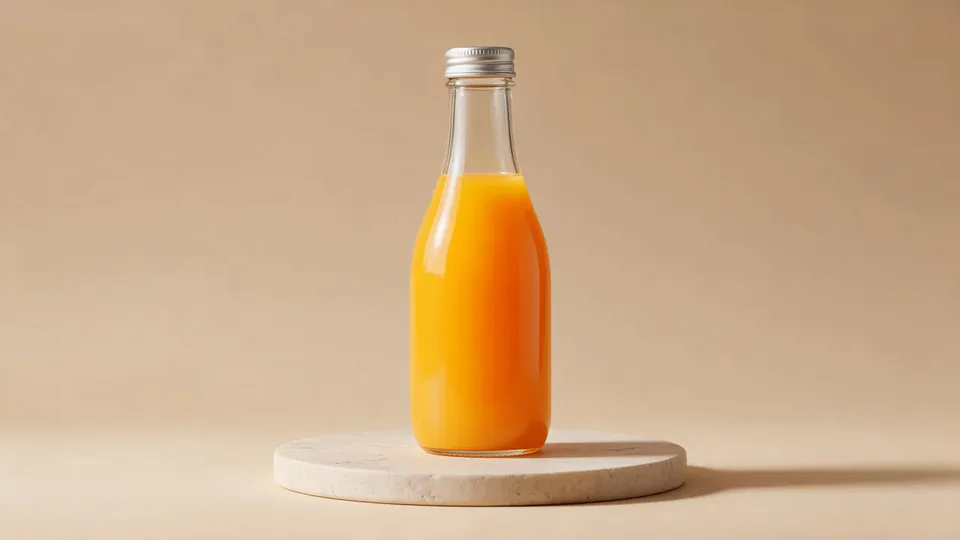
- One product on a plain surface
- Center it with space all around
- Soft, even light keeps the edges crisp
More options
about 1 min
More to try
All effects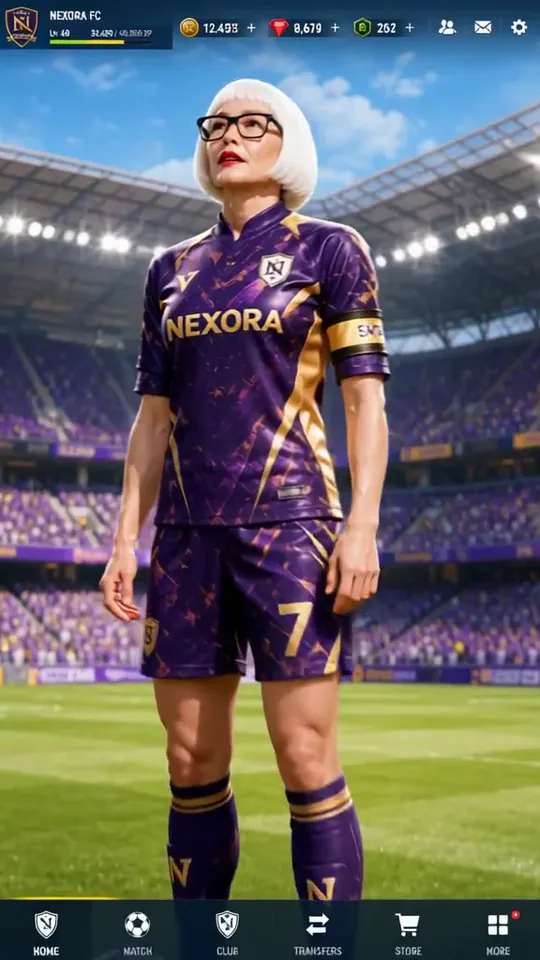 Superstar LobbyYou become the star player on a game's home screen, then step out into the stadium.Try itNewRecreate
 Post-match Sharp Comment 2Another post-match take: you face the reporter and make your point with some heat.Try itNewRecreate
 2 photosTop of the WorldTwo portraits join a team trophy celebration with raised cups and falling gold confetti.Try itNewRecreate
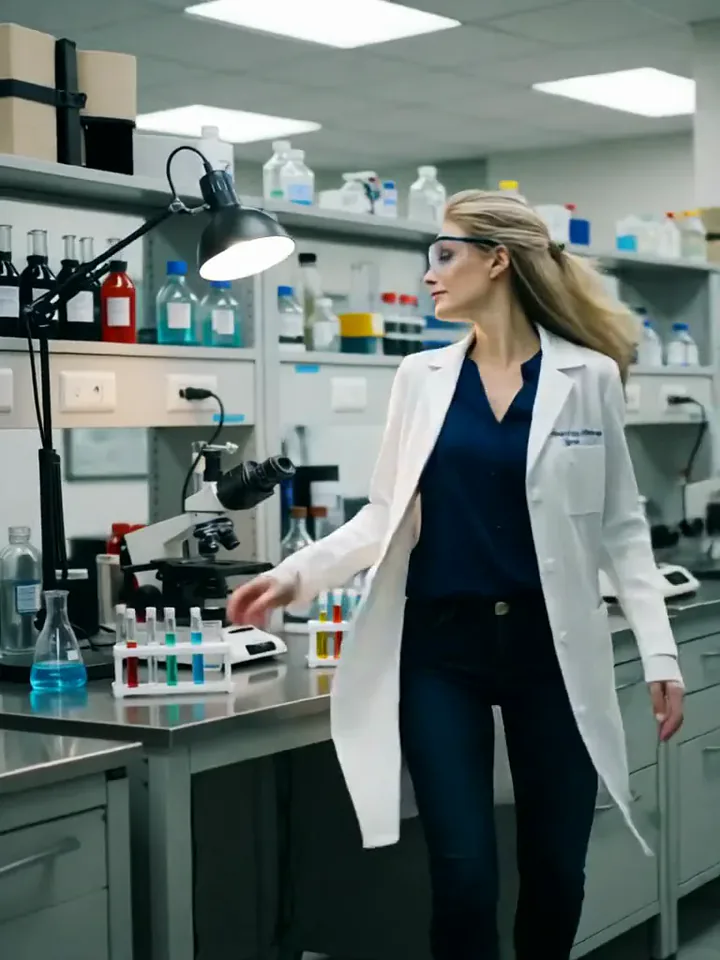 My Future Has Infinite PossibilitiesYou walk through one life and step into another, a quick glimpse of your future self.Try itNewRecreate
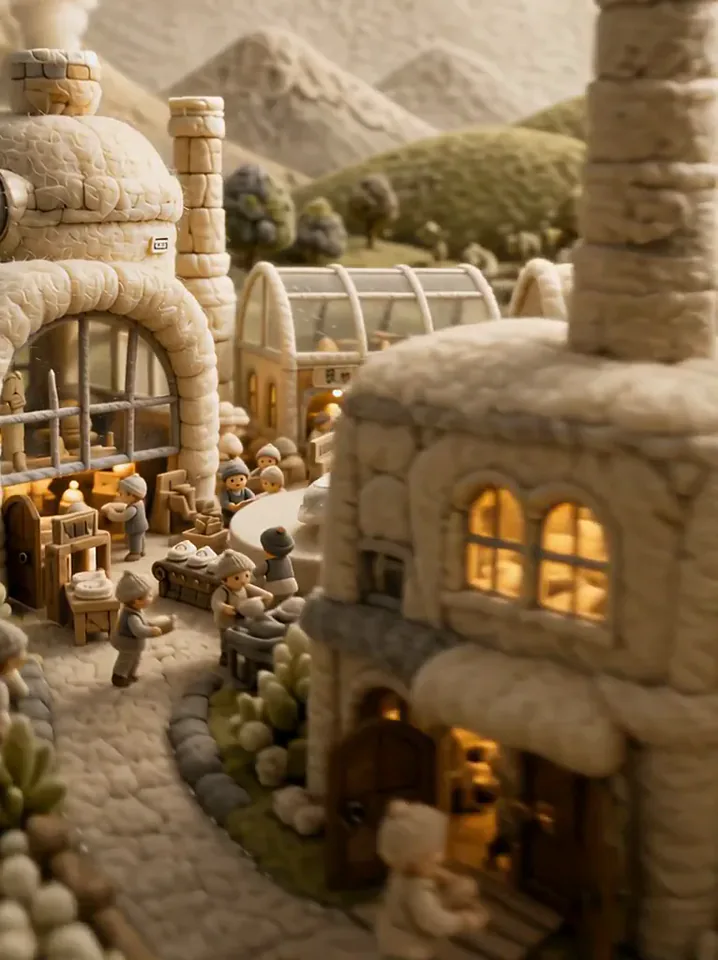 Fluffy FactoryThe camera flies over a felt village into a factory where your product gets made.Try itNewRecreate
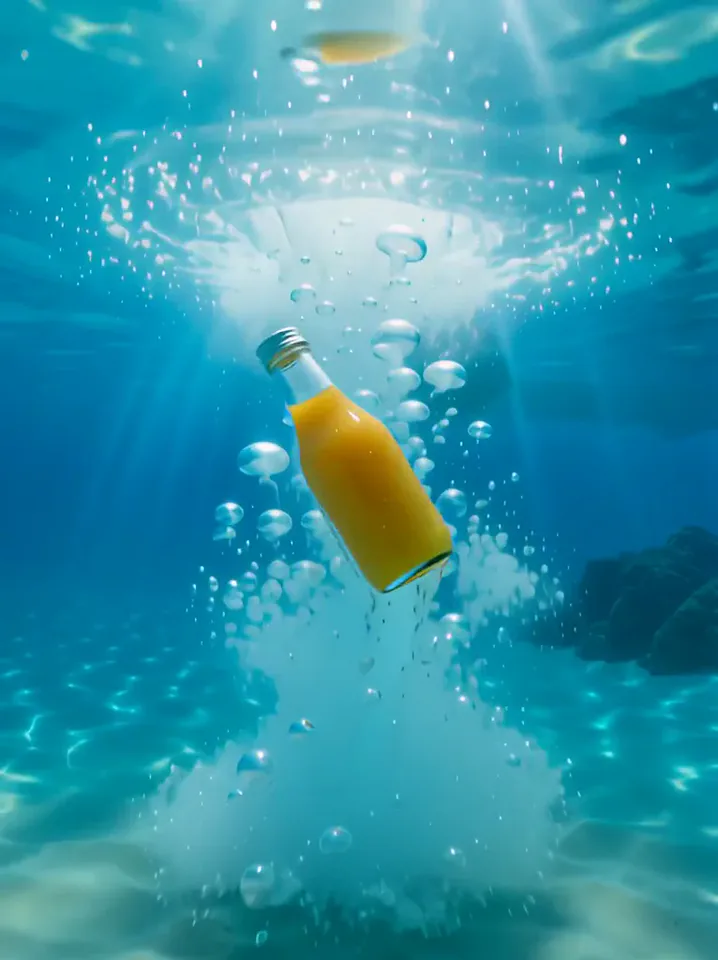 Surfing SummerYour product rides a summer adventure: parachute drop, water slide, dive and surf.Try itNewRecreate
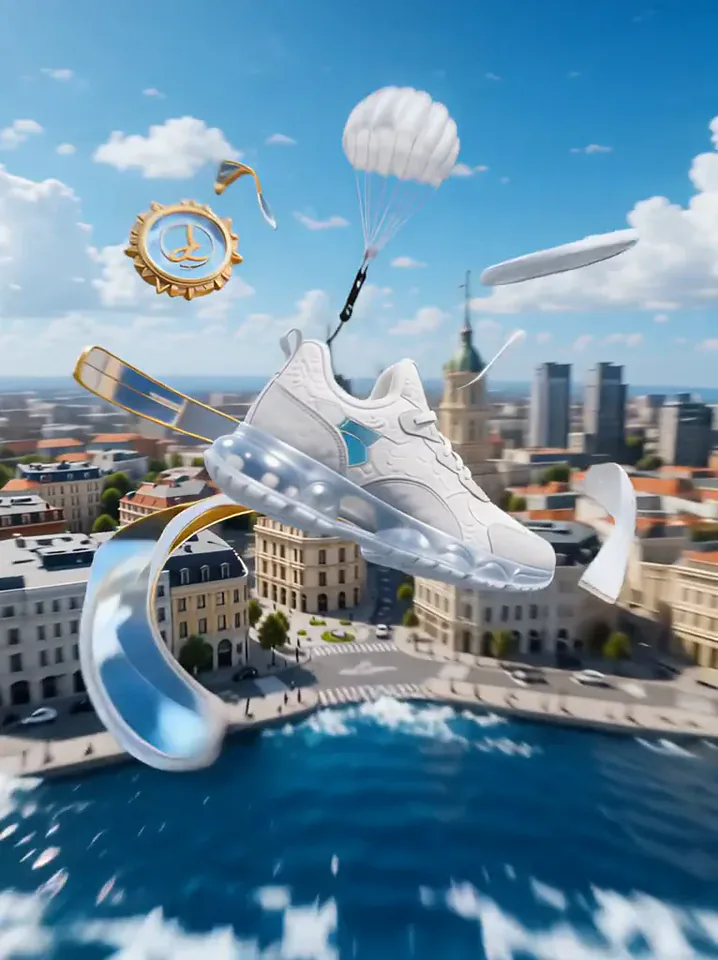 Product LandmarkYour product bursts from the sea, parachutes into a city and becomes a grand landmark.Try itNewRecreate
 Fluffy ChefYour product turns to soft felt, and a little felt chef slices it open to reveal cotton.Try itNewRecreate
 Sideline Ball BoyYou stand on the sideline of a big match and catch the ball as play rushes past.Try itNewRecreate

What the Product Universe effect does
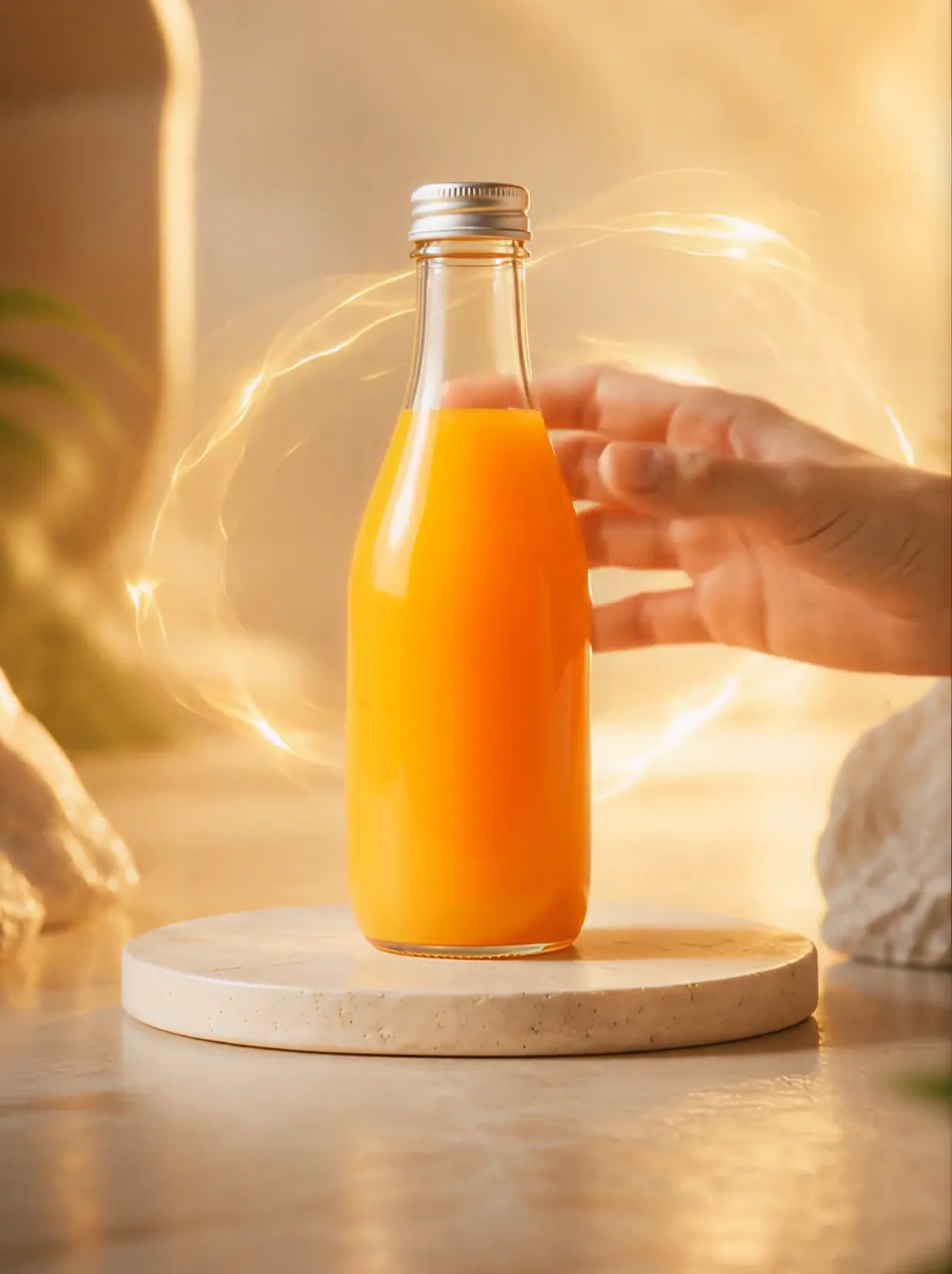
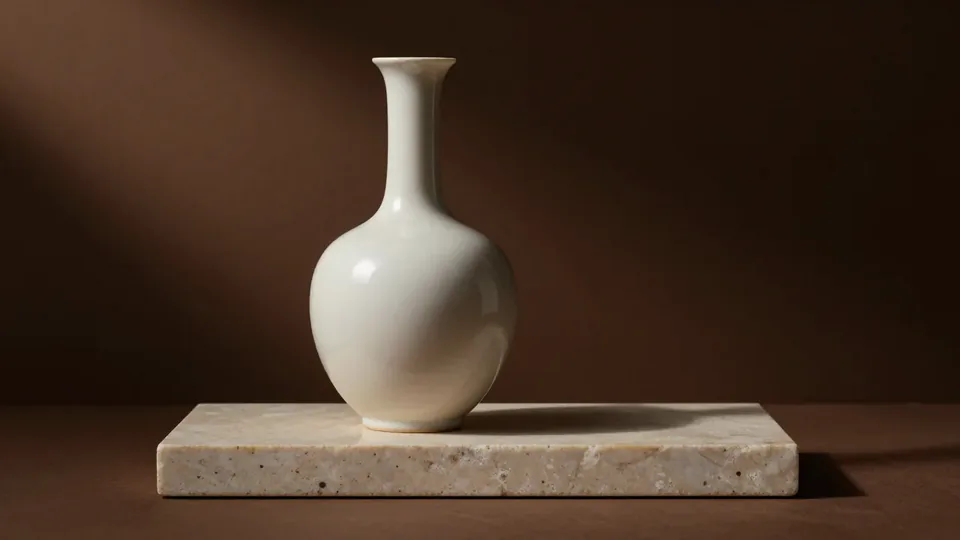
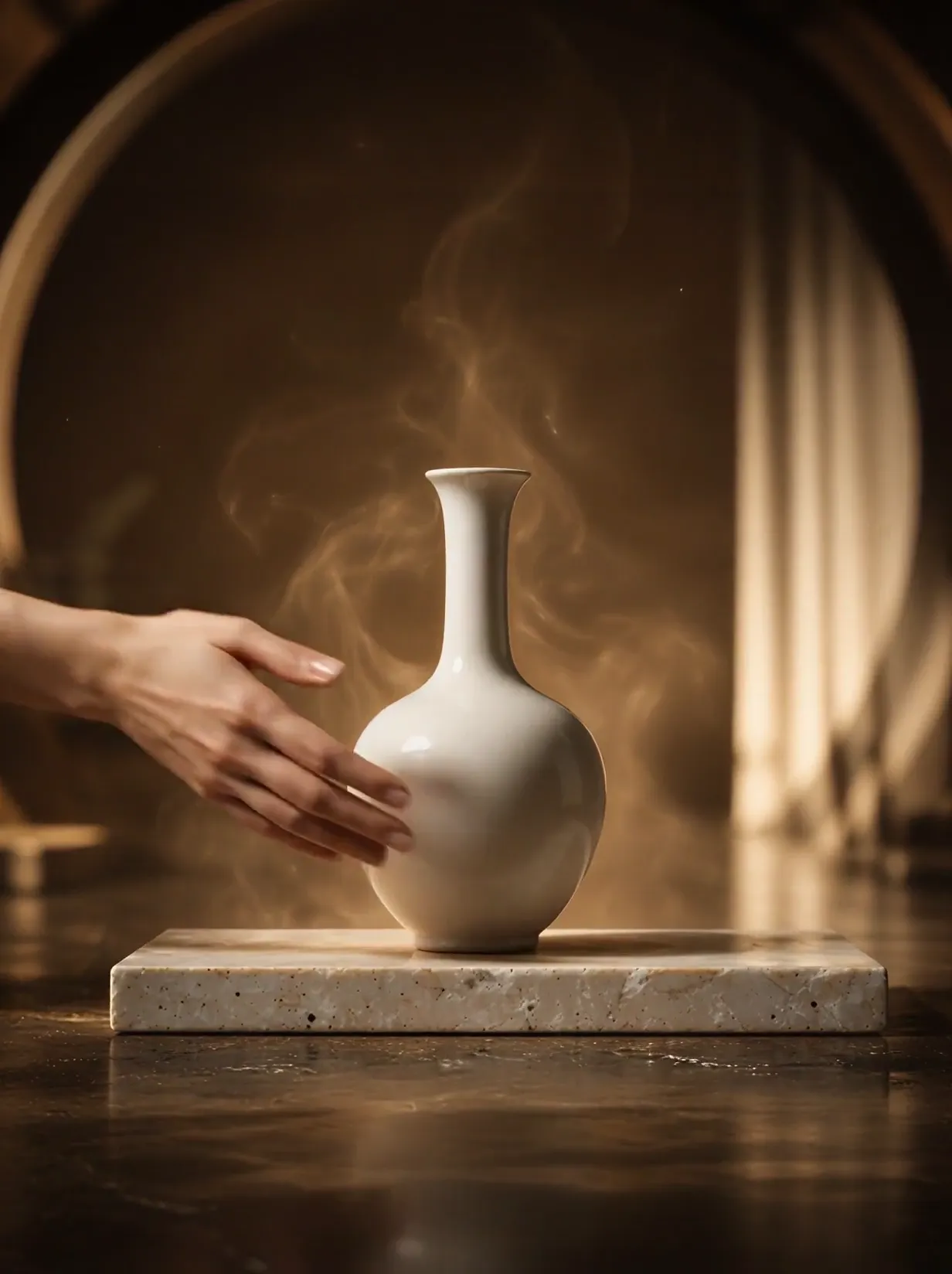
A hand reaches toward a product as golden light curls around it. A swirling passage leads into a much larger imagined world where the product stands on a platform. The surrounding materials respond to the object: orange liquid for a drink, flowing pale fabric for a vase.
This is a fixed preset: the template sets the motion, scene, and 8-second length. You only upload one photo; there is no choreography, scene, or duration to write or adjust.
How to use Product Universe
- Choose the source Use a single clear image with the main subject easy to distinguish. Read the photo suggestions below before uploading, and compare your framing with the two source examples.
- Run the preset Start Product Universe with your uploaded photo. Its movement and setting are already selected, so you do not need a written prompt or a separate motion reference.
- Review the result Watch the whole clip before saving it. Check the opening, the main action, and the ending together; the sampled examples illustrate possible results rather than a guarantee that every detail will repeat.
Which photos work best for Product Universe
Works well
- One complete product on a simple surface.
- A distinct shape and strong main color for the dream-world reveal.
Avoid
- Cropped containers with no readable overall form.
- Busy product bundles that make the central object uncertain.
Product Universe examples
What we saw when we tested Product Universe
The orange bottle is lifted amid golden ribbons and floating citrus pieces. A liquid swirl fills a middle view, then an enormous bottle stands above orange-colored water with a tiny human figure nearby.
The white vase is held inside a glowing spiral. Golden shapes lead to a huge vase on a stone platform, surrounded by flowing pale fabric and reflective water, again with a small figure for scale.
How Product Universe does on each model
- PixVerse V6 Effects The single template model runs the complete 8-second sequence. The two examples below show this preset with different uploads; they are not a comparison between model options.
The prompt behind Product Universe
You never write a prompt for Product Universe. This is the exact text it sends with your photo:
The product draws the scene into a swirling world of its own colors and materials.What the prompt asks for
- What happens
The product draws the scene into a swirling world of its own colors and materials.
Tips for a better Product Universe result
- Think about the product silhouette at giant scale when choosing the upload.
- Compare the opening object and final object for shape changes before using the result.
Product Universe cost and time
Product Universe costs 249 credits with PixVerse V6 Effects and is usually ready in about 1 min.
Product Universe: questions and answers
Is the giant world inside a literal product package?
The sampled ending views show an imagined environment surrounding a large product. They do not establish a realistic interior of the bottle or vase.
Will a person from my source appear in the scene?
The source product photos have no person. The tiny figures in the endings are generated scale references.
Can I select citrus or fabric as the environment?
Those treatments appear in the two examples, but this preset has no environment menu. The object guides the generated interpretation.
Does the hand need to be in my upload?
The hand appears in the results even though the source objects stand alone. It is supplied by the opening sequence.
Can I keep the original tabletop all the way through?
The tabletop gives way to a swirling transition and a new world. The larger environment is the main purpose of this effect.
Related effects and tools
- Pupil Portal · Zoom into an eye and find a galaxy inside.
- Ingredients Burst · Fruit and droplets explode around your product in slow motion.
- Liquid Splash · A glossy wave swirls around your product, then a crisp push-in.
- Trim and arrange the finished clip in the Video Editor