


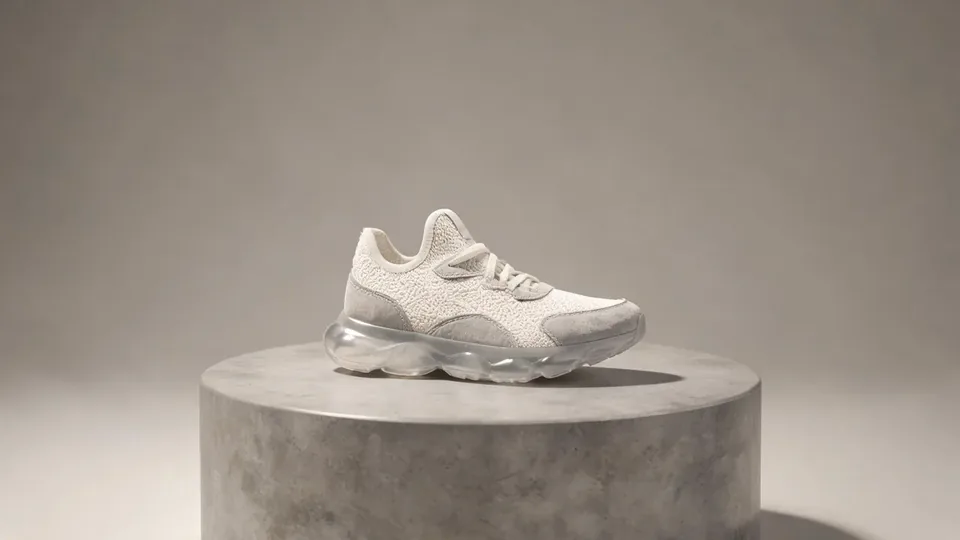
AI video effect · Product Landmark
Product Landmark Effect: Photo to Video
Your product bursts from the sea, parachutes into a city and becomes a grand landmark.
1Add a photo
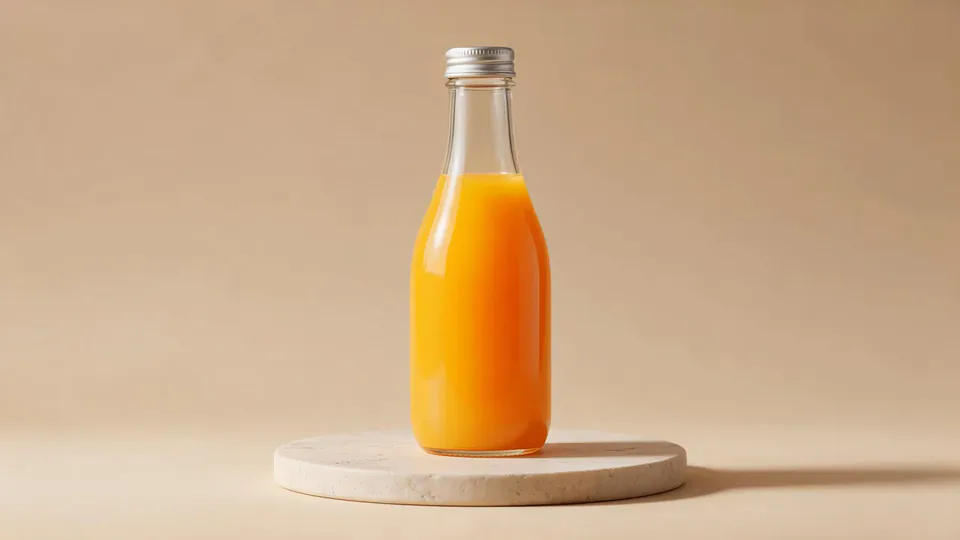
- One product on a plain surface
- Center it with space all around
- Soft, even light keeps the edges crisp
More options
about 1 min
More to try
All effects Dai Dai DanceYou break into a bouncy dance with big steps and arm swings, right where you stand.Try itNewRecreate
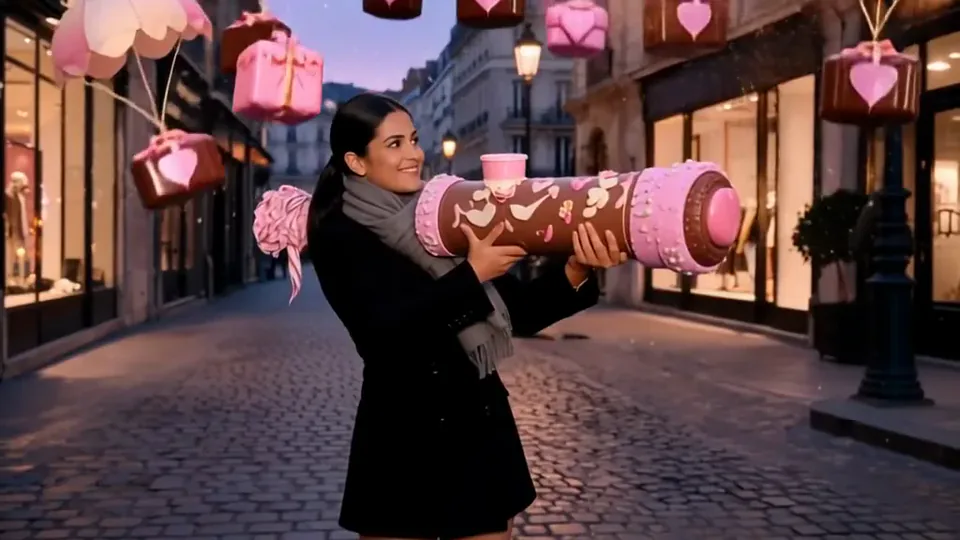 Love LauncherYou fire a pink confetti cannon, and gift boxes drift down on little parachutes.Try itNewRecreate
 Kitty ShopYour cat becomes a little shopkeeper, pushing a treat cart down a cobbled street.Try itNewRecreate
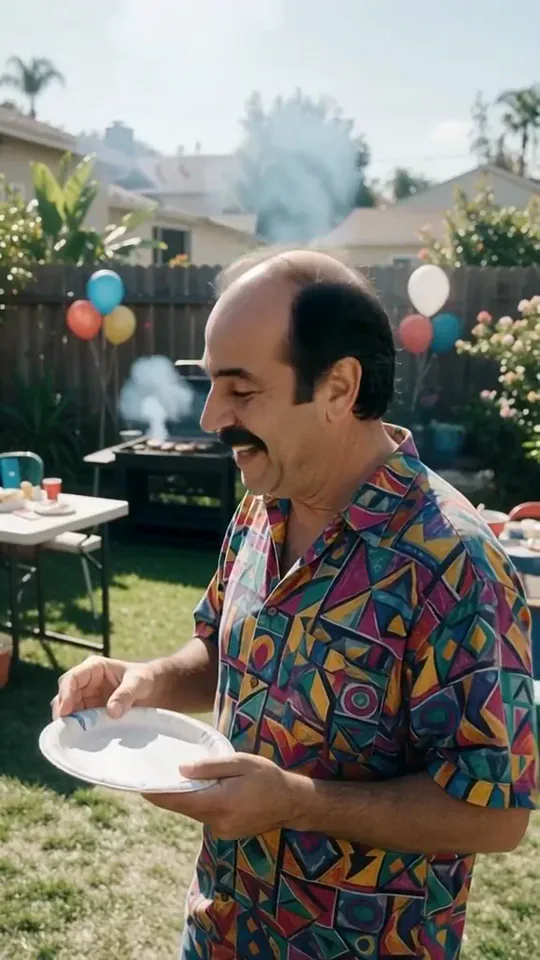 Courtyard Makeover PartyYour backyard lawn turns into a landscaped patio around you while you keep smiling.Try itNewRecreate
 Fluffy ChefYour product turns to soft felt, and a little felt chef slices it open to reveal cotton.Try itNewRecreate
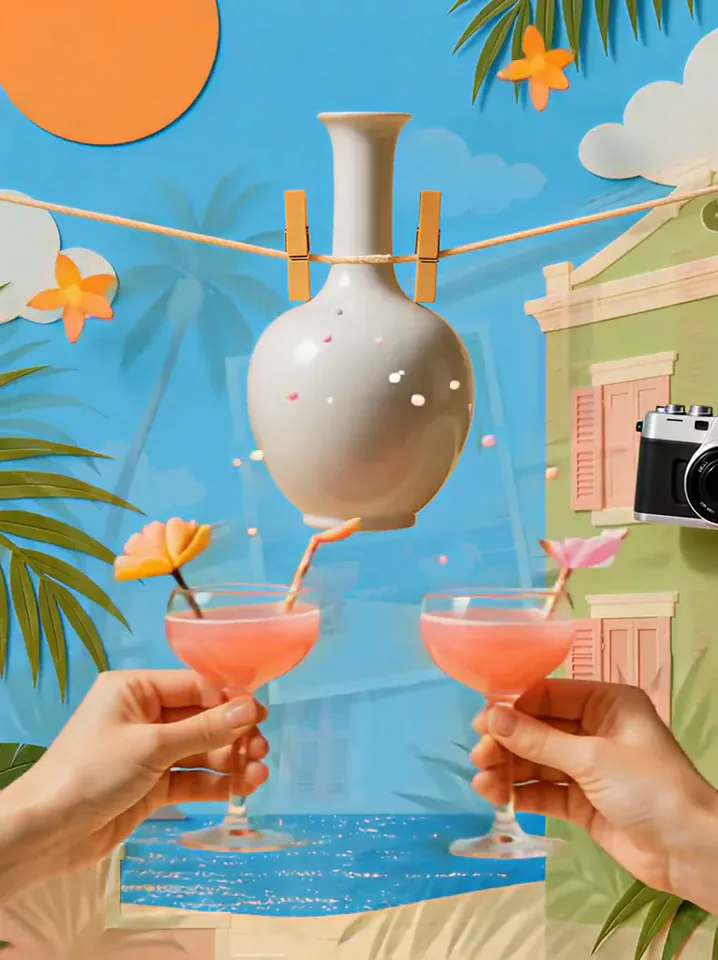 Summer PostcardYour product joins a paper-craft summer scene, clinks glasses, and becomes a postcard.Try itNewRecreate
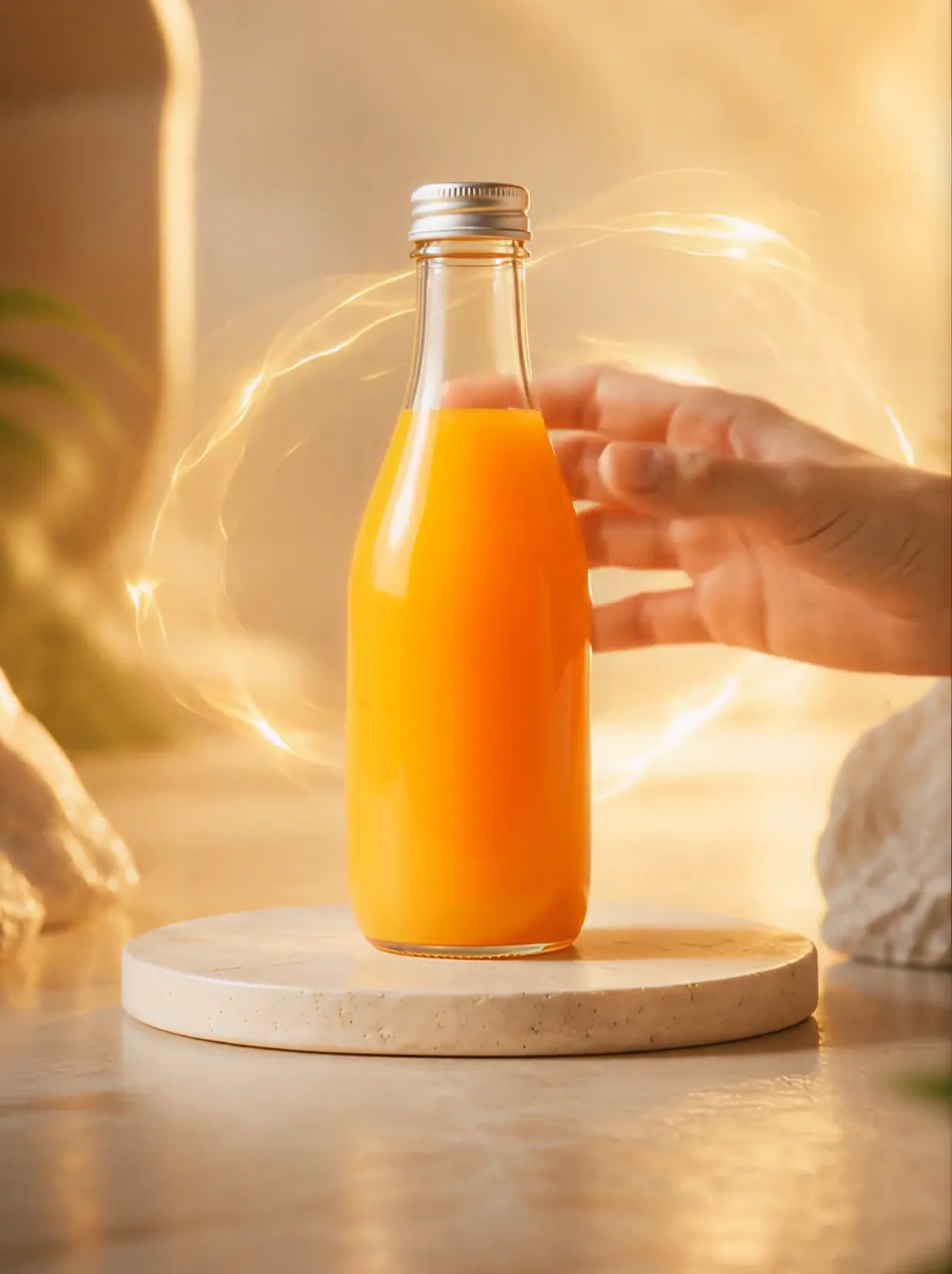 Product UniverseGolden swirls carry your product into a giant dream world built around its colors and shape.Try itNewRecreate
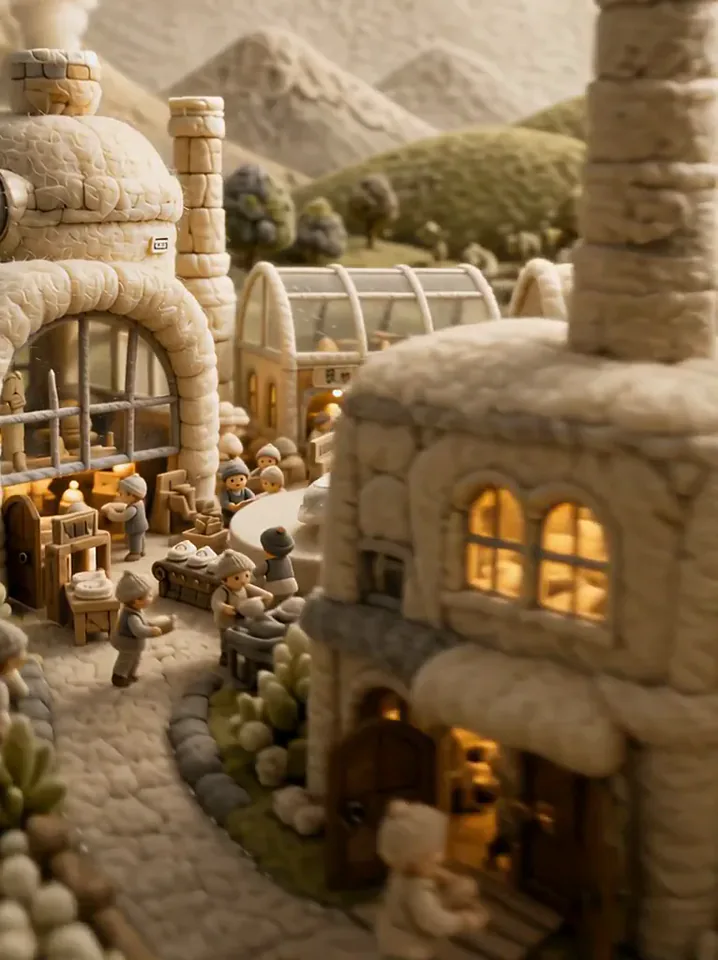 Fluffy FactoryThe camera flies over a felt village into a factory where your product gets made.Try itNewRecreate
 Dynamic Football PosterYou become the star of a team poster, and teammates charge out as it comes to life.Try itNewRecreate
 Football Live King!You livestream your own match from the pitch as hearts and gifts flood the chat.Try itNewRecreate

What the Product Landmark effect does
An isolated product takes a journey from splashing water to a city-scale architectural reveal. A parachute and floating decorative pieces bridge the object shot and the building. The final storefront borrows the product colors and shape language rather than staying a literal product photograph.
This is a fixed preset: the template sets the motion, scene, and 8-second length. You only upload one photo; there is no choreography, scene, or duration to write or adjust.
How to use Product Landmark
- Choose the source Use a single clear image with the main subject easy to distinguish. Read the photo suggestions below before uploading, and compare your framing with the two source examples.
- Run the preset Start Product Landmark with your uploaded photo. Its movement and setting are already selected, so you do not need a written prompt or a separate motion reference.
- Review the result Watch the whole clip before saving it. Check the opening, the main action, and the ending together; the sampled examples illustrate possible results rather than a guarantee that every detail will repeat.
Which photos work best for Product Landmark
Works well
- One complete product against a clean background.
- A distinct shape with enough contrast to read at small and giant scales.
Avoid
- Several overlapping products in one arrangement.
- Packaging cropped so tightly that its main outline is missing.
Product Landmark examples

What we saw when we tested Product Landmark
The white sneaker rises over blue water, appears beneath a parachute, and floats with decorative pieces above a street. The final sampled frame shows an ornate pale corner building.
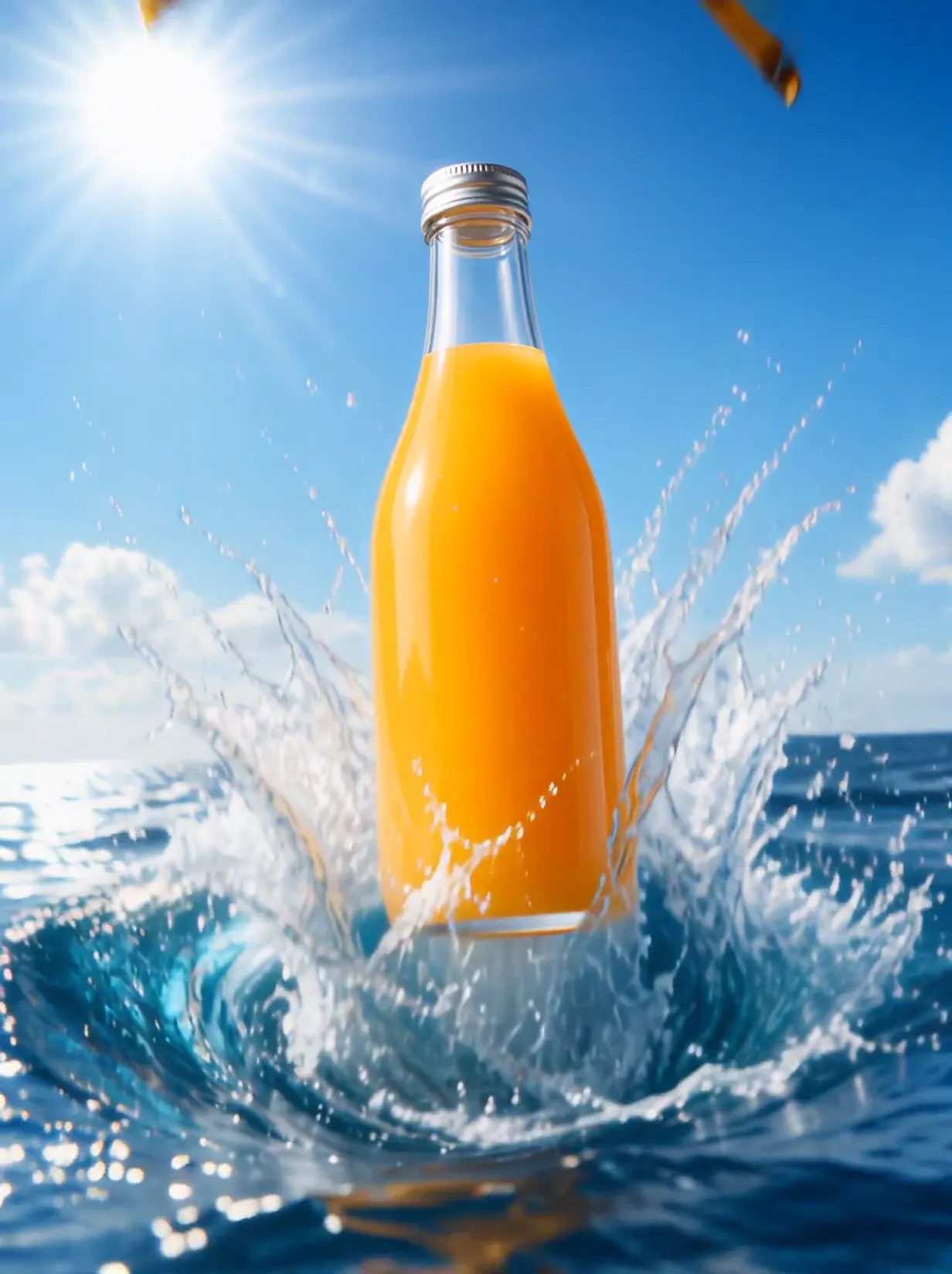
The orange-drink bottle follows a water-to-city sequence beneath a yellow parachute. Its ending is a rounded golden-yellow building, with color connecting the bottle and the architecture.
How Product Landmark does on each model
- PixVerse V6 Effects The single template model runs the complete 8-second sequence. The two examples below show this preset with different uploads; they are not a comparison between model options.
The prompt behind Product Landmark
You never write a prompt for Product Landmark. This is the exact text it sends with your photo:
The product appears as a giant landmark in a city.What the prompt asks for
- What happens
The product appears as a giant landmark in a city.
Tips for a better Product Landmark result
- Use the whole object so its silhouette can guide the oversized reveal.
- Treat building signs as generated decoration and check them before publishing.
Product Landmark cost and time
Product Landmark costs 249 credits with PixVerse V6 Effects and is usually ready in about 1 min.
Product Landmark: questions and answers
Does my product remain a giant object in the last shot?
Both sampled endings resolve into buildings. The product is most literal in the earlier water and aerial views.
Can I choose the city address for the new building?
This is an imagined architectural scene. The template does not take a map, street address, or building-location reference.
Will the storefront match my exact package lettering?
The examples add building lettering and decorative marks. Use the clip as a concept reveal rather than an exact reproduction of packaging text.
Must my upload show water or a parachute?
The source objects sit on plain display platforms. The sea and parachute are generated parts of the preset journey.
How does the bottle influence the architecture?
Its warm orange color carries into the golden-yellow facade in the second run. That visible relationship does not guarantee a particular architectural shape for every product.
Related effects and tools
- Billboard Reveal · The camera pulls back to show your photo on a giant city billboard.
- Ingredients Burst · Fruit and droplets explode around your product in slow motion.
- 360 Turntable · Your product or pet spins a full circle on the spot.
- Arrange the water and city reveal in the Video Editor