



AI video effect · Dynamic Football Poster
Moving Soccer Poster Effect: Photo to Video
You become the star of a team poster, and teammates charge out as it comes to life.
1Add a photo
- One person or pet, clearly in view
- A little empty space around them leaves room for the gag
- Bright, sharp photos get the funniest results
More options
about 1 min
More to try
All effects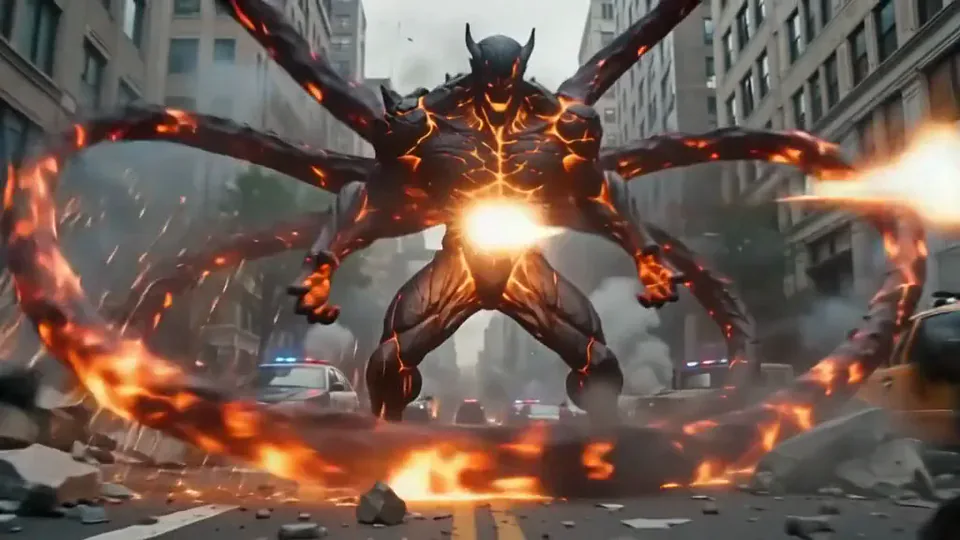 Magma RiseYou crack open in glowing magma and rise as a towering lava creature in a city street.Try itNewRecreate
 Thriller Dance StepsYour subject performs a playful routine with raised arms, broad steps, and a backward lean.Try itNewRecreate
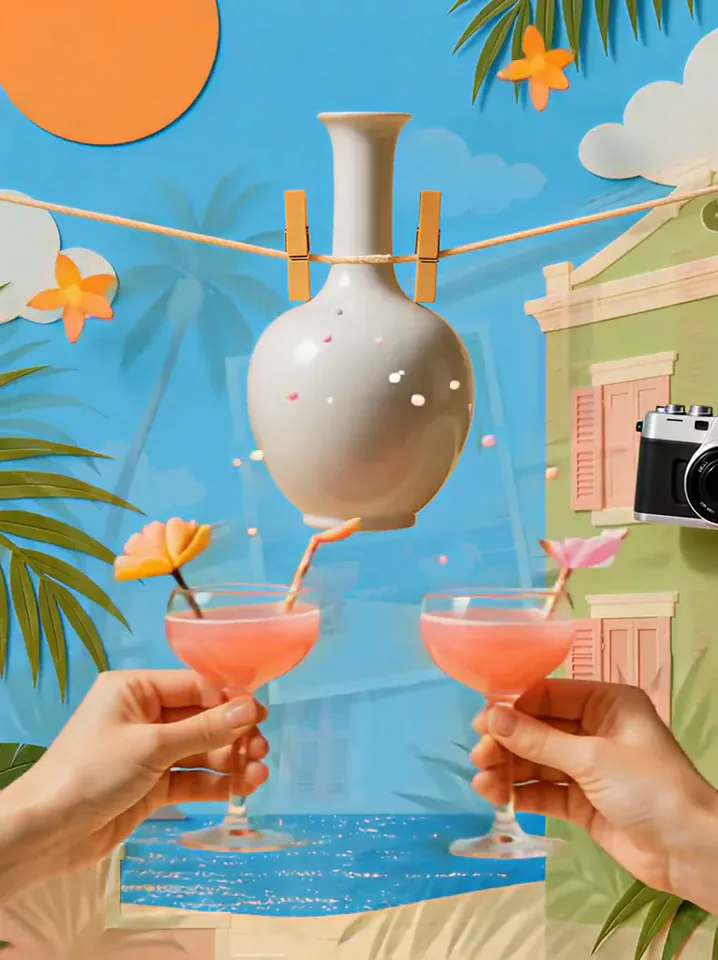 Summer PostcardYour product joins a paper-craft summer scene, clinks glasses, and becomes a postcard.Try itNewRecreate
 Surfing SummerYour product rides a summer adventure: parachute drop, water slide, dive and surf.Try itNewRecreate
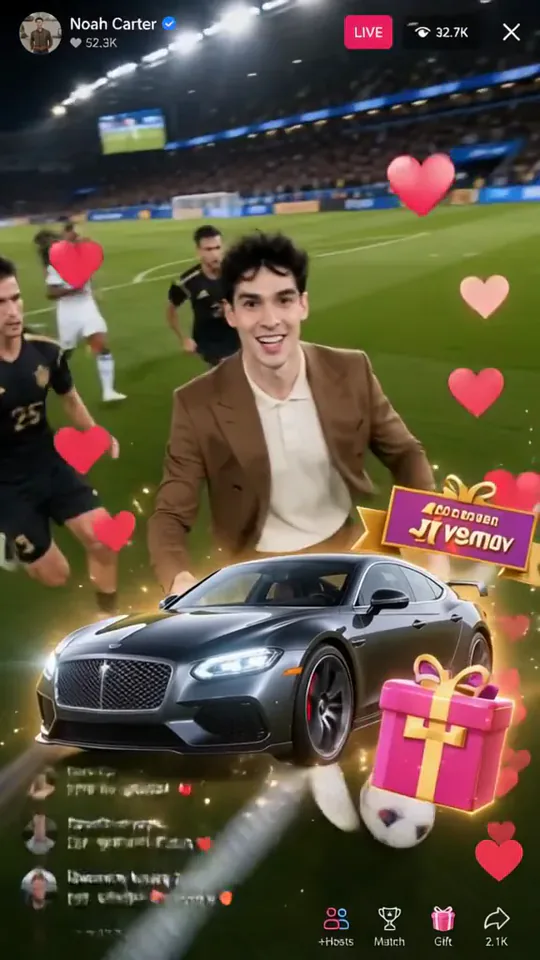 Football Live King!You livestream your own match from the pitch as hearts and gifts flood the chat.Try itNewRecreate
 Trophy BreakthroughYou burst out of a monitor in lightning, shake hands and step out holding a trophy.Try itNewRecreate
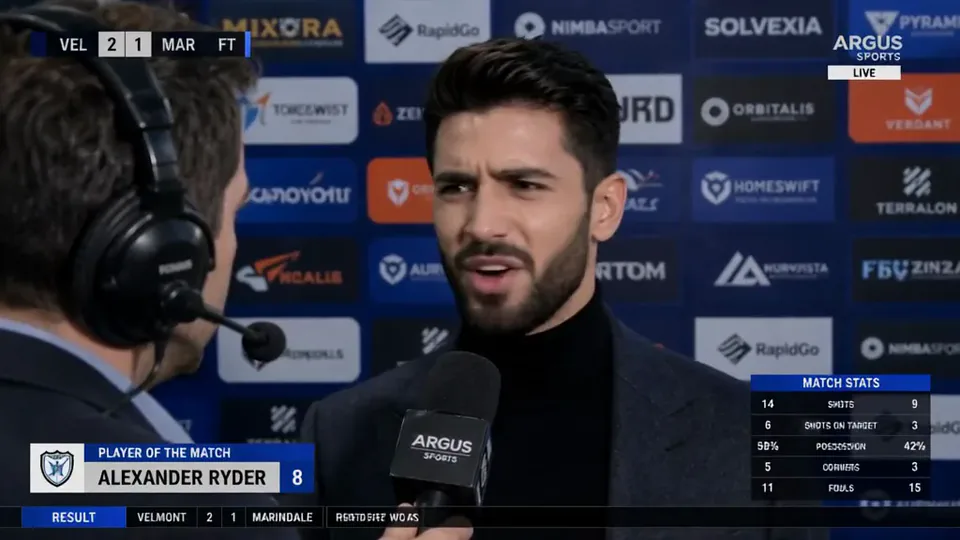 Post-match Sharp CommentYou give a heated post-match interview in front of a sponsor wall, mic in hand.Try itNewRecreate
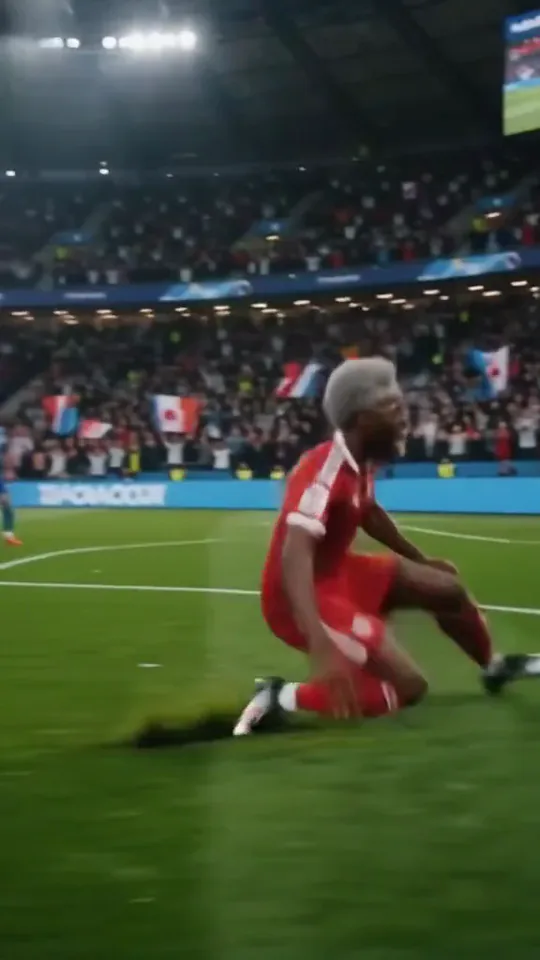 Stadium LegendYou go from an everyday moment to sprinting down the wing and celebrating on your knees.Try itNewRecreate
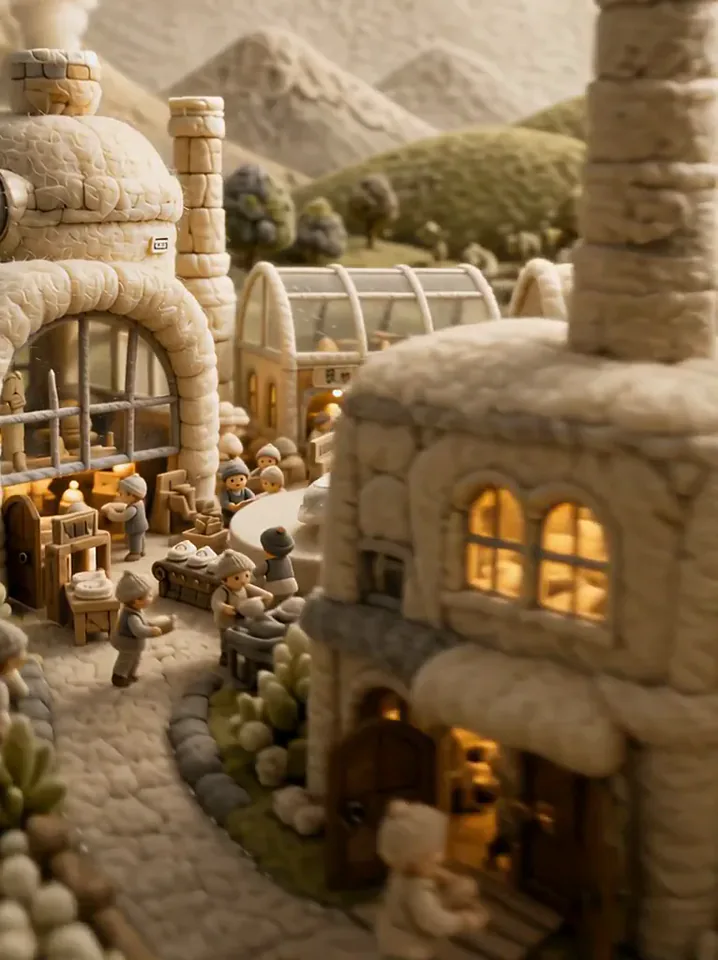 Fluffy FactoryThe camera flies over a felt village into a factory where your product gets made.Try itNewRecreate
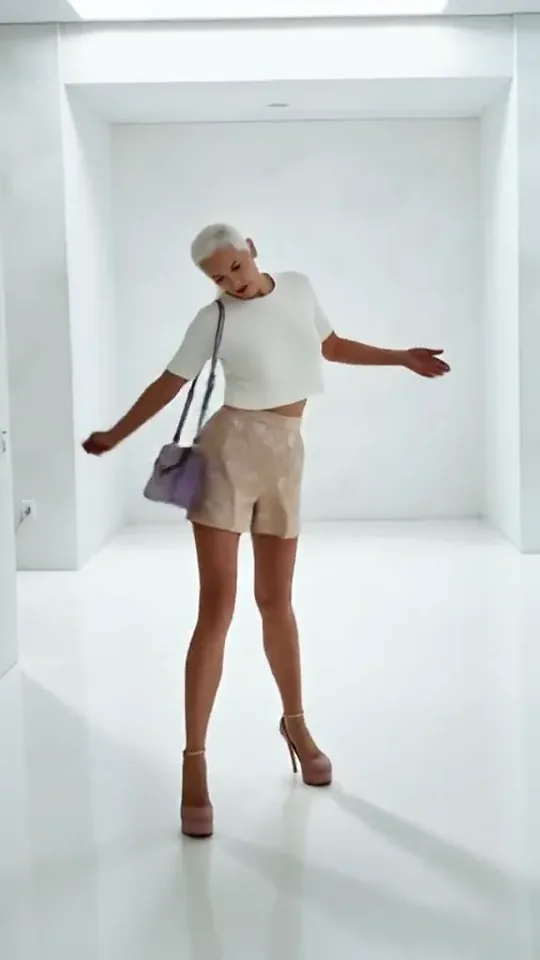
What the Dynamic Football Poster effect does
A large portrait, smaller action figures, stadium lights, and a lion image form a dramatic soccer poster. The foreground player moves forward with the ball while the layered portraits remain behind. It combines a designed still-image layout with a short burst of sports movement.
This is a fixed preset: the template sets the motion, scene, and 5-second length. You only upload one photo; there is no choreography, scene, or duration to write or adjust.
How to use Dynamic Football Poster
- Choose the source Use a single clear image with the main subject easy to distinguish. Read the photo suggestions below before uploading, and compare your framing with the two source examples.
- Run the preset Start Moving Soccer Poster with your uploaded photo. Its movement and setting are already selected, so you do not need a written prompt or a separate motion reference.
- Review the result Watch the whole clip before saving it. Check the opening, the main action, and the ending together; the sampled examples illustrate possible results rather than a guarantee that every detail will repeat.
Which photos work best for Dynamic Football Poster
Works well
- A sharp portrait with the face turned toward the camera.
- Distinctive hair and facial features that remain readable in several sizes.
Avoid
- A tiny face inside a wide landscape.
- Expecting every repeated portrait to remain exactly identical.
Dynamic Football Poster examples
What we saw when we tested Dynamic Football Poster
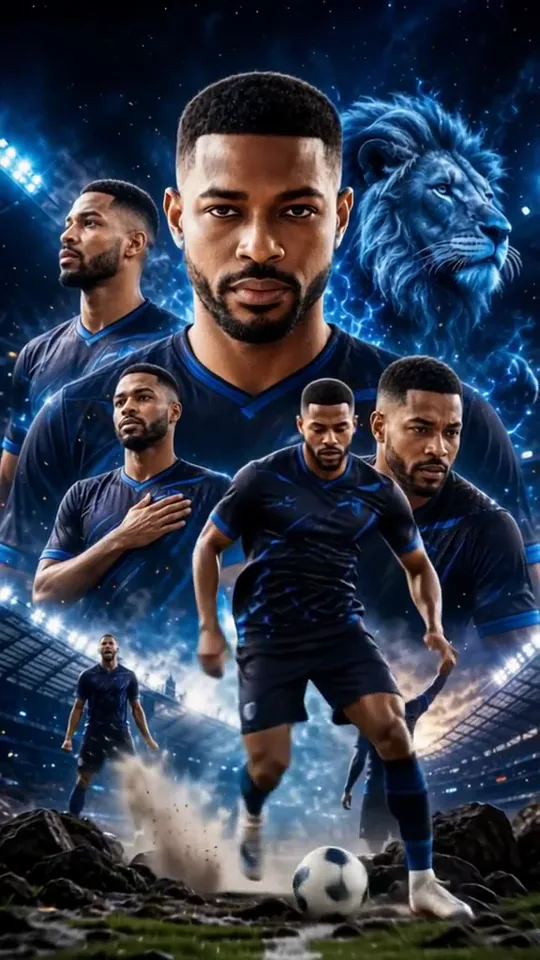
The close portrait of a man becomes a blue-toned poster with several versions of his face and a blue lion behind him. A smaller foreground player advances with the ball among dark rocks.
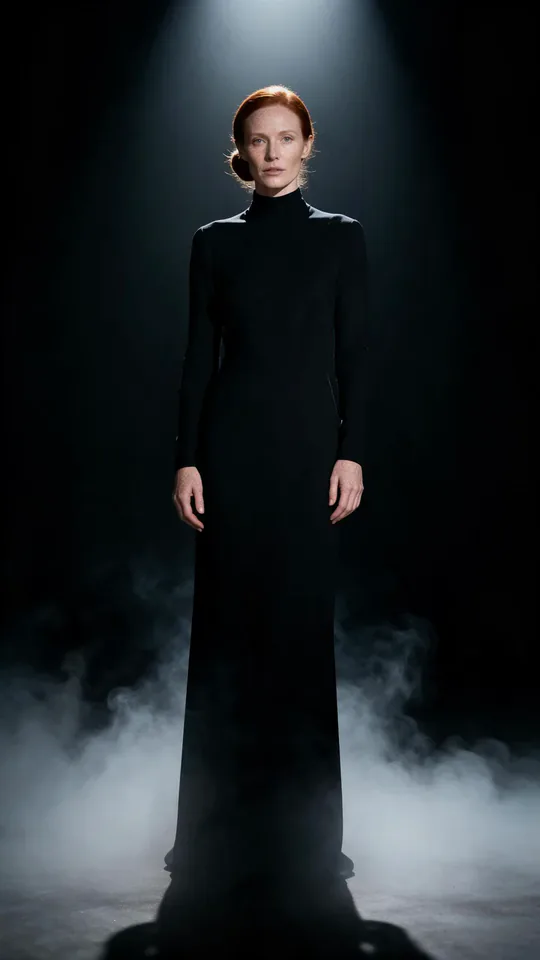
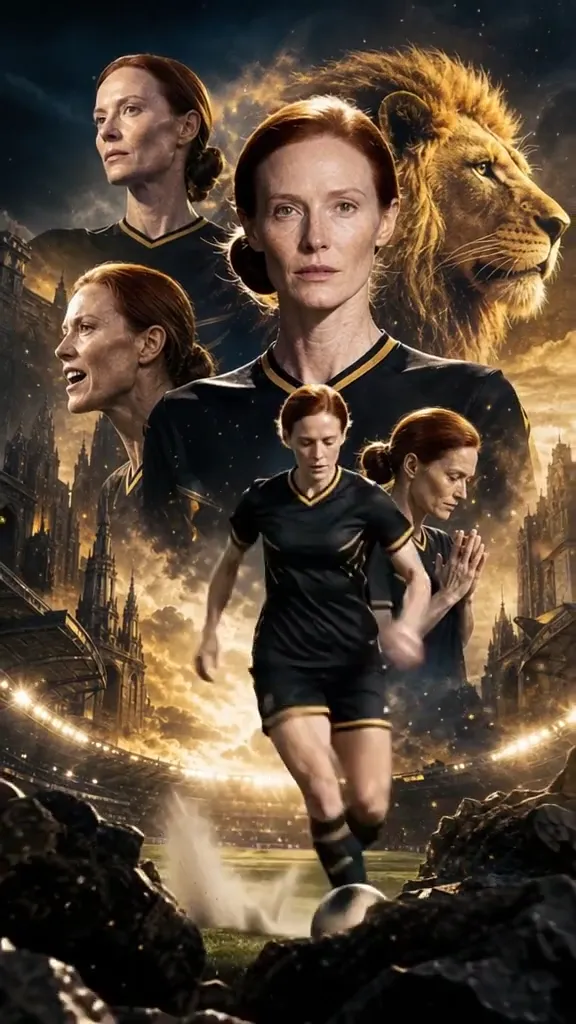
The woman in a long black outfit becomes a black-and-gold soccer composition. Her portrait repeats around a golden lion, while a short-haired foreground player moves toward the camera with the ball.
How Dynamic Football Poster does on each model
- PixVerse V6 Effects The single template model runs the complete 5-second sequence. The two examples below show this preset with different uploads; they are not a comparison between model options.
The prompt behind Dynamic Football Poster
You never write a prompt for Dynamic Football Poster. This is the exact text it sends with your photo:
A dynamic football poster comes to life.What the prompt asks for
- What happens
A dynamic football poster comes to life.
Tips for a better Dynamic Football Poster result
- Choose a clean face reference because the composition repeats it at different scales.
- Review the small moving player separately from the large portrait; their details can differ.
Dynamic Football Poster cost and time
Dynamic Football Poster costs 156 credits with PixVerse V6 Effects and is usually ready in about 1 min.
Dynamic Football Poster: questions and answers
Is the lion taken from my source photograph?
Neither source contains a lion. It is a generated graphic element that helps define the poster treatment.
Does the entire poster become one normal match shot?
The sampled results keep a layered poster composition while the foreground player advances. Large portraits remain part of the image.
Will the small player match the large face perfectly?
The second result shows a short-haired foreground figure beneath portraits of the woman. Review both scales instead of assuming exact consistency.
Can I choose blue or gold as a poster theme?
Those palettes appear in the two examples, but this preset has no separate color-theme control. The generated styling can vary.
Would this work as a still cover too?
A frame with the large portrait, lion, and foreground player can explain the concept clearly. Check face details before selecting that frame.
Related effects and tools
- Star in your own movie poster · A rain-soaked neon poster with you in the lead. Change the title to anything.
- Comic Cover · You as the caped hero on a 1960s comic book cover.
- Game Character Select · You become a 3D game character spinning on a neon select screen.
- Trim and arrange the finished clip in the Video Editor