


AI video effect · Football Live King!
Soccer Live View Effect: Photo to Video
You livestream your own match from the pitch as hearts and gifts flood the chat.
1Add a photo
- One person or pet, clearly in view
- A little empty space around them leaves room for the gag
- Bright, sharp photos get the funniest results
More options
about 1 min
More to try
All effects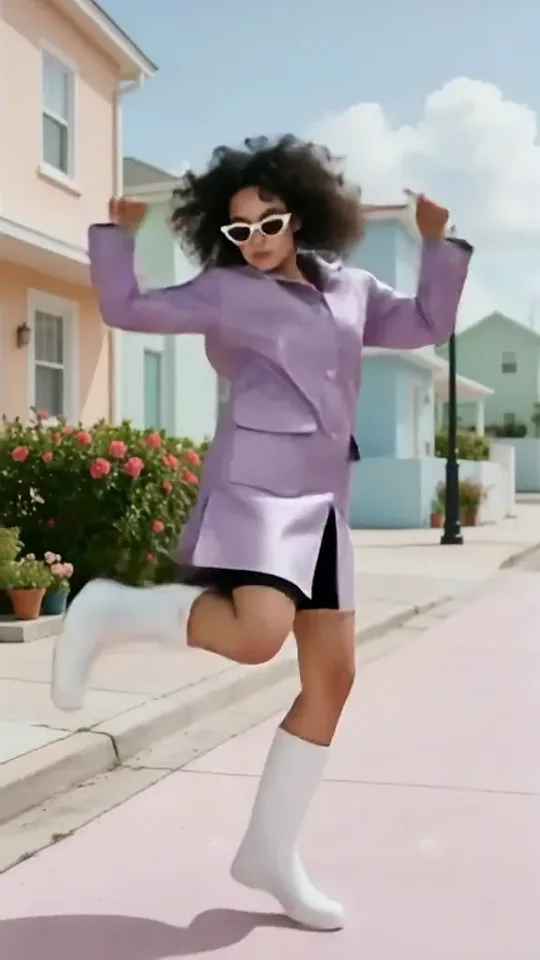 Dai Dai DanceYou break into a bouncy dance with big steps and arm swings, right where you stand.Try itNewRecreate
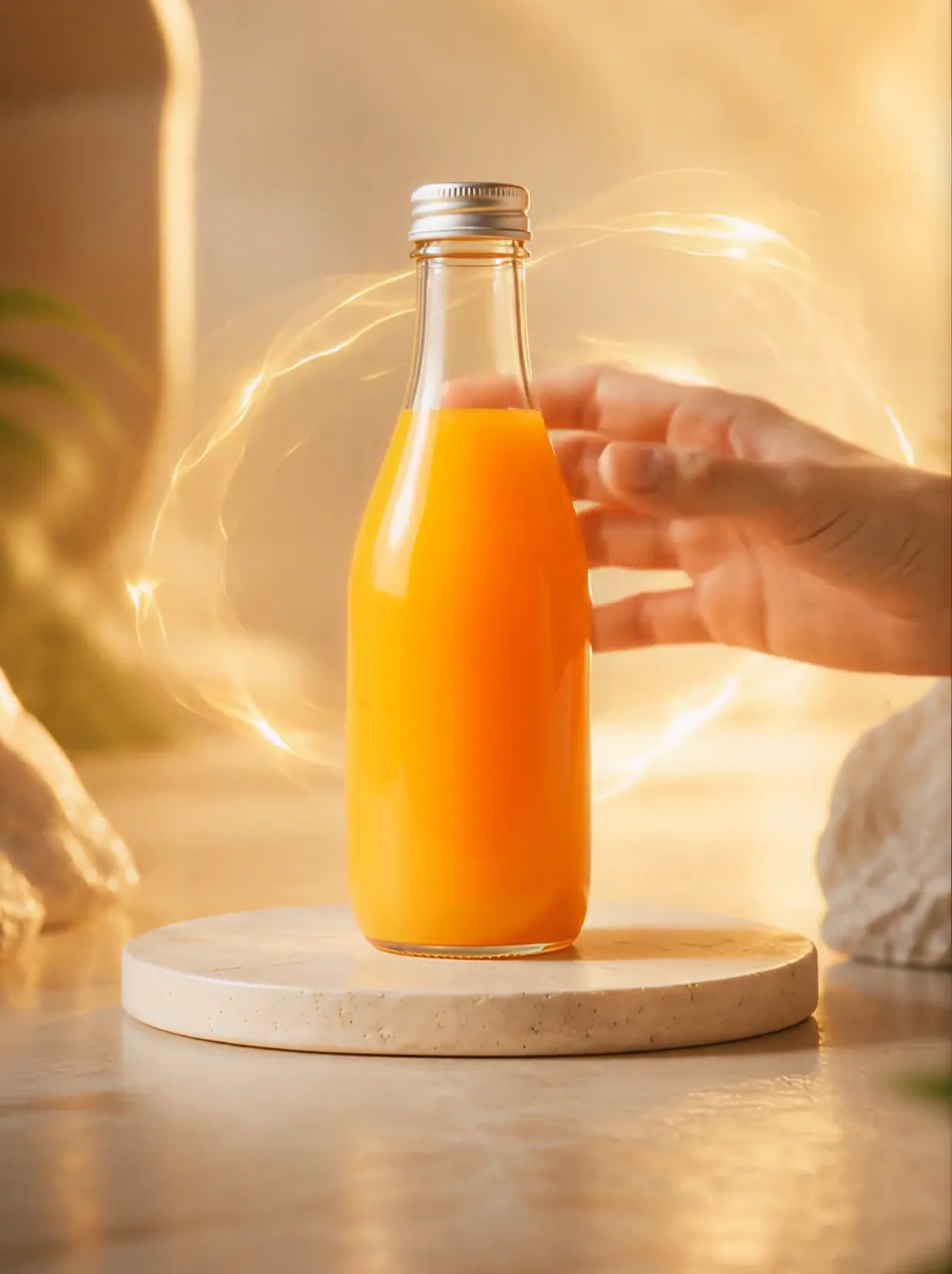 Product UniverseGolden swirls carry your product into a giant dream world built around its colors and shape.Try itNewRecreate
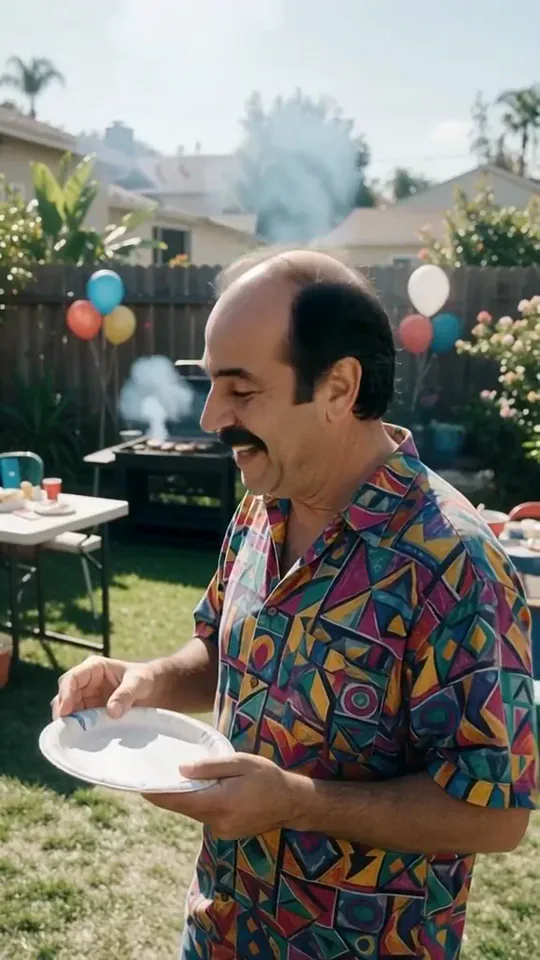 Courtyard Makeover PartyYour backyard lawn turns into a landscaped patio around you while you keep smiling.Try itNewRecreate
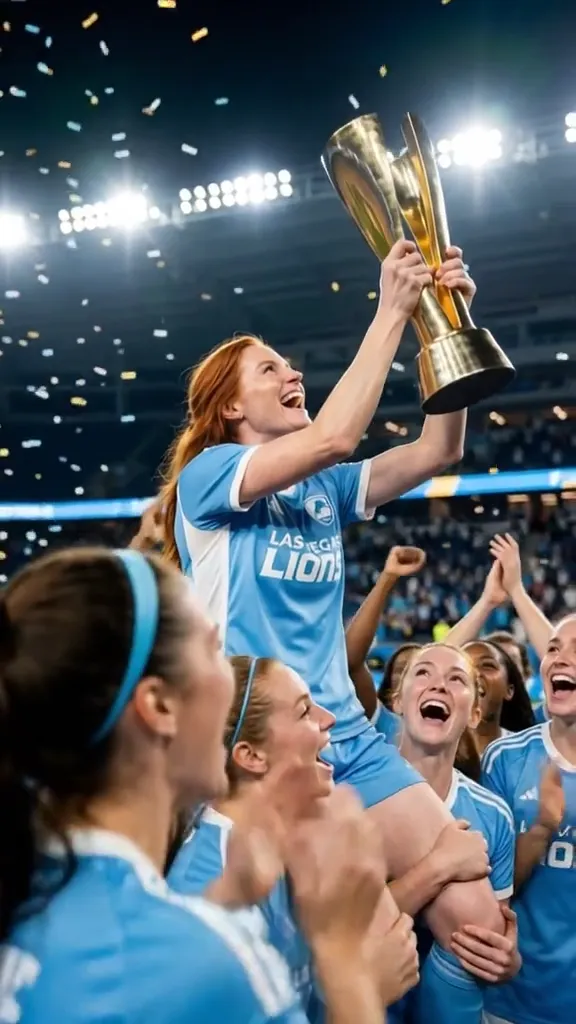 2 photosTop of the WorldTwo portraits join a team trophy celebration with raised cups and falling gold confetti.Try itNewRecreate
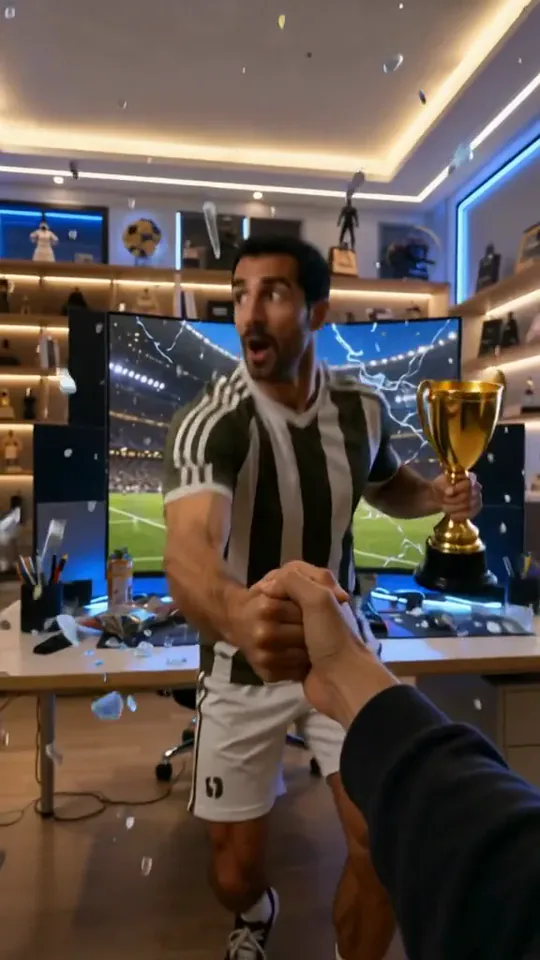 Trophy BreakthroughYou burst out of a monitor in lightning, shake hands and step out holding a trophy.Try itNewRecreate
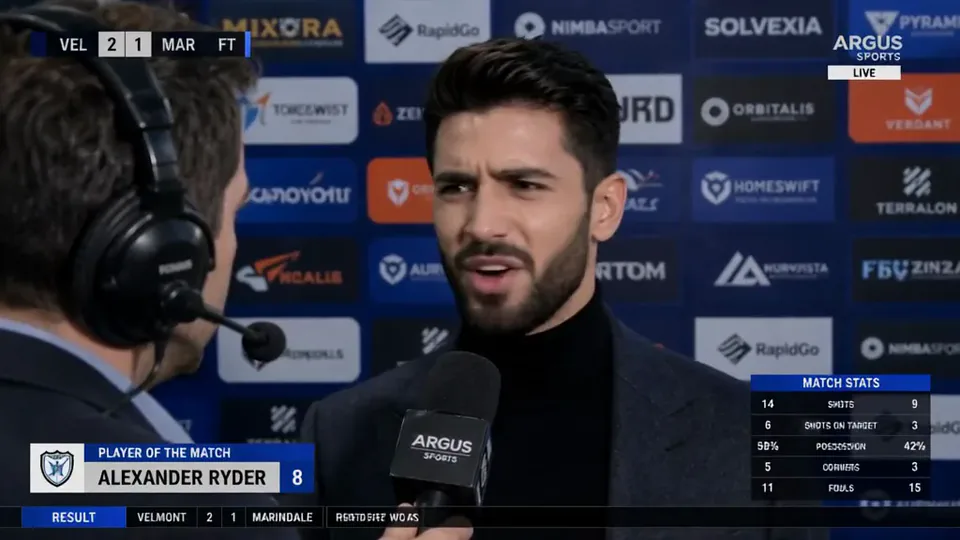 Post-match Sharp CommentYou give a heated post-match interview in front of a sponsor wall, mic in hand.Try itNewRecreate
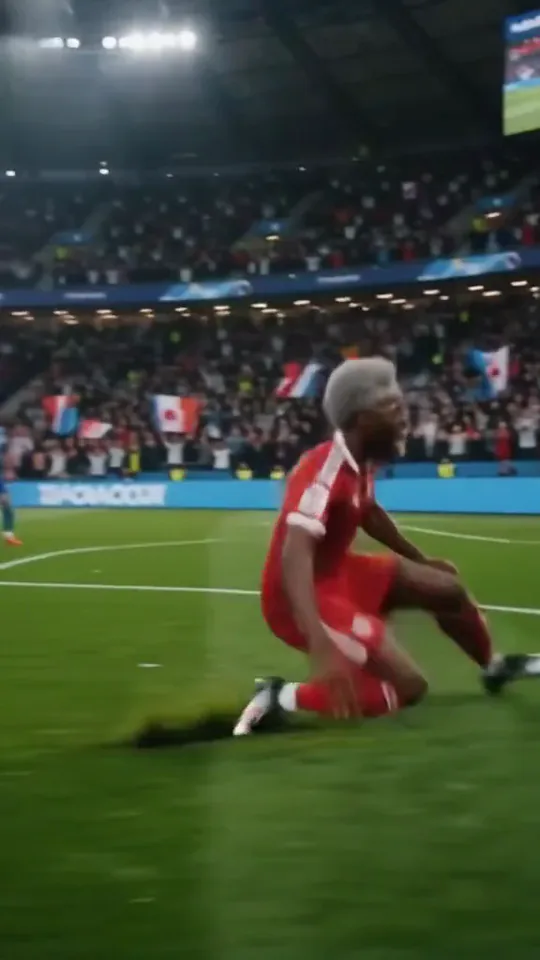 Stadium LegendYou go from an everyday moment to sprinting down the wing and celebrating on your knees.Try itNewRecreate
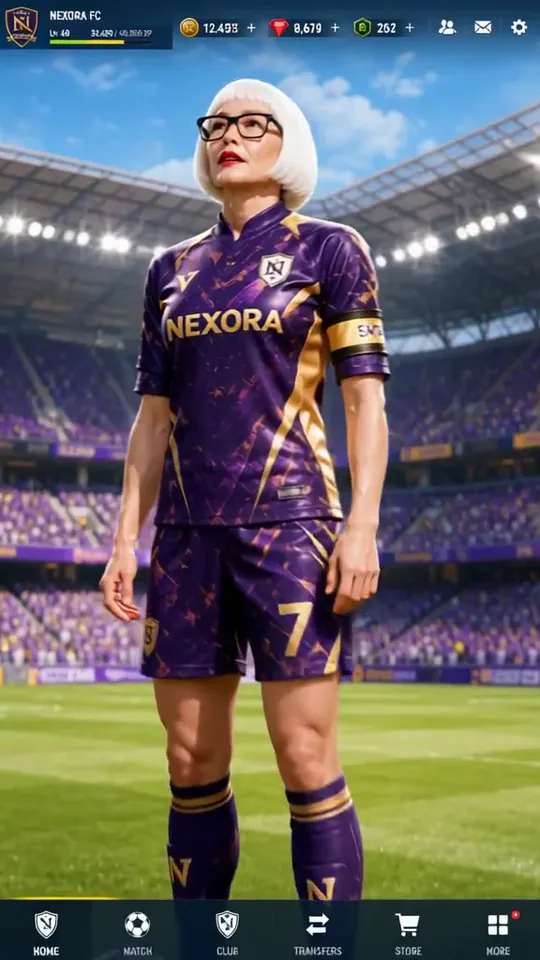 Superstar LobbyYou become the star player on a game's home screen, then step out into the stadium.Try itNewRecreate
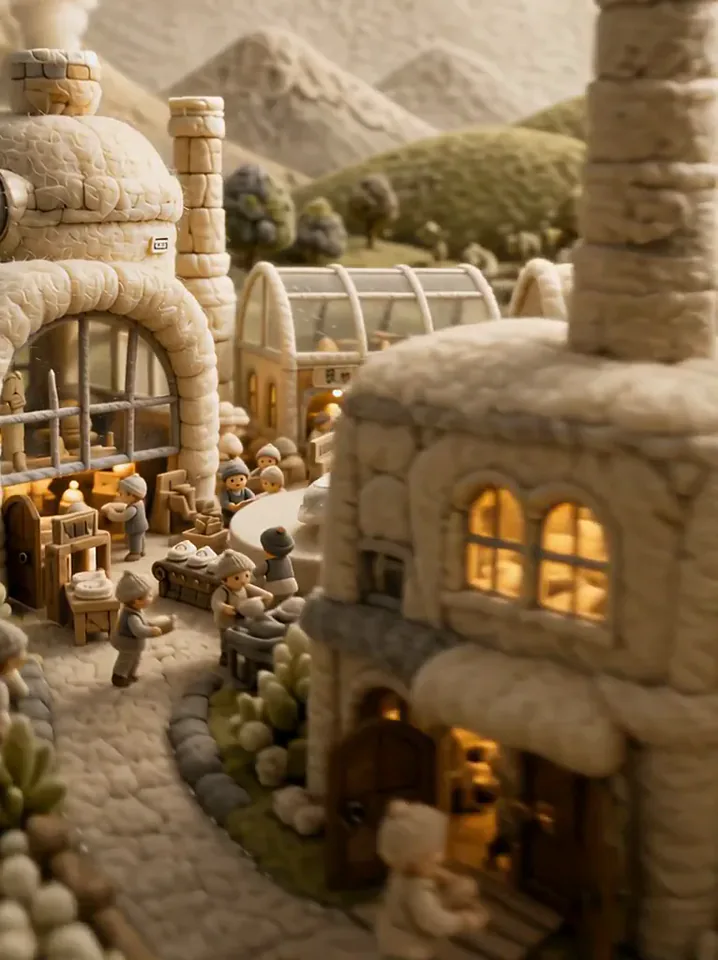 Fluffy FactoryThe camera flies over a felt village into a factory where your product gets made.Try itNewRecreate
What the Football Live King! effect does
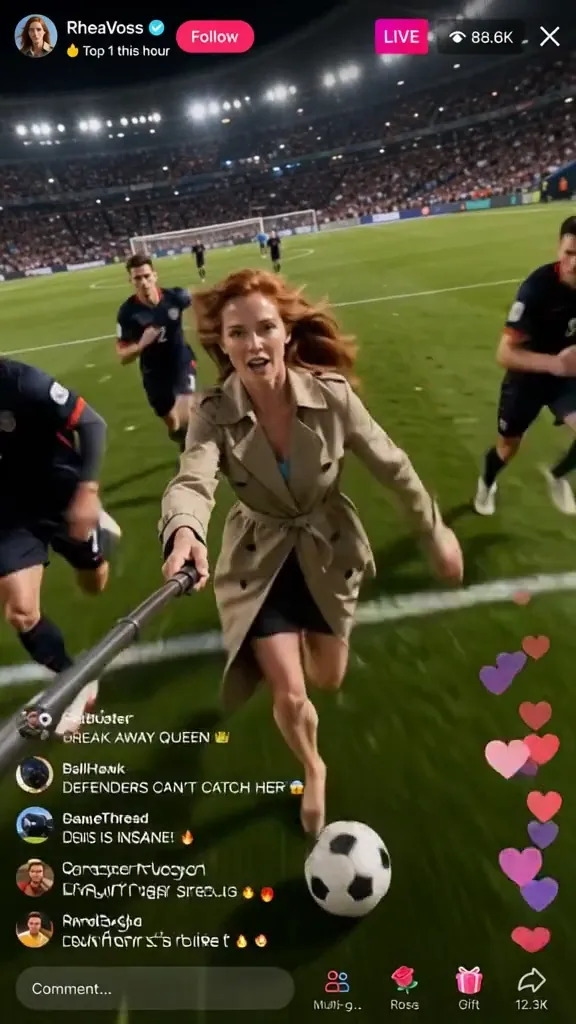
A player runs with the ball while a phone-style live interface fills with comments, hearts, and gift graphics. The selfie-stick viewpoint makes the player seem to record the match while taking part. The surrounding interface is a visual effect, not an actual live session.
This is a fixed preset: the template sets the motion, scene, and 12-second length. You only upload one photo; there is no choreography, scene, or duration to write or adjust.
How to use Football Live King!
- Choose the source Use a single clear image with the main subject easy to distinguish. Read the photo suggestions below before uploading, and compare your framing with the two source examples.
- Run the preset Start Soccer Live View with your uploaded photo. Its movement and setting are already selected, so you do not need a written prompt or a separate motion reference.
- Review the result Watch the whole clip before saving it. Check the opening, the main action, and the ending together; the sampled examples illustrate possible results rather than a guarantee that every detail will repeat.
Which photos work best for Football Live King!
Works well
- One person with a clear face and recognizable outfit.
- A portrait with enough upper-body detail for the handheld-camera view.
Avoid
- Crowds where the intended streamer is uncertain.
- A requirement for precise, readable chat messages.
Football Live King! examples
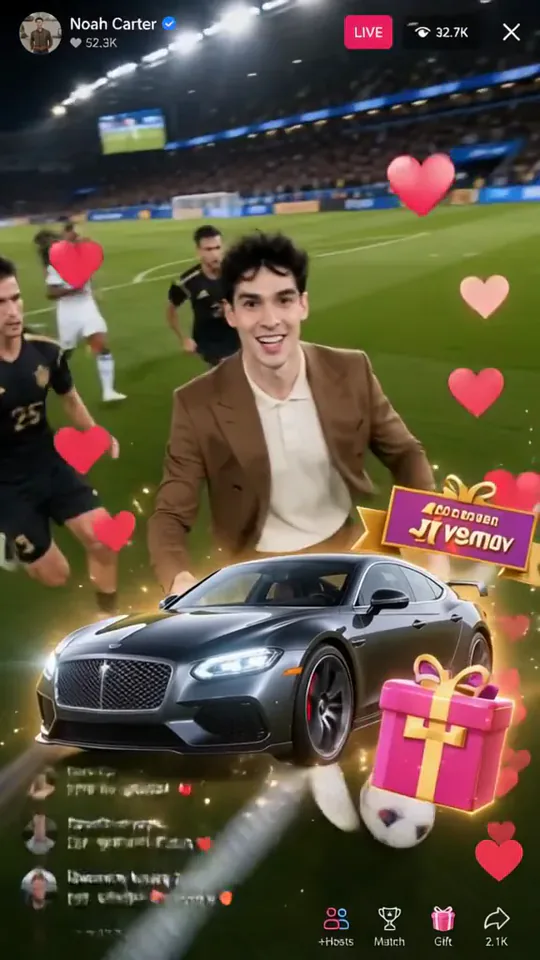
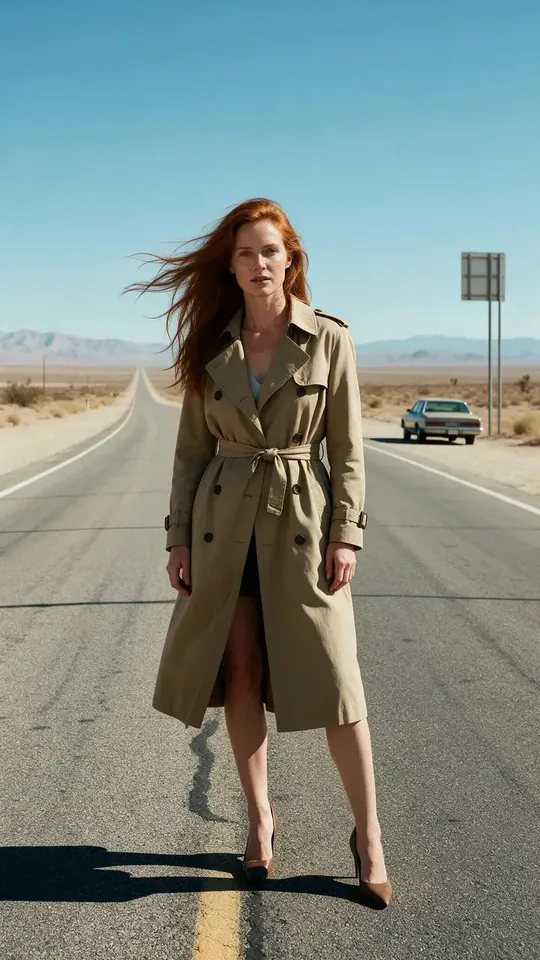
What we saw when we tested Football Live King!
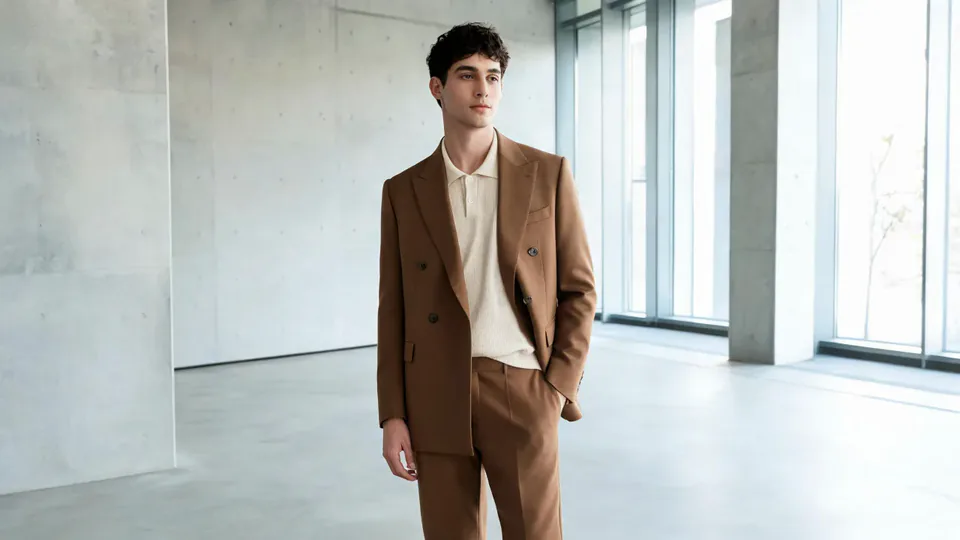
The brown-suited source becomes a player moving across the field with a selfie stick. Hearts, chat lines, and a small car graphic overlay the match as the ball moves toward the goal.
The red-haired road portrait becomes a trench-coated player pursued by others. Large car and gift graphics cover parts of the lower scene, followed by a goal-area view beneath the live-style interface.
How Football Live King! does on each model
- PixVerse V6 Effects The single template model runs the complete 12-second sequence. The two examples below show this preset with different uploads; they are not a comparison between model options.
The prompt behind Football Live King!
You never write a prompt for Football Live King!. This is the exact text it sends with your photo:
A live football broadcast moment in a packed stadium.What the prompt asks for
- What happens
A live football broadcast moment in a packed stadium.
Tips for a better Football Live King! result
- Leave the interface visible if the livestream illusion is your goal.
- Check whether large gift graphics obscure the ball or face at an important moment.
Football Live King! cost and time
Football Live King! costs 374 credits with PixVerse V6 Effects and is usually ready in about 1 min.
Football Live King!: questions and answers
Is this broadcast to real viewers?
The hearts, comments, and live indicators are generated inside the video. Running the effect does not create a live event.
Can I enter the chat messages myself?
This template does not provide custom chat text. Add exact wording as a separate caption if the message matters.
Are the virtual gifts real items received by my account?
They are decorative graphics in the rendered scene. Their appearance does not represent a transaction or audience activity.
Does the source need a selfie stick?
Neither source shows one. The stick and recording viewpoint are generated as part of the preset.
Will the whole match remain easy to see?
The second example has large gifts over the lower action. Review the overlay placement if an unobstructed ball or goal is important.
Related effects and tools
- You in an open-world game · Your photo as a third-person screenshot from a sunny open-world video game.
- Still in the Rush · Everyone blurs past in fast-forward. You don’t move.
- Rig Cam · You stay locked in frame while the world swings behind.
- Trim and arrange the finished clip in the Video Editor