


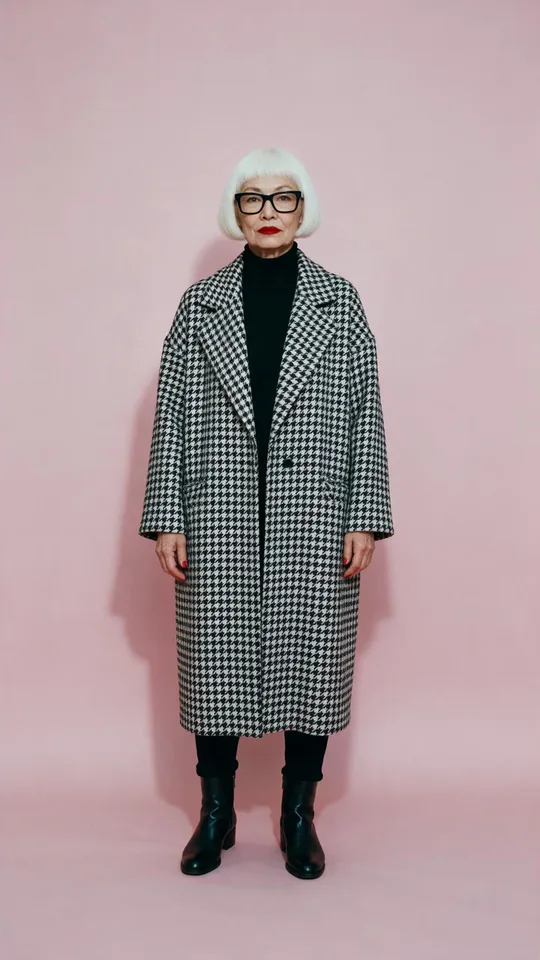
AI video effect · Superstar Lobby
Superstar Lobby Effect: Photo to Video
You become the star player on a game's home screen, then step out into the stadium.
1Add a photo
- One person or pet, clearly in view
- A little empty space around them leaves room for the gag
- Bright, sharp photos get the funniest results
More options
about 1 min
More to try
All effects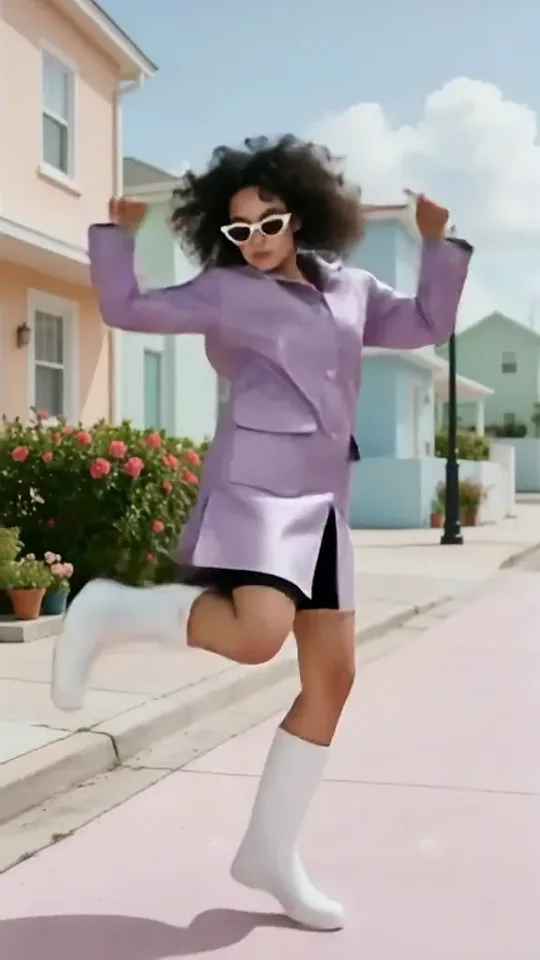 Dai Dai DanceYou break into a bouncy dance with big steps and arm swings, right where you stand.Try itNewRecreate
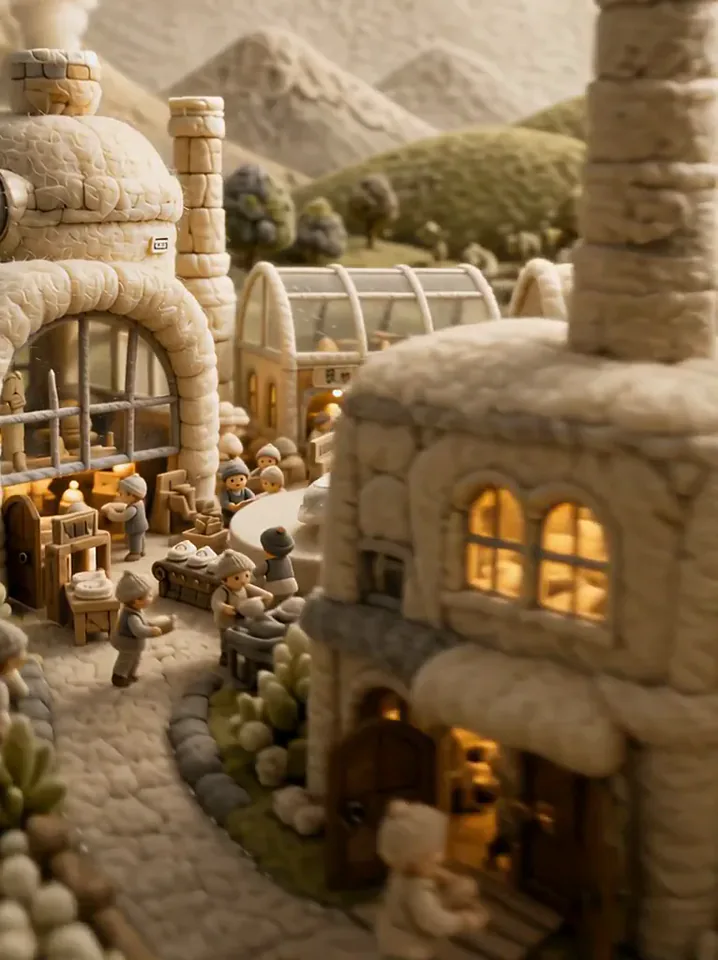 Fluffy FactoryThe camera flies over a felt village into a factory where your product gets made.Try itNewRecreate
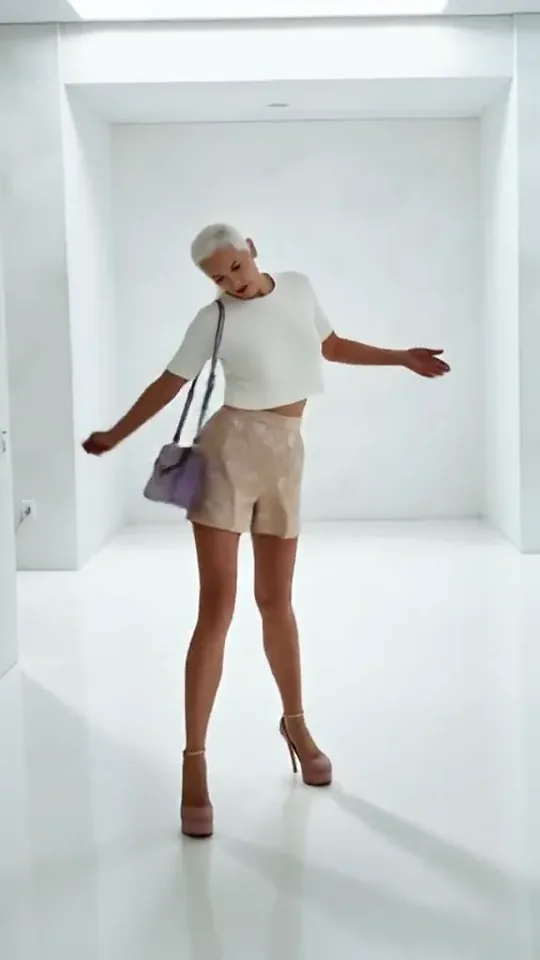 Step by StepYou stroll forward with a light, playful swagger through a bright white room.Try itNewRecreate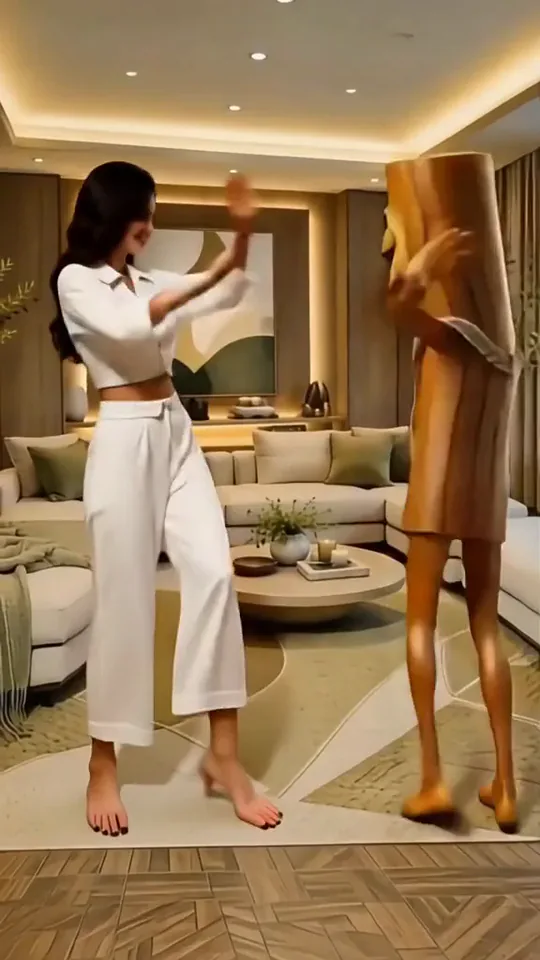
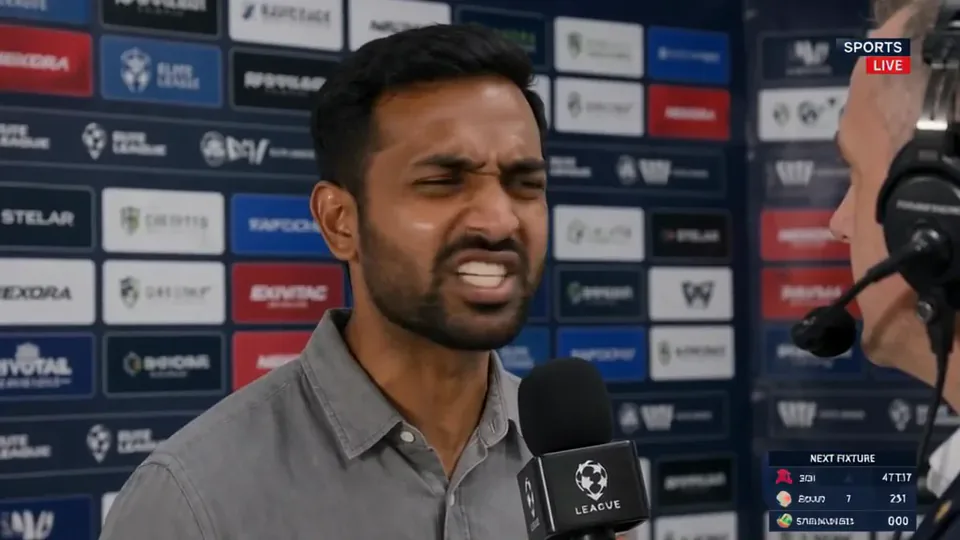 Post-match Sharp Comment 2Another post-match take: you face the reporter and make your point with some heat.Try itNewRecreate
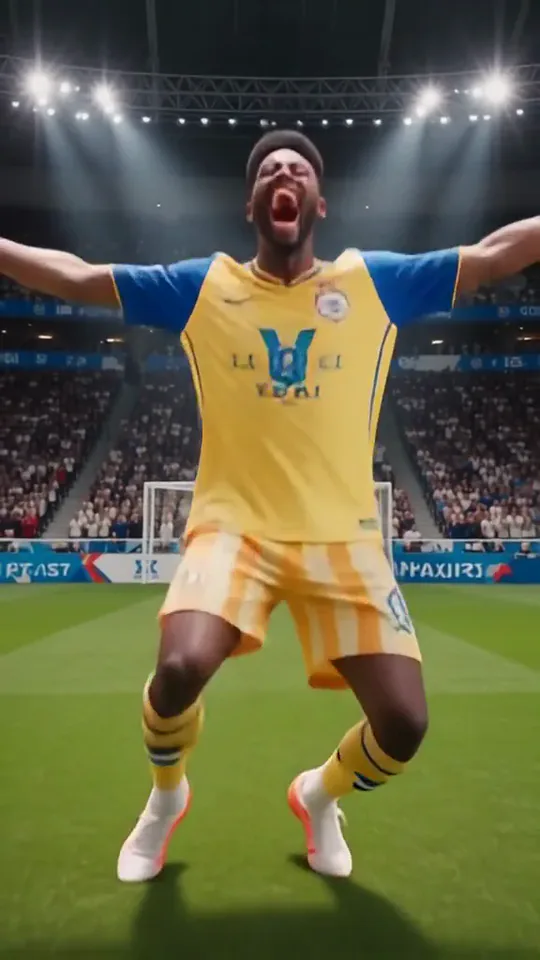 Knee SlideYou run onto the pitch in full kit and drop into a knee-slide goal celebration.Try itNewRecreate
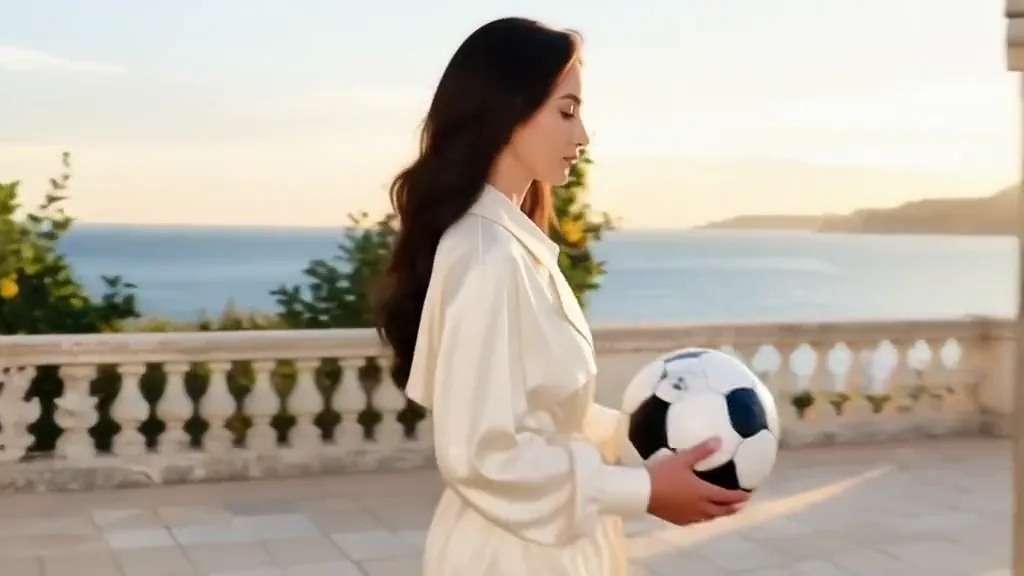 Tunnel to CaptainYour subject walks with a soccer ball into a captain-style stadium portrait.Try itNewRecreate
 Golden Field BreakerYour portrait leads into a golden dog running with a soccer ball ahead of the players.Try itNewRecreate
 Apex DanceYou dance on the spot with sharp, angular moves, hip turns and a confident head roll.Try itNewRecreate
 Magma RiseYou crack open in glowing magma and rise as a towering lava creature in a city street.Try itNewRecreate
What the Superstar Lobby effect does
A portrait becomes a full-body sports avatar surrounded by a colorful game-menu layout. Rating panels, event cards, and buttons establish a fictional player lobby, then the framing opens toward the stadium. The appeal is seeing the subject presented as the featured selectable star.
This is a fixed preset: the template sets the motion, scene, and 6-second length. You only upload one photo; there is no choreography, scene, or duration to write or adjust.
How to use Superstar Lobby
- Choose the source Use a single clear image with the main subject easy to distinguish. Read the photo suggestions below before uploading, and compare your framing with the two source examples.
- Run the preset Start Superstar Lobby with your uploaded photo. Its movement and setting are already selected, so you do not need a written prompt or a separate motion reference.
- Review the result Watch the whole clip before saving it. Check the opening, the main action, and the ending together; the sampled examples illustrate possible results rather than a guarantee that every detail will repeat.
Which photos work best for Superstar Lobby
Works well
- One clear face with distinctive hair or glasses.
- A portrait with enough contrast to separate the head from the background.
Avoid
- Expecting exact control over generated ratings and statistics.
- Several people with similarly prominent faces.
Superstar Lobby examples

What we saw when we tested Superstar Lobby
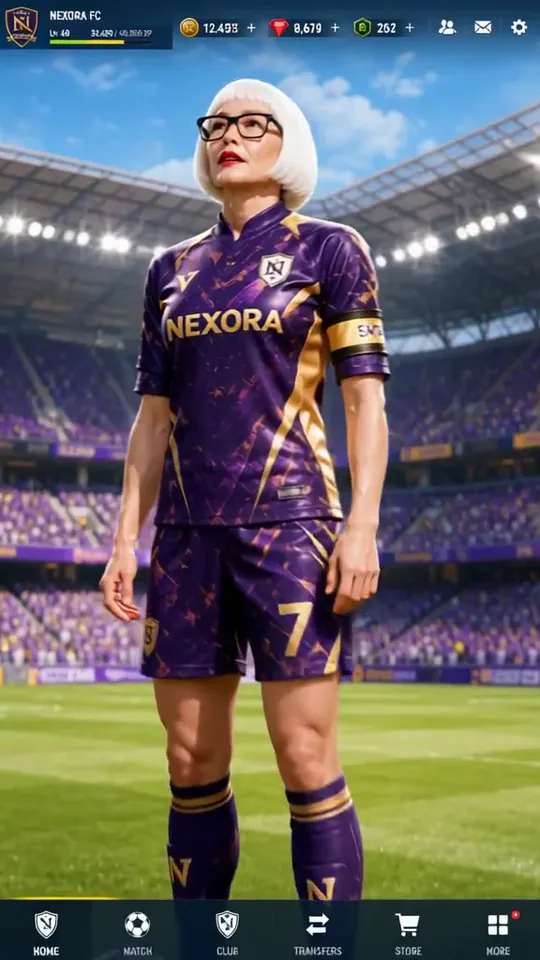
The silver-haired woman with glasses becomes a purple-kit avatar on a dense soccer game menu. The sampled views move from folded arms and a raised knee to a closer stadium pose with hands at the hips.
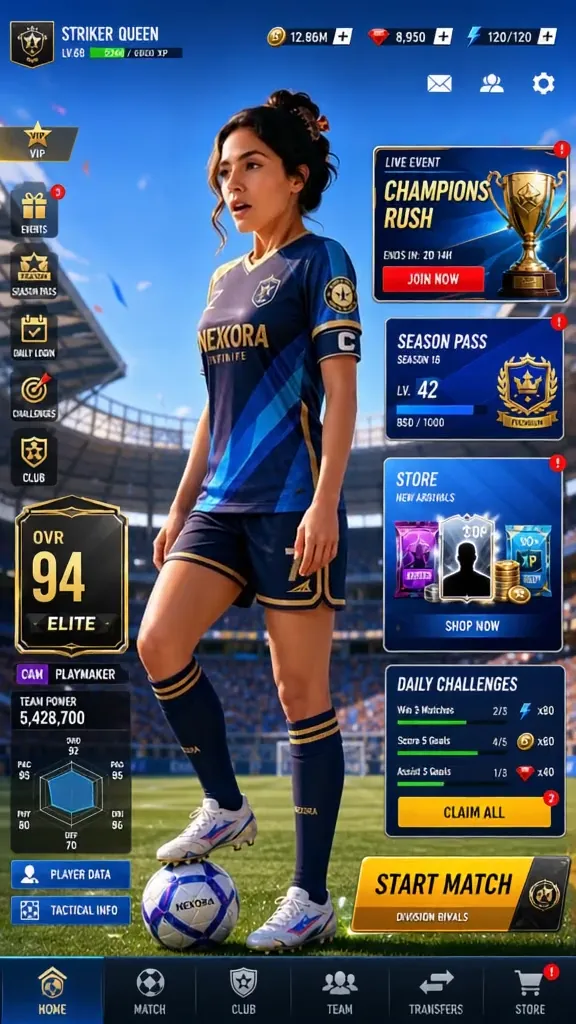
The cream-sweater portrait becomes a blue-kit avatar with a ball at her feet. Menu cards occupy much of the early frame, then later views emphasize the player standing against a bright stadium.
How Superstar Lobby does on each model
- PixVerse V6 Effects The single template model runs the complete 6-second sequence. The two examples below show this preset with different uploads; they are not a comparison between model options.
The prompt behind Superstar Lobby
You never write a prompt for Superstar Lobby. This is the exact text it sends with your photo:
A superstar walk through a glamorous lobby.What the prompt asks for
- What happens
A superstar walk through a glamorous lobby.
Tips for a better Superstar Lobby result
- Check the avatar face independently of the decorative menu.
- Keep some menu cards visible when choosing a cover, so the game-lobby idea reads immediately.
Superstar Lobby cost and time
Superstar Lobby costs 187 credits with PixVerse V6 Effects and is usually ready in about 1 min.
Superstar Lobby: questions and answers
Is this an account in a playable soccer game?
The interface is generated video scenery. It does not create a game account, playable character, or interactive menu.
Can I set my player rating in the lobby?
Rating numbers and panels are generated as part of the layout. There is no rating-entry field for this preset.
Do glasses survive the sports-avatar treatment?
The silver-haired preview keeps visible glasses on the avatar. That result does not guarantee every accessory will remain consistent.
Will the menu stay on screen throughout the clip?
Both reviewed sequences move toward less obstructed stadium views. The amount of visible interface changes across the sampled frames.
Can I use the generated button labels as exact text?
The labels are part of a rendered design and may change or distort. Add separate text if specific wording is required.
Related effects and tools
- Game Character Select · You become a 3D game character spinning on a neon select screen.
- You in an open-world game · Your photo as a third-person screenshot from a sunny open-world video game.
- Cover Shot · Studio flashes, three sharp poses, one magazine cover.
- Trim and arrange the finished clip in the Video Editor