


AI video effect · Post-match Sharp Comment 2
Post-Match Interview 2 Effect: Photo to Video
Another post-match take: you face the reporter and make your point with some heat.
1Add a photo
- One person or pet, clearly in view
- A little empty space around them leaves room for the gag
- Bright, sharp photos get the funniest results
More options
about 1 min
More to try
All effects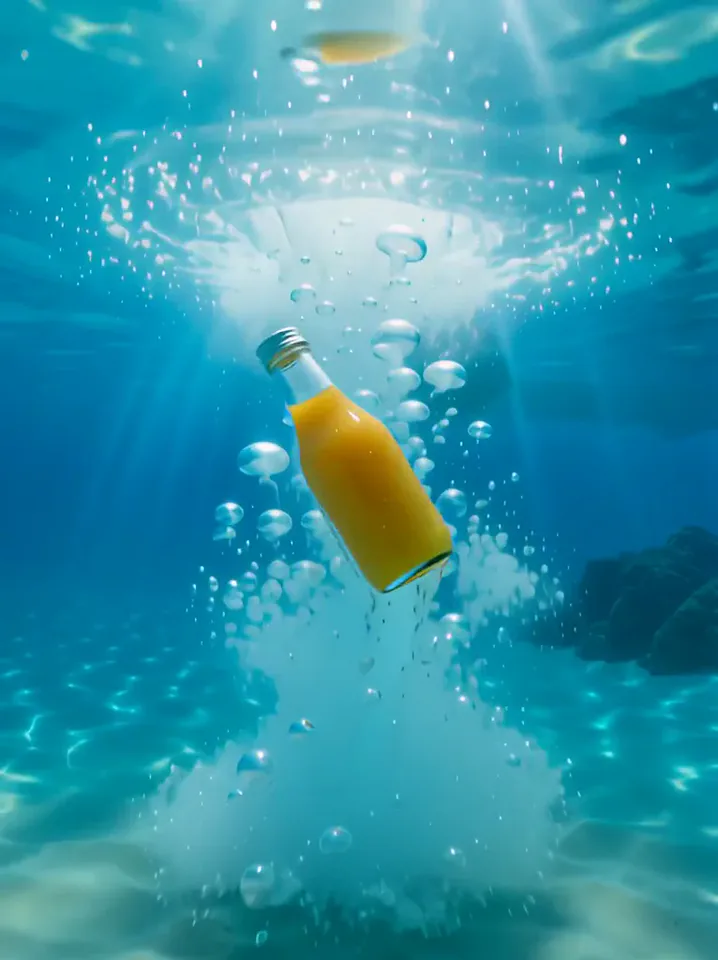 Surfing SummerYour product rides a summer adventure: parachute drop, water slide, dive and surf.Try itNewRecreate
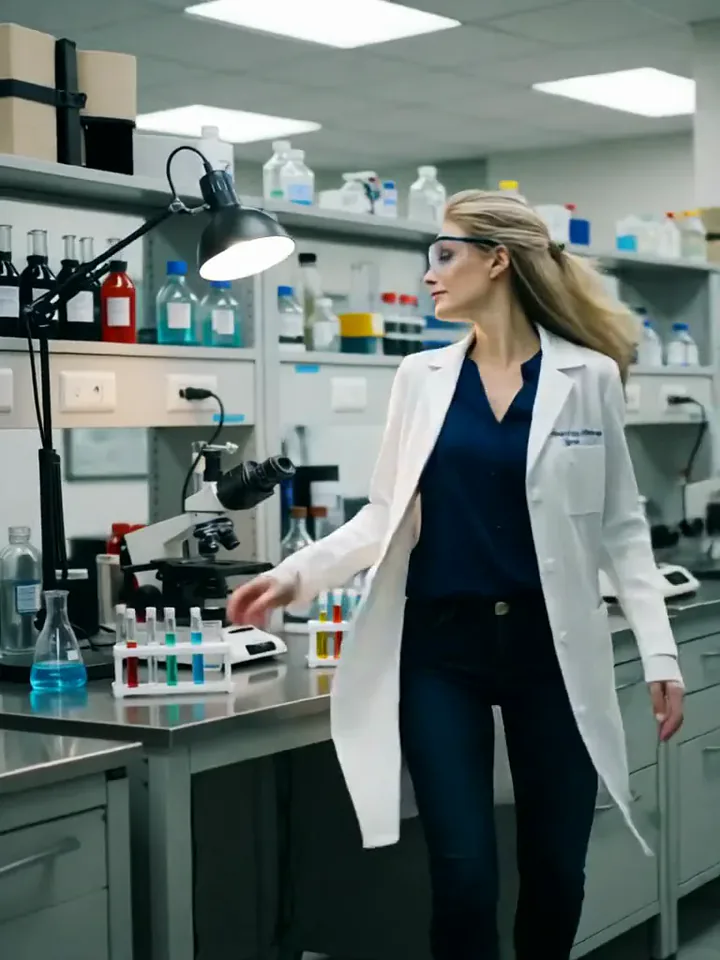 My Future Has Infinite PossibilitiesYou walk through one life and step into another, a quick glimpse of your future self.Try itNewRecreate
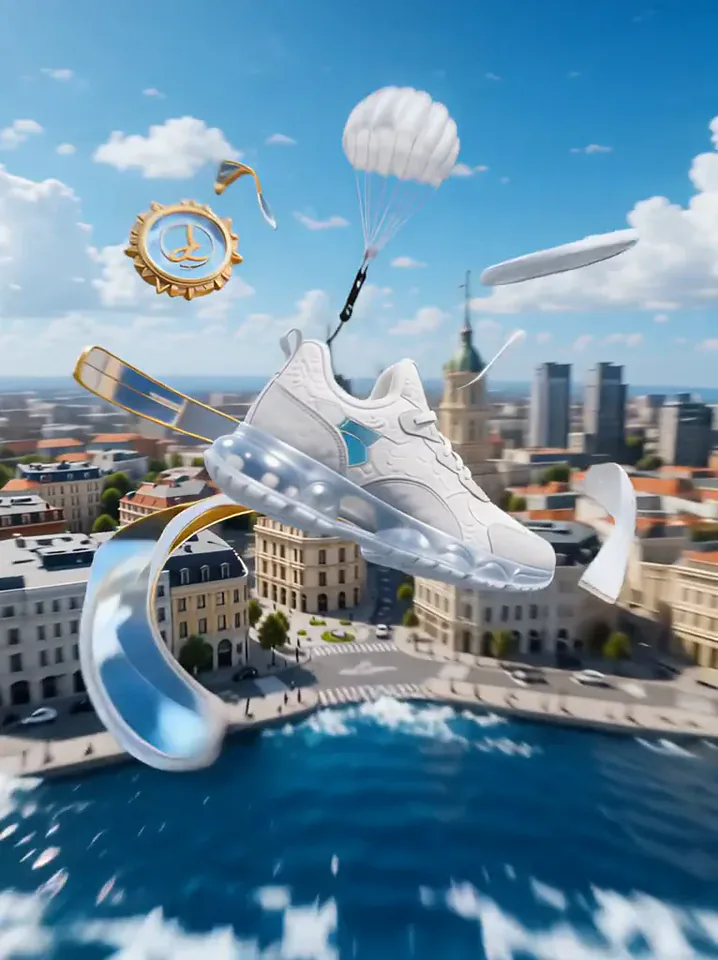 Product LandmarkYour product bursts from the sea, parachutes into a city and becomes a grand landmark.Try itNewRecreate
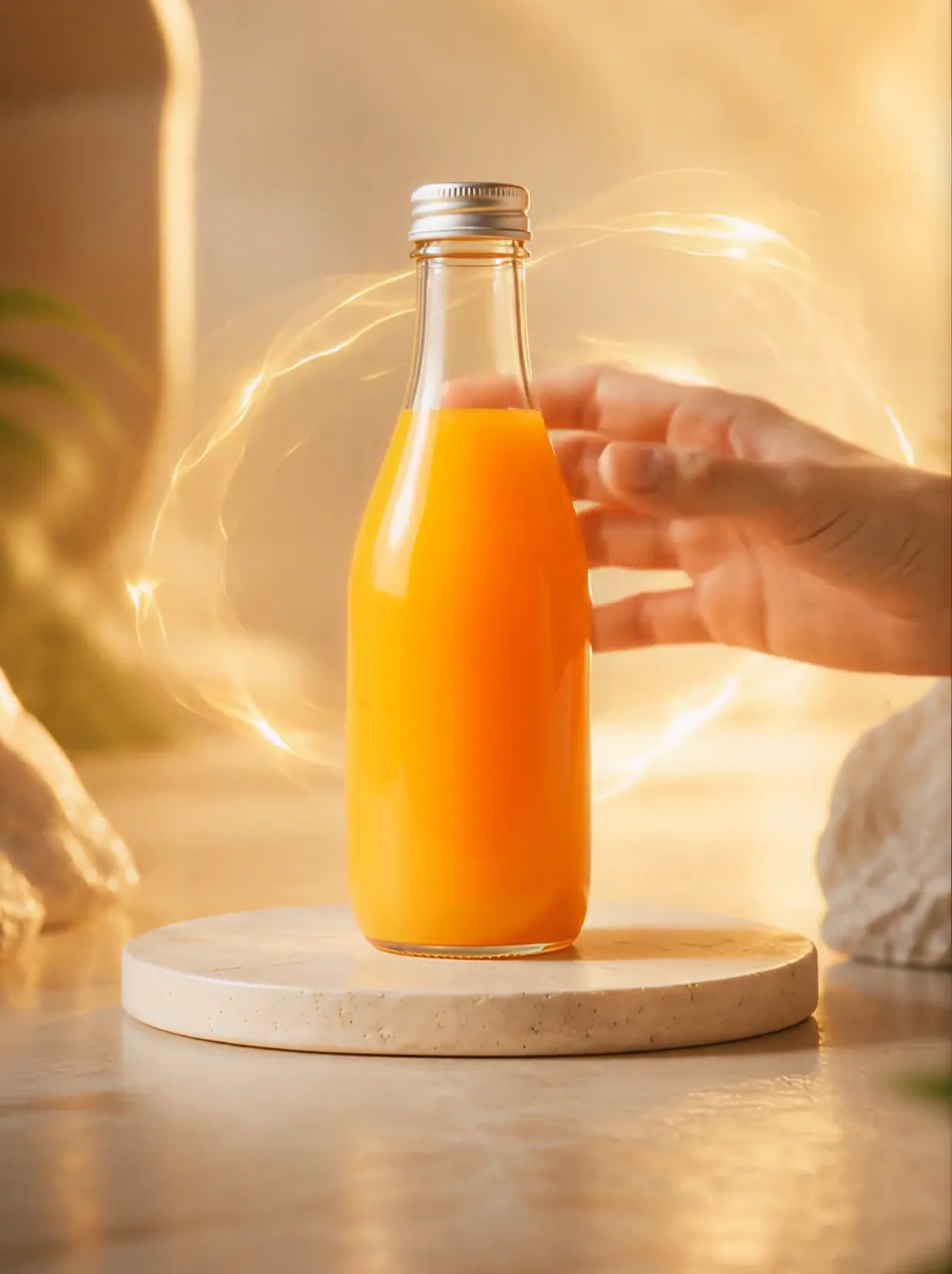 Product UniverseGolden swirls carry your product into a giant dream world built around its colors and shape.Try itNewRecreate
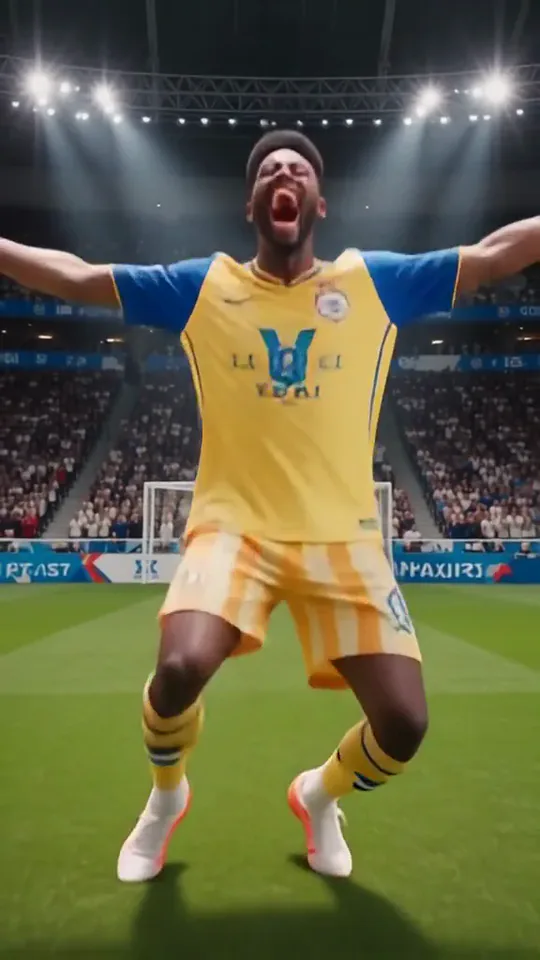 Knee SlideYou run onto the pitch in full kit and drop into a knee-slide goal celebration.Try itNewRecreate
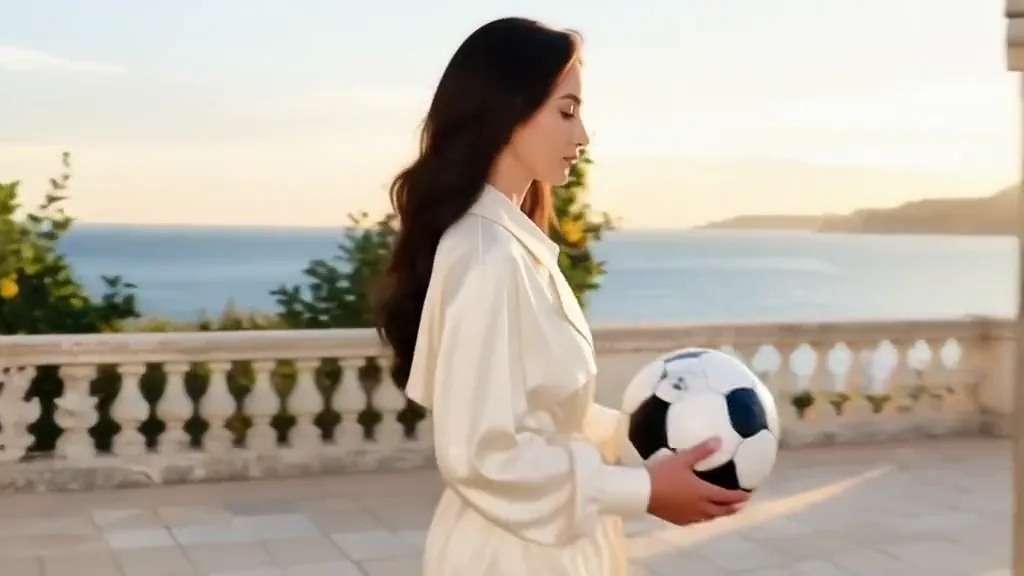 Tunnel to CaptainYour subject walks with a soccer ball into a captain-style stadium portrait.Try itNewRecreate
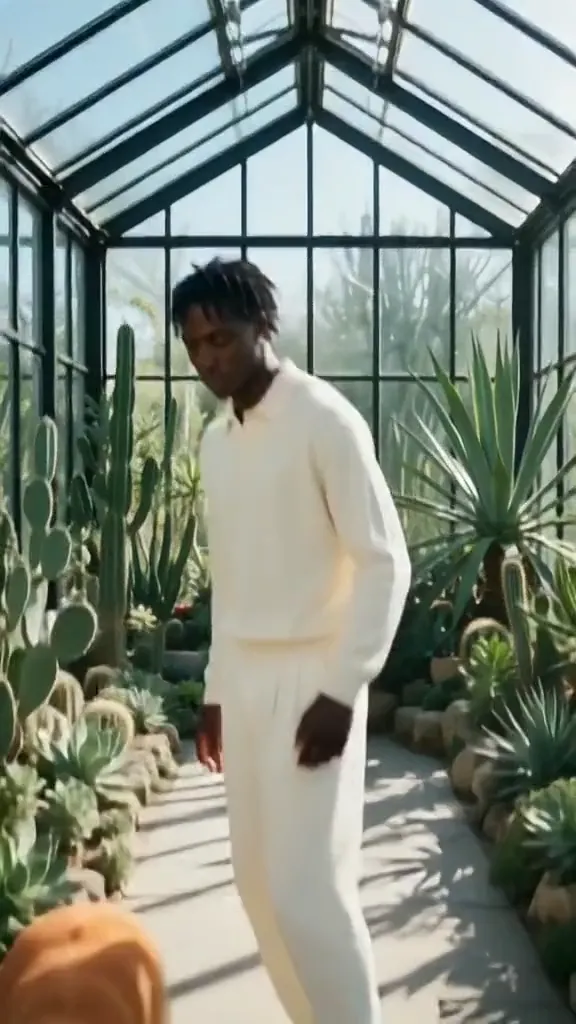 Golden Field BreakerYour portrait leads into a golden dog running with a soccer ball ahead of the players.Try itNewRecreate
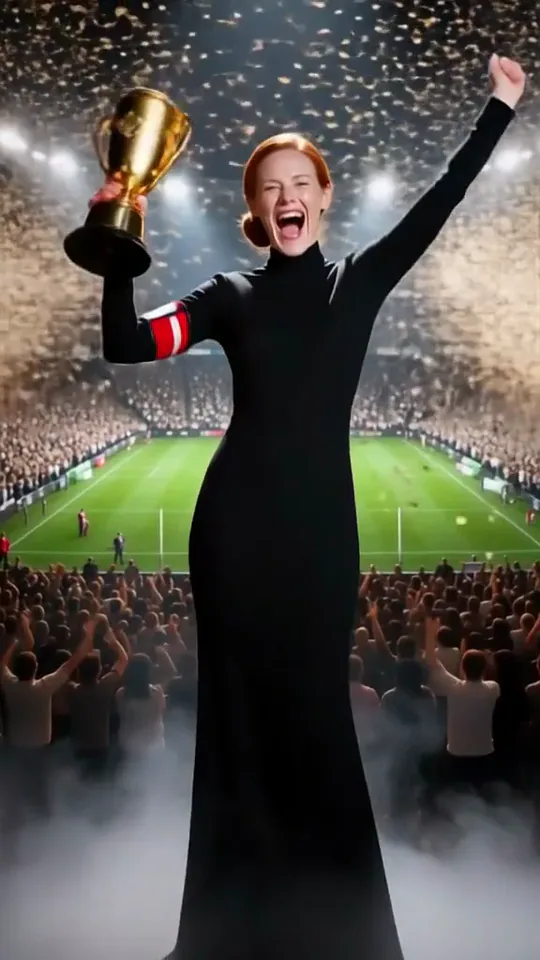 Trophy CelebrationYou lift a golden trophy in a stadium as fireworks burst and confetti rains down.Try itNewRecreate
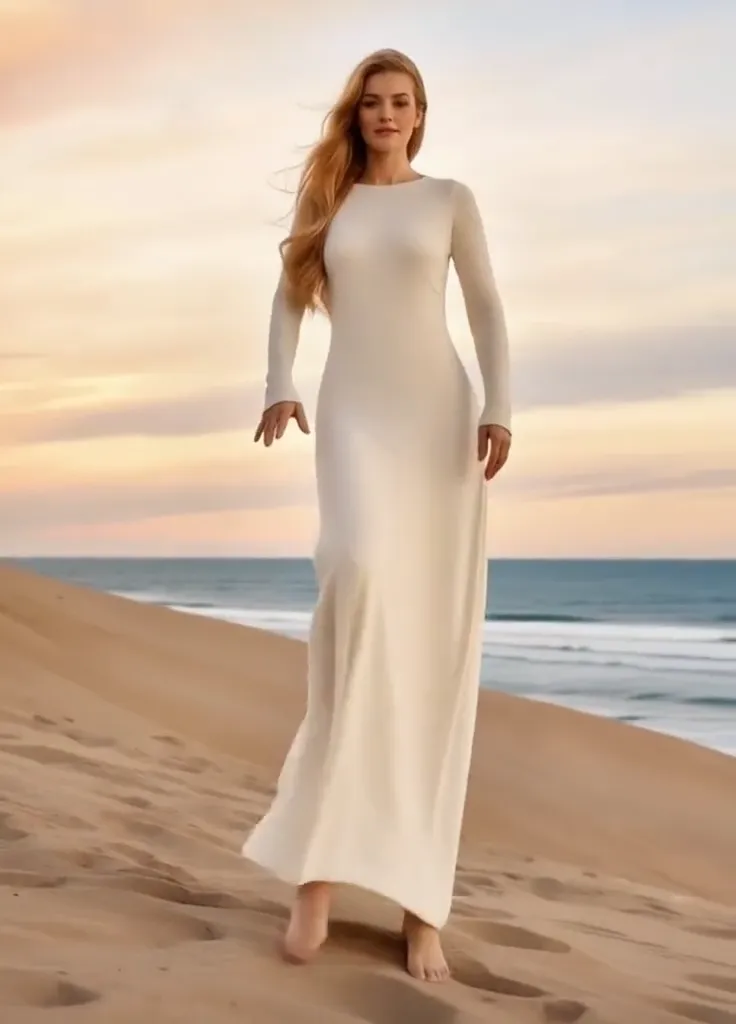 Thriller Dance StepsYour subject performs a playful routine with raised arms, broad steps, and a backward lean.Try itNewRecreate
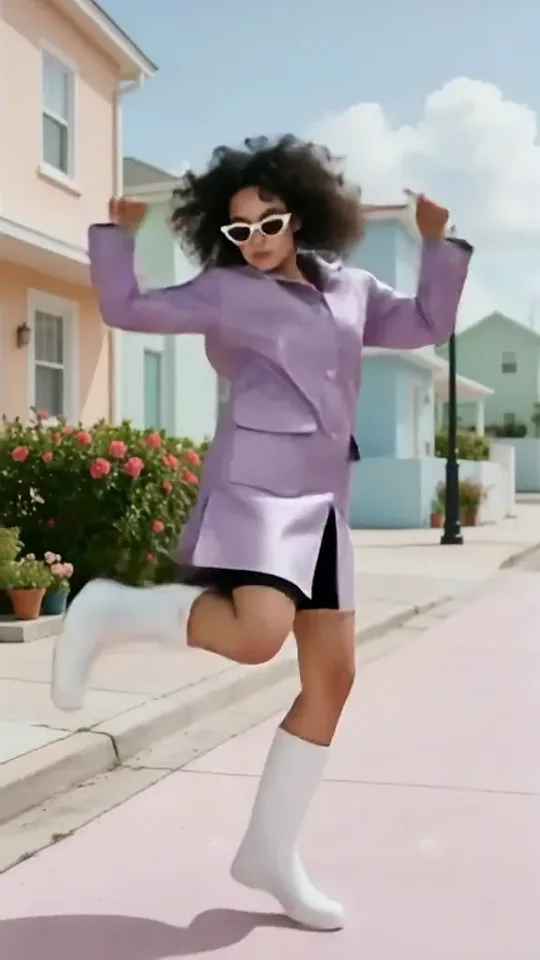 Dai Dai DanceYou break into a bouncy dance with big steps and arm swings, right where you stand.Try itNewRecreate
What the Post-match Sharp Comment 2 effect does
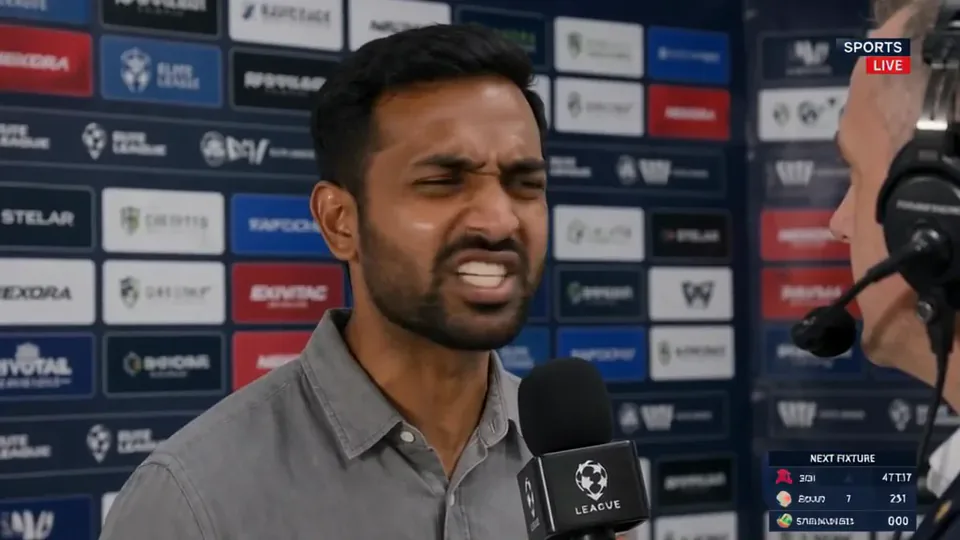
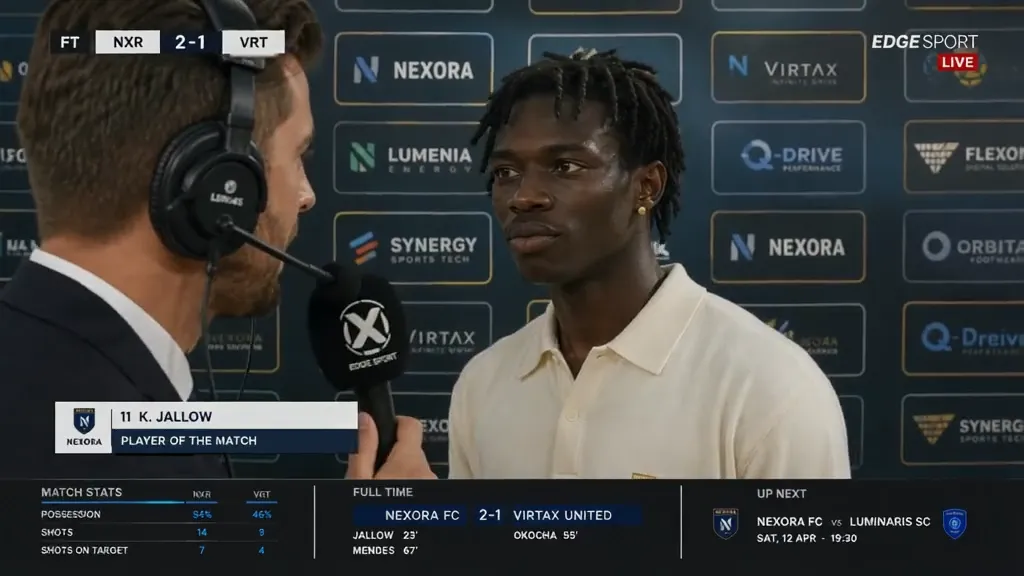
A second interview preset focuses on an animated exchange between the subject and a headset-wearing reporter. Close views emphasize raised brows, changing mouth shapes, and hand gestures, with a tiled media wall and score panels behind and below. It creates a sports-commentary look from a portrait.
This is a fixed preset: the template sets the motion, scene, and 12-second length. You only upload one photo; there is no choreography, scene, or duration to write or adjust.
How to use Post-match Sharp Comment 2
- Choose the source Use a single clear image with the main subject easy to distinguish. Read the photo suggestions below before uploading, and compare your framing with the two source examples.
- Run the preset Start Post-Match Interview 2 with your uploaded photo. Its movement and setting are already selected, so you do not need a written prompt or a separate motion reference.
- Review the result Watch the whole clip before saving it. Check the opening, the main action, and the ending together; the sampled examples illustrate possible results rather than a guarantee that every detail will repeat.
Which photos work best for Post-match Sharp Comment 2
Works well
- A clean face reference with eyes and mouth unobstructed.
- A slight three-quarter pose that still shows both eyes.
Avoid
- A phone or microphone covering most of the face.
- Blurred expressions that offer little facial detail.
Post-match Sharp Comment 2 examples

What we saw when we tested Post-match Sharp Comment 2
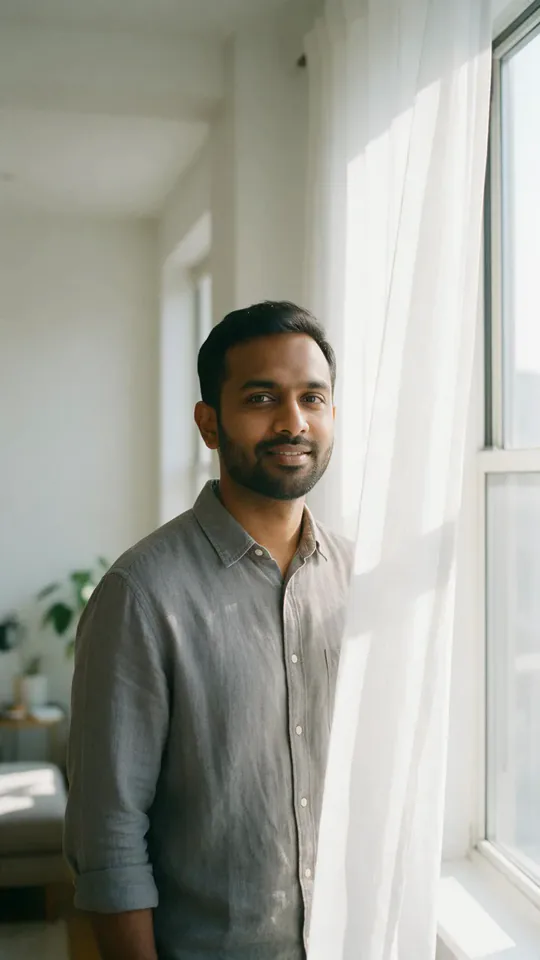
The gray-shirt portrait becomes an interview with the reporter at the right. The subject changes from a mild smile to a tense expression and back toward a calmer look above the broadcast panels.
The greenhouse portrait becomes an interview in a cream shirt with the reporter at the left. The subject raises both hands during a more expressive moment, then appears in a quieter close view.
How Post-match Sharp Comment 2 does on each model
- PixVerse V6 Effects The single template model runs the complete 12-second sequence. The two examples below show this preset with different uploads; they are not a comparison between model options.
The prompt behind Post-match Sharp Comment 2
You never write a prompt for Post-match Sharp Comment 2. This is the exact text it sends with your photo:
A confident post-match interview moment.What the prompt asks for
- What happens
A confident post-match interview moment.
Tips for a better Post-match Sharp Comment 2 result
- Choose a source with a clear mouth area for the changing expressions.
- Review the raised-hand moment as well as the close portrait, since fingers enter the composition.
Post-match Sharp Comment 2 cost and time
Post-match Sharp Comment 2 costs 374 credits with PixVerse V6 Effects and is usually ready in about 1 min.
Post-match Sharp Comment 2: questions and answers
Will the reporter always stand on the same side?
The reporter is on the right in the first reviewed run and on the left in the second. This preset does not lock that placement across uploads.
Can I make the subject deliver a particular quote?
There is no quote field in this interview template. Its visual performance should not be presented as a verified statement by the person.
Does this interview include generated speech?
The template is configured with audio generation off. The visible mouth movement alone does not establish any spoken content.
Are the lower panels real match statistics?
The score and statistics panels belong to the simulated broadcast. They are generated design elements rather than sourced sports records.
Does the greenhouse stay behind the interviewee?
The second result uses a tiled media wall instead. The source identifies the subject, while the interview setting is generated.
Related effects and tools
- Cover Shot · Studio flashes, three sharp poses, one magazine cover.
- Over the Shoulder · A glance back at the camera with a half-smile.
- The Turn · Look away, then turn to the lens with a confident gaze.
- Trim and arrange the finished clip in the Video Editor