


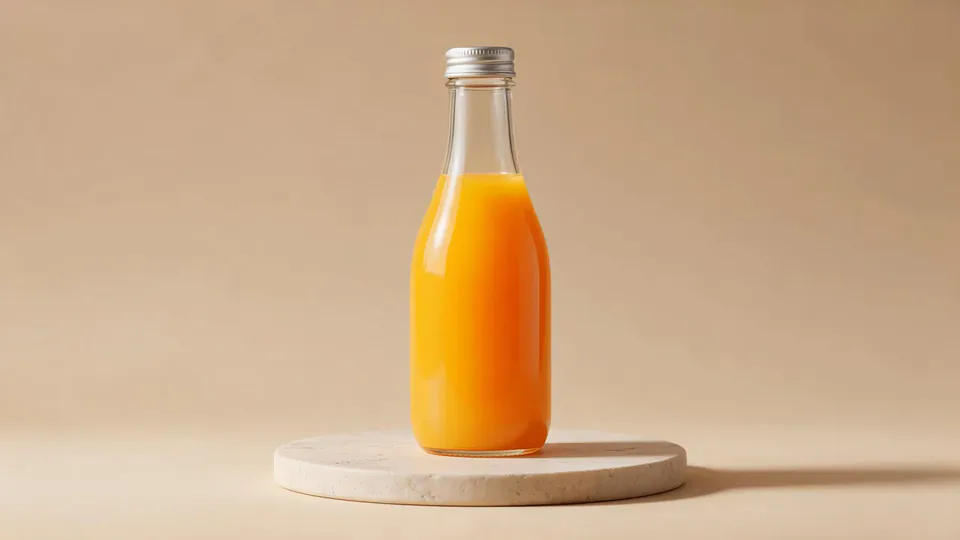
AI video effect · Surfing Summer
Surfing Summer Effect: Photo to Video
Your product rides a summer adventure: parachute drop, water slide, dive and surf.
1Add a photo
- One product on a plain surface
- Center it with space all around
- Soft, even light keeps the edges crisp
More options
about 1 min
More to try
All effects Trophy CelebrationYou lift a golden trophy in a stadium as fireworks burst and confetti rains down.Try itNewRecreate
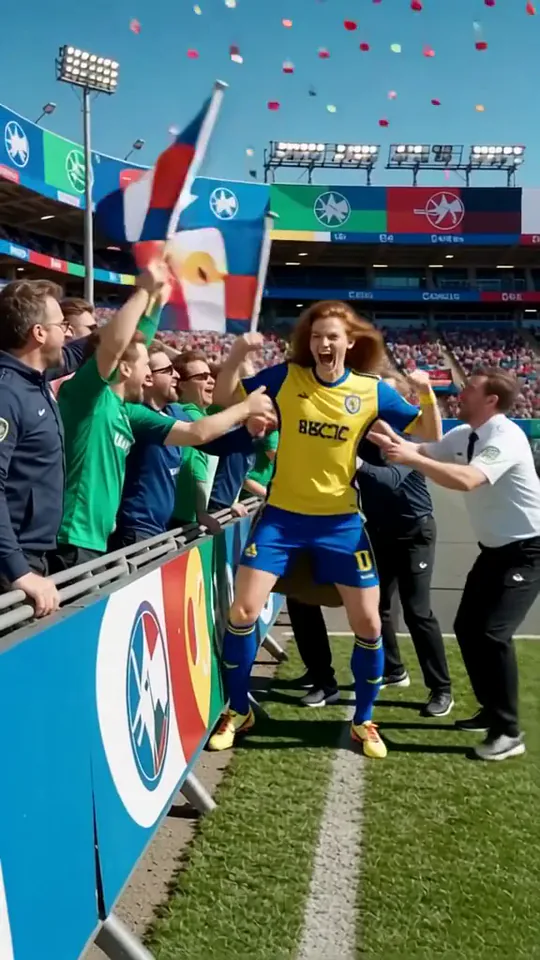 Jump into the Crowd 2You sprint into a stadium celebration and leap straight into the cheering crowd.Try itNewRecreate
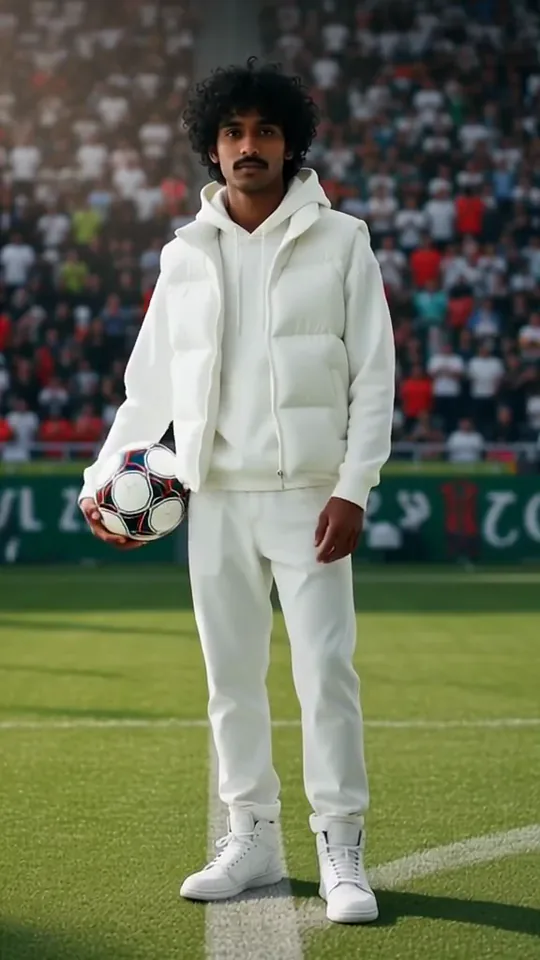 Sideline Ball BoyYou stand on the sideline of a big match and catch the ball as play rushes past.Try itNewRecreate
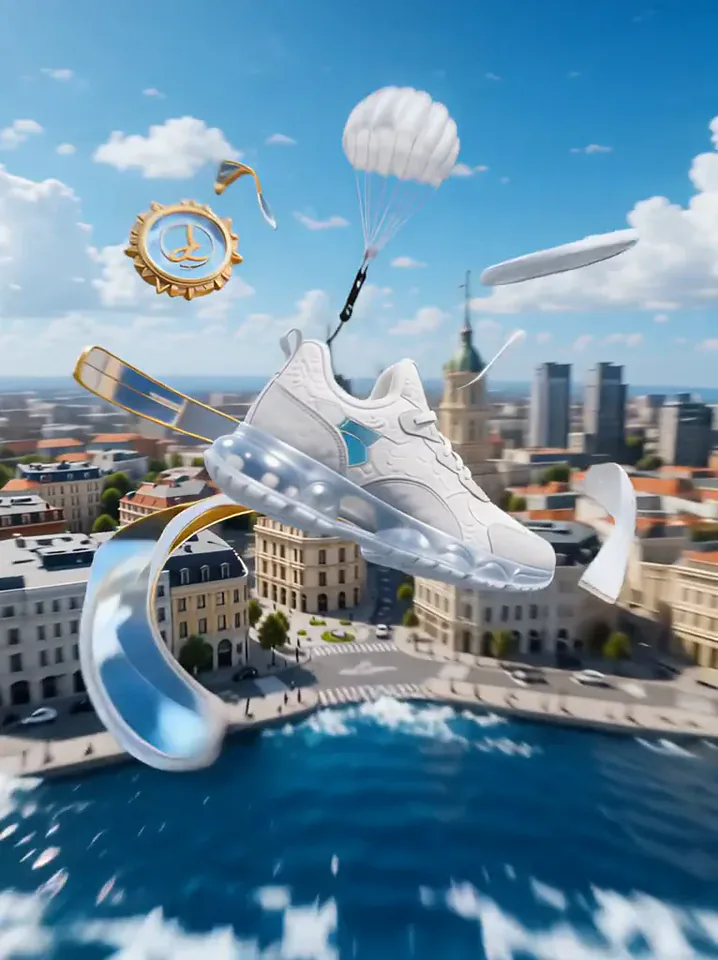 Product LandmarkYour product bursts from the sea, parachutes into a city and becomes a grand landmark.Try itNewRecreate
 Fluffy ChefYour product turns to soft felt, and a little felt chef slices it open to reveal cotton.Try itNewRecreate
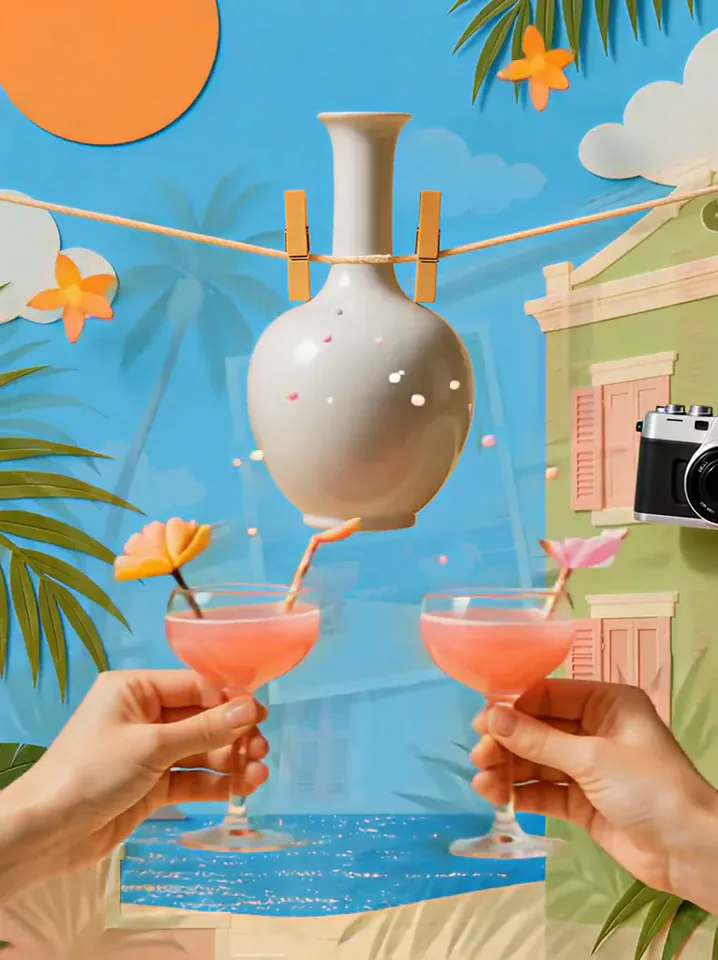 Summer PostcardYour product joins a paper-craft summer scene, clinks glasses, and becomes a postcard.Try itNewRecreate
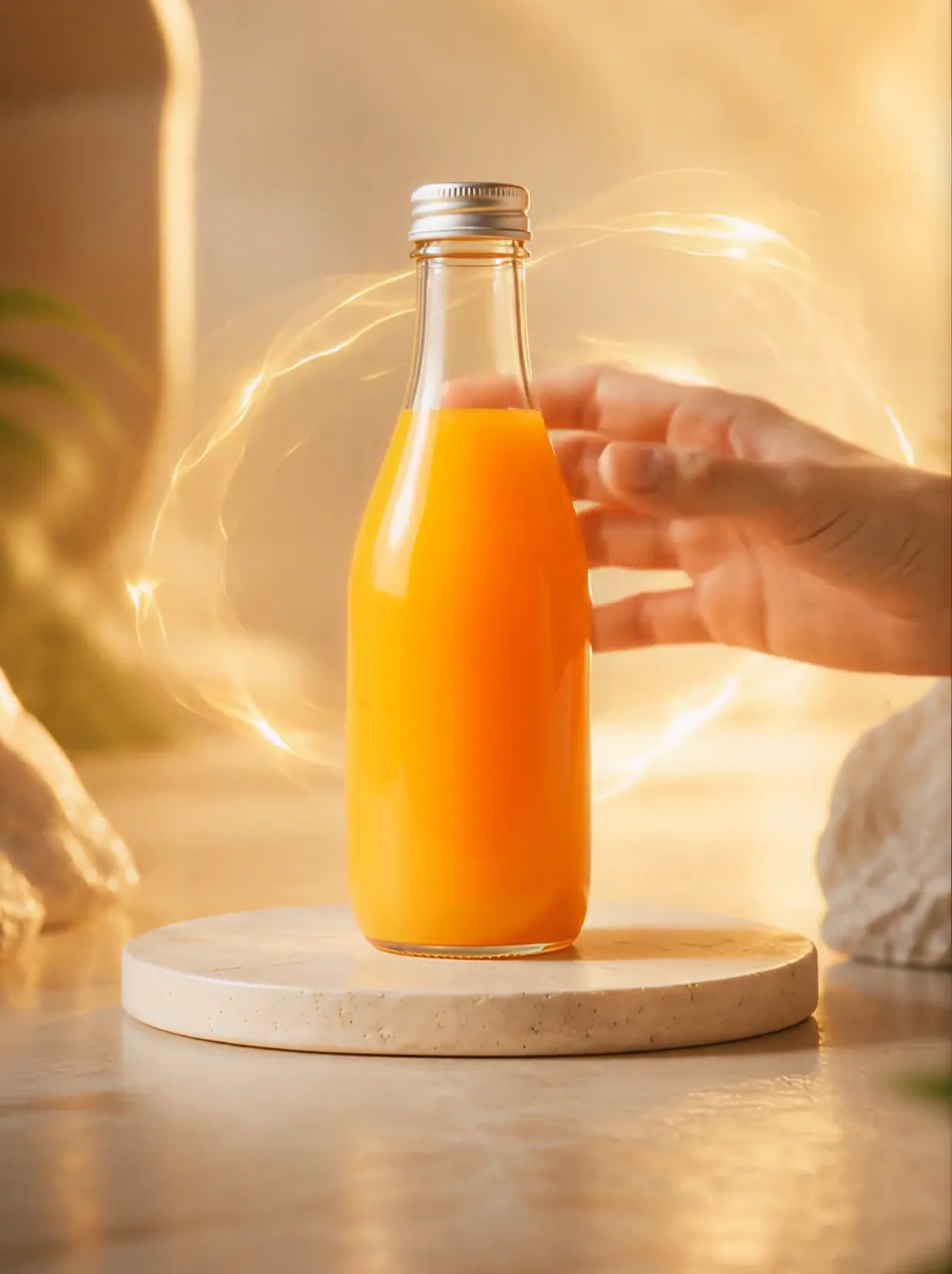 Product UniverseGolden swirls carry your product into a giant dream world built around its colors and shape.Try itNewRecreate
 Post-match Sharp Comment 2Another post-match take: you face the reporter and make your point with some heat.Try itNewRecreate
 2 photosTop of the WorldTwo portraits join a team trophy celebration with raised cups and falling gold confetti.Try itNewRecreate
What the Surfing Summer effect does
Give a product a small summer adventure: a parachute descent, a blue underwater moment, a surfboard view, and a bright beach ending. The movement turns an ordinary display object into the traveler. A person appears at the beach in both reviewed endings.
This is a fixed preset: the template sets the motion, scene, and 12-second length. You only upload one photo; there is no choreography, scene, or duration to write or adjust.
How to use Surfing Summer
- Choose the source Use a single clear image with the main subject easy to distinguish. Read the photo suggestions below before uploading, and compare your framing with the two source examples.
- Run the preset Start Surfing Summer with your uploaded photo. Its movement and setting are already selected, so you do not need a written prompt or a separate motion reference.
- Review the result Watch the whole clip before saving it. Check the opening, the main action, and the ending together; the sampled examples illustrate possible results rather than a guarantee that every detail will repeat.
Which photos work best for Surfing Summer
Works well
- One complete object against a quiet backdrop.
- A clear product shape that remains readable during fast scene changes.
Avoid
- A product cut off at several edges.
- Small text that must be legible while the object moves through water.
Surfing Summer examples
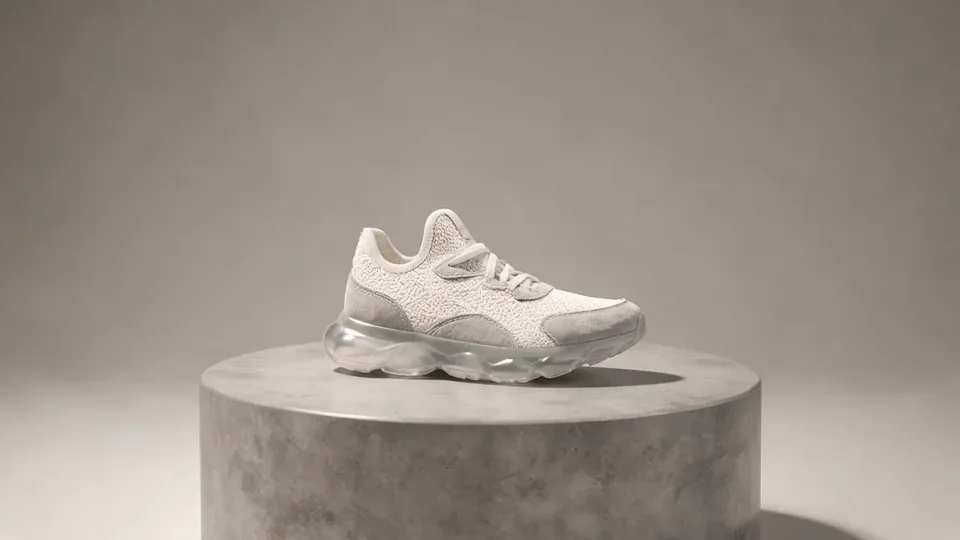
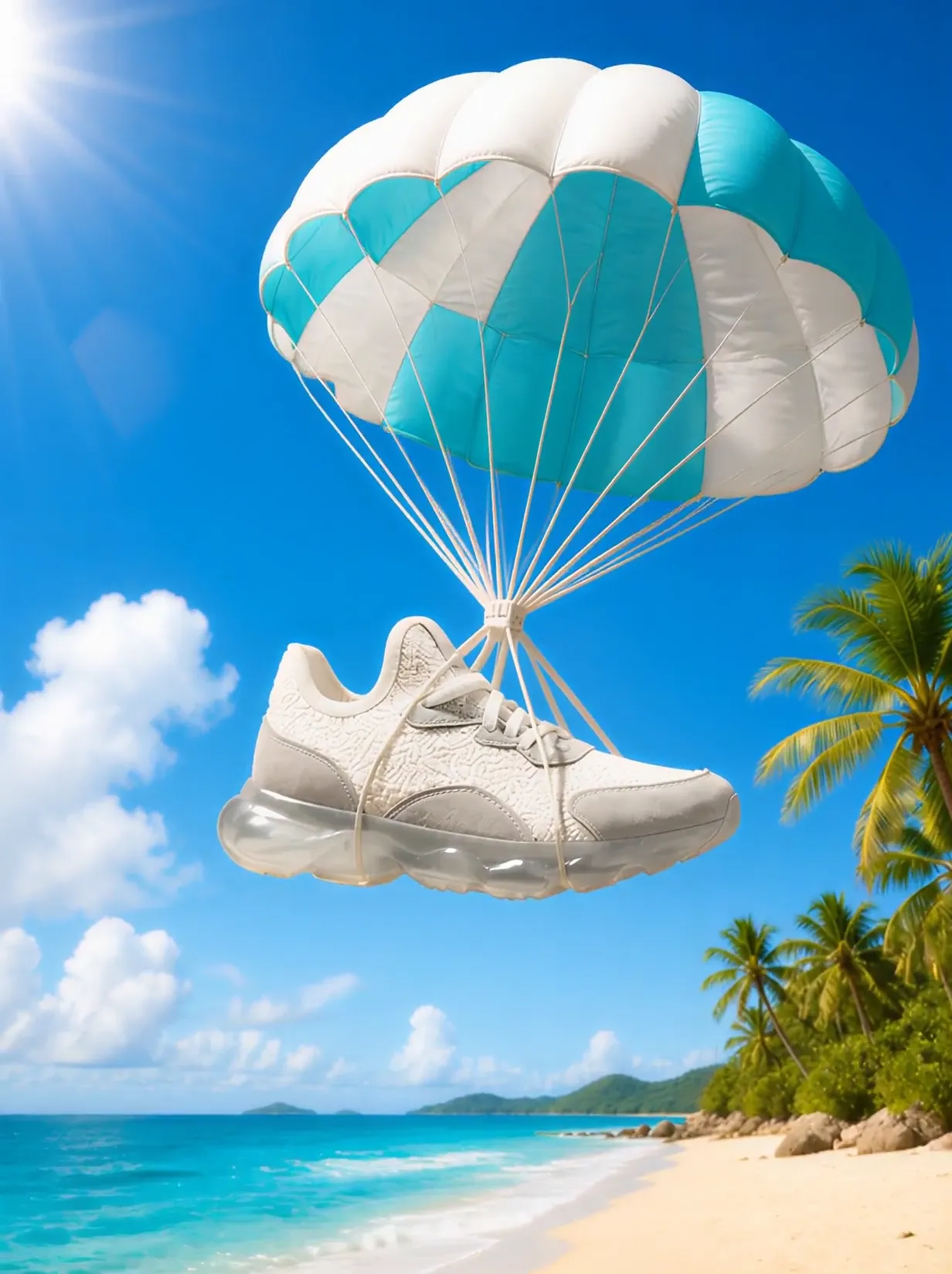
What we saw when we tested Surfing Summer
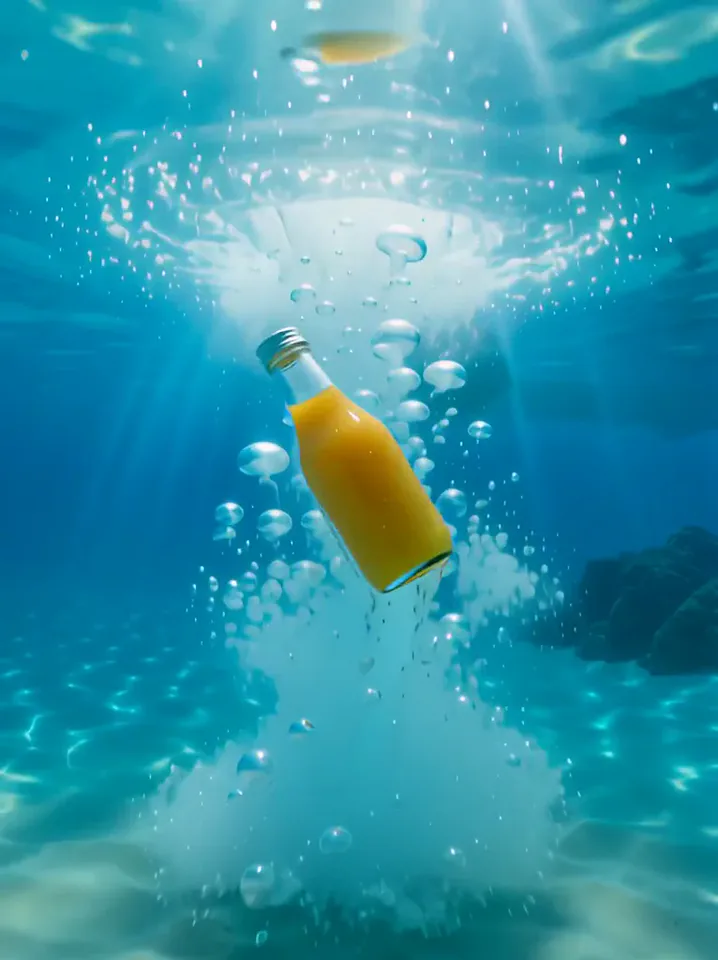
The orange bottle hangs under a blue-and-white parachute, drops into clear water, and appears above a surfboard near a wave. The ending shows the bottle on sand beside a smiling person in a sunhat.
The white sneaker also descends under a parachute and appears underwater. It rides on a surfboard near shore, then sits large in the foreground with a seated person behind it.
How Surfing Summer does on each model
- PixVerse V6 Effects The single template model runs the complete 12-second sequence. The two examples below show this preset with different uploads; they are not a comparison between model options.
The prompt behind Surfing Summer
You never write a prompt for Surfing Summer. This is the exact text it sends with your photo:
A bright surfing summer scene around the product.What the prompt asks for
- What happens
A bright surfing summer scene around the product.
Tips for a better Surfing Summer result
- Choose a product whose shape is recognizable even when tilted.
- Retain the beach ending if you want a clear conclusion after the water action.
Surfing Summer cost and time
Surfing Summer costs 374 credits with PixVerse V6 Effects and is usually ready in about 1 min.
Surfing Summer: questions and answers
Do I need to upload a beach model too?
Only a product photo is needed. The people in the ending views are generated parts of the beach setting.
Does the sneaker stay on the display pedestal?
The shoe leaves its original studio display for sky, water, a surfboard, and sand. This preset is built around changing environments.
Is a water slide visible in the supplied frames?
The sampled views show a parachute, underwater action, surfing, and a beach ending. They do not provide a clear water-slide view.
Can I choose which beach the product reaches?
The summer shoreline is preset scenery, with no destination field here. Use a separately directed video for a specific location.
Should I promise realistic water resistance from this clip?
The product adventure is an imagined scene. A generated underwater shot does not demonstrate any real product performance.
Related effects and tools
- Liquid Splash · A glossy wave swirls around your product, then a crisp push-in.
- Ingredients Burst · Fruit and droplets explode around your product in slow motion.
- Cloud Surf · The ground falls away and you surf across pink sunset clouds.
- Trim and arrange the finished clip in the Video Editor