


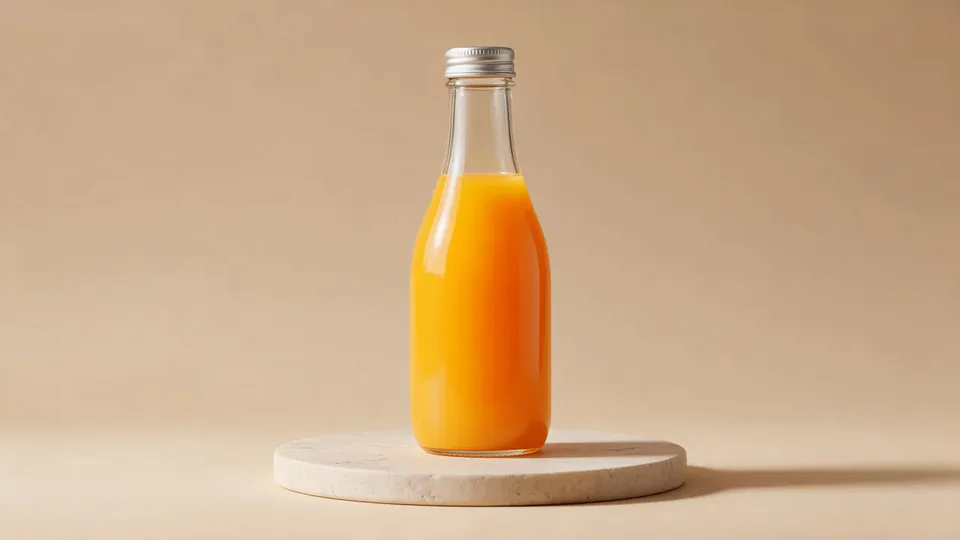
AI video effect · Fluffy Chef
Fluffy Chef Effect: Photo to Video
Your product turns to soft felt, and a little felt chef slices it open to reveal cotton.
1Add a photo
- One product on a plain surface
- Center it with space all around
- Soft, even light keeps the edges crisp
More options
about 1 min
More to try
All effects
 Screen Killer KingYou leap off the sofa, dive through the TV screen and land in the match to score.Try itNewRecreate
 Dynamic Football PosterYou become the star of a team poster, and teammates charge out as it comes to life.Try itNewRecreate
 Football Live King!You livestream your own match from the pitch as hearts and gifts flood the chat.Try itNewRecreate
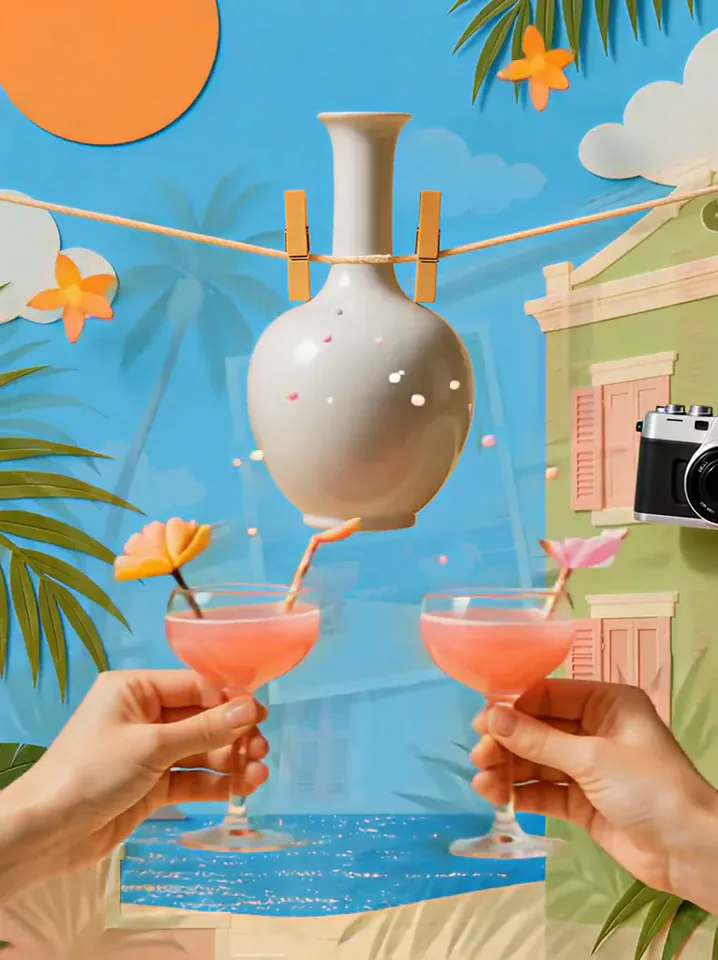 Summer PostcardYour product joins a paper-craft summer scene, clinks glasses, and becomes a postcard.Try itNewRecreate
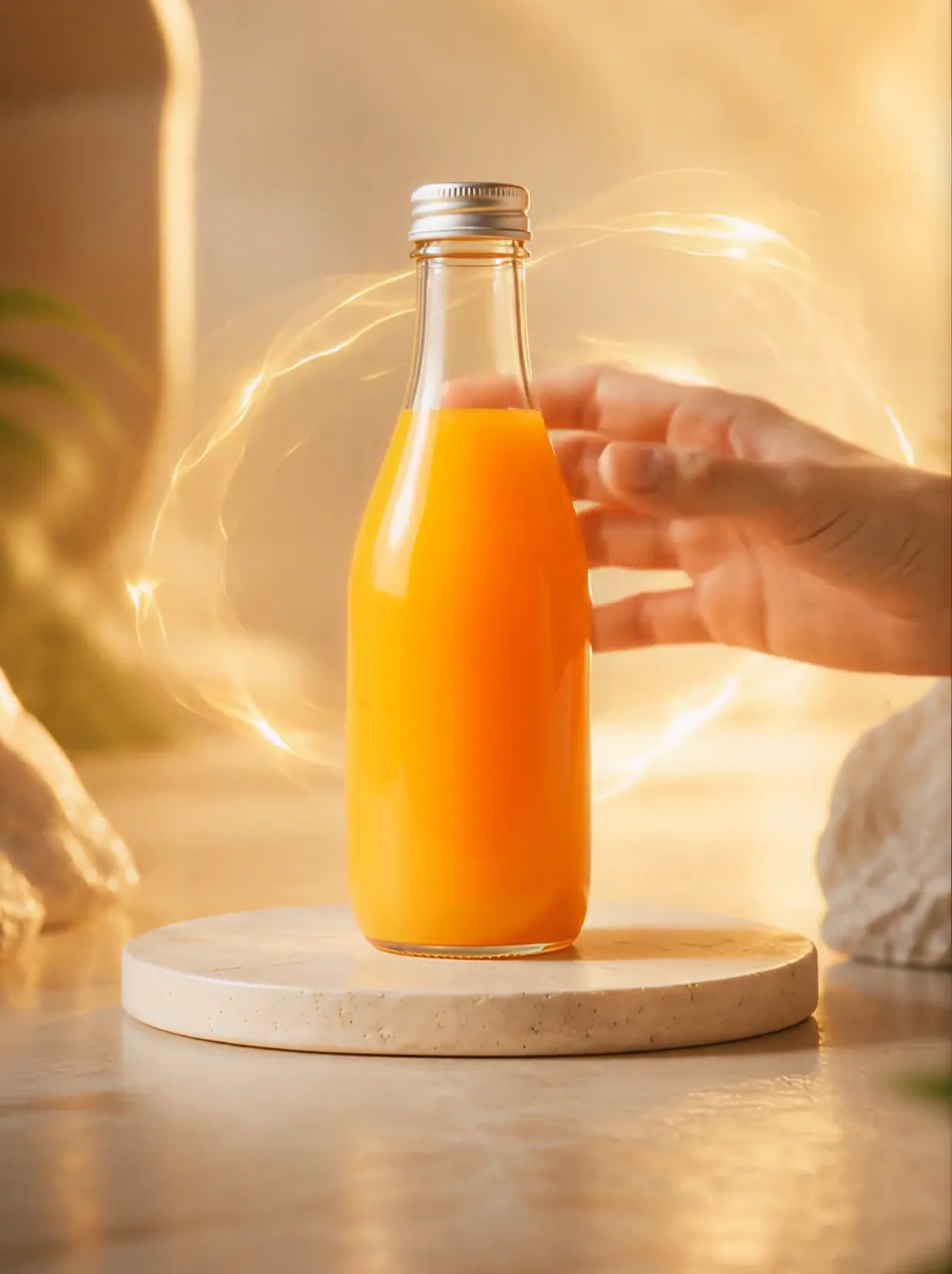 Product UniverseGolden swirls carry your product into a giant dream world built around its colors and shape.Try itNewRecreate
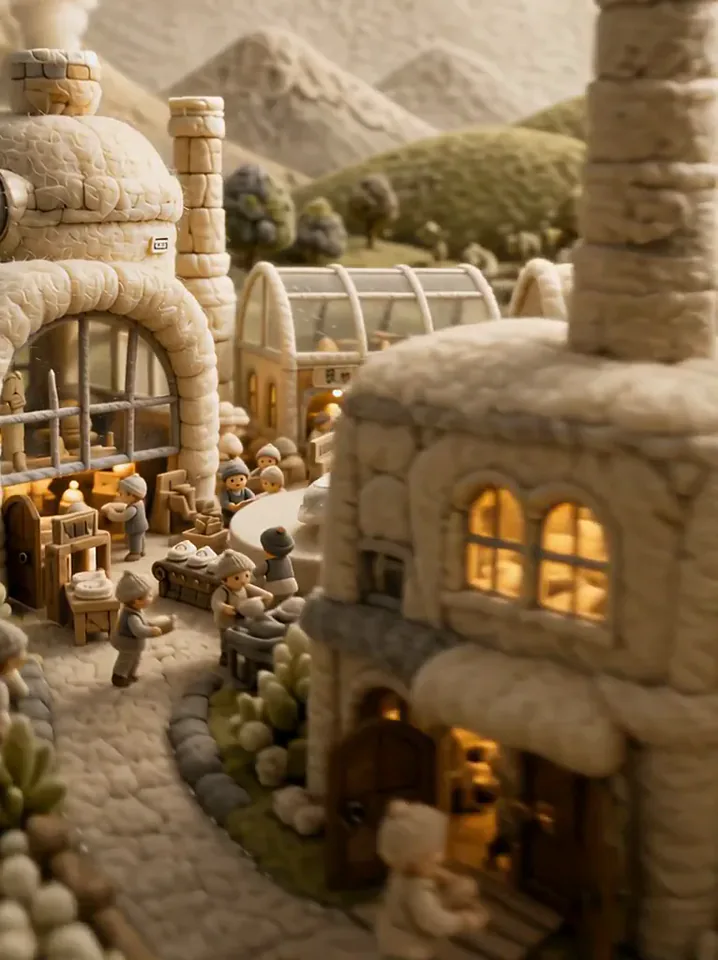 Fluffy FactoryThe camera flies over a felt village into a factory where your product gets made.Try itNewRecreate
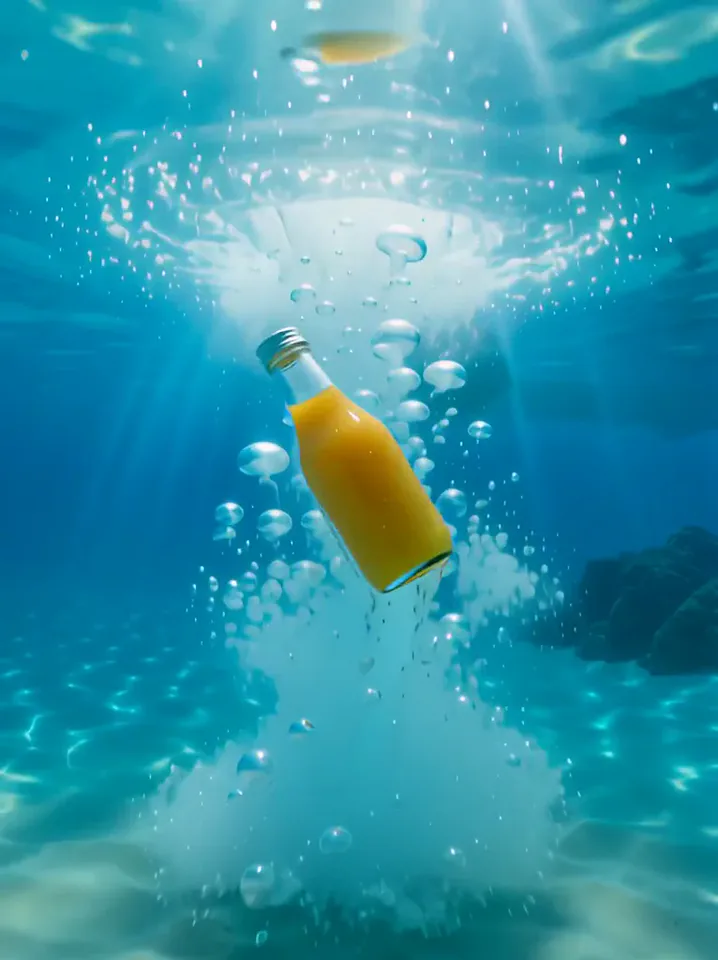 Surfing SummerYour product rides a summer adventure: parachute drop, water slide, dive and surf.Try itNewRecreate
 Tunnel to CaptainYour subject walks with a soccer ball into a captain-style stadium portrait.Try itNewRecreate
 Golden Field BreakerYour portrait leads into a golden dog running with a soccer ball ahead of the players.Try itNewRecreate

What the Fluffy Chef effect does
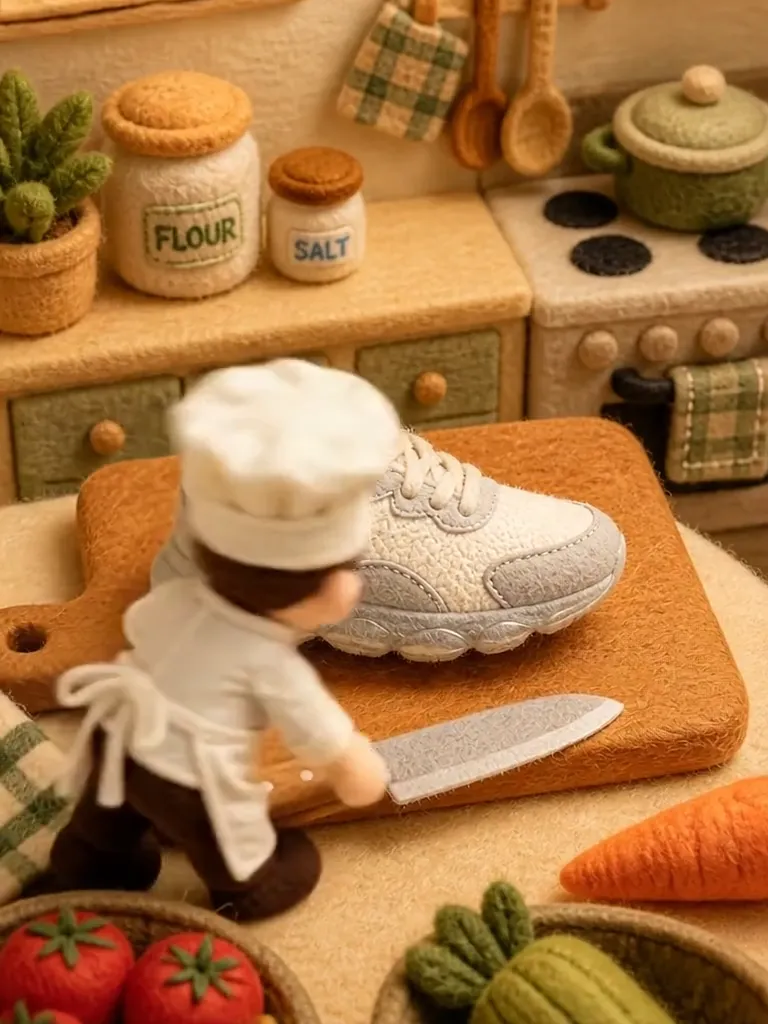
A product becomes a felt object on a miniature kitchen worktop. A little chef cuts into it, revealing white fluffy filling instead of a solid interior. Warm colors and visible fibers make the scene feel handmade, with the cut providing the main visual payoff.
This is a fixed preset: the template sets the motion, scene, and 8-second length. You only upload one photo; there is no choreography, scene, or duration to write or adjust.
How to use Fluffy Chef
- Choose the source Use a single clear image with the main subject easy to distinguish. Read the photo suggestions below before uploading, and compare your framing with the two source examples.
- Run the preset Start Fluffy Chef with your uploaded photo. Its movement and setting are already selected, so you do not need a written prompt or a separate motion reference.
- Review the result Watch the whole clip before saving it. Check the opening, the main action, and the ending together; the sampled examples illustrate possible results rather than a guarantee that every detail will repeat.
Which photos work best for Fluffy Chef
Works well
- One isolated object with its full outline visible.
- A clear product angle that shows its distinctive shape.
Avoid
- A stack of overlapping packages with no single focal object.
- Tiny printed details that must remain perfectly readable.
Fluffy Chef examples
What we saw when we tested Fluffy Chef
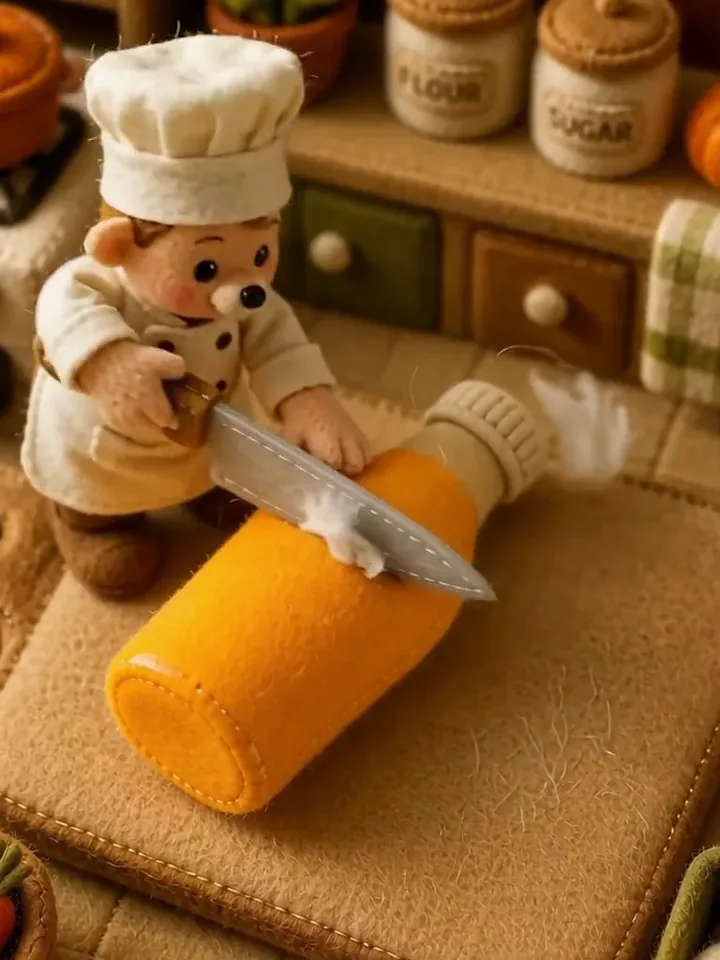
The orange bottle becomes a soft orange bottle-shaped object on a cutting board. A felt chef slices through it, and the separated pieces reveal white fiber filling.
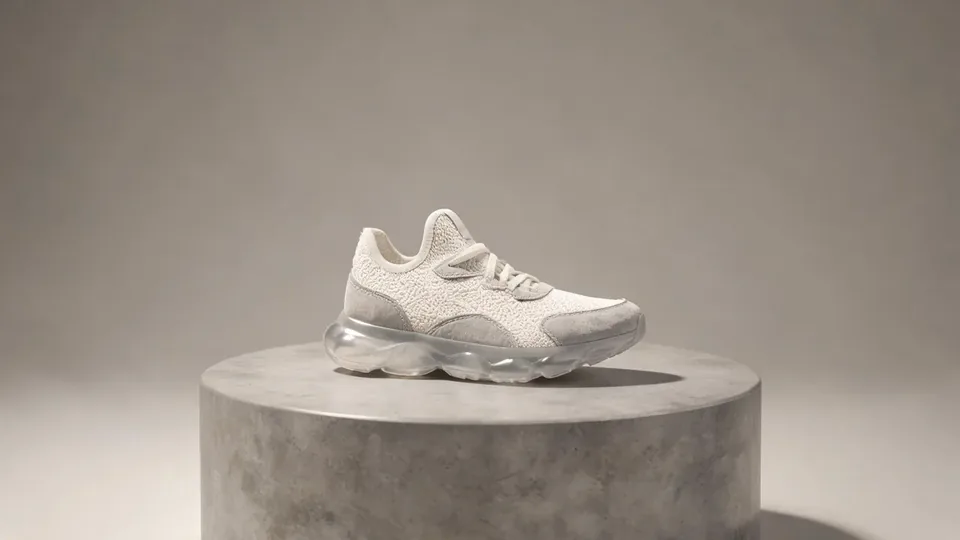
The white sneaker becomes a fabric shoe in a similar kitchen. The chef cuts down through the shoe, and the final view shows two sections with fluffy white material between them.
How Fluffy Chef does on each model
- PixVerse V6 Effects The single template model runs the complete 8-second sequence. The two examples below show this preset with different uploads; they are not a comparison between model options.
The prompt behind Fluffy Chef
You never write a prompt for Fluffy Chef. This is the exact text it sends with your photo:
A soft, fluffy kitchen scene built around the product.What the prompt asks for
- What happens
A soft, fluffy kitchen scene built around the product.
Tips for a better Fluffy Chef result
- Choose the object for its silhouette rather than small label text.
- Keep the final cut visible if you trim the clip; the filling explains the felt transformation.
Fluffy Chef cost and time
Fluffy Chef costs 249 credits with PixVerse V6 Effects and is usually ready in about 1 min.
Fluffy Chef: questions and answers
Is the chef preparing actual food?
The reviewed bottle and shoe are treated as soft craft objects. The white filling looks like fibers, making the scene a playful material transformation.
Do I need to photograph a toy version first?
Both sources show ordinary product photos on display platforms. The felt texture, kitchen, and chef are supplied by the effect.
Will the shoe keep realistic sole materials?
The shoe is reinterpreted as fabric, including its cut interior. This preset is intended for a soft handmade look rather than material accuracy.
Can I pick a different utensil for the chef?
The slicing action is part of the fixed kitchen sequence. There is no utensil selector or cutting-path control on this page.
Does the filling color depend on the product color?
Both the orange bottle and white sneaker reveal white fluffy filling. These samples do not establish a custom filling-color option.
Related effects and tools
- Felt Doll · A fuzzy needle-felted wool doll of you, embroidered smile included.
- Knit World · Everything turns into soft knitted yarn and you become a cozy knit plush.
- Ingredients Burst · Fruit and droplets explode around your product in slow motion.
- Trim and arrange the finished clip in the Video Editor