


AI video effect · Summer Postcard
Summer Postcard Effect: Photo to Video
Your product joins a paper-craft summer scene, clinks glasses, and becomes a postcard.
1Add a photo
- One product on a plain surface
- Center it with space all around
- Soft, even light keeps the edges crisp
More options
about 1 min
More to try
All effects Trophy BreakthroughYou burst out of a monitor in lightning, shake hands and step out holding a trophy.Try itNewRecreate
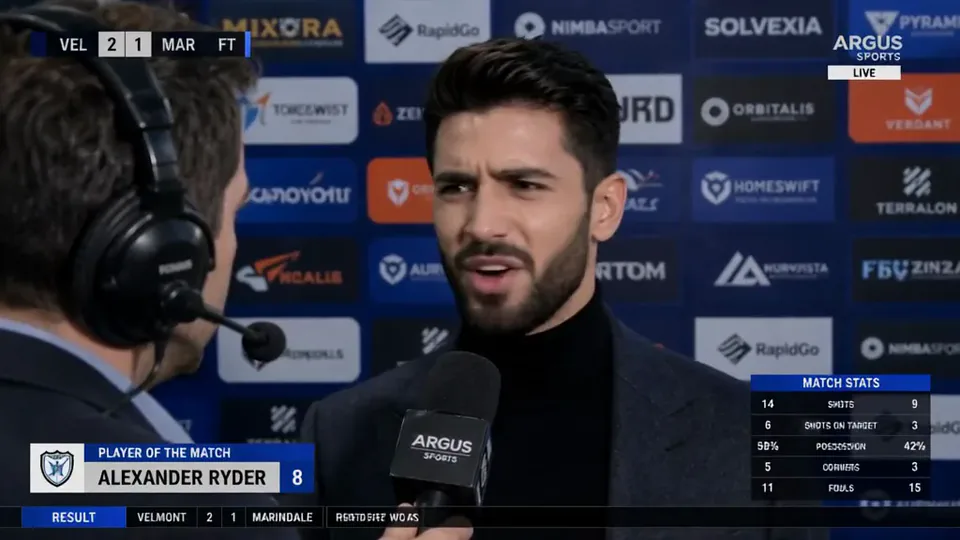 Post-match Sharp CommentYou give a heated post-match interview in front of a sponsor wall, mic in hand.Try itNewRecreate
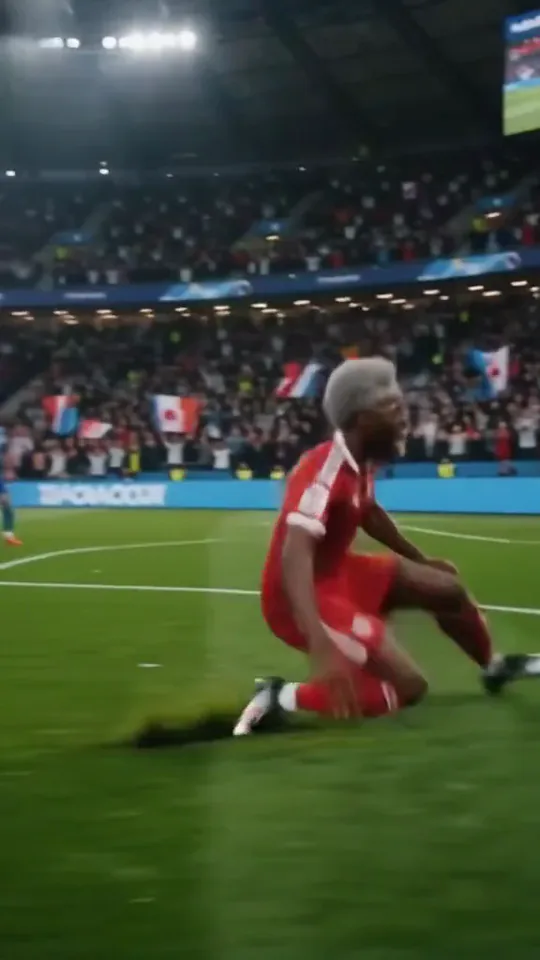 Stadium LegendYou go from an everyday moment to sprinting down the wing and celebrating on your knees.Try itNewRecreate
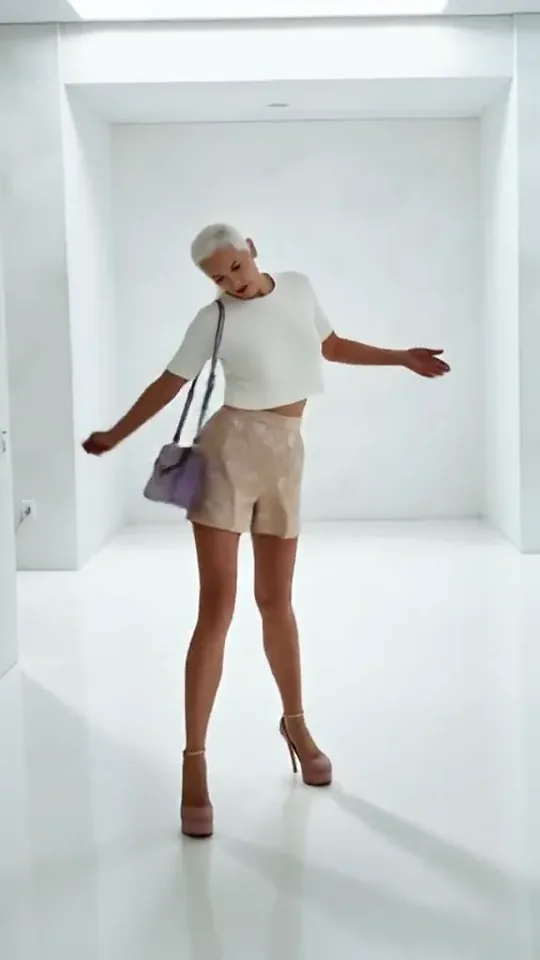 Step by StepYou stroll forward with a light, playful swagger through a bright white room.Try itNewRecreate
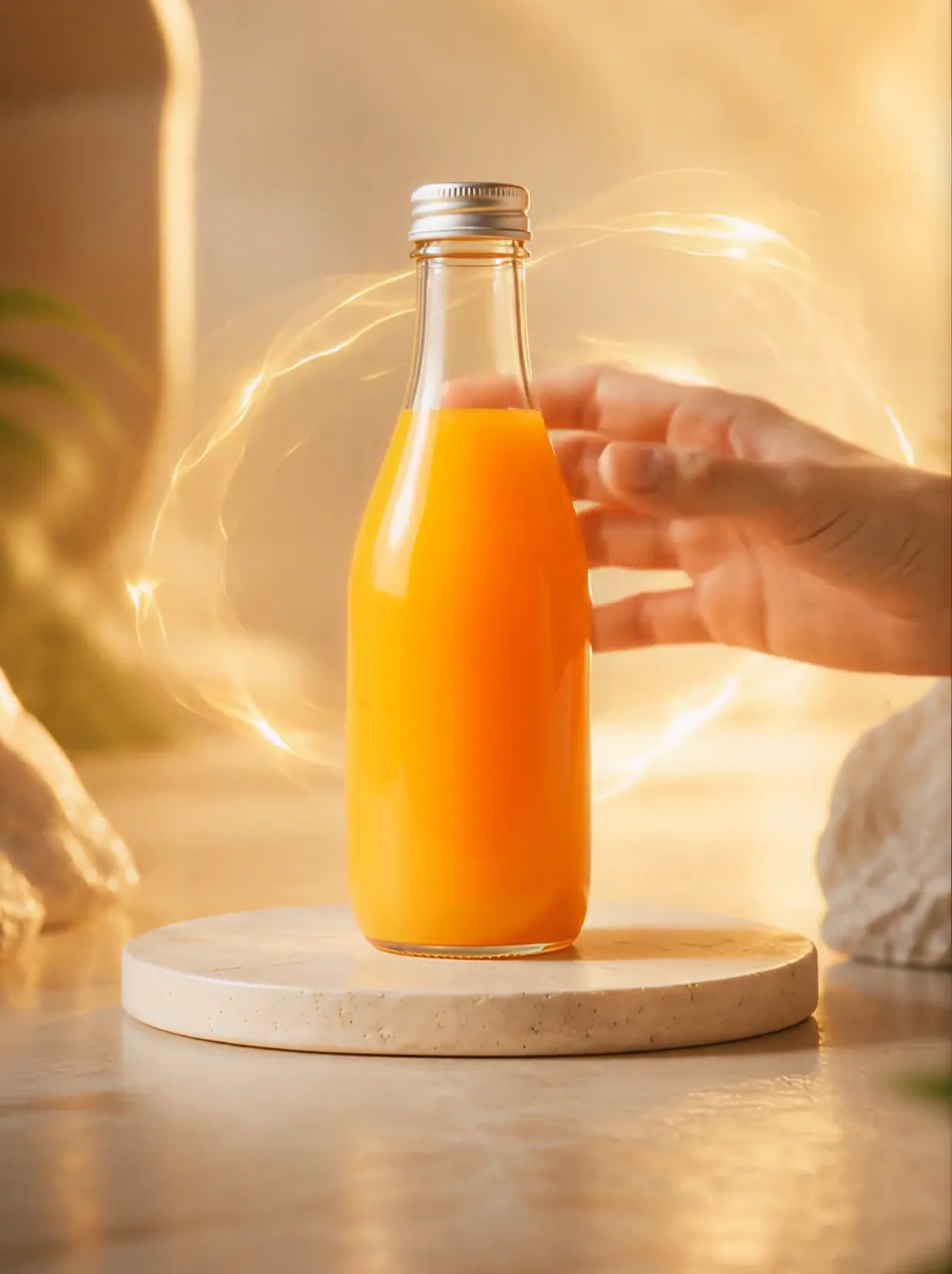 Product UniverseGolden swirls carry your product into a giant dream world built around its colors and shape.Try itNewRecreate
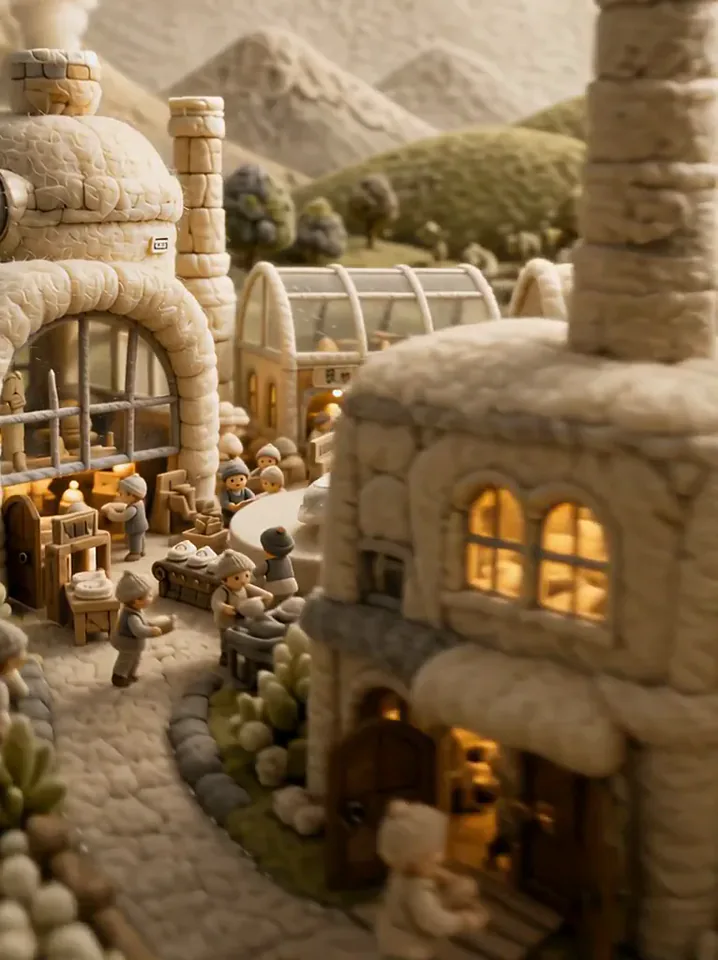 Fluffy FactoryThe camera flies over a felt village into a factory where your product gets made.Try itNewRecreate
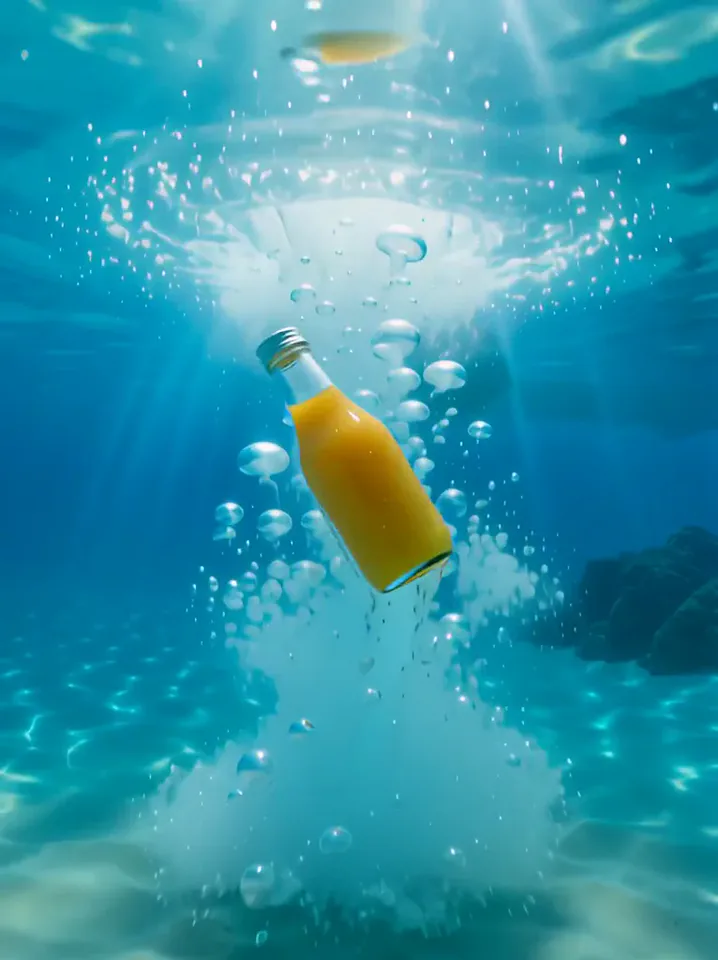 Surfing SummerYour product rides a summer adventure: parachute drop, water slide, dive and surf.Try itNewRecreate
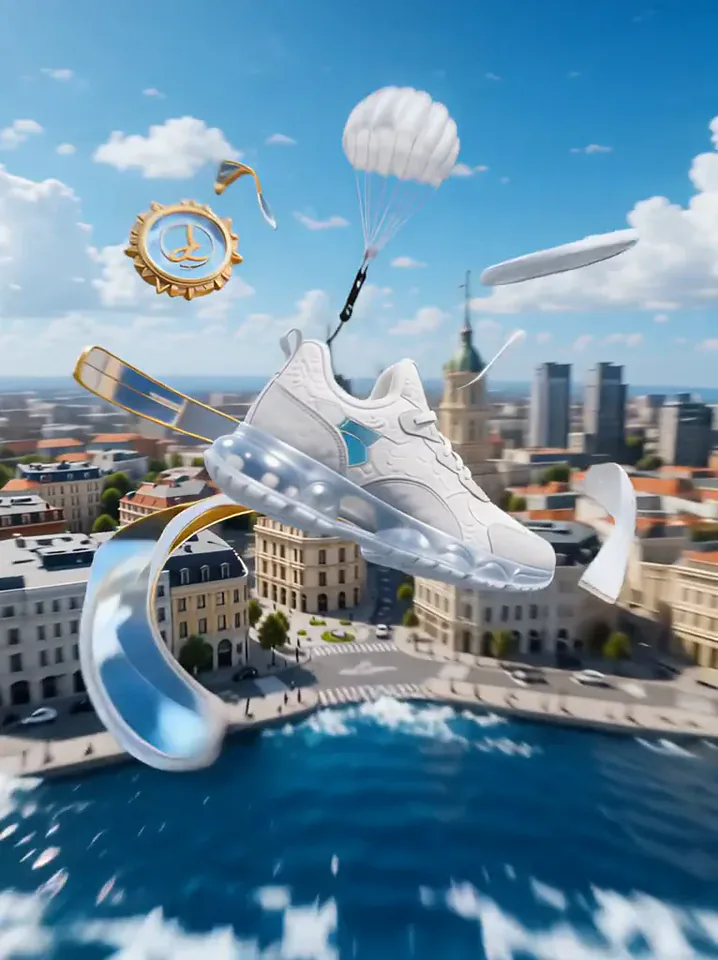 Product LandmarkYour product bursts from the sea, parachutes into a city and becomes a grand landmark.Try itNewRecreate
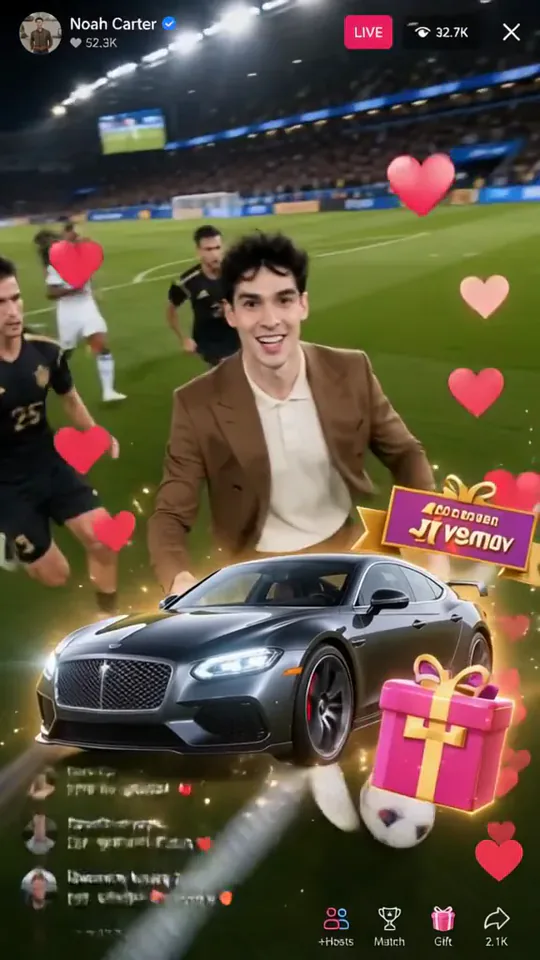 Football Live King!You livestream your own match from the pitch as hearts and gifts flood the chat.Try itNewRecreate
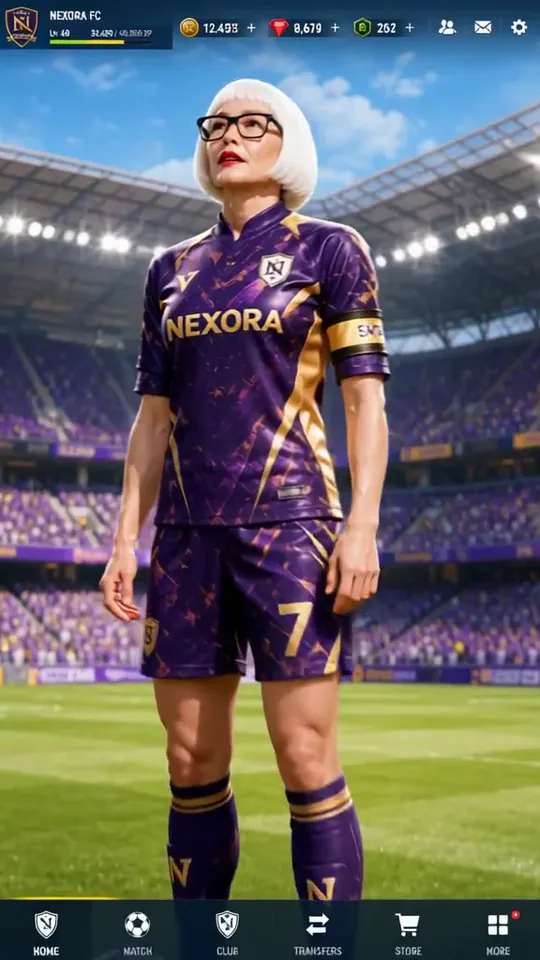 Superstar LobbyYou become the star player on a game's home screen, then step out into the stadium.Try itNewRecreate

What the Summer Postcard effect does
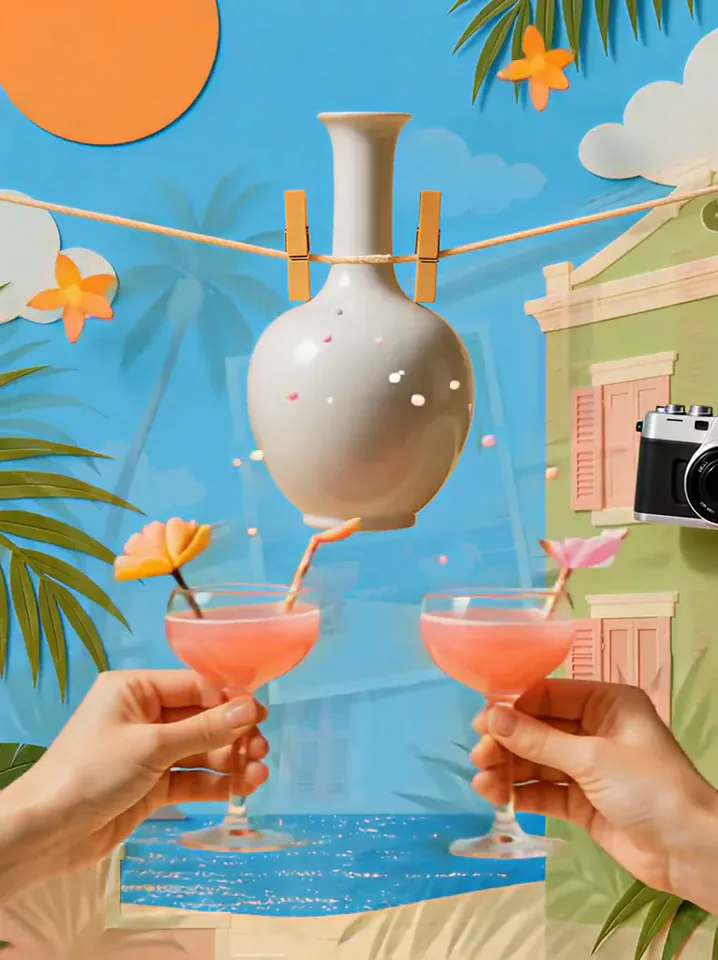
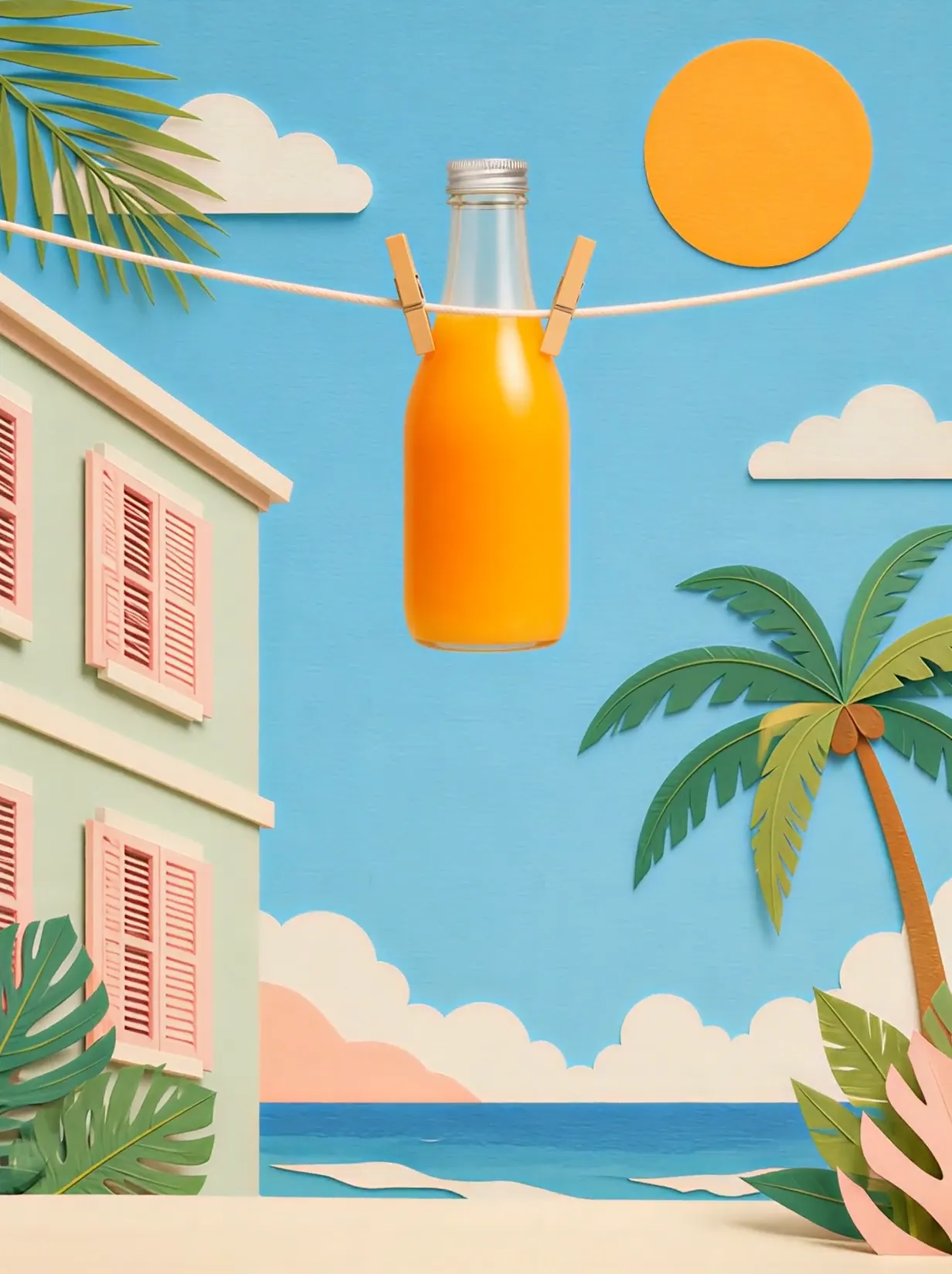
A floating product hangs in a bright coastal scene with cut-paper clouds, an orange sun, palms, and pastel buildings. Two drinks meet in the foreground before a framed snapshot captures the arrangement. The postcard reveal gives the product a cheerful travel-poster ending.
This is a fixed preset: the template sets the motion, scene, and 5-second length. You only upload one photo; there is no choreography, scene, or duration to write or adjust.
How to use Summer Postcard
- Choose the source Use a single clear image with the main subject easy to distinguish. Read the photo suggestions below before uploading, and compare your framing with the two source examples.
- Run the preset Start Summer Postcard with your uploaded photo. Its movement and setting are already selected, so you do not need a written prompt or a separate motion reference.
- Review the result Watch the whole clip before saving it. Check the opening, the main action, and the ending together; the sampled examples illustrate possible results rather than a guarantee that every detail will repeat.
Which photos work best for Summer Postcard
Works well
- One product with a simple, complete silhouette.
- An object photographed sharply against a quiet background.
Avoid
- Several products whose outlines overlap.
- An expectation that tiny package writing will remain exact.
Summer Postcard examples
What we saw when we tested Summer Postcard
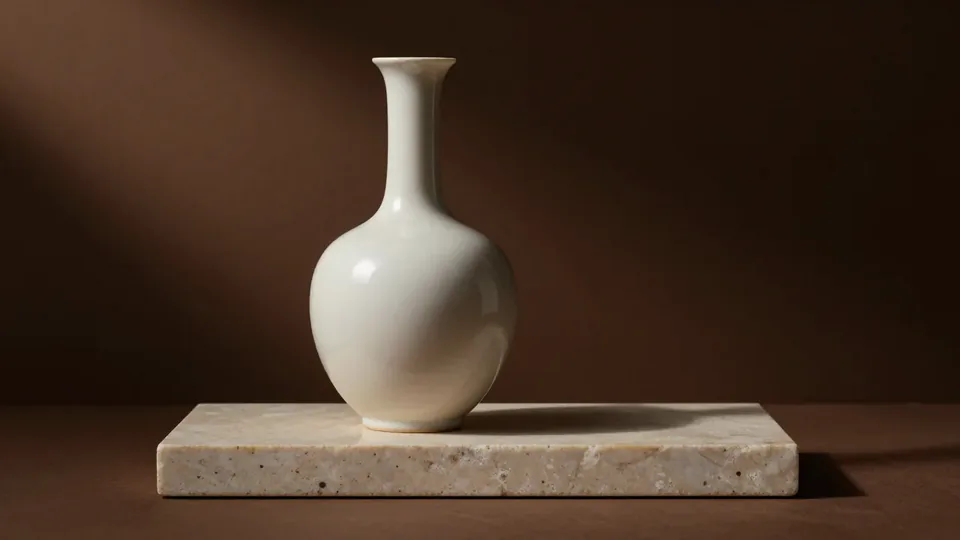
The white vase hangs from a line in a colorful summer scene. Pink drinks appear below it, and a framed image of the product and drinks becomes the focus against a pastel building.
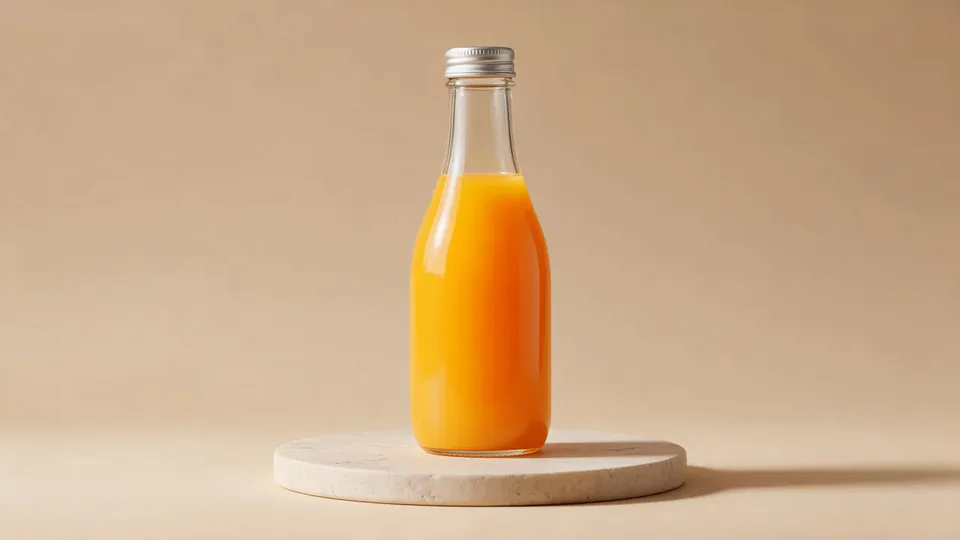
The orange bottle occupies the same kind of hanging display. Orange drinks meet below it, then the scene resolves into a framed postcard with the bottle, sun, palms, and sea.
How Summer Postcard does on each model
- PixVerse V6 Effects The single template model runs the complete 5-second sequence. The two examples below show this preset with different uploads; they are not a comparison between model options.
The prompt behind Summer Postcard
You never write a prompt for Summer Postcard. This is the exact text it sends with your photo:
A sunny summer postcard scene around the product.What the prompt asks for
- What happens
A sunny summer postcard scene around the product.
Tips for a better Summer Postcard result
- Use a clean outline so the product reads clearly among the illustrated scenery.
- Keep the frame border in your chosen ending to make the postcard idea obvious.
Summer Postcard cost and time
Summer Postcard costs 156 credits with PixVerse V6 Effects and is usually ready in about 1 min.
Summer Postcard: questions and answers
Is my product placed directly on a beach towel?
The examples suspend it from a line above the scene. The hanging display is a distinctive part of this template.
Do I supply the hands and drinks?
The source images contain only the vase or bottle on a platform. The hands, glasses, and coastal props are generated.
Are the drinks identical in the two examples?
The vase run uses pink drinks, while the orange-bottle run uses orange drinks. The color treatment varies with the generated scene.
Can I add a destination name to the postcard?
The preset does not offer a postcard text field. Add any exact destination wording afterward in an editor.
Should I crop the ending down to the product alone?
A very tight crop loses the paper-style scenery and frame that define the effect. Leave enough context for the snapshot reveal to read.
Related effects and tools
- Postage Stamp · Your portrait engraved on a vintage stamp, perforated edges and all.
- Pop-Up Book · Your scene folds into a paper pop-up book and you spring up from the page.
- Ingredients Burst · Fruit and droplets explode around your product in slow motion.
- Trim and arrange the finished clip in the Video Editor