


AI duo effect · Top of the World
Top of the World Effect: Two Photos to Video
Two portraits join a team trophy celebration with raised cups and falling gold confetti.
1Add two photos
- One person per photo, face to the camera
- Similar framing in both photos looks most natural
- For a pet, a clear shot of the whole animal
More options
about 1 min
More to try
All effects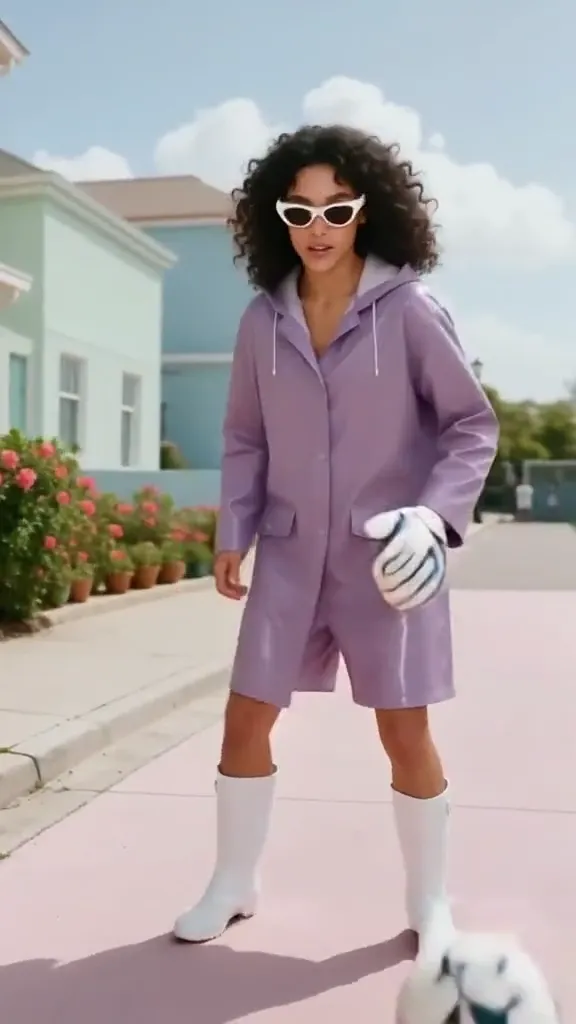 Epic SaveYour subject becomes a gloved goalkeeper, reaching around a ball in front of a stadium goal.Try itNewRecreate
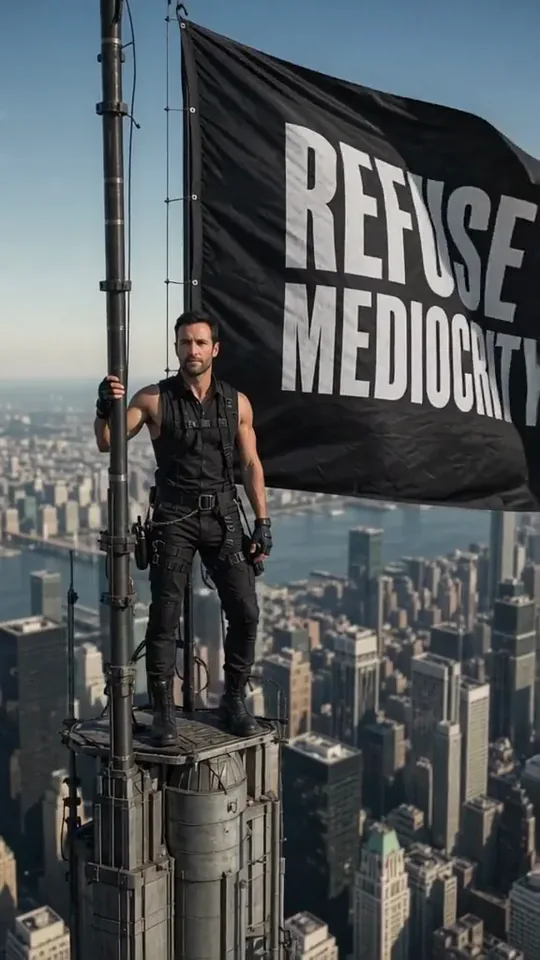 Skyline Track FlagYou stand atop a skyscraper spire, holding a giant flag over the city.Try itNewRecreate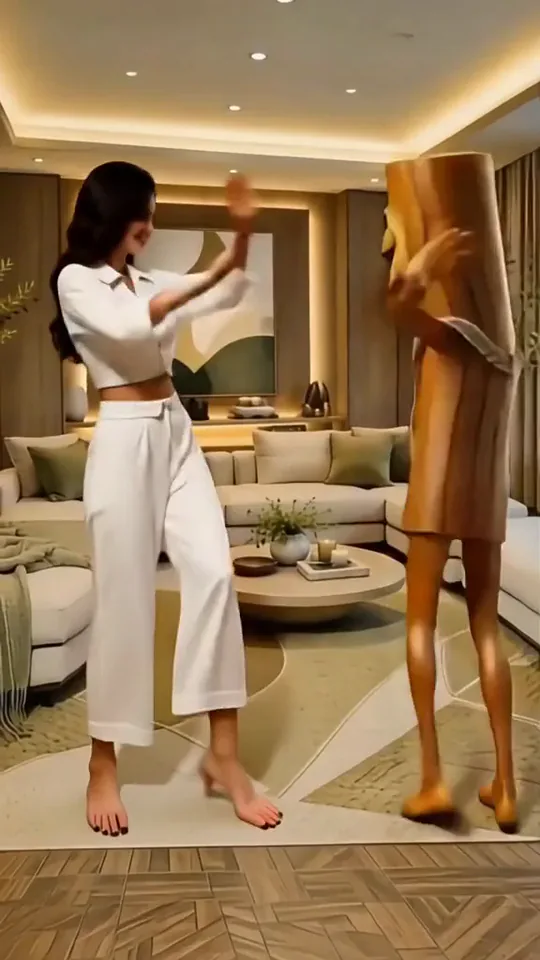
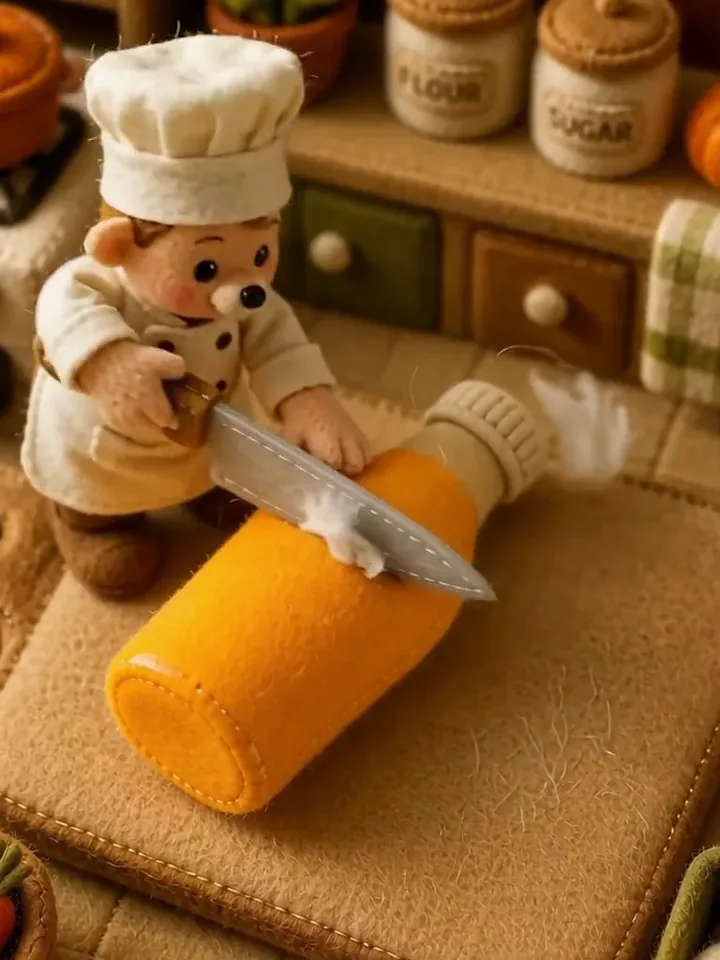 Fluffy ChefYour product turns to soft felt, and a little felt chef slices it open to reveal cotton.Try itNewRecreate
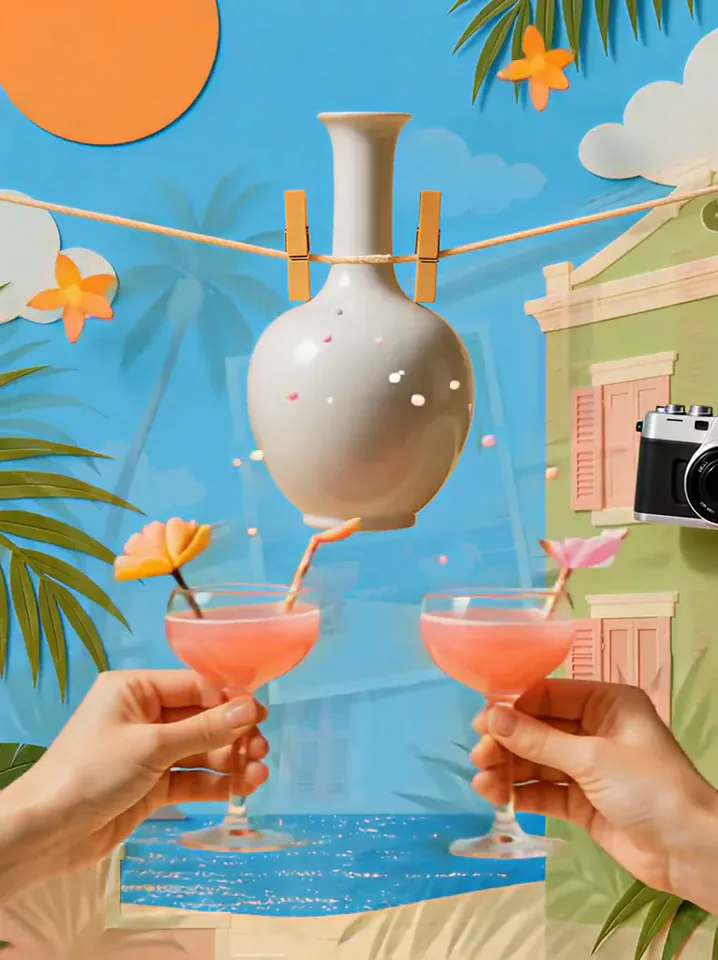 Summer PostcardYour product joins a paper-craft summer scene, clinks glasses, and becomes a postcard.Try itNewRecreate
 Product UniverseGolden swirls carry your product into a giant dream world built around its colors and shape.Try itNewRecreate
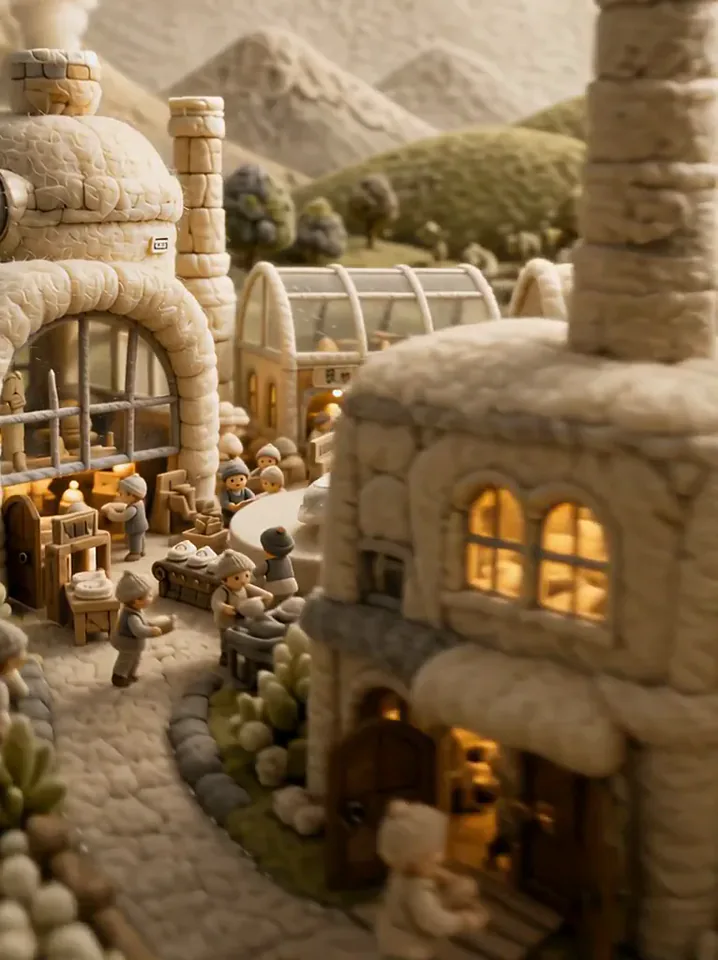 Fluffy FactoryThe camera flies over a felt village into a factory where your product gets made.Try itNewRecreate
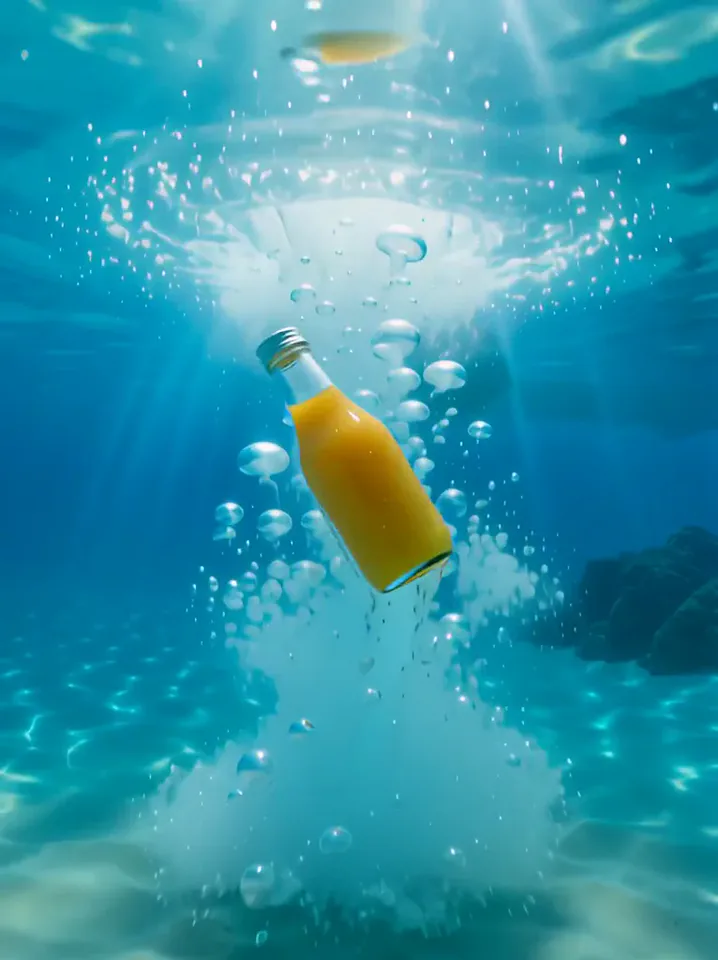 Surfing SummerYour product rides a summer adventure: parachute drop, water slide, dive and surf.Try itNewRecreate
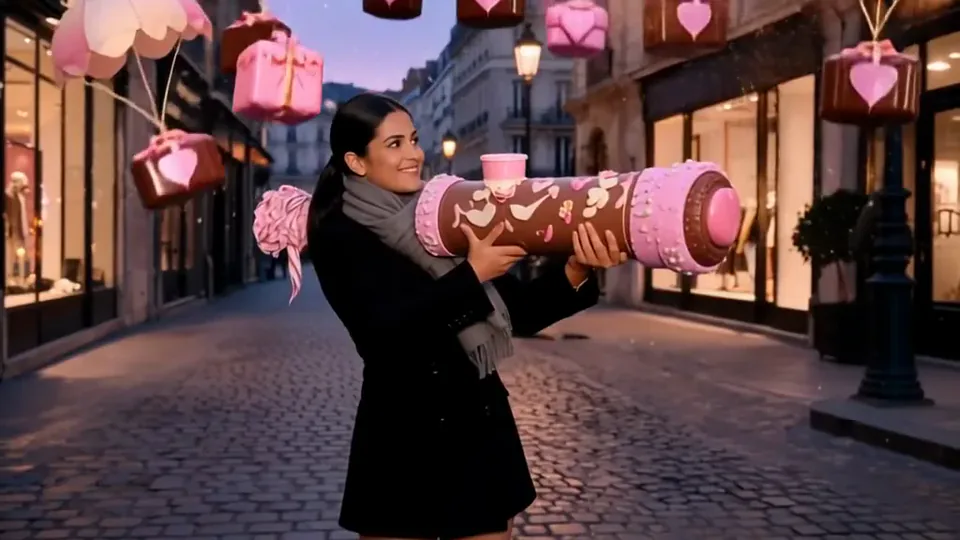 Love LauncherYou fire a pink confetti cannon, and gift boxes drift down on little parachutes.Try itNewRecreate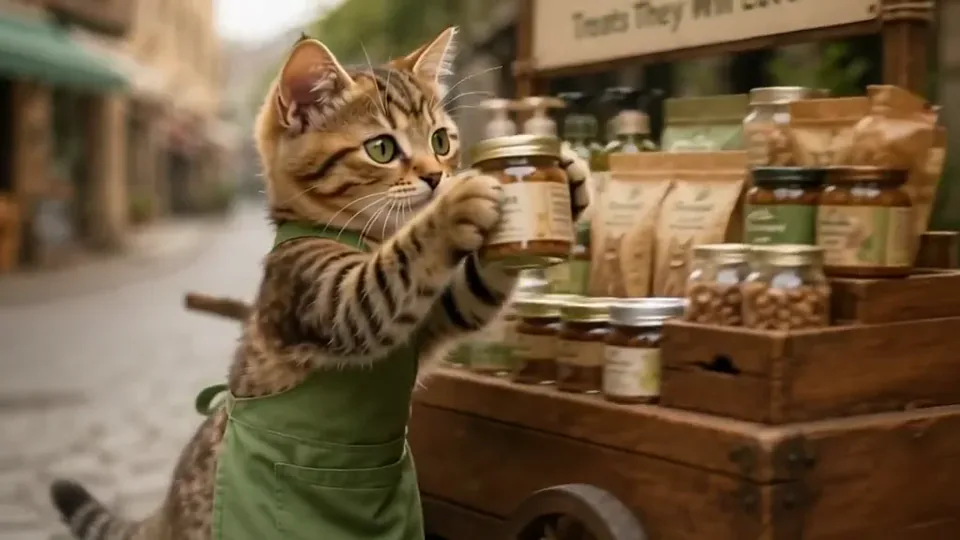
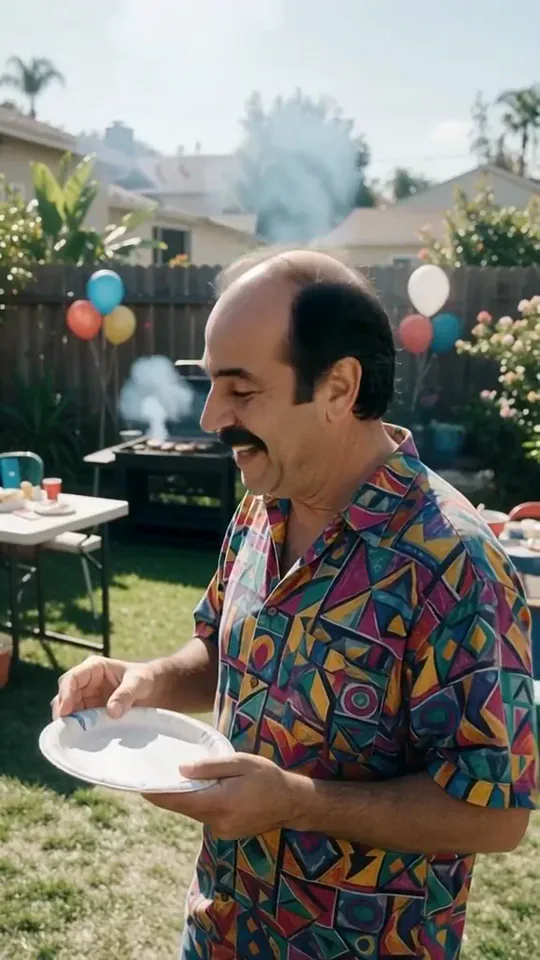
What the Top of the World effect does
Bring two people into a shared championship-style celebration, with raised trophies, supporting teammates, stadium lights, and falling gold confetti. The emphasis is collective excitement rather than a quiet two-person portrait. The two uploads guide the pair, while the surrounding team is generated.
This is a fixed preset: the template sets the motion, scene, and 8-second length. You only upload two photos, one for each person; there is no choreography, scene, or duration to write or adjust.
How to use Top of the World
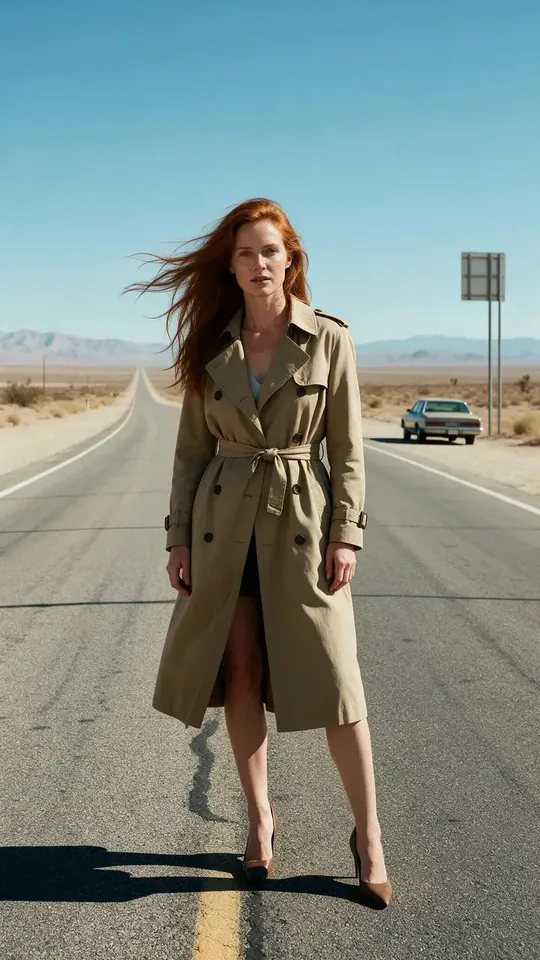
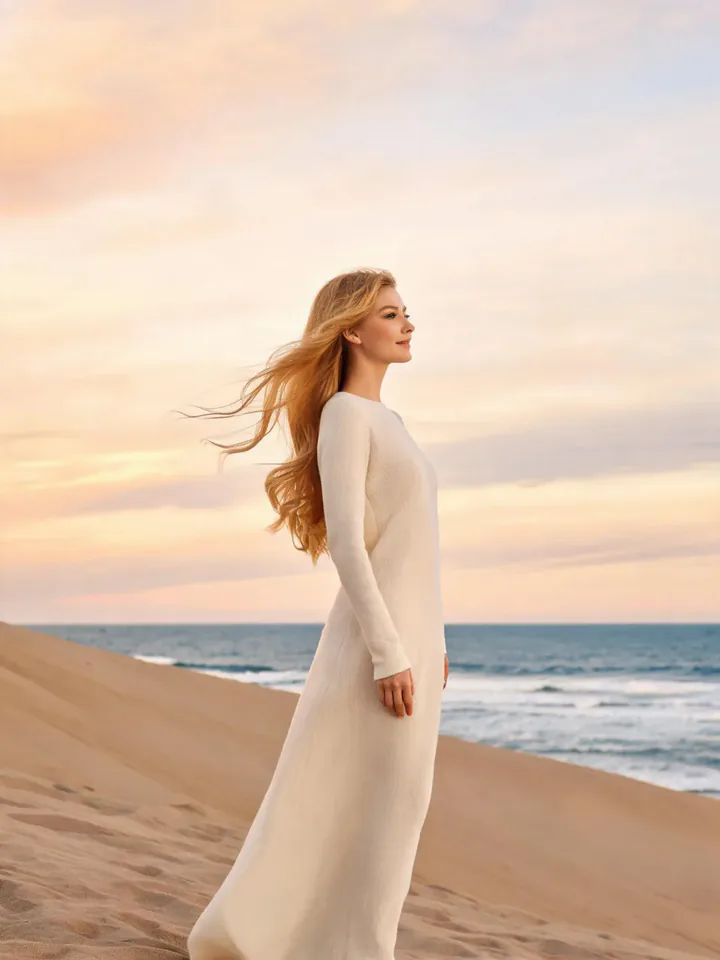
- Choose the source Use two separate portraits with one clear face in each. Read the photo suggestions below before uploading, and compare your framing with the two source examples.
- Run the preset Start Top of the World with your uploaded portraits. Its movement and setting are already selected, so you do not need a written prompt or a separate motion reference.
- Review the result Watch the whole clip before saving it. Check the opening, the main action, and the ending together; the sampled examples illustrate possible results rather than a guarantee that every detail will repeat.
Which photos work best for Top of the World
Works well
- Two separate portraits with one clear face in each.
- Distinctive hair or clothing colors that help distinguish the people.
Avoid
- Group pictures that make either participant uncertain.
- Faces hidden by large accessories or foreground objects.
Top of the World examples
What we saw when we tested Top of the World
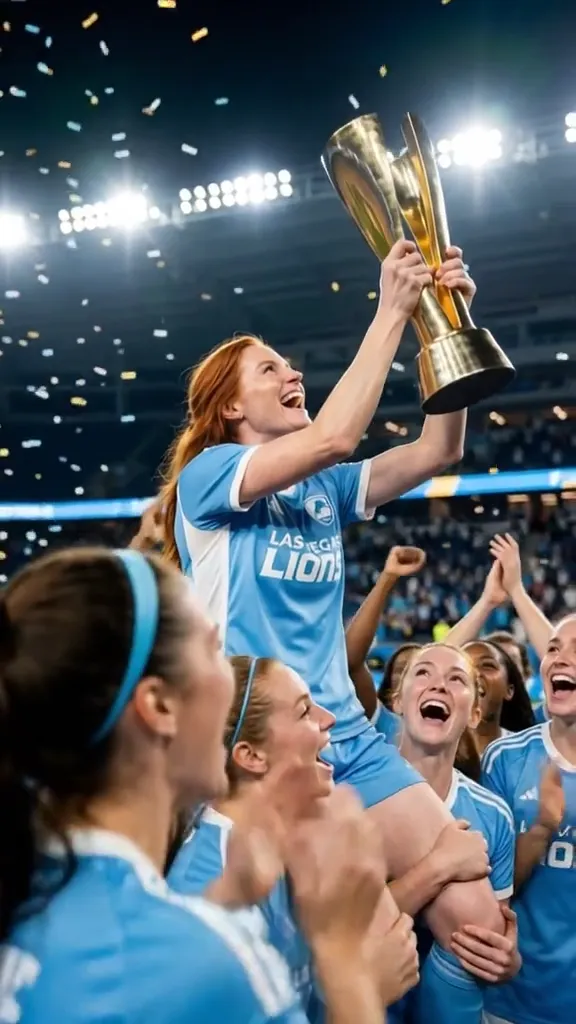
The beach and desert-road portraits become a light-blue team celebration. Two raised trophy shapes and people lifted above teammates fill the sampled views beneath falling gold confetti.
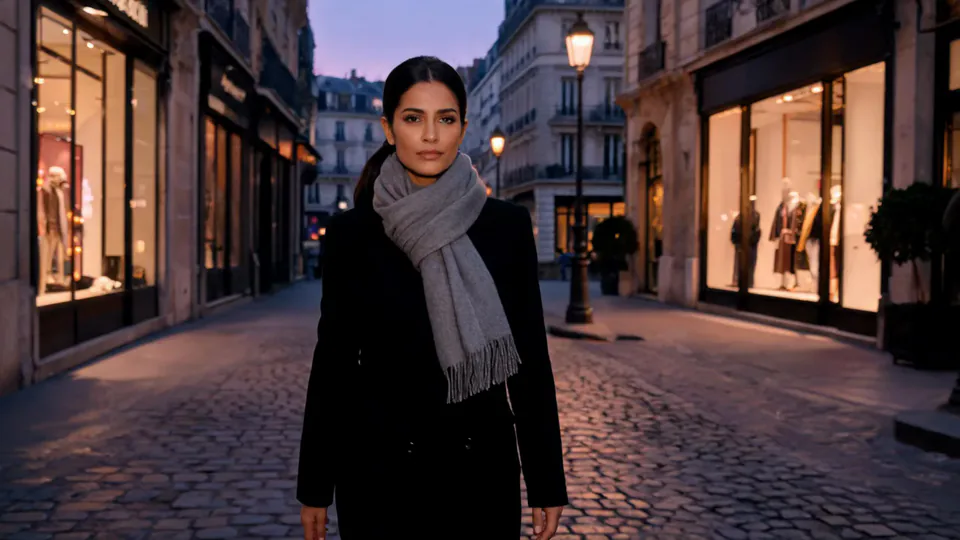
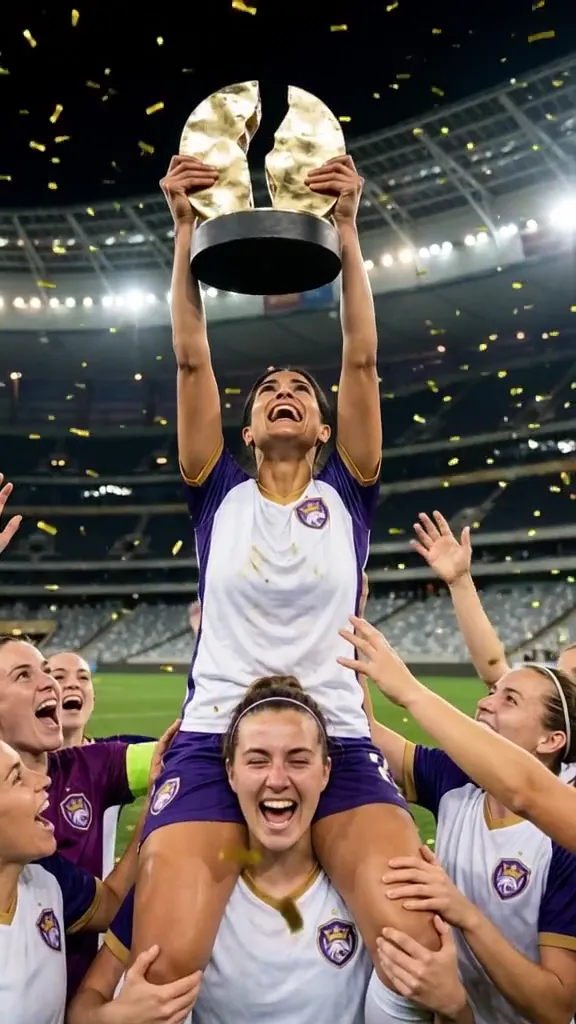
The black-coat and purple-raincoat pair enters a white-and-purple team scene. The results emphasize a trophy-holder raised above teammates, with other smiling figures gathered closely around the cup.
How Top of the World does on each model
- PixVerse V6 Effects The single template model runs the complete 8-second sequence. The two examples below show this preset with different uploads; they are not a comparison between model options.
The prompt behind Top of the World
You never write a prompt for Top of the World. This is the exact text it sends with your photo:
Two friends celebrate a win together, lifting a trophy under stadium lights.What the prompt asks for
- What happens
Two friends celebrate a win together, lifting a trophy under stadium lights.
Tips for a better Top of the World result
- Use sources with distinct faces so you can check both participants in the crowd.
- Review the whole group for likeness and overlapping limbs before choosing a still.
Top of the World cost and time
Top of the World costs 249 credits with PixVerse V6 Effects and is usually ready in about 1 min.
Top of the World: questions and answers
Are all the teammates taken from the two uploads?
Only two source portraits are supplied. The supporting team and spectators are generated, so extra people should not be treated as identified individuals.
Does each participant always hold a separate cup?
The first run shows two raised trophy shapes, while the second emphasizes one trophy-holder. The arrangement is not identical across these samples.
Do both photos need soccer uniforms?
The sources show everyday outfits, including a raincoat and a beach outfit. Sports clothing is generated for the celebration.
Can I choose the team colors for the pair?
The samples use light blue and white with purple. This preset does not provide a uniform-color control.
Will the two faces remain equally prominent?
The crowded poses can favor one raised participant or trophy-holder. Check both likenesses instead of judging only the most visible face.
Related effects and tools
- Confetti · A glittering confetti shower for your big moment.
- Red Carpet Duo · Walk the red carpet together while the camera flashes go off.
- Dance Duo · You and a friend bust out the same dance routine, side by side.
- Trim and arrange the finished clip in the Video Editor