


AI video effect · Epic Save
Epic Save Effect: Photo to Video
Your subject becomes a gloved goalkeeper, reaching around a ball in front of a stadium goal.
1Add a photo
- One person or pet, clearly in view
- A little empty space around them leaves room for the gag
- Bright, sharp photos get the funniest results
More options
about 1 min
More to try
All effects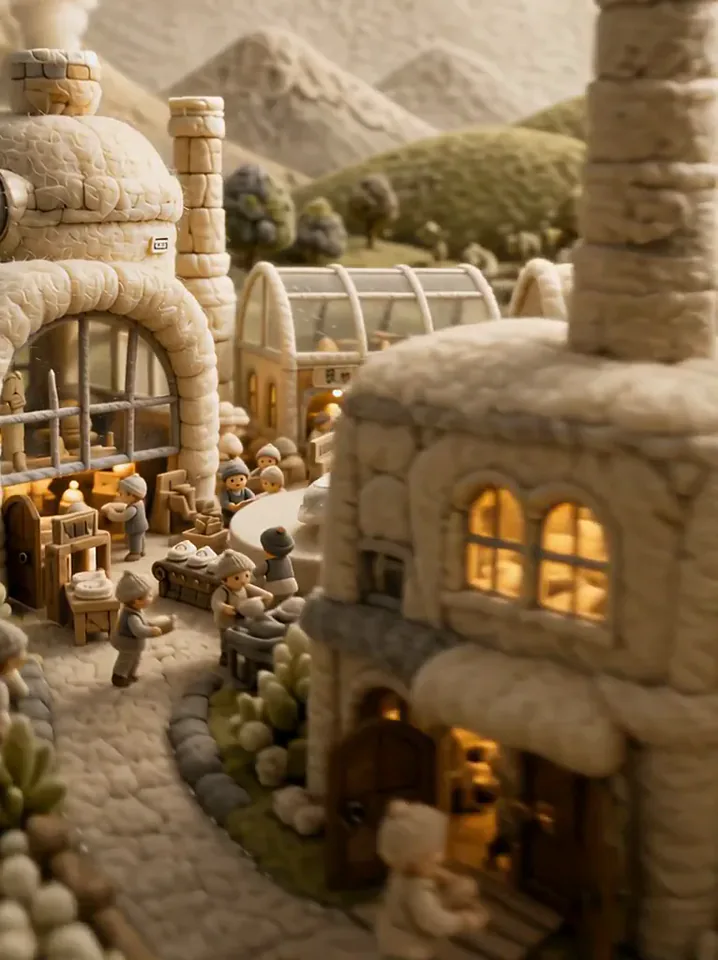 Fluffy FactoryThe camera flies over a felt village into a factory where your product gets made.Try itNewRecreate
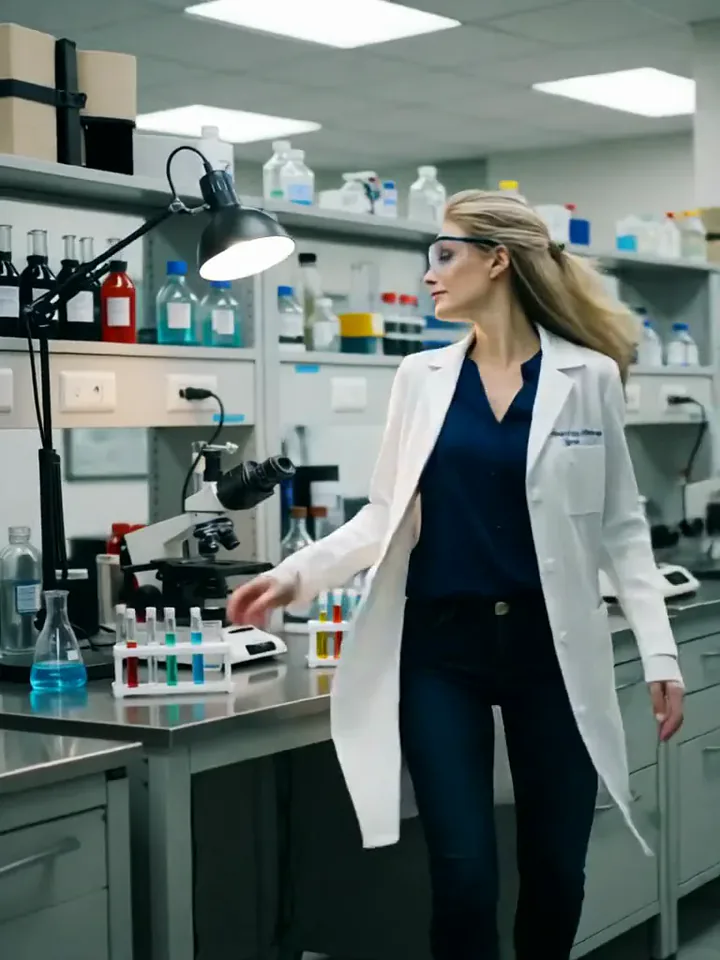 My Future Has Infinite PossibilitiesYou walk through one life and step into another, a quick glimpse of your future self.Try itNewRecreate
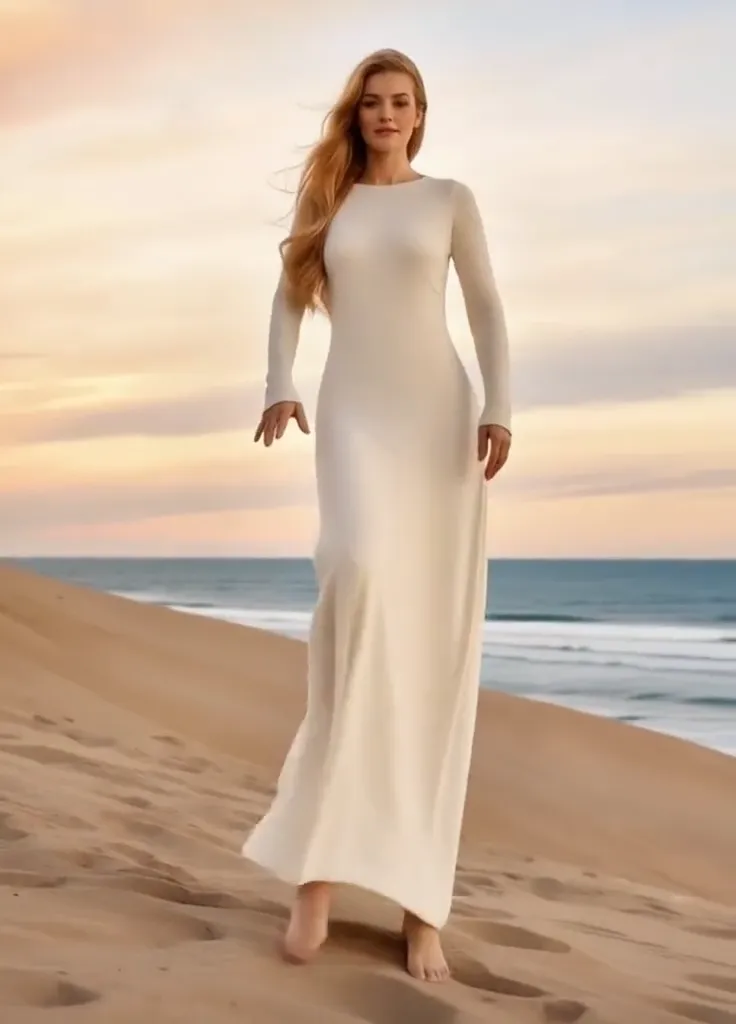 Thriller Dance StepsYour subject performs a playful routine with raised arms, broad steps, and a backward lean.Try itNewRecreate
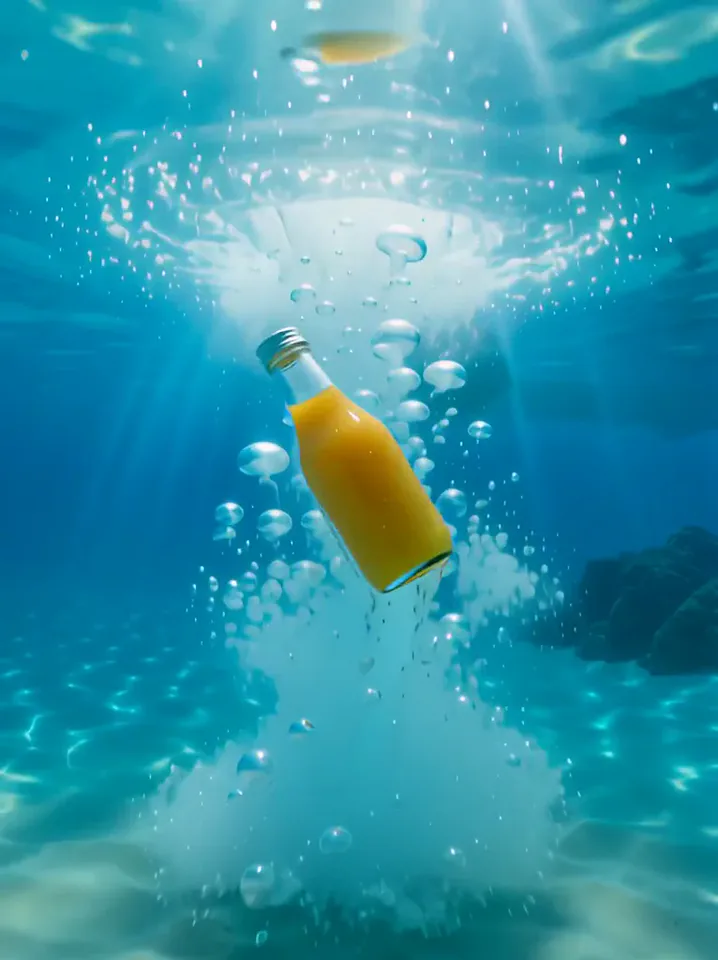 Surfing SummerYour product rides a summer adventure: parachute drop, water slide, dive and surf.Try itNewRecreate
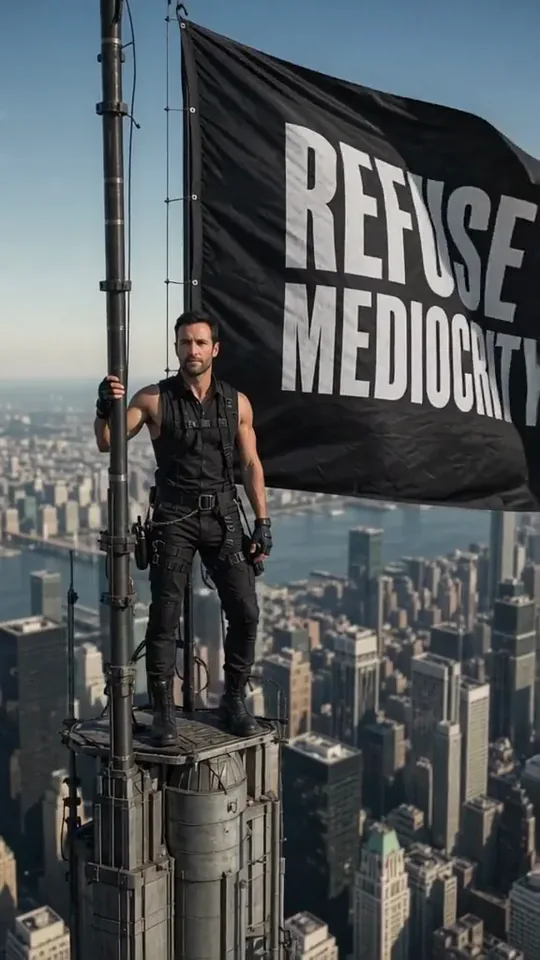 Skyline Track FlagYou stand atop a skyscraper spire, holding a giant flag over the city.Try itNewRecreate
 Poke My Little CutieYour pet shrinks to palm size for a gentle cheek poke and a very unimpressed look.Try itNewRecreate
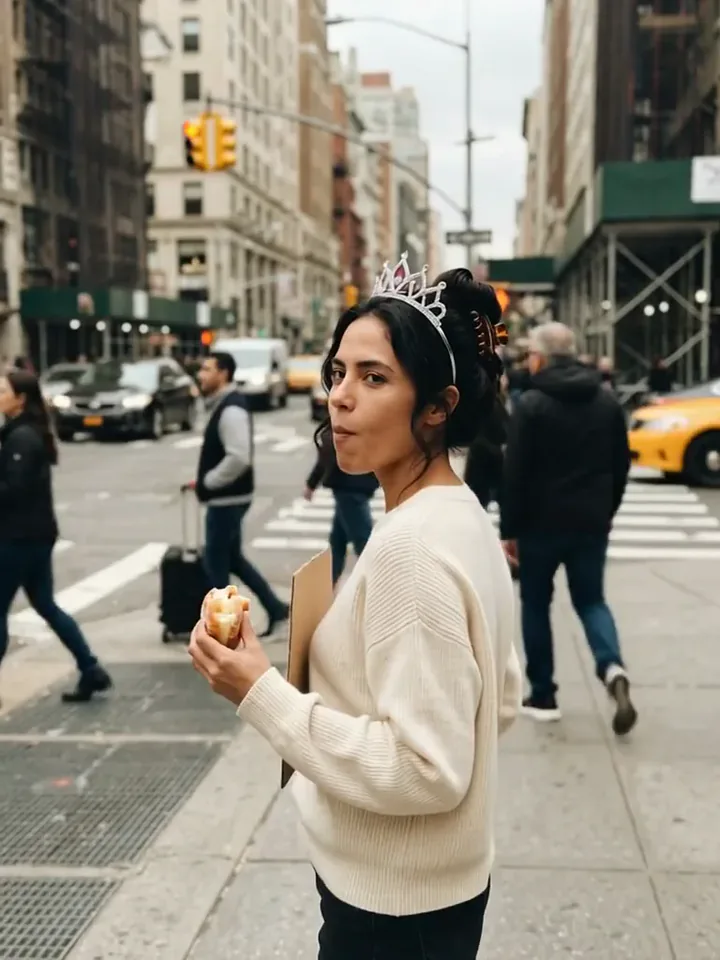 Today Is My BirthdayYou celebrate your birthday on a busy street with a tiara, a treat and a sign.Try itNewRecreate
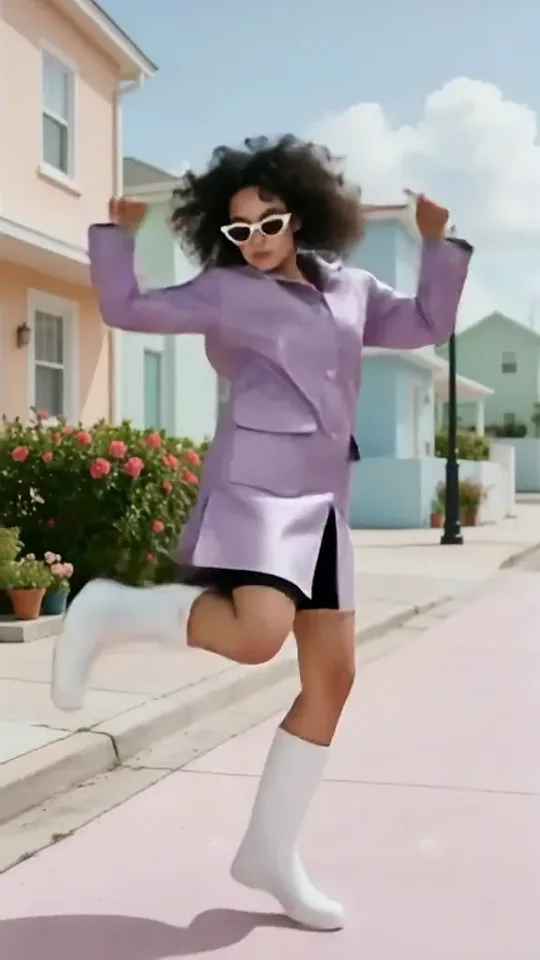 Dai Dai DanceYou break into a bouncy dance with big steps and arm swings, right where you stand.Try itNewRecreate
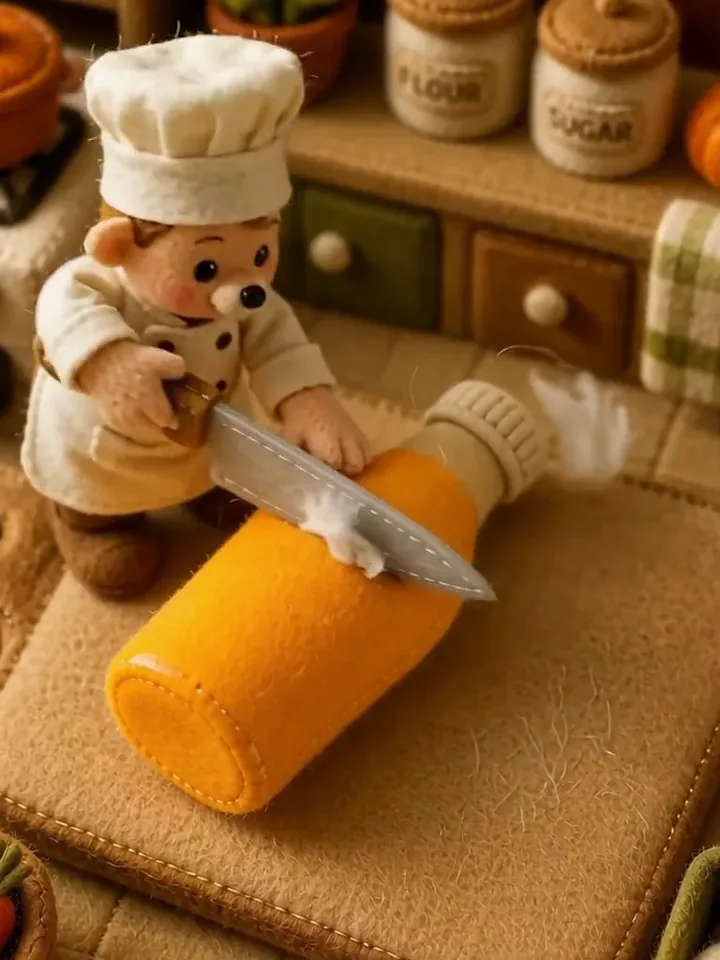 Fluffy ChefYour product turns to soft felt, and a little felt chef slices it open to reveal cotton.Try itNewRecreate
What the Epic Save effect does
A portrait shifts into a goalkeeper setup with gloves, a wide ready stance, and a goal behind the subject. The movement centers on preparing and reaching around a ball. The sampled frames do not show a dramatic airborne dive, so the guide focuses on the visible goalkeeper action.
This is a fixed preset: the template sets the motion, scene, and 5-second length. You only upload one photo; there is no choreography, scene, or duration to write or adjust.
How to use Epic Save
- Choose the source Use a single clear image with the main subject easy to distinguish. Read the photo suggestions below before uploading, and compare your framing with the two source examples.
- Run the preset Start Epic Save with your uploaded photo. Its movement and setting are already selected, so you do not need a written prompt or a separate motion reference.
- Review the result Watch the whole clip before saving it. Check the opening, the main action, and the ending together; the sampled examples illustrate possible results rather than a guarantee that every detail will repeat.
Which photos work best for Epic Save
Works well
- One standing person with arms and legs clearly outlined.
- A face visible above the shoulders, with room for a wider stance.
Avoid
- A seated crop with hidden hands and knees.
- Expecting an identical diving save from every result.
Epic Save examples
What we saw when we tested Epic Save
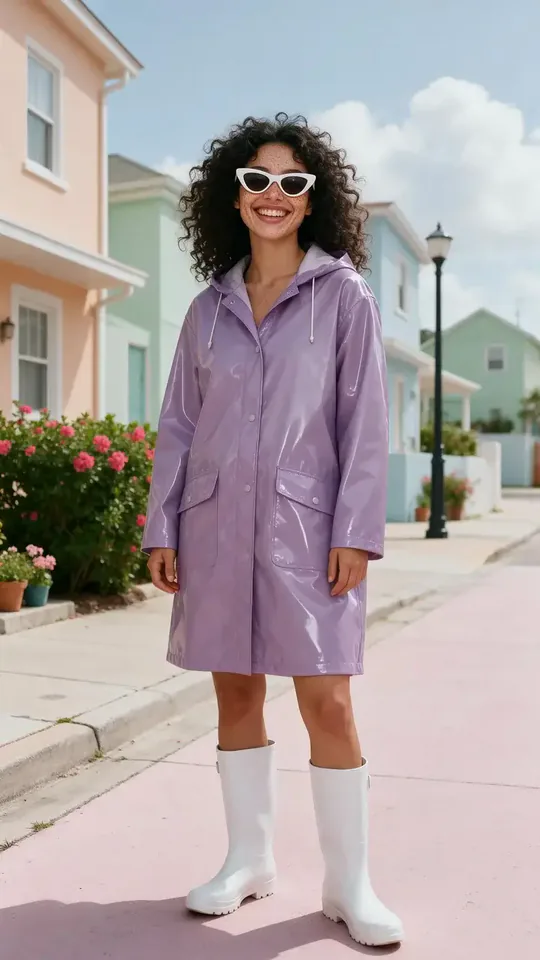
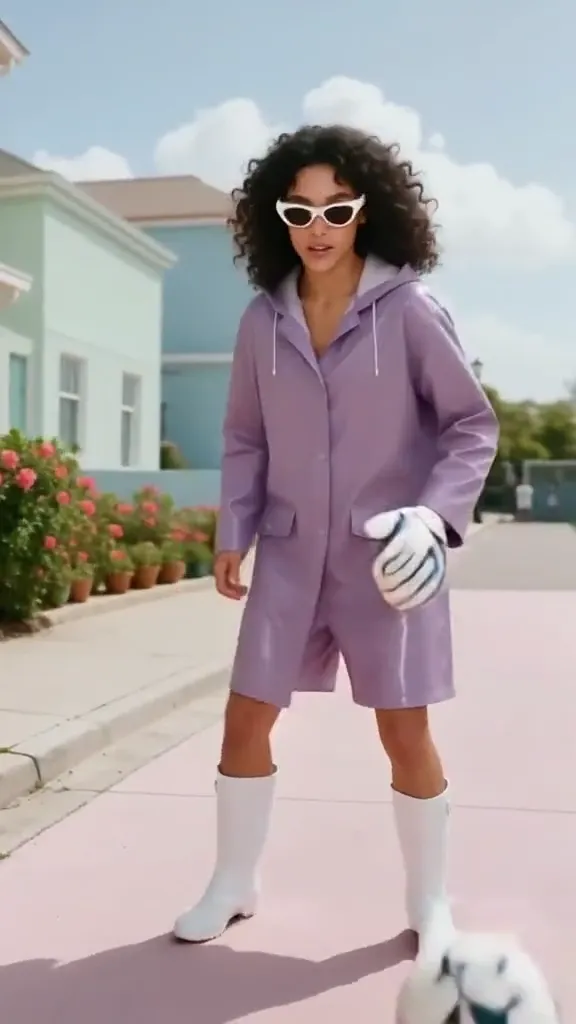
The purple-raincoat source gains white goalkeeper gloves and moves toward a net on stadium grass. The sampled result keeps white sunglasses and boots while the coat becomes a shorter purple sports look.
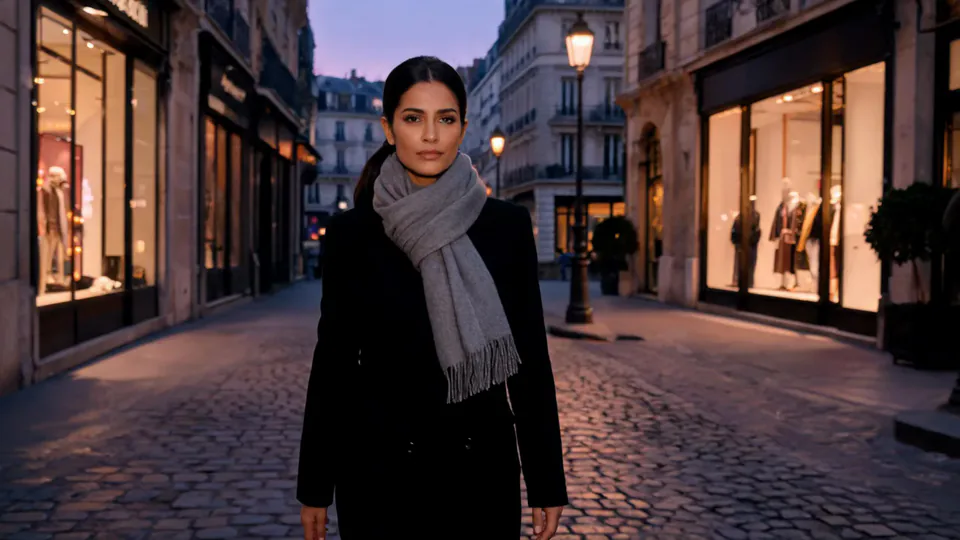
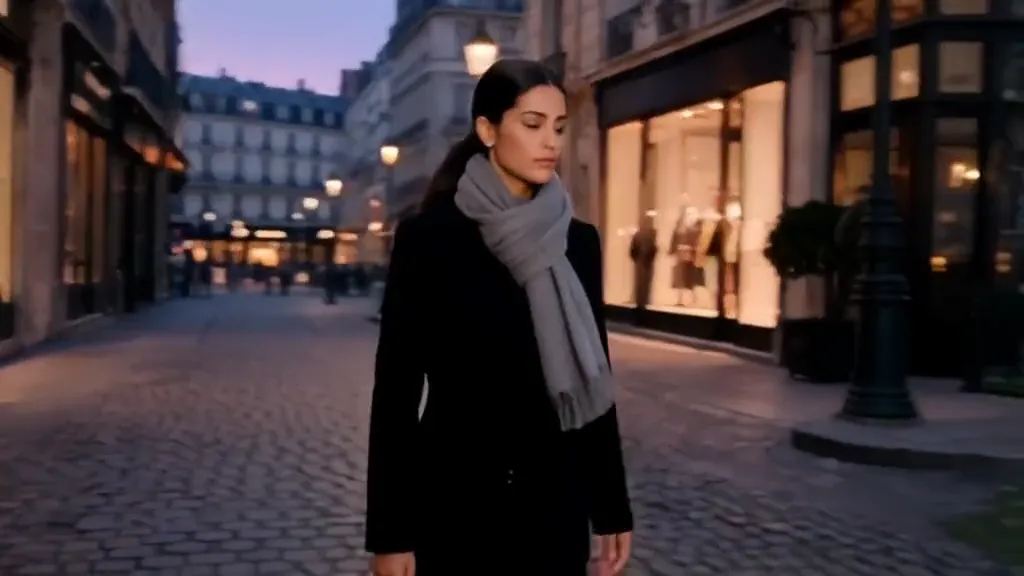
The black-coat street portrait changes into a dark goalkeeper kit with white gloves. A ball sits near the feet as the subject reaches and settles into a wide stance before the goal, with paving still visible beside the turf.
How Epic Save does on each model
- PixVerse V6 Effects The single template model runs the complete 5-second sequence. The two examples below show this preset with different uploads; they are not a comparison between model options.
The prompt behind Epic Save
You never write a prompt for Epic Save. This is the exact text it sends with your photo:
A diving goalkeeper save in front of a cheering stadium crowd.What the prompt asks for
- What happens
A diving goalkeeper save in front of a cheering stadium crowd.
Tips for a better Epic Save result
- Use a full-body reference to give the goalkeeper stance a clear starting silhouette.
- Review glove shapes and the ball position across the action before choosing a final frame.
Epic Save cost and time
Epic Save costs 156 credits with PixVerse V6 Effects and is usually ready in about 1 min.
Epic Save: questions and answers
Does the result always include a flying dive?
The supplied sampled views show gloved stances and reaching movements. They do not clearly establish an airborne diving save.
Do I need goalkeeper gloves in the source photo?
The sources are ordinary portraits without gloves. The preset adds the goalkeeper equipment and goal setting.
Will the purple coat remain full length?
The first result shifts toward a shorter purple outfit while keeping boots and sunglasses. The source color remains more consistent than the original garment cut.
Can the original street remain partly visible?
The second run keeps paving next to the turf even after the goal appears. The setting can blend source surroundings with the generated stadium.
Can I control the direction of the incoming shot?
This preset has no shot-direction or ball-speed control. Review the generated interaction rather than expecting a specified save technique.
Related effects and tools
- Hero Shot · Low angle, open sky, warm flare. Main-character energy.
- Slow-Mo Entrance · A hero walk-in in slow motion with dust and sparks hanging in the air.
- You in an open-world game · Your photo as a third-person screenshot from a sunny open-world video game.
- Trim and arrange the finished clip in the Video Editor