


AI video effect · Poke My Little Cutie
Palm-Size Pet Effect: Photo to Video
Your pet shrinks to palm size for a gentle cheek poke and a very unimpressed look.
1Add a photo
- One person or pet, clearly in view
- A little empty space around them leaves room for the gag
- Bright, sharp photos get the funniest results
More options
about 1 min
More to try
All effects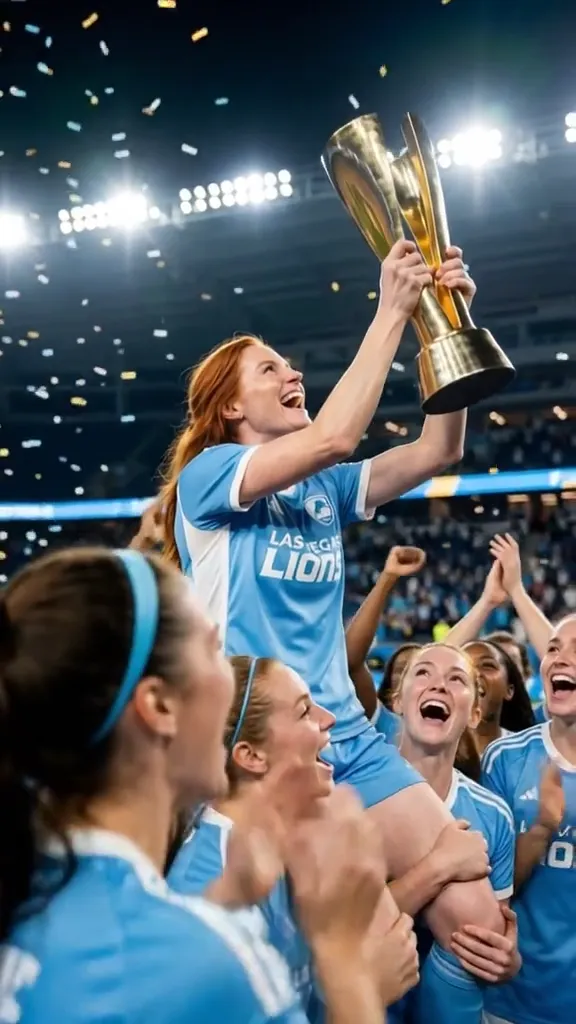 2 photosTop of the WorldTwo portraits join a team trophy celebration with raised cups and falling gold confetti.Try itNewRecreate
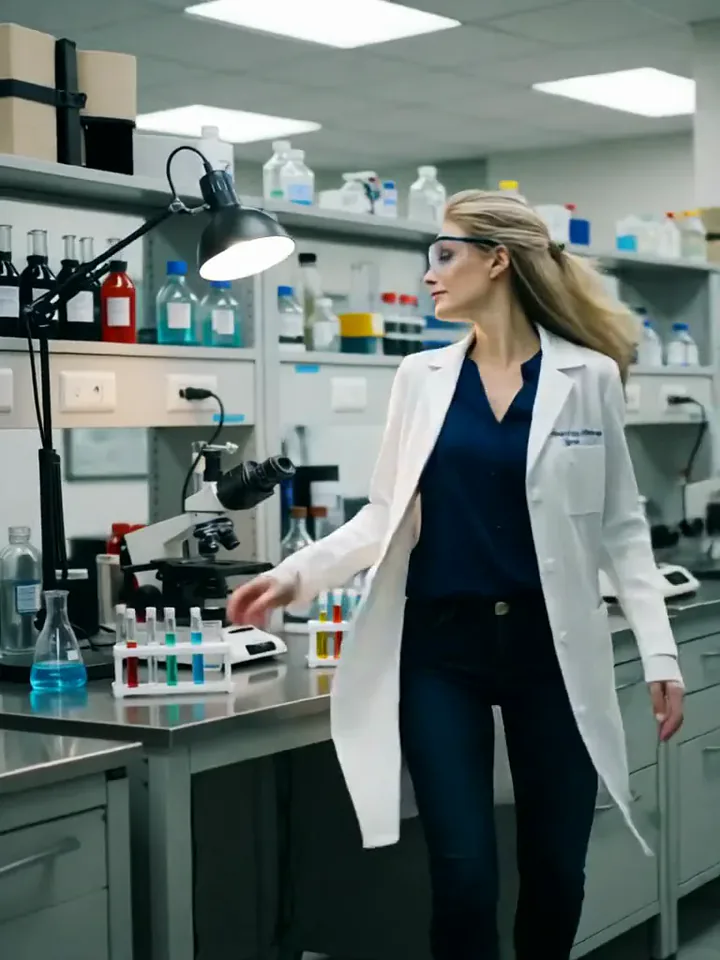 My Future Has Infinite PossibilitiesYou walk through one life and step into another, a quick glimpse of your future self.Try itNewRecreate
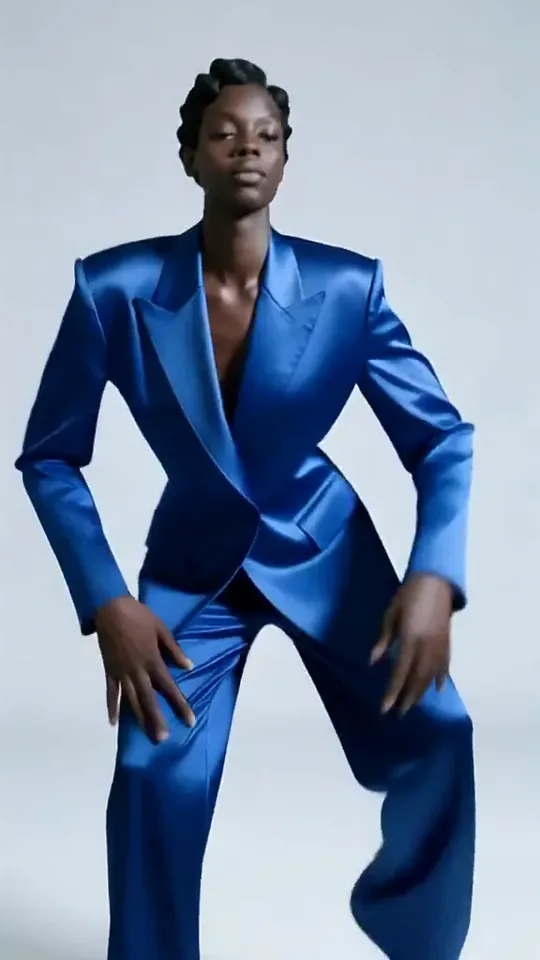 Apex DanceYou dance on the spot with sharp, angular moves, hip turns and a confident head roll.Try itNewRecreate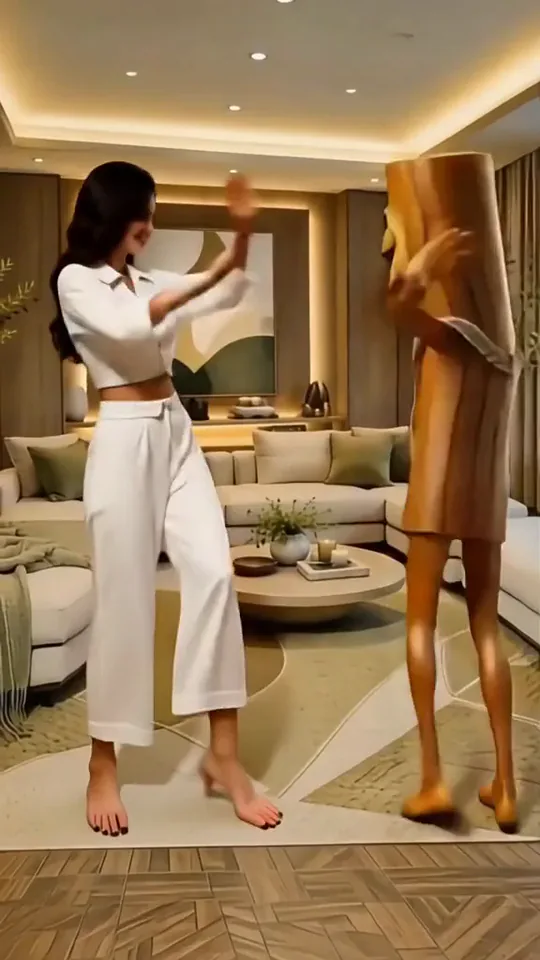
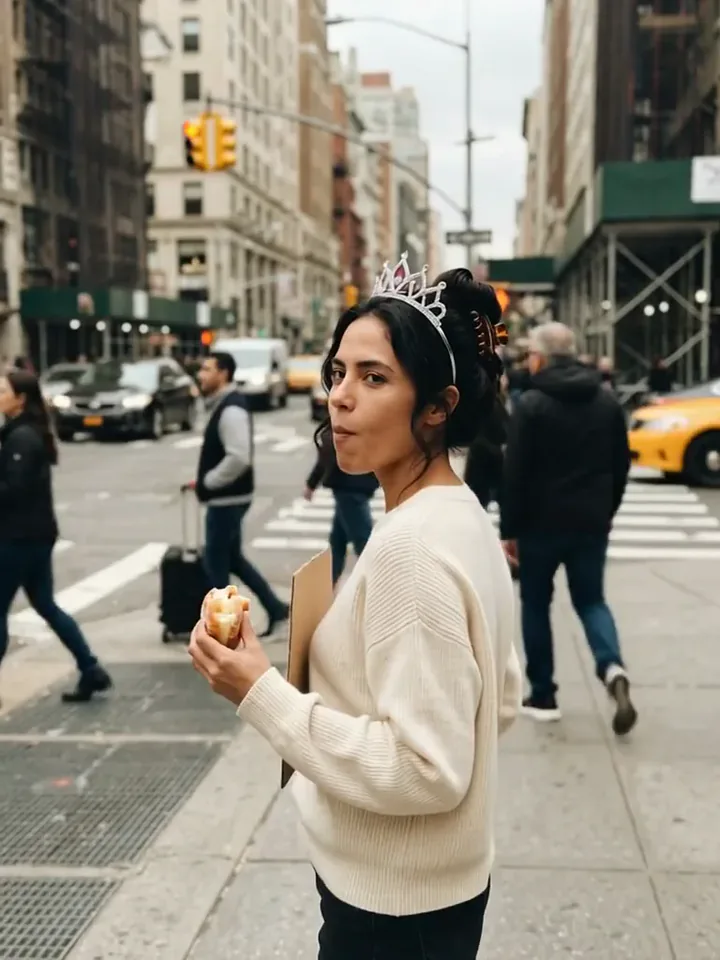 Today Is My BirthdayYou celebrate your birthday on a busy street with a tiara, a treat and a sign.Try itNewRecreate
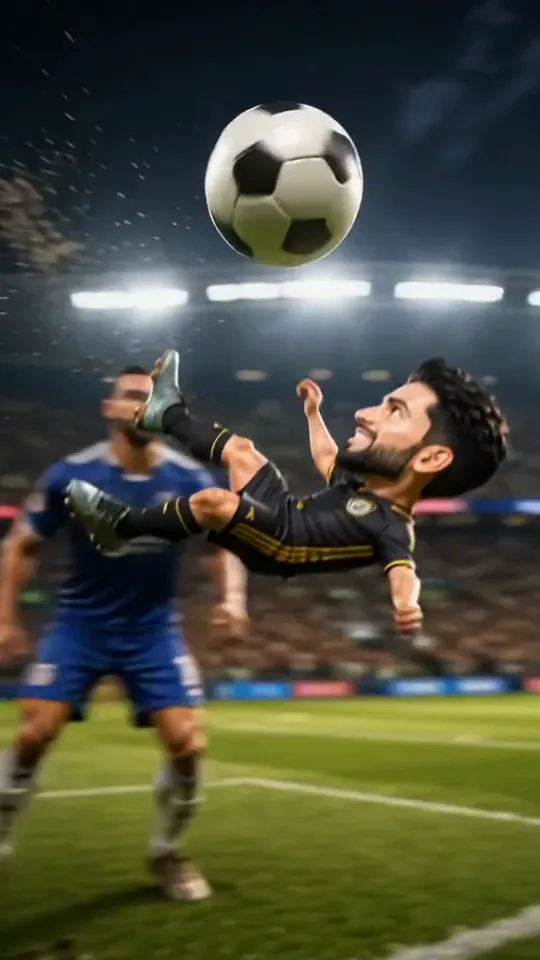 Mini Football HeroYou turn into a tiny big-headed footballer who weaves past giants to score a bicycle kick.Try itNewRecreate
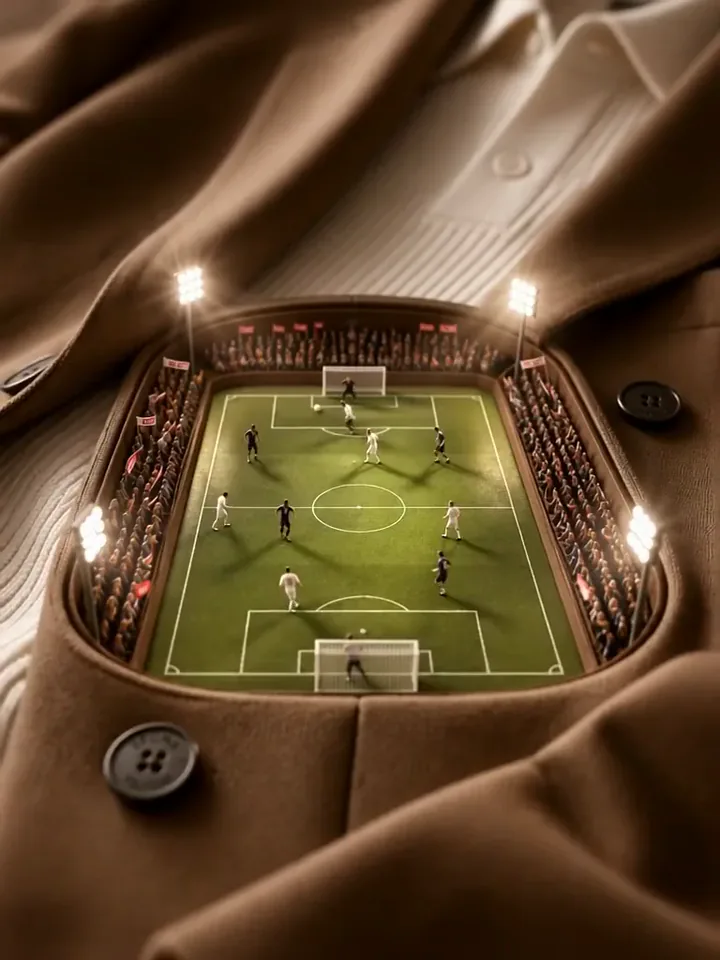 Mini Football PitchThe camera dives into your clothes and finds a tiny floodlit stadium with a live match.Try itNewRecreate
 A Kick Through the WorldYou kick the ball, and it tours the world before landing in a stadium goal.Try itNewRecreate
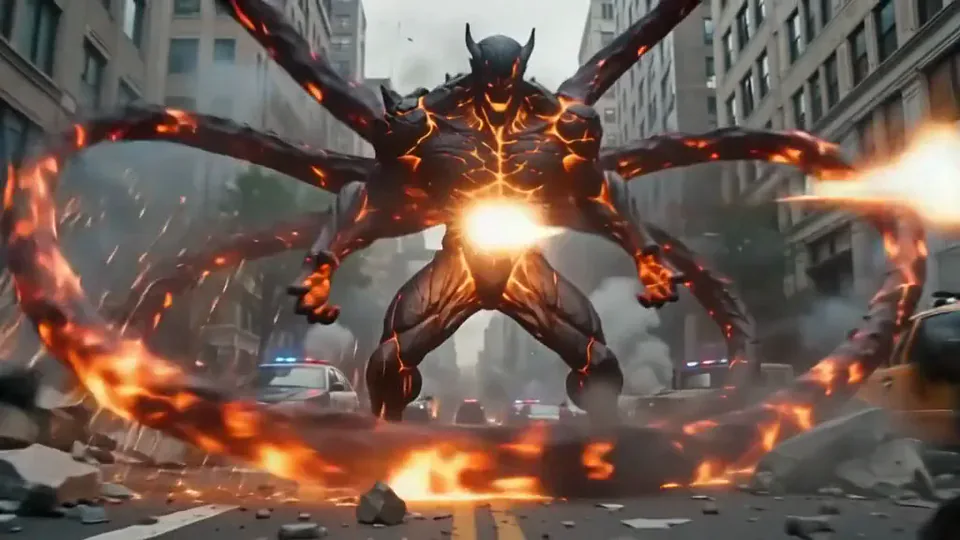 Magma RiseYou crack open in glowing magma and rise as a towering lava creature in a city street.Try itNewRecreate
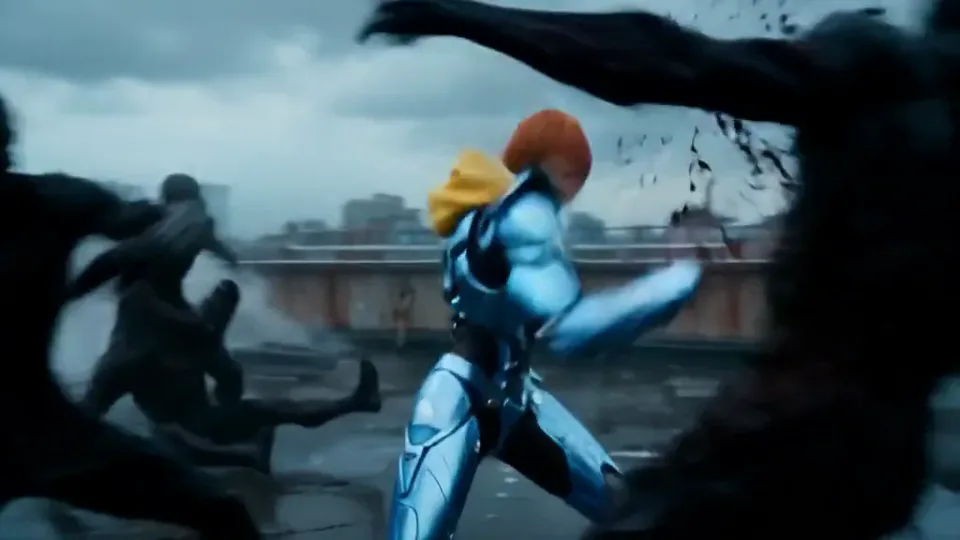 Cyber Armor: Reborn in the RainIn a storm, lightning gathers in your hands and sleek silver-blue armor builds around you.Try itNewRecreate
What the Poke My Little Cutie effect does
Turn a pet portrait into a miniature animal sitting upright in a human palm. Another hand gently touches its cheek and head, while folded front paws and a sideways look add a stubborn little personality. The scale change and close reaction are the focus.
This is a fixed preset: the template sets the motion, scene, and 5-second length. You only upload one photo; there is no choreography, scene, or duration to write or adjust.
How to use Poke My Little Cutie
- Choose the source Use a single clear image with the main subject easy to distinguish. Read the photo suggestions below before uploading, and compare your framing with the two source examples.
- Run the preset Start Palm-Size Pet with your uploaded photo. Its movement and setting are already selected, so you do not need a written prompt or a separate motion reference.
- Review the result Watch the whole clip before saving it. Check the opening, the main action, and the ending together; the sampled examples illustrate possible results rather than a guarantee that every detail will repeat.
Which photos work best for Poke My Little Cutie
Works well
- One pet facing the camera with eyes and ears visible.
- A seated animal against a simple, contrasting background.
Avoid
- Several animals pressed together in one picture.
- A hidden muzzle or a face blurred by movement.
Poke My Little Cutie examples
What we saw when we tested Poke My Little Cutie
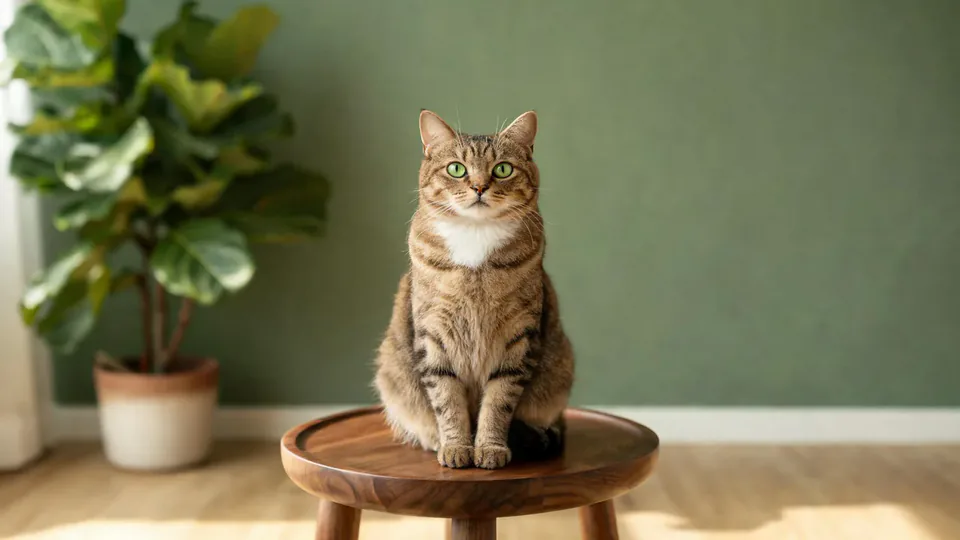
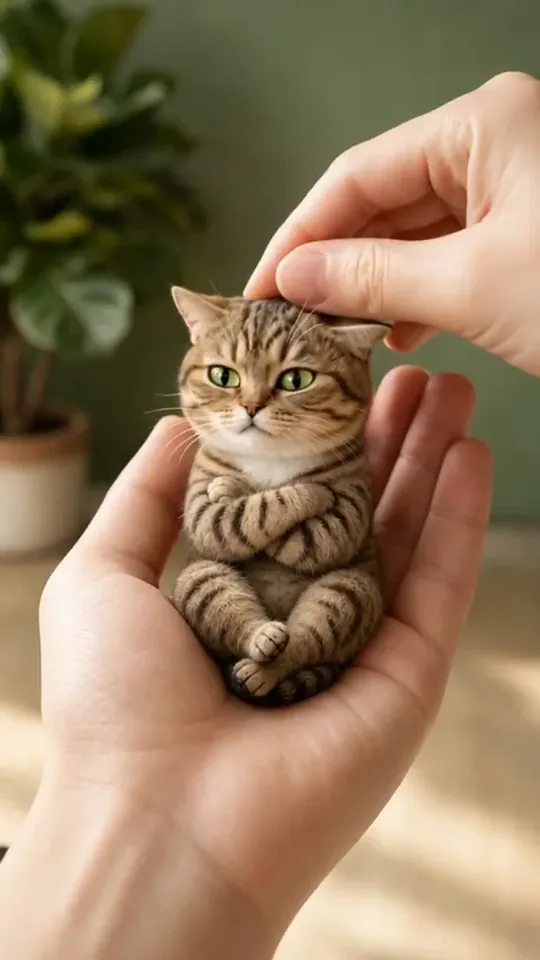
The tabby-cat source becomes a tiny seated cat cradled in a hand. A finger presses its cheek, a hand touches its head, and its front paws stay folded across its body.
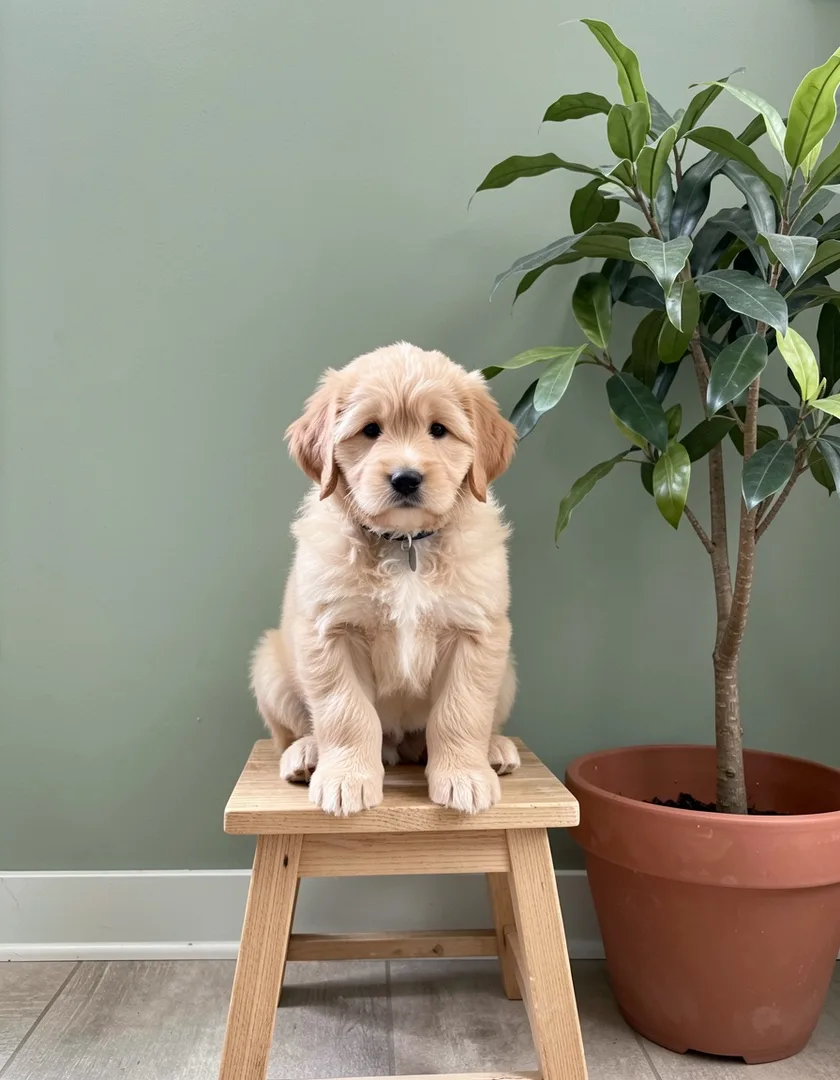
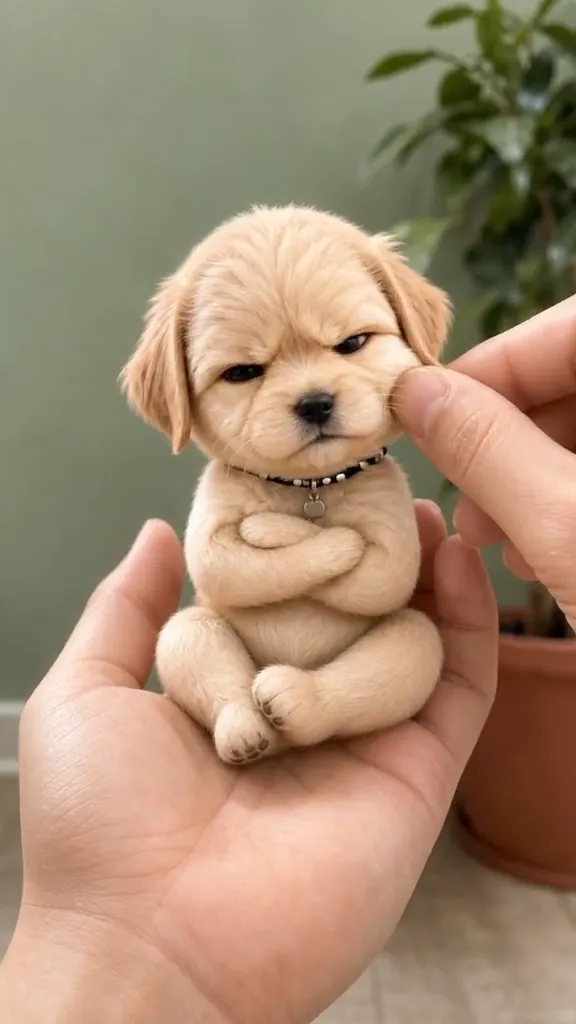
The puppy source becomes a palm-size puppy with folded paws. Its head turns between the cheek touch and the head touch, with the green wall and plant colors still visible behind it.
How Poke My Little Cutie does on each model
- PixVerse V6 Effects The single template model runs the complete 5-second sequence. The two examples below show this preset with different uploads; they are not a comparison between model options.
The prompt behind Poke My Little Cutie
You never write a prompt for Poke My Little Cutie. This is the exact text it sends with your photo:
A playful poke and a cute, bouncy reaction.What the prompt asks for
- What happens
A playful poke and a cute, bouncy reaction.
Tips for a better Poke My Little Cutie result
- Keep the pet face large enough to preserve its markings in the tiny version.
- Review the supporting hand as well as the animal, since both are prominent at this scale.
Poke My Little Cutie cost and time
Poke My Little Cutie costs 156 credits with PixVerse V6 Effects and is usually ready in about 1 min.
Poke My Little Cutie: questions and answers
Is a photo of my hand required for the tiny pet?
The source examples contain pets on stools rather than in hands. The supporting palm and touching hand are generated by the preset.
Does the pet stay its original size?
Both examples turn the animal into a much smaller figure. The upright seated pose also differs from the ordinary pet posture in the sources.
Can I use a puppy rather than a cat for the poke?
The second reviewed run uses a puppy and keeps a puppy-like face. These examples support both a cat and a dog, without proving every animal will behave the same way.
Why are the little front paws folded?
That folded-paw pose is visible in both results and contributes to the unimpressed reaction. It is part of the generated character treatment.
Can I move the finger to a different side?
The hand interaction follows the template. This effect has no control for placing the finger or changing which touch happens first.
Related effects and tools
- Tiny Critters · A palm-sized elephant, fox and bunnies wander in and climb onto you.
- Miniature World · Your wide shot turns into a busy toy-model town.
- Felt Doll · A fuzzy needle-felted wool doll of you, embroidered smile included.
- Trim and arrange the finished clip in the Video Editor