



AI video effect · Courtyard Makeover Party
Courtyard Makeover Effect: Photo to Video
Your backyard lawn turns into a landscaped patio around you while you keep smiling.
1Add a photo
- A waist-up or full-body shot works best
- Plain backgrounds make the change pop
- Face the camera so the result still looks like you
More options
about 1 min
More to try
All effects Football Live King!You livestream your own match from the pitch as hearts and gifts flood the chat.Try itNewRecreate
 Trophy BreakthroughYou burst out of a monitor in lightning, shake hands and step out holding a trophy.Try itNewRecreate
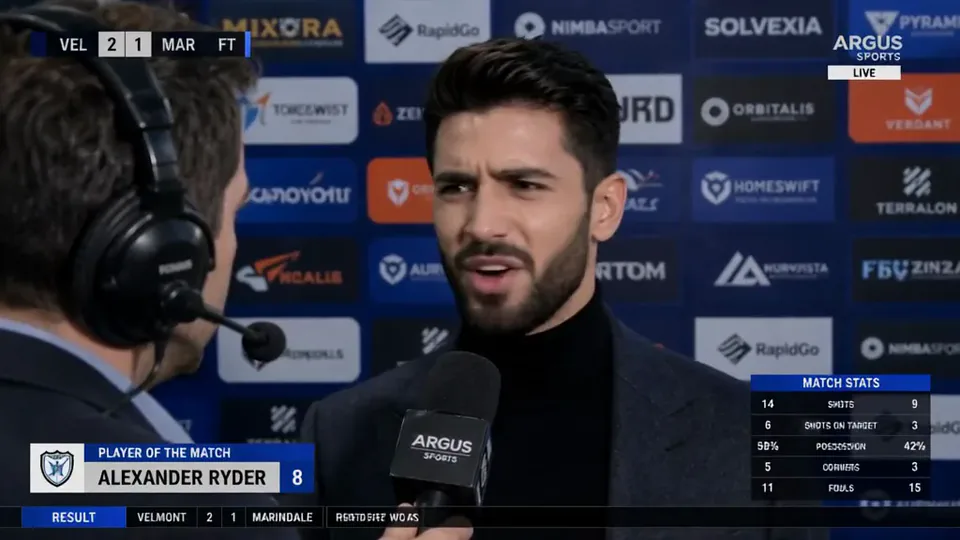 Post-match Sharp CommentYou give a heated post-match interview in front of a sponsor wall, mic in hand.Try itNewRecreate
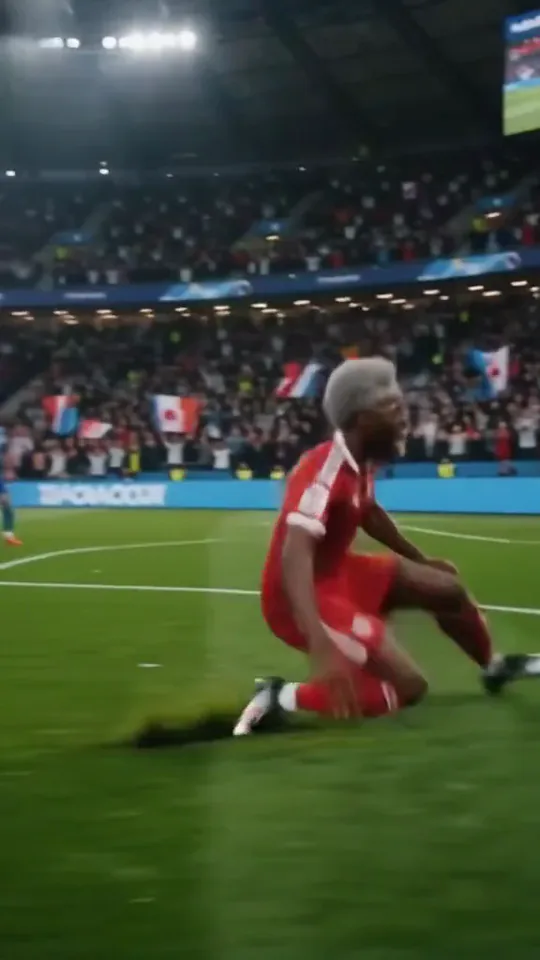 Stadium LegendYou go from an everyday moment to sprinting down the wing and celebrating on your knees.Try itNewRecreate
 My Future Has Infinite PossibilitiesYou walk through one life and step into another, a quick glimpse of your future self.Try itNewRecreate
 Magma RiseYou crack open in glowing magma and rise as a towering lava creature in a city street.Try itNewRecreate
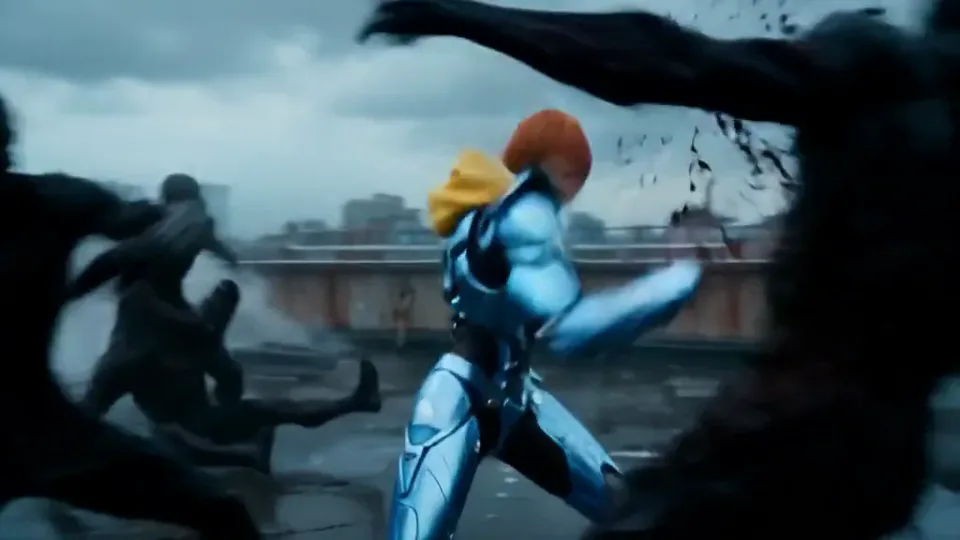 Cyber Armor: Reborn in the RainIn a storm, lightning gathers in your hands and sleek silver-blue armor builds around you.Try itNewRecreate
 Screen Killer KingYou leap off the sofa, dive through the TV screen and land in the match to score.Try itNewRecreate
 Dynamic Football PosterYou become the star of a team poster, and teammates charge out as it comes to life.Try itNewRecreate

What the Courtyard Makeover Party effect does
A casual outdoor moment turns into a polished courtyard scene with paving, planting, and a pool. The surroundings do much of the changing while the person gives the transformation a human reference. The two examples differ in how much of the original setting survives.
This is a fixed preset: the template sets the motion, scene, and 5-second length. You only upload one photo; there is no choreography, scene, or duration to write or adjust.
How to use Courtyard Makeover Party
- Choose the source Use a single clear image with the main subject easy to distinguish. Read the photo suggestions below before uploading, and compare your framing with the two source examples.
- Run the preset Start Courtyard Makeover with your uploaded photo. Its movement and setting are already selected, so you do not need a written prompt or a separate motion reference.
- Review the result Watch the whole clip before saving it. Check the opening, the main action, and the ending together; the sampled examples illustrate possible results rather than a guarantee that every detail will repeat.
Which photos work best for Courtyard Makeover Party
Works well
- An outdoor portrait with visible space around the person.
- A yard or garden photo where the ground is easy to see.
Avoid
- A tight face crop with almost no environment.
- Expecting a measured landscaping plan from the generated result.
Courtyard Makeover Party examples
What we saw when we tested Courtyard Makeover Party
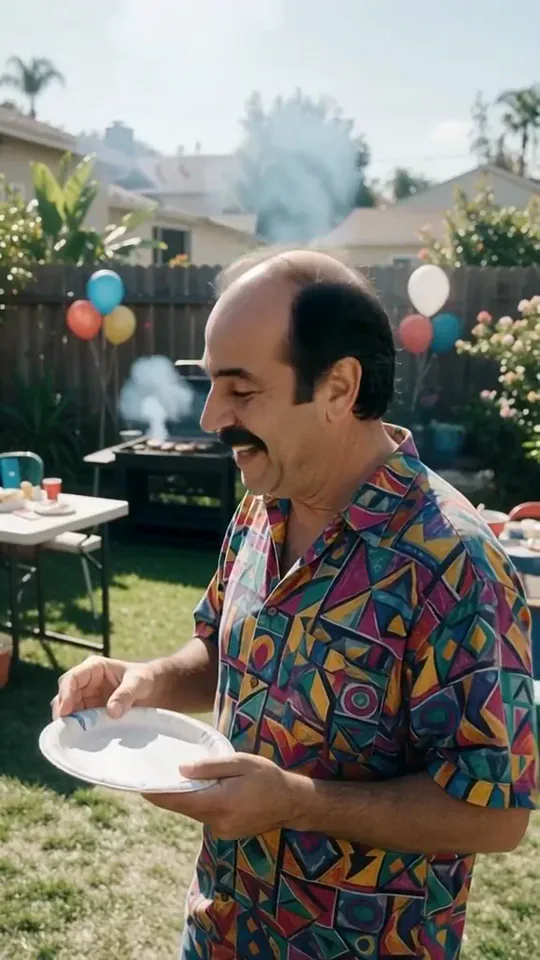
The preview shows a smiling man at a backyard gathering with balloons, a plate, and a grill. The result ends beside a newly paved and planted courtyard with a pool and outdoor cooking area.
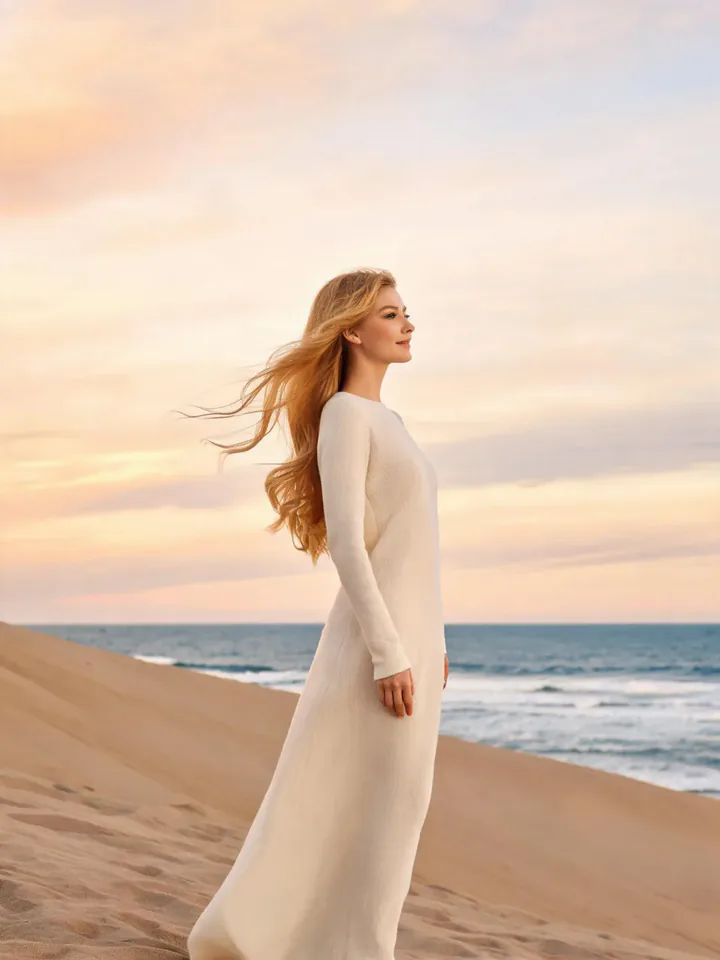
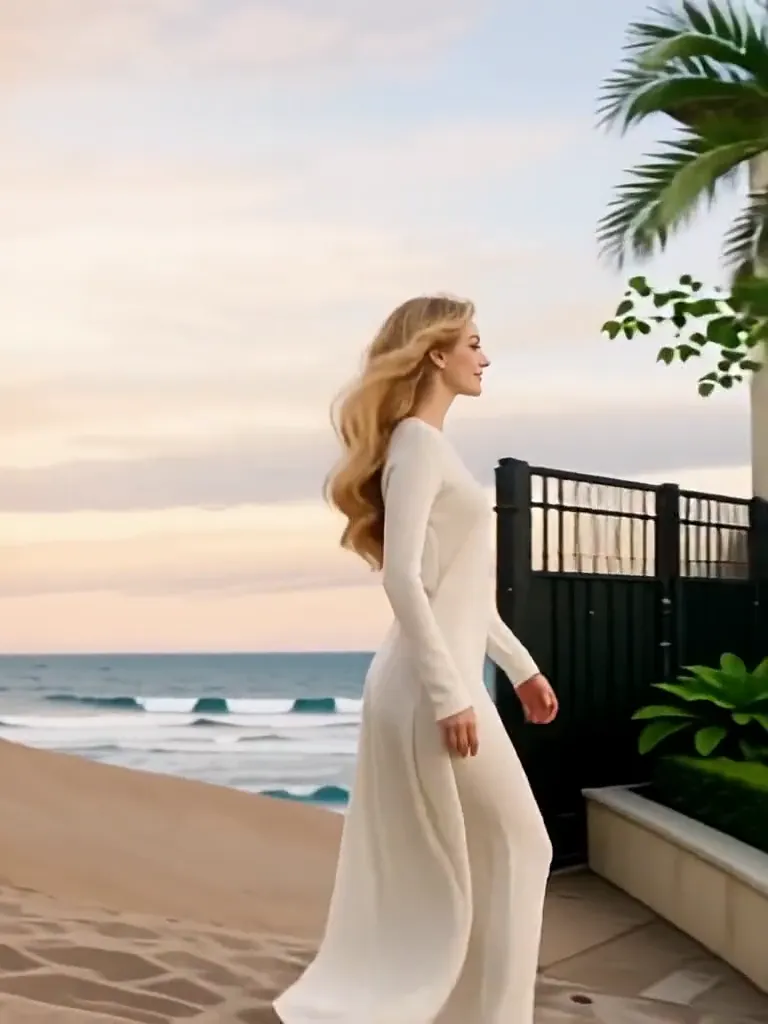
The beach portrait begins with the woman walking beside the sea. Later frames show her near a large house and pool courtyard, and the last sampled view concentrates on the landscaped property.
How Courtyard Makeover Party does on each model
- PixVerse V6 Effects The single template model runs the complete 5-second sequence. The two examples below show this preset with different uploads; they are not a comparison between model options.
The prompt behind Courtyard Makeover Party
You never write a prompt for Courtyard Makeover Party. This is the exact text it sends with your photo:
A courtyard turns into a festive party scene.What the prompt asks for
- What happens
A courtyard turns into a festive party scene.
Tips for a better Courtyard Makeover Party result
- Choose a yard source if you want an obvious before-and-after environment comparison.
- Keep the result framed widely enough to show paving and planting changes.
Courtyard Makeover Party cost and time
Courtyard Makeover Party costs 156 credits with PixVerse V6 Effects and is usually ready in about 1 min.
Courtyard Makeover Party: questions and answers
Is the result an accurate renovation proposal?
The patio, planting, and architecture are generated visual ideas. They do not establish measurements, construction details, or what fits a real property.
Must the source already show a party?
The second example starts on a beach without party props. The template can introduce an entirely different courtyard environment.
Will the person remain visible until the end?
The preview keeps the smiling man in view, but the second ending focuses on the property without the woman visible. Composition can change.
Can I choose paving materials in this preset?
There is no materials selector for the courtyard sequence. A specifically directed image or video is more suitable for exact landscaping choices.
Does the beach itself become a landscaped garden?
The second sampled result moves from the beach to a house courtyard. It should be read as a generated scene transition rather than a literal site conversion.
Related effects and tools
- Room redesign · Same room, same layout, a whole new look: warm wood, linen and plants.
- Overgrowth · Vines and flowers burst out until you’re a living sculpture.
- Flower Bloom · A fast-motion bloom of flowers bursts all around you.
- Trim and arrange the finished clip in the Video Editor