


AI video effect · Trophy Breakthrough
Trophy Breakthrough Effect: Photo to Video
You burst out of a monitor in lightning, shake hands and step out holding a trophy.
1Add a photo
- One person or pet, clearly in view
- A little empty space around them leaves room for the gag
- Bright, sharp photos get the funniest results
More options
about 1 min
More to try
All effects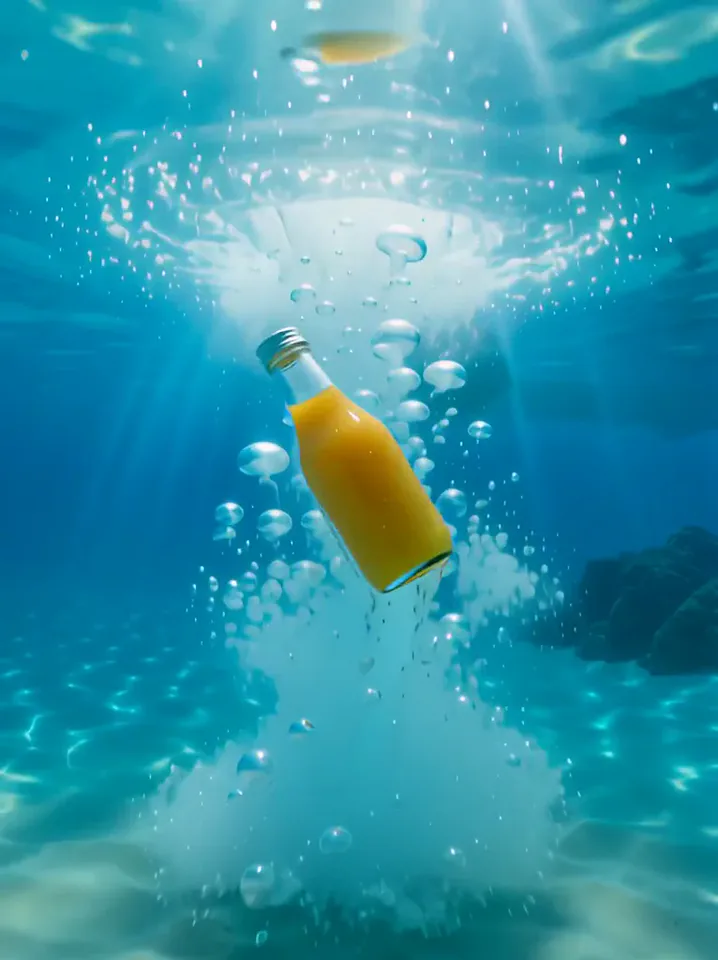 Surfing SummerYour product rides a summer adventure: parachute drop, water slide, dive and surf.Try itNewRecreate
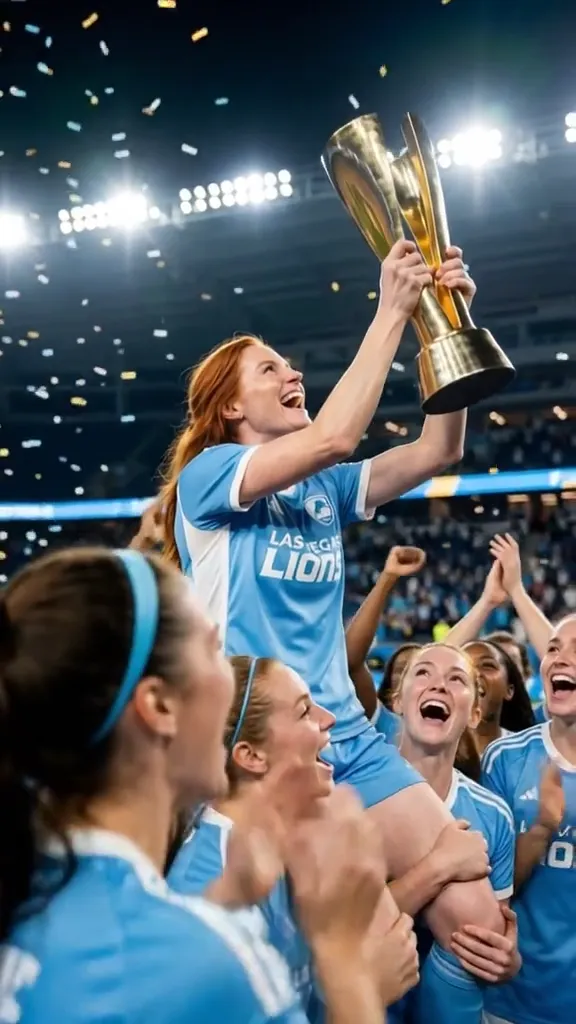 2 photosTop of the WorldTwo portraits join a team trophy celebration with raised cups and falling gold confetti.Try itNewRecreate
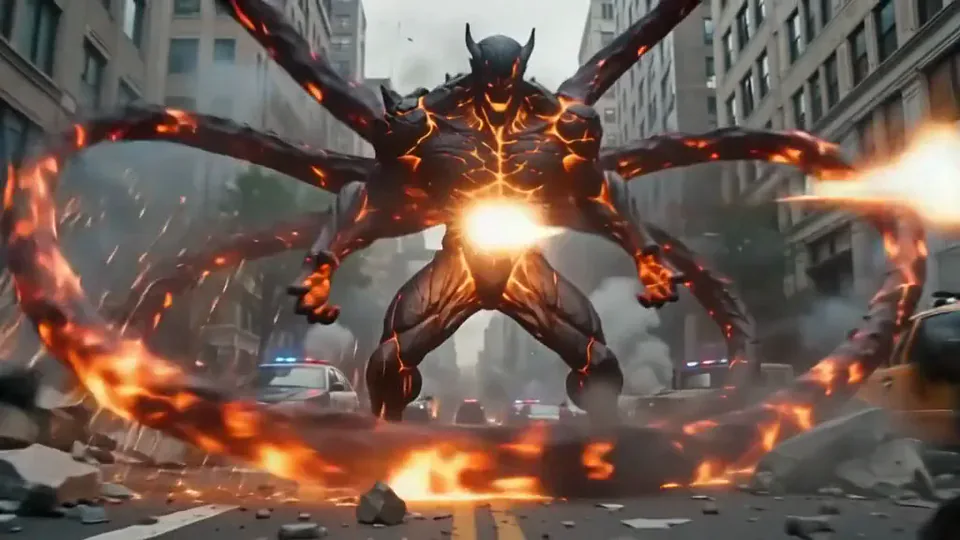 Magma RiseYou crack open in glowing magma and rise as a towering lava creature in a city street.Try itNewRecreate
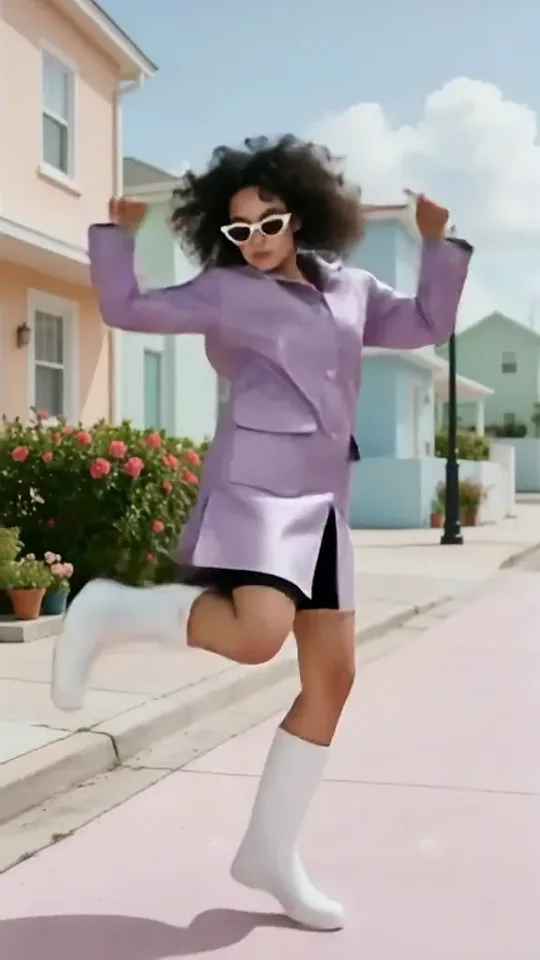 Dai Dai DanceYou break into a bouncy dance with big steps and arm swings, right where you stand.Try itNewRecreate
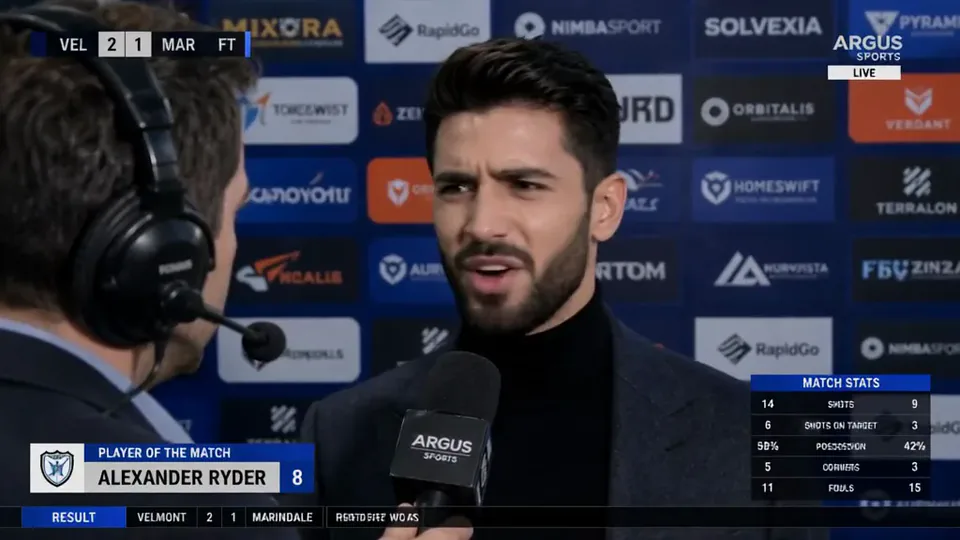 Post-match Sharp CommentYou give a heated post-match interview in front of a sponsor wall, mic in hand.Try itNewRecreate
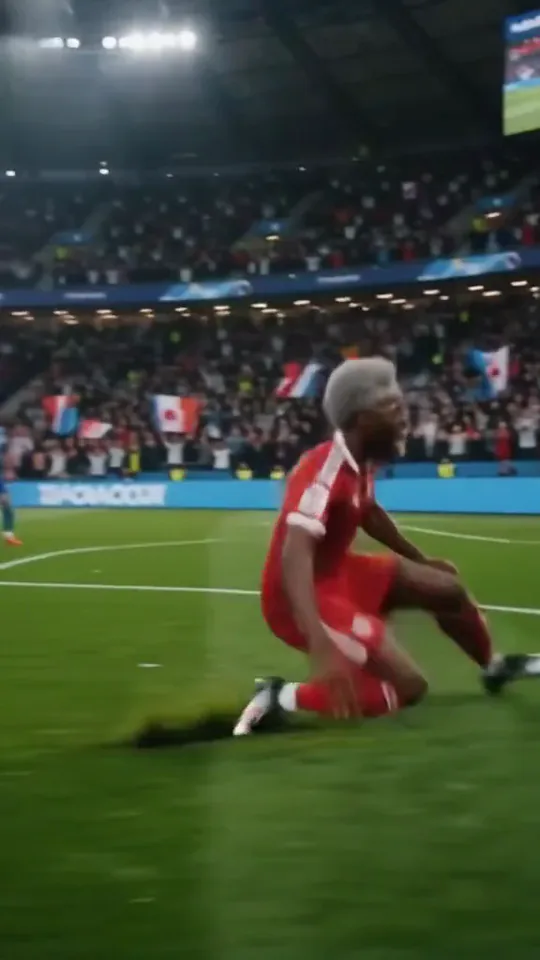 Stadium LegendYou go from an everyday moment to sprinting down the wing and celebrating on your knees.Try itNewRecreate
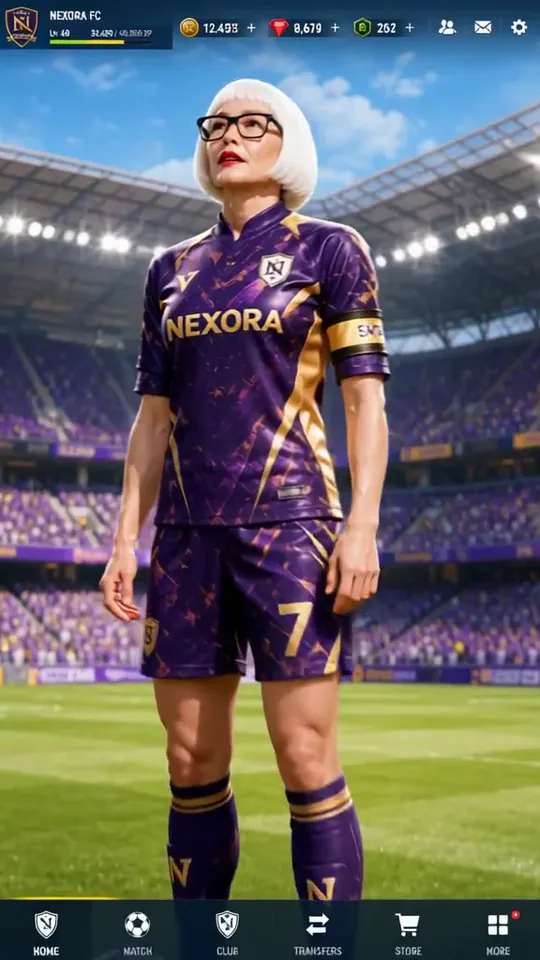 Superstar LobbyYou become the star player on a game's home screen, then step out into the stadium.Try itNewRecreate
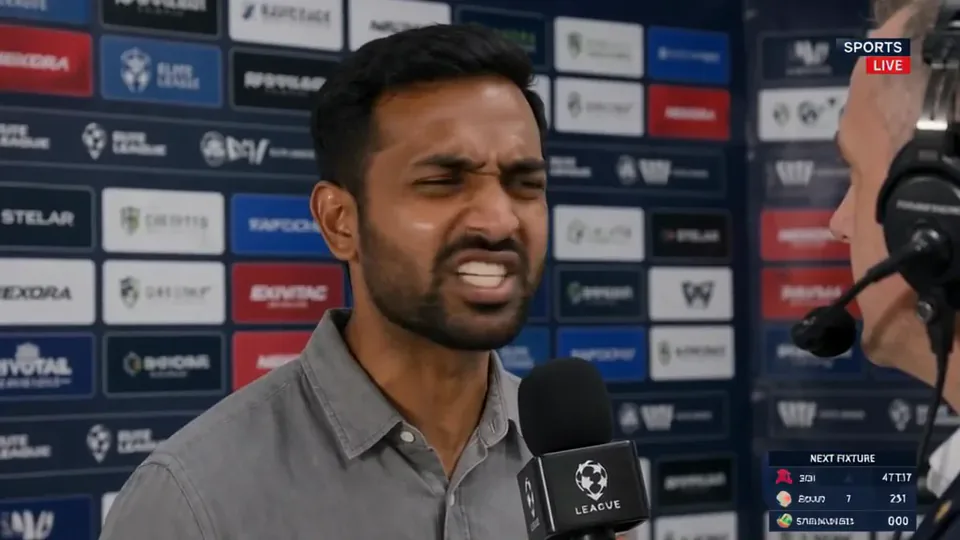 Post-match Sharp Comment 2Another post-match take: you face the reporter and make your point with some heat.Try itNewRecreate
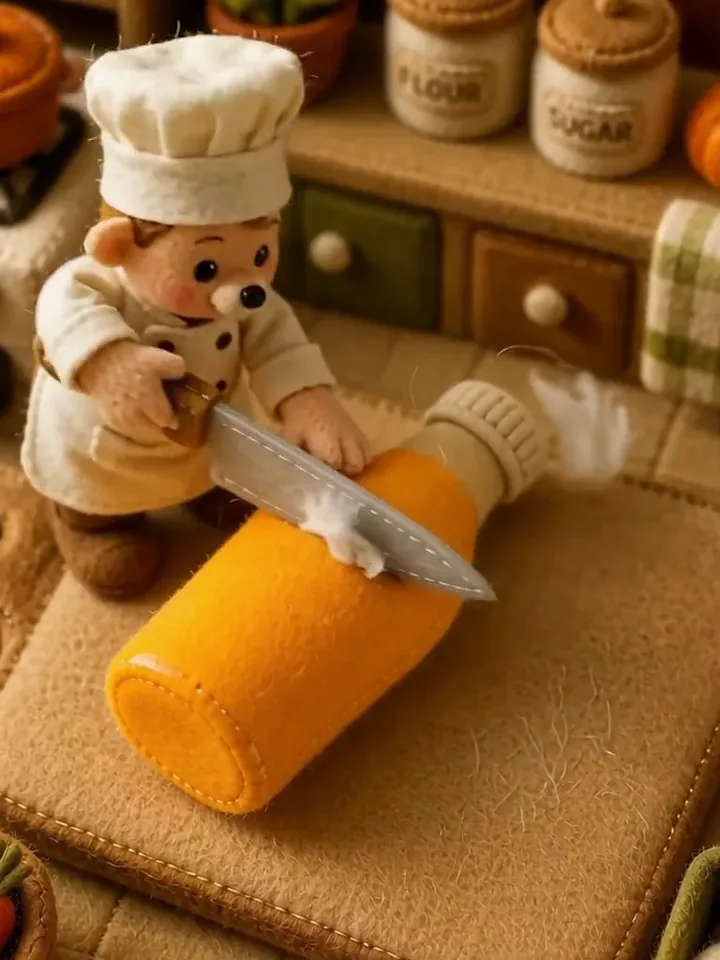 Fluffy ChefYour product turns to soft felt, and a little felt chef slices it open to reveal cotton.Try itNewRecreate
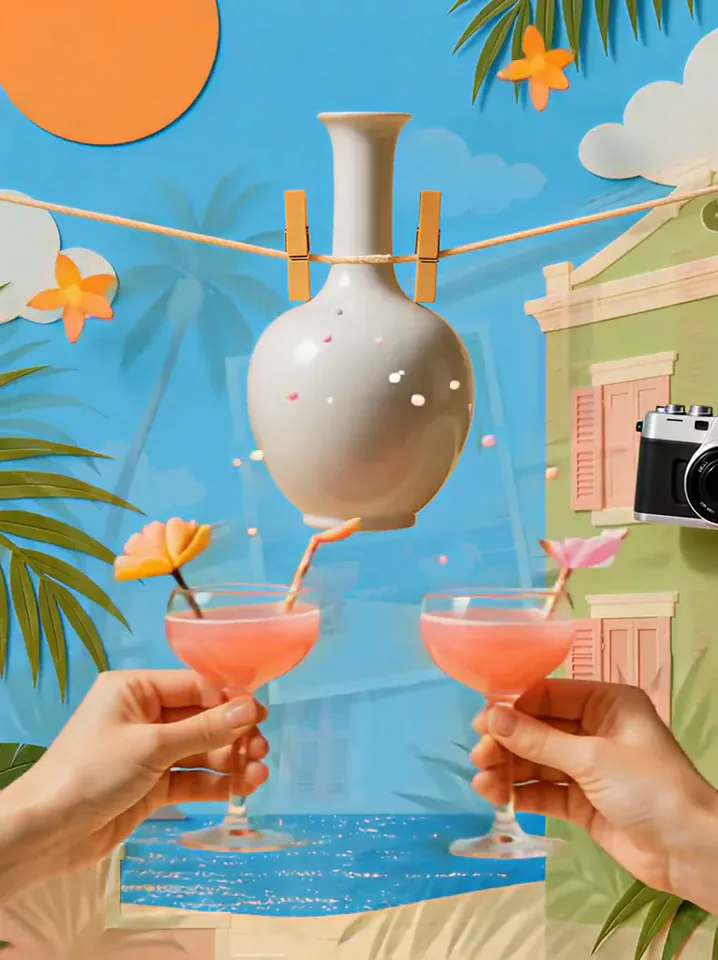 Summer PostcardYour product joins a paper-craft summer scene, clinks glasses, and becomes a postcard.Try itNewRecreate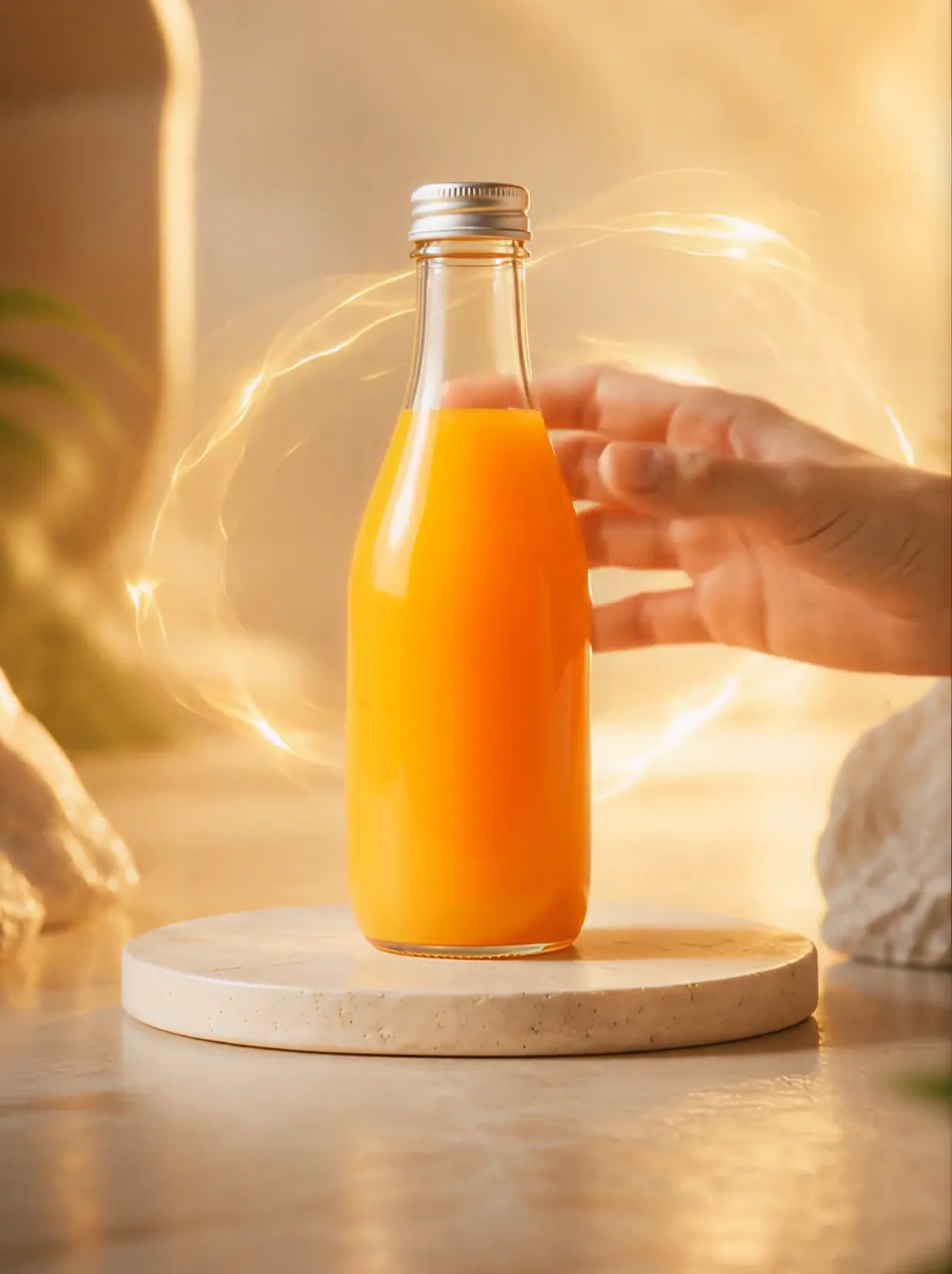
What the Trophy Breakthrough effect does
A sports figure on a computer display reaches toward the viewer and steps into the room with a trophy. Bright cracks and flying fragments mark the screen-crossing moment. The extended hand and offered cup give the scene a direct, first-person feeling.
This is a fixed preset: the template sets the motion, scene, and 6-second length. You only upload one photo; there is no choreography, scene, or duration to write or adjust.
How to use Trophy Breakthrough
- Choose the source Use a single clear image with the main subject easy to distinguish. Read the photo suggestions below before uploading, and compare your framing with the two source examples.
- Run the preset Start Trophy Breakthrough with your uploaded photo. Its movement and setting are already selected, so you do not need a written prompt or a separate motion reference.
- Review the result Watch the whole clip before saving it. Check the opening, the main action, and the ending together; the sampled examples illustrate possible results rather than a guarantee that every detail will repeat.
Which photos work best for Trophy Breakthrough
Works well
- A clear single portrait with visible hair and face shape.
- A standing source with enough body detail for a generated sports pose.
Avoid
- Faces hidden by strong reflections or motion blur.
- Expecting the original outfit to remain the final uniform.
Trophy Breakthrough examples

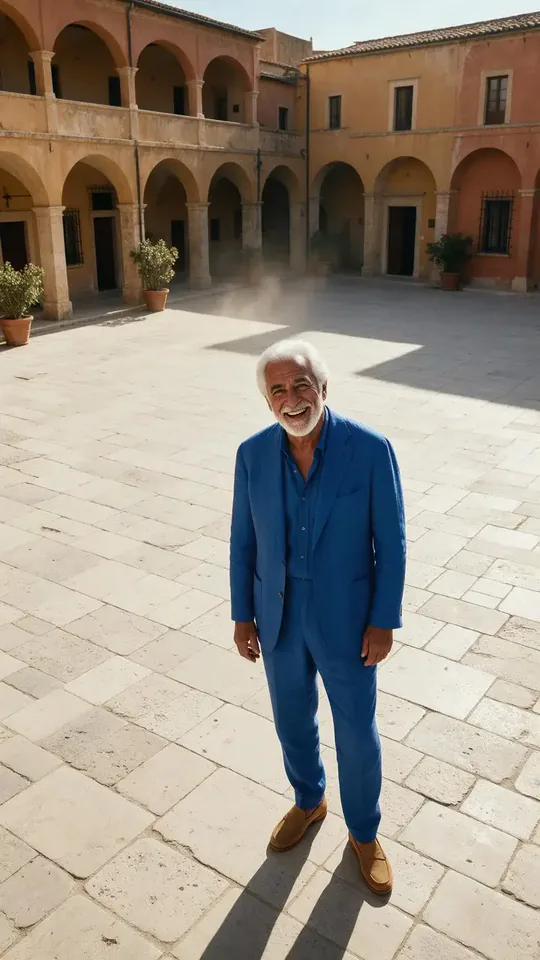

What we saw when we tested Trophy Breakthrough
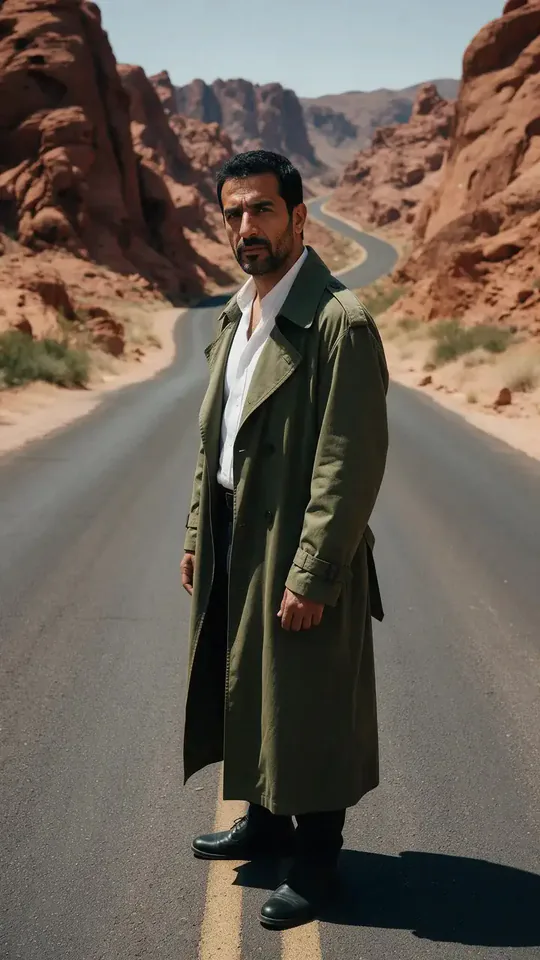
The green-coated desert portrait becomes a striped-shirt player holding a gold cup inside a monitor. A hand reaches through flying screen fragments, then the player stands in the room offering the trophy.
The silver-haired man in blue follows a similar sequence. He wears a blue-and-white sports kit, reaches toward the viewer through the broken-screen effect, and finishes holding the cup in the room.
How Trophy Breakthrough does on each model
- PixVerse V6 Effects The single template model runs the complete 6-second sequence. The two examples below show this preset with different uploads; they are not a comparison between model options.
The prompt behind Trophy Breakthrough
You never write a prompt for Trophy Breakthrough. This is the exact text it sends with your photo:
A trophy moment in a stadium with bright lights.What the prompt asks for
- What happens
A trophy moment in a stadium with bright lights.
Tips for a better Trophy Breakthrough result
- Keep the viewer hand in the final composition so the interaction reads clearly.
- Check fingers and trophy handles during the close reaching gesture.
Trophy Breakthrough cost and time
Trophy Breakthrough costs 187 credits with PixVerse V6 Effects and is usually ready in about 1 min.
Trophy Breakthrough: questions and answers
Do I need to upload a photo of my computer desk?
The source portraits contain no computer setup. The monitor, desk, and room are generated for the scene.
Is the final trophy still inside the monitor?
The sampled endings place the player in the room, holding the cup toward the viewer. Crossing out of the display is the key action.
Can I choose the sports uniform for the breakthrough?
The first result uses green-and-white stripes and the second blue-and-white stripes. The kit is generated without a uniform selector.
Will the screen fragments appear in every frame?
They cluster around the crossing moment in the sampled views. The later room shot focuses on the player and trophy.
Is the handshake with another uploaded person?
Only one portrait is uploaded. The viewer-side hand is generated as part of the first-person interaction.
Related effects and tools
- Shatterpoint · Turn to glass, crack, and burst into flying shards.
- Through the Window · Glide in from outside the window and land on you.
- Giant Hand · A building-sized hand scoops you up into the sky.
- Trim and arrange the finished clip in the Video Editor