


AI video effect · Love Launcher
Love Launcher Effect: Photo to Video
You fire a pink confetti cannon, and gift boxes drift down on little parachutes.
1Add a photo
- One person or pet, clearly in view
- A little empty space around them leaves room for the gag
- Bright, sharp photos get the funniest results
More options
about 1 min
More to try
All effects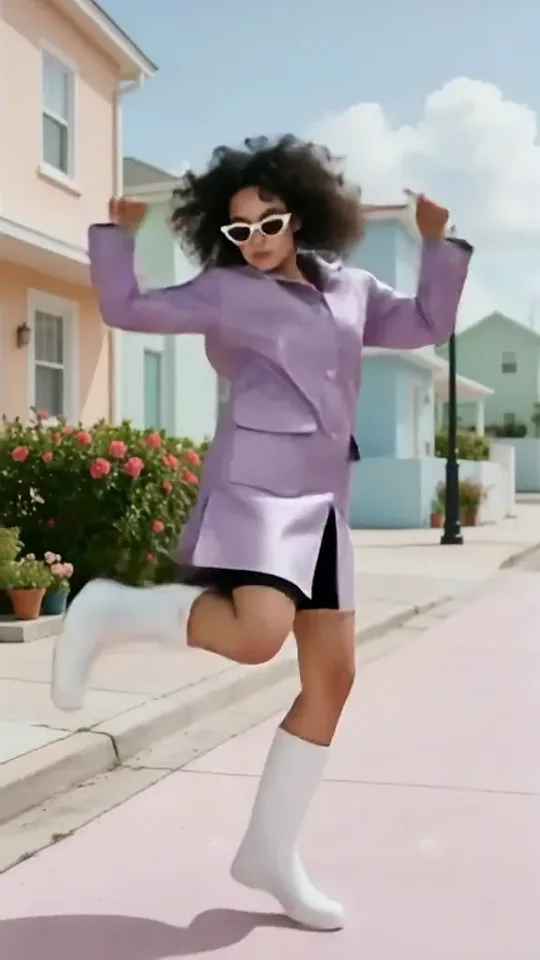 Dai Dai DanceYou break into a bouncy dance with big steps and arm swings, right where you stand.Try itNewRecreate
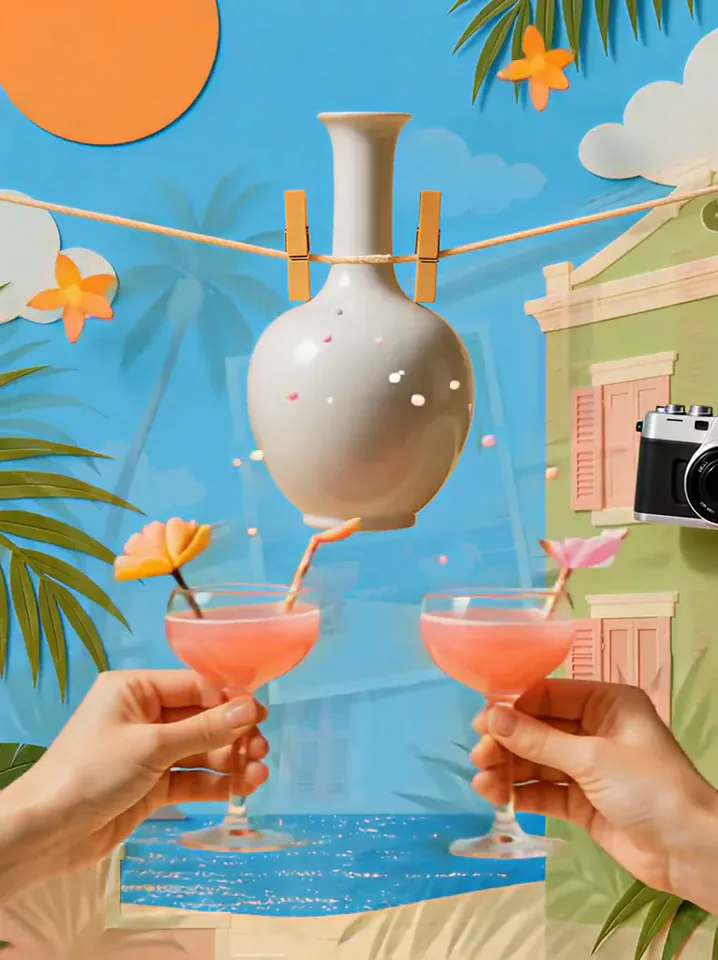 Summer PostcardYour product joins a paper-craft summer scene, clinks glasses, and becomes a postcard.Try itNewRecreate
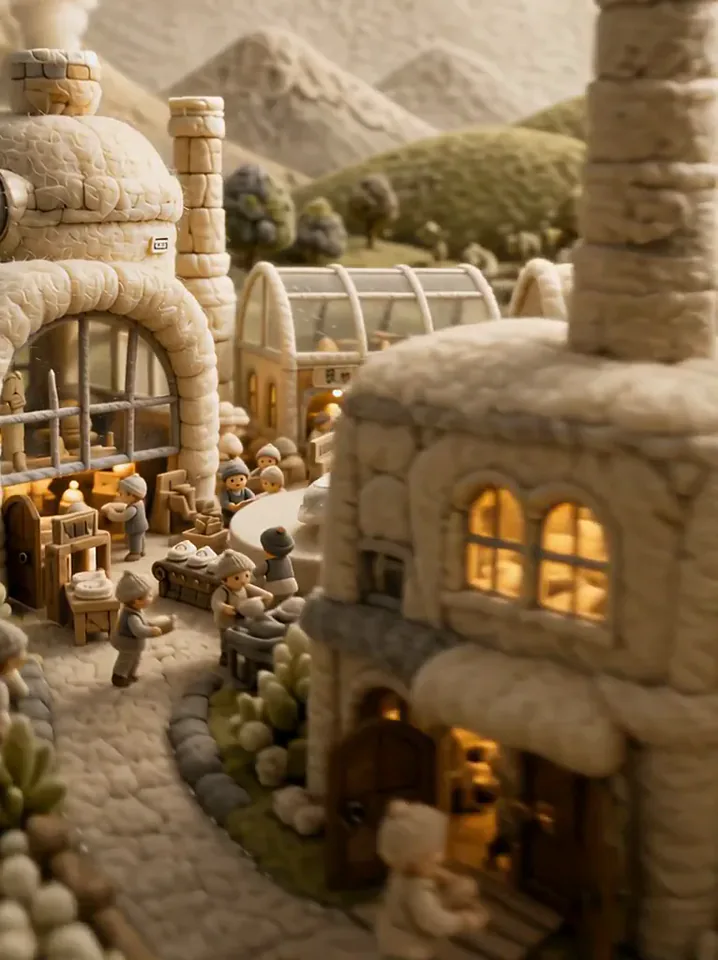 Fluffy FactoryThe camera flies over a felt village into a factory where your product gets made.Try itNewRecreate
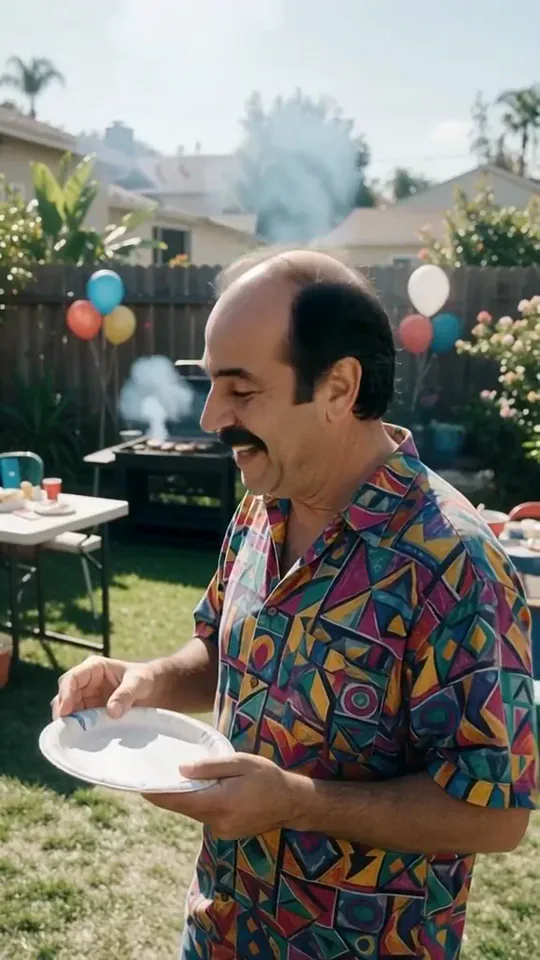 Courtyard Makeover PartyYour backyard lawn turns into a landscaped patio around you while you keep smiling.Try itNewRecreate
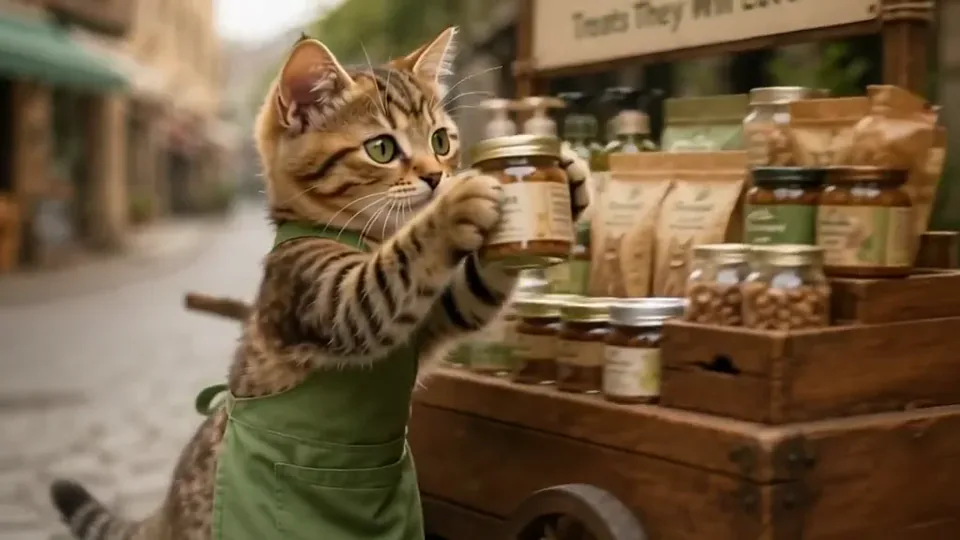 Kitty ShopYour cat becomes a little shopkeeper, pushing a treat cart down a cobbled street.Try itNewRecreate
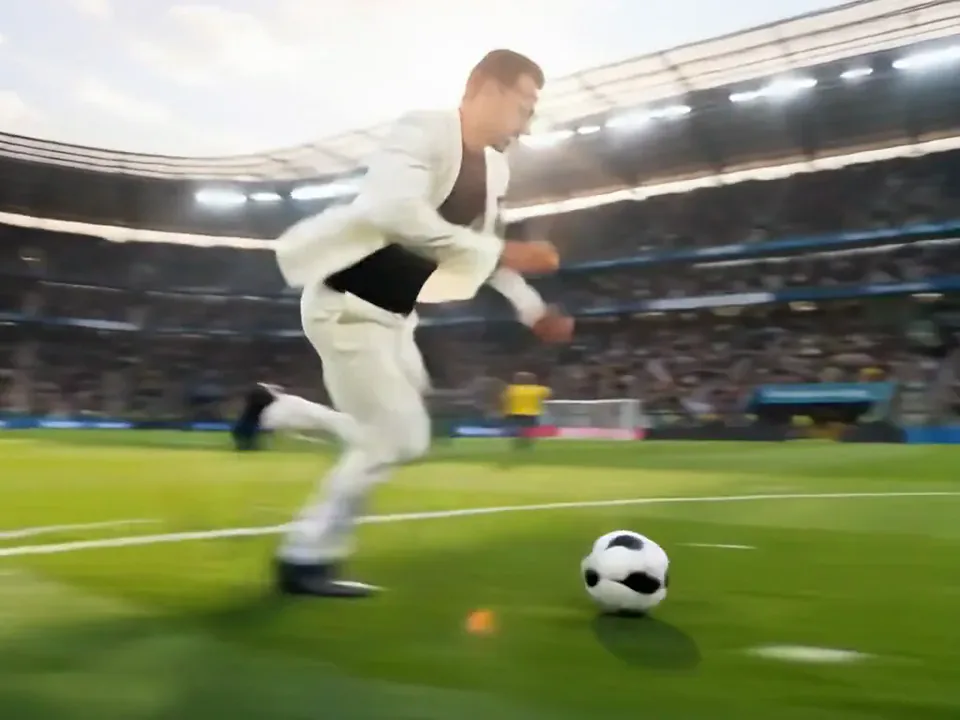 Screen Killer KingYou leap off the sofa, dive through the TV screen and land in the match to score.Try itNewRecreate
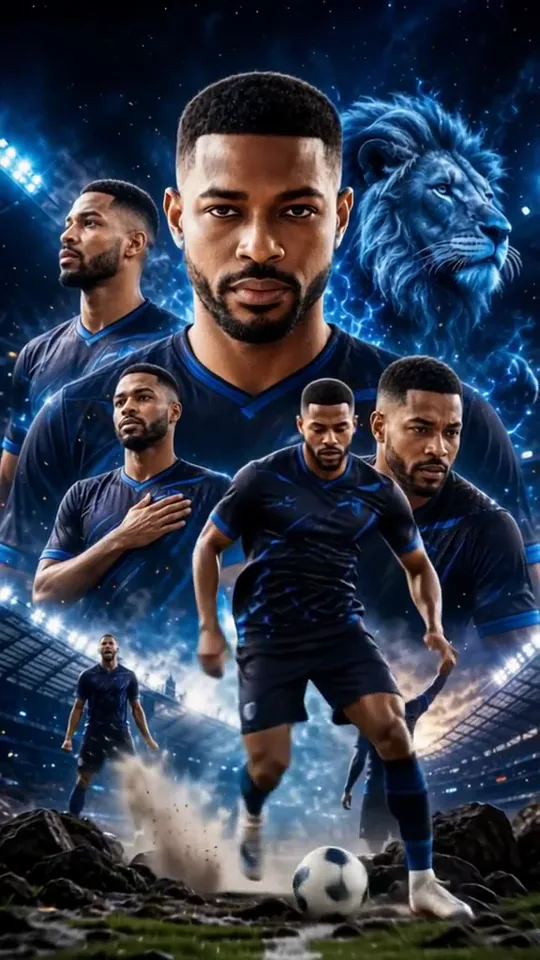 Dynamic Football PosterYou become the star of a team poster, and teammates charge out as it comes to life.Try itNewRecreate
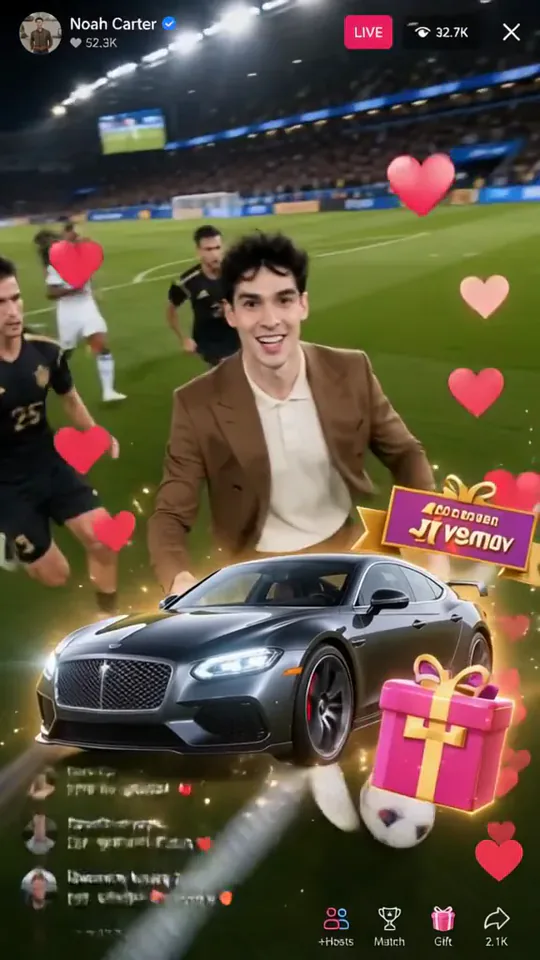 Football Live King!You livestream your own match from the pitch as hearts and gifts flood the chat.Try itNewRecreate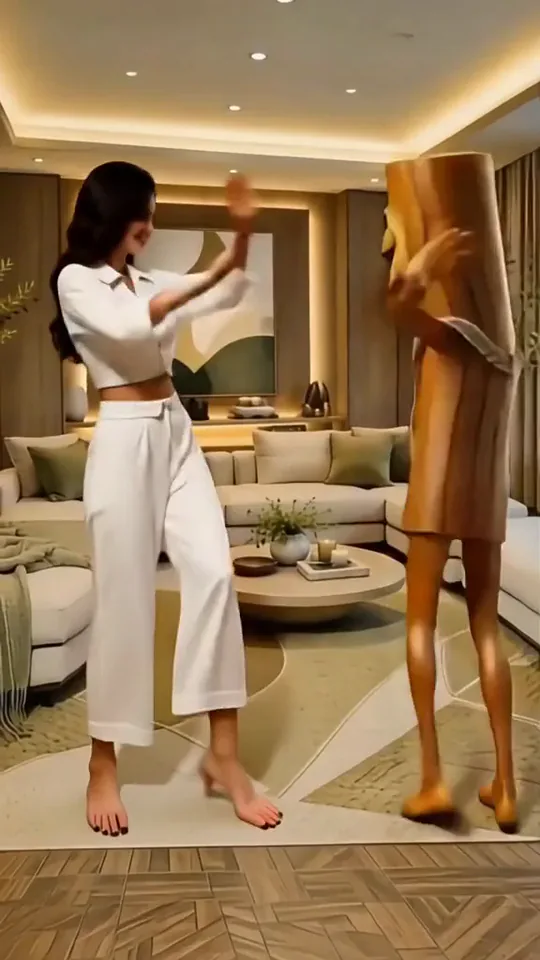
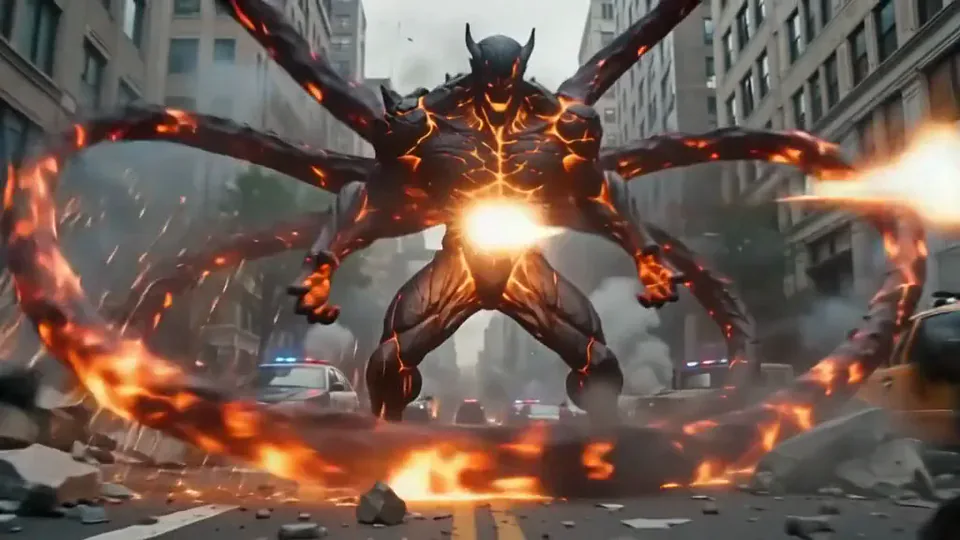 Magma RiseYou crack open in glowing magma and rise as a towering lava creature in a city street.Try itNewRecreate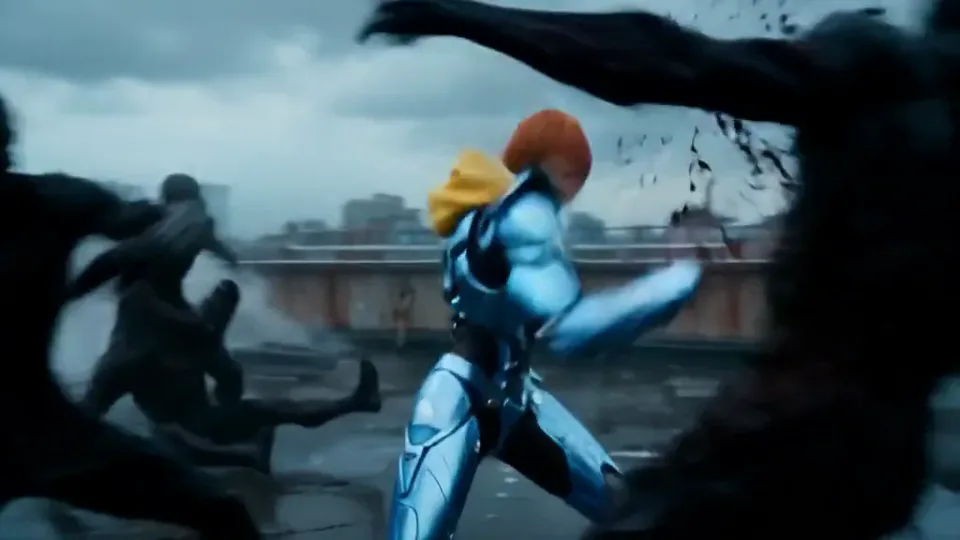
What the Love Launcher effect does
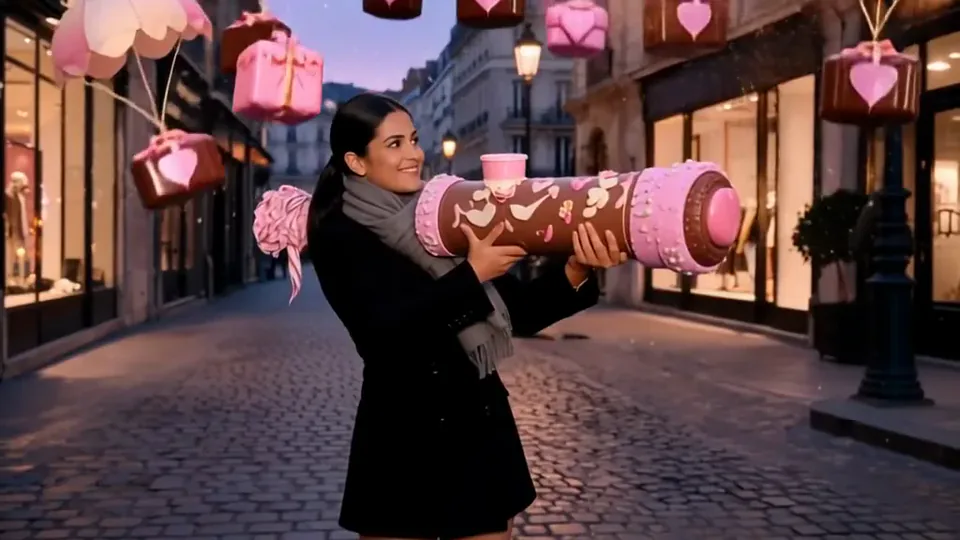
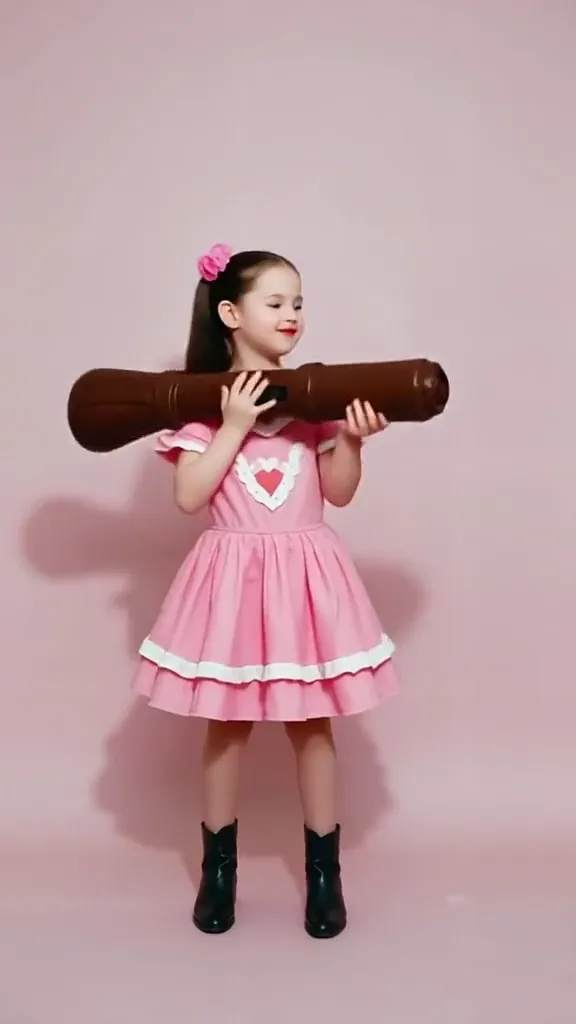
A large decorative launcher creates a cheerful burst of hearts and little parachuting gifts. The person holds the prop across the body while the surrounding space fills with color. The two runs share that playful idea, but the second changes the subject appearance substantially.
This is a fixed preset: the template sets the motion, scene, and 5-second length. You only upload one photo; there is no choreography, scene, or duration to write or adjust.
How to use Love Launcher
- Choose the source Use a single clear image with the main subject easy to distinguish. Read the photo suggestions below before uploading, and compare your framing with the two source examples.
- Run the preset Start Love Launcher with your uploaded photo. Its movement and setting are already selected, so you do not need a written prompt or a separate motion reference.
- Review the result Watch the whole clip before saving it. Check the opening, the main action, and the ending together; the sampled examples illustrate possible results rather than a guarantee that every detail will repeat.
Which photos work best for Love Launcher
Works well
- One person with a clear face and shoulders.
- Room beside the upper body for the oversized prop.
Avoid
- Crowded photos where another body overlaps the arms.
- A project that requires exact age and clothing preservation.
Love Launcher examples
What we saw when we tested Love Launcher
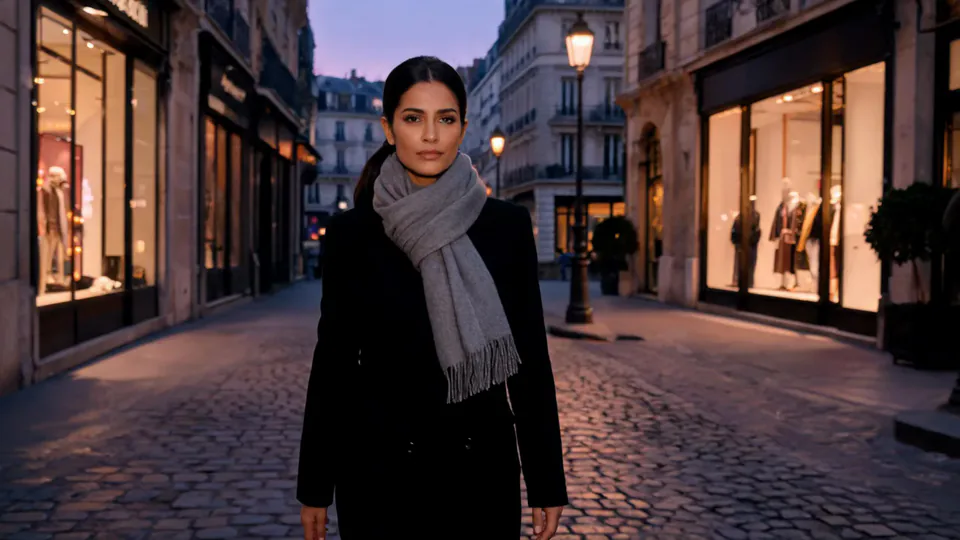
The woman in a black coat and gray scarf holds a pink decorated cannon on her street. A bright burst is followed by gift boxes descending under pink parachutes.
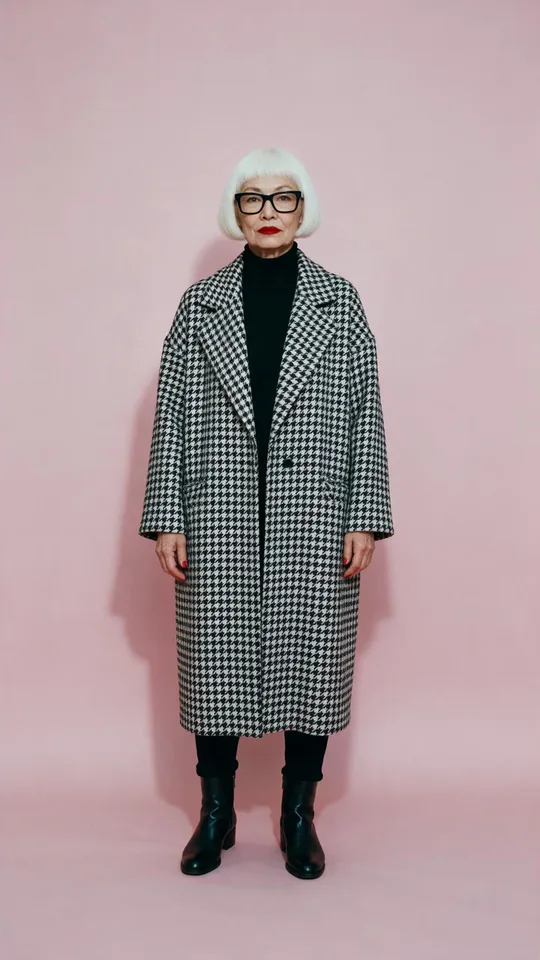
The silver-haired woman in a checked coat appears initially against the pink source background. Later frames show a much younger-looking figure in a pink dress holding a brown launcher, with hearts and parachuting gifts around her.
How Love Launcher does on each model
- PixVerse V6 Effects The single template model runs the complete 5-second sequence. The two examples below show this preset with different uploads; they are not a comparison between model options.
The prompt behind Love Launcher
You never write a prompt for Love Launcher. This is the exact text it sends with your photo:
A cheerful burst of hearts and confetti.What the prompt asks for
- What happens
A cheerful burst of hearts and confetti.
Tips for a better Love Launcher result
- Review the subject likeness closely, especially after the launcher appears.
- Leave room for the falling gifts when choosing a final crop.
Love Launcher cost and time
Love Launcher costs 156 credits with PixVerse V6 Effects and is usually ready in about 1 min.
Love Launcher: questions and answers
Does the launcher always have the same color?
The street result uses a pink decorated prop, while the second uses a brown one. Prop color and styling vary in the reviewed runs.
Will my age remain unchanged during the gift burst?
The second run visibly changes from a silver-haired source to a much younger-looking figure. Choose another result if that change does not fit your intention.
Are the gift boxes in my original photo?
Neither source contains the falling gifts. Their parachutes and surrounding hearts are generated by the template.
Can I choose a particular message on a gift?
This preset does not provide gift-label text controls. Add an exact greeting separately after reviewing the generated scene.
Is the cannon meant to create a serious action scene?
The hearts, bright colors, and little parachutes make the reviewed results read as playful celebration. Their main payoff is the falling gifts.
Related effects and tools
- Confetti · A glittering confetti shower for your big moment.
- Balloon Lift · More and more balloons appear until they lift you up into the sky.
- Hand Heart · Your hands make a heart that starts to glow.
- Trim and arrange the finished clip in the Video Editor