


AI video effect · Kitty Shop
Kitty Shop Effect: Photo to Video
Your cat becomes a little shopkeeper, pushing a treat cart down a cobbled street.
1Add a photo
- One person or pet, clearly in view
- A little empty space around them leaves room for the gag
- Bright, sharp photos get the funniest results
More options
about 1 min
More to try
All effects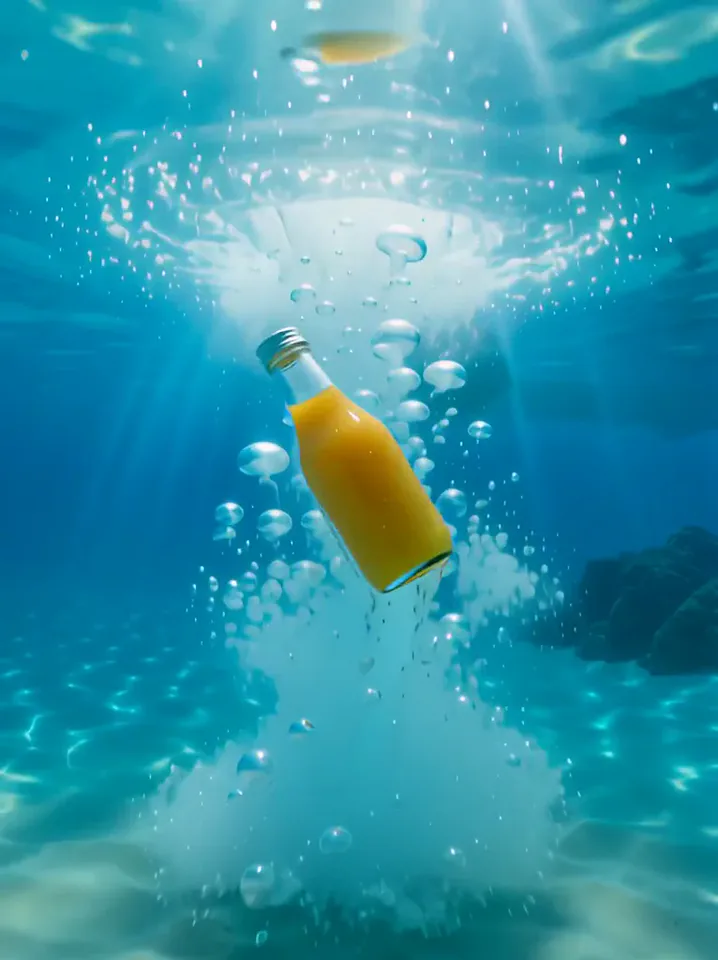 Surfing SummerYour product rides a summer adventure: parachute drop, water slide, dive and surf.Try itNewRecreate
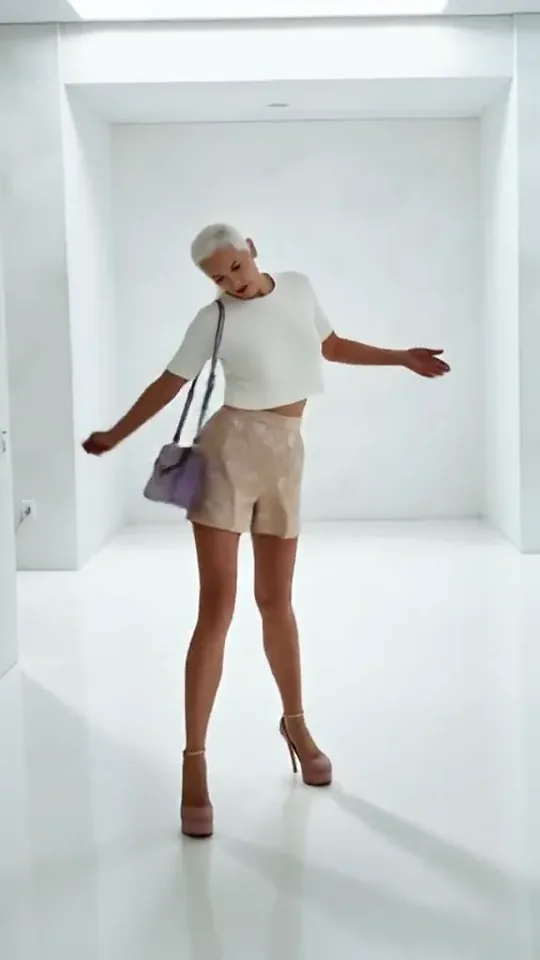 Step by StepYou stroll forward with a light, playful swagger through a bright white room.Try itNewRecreate
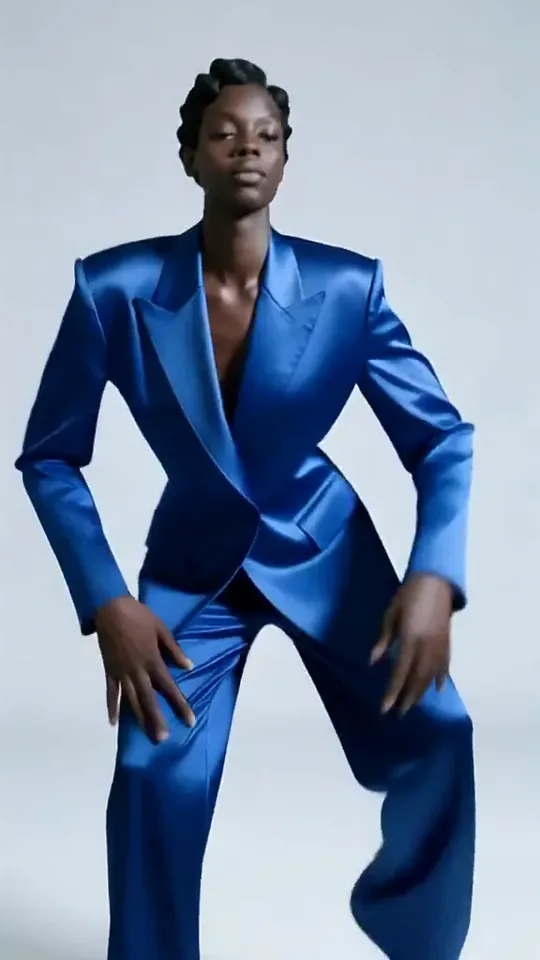 Apex DanceYou dance on the spot with sharp, angular moves, hip turns and a confident head roll.Try itNewRecreate
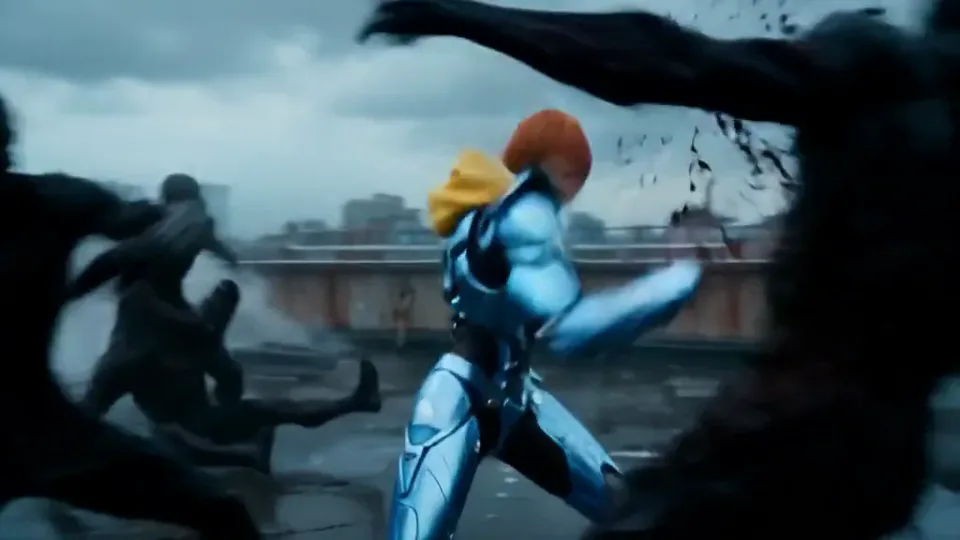 Cyber Armor: Reborn in the RainIn a storm, lightning gathers in your hands and sleek silver-blue armor builds around you.Try itNewRecreate
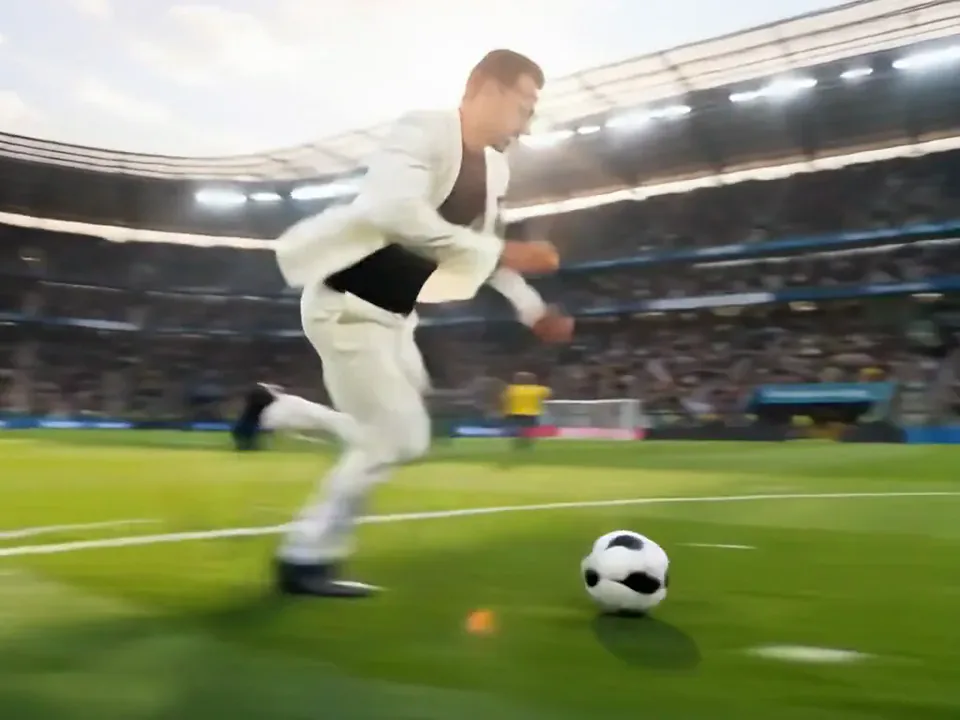 Screen Killer KingYou leap off the sofa, dive through the TV screen and land in the match to score.Try itNewRecreate
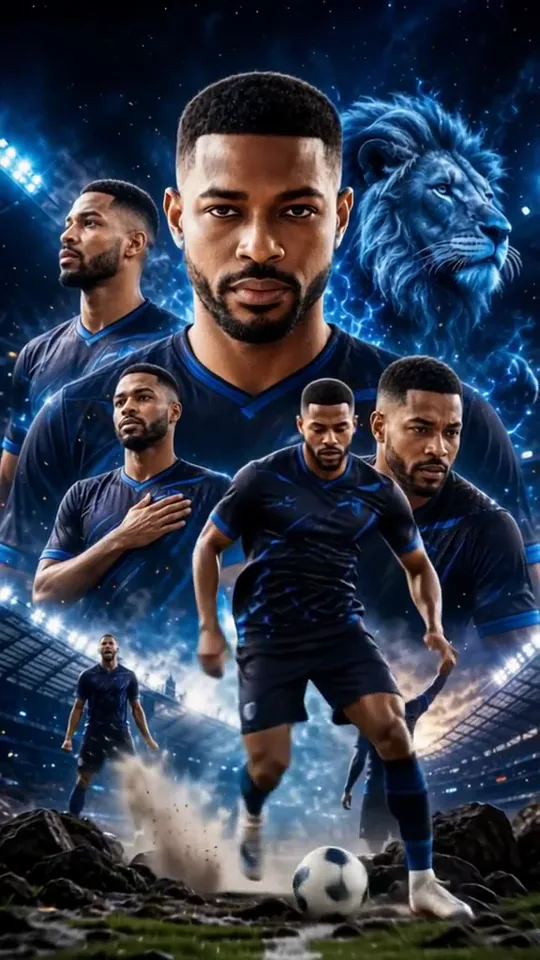 Dynamic Football PosterYou become the star of a team poster, and teammates charge out as it comes to life.Try itNewRecreate
 Football Live King!You livestream your own match from the pitch as hearts and gifts flood the chat.Try itNewRecreate
 Trophy BreakthroughYou burst out of a monitor in lightning, shake hands and step out holding a trophy.Try itNewRecreate
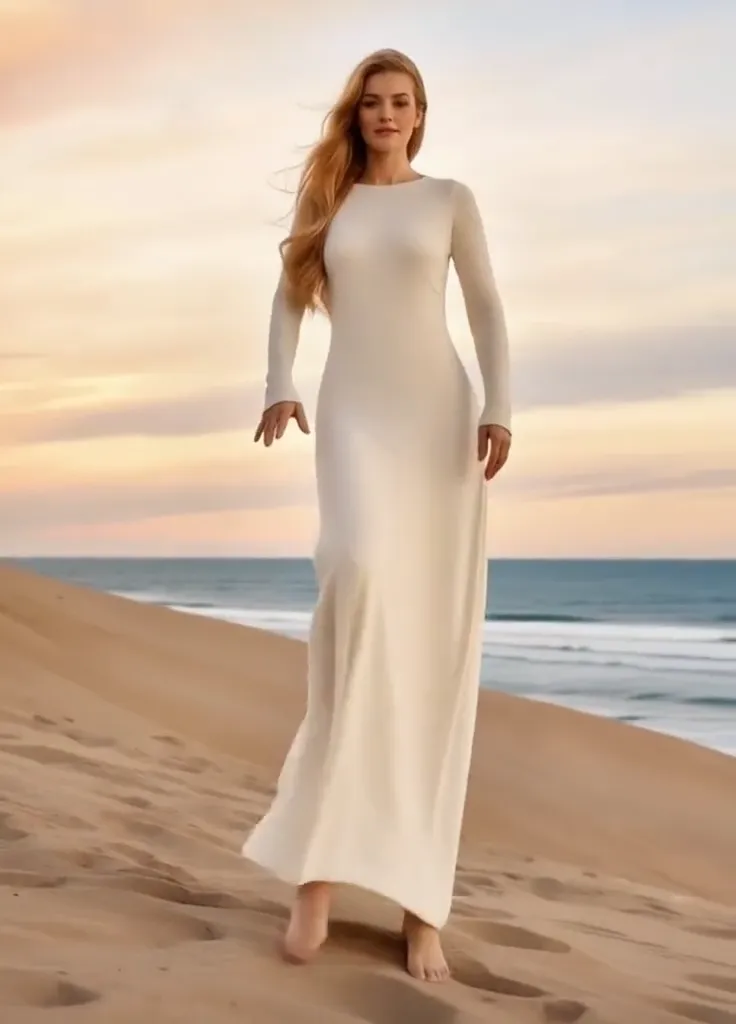 Thriller Dance StepsYour subject performs a playful routine with raised arms, broad steps, and a backward lean.Try itNewRecreate
 Dai Dai DanceYou break into a bouncy dance with big steps and arm swings, right where you stand.Try itNewRecreate
What the Kitty Shop effect does
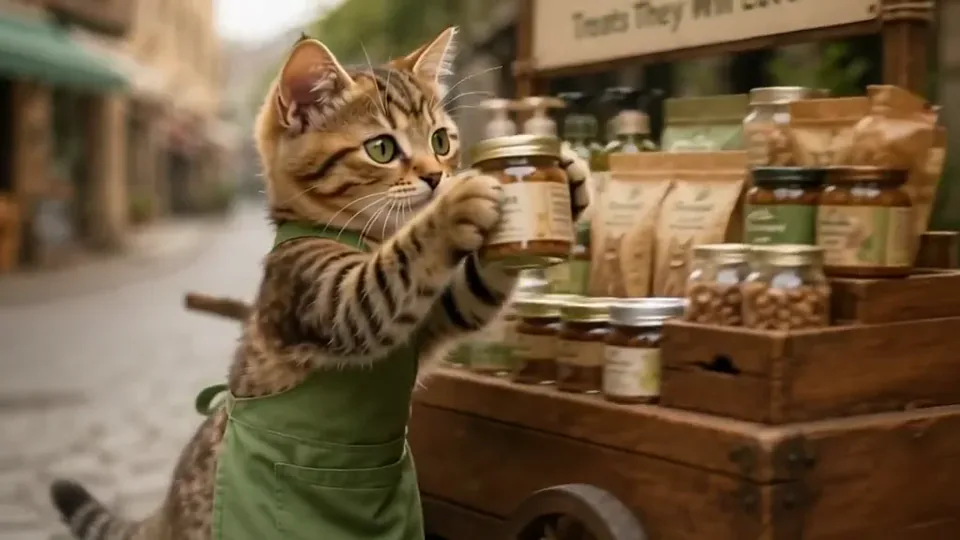
A cat in an apron becomes a shopkeeper on a cobbled street. Its wooden cart is stacked with jars and packets, and a close view shows a small jar offered toward a human hand. The scene has a miniature story with a clear task and ending.
This is a fixed preset: the template sets the motion, scene, and 6-second length. You only upload one photo; there is no choreography, scene, or duration to write or adjust.
How to use Kitty Shop
- Choose the source Use a single clear image with the main subject easy to distinguish. Read the photo suggestions below before uploading, and compare your framing with the two source examples.
- Run the preset Start Kitty Shop with your uploaded photo. Its movement and setting are already selected, so you do not need a written prompt or a separate motion reference.
- Review the result Watch the whole clip before saving it. Check the opening, the main action, and the ending together; the sampled examples illustrate possible results rather than a guarantee that every detail will repeat.
Which photos work best for Kitty Shop
Works well
- A cat portrait with the ears, eyes, and muzzle visible.
- One seated pet clearly separated from the background.
Avoid
- Multiple animals whose bodies overlap.
- A dog photo if keeping the animal species is essential.
Kitty Shop examples
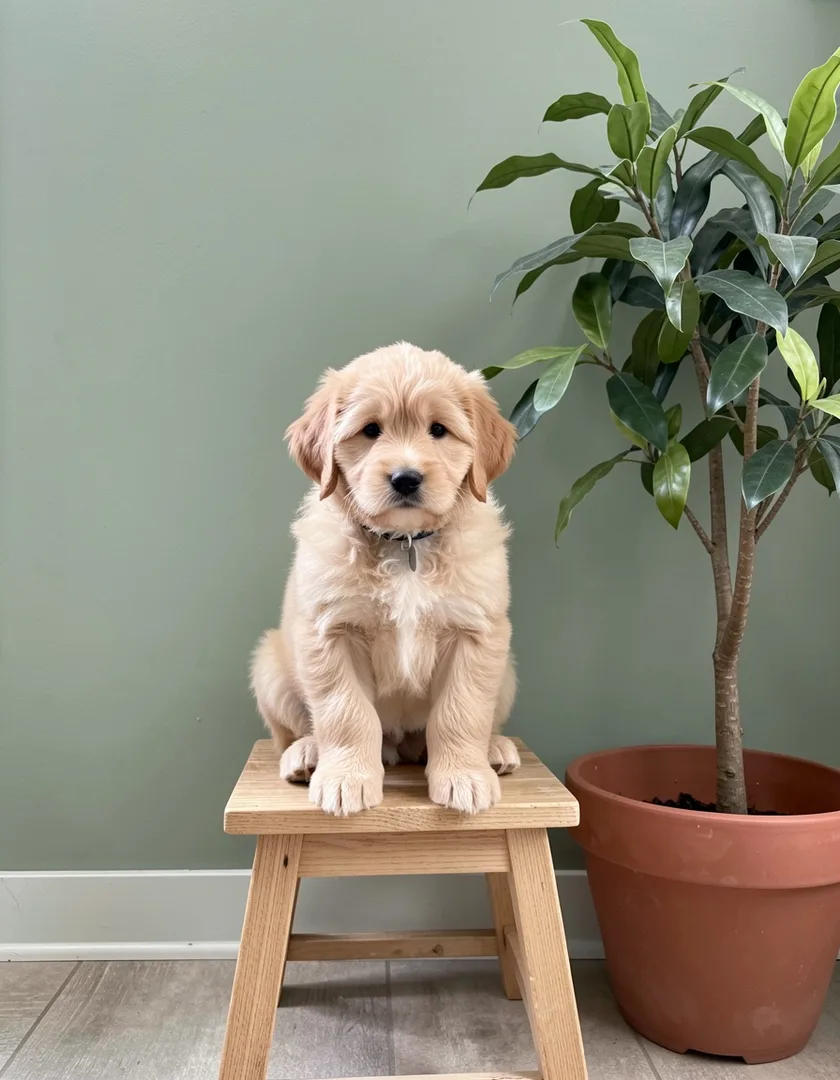
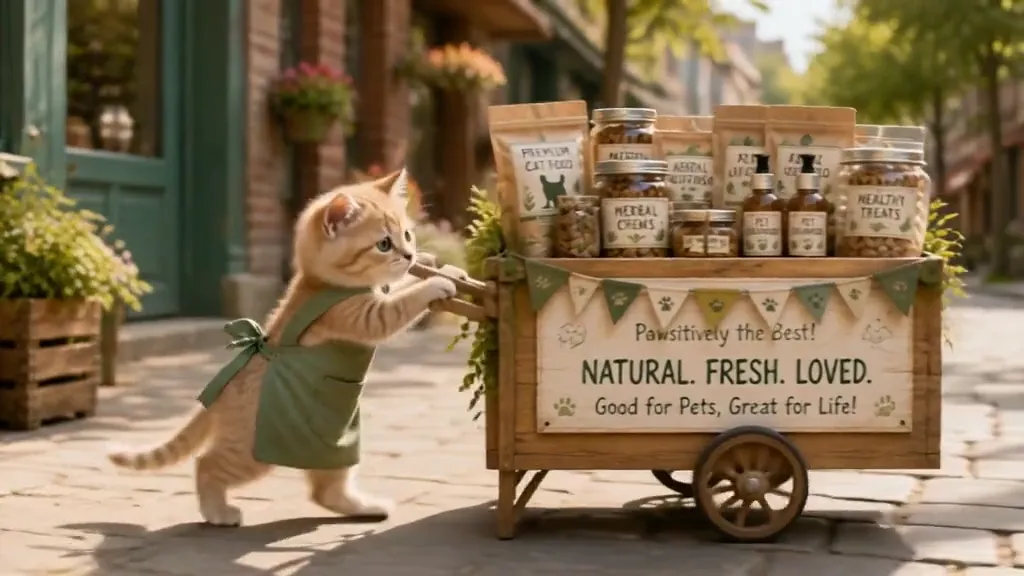
What we saw when we tested Kitty Shop
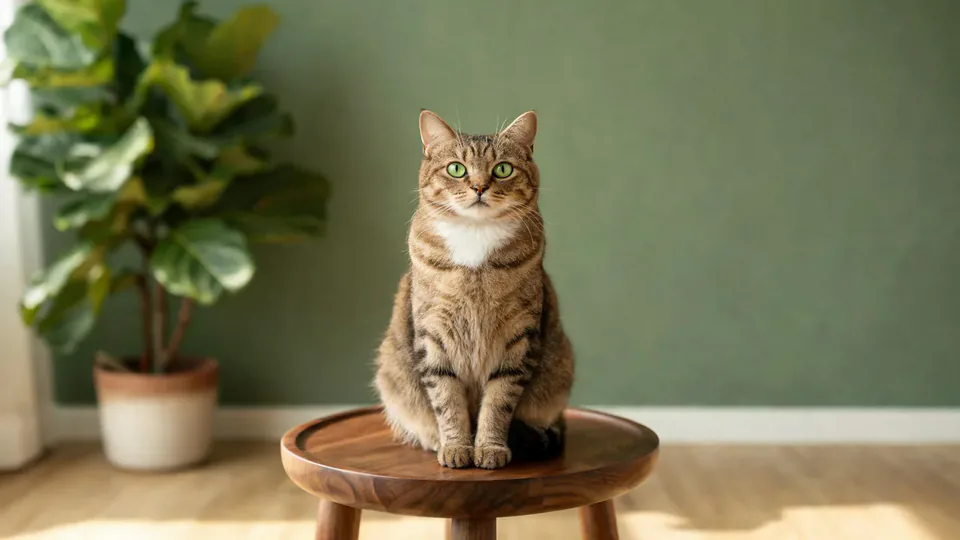
The tabby-cat source becomes an upright cat in a green apron pushing a wooden cart. Later views show it holding a jar near an outstretched hand before the hand carries the jar away.
The second source is a puppy beside a plant, but the result is a pale orange cat. It pushes a treat cart in a similar green apron and offers a jar to a customer.
How Kitty Shop does on each model
- PixVerse V6 Effects The single template model runs the complete 6-second sequence. The two examples below show this preset with different uploads; they are not a comparison between model options.
The prompt behind Kitty Shop
You never write a prompt for Kitty Shop. This is the exact text it sends with your photo:
A cozy little shop scene with a cheerful cat.What the prompt asks for
- What happens
A cozy little shop scene with a cheerful cat.
Tips for a better Kitty Shop result
- Use a cat source when you want a cat shopkeeper that resembles your pet.
- Check the animal face before judging the cart decorations; species can change.
Kitty Shop cost and time
Kitty Shop costs 187 credits with PixVerse V6 Effects and is usually ready in about 1 min.
Kitty Shop: questions and answers
Can my dog run the shop while staying a dog?
The reviewed puppy run becomes a cat. These examples do not support a promise that a dog upload will keep its species.
Do I need a photo of a cart or shop?
The sources show pets on stools near plants. The street, apron, cart, and products are generated.
Can I supply my own jar labels for the cart?
This template accepts the pet photo rather than separate merchandise artwork. Generated labels may not be readable or consistent.
Does the cat walk like an ordinary pet?
The result stands upright, wears an apron, and uses its front paws like a little shopkeeper. That character treatment is part of the joke.
Which moment makes the best closing shot?
The jar near the customer hand explains the sale most clearly. Keep that interaction when trimming a short version of the scene.
Related effects and tools
- Pet Walk · Your pet turns into a person and joins you for a walk in the park.
- Tiny Critters · A palm-sized elephant, fox and bunnies wander in and climb onto you.
- Miniature World · Your wide shot turns into a busy toy-model town.
- Trim and arrange the finished clip in the Video Editor