


 New picture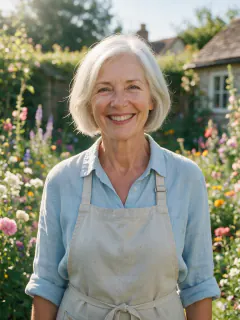
AI photo effect · 90s paint program portrait
Trending in October 2026
90s paint program portrait: AI Photo Effect From One Picture
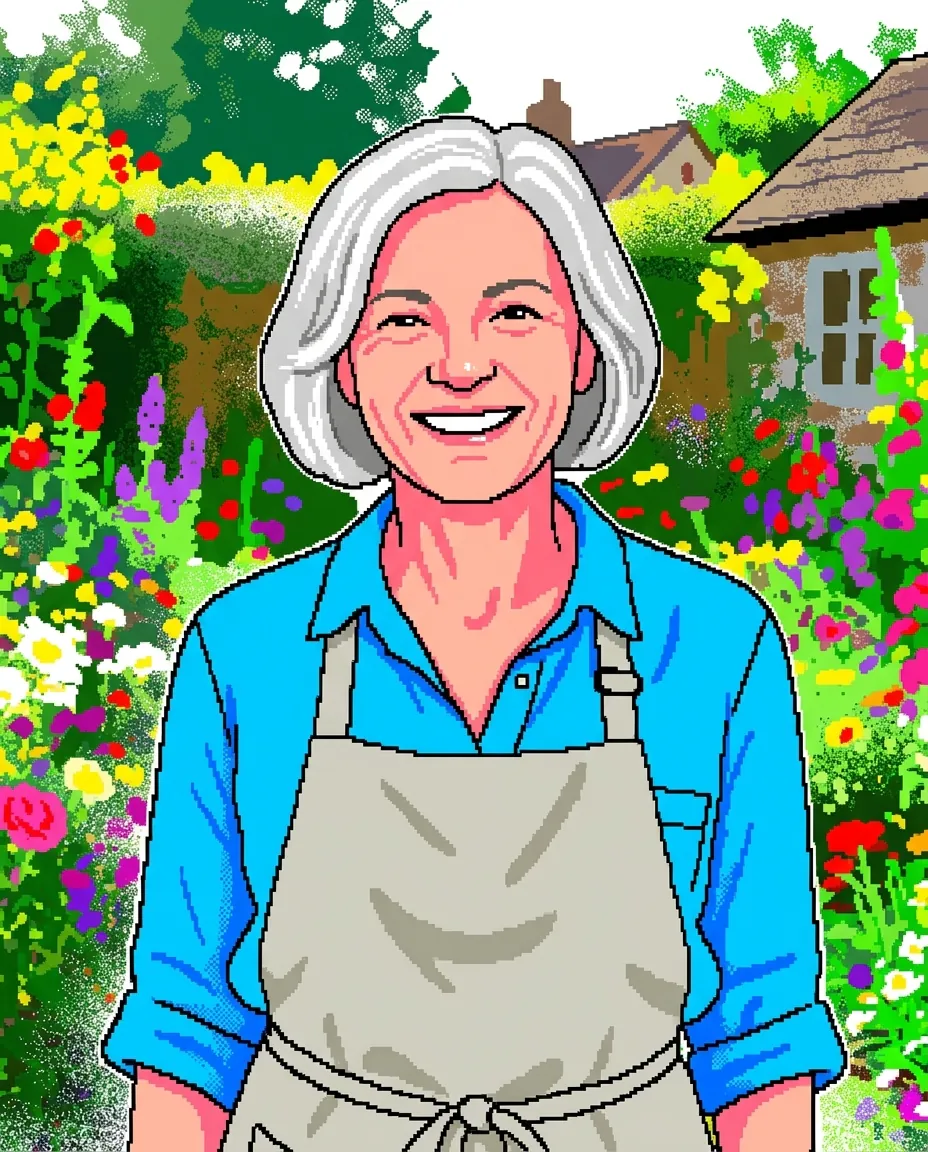
Redrawn with chunky pixel brushes and spray-can dots, like a 1990s computer paint app.
1Add a photo
- One person, face clearly in view
- Head to waist works for most looks
- Good light means a sharper result
2Pick a model
One picture · usually ready in under a minute
More to try
All effects
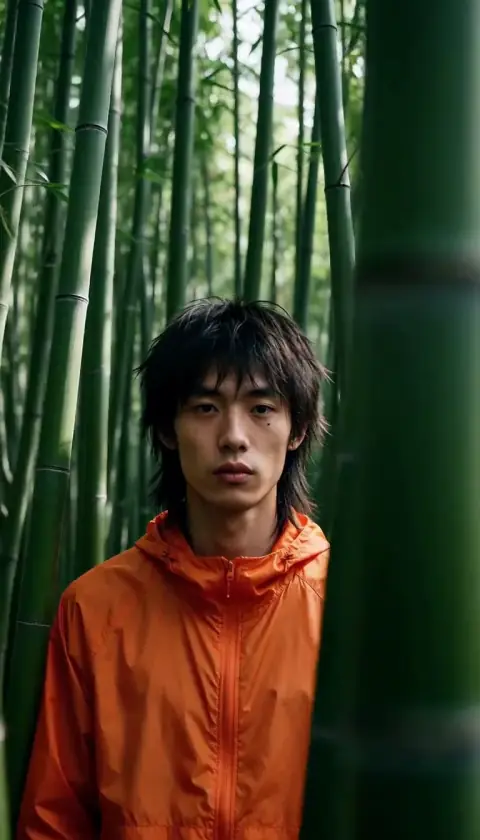

What the 90s paint program portrait effect does
90s paint program portrait turns one picture into a new AI image. Redrawn with chunky pixel brushes and spray-can dots, like a 1990s computer paint app.
Which photos work best for 90s paint program portrait
Avoid
- Group photos (the effect picks one face)
- Tiny faces far from the camera
90s paint program portrait examples
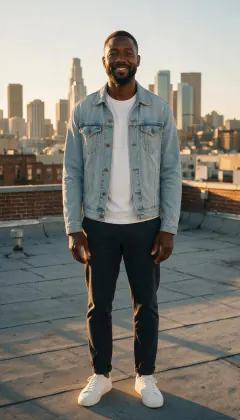
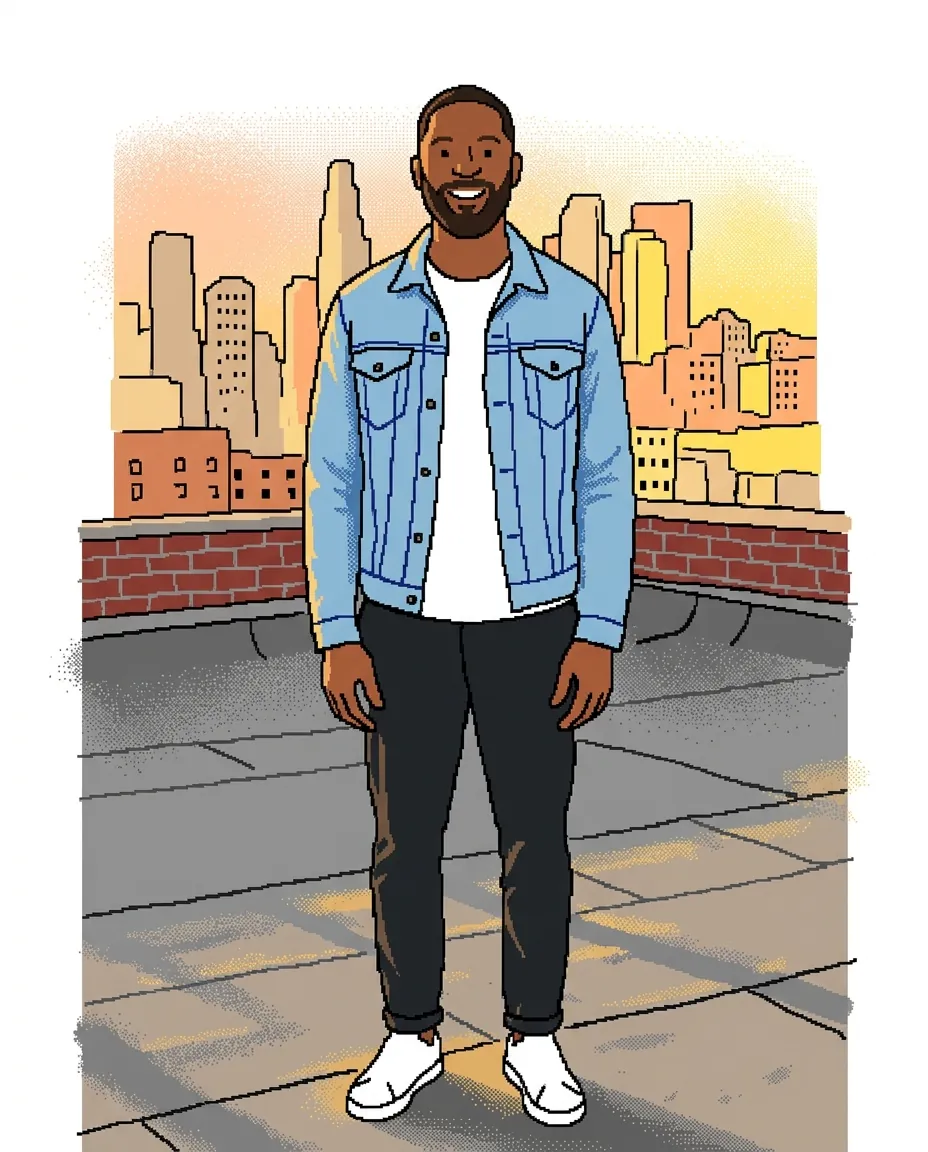

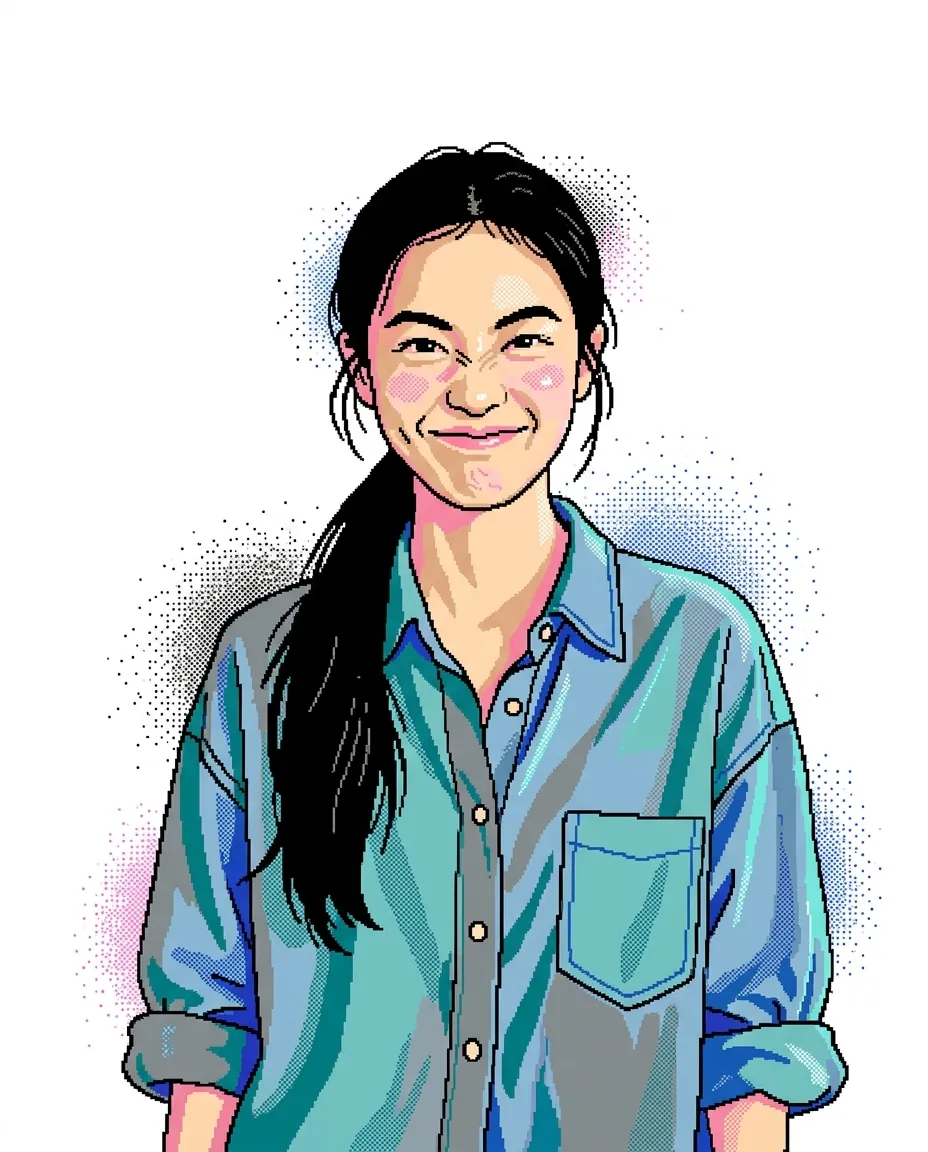
The prompt behind 90s paint program portrait
You never write a prompt for 90s paint program portrait. This is the exact text it sends with your photo:
Redraw this photo as if it were made in a 1990s computer paint program: chunky pixel brush strokes, flat bright colors, jagged pixel edges, spray-can dot texture and slightly wobbly mouse-drawn outlines on a white canvas. Keep the person recognizable with the same hair, outfit colors and pose. No text, no interface, no window frame.What the prompt asks for
- What happens
Redraw this photo as if it were made in a 1990s computer paint program: chunky pixel brush strokes, flat bright colors, jagged pixel edges, spray-can dot texture and slightly wobbly mouse-drawn outlines on a white canvas.
- What stays the same
Keep the person recognizable with the same hair, outfit colors and pose.
- Ground rules
No text, no interface, no window frame.
90s paint program portrait cost and time
90s paint program portrait costs 8 credits with Nano Banana 2.1 and is usually ready in about 50 s.
The cheapest option is Seedream 5.0 Flash: 5 credits for 90s paint program portrait, ready in about 40 s.
90s paint program portrait: questions and answers
How many credits does 90s paint program portrait cost?
8 credits with Nano Banana 2.1; the cheapest option for 90s paint program portrait is 5 credits. New accounts get 30 free credits.
What does 90s paint program portrait change in my photo?
Redraw this photo as if it were made in a 1990s computer paint program: chunky pixel brush strokes, flat bright colors, jagged pixel edges, spray-can dot texture and slightly wobbly mouse-drawn outlines on a white canvas. Keep the person recognizable with the same hair, outfit colors and pose.