


AI video effect · Lightning Hands
Lightning Hands: Hold a ball of lightning
Lightning crackles between your fingers and grows into a glowing ball of plasma.
1Add a photo
- One clear subject, waist-up or full body, with some space around them
- Leave room in the frame: wings, fire, portals and clones need space to appear
- Sharp, well-lit photos keep the face and fur the same through the effect
More optionsMiniMax H3 Max
More options6s
about 1 min
More to try
All effects
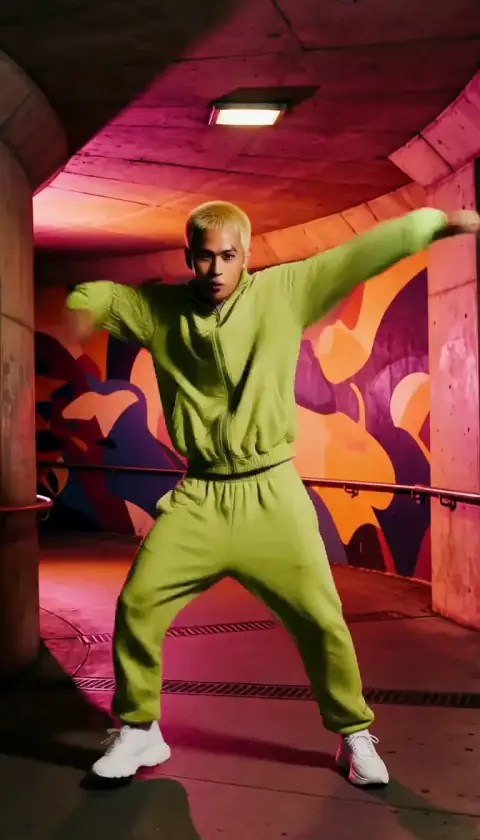
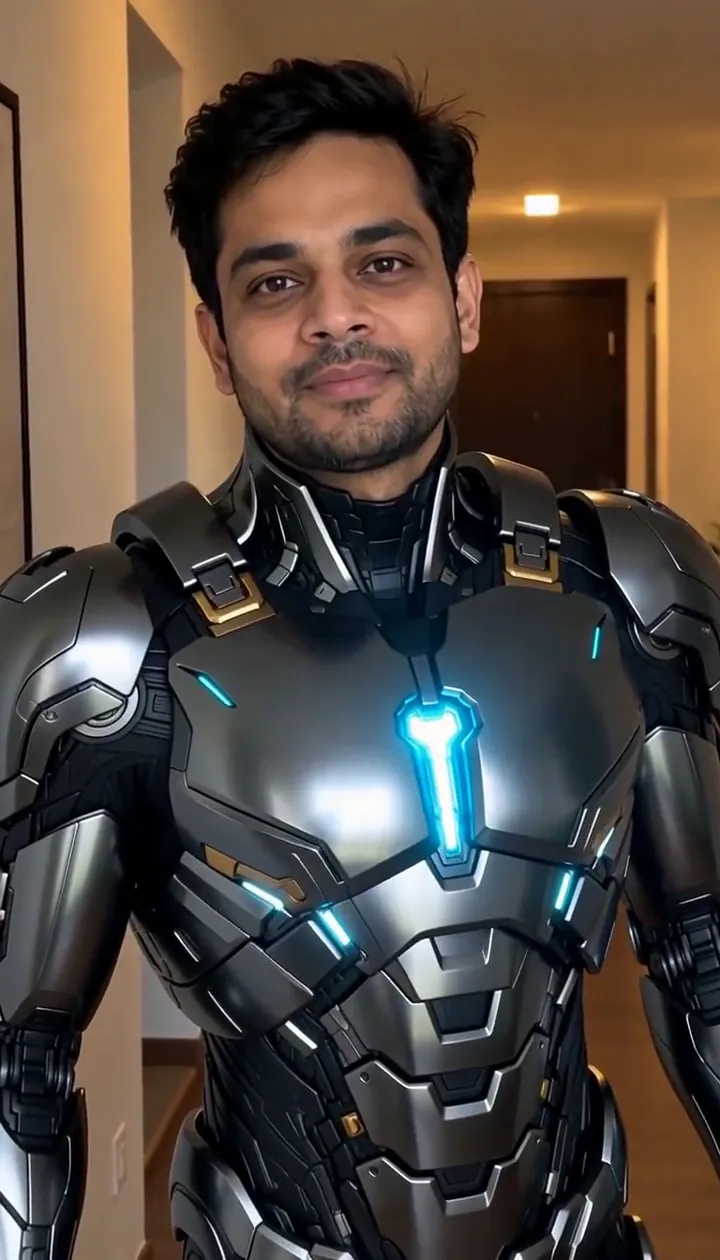 Suit UpSleek armor plates fold out and lock onto you piece by piece. Your face stays you.Try itNewRecreate
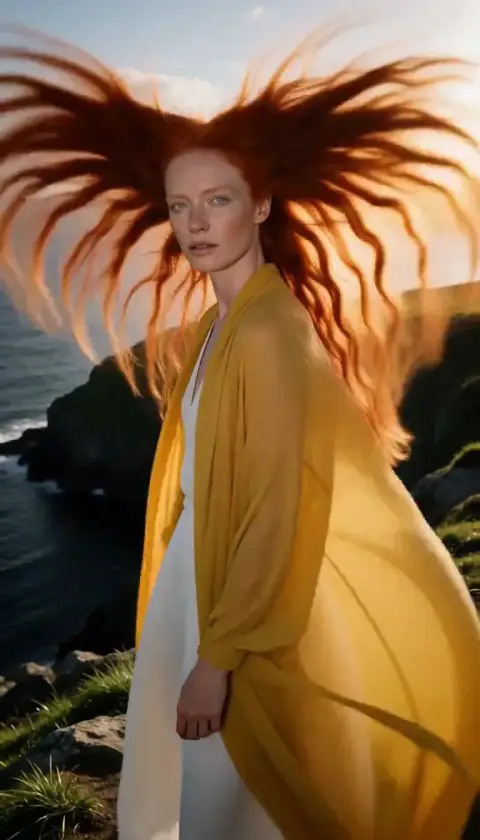
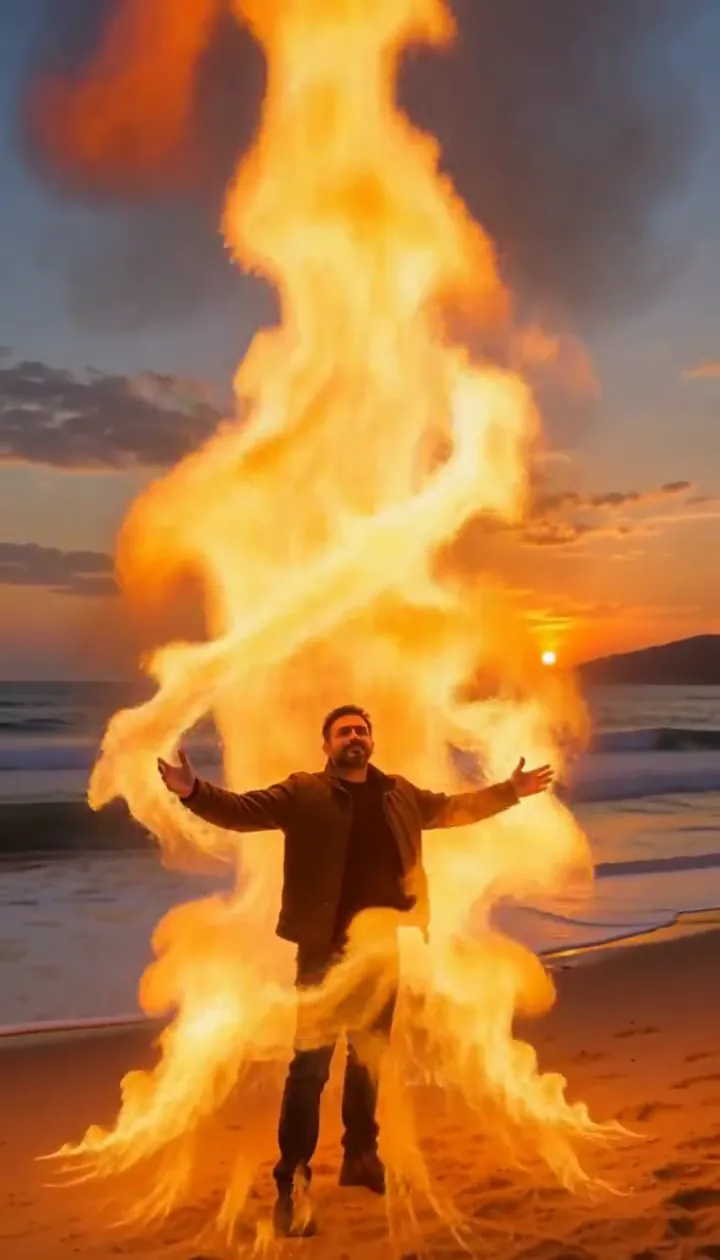 Fire SummonerRaise your arms and a tower of fire spirals up around you without touching you.Try itNewRecreate
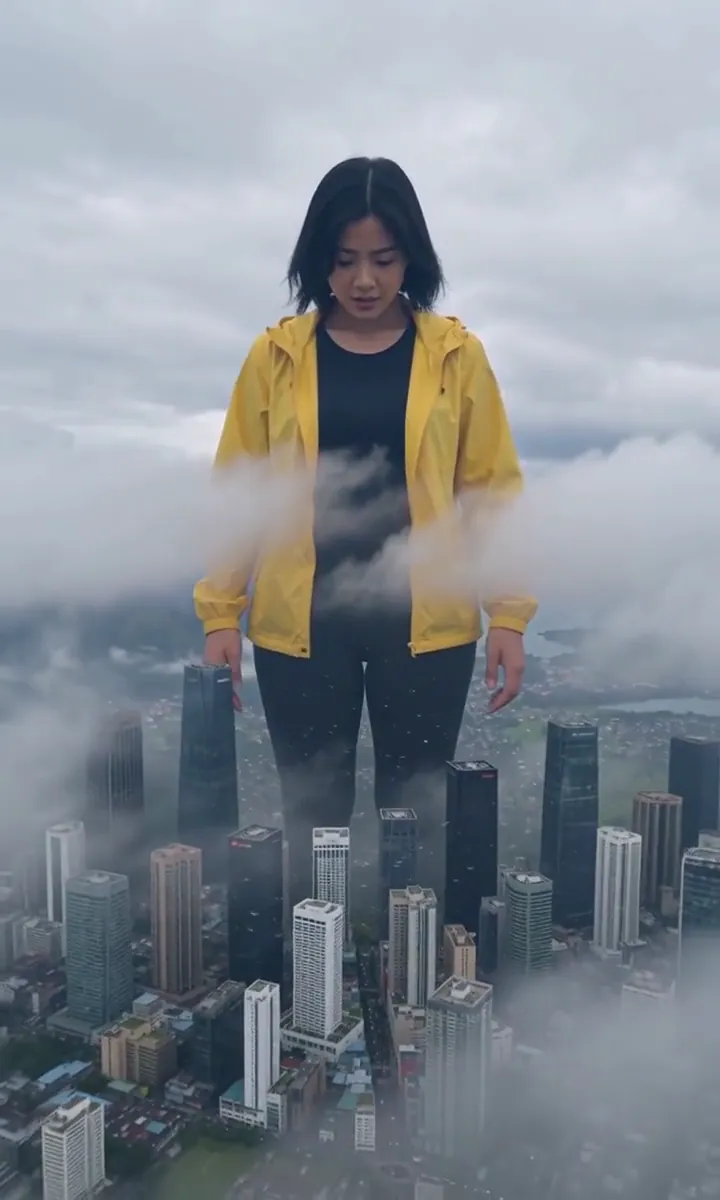 Giant in the CityThe camera pulls back to show you towering over the skyline, clouds at your chest.Try itNewRecreate
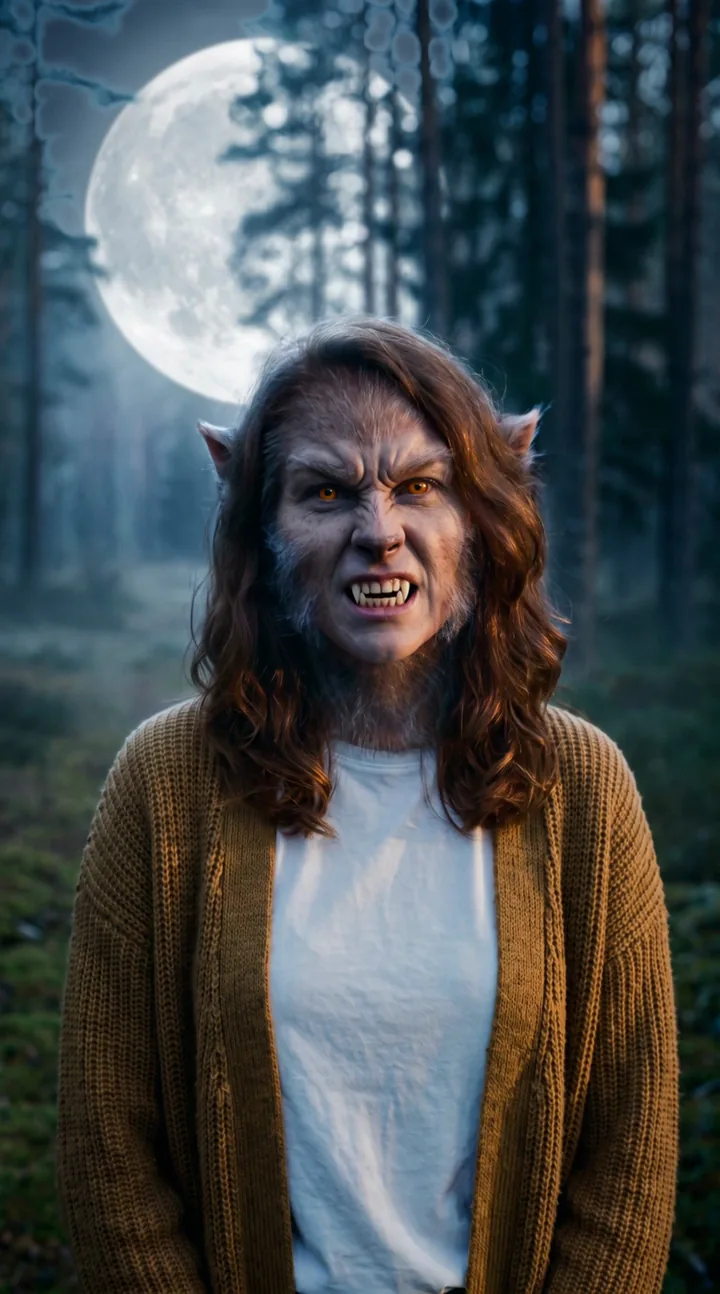 Werewolf TurnThe full moon rises, fur and fangs creep in, and you turn into a movie-grade werewolf.Try itRecreate

What the Lightning Hands effect does
Lightning Hands gives a portrait a visible source of energy: the space between two palms. Thin blue-white arcs build into a brighter plasma ball while reflected flashes cross the face. The scene is easiest to read when the hands, chest and expression all fit inside the same picture.
A dim garage or evening sidewalk can provide useful contrast for the electrical glow. This is a fantasy power moment, so plan the composition around the growing light rather than filling the background with other bright objects. The slow push inward keeps attention on the connection between the fingers.
How to use Lightning Hands
- Include both palms Upload a chest-up or wider portrait that keeps the hands inside the frame.
- Light the scene with energy Keep the default lightning tier if you want the same render setup as the sidewalk and garage samples.
- Follow the growing ball Watch the fingers first, then the reflected blue light, to assess whether the energy builds clearly.
Which photos work best for Lightning Hands
Works well
- Visible hands around chest height
- A dusk portrait with darker surroundings
Avoid
- Both hands cropped completely out
- Bright flashing lights already surrounding the face
Lightning Hands examples
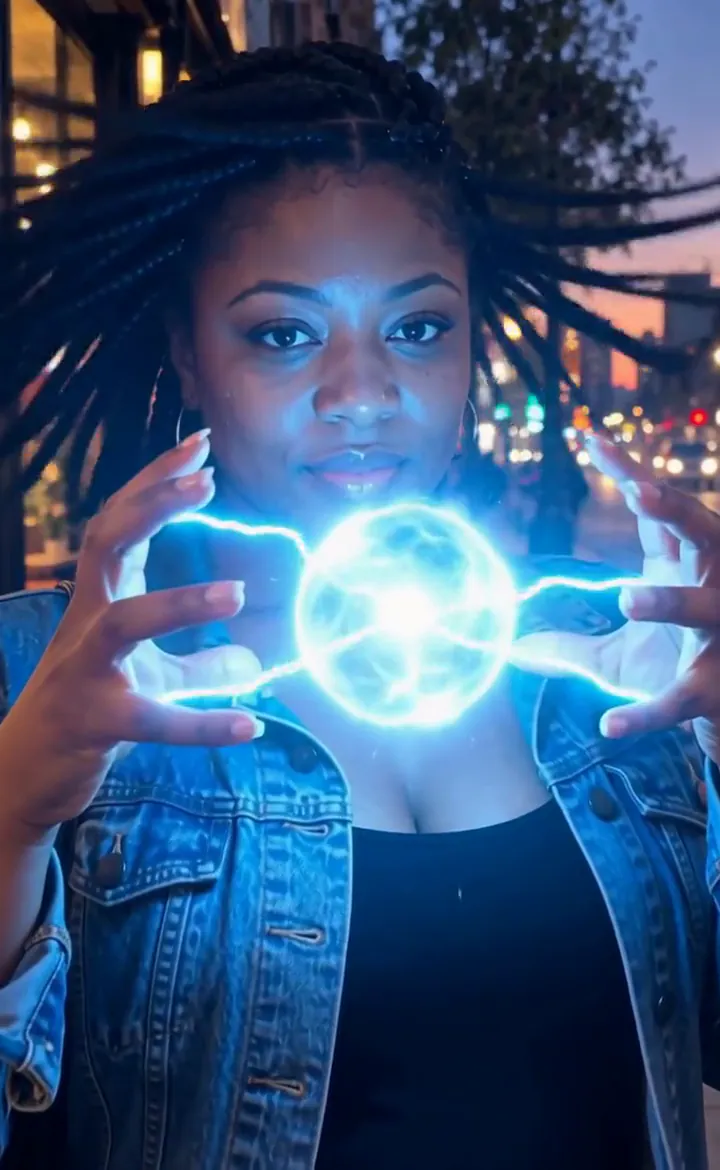

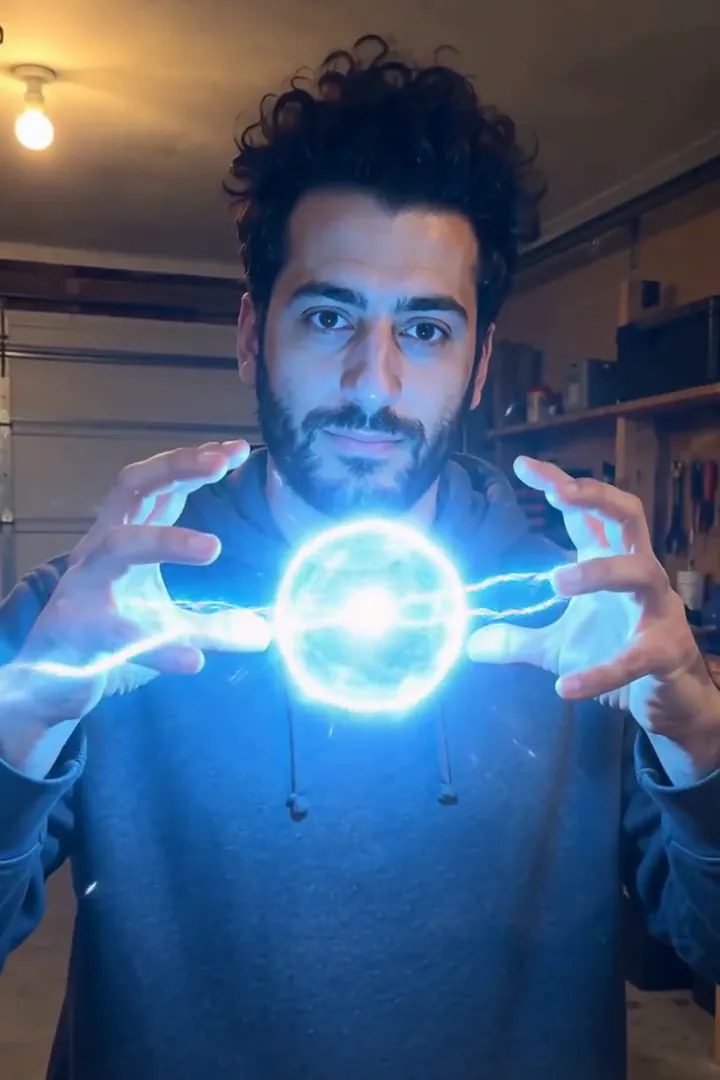
What we saw when we tested Lightning Hands
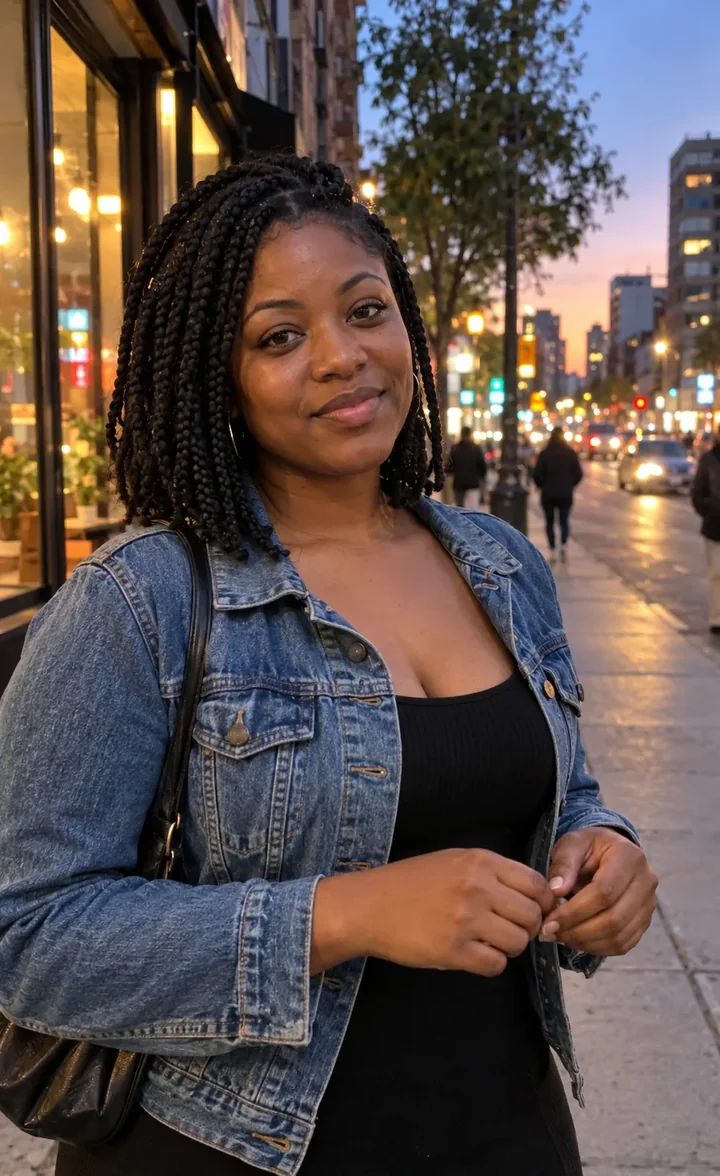
In our test runs, a woman in her late 20s with box braids and a denim jacket on a sidewalk at dusk. Hands near chest height and visible give the lightning somewhere to start; hands in pockets still work but take longer.
In the second run, a man in his early 30s in a grey hoodie in a dim home garage. Arcs jump between his fingers, grow into a bright plasma ball, and blue light strobes across his face. Darker photos make the glow pop more.
How Lightning Hands does on each model
- MiniMax H3 Max (480 credits · about 30 s) Default; MiniMax H3 Max made the samples. 480 credits, with a typical render time of 31 seconds. The Lightning Hands render includes generated sound; its page samples play muted.
- MiniMax H3 (185 credits · about 55 s) MiniMax H3 costs 185 credits; cheaper and untested with this prompt, so the published effect is not a tested promise for this option.
- Seedance 2.0 Mini · 480p (124 credits · about 2 min)
The prompt behind Lightning Hands
The person raises both hands in front of their chest and crackling blue-white lightning sparks to life between their fingers, arcs jumping from palm to palm and lighting their face in strobing flashes. The electricity grows into a bright ball of plasma, their hair lifts with static, small sparks scatter into the background. Camera slowly pushes in. Same face, clothes and background, cinematic VFX.Tips for a better Lightning Hands result
- Keep a gap between the palms so small arcs have room to develop into a single bright center.
- Avoid placing a lamp directly behind the fingers, where its highlight could distract from the generated electricity.
Lightning Hands: questions and answers
Must my fingers already be raised for the lightning sphere?
Visible hands near the chest give the arcs a starting point; the notes say pocketed hands worked but took longer.
Why does the electrical glow stand out at dusk?
Darker input photos made the light more prominent in our test runs, providing contrast around the fingers and face.
Where does the plasma ball form?
The requested energy grows between the palms rather than appearing as a separate object behind the subject.
Will the lightning create changing light on my face?
The garage example showed blue flashes across the face as finger arcs developed into the brighter ball.
Could a tightly cropped headshot tell the same electrical story?
A headshot removes the hands and the space connecting them, which are the main visual anchors for this particular power scene.
Related effects and tools
- Storm Charge · Eyes flash white as lightning crackles down your arms.
- Lightning Storm · Clouds boil and a bolt strikes right behind you.
- Inner Glow · Golden light builds in your eyes and outlines you in an aura.
- Trim the Lightning Hands sequence in the editor