


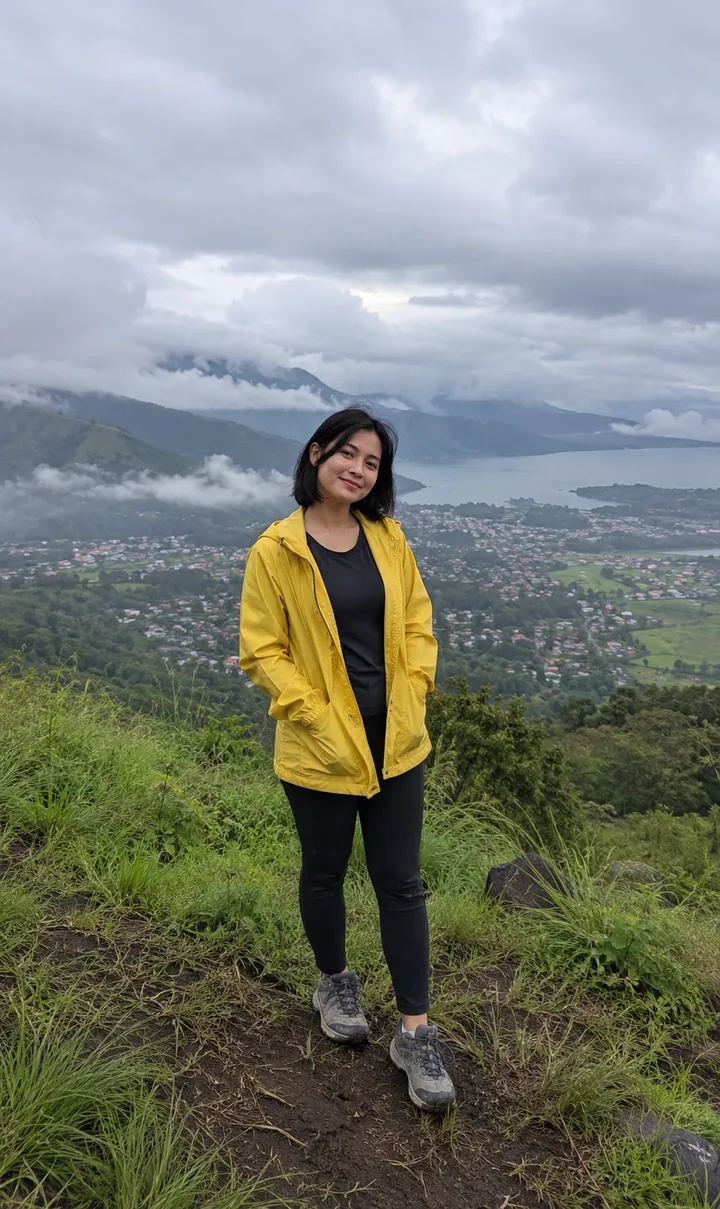
AI video effect · Giant in the City
Giant in the City: Tower over the skyline
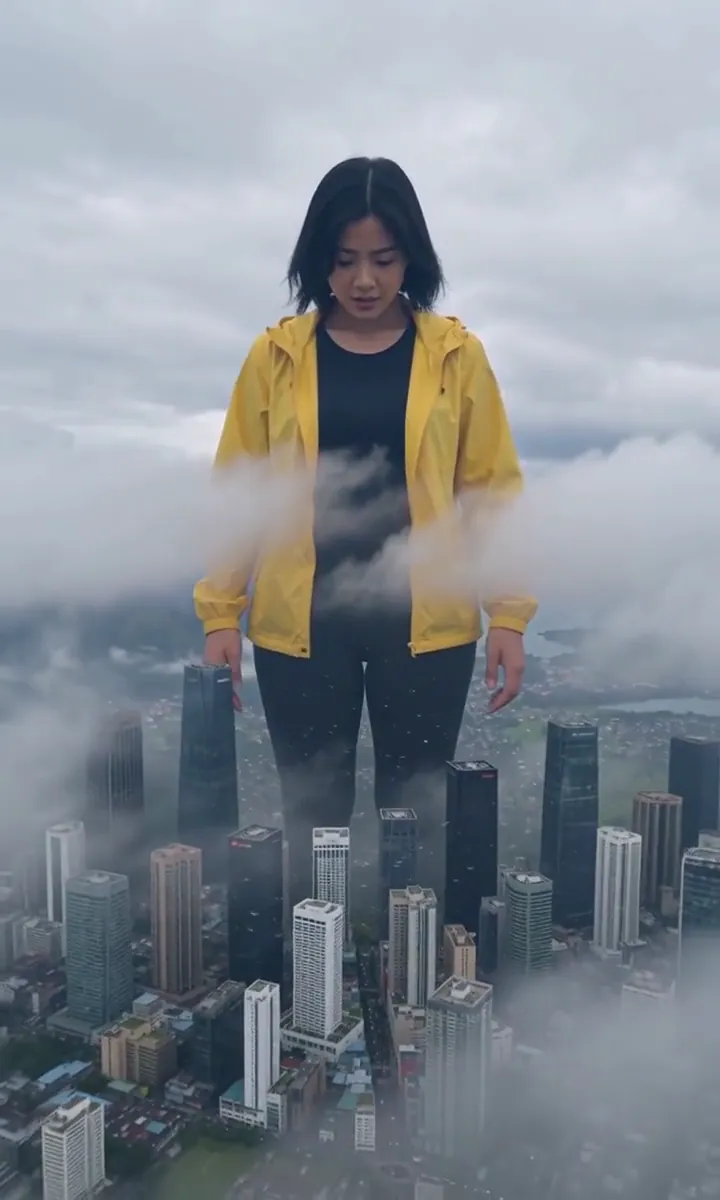
The camera pulls back to show you towering over the skyline, clouds at your chest.
1Add a photo
- One clear subject, waist-up or full body, with some space around them
- Leave room in the frame: wings, fire, portals and clones need space to appear
- Sharp, well-lit photos keep the face and fur the same through the effect
More optionsMiniMax H3 Max
More options6s
about 1 min
More to try
All effects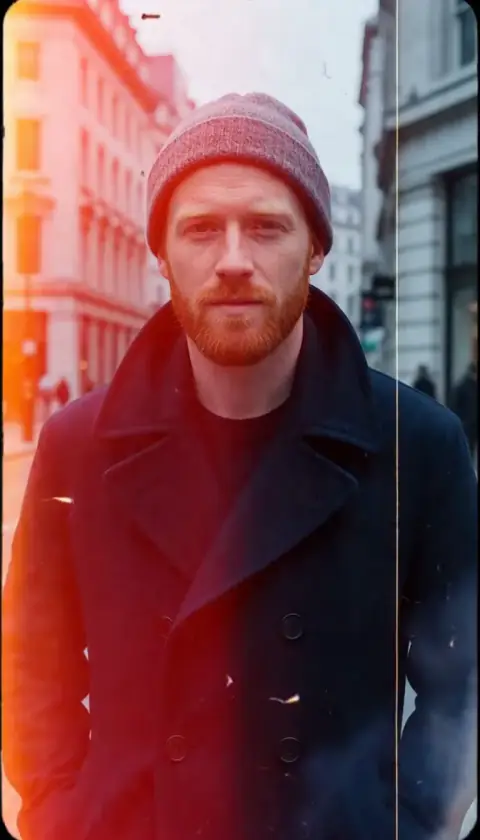
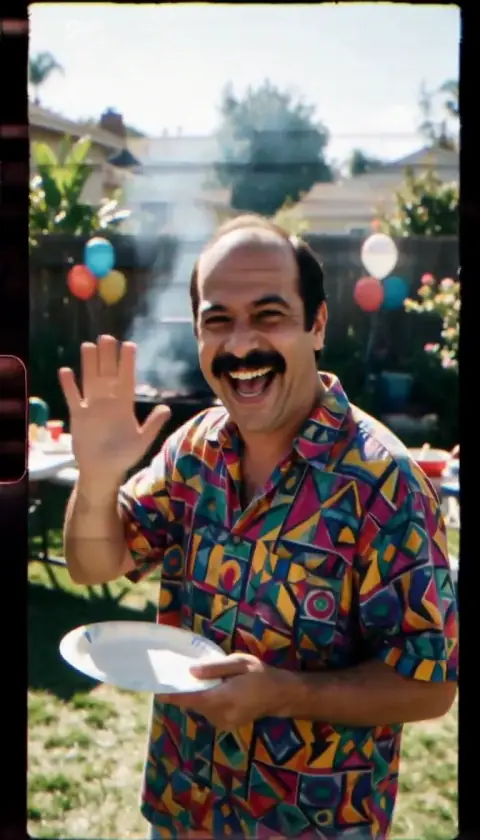
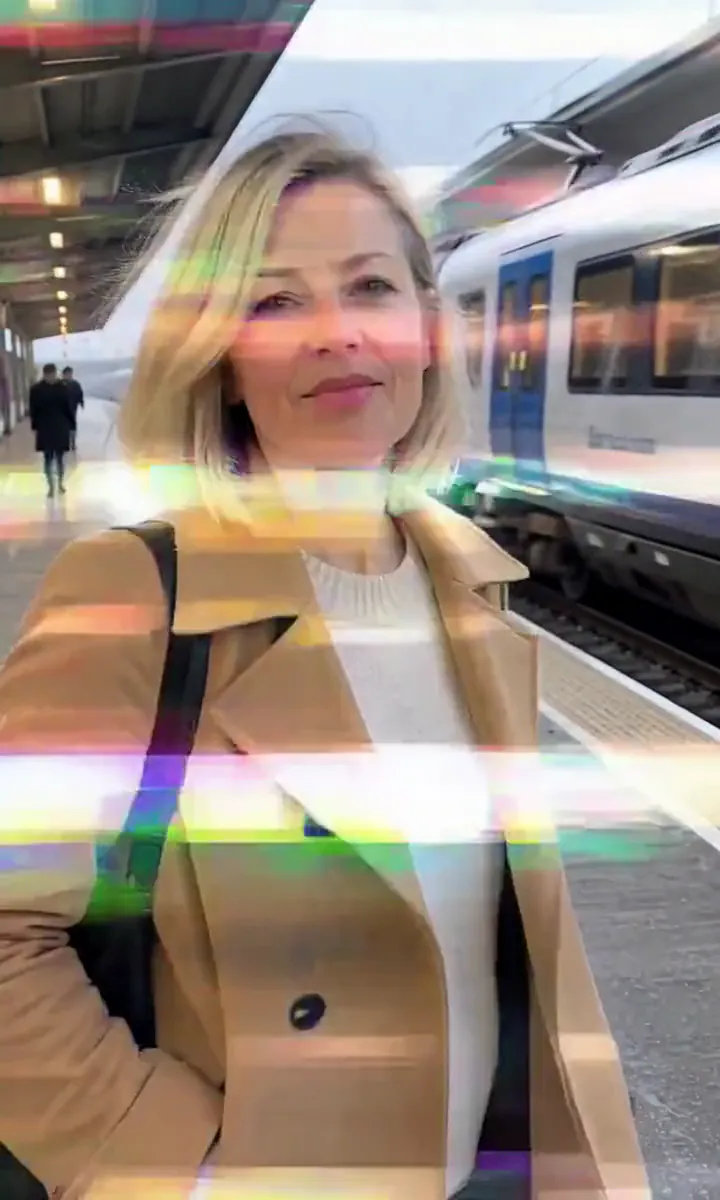 Glitch TeleportBreak apart into pixels and glitch back in, one step closer to the lens.Try itNewRecreate
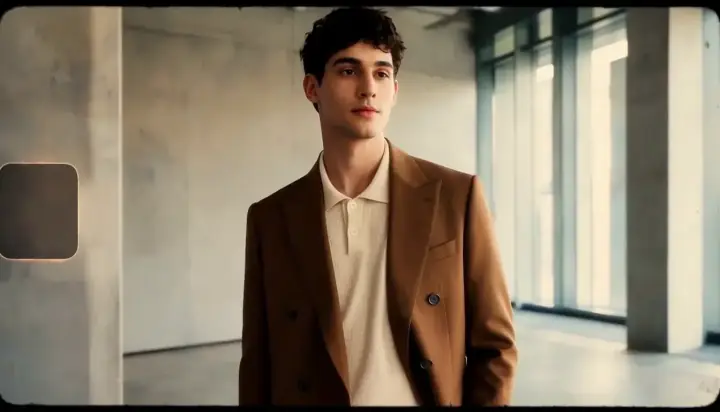
 Gravity OffGravity switches off and your mug, papers and fruit drift up around you.Try itNewRecreate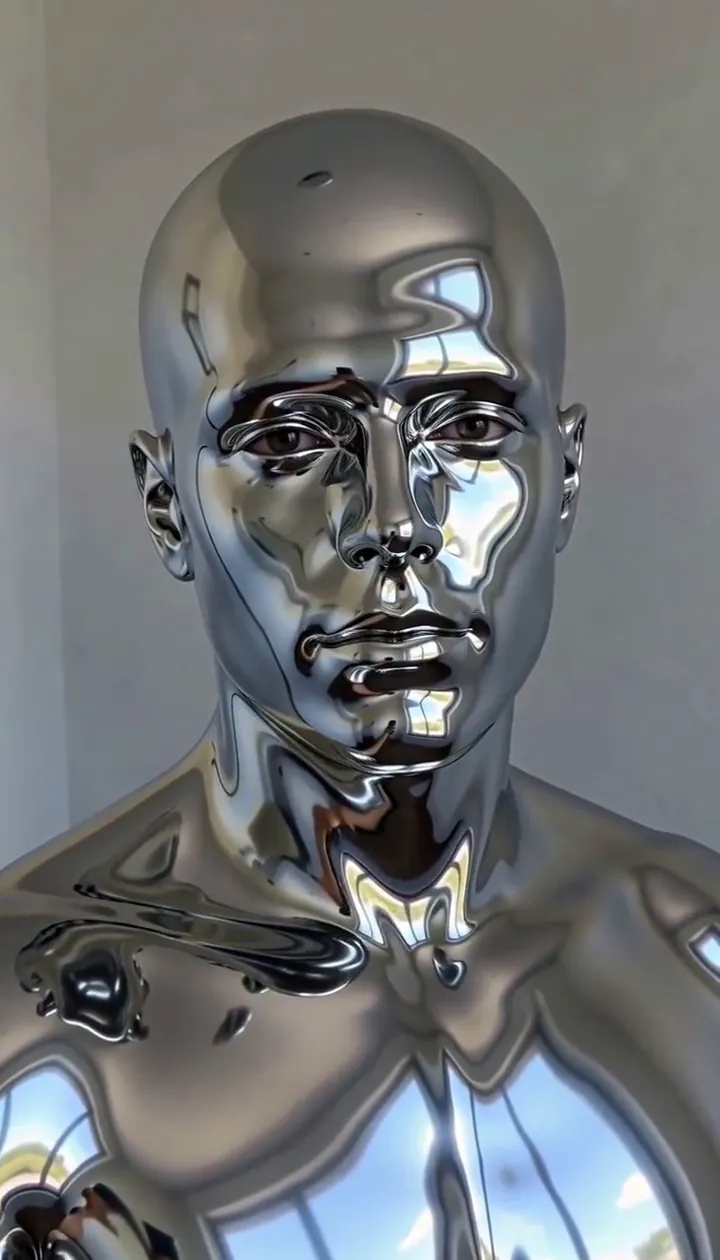

What the Giant in the City effect does
Giant in the City changes a full-length portrait into an oversized skyline encounter. The camera rises and retreats until buildings sit below the person’s waist and clouds drift around the upper body. Looking down at the streets supplies a quiet reaction to the unexpected scale.
This reveal moves quickly into its city setting. Choose the effect for a clear final image of yourself above the skyline, while allowing for the abrupt transition documented in the samples. Open sky and an unobstructed body give that final composition more useful structure.
How to use Giant in the City
- Show the full stance Upload a standing outdoor portrait with visible feet and uncluttered sky.
- Reveal the skyline scale Use the default sample tier and expect a fast transition into the imagined city.
- Assess the ending Check the face, clothing and building height together once the camera has pulled back.
Which photos work best for Giant in the City
Works well
- Full-length person against open sky
- A standing pose with clearly separated legs
Avoid
- Only the head and shoulders visible
- Buildings or branches hiding most of the body
Giant in the City examples
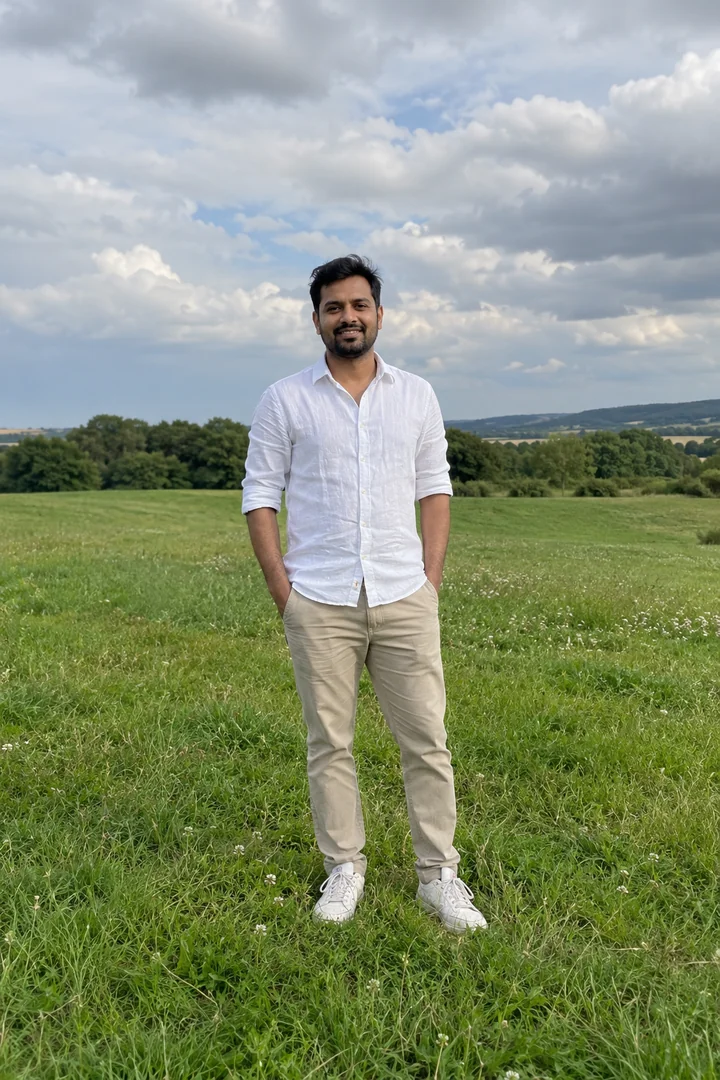
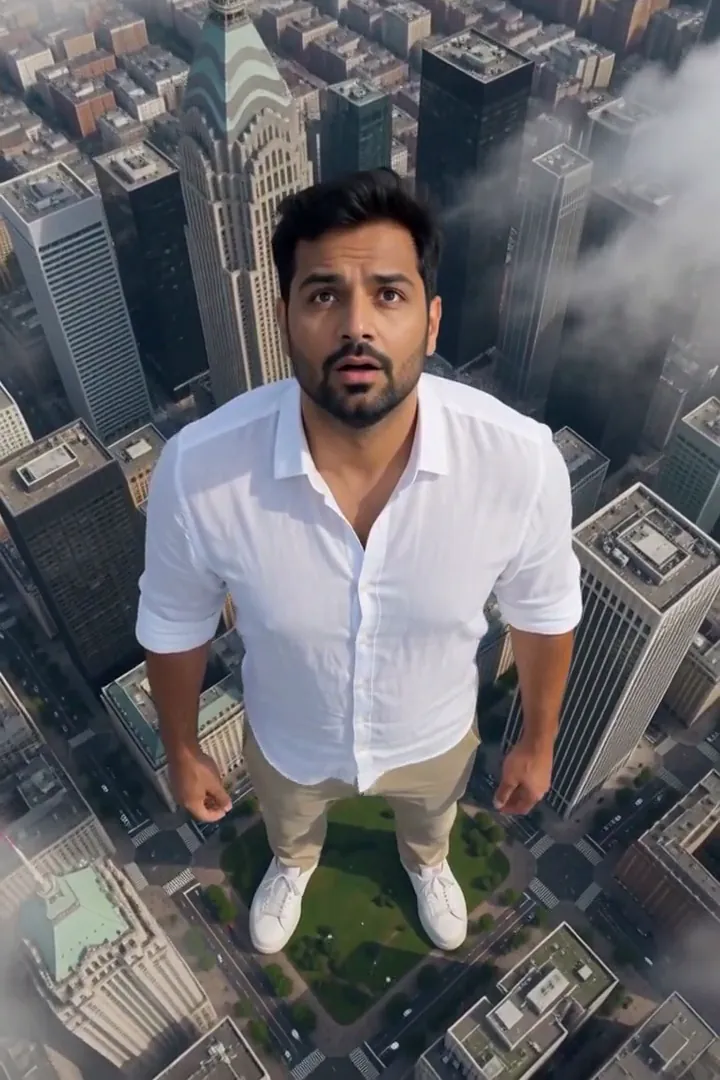
What we saw when we tested Giant in the City
In our test runs, a woman in her mid-20s in a yellow raincoat on a grassy hill; the pull-back reveals her towering over a city with clouds at her chest (the transition is a little abrupt). Full-body photos with open sky work best.
The comparison run shows a man in his mid-30s in a white linen shirt in an open meadow. The camera rises fast, skyscrapers end below his waist and he looks down in wonder. In both runs the moment the scene changes into a city is quick; the end frame reads clearly.
How Giant in the City does on each model
- MiniMax H3 Max (480 credits · about 30 s) Default; MiniMax H3 Max made the samples. 480 credits, with a typical render time of 31 seconds. The Giant in the City render includes generated sound; its page samples play muted.
- MiniMax H3 (185 credits · about 55 s) MiniMax H3 is cheaper at 185 credits and untested with this prompt; the sample behavior does not establish this tier’s result.
- Seedance 2.0 Mini · 480p (124 credits · about 2 min)
The prompt behind Giant in the City
The camera pulls back and rises fast to reveal the person is a giant fifty meters tall standing in the middle of a city; skyscrapers reach only to their waist, clouds drift around their shoulders, tiny cars and birds move far below. They look down in wonder. Same face and clothes, photoreal scale, cinematic VFX.Tips for a better Giant in the City result
- Keep the feet within the source image rather than relying on a cropped torso to define the giant stance.
- Avoid a crowded starting picture if you want the size change to stay centered on one recognizable person.
Giant in the City: questions and answers
Is the change from my location to the giant city gradual?
In both recorded runs the switch into the city was quick, although the enormous person in the ending remained clearly readable.
Where do the skyscrapers reach on the giant figure?
The meadow example showed towers ending below the waist, with the person looking down at the altered surroundings.
Does the giant need a special costume?
The supplied references use a yellow raincoat and a white linen shirt, letting familiar clothes carry the surprising size change.
What can make the skyline reveal easier to understand?
A full-body photo with sky around the head establishes a complete silhouette before the surrounding buildings become the scale reference.
Can I use this as a single striking end frame?
The documented ending reads clearly despite the fast setting change, making the final city composition the strongest reference for that use.
Related effects and tools
- Giant Hand · A building-sized hand scoops you up into the sky.
- Something Big · A colossal creature rises from the mist behind you.
- Big Reveal · The camera flies back until you’re a dot in an epic landscape.
- Trim and arrange the Giant in the City scene