



AI video effect · Glitch Teleport
Glitch Teleport: Vanish in pixels, reappear closer
Break apart into pixels and glitch back in, one step closer to the lens.
1Add a photo
- One clear subject, waist-up or full body, with some space around them
- Leave room in the frame: wings, fire, portals and clones need space to appear
- Sharp, well-lit photos keep the face and fur the same through the effect
More optionsMiniMax H3 Max
More options6s
about 1 min
More to try
All effects


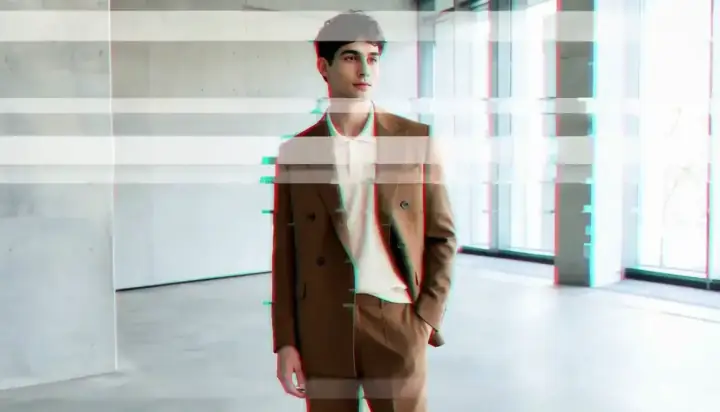
 Gravity OffGravity switches off and your mug, papers and fruit drift up around you.Try itNewRecreate
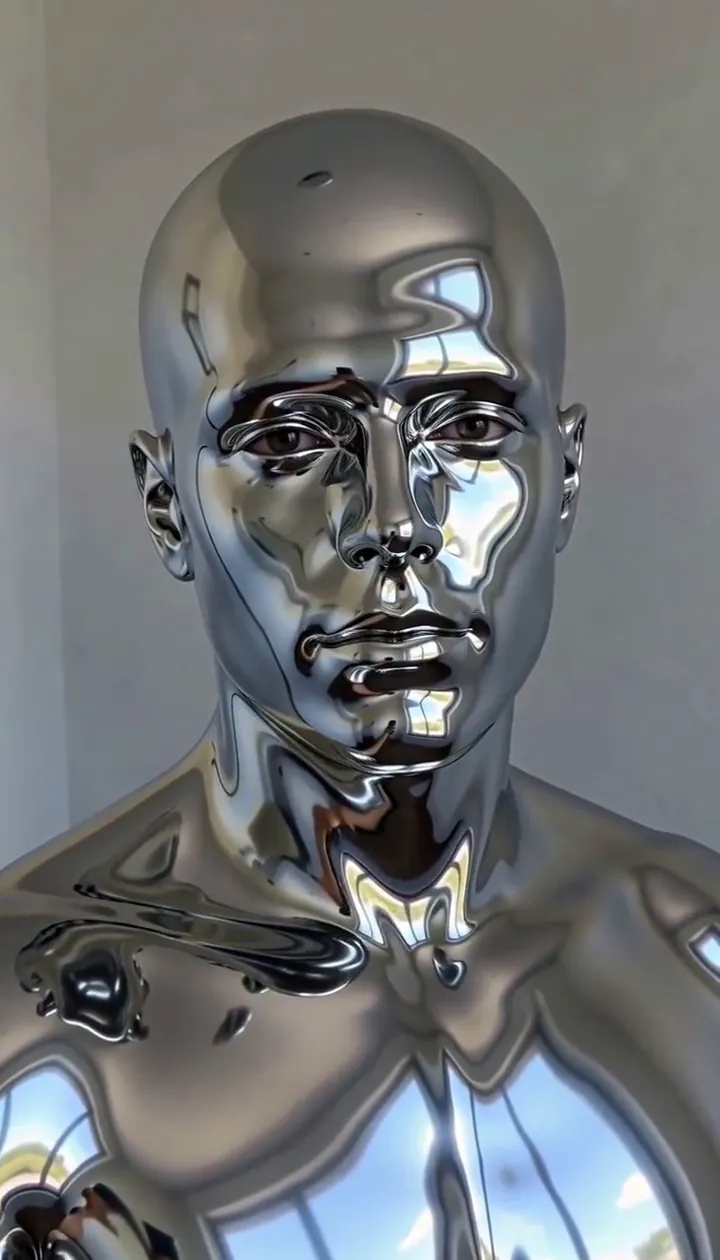 Liquid Chrome SkinA wave of liquid metal turns you into a mirror-polished bust that still blinks.Try itNewRecreate
 Petal BladeA storm of crimson petals forms a blade in your hand, then bursts toward the lens.Try itNewRecreate
 Werewolf TurnThe full moon rises, fur and fangs creep in, and you turn into a movie-grade werewolf.Try itRecreate


What the Glitch Teleport effect does
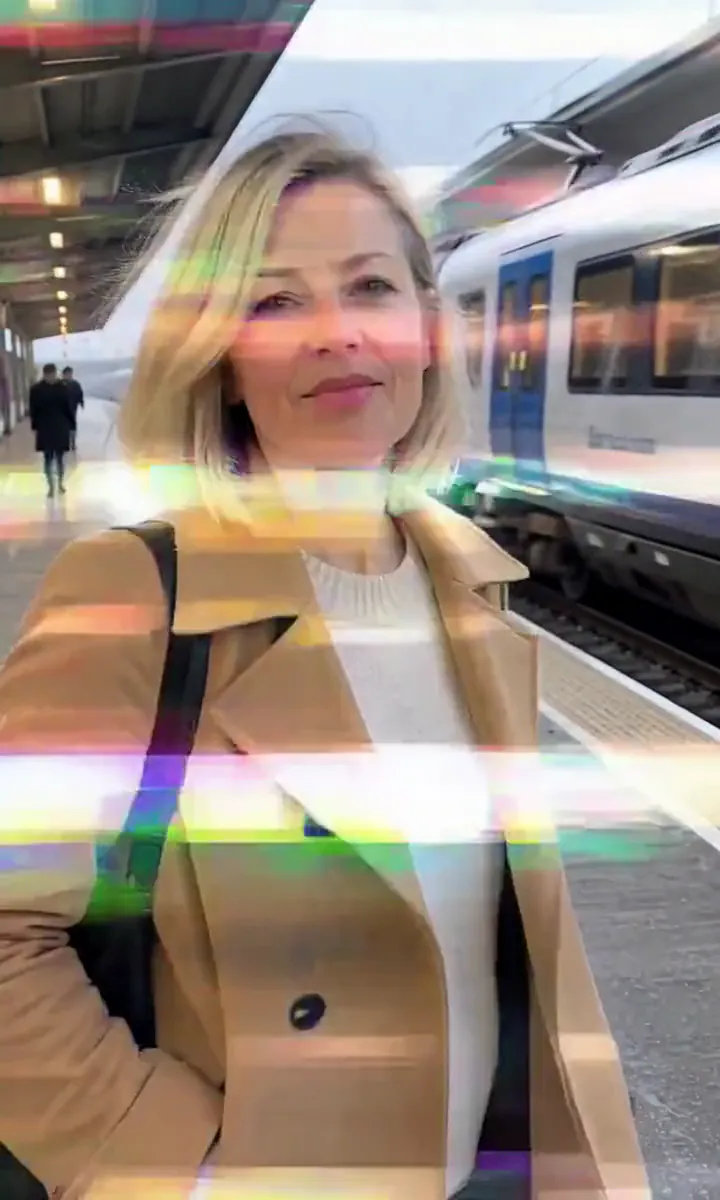
Glitch Teleport breaks a person into colored pixel blocks and brings them back nearer the camera. Channel splits and scanline tears announce the interruption, then the reassembled figure restores a recognizable face and outfit. The locked viewpoint lets the position change provide the surprise.
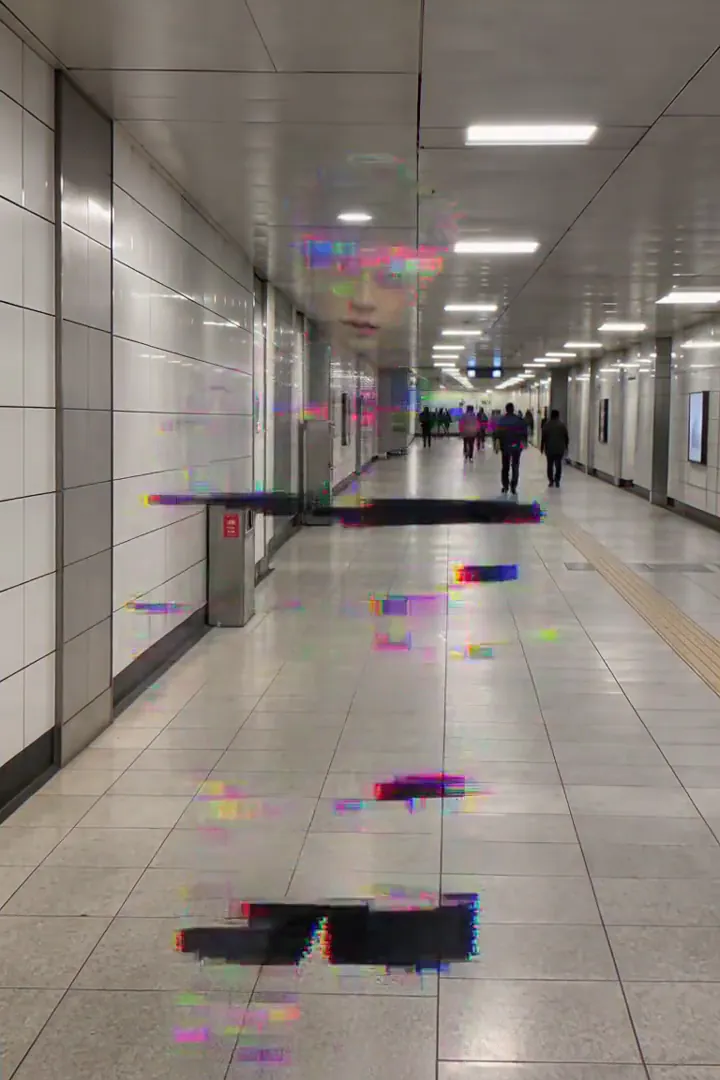
Leave distance between the subject and lens. An empty stretch of platform or corridor gives the return a destination, while clear architectural lines make the brief disappearance and forward jump easy to compare. This is a digital arrival beat rather than a change of location.
How to use Glitch Teleport
- Leave a forward gap Upload a portrait with floor visible between the subject and the camera.
- Trigger the pixel jump Use the default sample tier for the scanline breakup and nearer return.
- Compare both positions Watch the scene before and after the burst, checking the face and outfit once the blocks resolve.
Which photos work best for Glitch Teleport
Works well
- A person standing several steps from the lens
- A corridor with visible floor in front
Avoid
- A nose-close selfie
- Foreground furniture filling the reappearance area
Glitch Teleport examples

What we saw when we tested Glitch Teleport
In our test runs, a woman in her mid-40s with a blonde bob and a camel trench coat on a train platform. Leave some distance between the person and the camera so the reappearance reads as a jump.
The other supplied run uses a man in his mid-20s with silver hair and a black bomber jacket in a subway corridor. RGB splits and scanlines tear through him, he vanishes in a burst of colored pixel blocks and reassembles a step closer to the lens. The face came back unchanged after the glitch in both runs.
How Glitch Teleport does on each model
- MiniMax H3 Max (480 credits · about 30 s) Default; MiniMax H3 Max made the samples. 480 credits and a typical render time of 31 seconds. The Glitch Teleport render includes generated sound; its page samples play muted.
- MiniMax H3 (185 credits · about 55 s) Cheaper at 185 credits, but MiniMax H3 is untested with this prompt; compare its result without assuming the same finish.
- Seedance 2.0 Mini · 480p (124 credits · about 2 min)
The prompt behind Glitch Teleport
The person flickers with RGB channel splits and horizontal scanline tears, their body breaks into a burst of pixel blocks and digital noise and vanishes, then reassembles a few steps closer to the camera in another burst of glitch artifacts, looking straight into the lens. Camera holds still. Same face and clothes, digital glitch VFX.Tips for a better Glitch Teleport result
- Keep vertical walls or other stable background lines in view as a reference through the disturbance.
- Avoid several people near the subject if you want the reassembled figure to read immediately.
Glitch Teleport: questions and answers
Does the pixel burst move me to a different location?
The preset reassembles the person a few steps closer within the same scene, using the position change as the teleport cue.
How far back should the glitch portrait begin?
Leave enough camera distance that a nearer reappearance changes the apparent size and position without immediately cropping the face.
Did the face survive the digital breakup in the examples?
Both recorded runs brought the face back unchanged after the blocky disappearance.
What separates the teleport from a simple video glitch?
The subject vanishes and returns forward of the starting point, while the camera stays fixed to make that displacement visible.
Would a train platform help show the jump?
The main reference is a woman in a camel trench coat on a platform, where the surrounding space establishes the original position.
Related effects and tools
- Glitch · Red-and-cyan glitches tear through, then snap back clean.
- Pixel Scatter · Break into glowing pixels that blow away on a digital wind.
- Hologram · Scan lines sweep in and you flicker into a blue hologram.
- Edit the Glitch Teleport clip