What the Crash Zoom effect does
Crash Zoom is the sudden zoom from comedy beats and reaction shots: the frame holds wide for a moment, then slams toward the subject, overshoots a touch and settles on a sharp close-up. Nothing else in the scene moves, so all of the energy comes from the camera.
It suits punchlines, pet clips and product reveals, anywhere a single detail should land with a bang.
How to use Crash Zoom
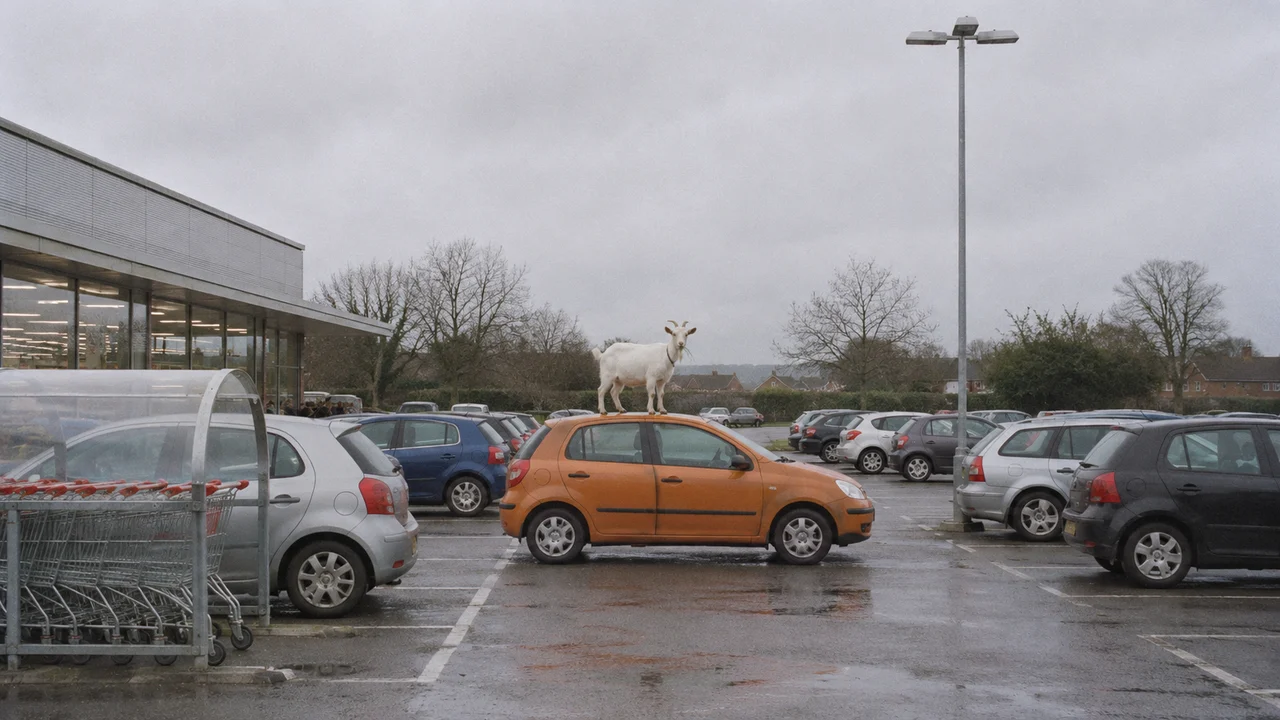
- Start wider than a close-up Use Add a photo for one sharp person, pet or product centered in a wider scene. Leave background around the subject so the snap zoom has distance to travel.
- Pick how far to zoom Open More options and choose Seedance 2.0 Fast for the longer, punchier zoom seen in the examples. MiniMax H3 is the default alternative and tends to stop at a wider head-and-shoulders frame.
- Check the zoom landing Press Make it move and watch the hold, sudden zoom and settled close-up. If the eyes or product details look soft, replace the source with a sharper photo before trying another take.
Which photos work best for Crash Zoom
Works well
- Wider photos with the subject near the middle
- Sharp, high-resolution pictures, since the close-up magnifies them
- Pets and faces, because eyes make a strong landing point
Avoid
- Photos that are already a tight close-up, leaving nowhere to zoom
- Blurry or very dark shots
- Groups, where it is unclear who the zoom should land on
Crash Zoom examples
Made with Seedance 2.0 FastCamel suit in a concrete gallery: three calm seconds, then a snap to a head-and-shoulders close-up.Made with Seedance 2.0 FastTabby cat on a stool: two seconds of stillness, then green eyes and whiskers fill the frame. What we saw when we tested Crash Zoom
Both samples on this page were rendered on Seedance 2.0 Fast, which travels the furthest toward the subject of the models we tried. A man in a camel suit in an empty concrete gallery held for about three seconds before the frame snapped to a head-and-shoulders close-up. A tabby cat on a wooden stool sat perfectly still for two seconds, then the shot rushed in until its green eyes and whiskers filled the screen.
The close-up is several times larger than the original crop, so the model draws the detail it lands on: fur, skin, the weave of a jacket. Faces stayed recognizable but looked slightly smoother than in the photo.
The default on this page is MiniMax H3, which is cheaper and faster; it gives the same hold-then-zoom shape, but the zoom tends to stop a little wider.
How Crash Zoom does on each model
- Seedance 2.0 Fast (510 credits · about 3 min) Both examples. The longest, punchiest zoom we saw, landing on the eyes.$0.24 vs Adobe Firefly Standard $0.75 · 480p · 5s−68% vs Adobe Firefly Standard
- MiniMax H3 (210 credits · about 60 s) Default here: same rhythm for fewer credits, usually ending on a head-and-shoulders frame.$0.21 vs Runway $0.50 · 768p · 5s−58% vs Runway
- Seedance 2.0 Mini · 480p (125 credits · about 3 min) Cheapest; the 480p close-up shows less fine detail, which matters because the zoom magnifies so much.$0.13 vs fal $0.36 · 480p · 5s−65% vs fal
The prompt behind Crash Zoom
The shot holds wide for a beat, then the camera snaps into a sudden, punchy zoom straight toward the main subject, overshoots slightly and settles into a sharp, steady close-up. Everything else in the scene stays in place while the frame tightens.
Tips for a better Crash Zoom result
- Start from a photo taken a few steps back so the zoom has distance to cover.
- Put the subject in the center; the zoom heads for the middle of the frame.
- For a slow, cinematic version of the same idea, use Slow Push-In instead.
Crash Zoom: questions and answers
Where does the crash zoom land?
On the main subject, usually the face or eyes. With a full-body photo it tends to end at head and shoulders; with a pet it often goes all the way to the eyes.
Does my face look different in the close-up?
It stays recognizable, but because the close-up is drawn at a much larger size, skin can look a little smoother than in the original.
Why were the samples made on another model?
They come from our comparison runs on Seedance 2.0 Fast, which zoomed the furthest. MiniMax H3 stays the default because it is cheaper and quicker for the same idea.
Can it zoom out instead of in?
Not this effect. For a fast move away from the subject try Big Reveal or Earth Zoom Out.
Is it good for a product shot?
Yes. Place the product in the middle of a wider photo and the zoom lands on it, which works well right after an establishing shot.
Related effects and tools
- Slow Push-In · A cinematic creep toward your eyes as lights melt to bokeh.
- Into the Eyes · Push in until one eye fills the whole screen.
- Big Reveal · The camera flies back until you’re a dot in an epic landscape.
- Whip Pan · Hold, then whoosh: a blurry swish straight out of the scene.
- Make a clean product shot first with AI Product Photography

 Your photo

