



AI video effect · Earth Zoom Out
Earth Zoom Out: From your photo to space in one shot
One unbroken pull-back from your spot on the ground to the whole planet in space.
1Add a photo
- One clear subject, waist-up or full body, with some space around them
- Leave room in the frame: wings, fire, portals and clones need space to appear
- Sharp, well-lit photos keep the face and fur the same through the effect
More optionsMiniMax H3 Max
More options6s
about 1 min
More to try
All effects



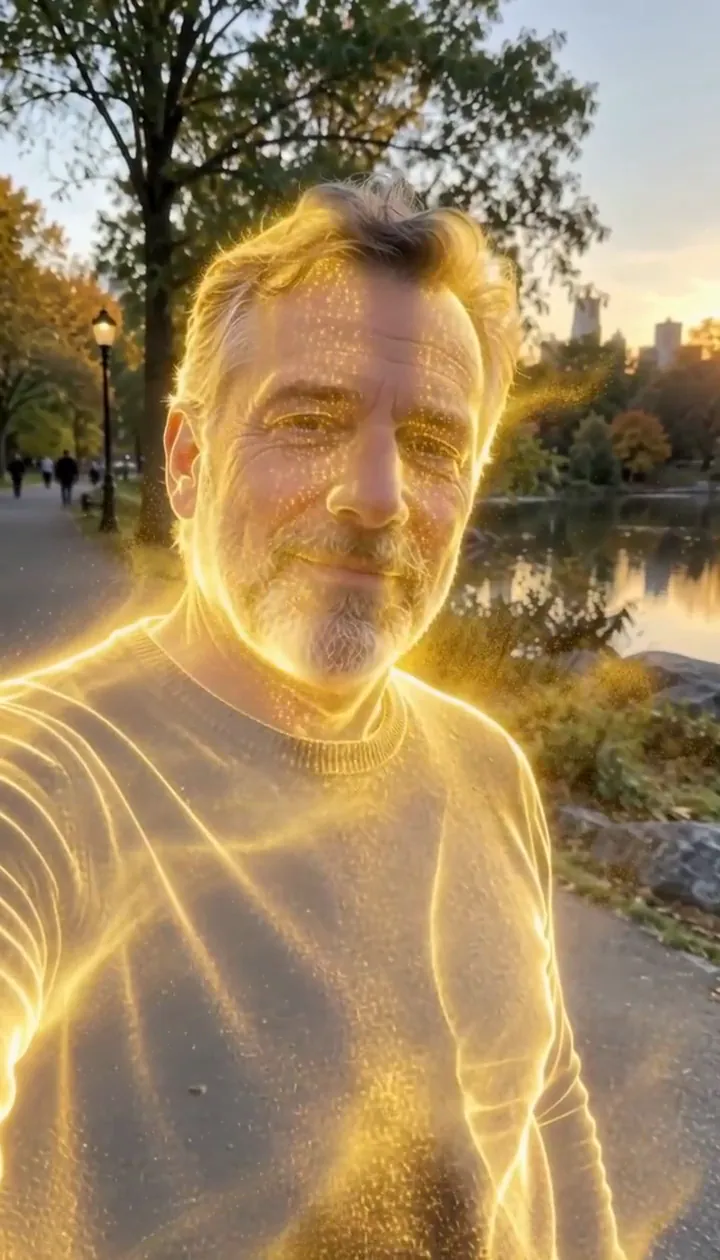 Golden DissolveYou dissolve into millions of glowing gold particles that drift away on the wind.Try itNewRecreate
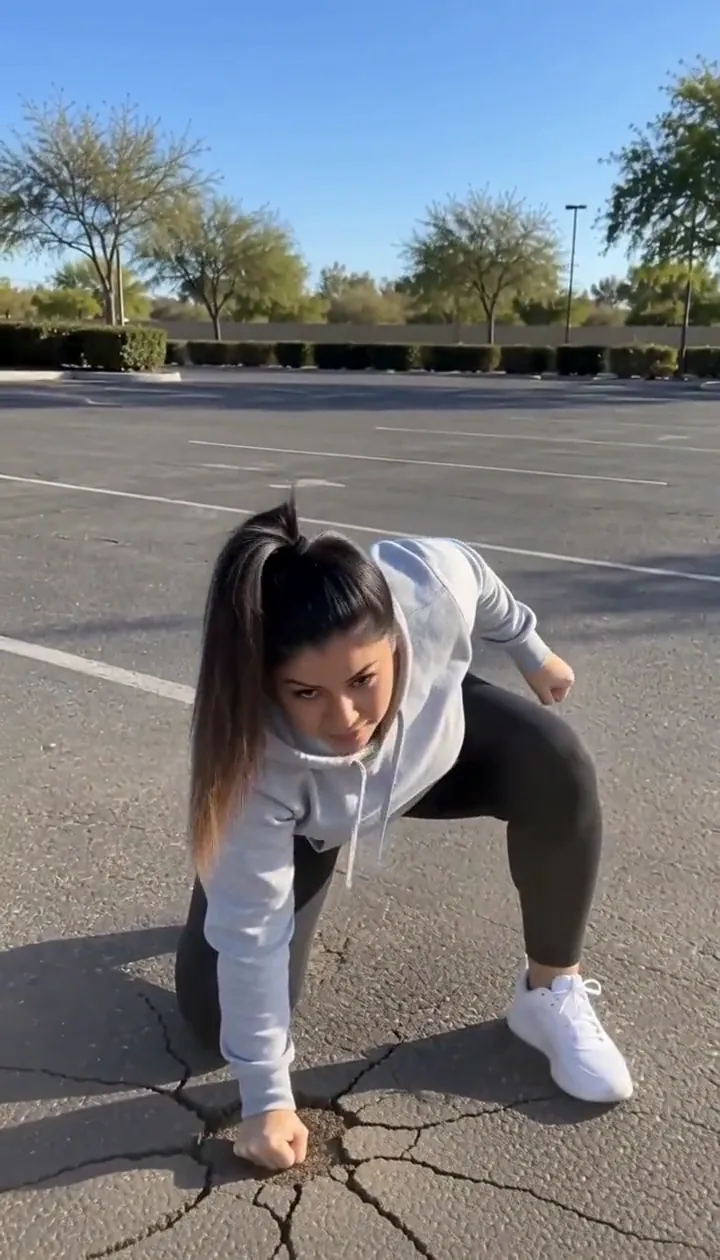 Hero LandingLeap out of frame and crash back down in a three-point landing that cracks the ground.Try itNewRecreate
 Ice ShatterFrozen in a shell of ice that bursts into flying shards, and you step out smiling.Try itNewRecreate
 Lightning HandsLightning crackles between your fingers and grows into a glowing ball of plasma.Try itNewRecreate
 3D caricature of youA glossy collectible caricature: big head, tiny body, your outfit and a desk full of oversized props.Try itRecreate
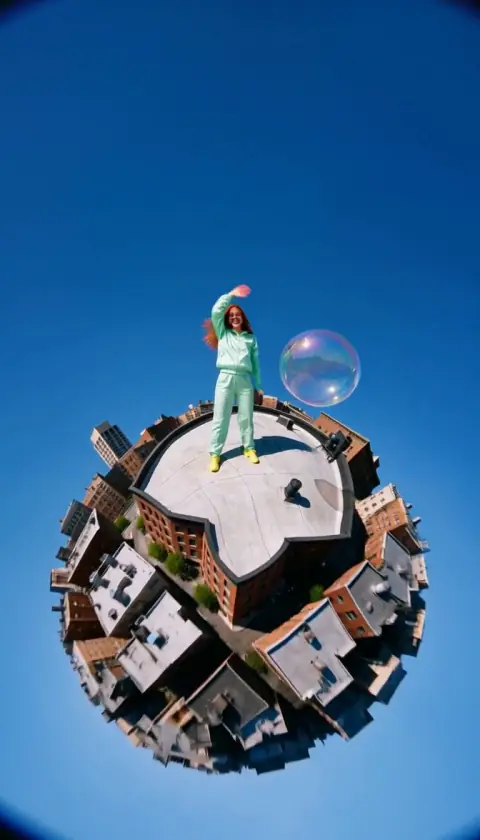

What the Earth Zoom Out effect does
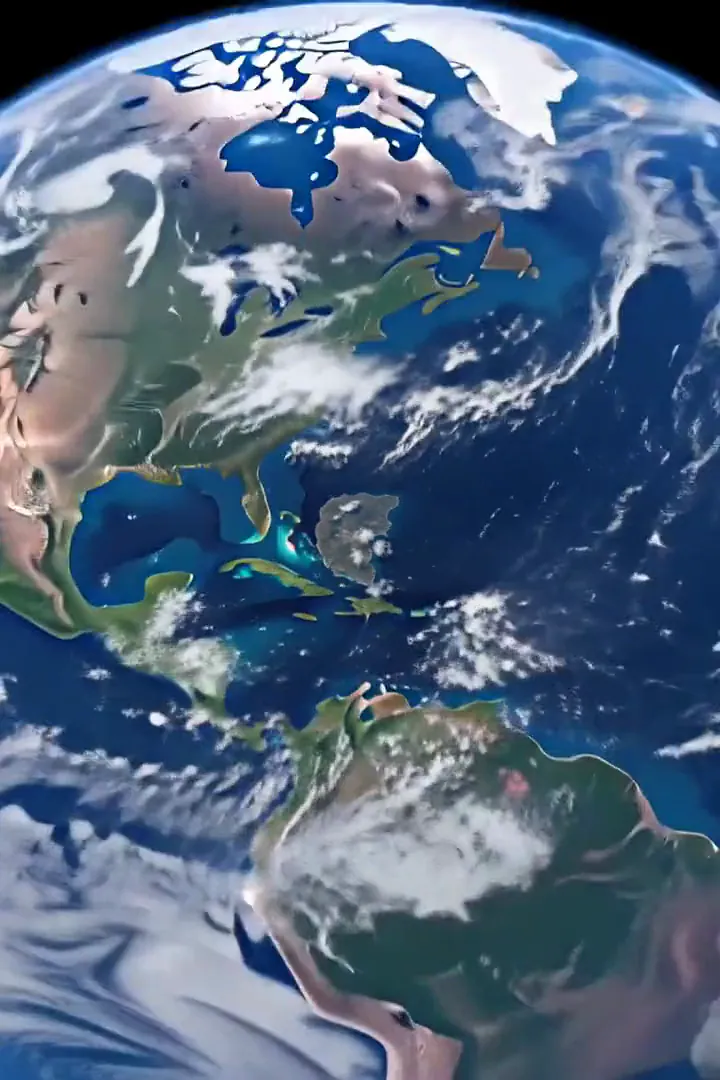
Earth Zoom Out expands a personal scene into a view from space. The pull-back accelerates through the surrounding neighborhood and city, passes clouds and coastline, and ends with blue atmosphere against darkness. The pleasure comes from watching familiar human scale give way to planetary scale without an edit.
Give the starting image enough geographical context to make that first outward movement legible. A high viewpoint already points in the direction of the journey, while an ordinary face-on picture asks for a more noticeable change of perspective at the start. This is the cinematic edition of Cosmic Zoom, using a six-second H3 Max render with an accelerating ground-to-space journey.
How to use Earth Zoom Out
- Start above the scene Upload an outdoor picture taken from overhead or from a balcony.
- Choose the space pull-back Keep the published MiniMax H3 Max tier to match the six-second journey shown here.
- Review each scale change Watch the person shrink into the surroundings, then follow the clouds and curved atmosphere to the final frame.
Which photos work best for Earth Zoom Out
Works well
- Top-down portrait with surrounding ground
- A high-angle outdoor photo showing nearby rooftops
Avoid
- A face pressed close to the lens
- Indoor portraits with no visible outdoor context
Earth Zoom Out examples
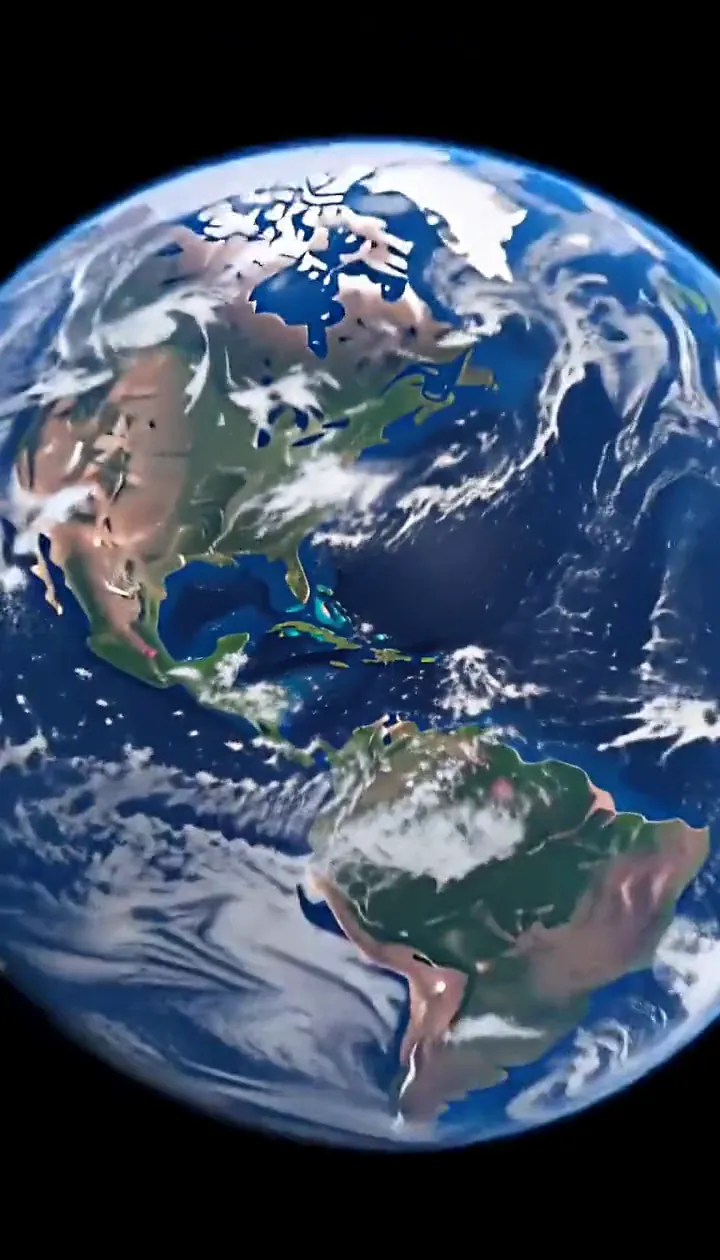
What we saw when we tested Earth Zoom Out
In our test runs, a bearded man in his 30s lying on a picnic blanket in a city park, photographed straight down from above. One unbroken pull-back: park, neighborhood, whole city, coastline, clouds, then the curve of the Earth in black space. Top-down or high-angle photos give the cleanest pull-back; a straight-on selfie also works but the first second is a bigger jump.
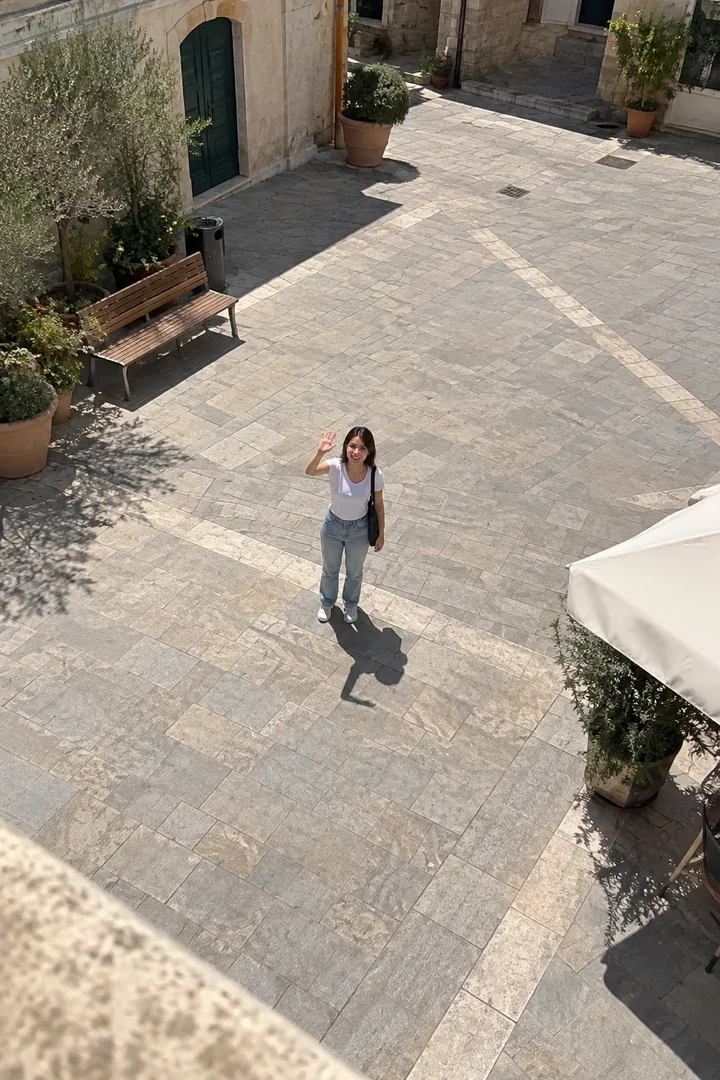
In the second run, a woman in her late 20s waving up at a balcony from a sunny paved town square. Same result: rooftops, the city grid, clouds and coastline, ending on the whole planet against black space. 6 seconds is enough for the full journey to space; it is one continuous move with no cuts.
How Earth Zoom Out does on each model
- MiniMax H3 Max (480 credits · about 30 s) Default; MiniMax H3 Max made the samples. 480 credits, with a typical render time of 31 seconds. The Earth Zoom Out render includes generated sound; its page samples play muted.
- MiniMax H3 (185 credits · about 55 s) MiniMax H3 costs 185 credits; cheaper and untested with this prompt, so the published effect is not a tested promise for this option.
- Seedance 2.0 Mini · 480p (124 credits · about 2 min)
The prompt behind Earth Zoom Out
Continuous accelerating pull-back straight up from the person: they shrink as the surrounding area, the neighborhood, the whole city and the coastline come into view, clouds slide past beneath, until the curvature of the Earth and the blue atmosphere fill the frame against black space. One unbroken move, no cuts. Same faces and outfits throughout, natural anatomy. No text, no logos.Tips for a better Earth Zoom Out result
- Keep distinctive ground patterns in the first frame so the initial change of scale has something to reveal.
- Avoid expecting the imagined neighborhood beyond the photograph to serve as a precise map of the location.
Earth Zoom Out: questions and answers
Is the zoom journey a stitched satellite recording?
This effect generates a continuous imagined pull-back from your photograph; the expanding city and planetary scenery are part of that generated shot.
Which starting angle makes the ascent easier to follow?
Top-down and high-angle inputs gave the cleanest pull-back in the supplied observations, already looking along the upward camera path.
Can the whole trip to space fit this short clip?
The recorded six-second renders completed the progression from the person through city and clouds to the planet against space.
What happened with the town-square waving photo?
The woman became smaller as rooftops, a city grid, clouds and coastline appeared before the whole-planet finish.
Would the Earth ending work as a travel diary closer?
The growing scale can close a location sequence; let the atmosphere and dark sky settle before placing your final title elsewhere.
Related effects and tools
- Cosmic Zoom · Keep rising past the clouds until the whole planet glows.
- Tiny Planet · Your world curls into a little planet, with you on top.
- Drone Rise · Lift off into a sweeping aerial opening shot.
- Trim the Earth Zoom Out sequence in the editor