



AI video effect · Ice Shatter
Ice Shatter: Freeze in ice, then burst free
Frozen in a shell of ice that bursts into flying shards, and you step out smiling.
1Add a photo
- One clear subject, waist-up or full body, with some space around them
- Leave room in the frame: wings, fire, portals and clones need space to appear
- Sharp, well-lit photos keep the face and fur the same through the effect
More optionsMiniMax H3 Max
More options6s
about 1 min
More to try
All effects

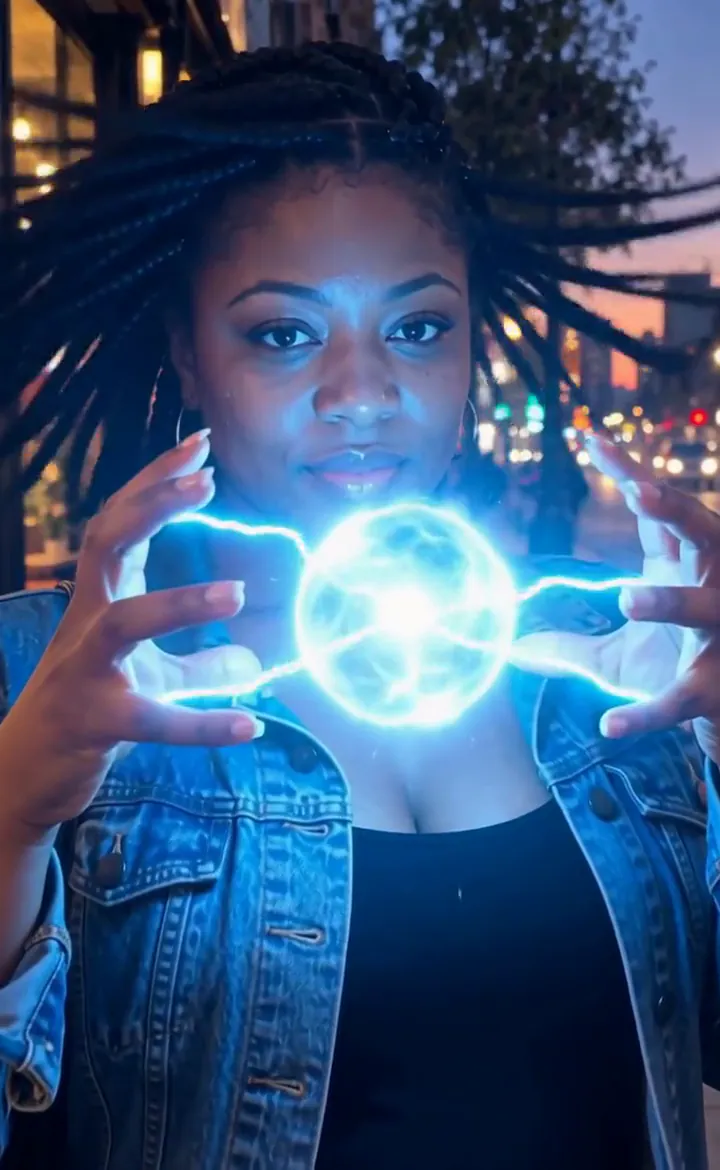 Lightning HandsLightning crackles between your fingers and grows into a glowing ball of plasma.Try itNewRecreate
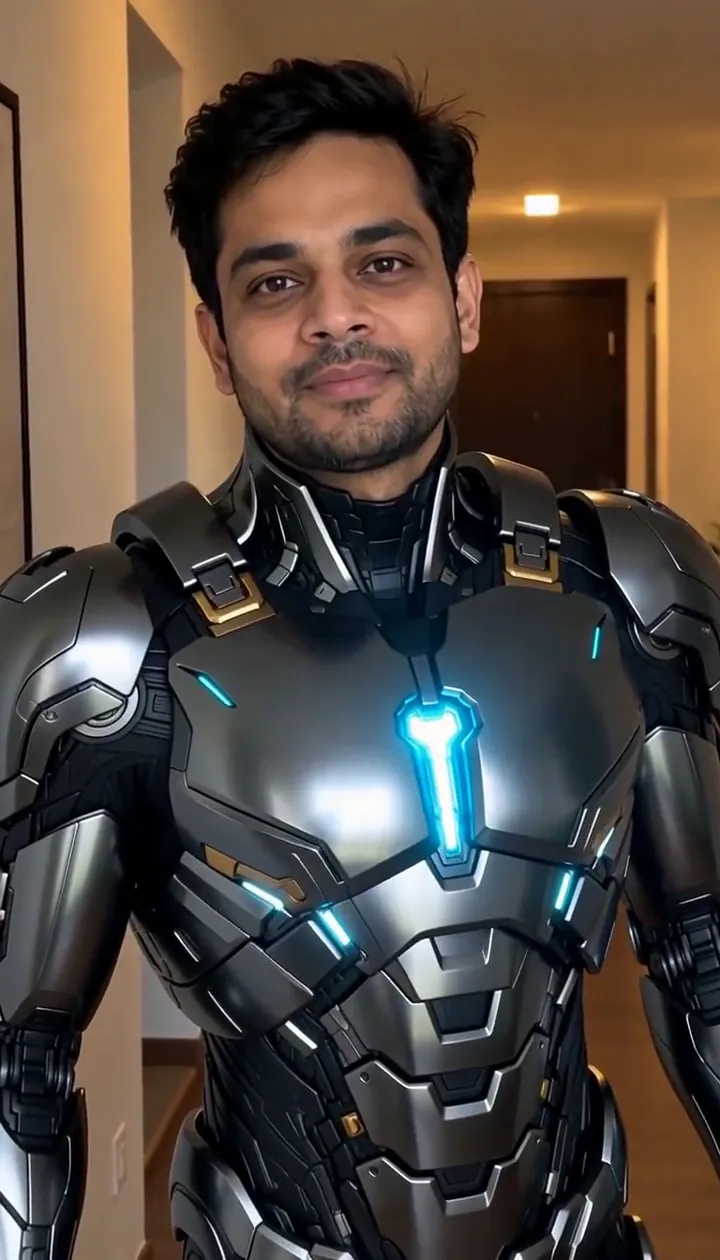 Suit UpSleek armor plates fold out and lock onto you piece by piece. Your face stays you.Try itNewRecreate
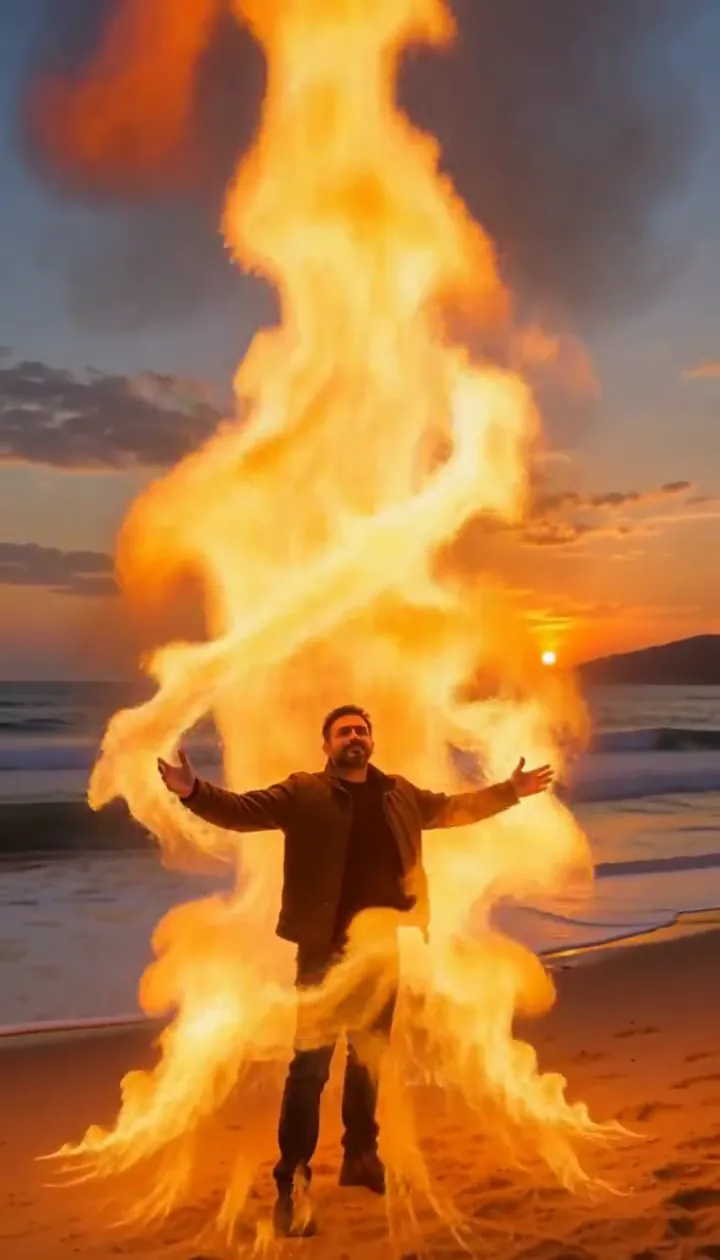 Fire SummonerRaise your arms and a tower of fire spirals up around you without touching you.Try itNewRecreate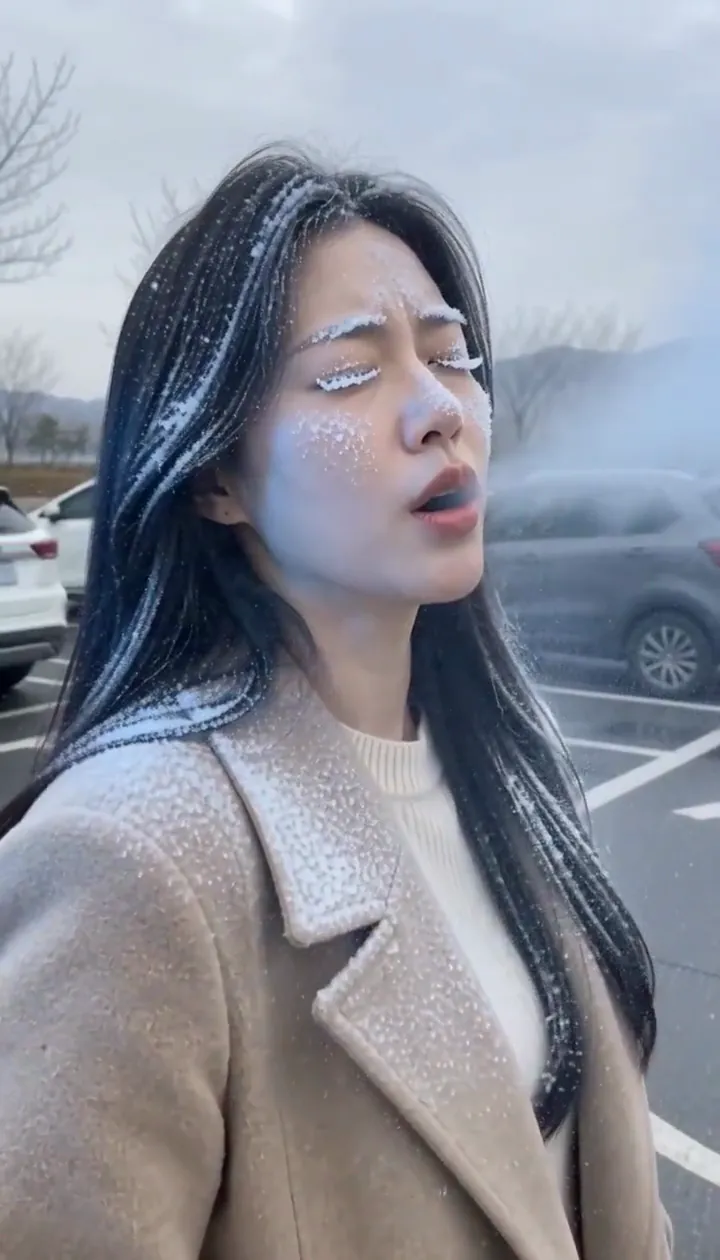
 Fan TransitionSpin once under the ceiling fan and, as a blade sweeps past, you land in a brand-new outfit.Try itRecreate
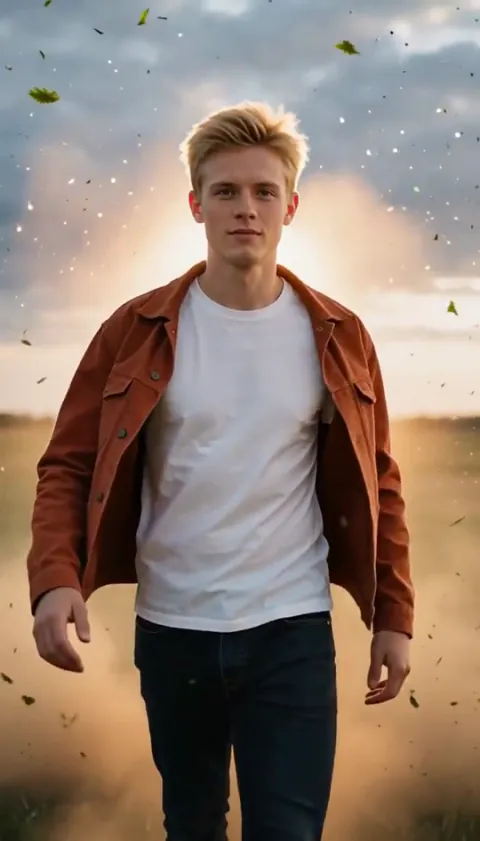 Slow-Mo EntranceA hero walk-in in slow motion with dust and sparks hanging in the air.Try itRecreate
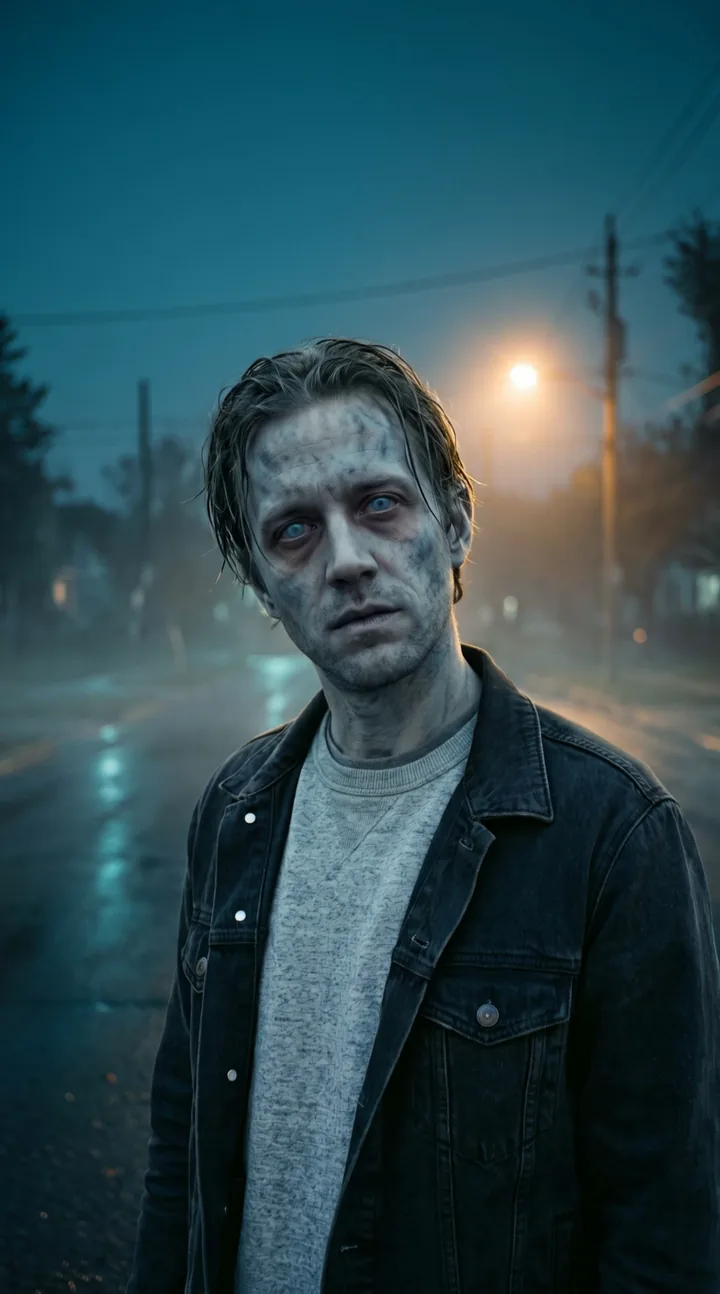
What the Ice Shatter effect does
Ice Shatter builds a transparent frozen shell around a person, then breaks it open to reveal their smile. Bright fracture lines provide a readable middle beat between the first frost and the outward burst. The contrast between stillness and release is the point of this short portrait scene.
Use a chest-up or waist-up picture that makes the expression easy to see. Clear ice can carry reflections and bright edges, so simple clothing and an uncomplicated backdrop help the viewer follow the face beneath the shell.
How to use Ice Shatter
- Show the expression Add one clear portrait, including the upper body and a small border of background.
- Keep the ice sequence Use the sample tier for the frost, glowing cracks and shell release in a single continuous scene.
- Review the reveal Check that the face reads beneath the transparent covering and remains visible when the fragments scatter.
Which photos work best for Ice Shatter
Works well
- Chest-up portrait with an unobstructed face
- Waist-up framing with space around the shoulders
Avoid
- Hands covering the mouth and cheeks
- Tiny faces lost among a crowd
Ice Shatter examples
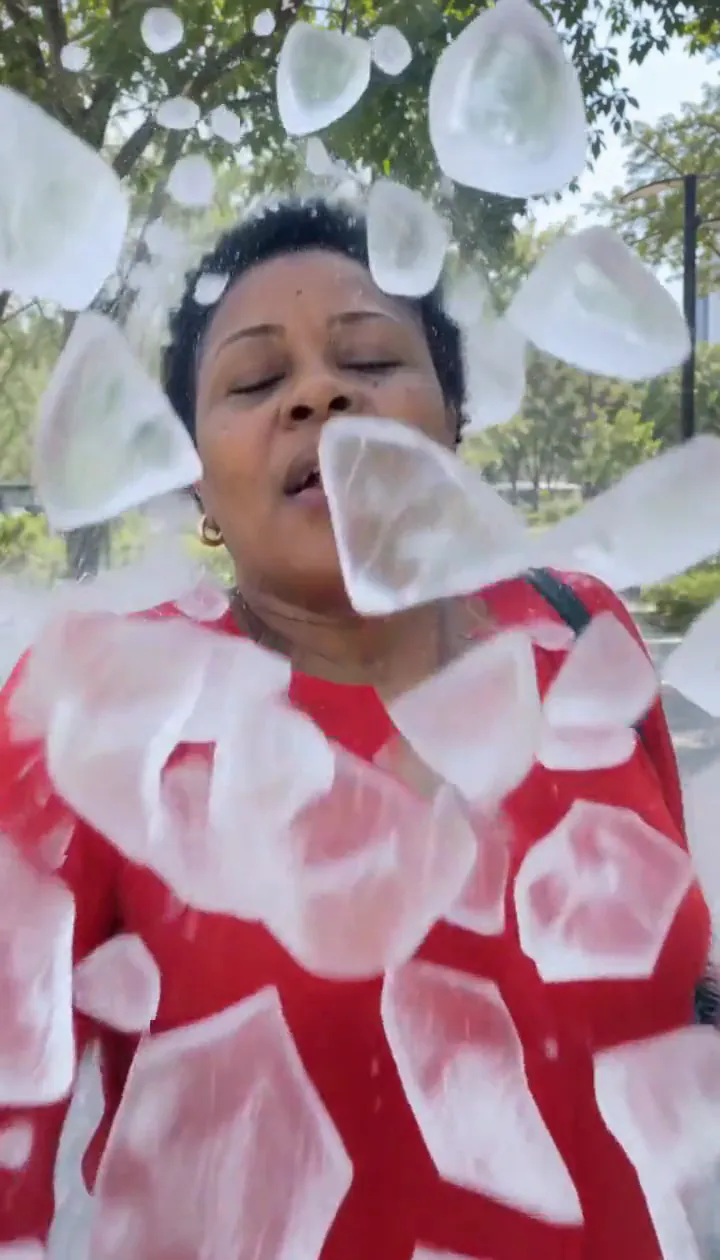

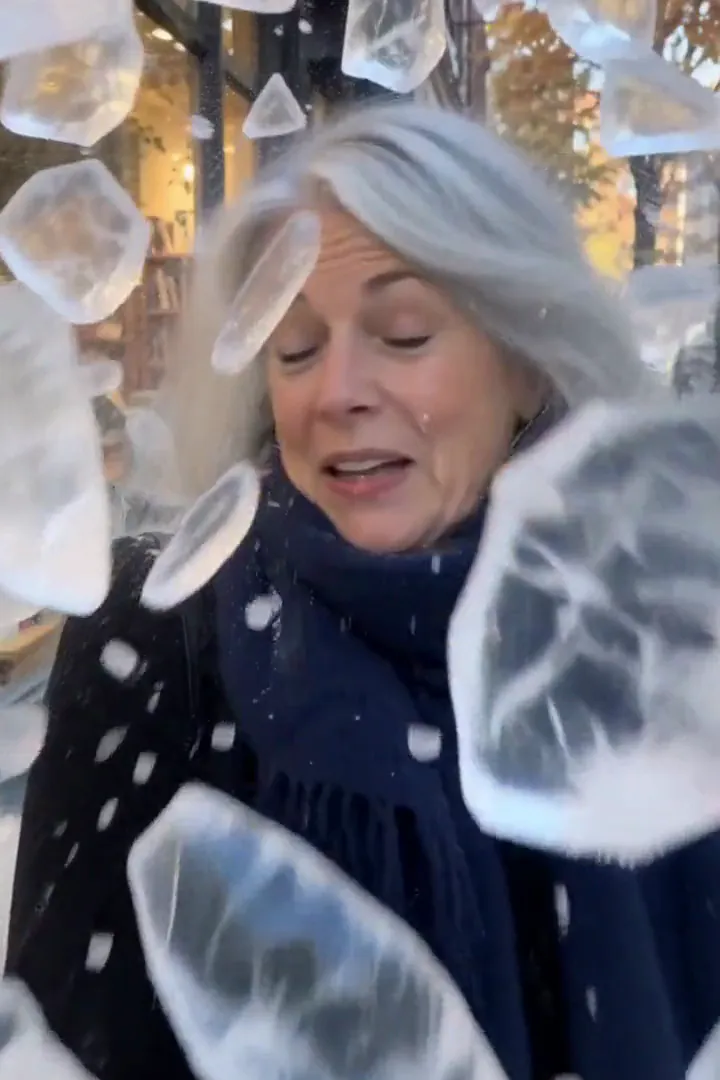
What we saw when we tested Ice Shatter
In our test runs, a woman in her 40s with short natural hair and a red blouse in a park. Frost encases her, cracks glow, the shell bursts and she laughs. Chest-up or waist-up portraits work best; the shards need a clear view of the face.
In the second run, a woman in her early 60s with a silver bob and a navy scarf outside a bookshop. Frost spreads over her scarf and face, glowing fault lines appear, the ice explodes into big clear shards and she ends up smiling, shaking off the frost. Both runs ended unharmed and smiling; no injury imagery.
How Ice Shatter does on each model
- MiniMax H3 Max (480 credits · about 30 s) Default; MiniMax H3 Max made the samples. 480 credits, with a typical render time of 31 seconds. The Ice Shatter render includes generated sound; its page samples play muted.
- MiniMax H3 (185 credits · about 55 s) MiniMax H3 costs 185 credits; cheaper and untested with this prompt, so the published effect is not a tested promise for this option.
- Seedance 2.0 Mini · 480p (124 credits · about 2 min)
The prompt behind Ice Shatter
Frost races over the person and encases them in a shell of clear ice; the ice cracks along glowing fault lines and bursts outward into hundreds of glittering shards that fly past the camera in slow motion, revealing the person unharmed underneath, shaking off the frost and smiling. Camera holds steady. Same face and clothes, cinematic VFX. One continuous shot, no cuts, no scene change. No text, no logos.Tips for a better Ice Shatter result
- Choose a face without dark glasses so the reveal has a clear emotional finish.
- Leave a little clearance above the head and outside both shoulders for the outward fragments.
Ice Shatter: questions and answers
Does the ice burst show a person getting hurt?
Both supplied runs finished with the subject unharmed and smiling after the clear shell broke apart.
Should I frame the frozen portrait from the chest or farther away?
Chest-up and waist-up compositions give the shell enough area while keeping the expression readable through the ice.
What happens between the frost and flying fragments?
The effect asks for glowing fault lines to spread through the frozen covering before it bursts outward.
Can a scarf stay part of the ice reveal?
The bookshop example includes a navy scarf, with frost spreading across it before the shell releases the smiling subject.
Is the smile important to the frozen-shell ending?
A visible relaxed expression helps make the release feel playful rather than suggesting an injury or a frightening aftermath.
Related effects and tools
- Frost Over · Ice creeps in from the edges until everything glitters.
- Crystal Form · Crystallize into faceted quartz that throws rainbows.
- Shatterpoint · Turn to glass, crack, and burst into flying shards.
- Trim the Ice Shatter sequence in the editor