



AI video effect · City Fold
AI City Fold Effect: Bend the Skyline Over Your Head
The city behind you bends up and folds over your head like a page.
1Add a photo
- One person or pet, clearly in view
- A little empty space around them leaves room for the gag
- Bright, sharp photos get the funniest results
More optionsMiniMax H3
More options5s
5-second video · usually ready in about 1 min
More to try
All effects







What the City Fold effect does
City Fold is the dream-world trick from the movies: you stand still facing the camera while the street and the towers behind you curve upward, climb into the sky and fold over the top of the frame, until the far side of the city hangs upside down above your head.
Nothing crashes or breaks; the city simply bends like paper. Rooftops, bridges and wide streets give it the most room to fold.
How to use City Fold
- Add one photo Upload a clear photo of the person, pet or object you want in the City Fold clip.
- Keep the default model or pick another MiniMax H3 is selected; the list shows every other model with its price before anything runs.
- Press Make it move The clip is usually ready in about 50 s. Download it or send it to another tool.
Which photos work best for City Fold
Works well
- A standing photo, waist-up or full length, on a rooftop, bridge or wide street
- A visible skyline or row of buildings behind you
- Dusk or evening light, where lit windows sparkle as the city turns over
Avoid
- Indoor photos with no city in view
- Photos where a wall right behind you hides the buildings
City Fold examples


What we saw when we tested City Fold
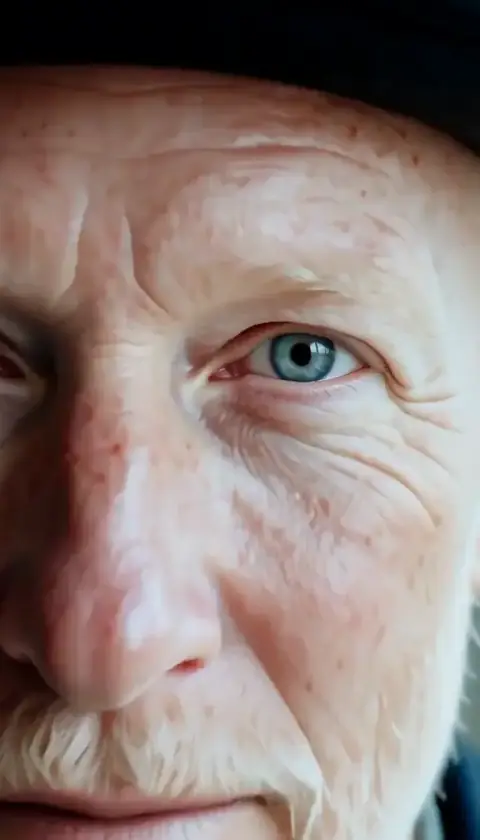
The first example is an older woman with short white hair and an orange coat on a rooftop at dusk: the towers behind her began to tilt in the second second, curved up over the frame by second three and ended as a full upside-down city with glowing streets overhead.
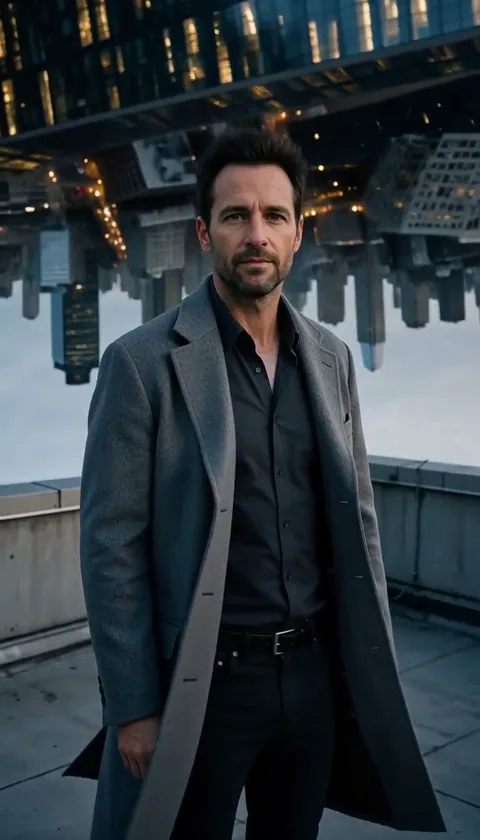
The second is a man in a grey wool coat on the same kind of rooftop; the glass towers leaned in and rolled over the top of the frame, and in the last second the inverted city filled the sky above his head while he kept looking into the lens.
We built this effect after reviewing a skyline-collapse version: falling towers and dust felt too close to a real disaster, so the city here only folds and never breaks.
How City Fold does on each model
- MiniMax H3 Both examples. The fold starts around second one and closes overhead by the end.
- MiniMax H3 · 4s The fold finishes faster; the upside-down city shows for a shorter moment.
- Seedance 2.0 Mini · 480p Can work for a quick test, but towers lose detail as they bend at 480p.
The prompt behind City Fold
You never write a prompt for City Fold. This is the exact text it sends with your photo:
The person stands still and keeps facing the camera while the city behind them slowly bends upward: the streets and towers curve up into the sky and fold over the top of the frame like a giant page turning, until the far side of the city hangs upside down overhead with its windows glowing. A soft wind lifts their hair and coat. Nothing breaks or falls, the city simply folds. They never turn around and never look away from the lens. The person stays exactly as they appear in the photo.What the prompt asks for
- What happens
The person stands still and keeps facing the camera while the city behind them slowly bends upward: the streets and towers curve up into the sky and fold over the top of the frame like a giant page turning, until the far side of the city hangs upside down overhead with its windows glowing.
- What stays the same
The person stays exactly as they appear in the photo.
Tips for a better City Fold result
- Keep the skyline in the top half of your photo so the model has buildings to bend.
- Look straight into the lens; the prompt keeps you facing the camera the whole time.
- Evening photos pay off best, with lights glittering on the folded city.
City Fold cost and time
City Fold costs 185 credits with MiniMax H3 and is usually ready in about 50 s.
The cheapest option is Seedance 2.0 Mini · 480p: 124 credits for City Fold, ready in about 2 min.
City Fold: questions and answers
Does the city collapse or get destroyed?
No. This effect is written so that nothing breaks or falls; the streets and towers only bend and fold like a page.
Is this like the folding city in Inception?
It is the same kind of mind-bending fold. You stay still in the foreground while the city behind you curls up over your head.
Do I move while the city folds?
Only a little: wind lifts your hair and coat, but you keep facing the camera from start to finish.
What if there is no skyline in my photo?
The model may invent buildings or bend whatever is behind you, which looks less convincing. A rooftop or street view gives the cleanest fold.
Why is the city upside down at the end?
That is the payoff: the far side of the city ends up overhead, as if the street had turned into the sky.
Related effects and tools
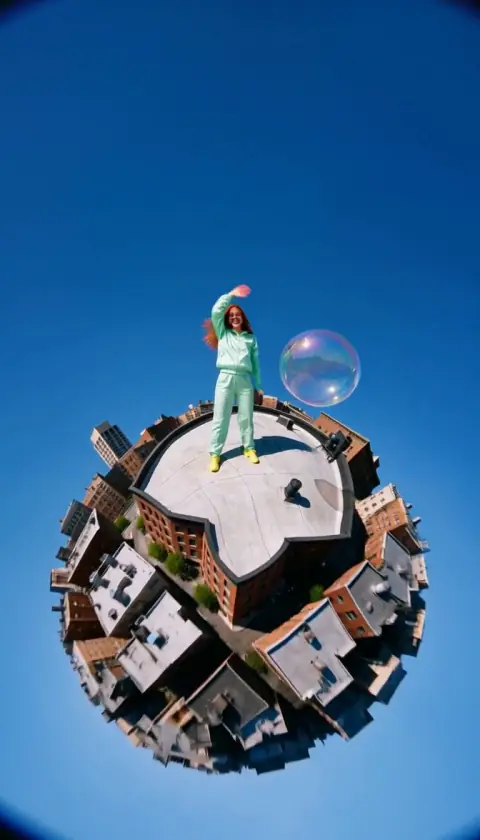
- Tiny Planet · Your world curls into a little planet, with you on top.
- Big Reveal · The camera flies back until you’re a dot in an epic landscape.
- Overhead Spiral · Rise above, spin down and land right above your face.
- Cosmic Zoom · Keep rising past the clouds until the whole planet glows.
- Add a title or music with the video editor