


 New picture
AI photo effect · GTA 6–style loading screen
Featured in October 2026
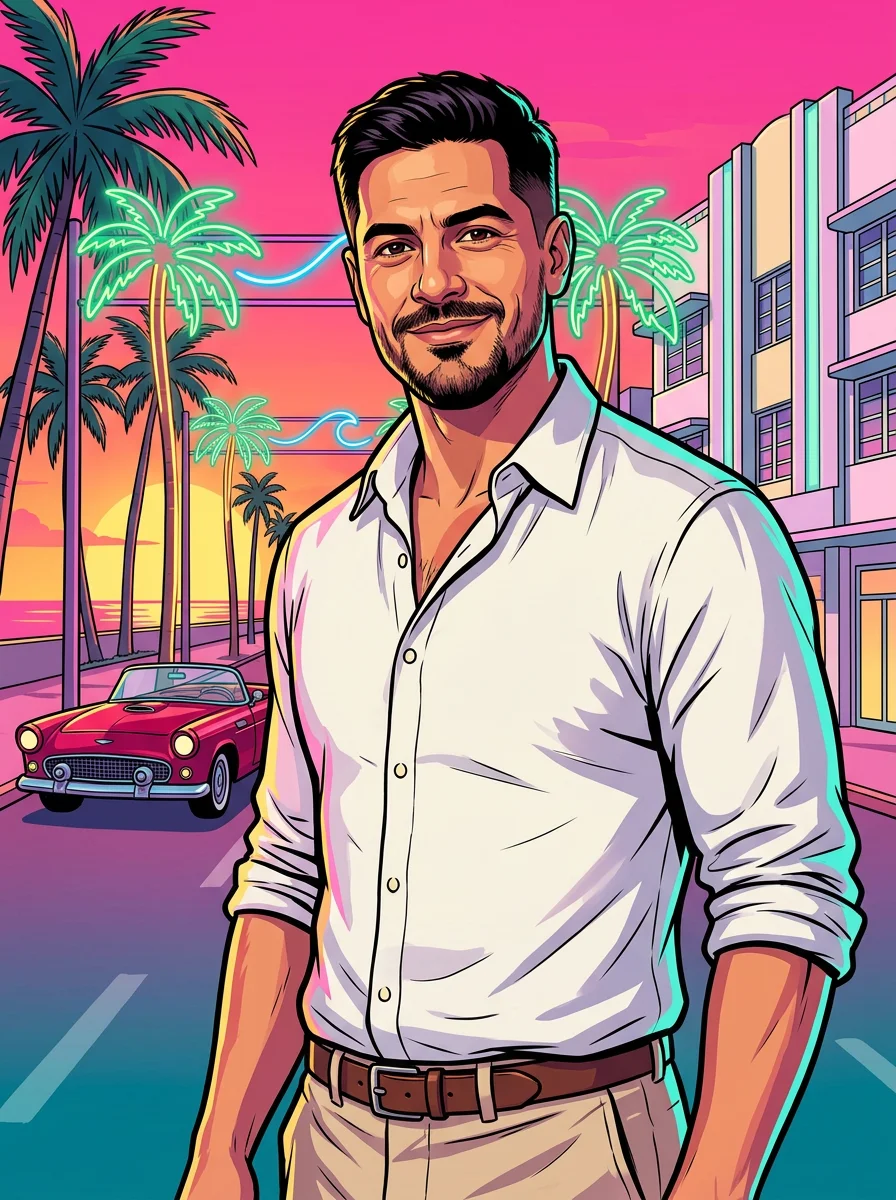
GTA 6–style loading screen art from your photo
Your photo repainted as bold loading-screen key art: neon sunset, palm trees and a cherry-red convertible.
1Add a photo
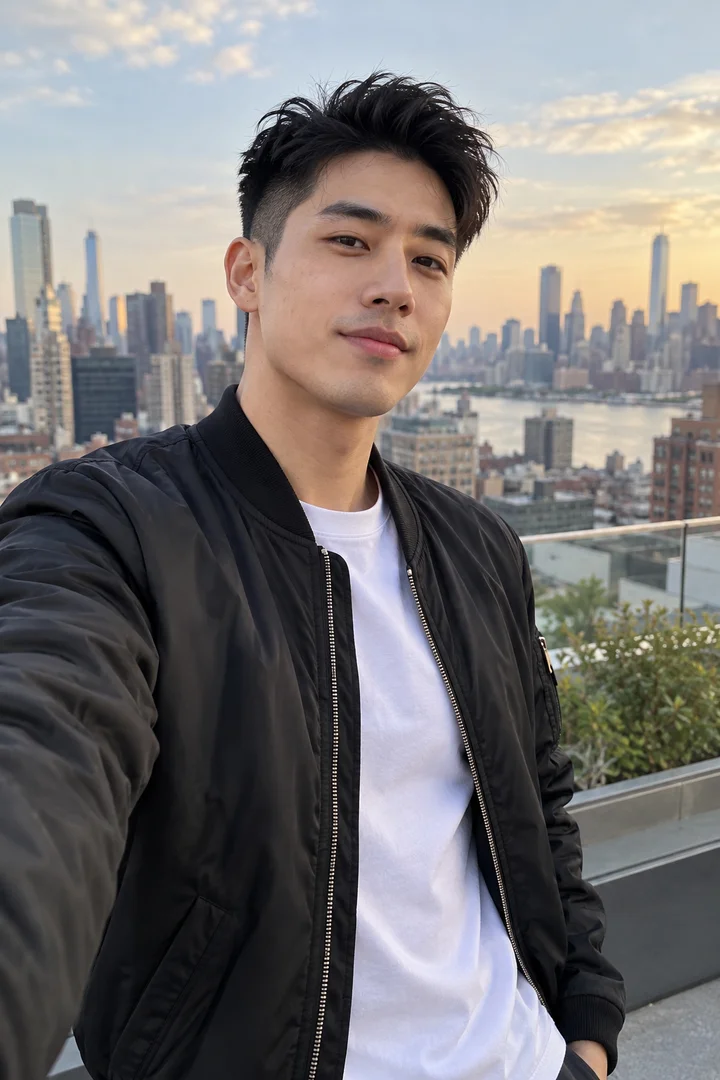
- One person, face clearly in view
- Head to waist works for most looks
- Good light means a sharper result
More optionsNano Banana 2
More options
One picture · usually ready in under a minute
More to try
All effects
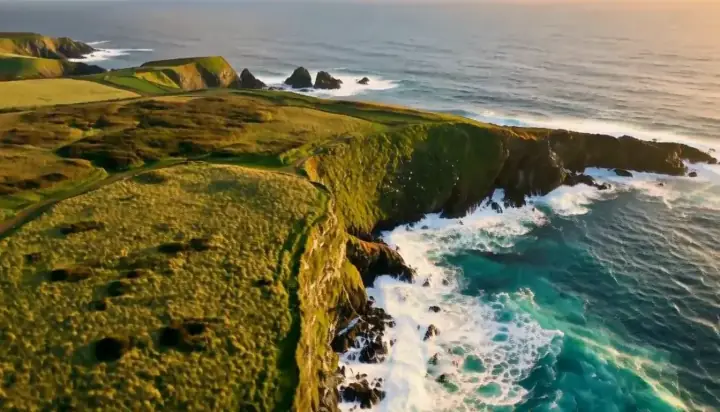
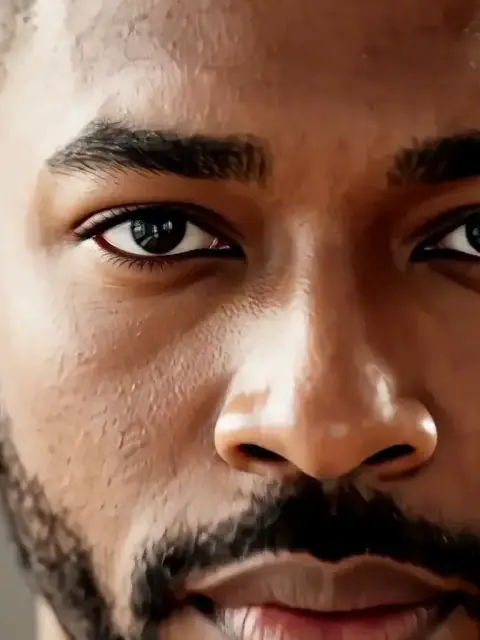
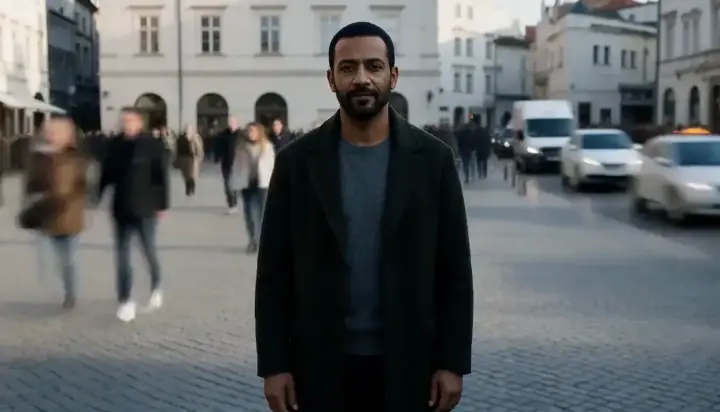
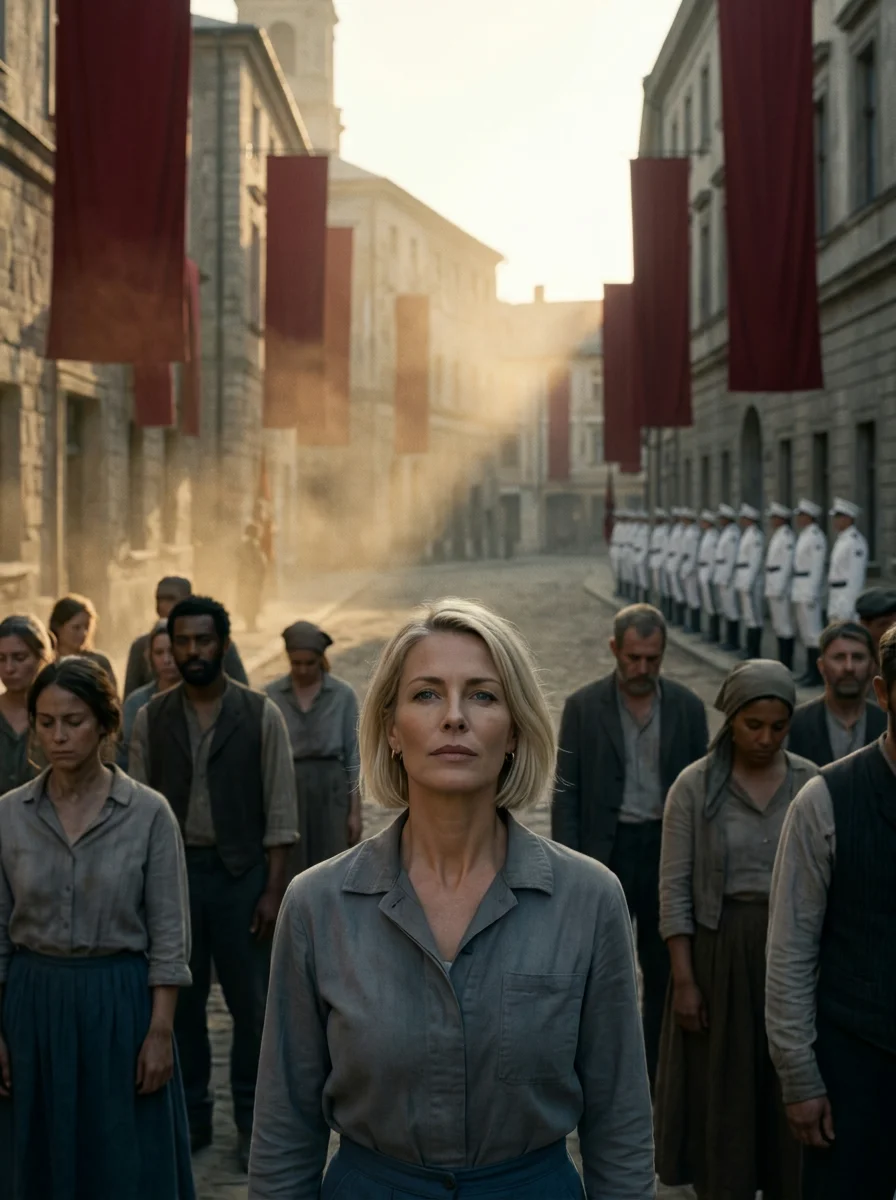 Dystopian tribute portraitA sunrise portrait of you as a brave tribute in a dusty dystopian town square, epic-saga style.Try itRecreate
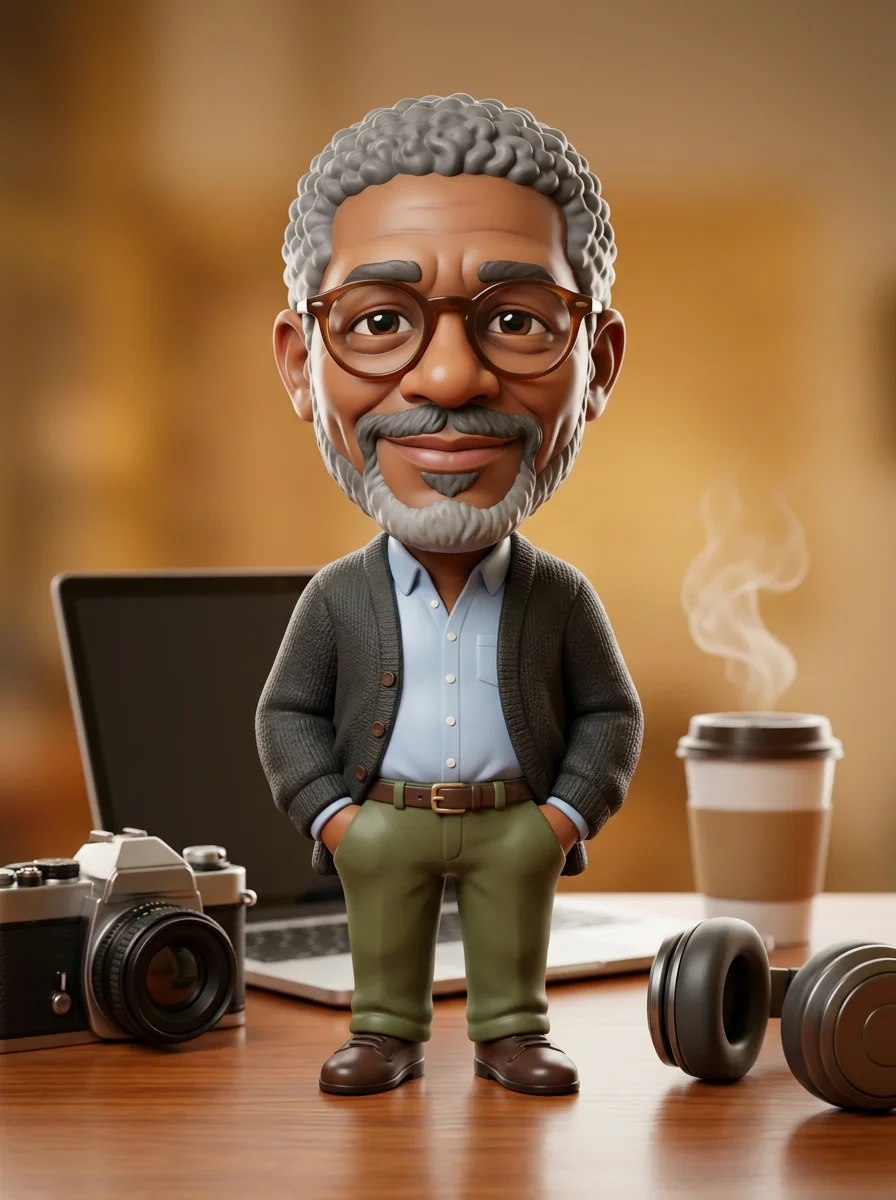 3D caricature of youA glossy collectible caricature: big head, tiny body, your outfit and a desk full of oversized props.Try itRecreate
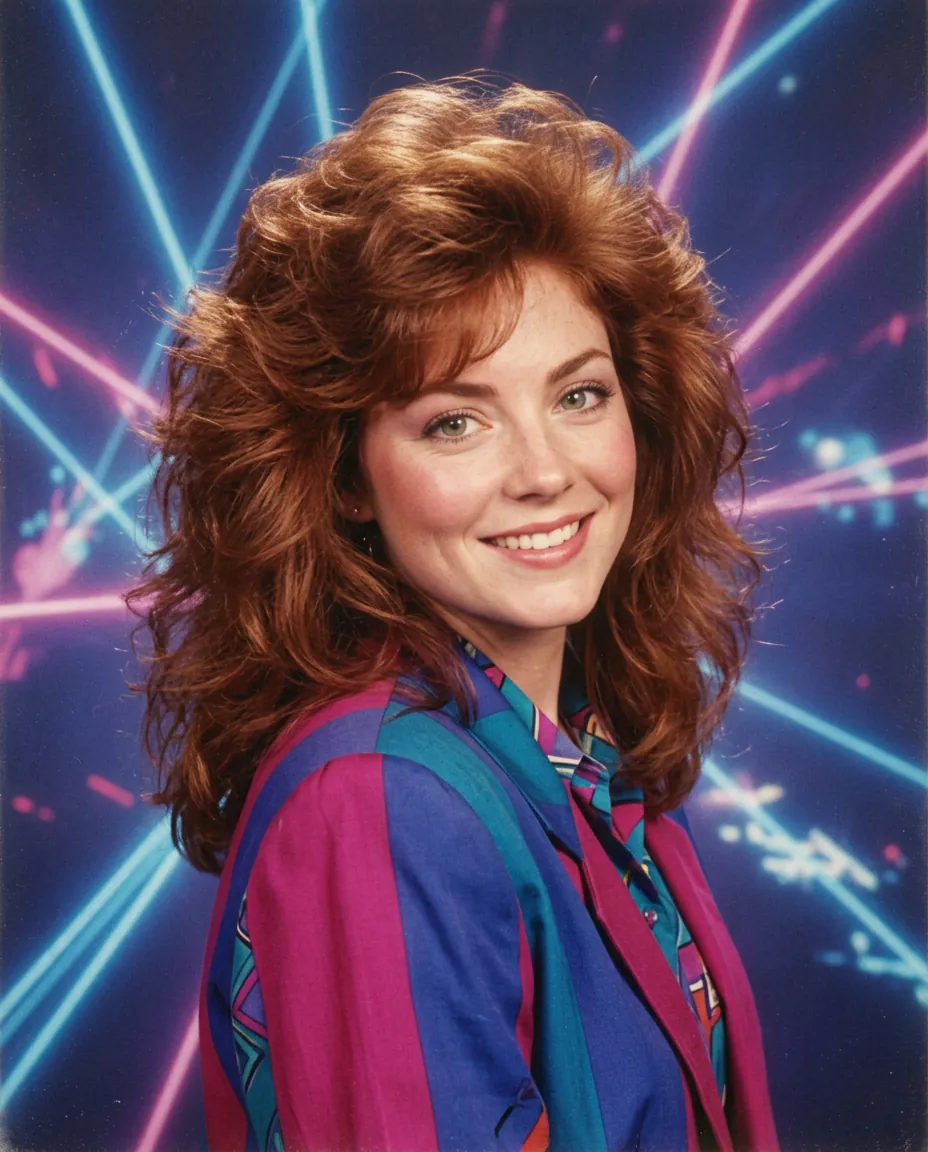 80s mall studio portraitBig feathered hair, shoulder pads and a laser backdrop, with your face kept the same.Try itRecreate

What the GTA 6–style loading screen effect does
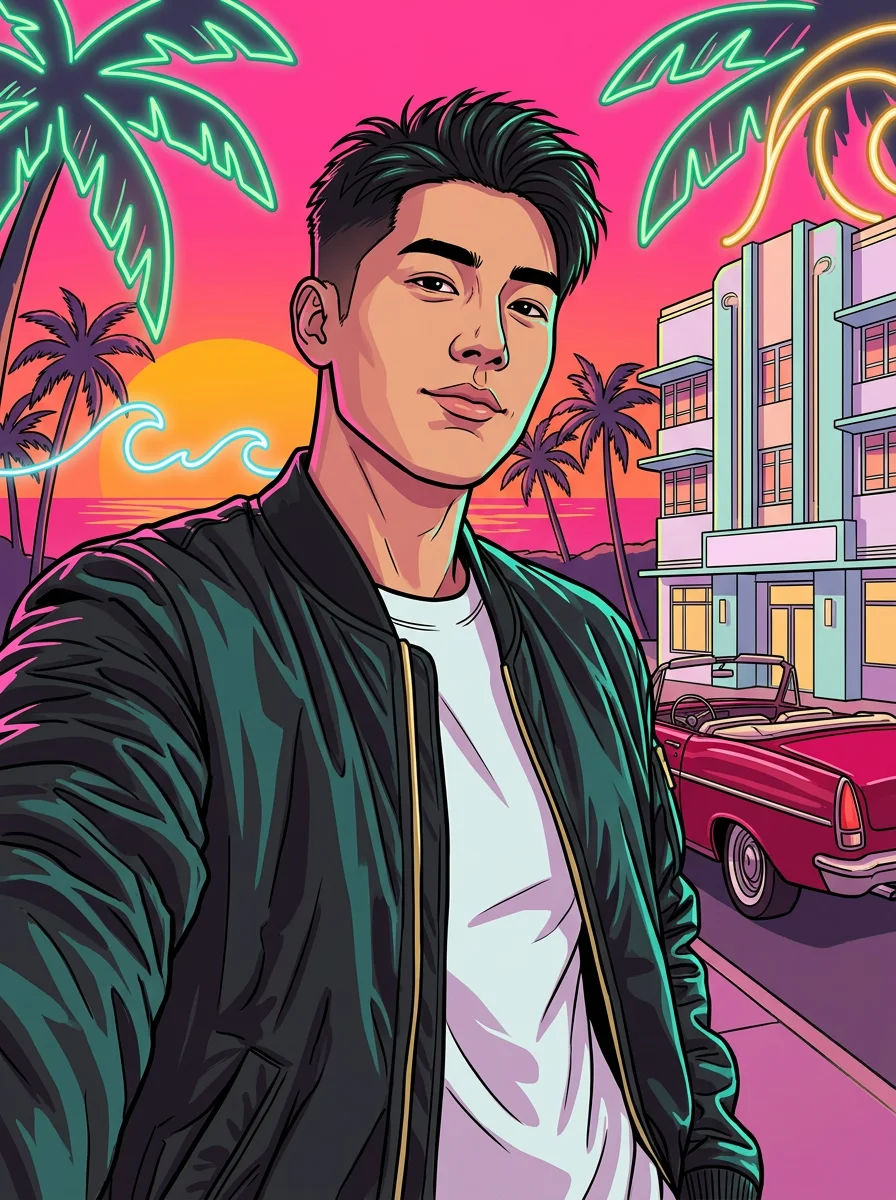
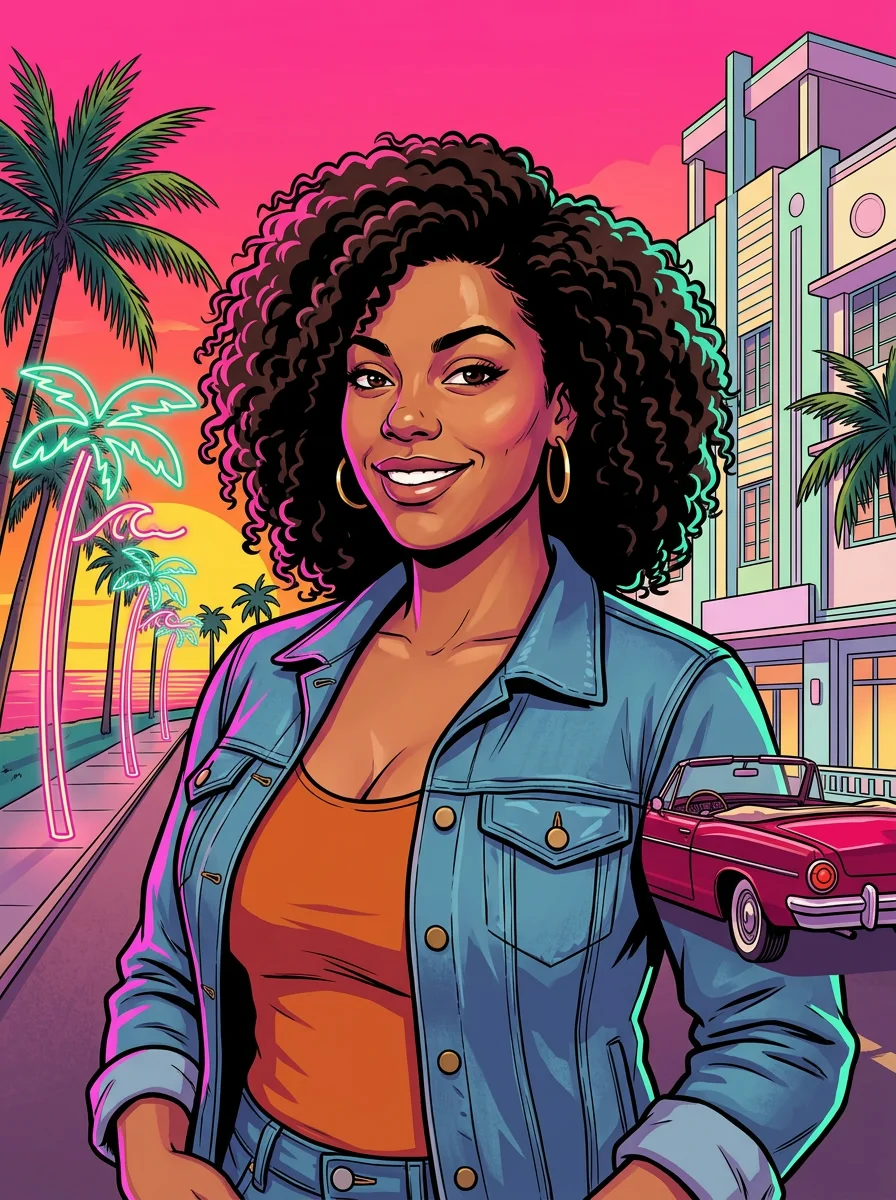
This loading-screen portrait repaints a person as bold illustrated key art. Thick outlines, flat shadows and bright painted highlights replace photographic texture, while palms, a tropical sunset and a red convertible establish the coastal setting. The result is a still image, not an animated loading sequence.
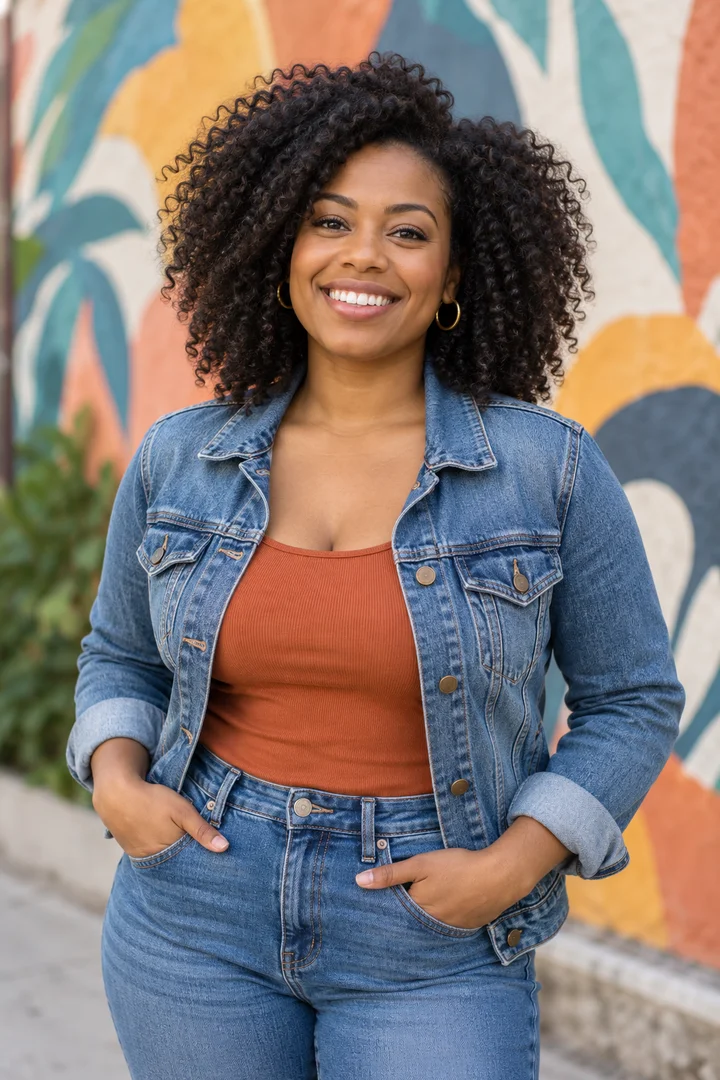
Choose a face with a recognizable hairstyle and outfit. Those personal details connect the new illustration to the source, even as the light changes to saturated magenta, teal and gold. A strong three-quarter pose gives the portrait a clear graphic silhouette.
The idea behind GTA 6–style loading screen
Tropical game artwork is a timely reference during the late-2026 conversation around GTA 6. Loading-screen-style illustration gives people a way to join that visual conversation through a personal portrait rather than a recreated game screenshot.
This independent interpretation borrows a broad graphic vocabulary: outlined figures, vivid evening colors and coastal scenery. It does not depict an official game character or suggest a connection with the game’s creators.
How to use GTA 6–style loading screen
- Choose the illustrated lead Upload one clear portrait with a recognizable outfit and hairstyle.
- Repaint the coastal scene Keep Nano Banana 2 to match the public key-art examples.
- Inspect lines and scenery Review the face, cel shading and background details before saving the still illustration.
Which photos work best for GTA 6–style loading screen
Works well
- A sharp face and complete hairstyle
- A clear outfit silhouette in a three-quarter pose
Avoid
- Heavy facial blur
- Several small people in a wide scene
GTA 6–style loading screen examples
What we saw when we tested GTA 6–style loading screen
In our test runs, the public Mateo, Kai and Zara images used thick outlines, flat color and painted highlights. The revised versions avoided the unwanted writing seen in the first attempted design.
The earlier Mateo attempt had a readable hotel word and malformed lettering. The prompt was revised to use decorative palm-leaf and wave-shaped neon tubes with a signless hotel facade, after which the three selected illustrations were clean in the supplied review.
How GTA 6–style loading screen does on each model
- Nano Banana 2 (54 credits · about 50 s) Default; Nano Banana 2 made the samples for 54 credits, with a typical render time of 50 seconds.
- Seedream 5.0 Flash (29 credits · about 45 s) Seedream 5.0 Flash costs 29 credits and is cheaper, but remains untested with this prompt; the published examples do not verify its finish.
The prompt behind GTA 6–style loading screen
Repaint this photo as bold video-game loading-screen key art: a hand-painted comic illustration with thick clean ink outlines, flat cel shading and crisp painterly highlights. Keep the person's face, hairstyle, skin tone and outfit recognizable, in a confident three-quarter pose that fills the frame, looking straight at the viewer. Behind them, a hot-pink and orange tropical sunset over a palm-lined ocean boulevard lit by neon tubes bent into palm-leaf and wave shapes, a cherry-red vintage convertible and a pastel art deco hotel facade with no signage. Saturated magenta, teal and gold palette, dramatic rim light. Absolutely no text, letters, words or lettered signs anywhere, no numbers, no logos, no title, no border.Tips for a better GTA 6–style loading screen result
- Use visible hair and clothing edges rather than a tightly cropped face that loses the illustrated silhouette.
- Inspect the background as well as the portrait if you need a clean composition without generated writing.
GTA 6–style loading screen: questions and answers
Is the loading-screen portrait a moving video?
This preset generates a still illustration with game-style key-art composition, rather than a video or functioning game loading screen.
What changed after the first coastal illustration attempt?
The revised instructions replaced lettered hotel signage with decorative neon shapes and a signless facade, producing the selected clean illustrations.
Will the illustration keep a photographic skin finish?
The intended treatment repaints the person with thick ink contours, cel shading and crisp painted highlights instead of photographic surface texture.
Which personal details guide the neon key-art identity?
The source face, hairstyle, skin tone and outfit provide the recognizable features within the new coastal composition.
Can I describe this portrait as official GTA 6 artwork?
Describe it as your independently generated GTA 6–style portrait, since the effect does not create an official game asset or imply affiliation.
Related effects and tools
- Comic Cover · You as the caped hero on a 1960s comic book cover.
- Retro Poster · You on a sunny 1960s travel poster by the sea.
- You in an open-world game · Your photo as a third-person screenshot from a sunny open-world video game.
- Explore another illustrated portrait style