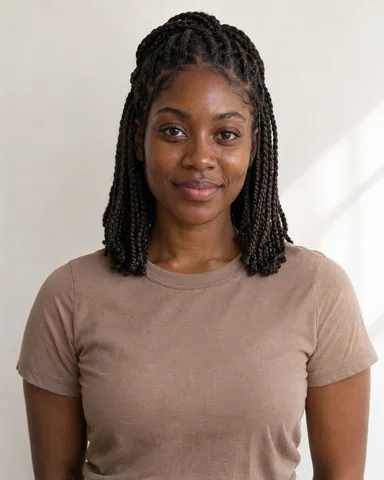
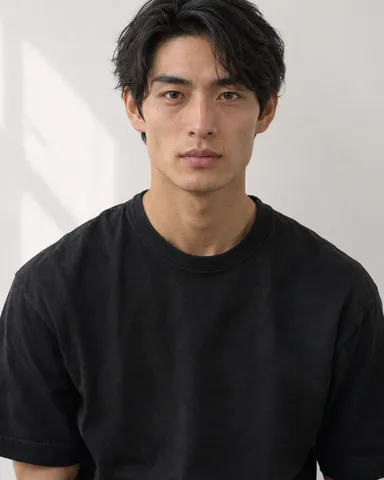
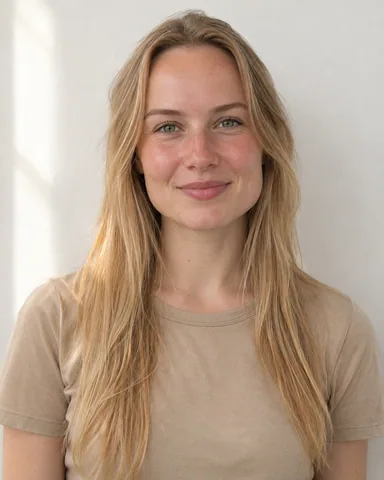
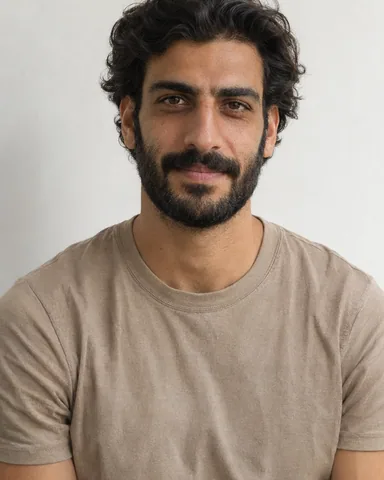
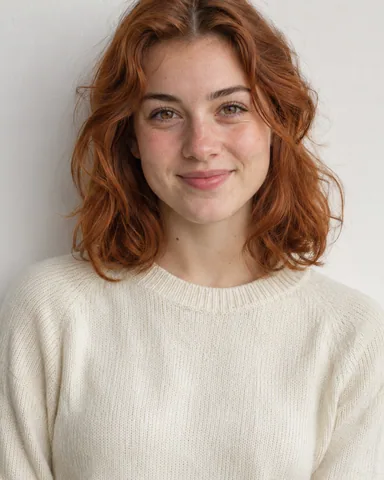
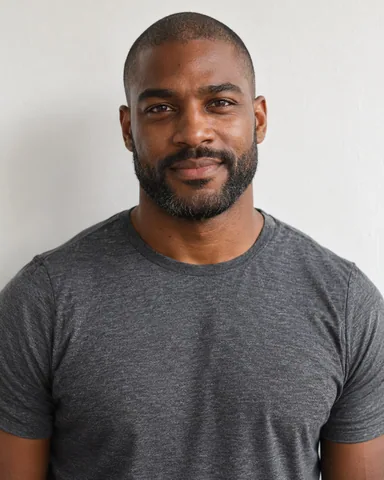
Virtual Creator invents a person who doesn’t exist, then keeps them posting. Pick a face and you get a whole persona: a name, three words for their vibe, a voice and a wardrobe. Their first week is planned for you. Each post is a place, an outfit and a shot, made from the same persona, with a caption in their voice and all platform sizes ready to export.
Virtual Creator is PopNow's studio for building a fictional online persona and running their posting calendar from one workspace. Instead of regenerating a disconnected portrait each time you need a post, you start with a single persona card that bundles a portrait, name, three-word personality vibe, speaking voice, wardrobe, optional multi-angle reference sheet, and a seven-day posting schedule.
Each session begins with zero credit spend. You can pick from 198 curated starting faces, inspect their wardrobe flat-lays and sample voice, rename them, and review a planned week of posts before generating anything. Credits are only charged when you explicitly click a priced shoot button, and the exact credit ceiling is always displayed directly on the button before you submit.
- Starting faces (zero credits to start)
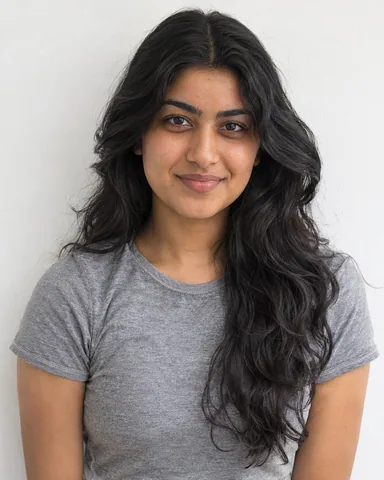
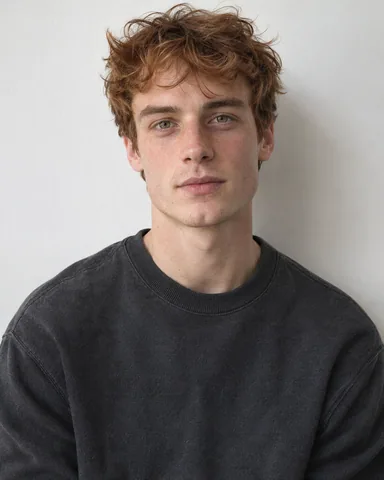
- Browse 198 pre-cleared portraits filtered by age group without binary gender buckets, or let Auto pick someone for you. Clicking any face opens a full preview where you can rename the persona, audition their real MP3 voice sample, inspect three default starter outfits, and jump straight into their desk. Because starting faces are shared templates, you can customize any detail later with Change one detail to make their face uniquely yours.
- Start from a photo
- Upload one to three clear photos of a real person after confirming explicit likeness permission. Virtual Creator runs two independent image models side by side and returns two portrait candidates so you can compare facial fidelity and lighting, keep the stronger match, and carry it straight into your persona's desk.
- Build from scratch
- Assemble an original human, stylized, or non-human creature persona using modular visual selectors covering character type, heritage, age, skin tone, build, eye shape, hair, distinctive marks, style, and accessories. Generate one or four portrait candidates in a single click, pick your favorite, and lock it in as your persona's anchor portrait.
Each new persona arrives with a seven-day default blueprint made of six single photos and one four-photo carousel set. Before shooting, each planned day combines an empty background plate with a flat-lay garment thumbnail and a draft caption written to match the persona's vibe. You can drag days to reorder the week, switch plan presets, edit captions inline, or open AI Replan to refresh the weekly theme for a single credit.
When you are ready to produce several days at once, open Shoot the week. The price sheet lists each planned day with an individual checkbox and its server-verified credit cap. Uncheck any day you want to skip, verify the total ceiling, and start the batch. Progress updates live in the header, you can stop the run at any moment, and you are only charged for shots that finish.
- Photo (1 or 4 takes)
- Combine a place from 49 empty location plates (or upload your own room or street photo), an outfit from the persona's wardrobe, and a framing option (Auto, Close-up, Half body, Full body, Selfie, or Outfit check). Shoot a single 4:5 photo or four takes at once; all takes remain saved on the post so you can compare them side by side with the before-and-after slider.
- Set (4 or 9 carousel photos)
- Generate a cohesive multi-photo carousel set in the same location and outfit while varying camera angle, distance, and pose across each frame. If one frame in a finished set needs another try, reshoot that individual cell without paying to regenerate the whole carousel.
- Video and Make it move
- Shoot a vertical 9:16 video post directly (5 or 10 seconds at 480p, 768p, or 2K), or take any finished photo and choose Make it move to animate that exact frame with a subtle natural action such as sipping coffee, laughing, looking back, or walking past.
- Change one thing
- On any finished photo, swap just the location, just the outfit, or just the framing. Virtual Creator edits directly from the current photo as its base image instead of starting over from scratch, keeping the rest of the take intact while preserving the previous take in history.
Open the Wardrobe tray to browse 119 clean flat-lay garments across full outfits, outerwear, tops, bottoms, one-pieces, shoes, and accessories—or upload up to four of your own garment photos. Virtual try-on dresses your persona in the selected pieces, shows a draggable before-and-after slider, and saves approved looks directly into their reusable wardrobe.
For stronger identity continuity across wide angles and full-body frames, open the Angles tray to generate missing 3/4, Side, and Full body reference views. Once saved, those extra angles are automatically attached as reference inputs alongside the main portrait in future photo and video shoots.
Works well- Well-lit, front-facing photos where the eyes, jawline, and hair are completely unobstructed.
- Single-person portraits with neutral or relaxed expressions and minimal color filters.
- Clean flat-lay or single-item garment photos on uncluttered backgrounds for accurate virtual try-on.
- Empty room or street photos with clear natural perspective when uploading a custom location plate.
Won’t work- Group shots, cropped silhouettes, or photos where sunglasses, hats, or hands cover the face.
- Heavily compressed screenshots, extreme beauty filters, or motion-blurred nighttime snapshots.
- Uploading photos of real people without explicit permission, or trying to imitate public figures.
Finished photos include a free Export sizes tool with instant crops for seven social platform aspect ratios (Instagram 4:5, 1:1, Stories 9:16, TikTok, YouTube Shorts, X, and LinkedIn). From the weekly calendar, export a complete Publish pack containing Calendar reminders (.ics), a UTF-8 Schedule sheet (.csv), and a Captions & AI disclosure file (.txt) so you stay in full control of posting on your own channels.
Your saved persona card lives in your shared PopNow character library. Because both their portrait and voice travel with the card, you can open the same persona inside Talking Avatar for scripted speech, Content Factory for recurring video shows, Short Drama for multi-character scenes, and Film Maker for cinematic sequences.
How does Virtual Creator keep the same face across posts?
Each post is generated from the same persona card: the portrait, the angles you add and the outfit you pick go into each shot together.
Do I pay to pick a face?
No. The starting faces already have a portrait, so picking one, naming them and planning the week cost nothing. You pay when you shoot a post, and the price is on the button.
Can I build someone from scratch?
Yes. Build from scratch gives you full visual controls: character type, age, hair, features, style and accessories. Or start from your own photo.
Can I take my persona to other studios?
Yes. The persona card carries the face and voice into Talking Avatar, Content Factory, Short Drama and Film Maker.