


by MeituanVideoNew
LongCat Avatar 1.6
A portrait speaks or sings your recording, up to 64 seconds
- Up to 720p
From 48 credits per second of video≈ $0.048· 480p
What is LongCat Avatar 1.6?
LongCat Avatar 1.6 is Meituan's talking-avatar model. It animates one portrait from a recording of speech or singing up to 64 seconds long, moving the lips, face, head and shoulders with the voice, and an optional line of direction can set the mood and movement.
Best on PopNow for: Talking-head intros, lessons and short announcements from a single photo, and singing clips from a song excerpt.
Good for
- Talking-head intros, lessons and announcements from a single portrait
- Lip-synced singing clips from a song excerpt
- Presenter segments that need to run close to a minute in one piece
What LongCat Avatar 1.6 does well
Clear mouth shapes
Our potter read an eight-second line about firing bowls, and her lips opened and closed in step with the words, with teeth showing naturally, while freckles, hair and cardigan stayed the same from first frame to last.
Speech or singing
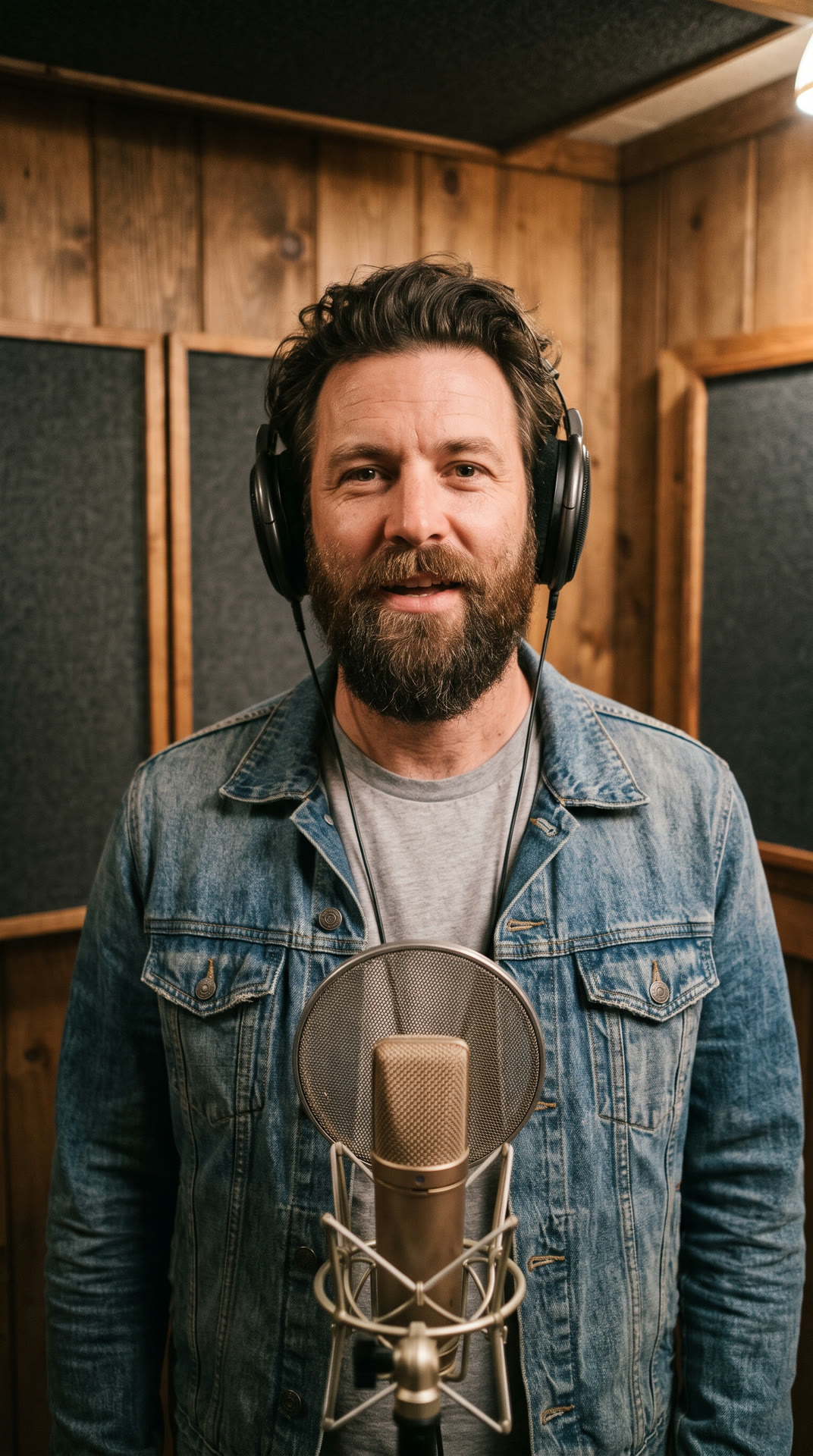
The recording can be a song. A bearded singer in a recording booth performed eight seconds of a road-trip folk song, holding the long notes and nodding gently with the beat.
Close to a minute in one piece
Recordings can run up to 64 seconds, long enough for a lesson intro or a product explanation without stitching several clips together.
Real results from LongCat Avatar 1.6
 Input
Bring your own image
 Input
Bring your own image
Prompts that worked on LongCat Avatar 1.6
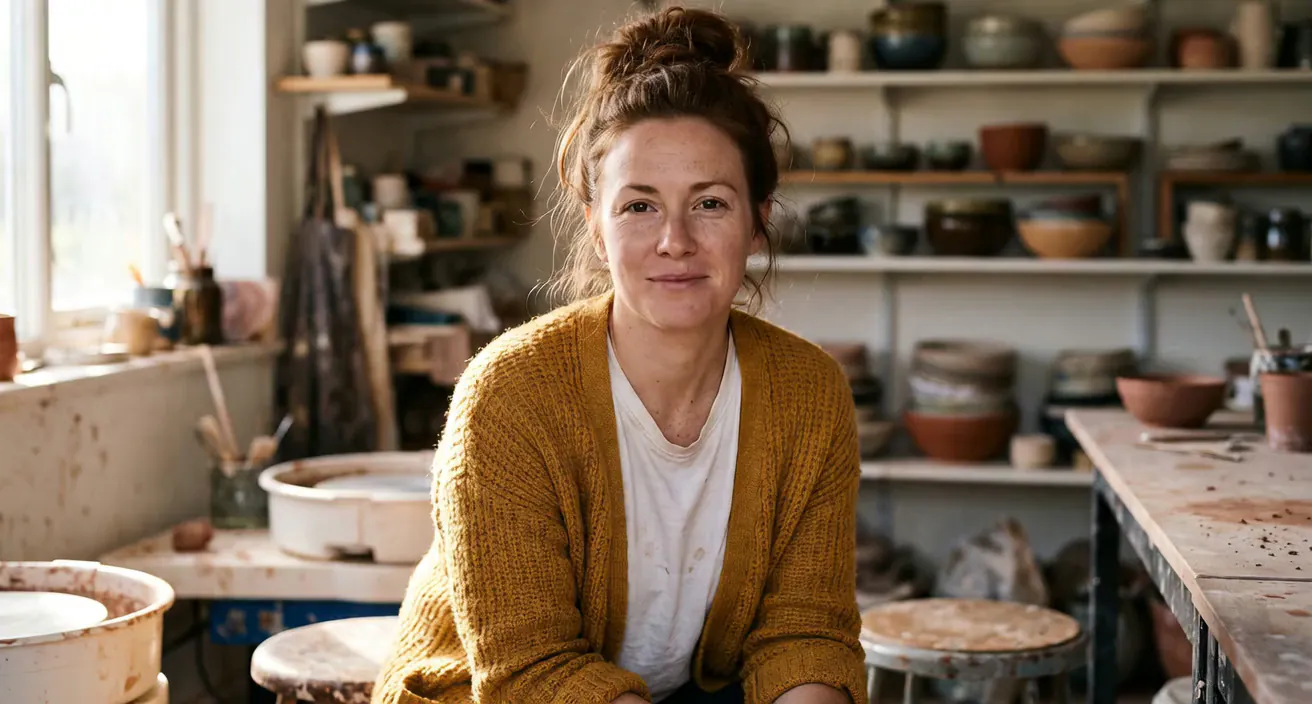
She talks to the camera in a warm, relaxed way, small natural head movements and a smile at the end.
The direction is one sentence about manner, warm, relaxed, small head movements, a smile at the end, and says nothing about the words, because the recording already decides them. She did smile on the last word.
RecreateWhat LongCat Avatar 1.6 can do

Best ways to use LongCat Avatar 1.6 on PopNow
How to prompt LongCat Avatar 1.6
- Use a photo where the face looks into the lens. Our first singer was turned three-quarters away, the model turned him further into profile and his face drifted; a straight-on portrait kept the same man for the whole song.
- Cut the recording to exactly what should be said or sung. Billing starts at three seconds and every started second counts.
- Keep the prompt about performance, not words: the audio decides what is said, the prompt decides warmth, nods and where the eyes go.
Settings worth knowing
Resolution480p · 720p- Choose an available output size.
Image- The picture to start from.
Audio- The voice or music track to use.
Seed0–2147483647- Use the same seed and settings for more controlled comparisons.
How it compares
OmniHuman 1.5 stops at 60 seconds of audio and costs more per second. LongCat Avatar 1.6 takes up to 64 seconds and has a 480p tier at half its 720p price for drafts.



Where LongCat Avatar 1.6 falls short
720p costs twice the 480p rate, and both are billed by the length of the recording, not by a duration you choose.
- Portraits turned away from the camera can drift in identity once the head turns further; a straight-on photo held up best in our tests.
- The recording must be 64 seconds or shorter, and anything under three seconds is billed as three.
- Output is 480p or 720p; there is no 1080p option.
- It animates the person in the photo, not the scene: the camera does not move.
How to use LongCat Avatar 1.6 in three steps
- Choose LongCat Avatar 1.6 and upload a clear portrait where the face looks into the lens.
- Add a speech or singing recording of up to 64 seconds and, if you like, one sentence about the mood.
- Draft at 480p, then render the version you keep at 720p.
Questions about LongCat Avatar 1.6
Can LongCat Avatar 1.6 make a photo sing?
Yes. Upload a song excerpt as the audio and the portrait sings it, holding the notes and moving with the rhythm.
How long can the video be?
As long as the recording, up to 64 seconds. Recordings shorter than three seconds are billed as three.
How much does LongCat Avatar 1.6 cost?
It is billed per second of audio: eight seconds at 720p costs 768 credits, and 480p costs half as much.
What kind of photo works best?
A sharp portrait with the face toward the camera and the mouth visible. Three-quarter views can change the face when the head turns.
Do I need to write a prompt?
No. The prompt is optional; use it for expression and movement, not for the words, which come from the recording.
LongCat Avatar 1.6 or OmniHuman 1.5?
OmniHuman 1.5 stops at 60 seconds of audio and costs more per second. LongCat Avatar 1.6 takes up to 64 seconds and has a 480p tier at half its 720p price for drafts.
Make something with LongCat Avatar 1.6
Pick a face that looks into the lens, give it the words, and let LongCat Avatar 1.6 perform them.