


by Black Forest LabsImage
FLUX.1 Kontext Pro
Draw a scene from text, then edit faces, outfits and lettering in place
- 6 aspect ratios
From 28 credits per image≈ $0.028· Create Image
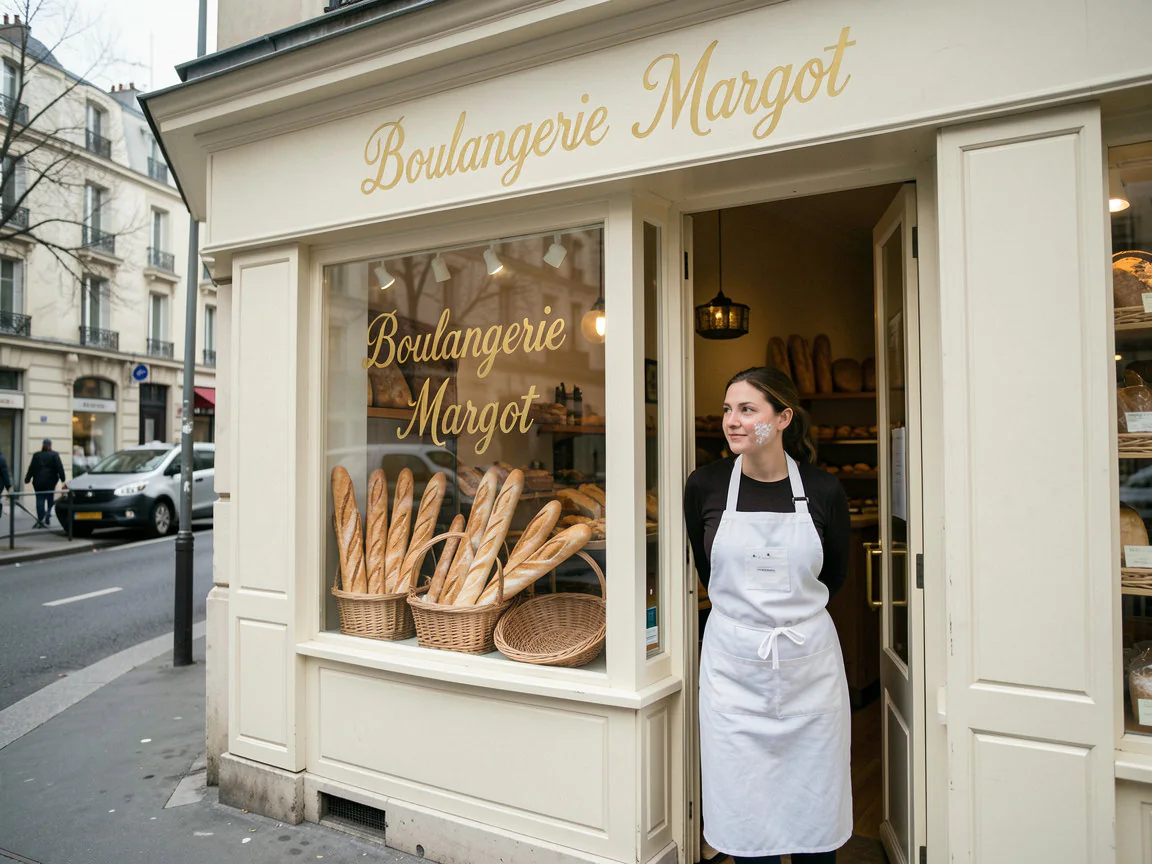
Real results from FLUX.1 Kontext Pro
Create Image

Create Image
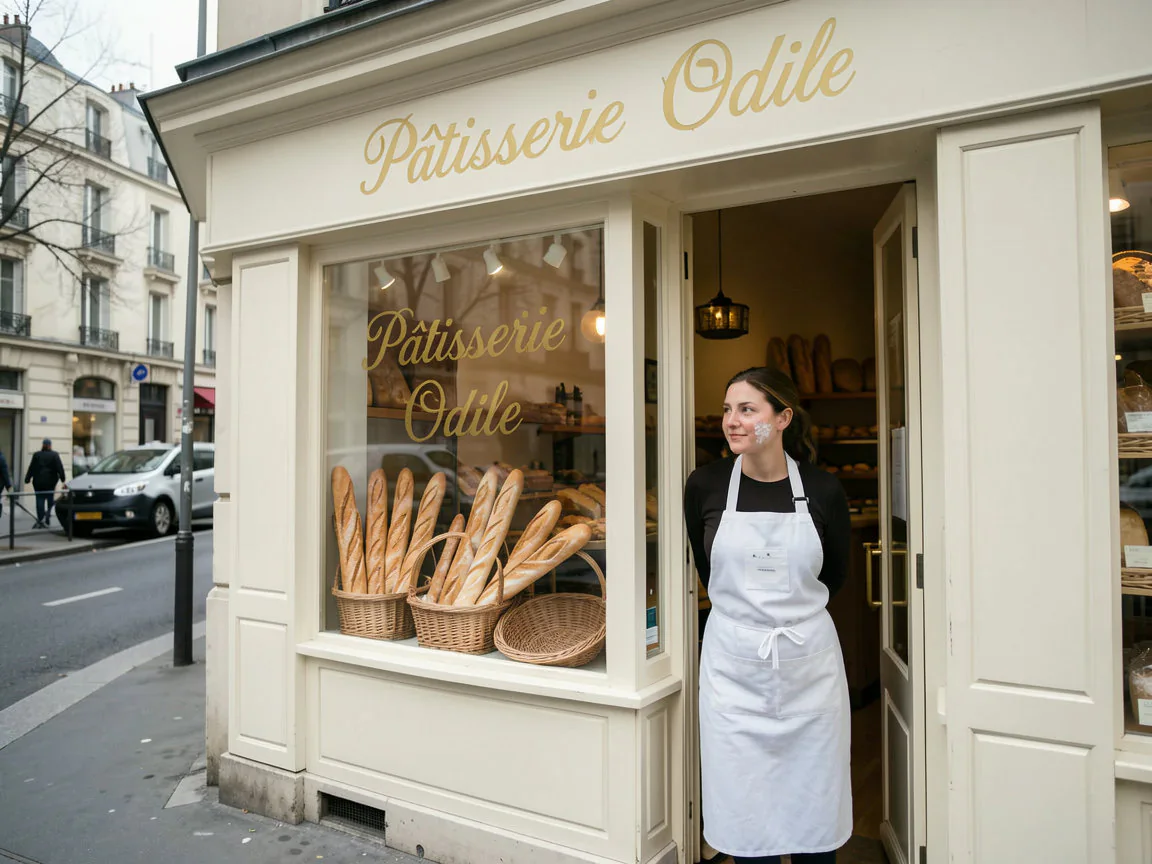 Input
Edit Image
Bring your own image
 Input
Edit Image
Bring your own image
What FLUX.1 Kontext Pro can do


Settings worth knowing
Aspect ratio1:1 · 16:9 · 9:16 · 4:3 · 3:4 · 21:9- The shape of the frame: wide, square or tall.
Image- The picture to start from.
Prompt boost- Lets the model add detail to a short prompt.
Formatjpeg · png- File type of the result.
Similar models
FLUX.1 Kontext ProThis modelFrom 28 credits
FLUX.2 MaxTop-tier FLUX: photoreal light and exact brand colorsFrom 70 creditsper imageNano Banana 2.1Google's newest Nano Banana, sharp text and 4K outputFrom 22 creditsper imageFLUX.3 ImageBlack Forest Labs' photoreal model: 1024×1024 square images and 4-image editsFrom 41 creditsper imageNano Banana ProPlans the layout first: dense text, diagrams and 4K editsFrom 67 creditsper imageGPT Image 2.5 SunburstOpenAI's quality-first model, up to 4K with clean textFrom 2 creditsper imageSeedream 5.0 ProHigh-detail images and edits from up to ten referencesFrom 36 creditsper image

Questions about FLUX.1 Kontext Pro
How much does FLUX.1 Kontext Pro cost?
On PopNow, FLUX.1 Kontext Pro starts at 28 credits ($0.028) per image.
What can FLUX.1 Kontext Pro do?
On PopNow, FLUX.1 Kontext Pro works in these modes: Create Image and Edit Image. Pick one in the studio and add a prompt or an upload.
Do I need to install anything to use FLUX.1 Kontext Pro?
No. FLUX.1 Kontext Pro runs in your browser on PopNow: write a prompt or add a file, choose the settings and download the result. Sign up and you can generate straight away.