


by ElevenLabsAudioNew
ElevenLabs Sound Effects V3
Effects and ambience up to 30 seconds from a description, with seamless loops
- 1–30s clips
From 12 credits for a 5-second clip≈ $0.012
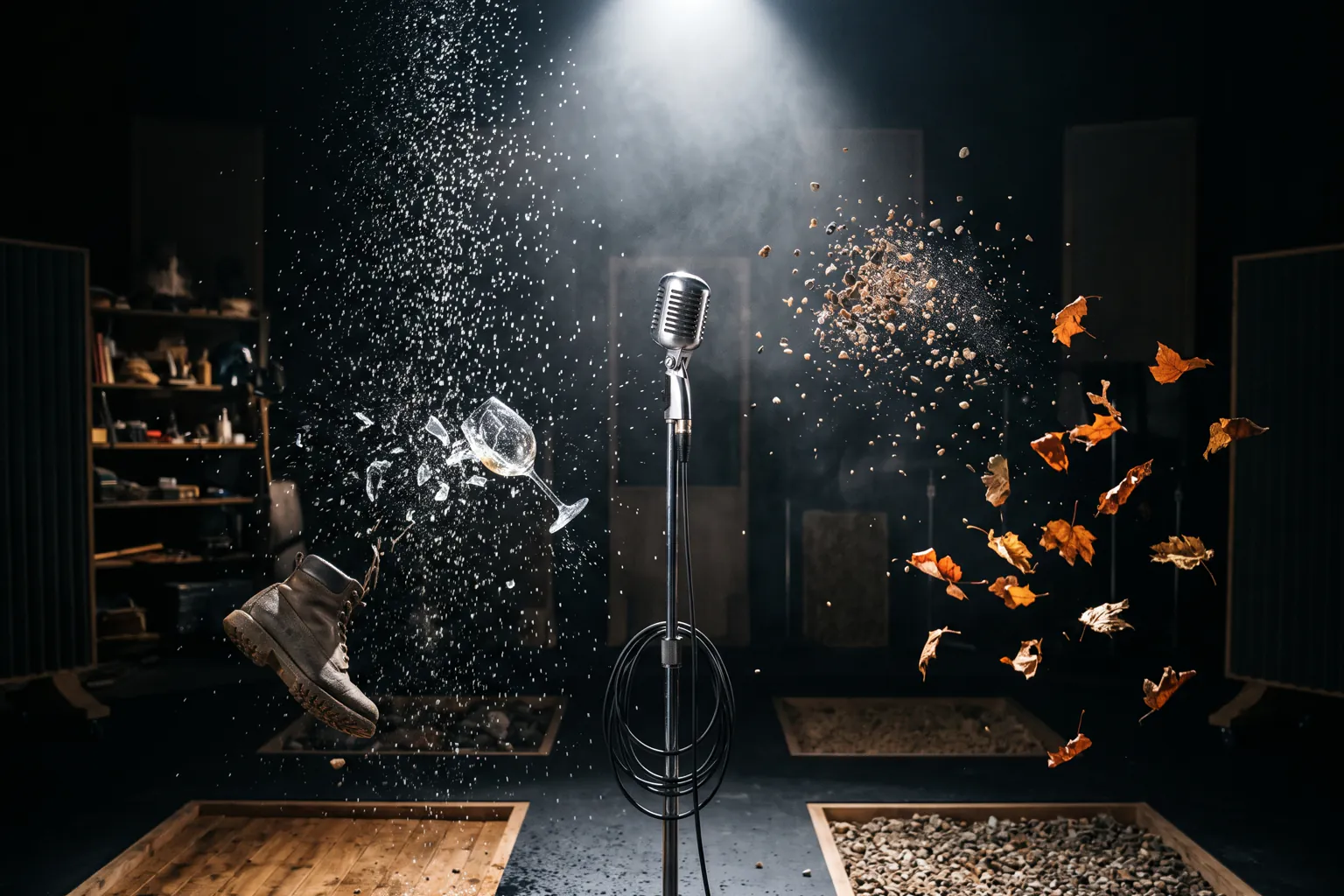 ElevenLabs Sound Effects V3
What is ElevenLabs Sound Effects V3?
ElevenLabs Sound Effects V3 is ElevenLabs' text-to-sound model. It turns a written description into a sound effect or ambience of 1 to 30 whole seconds, can make the clip loop seamlessly, and lets you adjust how strictly it follows the description.
Best on PopNow for: Foley and impacts for video edits, ambience loops for games and long scenes, and quick placeholder sound while a cut is still changing.
Good for
- Foley for edits: footsteps, impacts, doors and vehicles passing
- Background loops for games, apps and long scenes
- Quick sound for a rough cut before the final mix
What ElevenLabs Sound Effects V3 does well
Several sounds in the order you write them
ElevenLabs says V3 follows multi-part descriptions more closely than V2. Our hover car came in from the left with a rising whine, rushed past with a deep push of air and faded to the right, in exactly the order of the description.
Short hits stay short
A three-second request for a bottle smashing on concrete gave one sharp crash and the shards skittering to a stop, all inside the three seconds.
Loops for long scenes
Switch on looping and the clip is made to repeat smoothly. Our ten-second tin-roof rain kept an even level from start to end, so the seam does not jump when it repeats.
Real results from ElevenLabs Sound Effects V3
Prompts that worked on ElevenLabs Sound Effects V3
A futuristic hover car approaches from the left and passes close by at high speed: a rising electric whine, a deep rush of air, a Doppler shift as it races away to the right.
The description is a timeline, approach, pass, fade, with a direction for each part, left to right. Naming the stages gives the model a shape to follow instead of one undefined whoosh.
RecreateSlow footsteps crunching through fresh deep snow in a silent pine forest, a little powder sliding off a branch, one crow calling far away.
Footsteps alone can sound like anything; adding the surface (deep snow), the pace (slow) and one small extra event (powder sliding off a branch) places the sound in a believable space.
RecreateWhat ElevenLabs Sound Effects V3 can do

Best ways to use ElevenLabs Sound Effects V3 on PopNow
How to prompt ElevenLabs Sound Effects V3
- Describe the events in the order you want to hear them: approach, pass, fade. Our hover car rose, rushed past and trailed off to the right in that order.
- Match the length to the sound. Three seconds was enough for a bottle to smash and its shards to settle, with no dead air at the end.
- Loops come back much quieter than one-shot effects (our tin-roof rain averaged about -43 dB), so raise the gain in your editor before you judge one.
Settings worth knowing
Duration1–30s- Length of the generated clip.
How it compares
Seed Audio 1.0 builds whole scenes with voices, music and effects in one track. Sound Effects V3 is the cleaner choice for a single effect or a speech-free loop you will layer yourself.

Where ElevenLabs Sound Effects V3 falls short
Lengths are whole seconds from 1 to 30, billed per second of the length you request.
- Lengths are whole seconds from 1 to 30; anything longer has to be built from several clips or a loop.
- Loops come back much quieter than one-shot effects, so raise the gain in your editor before mixing.
- It makes effects and ambience; for dialogue or music, choose a speech or music model.
How to use ElevenLabs Sound Effects V3 in three steps
- Open the audio workspace and choose ElevenLabs Sound Effects V3.
- Describe the source, the surface or space, and the order of events; set the length in seconds and switch looping on for ambience.
- Listen, then raise prompt influence if the result wanders from the description.
Questions about ElevenLabs Sound Effects V3
How much does ElevenLabs Sound Effects V3 cost?
On PopNow, ElevenLabs Sound Effects V3 starts at 12 credits ($0.012) for a 5-second clip.
How long can a sound effect be?
Any whole number of seconds from 1 to 30.
Can it make seamless loops?
Yes. Turn on looping and the clip is designed to repeat smoothly, which suits rain, crowds, engines and room tone.
How much does Sound Effects V3 cost?
It is billed per second of the length you choose: a five-second effect costs 12 credits and the full 30 seconds costs 72 credits.
What does prompt influence do?
It sets how strictly the sound follows the description, from 0 to 1. The default of 0.3 leaves room for variation; raise it when details are being missed.
How should I write a sound description?
Name the source, where it happens and what happens over time, in the order you want to hear it.
ElevenLabs Sound Effects V3 or Seed Audio 1.0?
Seed Audio 1.0 builds whole scenes with voices, music and effects in one track. Sound Effects V3 is the cleaner choice for a single effect or a speech-free loop you will layer yourself.
Make something with ElevenLabs Sound Effects V3
Write the sound as a tiny timeline, set the seconds, and layer the result straight into your edit.