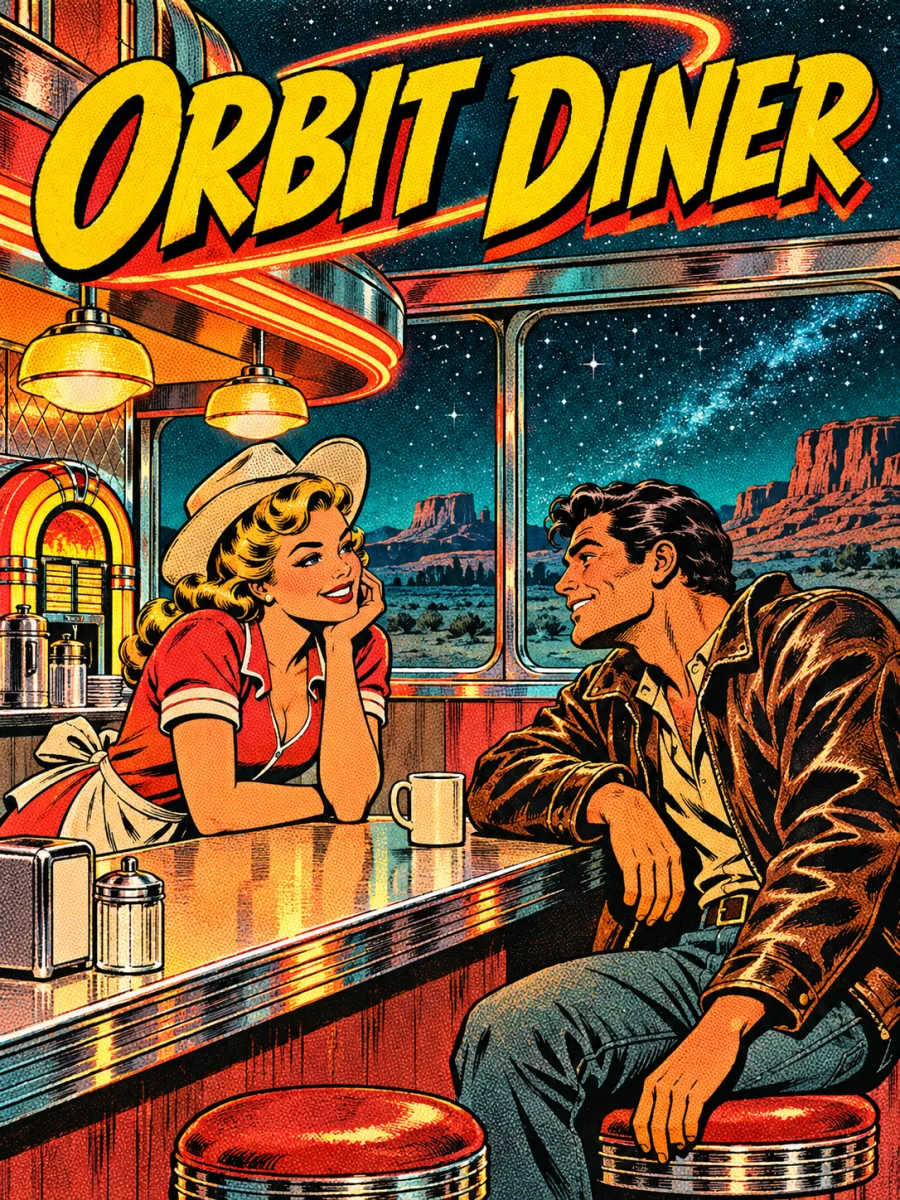
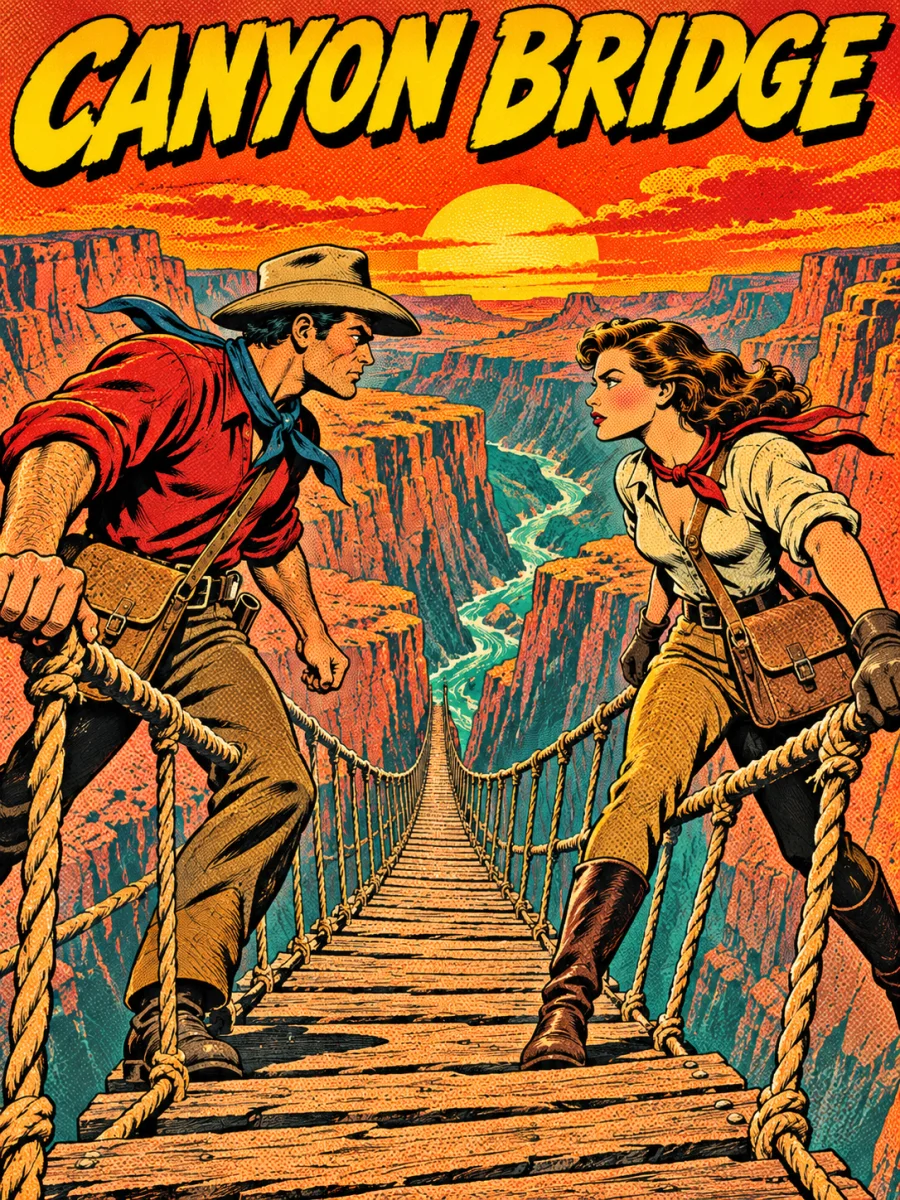
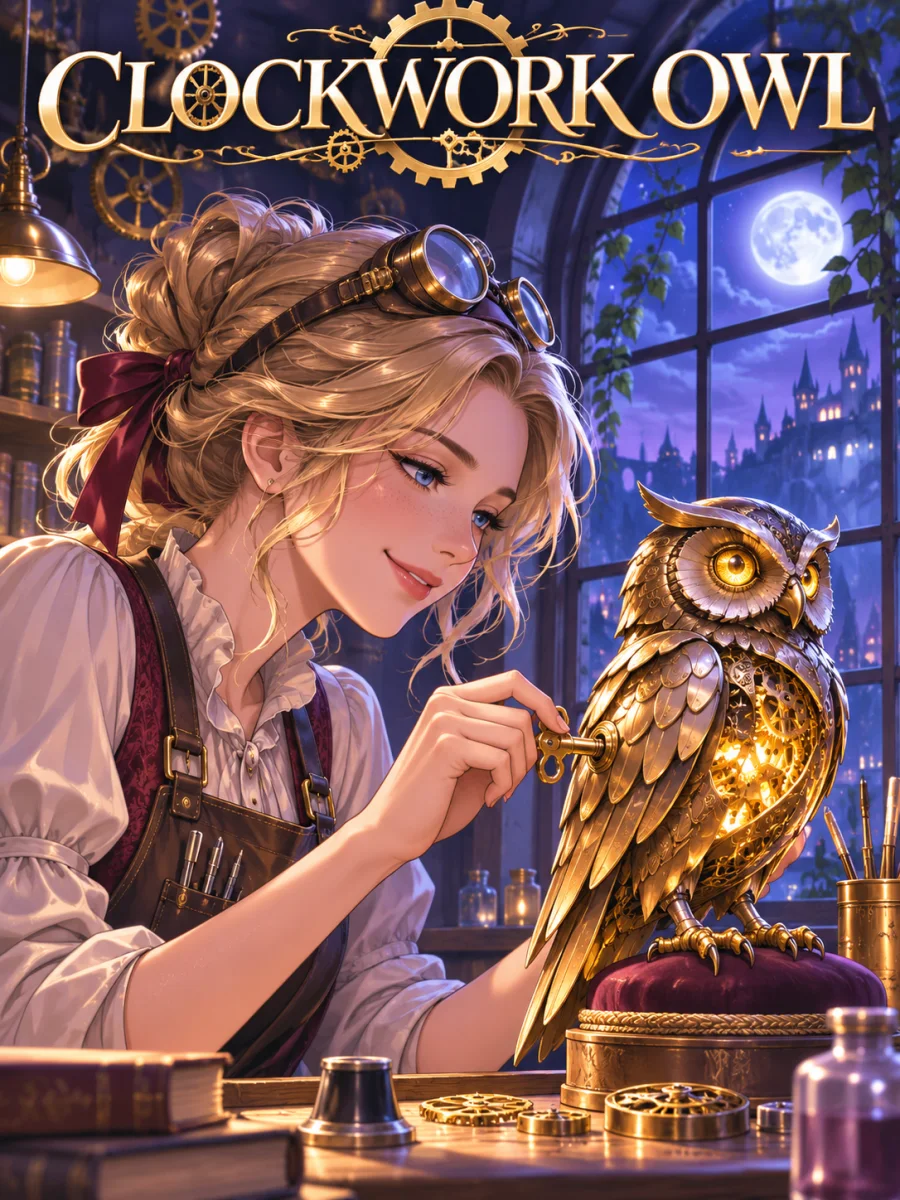
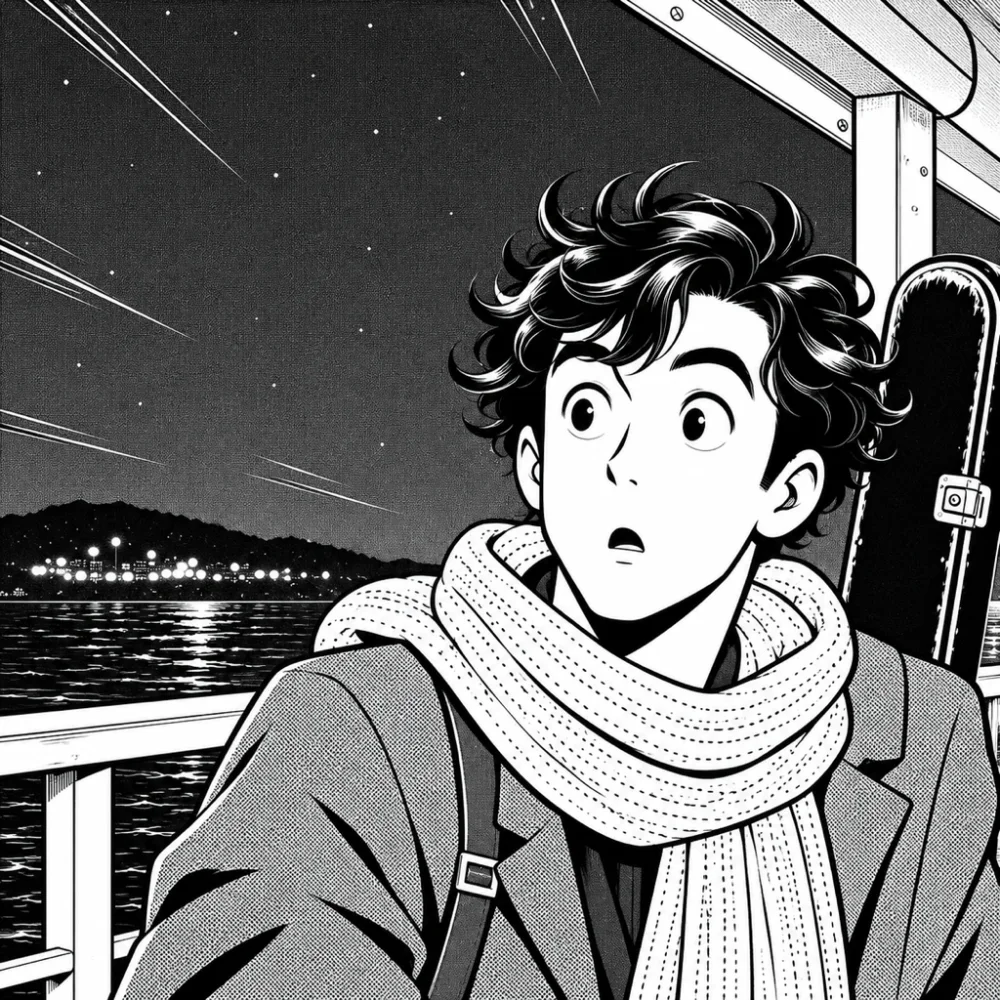
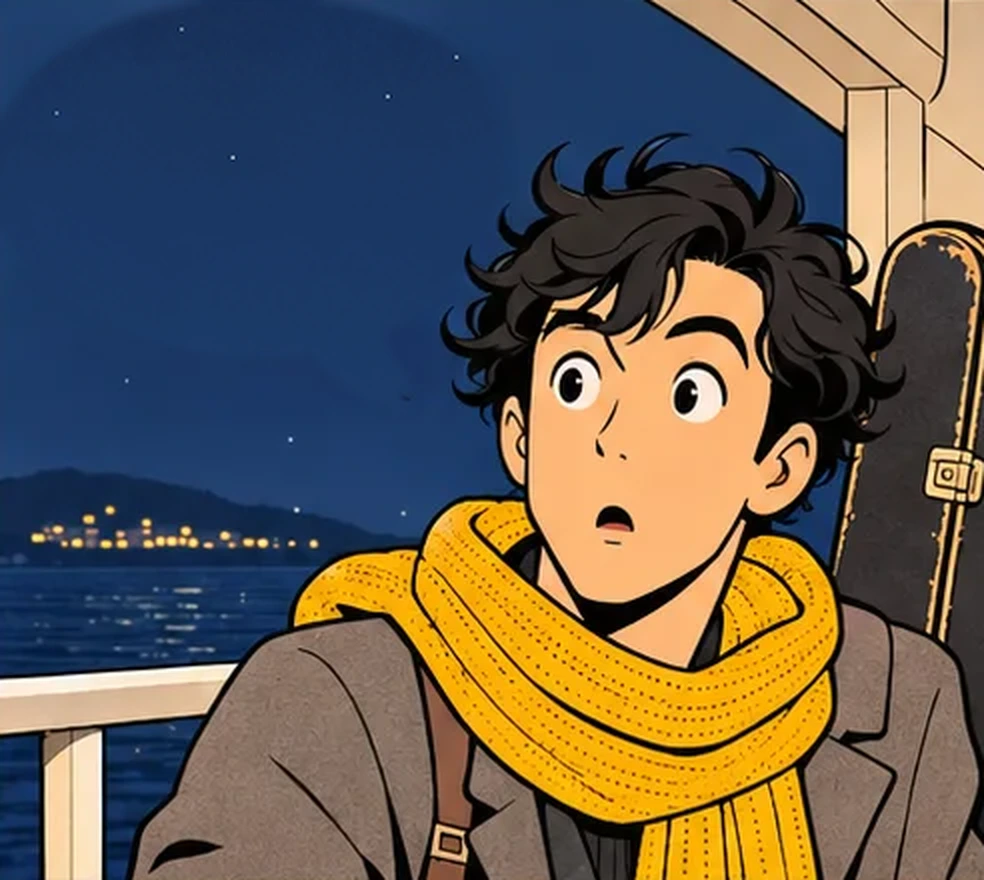
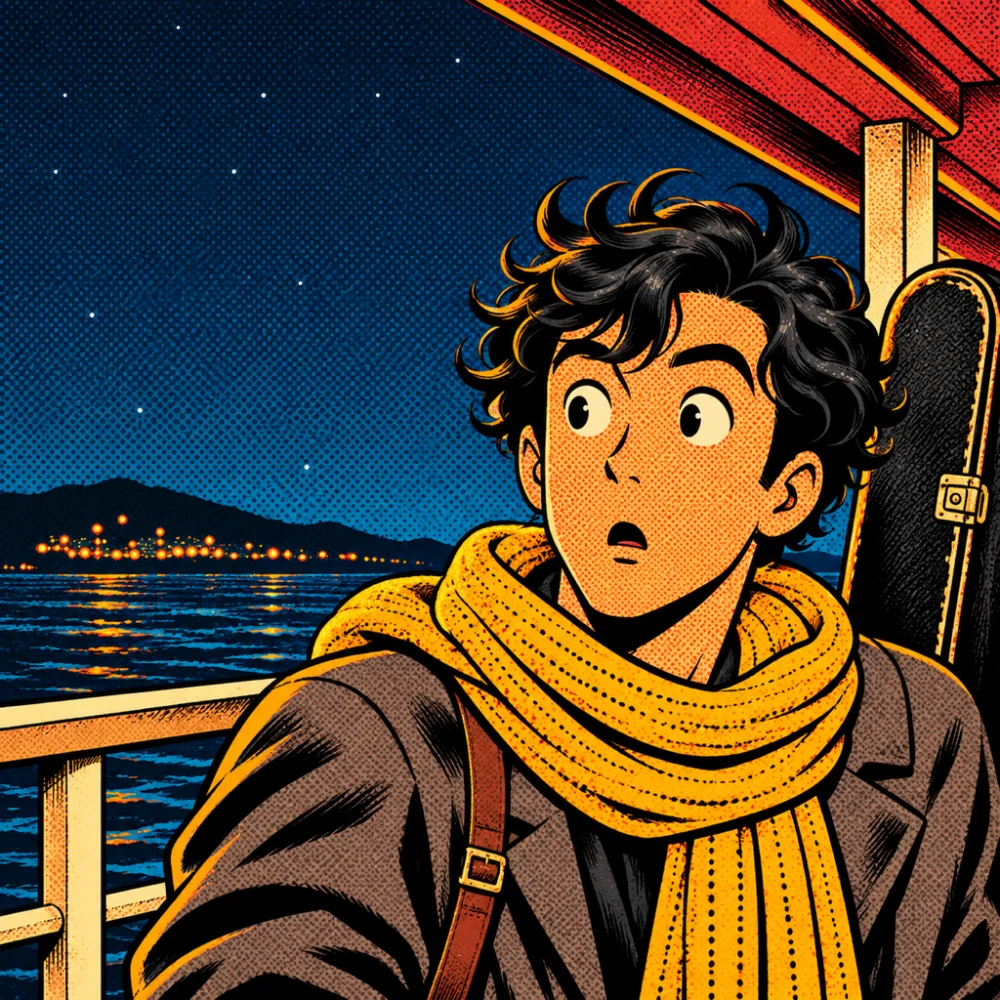
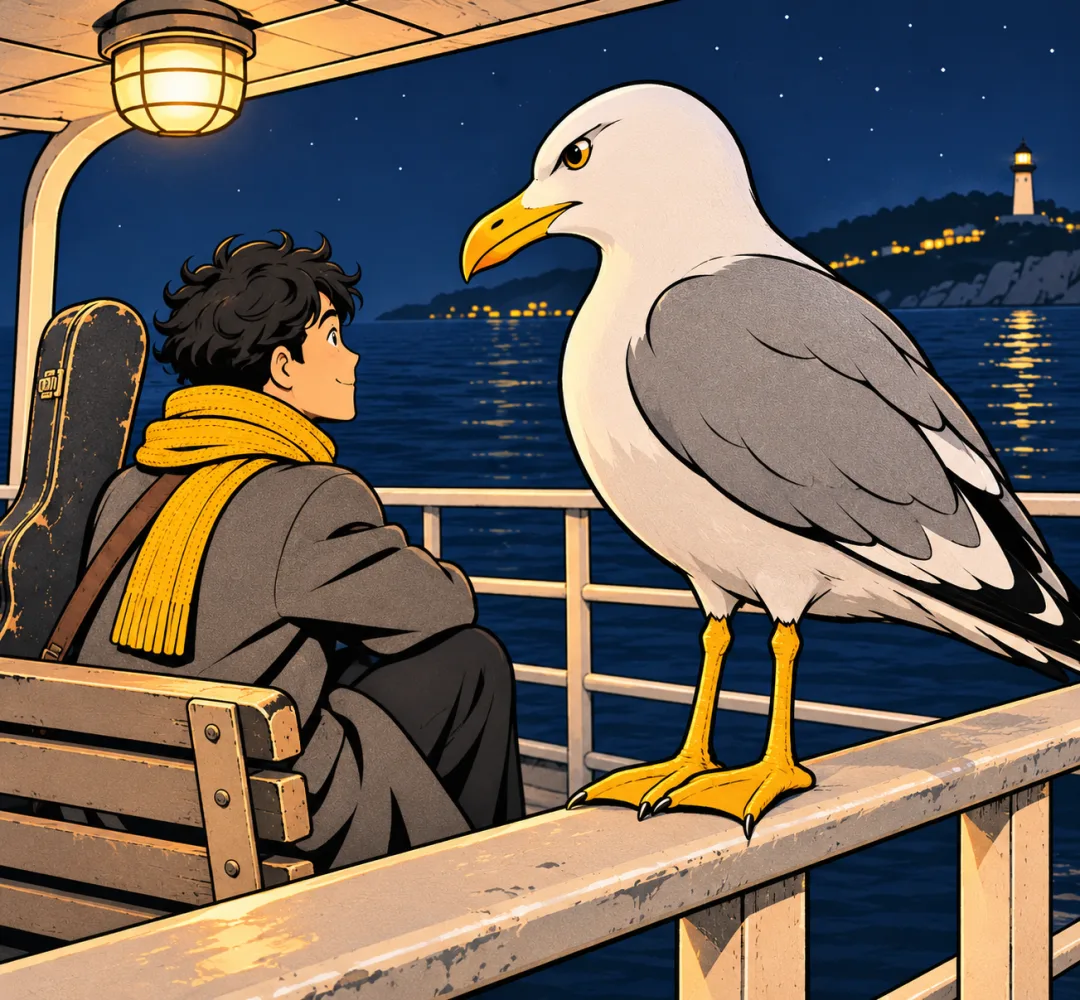
What is PopNow Comic Maker?
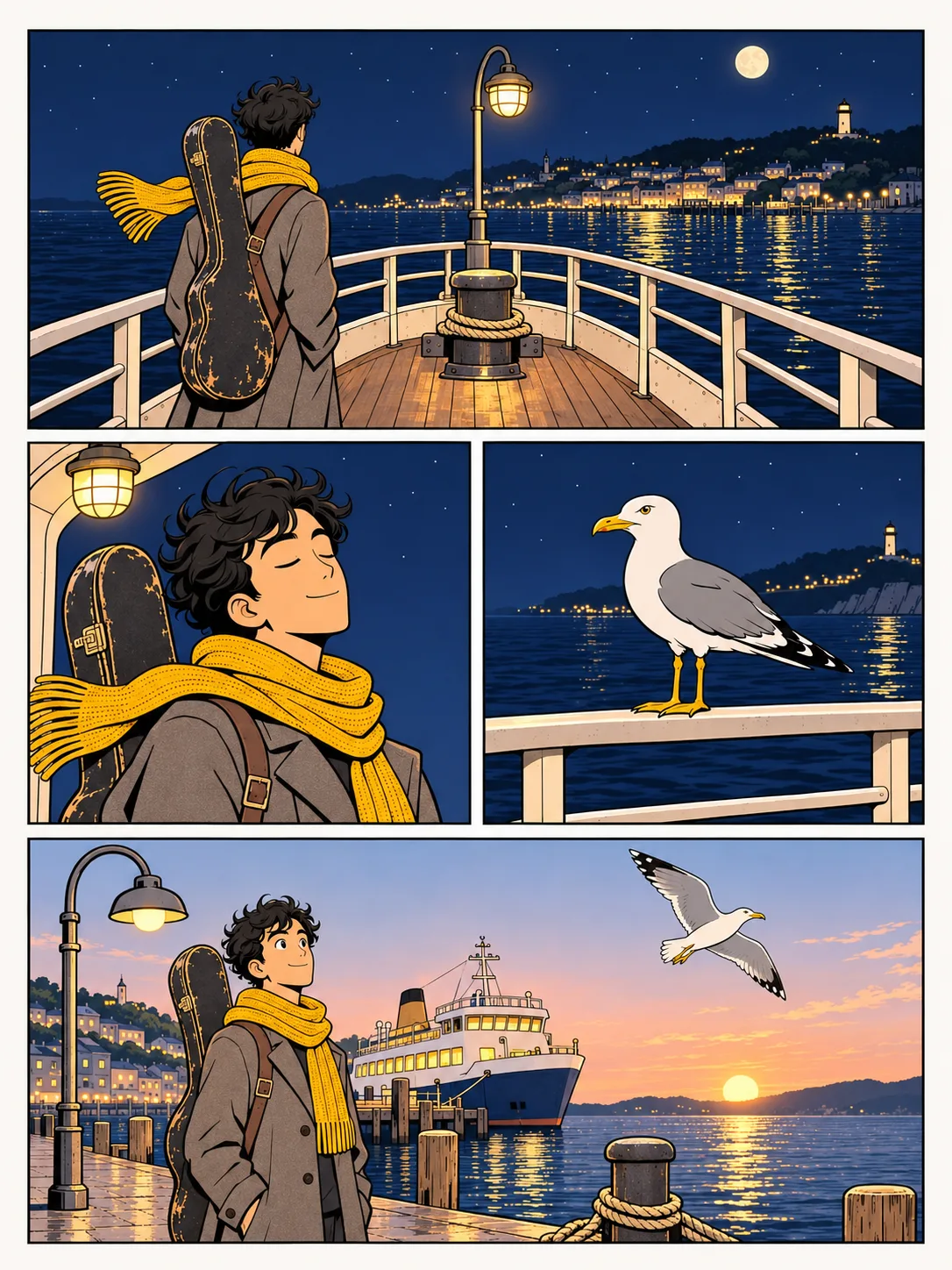
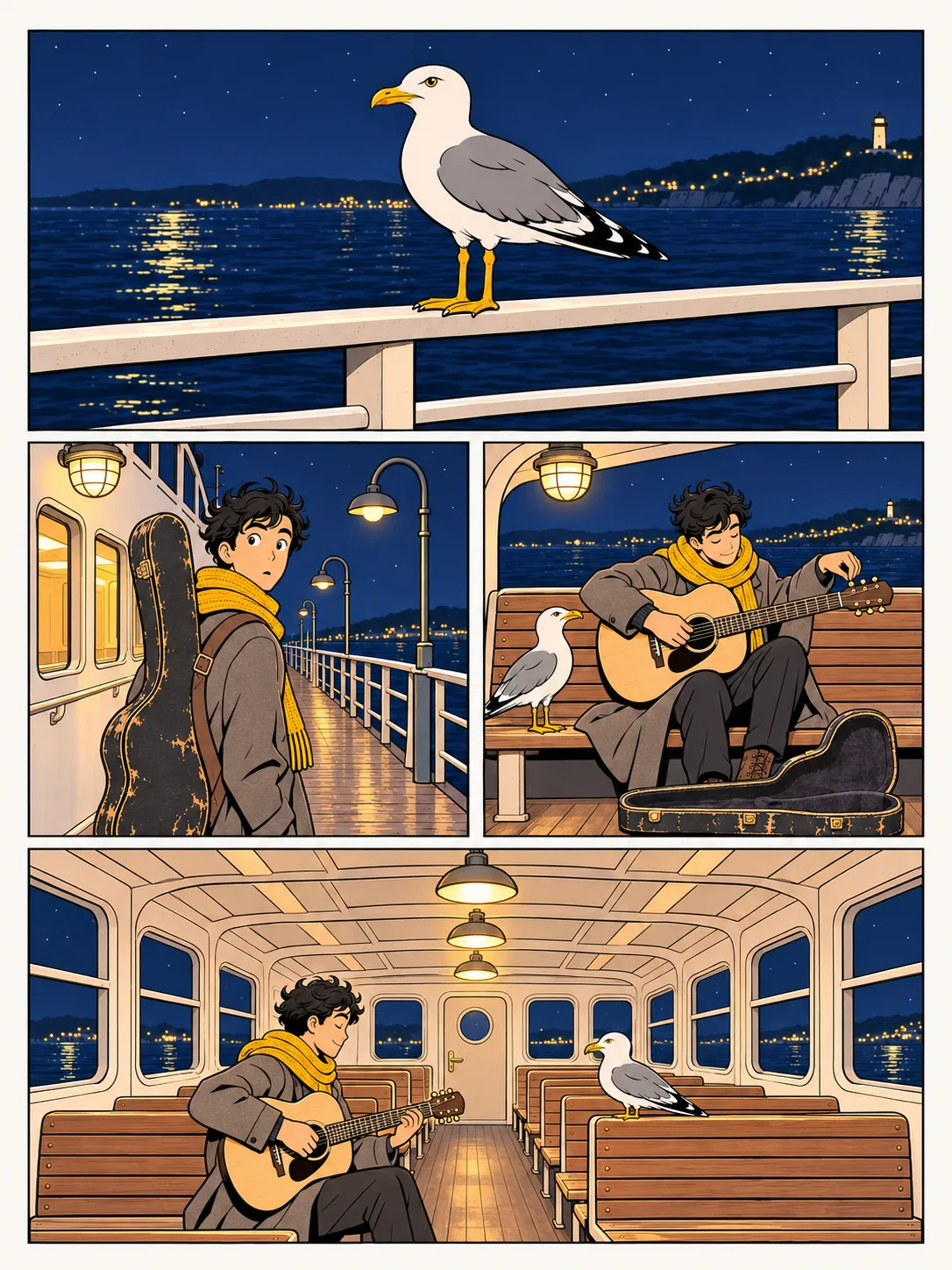
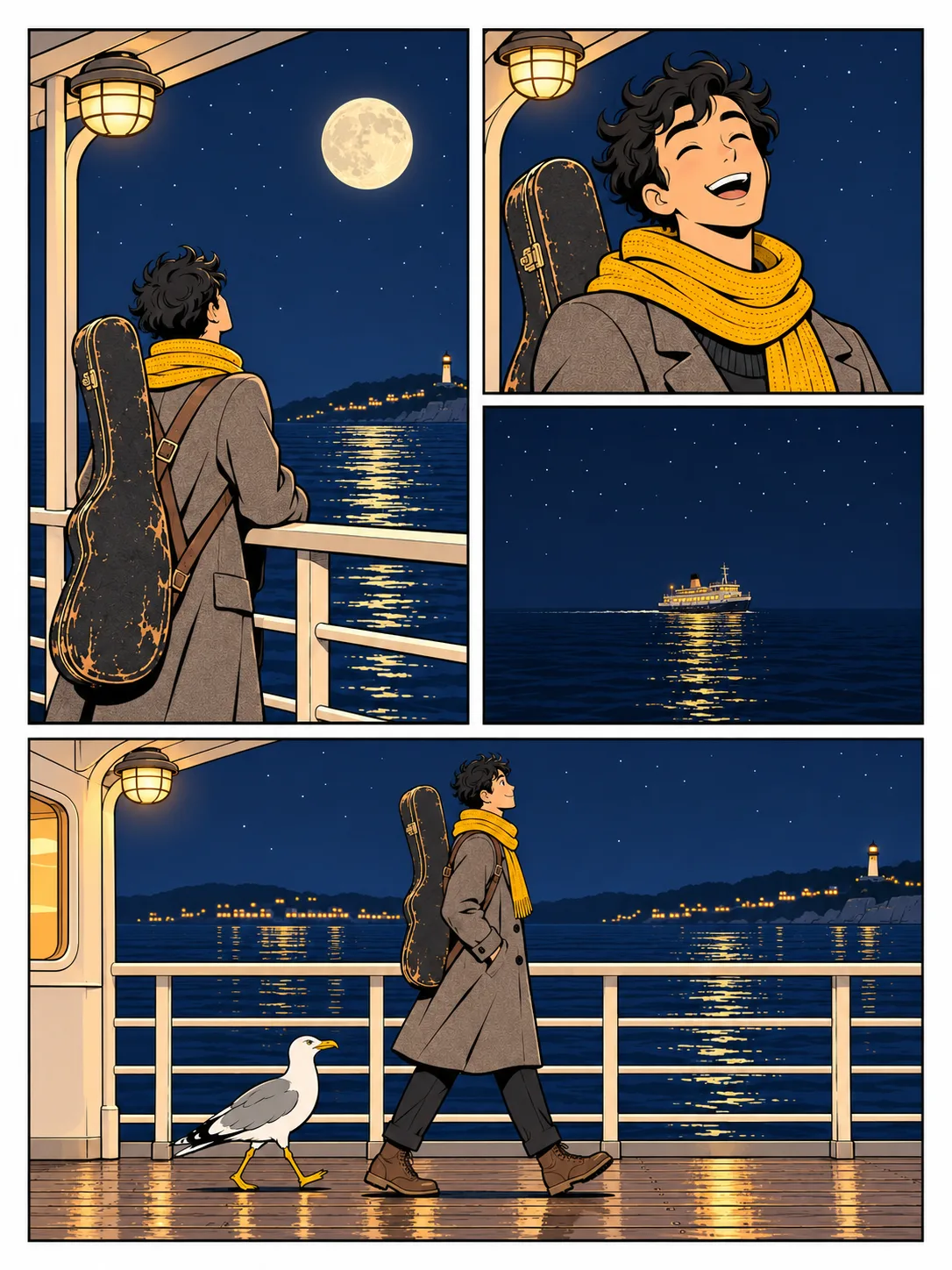
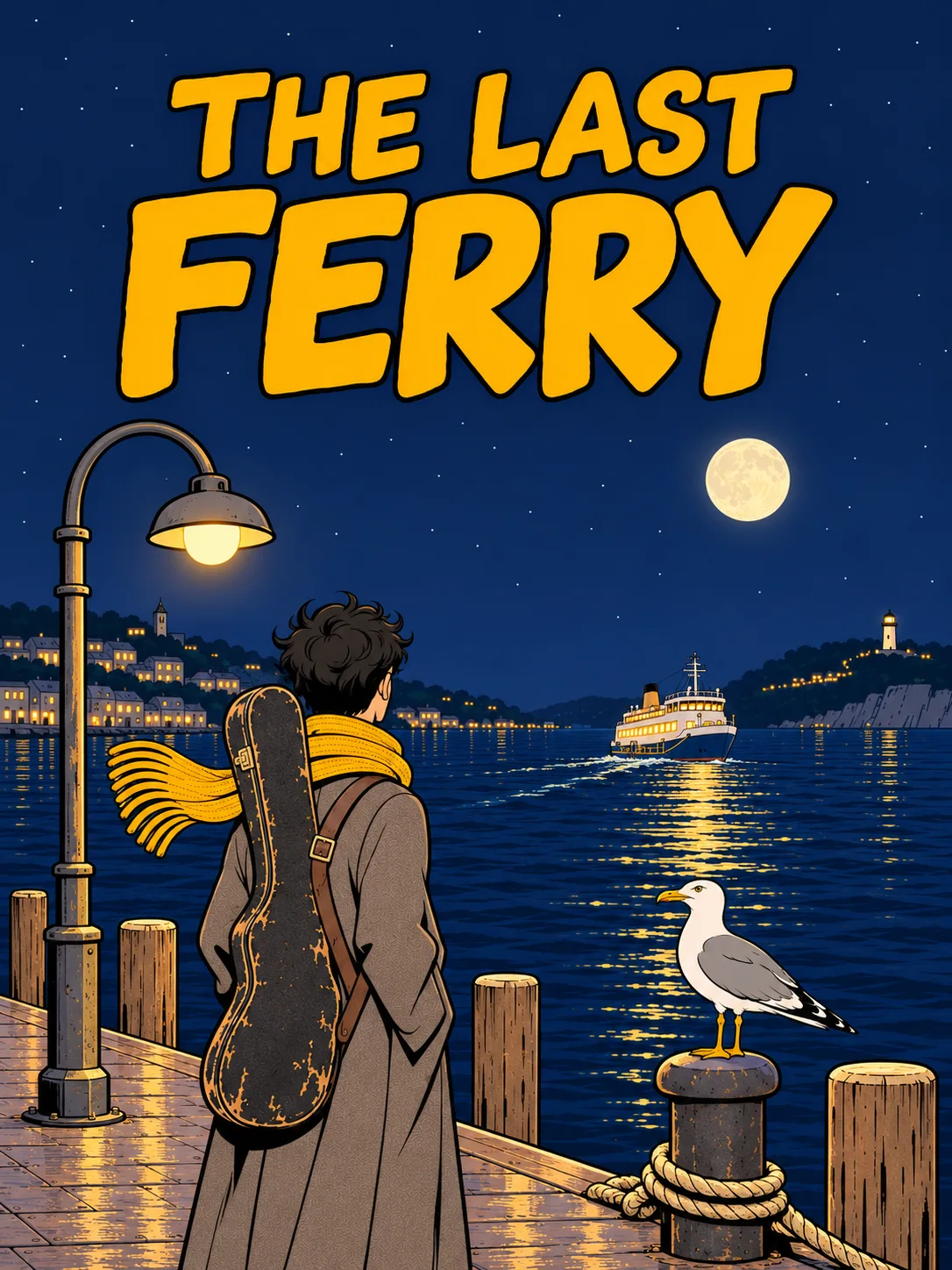
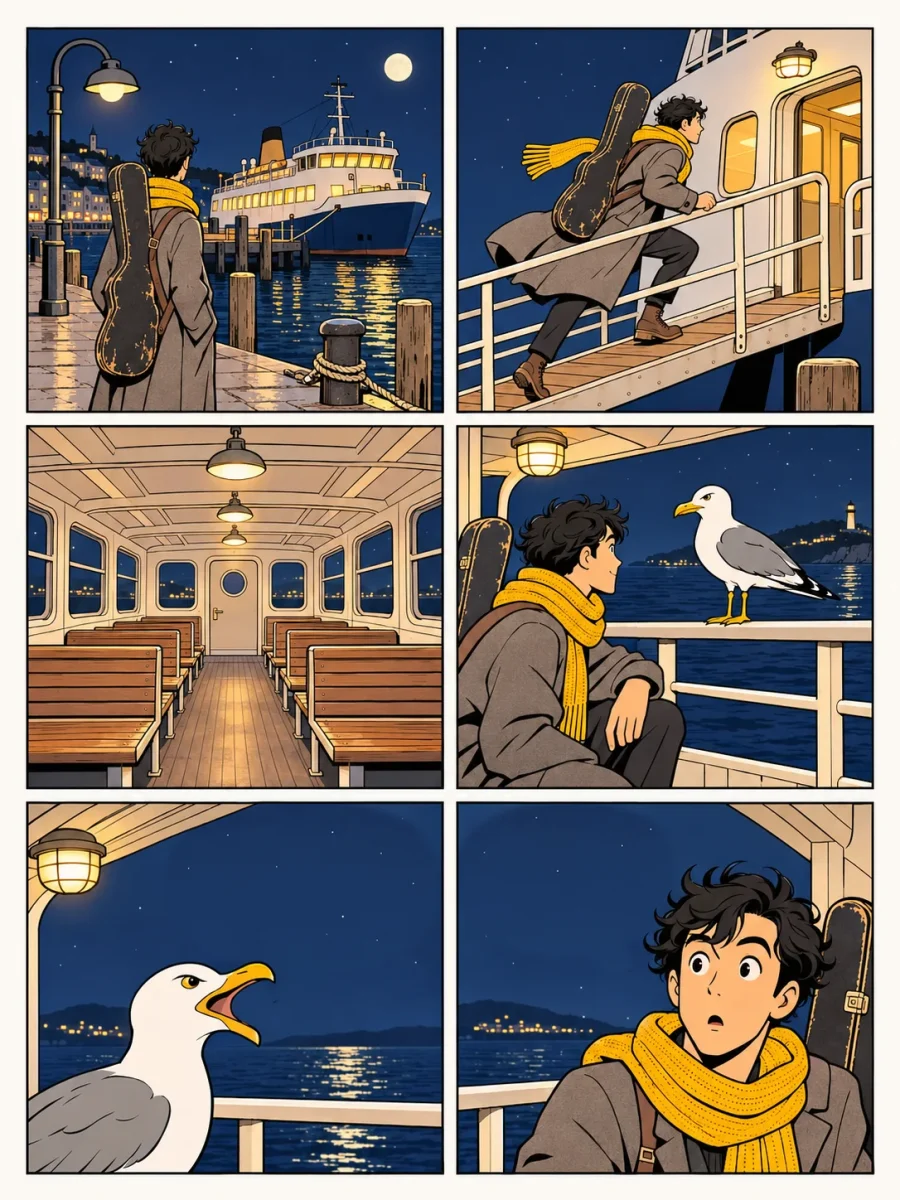
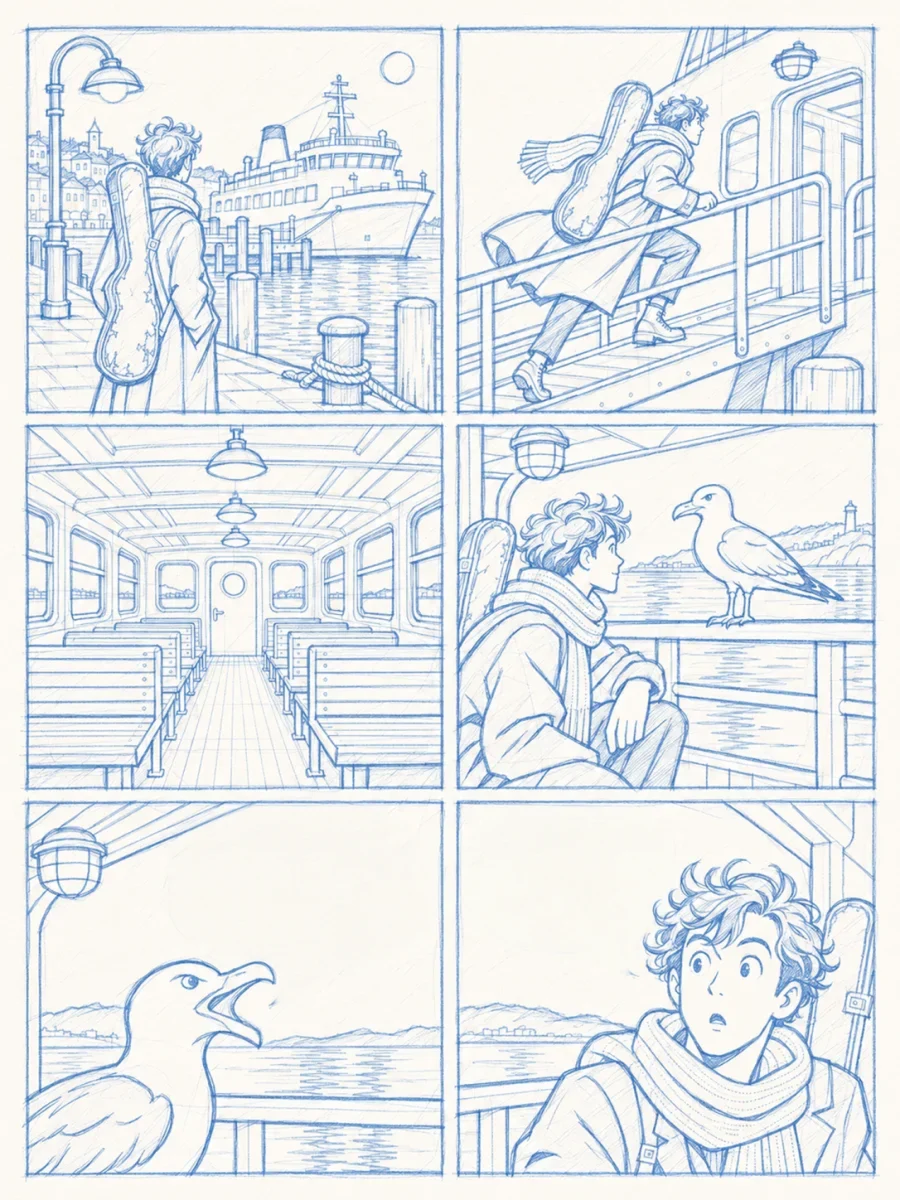
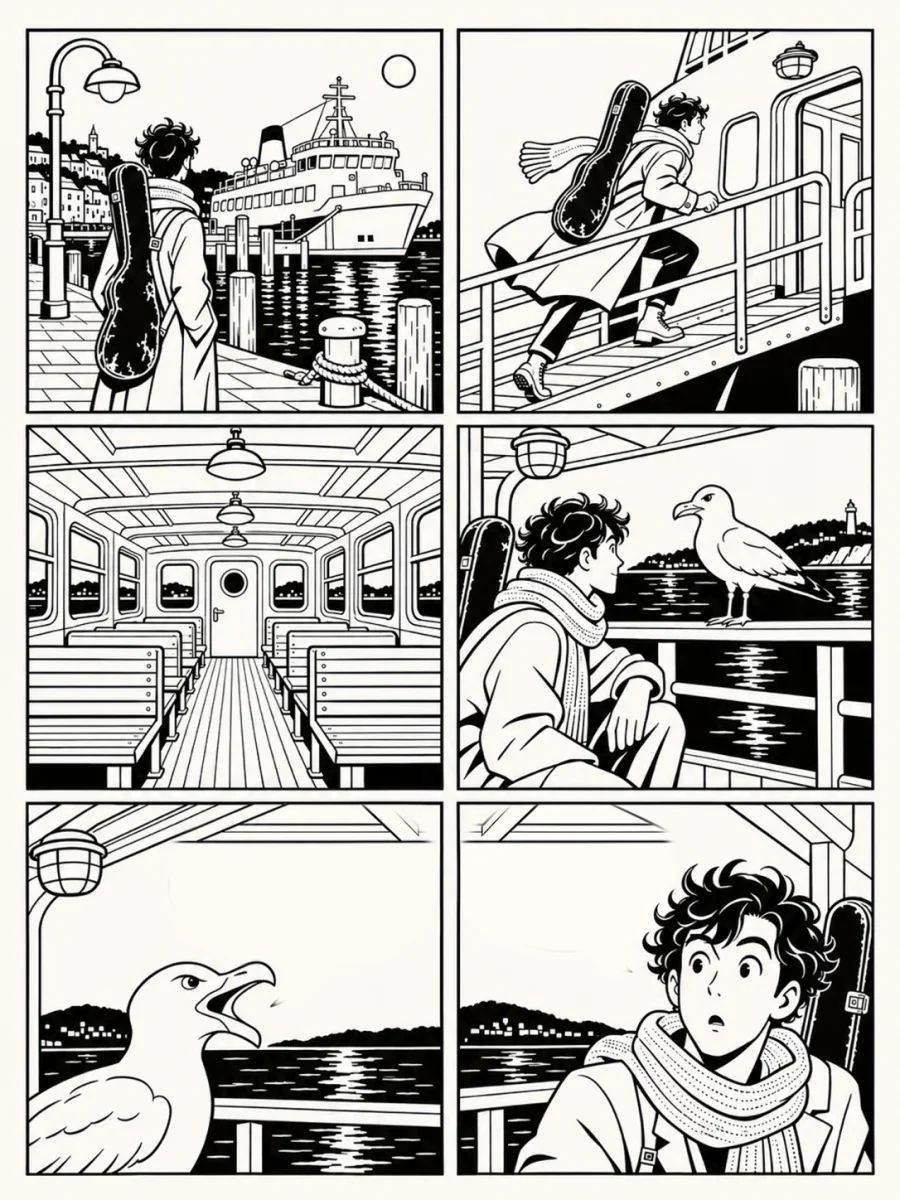
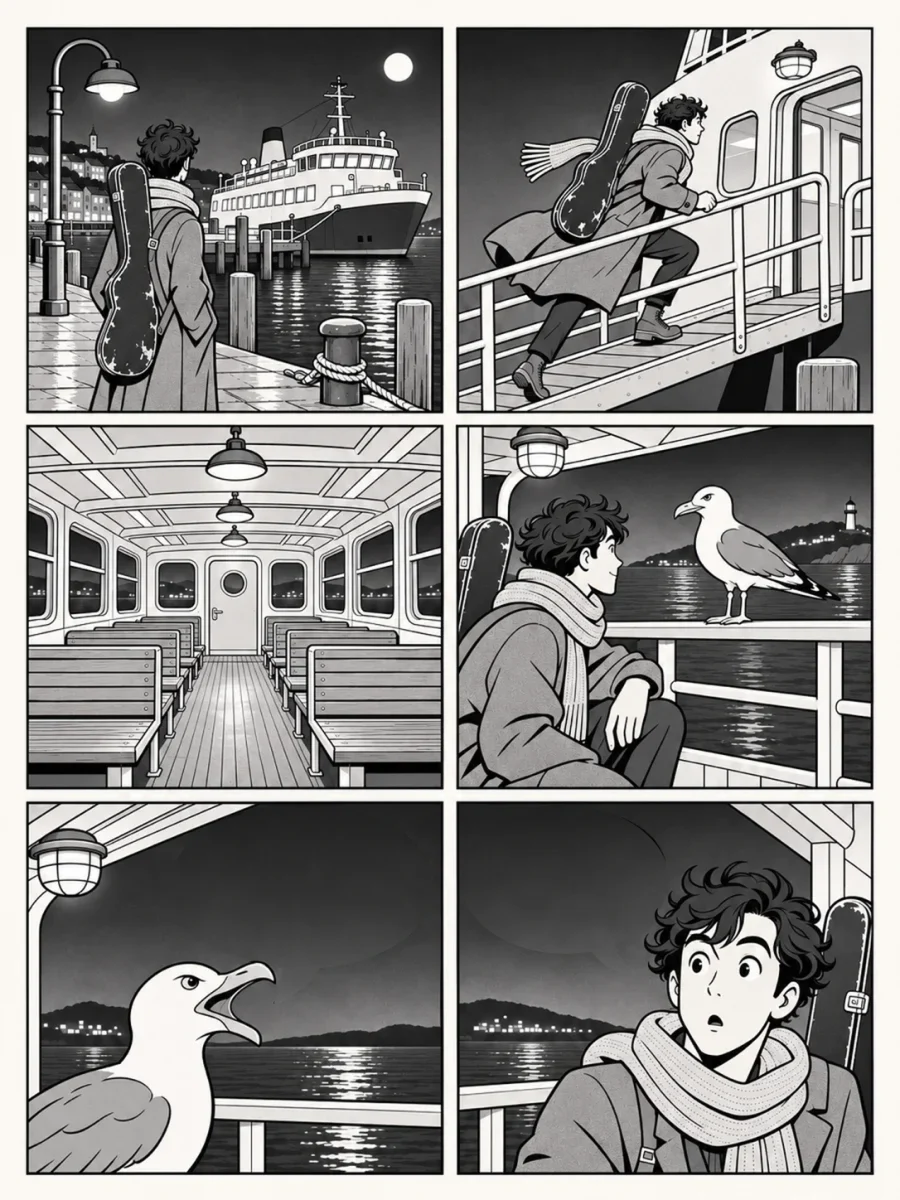
Comic Maker is a multi-page AI comic studio on PopNow. Start from one sentence, a full script, or your own photos to plan a storyboard, keep your cast consistent across pages, draw 1 to 20 pages, edit live speech bubbles, and export print-ready books.
Every page stays editable: swap panel layouts, cut custom frames with the Panel Knife, redraw or repair a single panel without disturbing the rest of the page, and drag or retype dialogue at any time.
Frequently asked questions
What can I create with PopNow Comic Maker?+
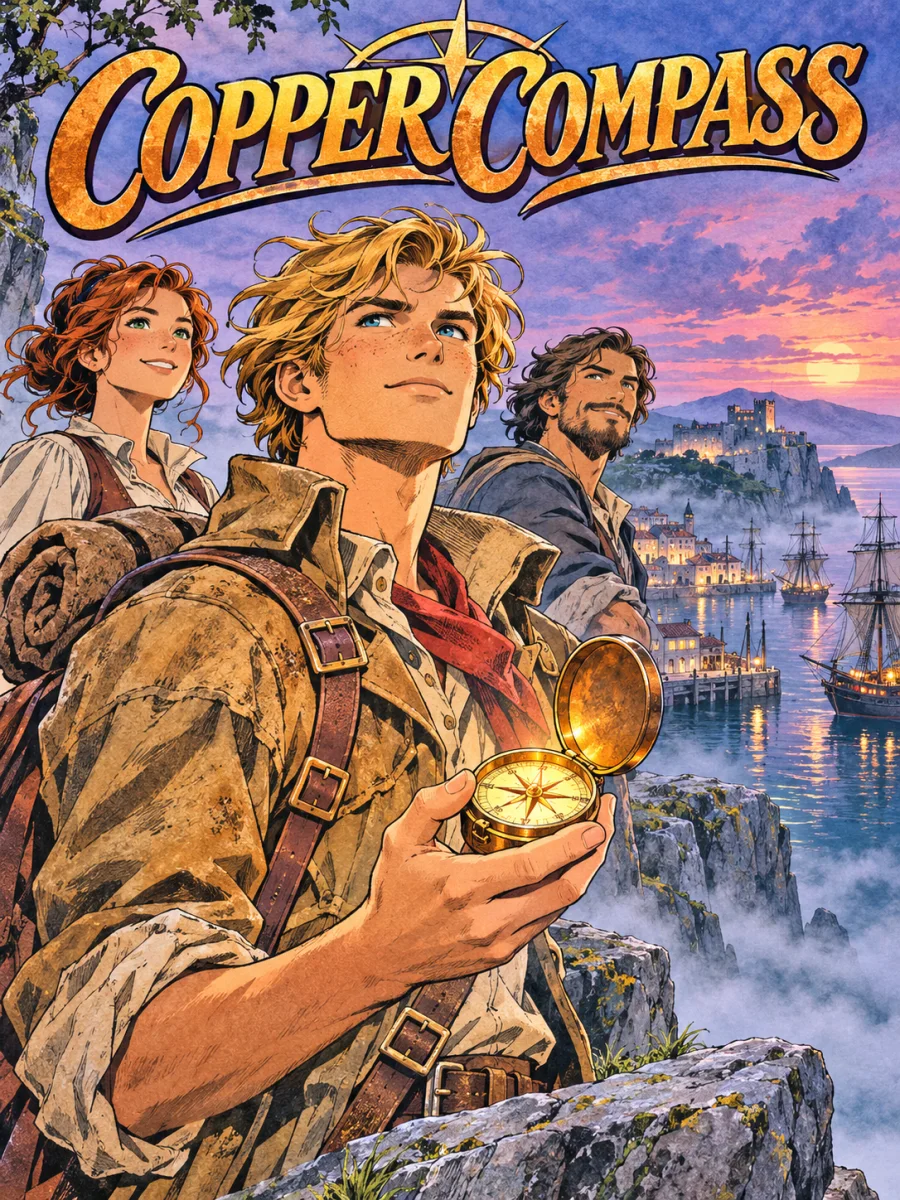
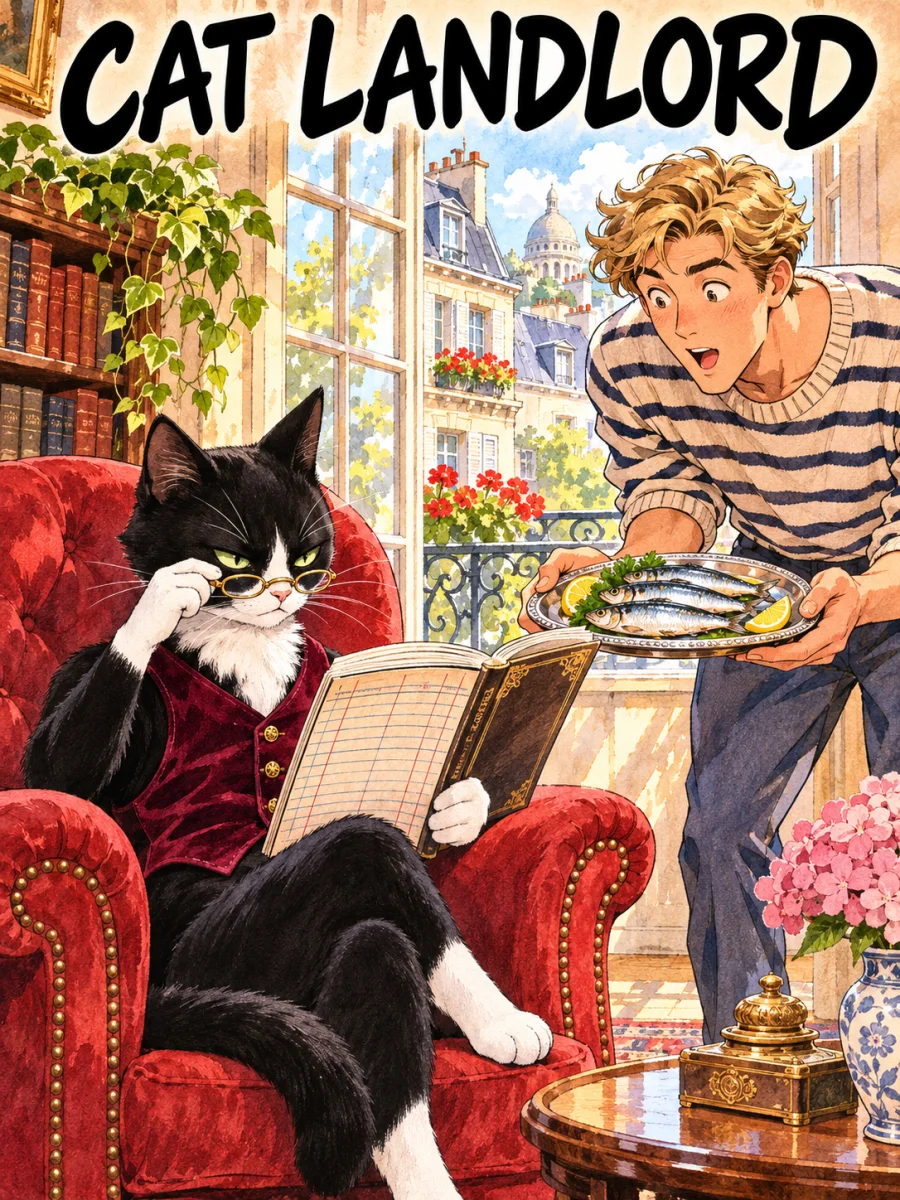
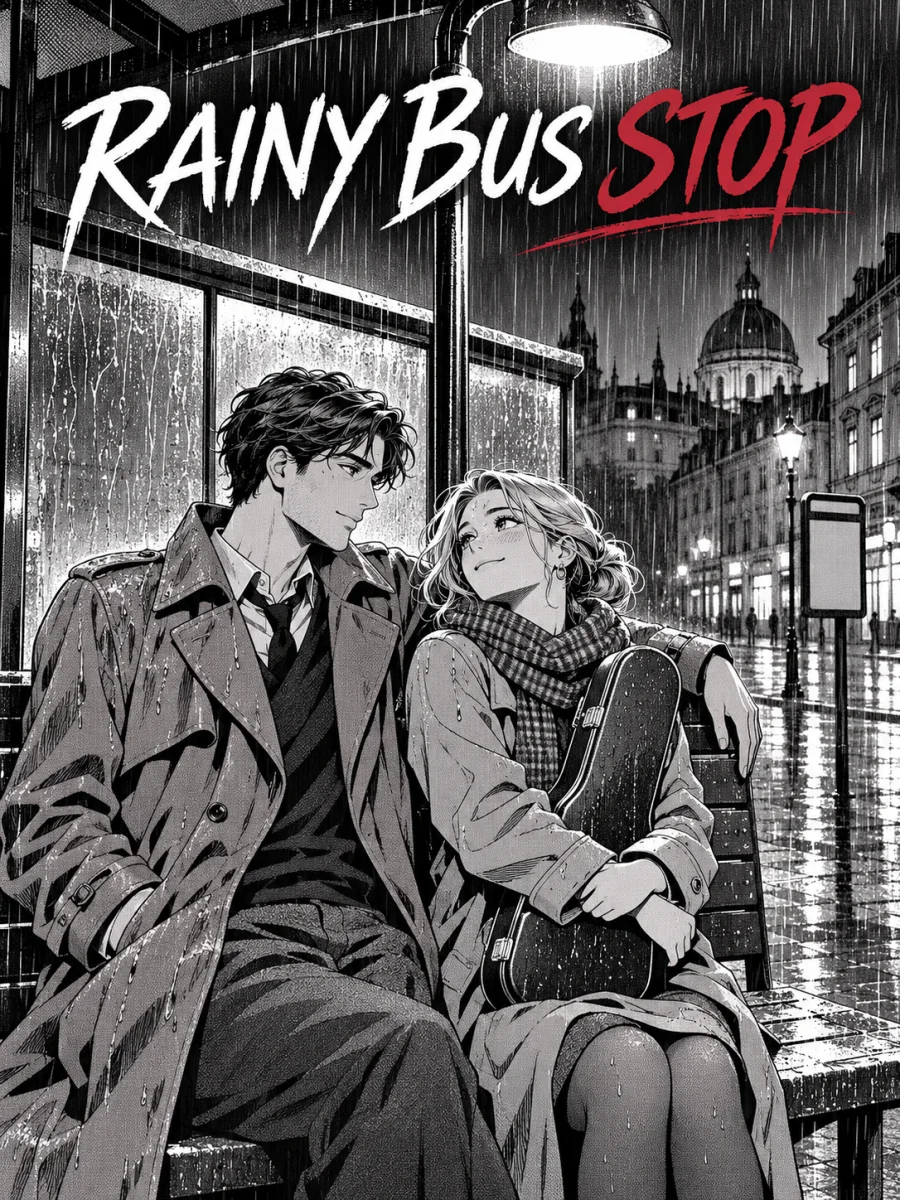
You can plan, draw, letter, and export multi-page comic books, Japanese manga (R→L), vertical Webtoons, 4-panel strips, and book covers — from 1 page up to 20 pages per episode, with multi-episode series support.
How do credits and pricing work? Do I need a subscription?+
No subscription is required — Comic Maker runs on pay-as-you-go credits. Every paid button shows the exact maximum credits and panel breakdown before you click. You can test 1 page before drawing a full book, any panel that fails refunds automatically, and editing bubbles or exporting is completely free.
How do characters stay consistent across multiple pages?+
Open the Cast & World drawer to lock character turnaround sheets, expression sheets, and outfits, pick recurring characters from your Character Library or the 756 Cast Library, or upload your own reference photo.
Can I edit speech bubbles and dialogue after the artwork is drawn?+
Yes. Dialogue is rendered as an editable layer above clean, text-free artwork. You can drag bubbles, retype lines, change tails, fonts, vertical orientation, add SFX, or create separate language editions at zero credit cost.
Can I redraw or fix just one panel without losing the rest of my page?+
Yes. Select any single panel on the desk to Redraw that panel, Reframe the camera angle (Close-up, Medium, Wide, High, Low), switch between saved Versions, or paint an exact region with Fix area while every other panel remains untouched.
Does Comic Maker support scripts and photo-to-comic?+
Yes. You can import long scripts from PDF, DOCX, TXT, or Markdown files (including automatic multi-chapter splits), or switch to Photo mode to turn 1 to 8 reference photos into a styled comic page.
What export formats are included and do they cost extra?+
All 8 export formats are free: Standard PDF, 300 DPI Print PDF with 3mm bleed and crop marks, layered PSD (72 / 300 / 600 DPI with editable text layers), 800px Webtoon vertical slices, PNG ZIP, CBZ archive, standalone HTML reader, and .popcomic project backup.
Can I read and share my finished comic?+
Switch to Read mode anytime to preview your comic in Scroll, Flip, or two-page Book spread with L→R or R→L direction and Fullscreen view, or generate a shareable read link with one click.