VEED Dubbing ProVEED · Video · per second

Studio-grade dubbing with accents, voice match and lip sync
$0.23
Try

4 models · from 79 credits
VEED Dubbing ProVEED · Video · per second
Studio-grade dubbing with accents, voice match and lip sync
$0.23
TryVEED DubbingVEED · Video · per second
Dub into 86 languages in each speaker’s voice, lips redrawn
$0.12
TryVEED Lipsync 2.0VEED · Video · per second
Redraw the mouth in a clip to match a new audio track, at the source resolution
$0.079
TryVEED Fabric 1.0VEED · Video · 480p · per second
Turn one portrait and a voice track of up to 5 minutes into a talking video
$0.090
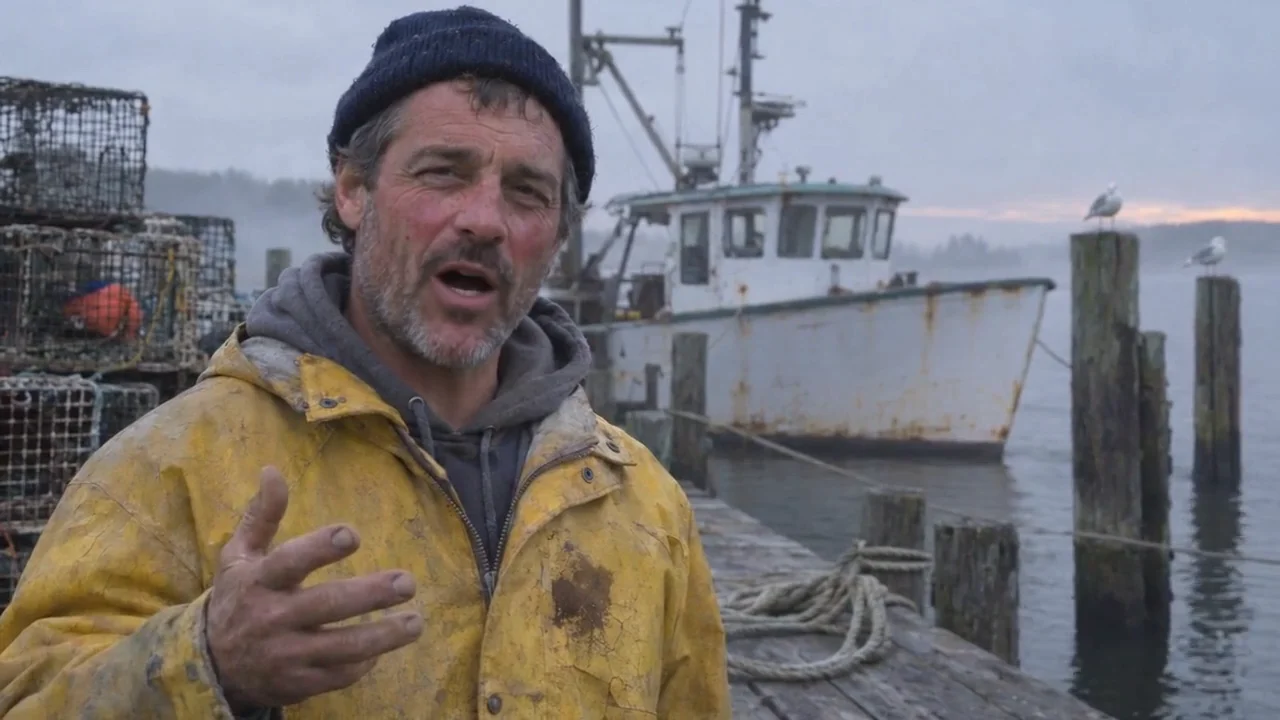
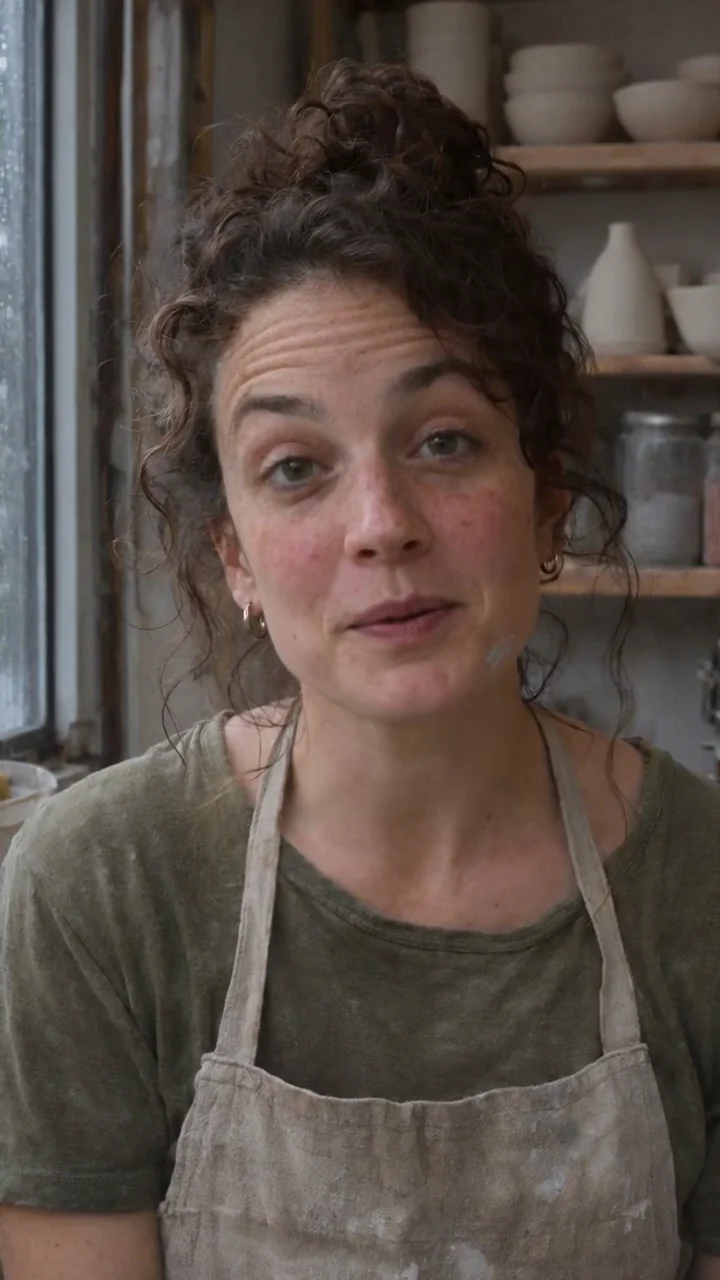
TryThe VEED group holds four models, and each one starts from something different. VEED Fabric 1.0 starts from a still picture and a voice track and makes the face in the picture speak. VEED Lipsync 2.0 starts from a video you already filmed and changes only the mouth so it matches new audio. VEED Dubbing and VEED Dubbing Pro start from a talking video in one language and return it in another, with a new voice and lips redrawn to fit the new words. Pick the model by what you have in hand: a picture, a finished take that needs a new line, or a whole clip for a new audience.
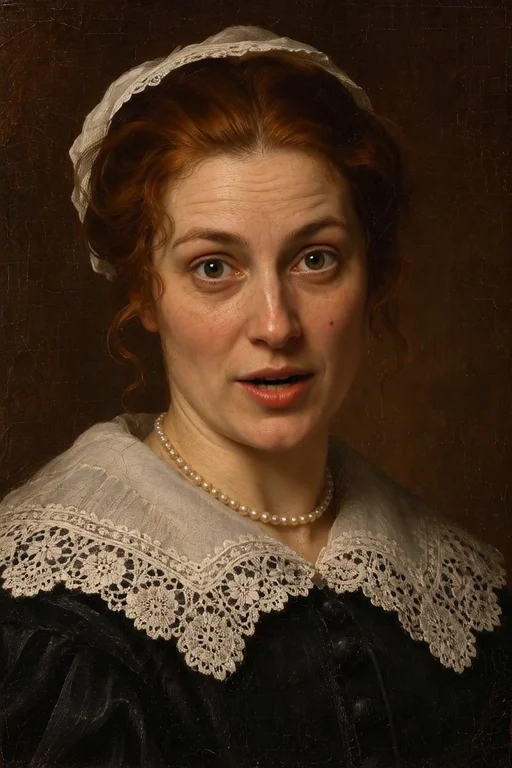
Fabric 1.0 suits mascots, virtual hosts, narrated portraits and product explainers. It works with photos, paintings, illustrations and cartoon characters, keeps the shape of your picture, and the video runs exactly as long as the audio, up to five minutes, at 480p or 720p. A face that looks toward the camera and a clean recording with one voice give the clearest mouth shapes. Lipsync 2.0 is for the take you already like: correct a date, a price or a name in a presenter clip, or put a re-recorded voice on the original performance. The background, clothing and expression stay as filmed, the source resolution is kept, and it handles one speaker per clip.
Both Dubbing tiers translate the speech, re-voice it and redraw the lips, so the result looks spoken in the new language. The standard tier covers 86 target languages and suits tutorials, product updates and social clips. Dubbing Pro adds regional variants such as Mexican Spanish or British English, a voice similarity setting from 0 to 10 that decides how close each new voice stays to the original speaker, and it is the tier VEED recommends for interviews, panels and two-host shows. Every model here is billed per second: Fabric and Lipsync by the length of the audio, the two Dubbing tiers by the length of the source clip, which must run between 8 and 600 seconds. The button shows the price before you start.
VEED Fabric 1.0. Add one picture and one voice recording, choose 480p or 720p, and the face in the picture speaks the recording with head and shoulder movement. The video is as long as the audio, up to five minutes, and keeps the shape of the original picture.
Lipsync 2.0 keeps the language and changes the words: you bring the new audio and it redraws the mouth to match. Dubbing changes the language for you: it translates the speech, makes the new voice track and redraws the lips. Use Lipsync for a corrected line and Dubbing for a new audience.
Choose Pro when the audience expects a regional accent, when a speaker should still sound like themselves in the new language, or when the clip has more than one speaker. The standard tier dubs into base languages and costs less per second, which suits most short tutorials and updates.
Both Dubbing tiers need a source clip between 8 and 600 seconds long. Shorter uploads are stopped before anything is charged. Join a few short lines into one clip or include the shot around the line, and split anything longer than ten minutes at natural pauses.
Every VEED model is billed per second. Fabric 1.0 and Lipsync 2.0 count the seconds of the audio you add, and Fabric costs more at 720p than at 480p. The two Dubbing tiers count the seconds of the source video. The full price appears on the button before you start.