


by OpenAIImageNew
GPT Image 2.6 Flare
OpenAI's fast tier for quick drafts, edits and short GIF loops
- Up to 4K
- Up to 16 reference images
- 15 aspect ratios
- Up to 10 per run
87 credits per image≈ $0.087· Create Image · 1K · xhigh · square · ≤100 prompt tokens
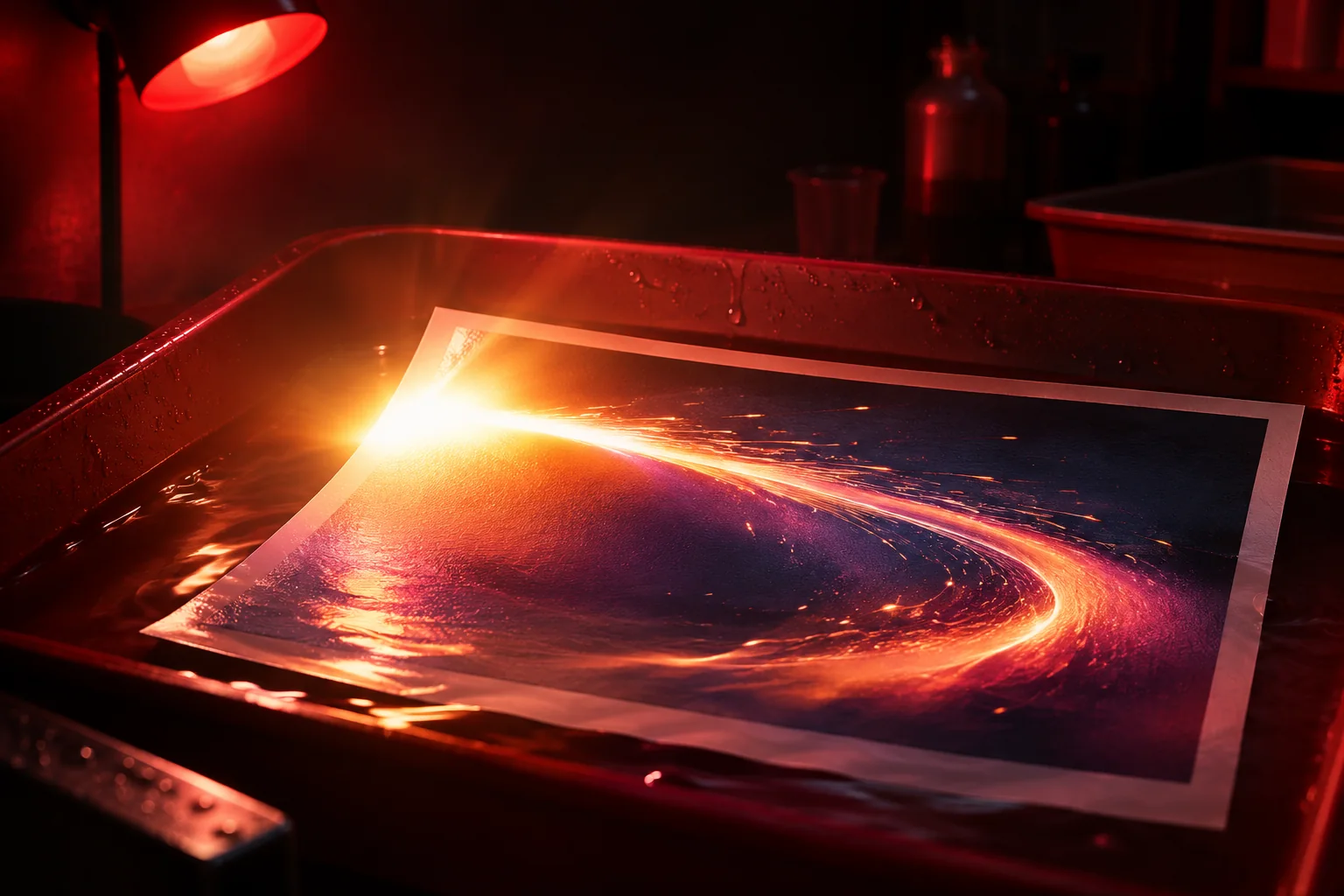 GPT Image 2.6 Flare
What it's like to use
GPT Image 2.6 Flare is the fast tier of OpenAI's GPT Image 2.6. A medium 1K image took about 12 to 16 seconds in testing. It has the same five quality levels, sizes up to 4K, edits with up to 16 pictures, masks and marked-up copies, and looping GIFs as Sunburst. Compared with GPT Image 2.5 it adds GIF output, marked-up copies, transparent backgrounds in text to image, and an optional reasoning effort setting.
Good for
- Quick drafts and variations, up to 10 images per run
- Fast edits that combine several photos
- Looping GIFs for posts and stickers
What GPT Image 2.6 Flare can do


How to prompt GPT Image 2.6 Flare
- Use low or medium quality for quick previews, then raise it for the version you keep.
- In an edit, call the photos Image 1, Image 2 and so on, and say what each one adds.
- For a GIF, pick 512 or 768 and an aspect ratio. Up to 8 frames count as one image, so 9 frames cost the same as 16.
Settings worth knowing
Resolution1K · 2K · 4K · 512 · 768- Choose an available output size.
Aspect ratio1:1 · 16:9 · 9:16 · 4:3 +11- The shape of the frame: wide, square or tall.
Qualitylow · medium · high · xhigh · max- Choose one of this model’s quality settings.
Images1–10- How many results to make in one go.
Images≤ 16- Photos to edit or combine. Say in the prompt what each one adds.
Mask- Paint over the area that should change.
Backgroundtransparent · opaque- Keep, remove or replace the background.
Formatpng · jpeg · webp · gif- File type of the result.
How it compares
GPT Image 2.6 Sunburst has the same options and price and takes longer. Choose it for final images and careful revisions.


Good to know
OpenAI moderation is strict and can refuse a request. Refused requests aren't charged.
Questions about GPT Image 2.6 Flare
How much does GPT Image 2.6 Flare cost?
On PopNow, GPT Image 2.6 Flare starts at 23 credits ($0.023) per image. Larger sizes cost more: 1K 23 · 512 27 · 2K 42 · 768 44 · 4K 75.
What can GPT Image 2.6 Flare do?
On PopNow, GPT Image 2.6 Flare works in these modes: Create Image and Edit Image. Pick one in the studio and add a prompt or an upload.
What sizes can GPT Image 2.6 Flare make?
GPT Image 2.6 Flare renders up to 4K in 15 aspect ratios, and edits with up to 16 reference images.
How should I write prompts for GPT Image 2.6 Flare?
Use low or medium quality for quick previews, then raise it for the version you keep. In an edit, call the photos Image 1, Image 2 and so on, and say what each one adds. For a GIF, pick 512 or 768 and an aspect ratio. Up to 8 frames count as one image, so 9 frames cost the same as 16.
GPT Image 2.6 Flare or GPT Image 2.6 Sunburst?
GPT Image 2.6 Sunburst has the same options and price and takes longer. Choose it for final images and careful revisions.
Do I need to install anything to use GPT Image 2.6 Flare?
No. GPT Image 2.6 Flare runs in your browser on PopNow: write a prompt or add a file, choose the settings and download the result. Sign up and you can generate straight away.