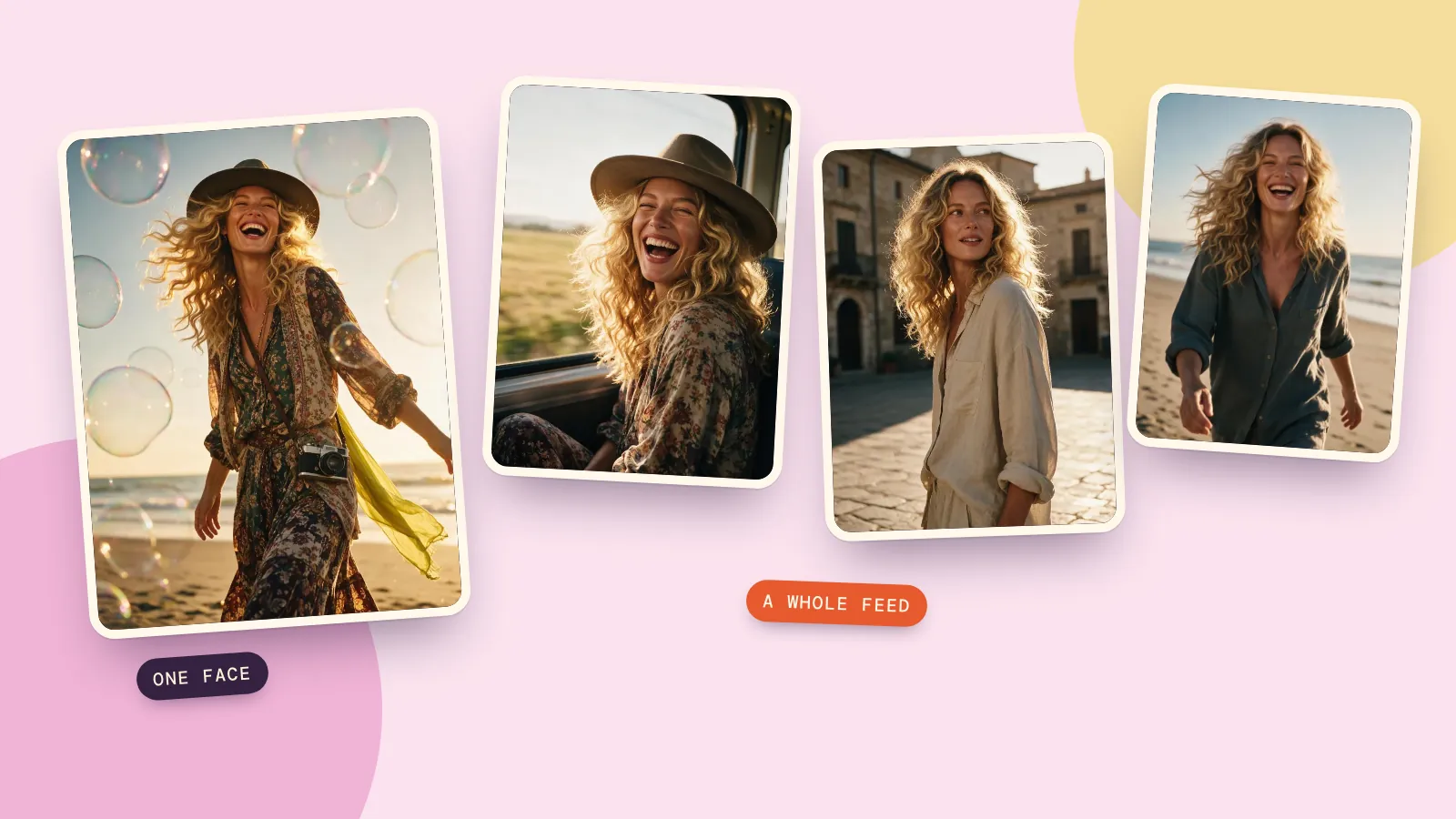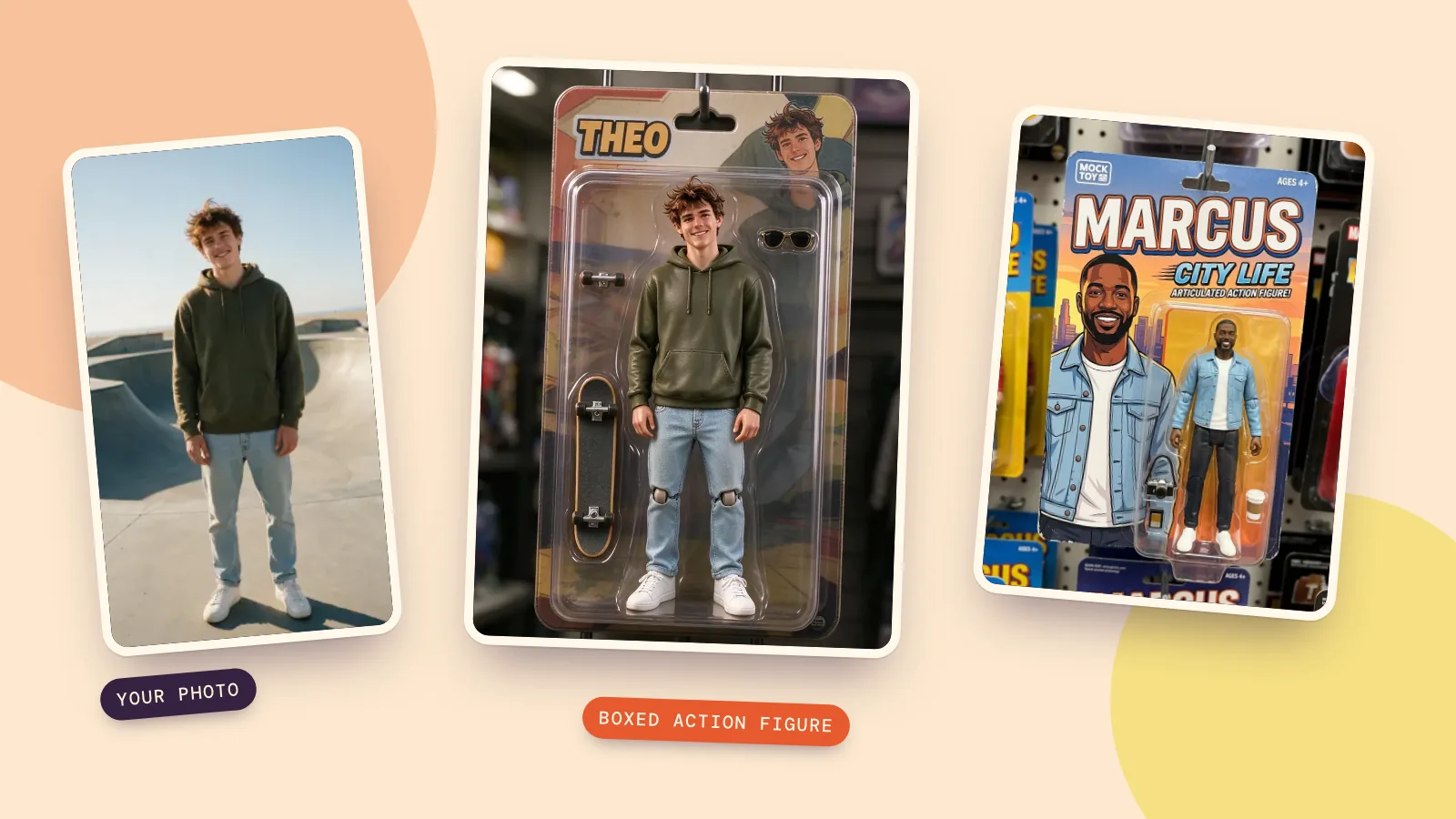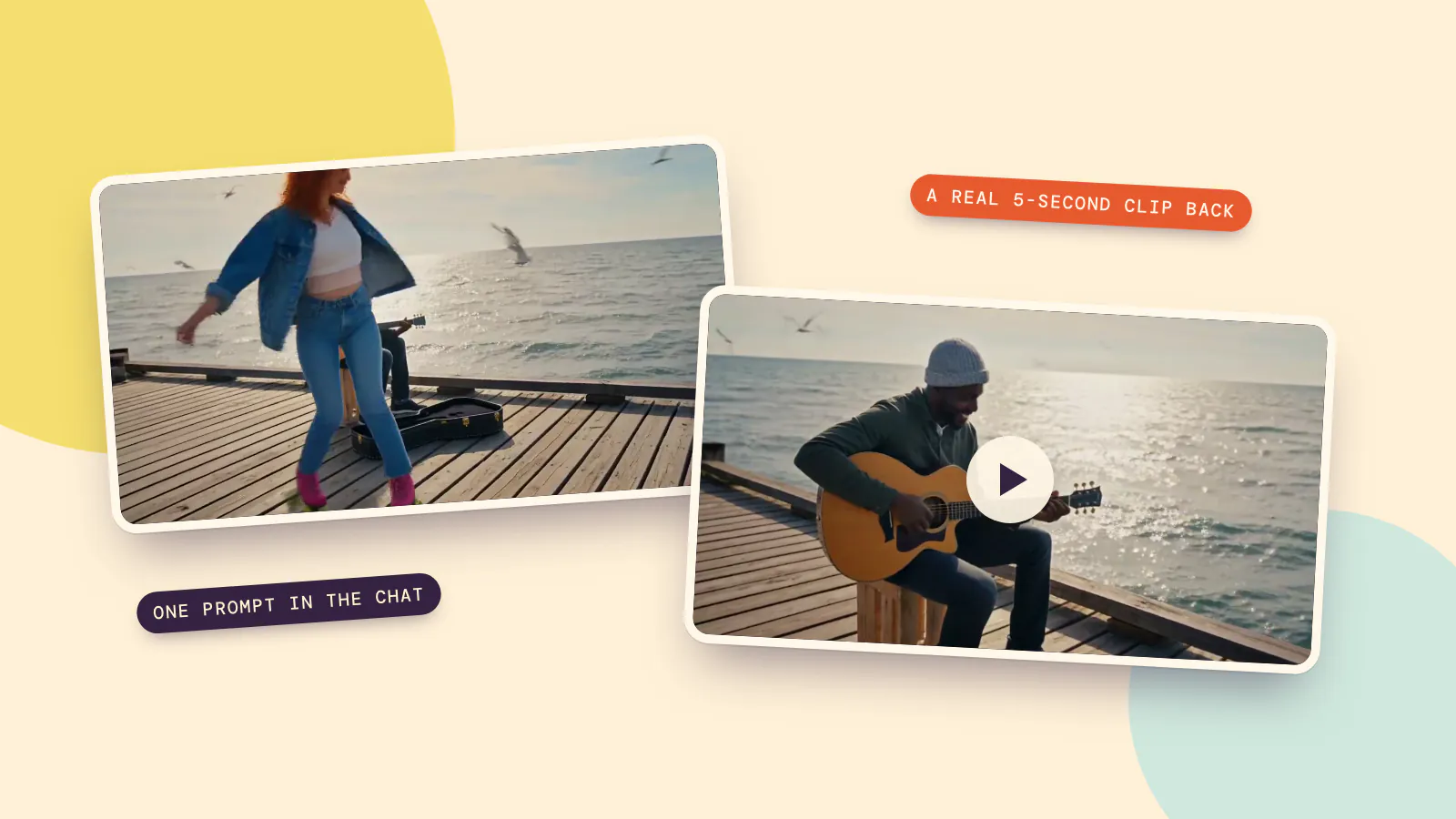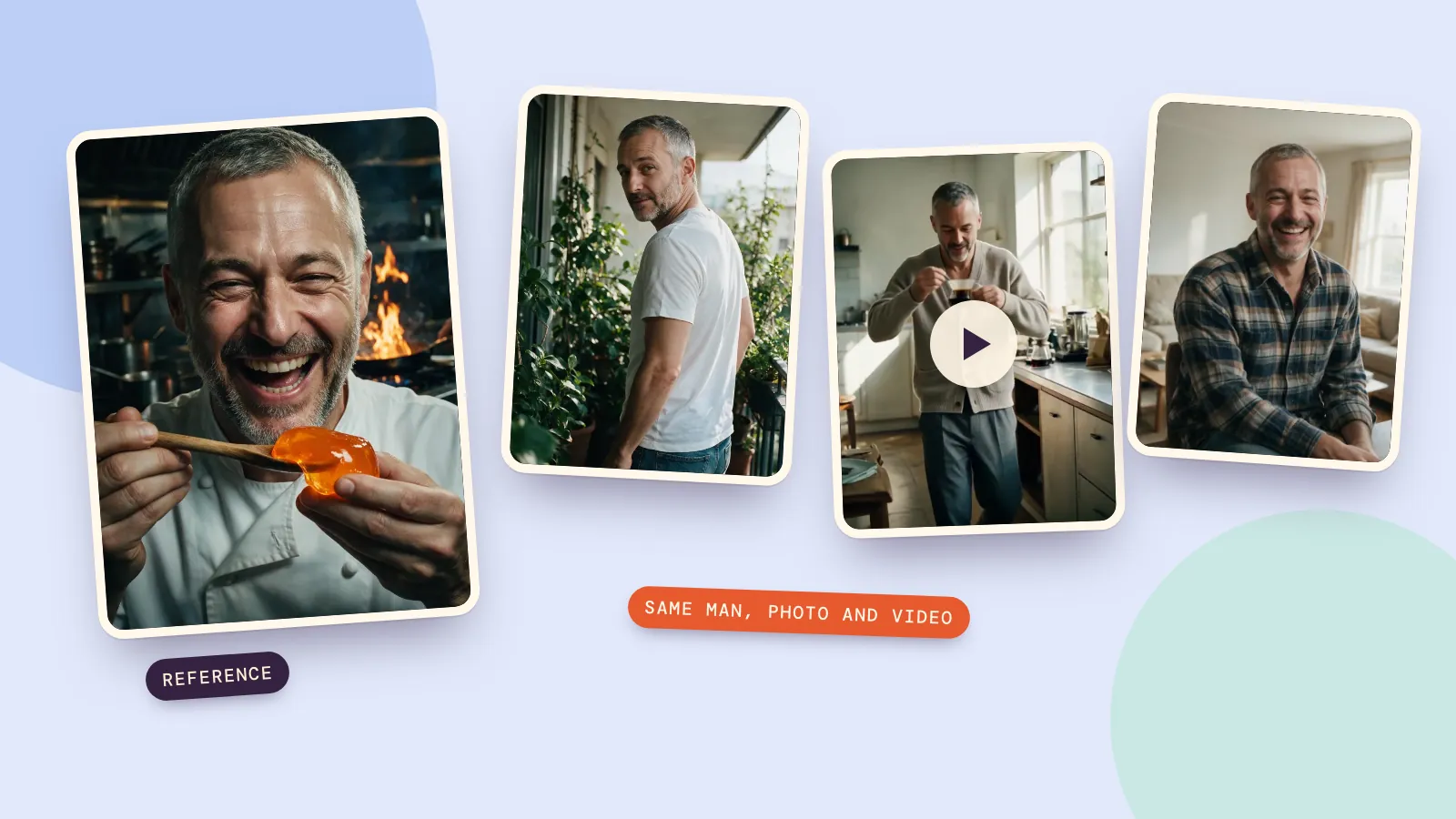
To keep an AI character looking like the same person, give the model a picture of them. Describing the character in words, however carefully, gets you lookalikes: people who match the description but have a different face every time. One good reference image, plus a prompt that says "keep exactly the same face", is what makes a character consistent across a whole photo set and into video.
Here's the difference with real results: three images from a careful written description, then a set of six and a video clip made from one reference portrait. Every prompt is included, along with what each step cost.
Why describing the person isn't enough
We wrote one detailed description of a man and generated three images with Seedream 5.0 Pro, changing only the place:
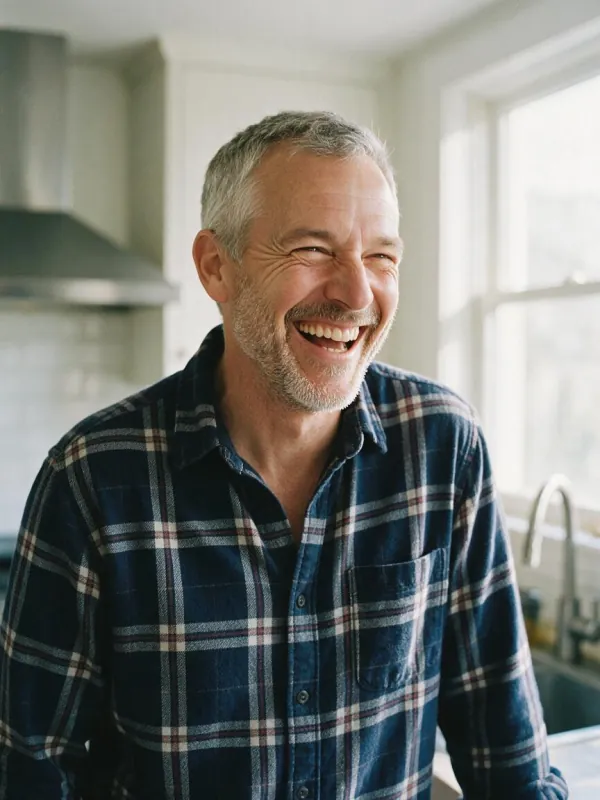
Candid photo of a man in his early fifties with short grey hair, a short grey beard and laugh lines, wearing a navy plaid flannel shirt, laughing in a bright kitchen with morning light. Natural, realistic editorial photo, 35mm film look. The person is a fictional adult.
Kitchen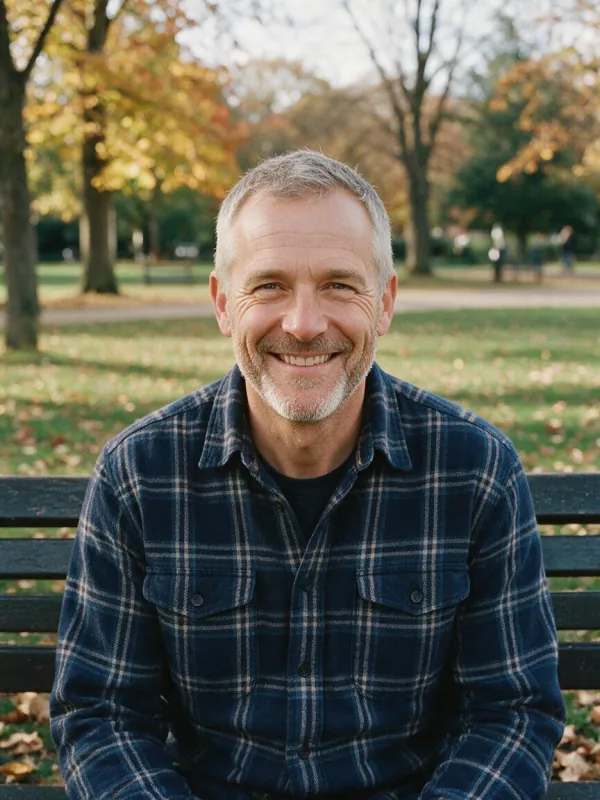 Park bench
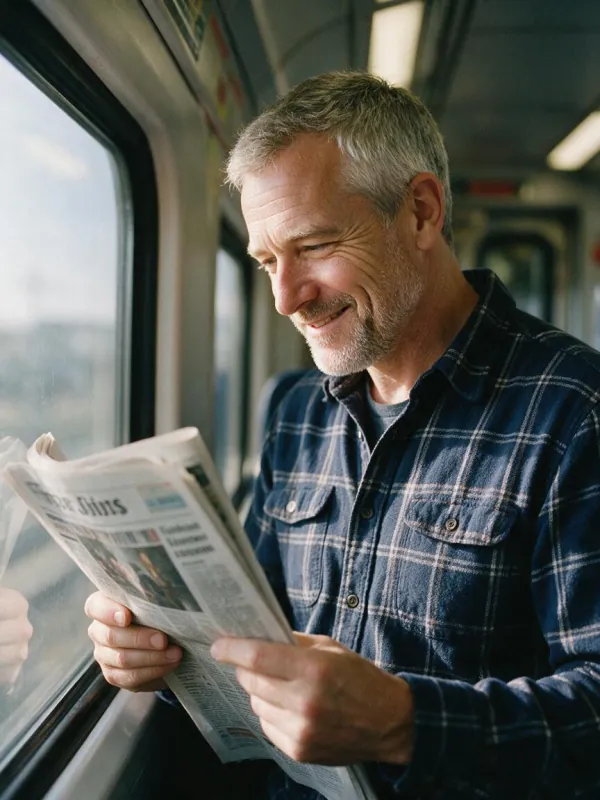 Train
TrainEvery image matches the text. None of them is the same person. A description narrows things down to a type; there are thousands of faces that fit "early fifties, short grey hair, short grey beard". The model picks a new one each time, and no amount of extra adjectives fixes that.
The fix: start every image from one reference
Make (or upload) one strong portrait first, then generate every new image from it with an image editing model, with the portrait attached as the reference. This is Theo, a fictional chef we created on the AI influencer page:
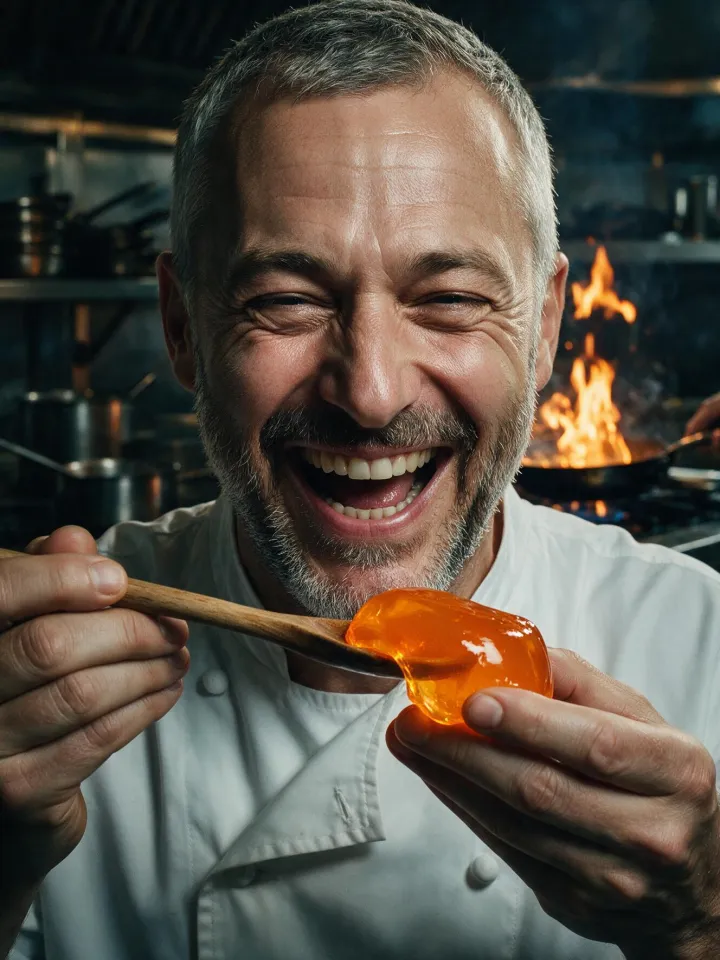
From that single portrait, the Characters page made a set of six new photos with a "home" theme, each with a different room, outfit, framing and pose:
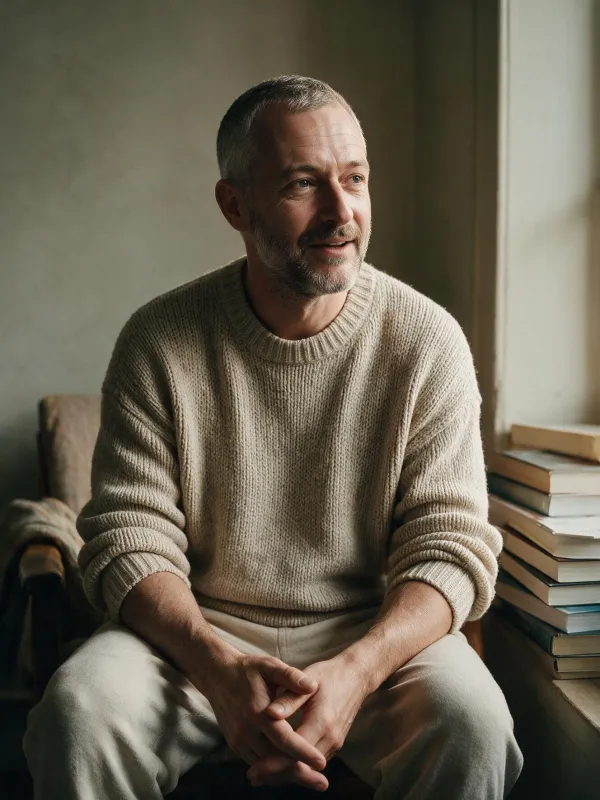 Reading nook
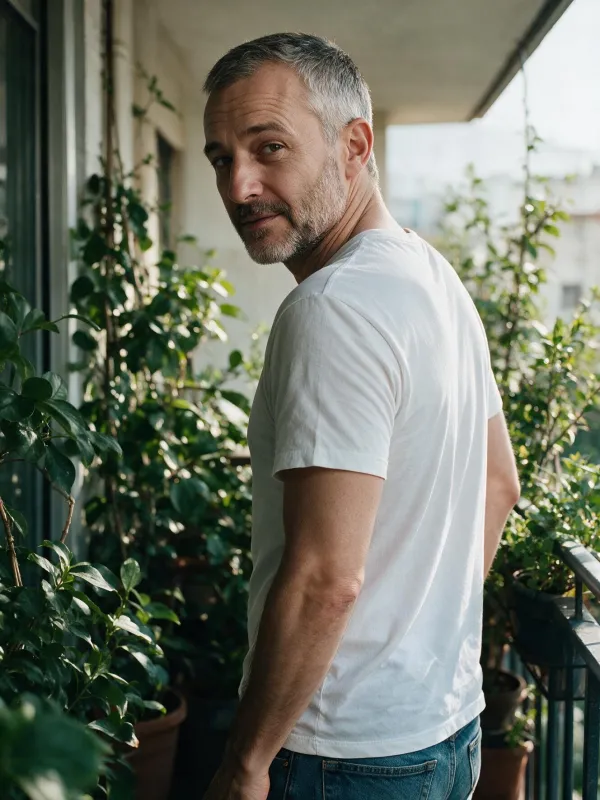 Balcony
 Window seat
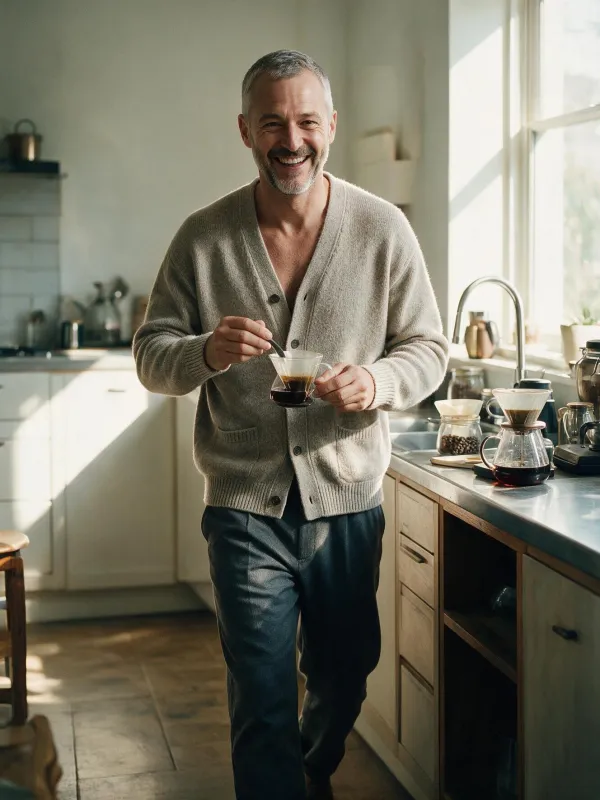 Kitchen
 Home office
 Living room
Each photo was one edit with the portrait attached. This is the prompt for the kitchen shot:
The same character as in the reference image, with exactly the same face, hair and identity. A full-length fashion photo of them walking toward the camera, wearing a relaxed cardigan, in a sunny kitchen making coffee. Natural, realistic editorial photo with strong styling and beautiful light. The person is an adult and stays fully clothed.
The whole set of six cost 33 credits at 1K, and the Characters page writes these prompts for you: pick a theme and 4, 8 or 12 shots.
What makes a good reference photo
The reference decides how well everything else holds up. The best ones have:
- A clear face, front-on or at a slight angle. Both eyes visible, no sunglasses, nothing covering the mouth.
- Even light. Hard shadows across the face get copied as if they were part of the face.
- One person. In a group photo the model may borrow features from the wrong person.
- The details you want to keep. If the character always wears glasses or has a scar or a tattoo, make sure it's visible here.
- Decent size. The face should fill a good part of the frame. A tiny face in a wide shot gives the model too little to copy.
Your own photo works the same way. Upload it as the reference to make a set of yourself.
Write the prompt so the face stays
- Lead with the lock. Start with "The same character as in the reference image, with exactly the same face, hair and identity." Put it first, before the place and the outfit.
- Change one or two things per image. Place and outfit, or framing and pose. Changing everything at once is where likeness slips.
- Always go back to the original. Make every new image from the first reference, not from the last result. Copies of copies drift a little each generation.
- Pick the model for the job. On PopNow, Seedream 5.0 Pro is the best all-rounder for sets, and Nano Banana 2.1 is the one to try when likeness matters most.
If you're generating from the image or video page instead, type @ in the prompt box to pull a saved character into the request, so you don't have to upload the reference again.
Take the same character into video
Video is where characters usually fall apart, because the model has to keep the face right for more than a hundred frames instead of one. The reliable route is the same idea: start the video from a photo that already has the right face. We took the kitchen photo from the set above and animated it with MiniMax H3:
He walks toward the camera holding the coffee cup, takes a sip and laughs at something off-camera while the camera slowly pulls back. Soft kitchen ambience, a spoon clinking.
That clip cost 28 credits and took under a minute. For longer scenes, make several clips from different set photos and cut between them, or use the reference mode in the video generator, where some models take several photos of the same person at once. Our guide to making AI videos longer covers extending and joining clips.
FAQ
How do I keep the same face in AI images?
Use a reference image instead of a text description. Generate or upload one clear portrait, then make every new image from it with an editing model, starting the prompt with "the same character as in the reference image, with exactly the same face, hair and identity".
What's the best AI for consistent characters?
Models that edit from a reference image keep faces best. In our tests Seedream 5.0 Pro held the face across a set of six, and Nano Banana 2.1 is the one to reach for when likeness matters most. Text-only generation can't do it with any model.
Can I make a consistent character from a photo of myself?
Yes. Upload your own photo as the reference on the Characters page and pick a theme. Use photos of yourself or of people who have agreed to it.
Does this work for cartoon and anime characters?
Yes. The same method applies, and the prompt asks to keep exactly the same art style instead of a realistic photo. For anime specifically, the anime page has a "same character" mode built for it.
How much does a consistent character set cost?
On PopNow a set of six 1K photos with Seedream 5.0 Pro costs 33 credits, and a 5-second video from one of them costs 28 credits with MiniMax H3 at 768p. New accounts get free credits, and prices are shown before you generate.