Not by itself, not anymore. As of October 17, 2026, ChatGPT has no built-in video generator. OpenAI's video app, Sora, was the way to make clips from a ChatGPT account, and OpenAI's help center says the Sora web and app experiences were discontinued on April 26, 2026, with the Sora API following on September 24, 2026.
ChatGPT is still useful for video work, though. It makes and edits images, writes scripts and shot lists, and turns a vague idea into a prompt a video model can follow. And because ChatGPT can call outside tools through MCP servers, you can connect a video service and get a real clip back in the same conversation. This guide covers what ChatGPT does on its own, what it doesn't, and the exact steps to get videos inside the chat.
What ChatGPT can and can't do with video
Here's what happens with the requests people try most:
| You ask ChatGPT for | What you get back |
|---|---|
| "Make me a 10-second video of..." | No video file. It explains it can't, or offers a script or prompt instead. |
| A picture or a poster | A real image. ChatGPT Images makes and edits pictures on every plan. |
| A script, storyboard or shot list | Yes, and it's very good at this part. |
| A prompt for a video model | Yes. Tell it which model you'll use and it adjusts the wording. |
| A video, with a video tool connected | A real clip from that tool, linked in the chat. |
The pattern: ChatGPT produces text and still images itself. Moving pictures need a separate video model, and since Sora closed, ChatGPT doesn't ship one.
What happened to Sora
Sora was OpenAI's text-to-video product, used through its own app and website with a ChatGPT login. OpenAI's help center article on the shutdown (checked October 17, 2026) gives the dates above and adds two practical points: videos you made there can still be exported, and leftover ChatGPT/Sora credits can be used for Codex instead.
So if you search "can ChatGPT make videos" today and find older guides that say "yes, with Sora", they describe something that no longer exists. You need another video model. We ran one prompt on six of them, with the real clips and the price of each, on our Sora alternatives page; the video generator lists every model you can use right now.
What ChatGPT is still great at for video
Even without a generator, ChatGPT saves time on every step before the render:
- The idea. Ask for five different openings for a 15-second product teaser and pick one.
- The script. It writes voiceover lines that fit a set length. Ask for "under 30 words, for a 10-second clip".
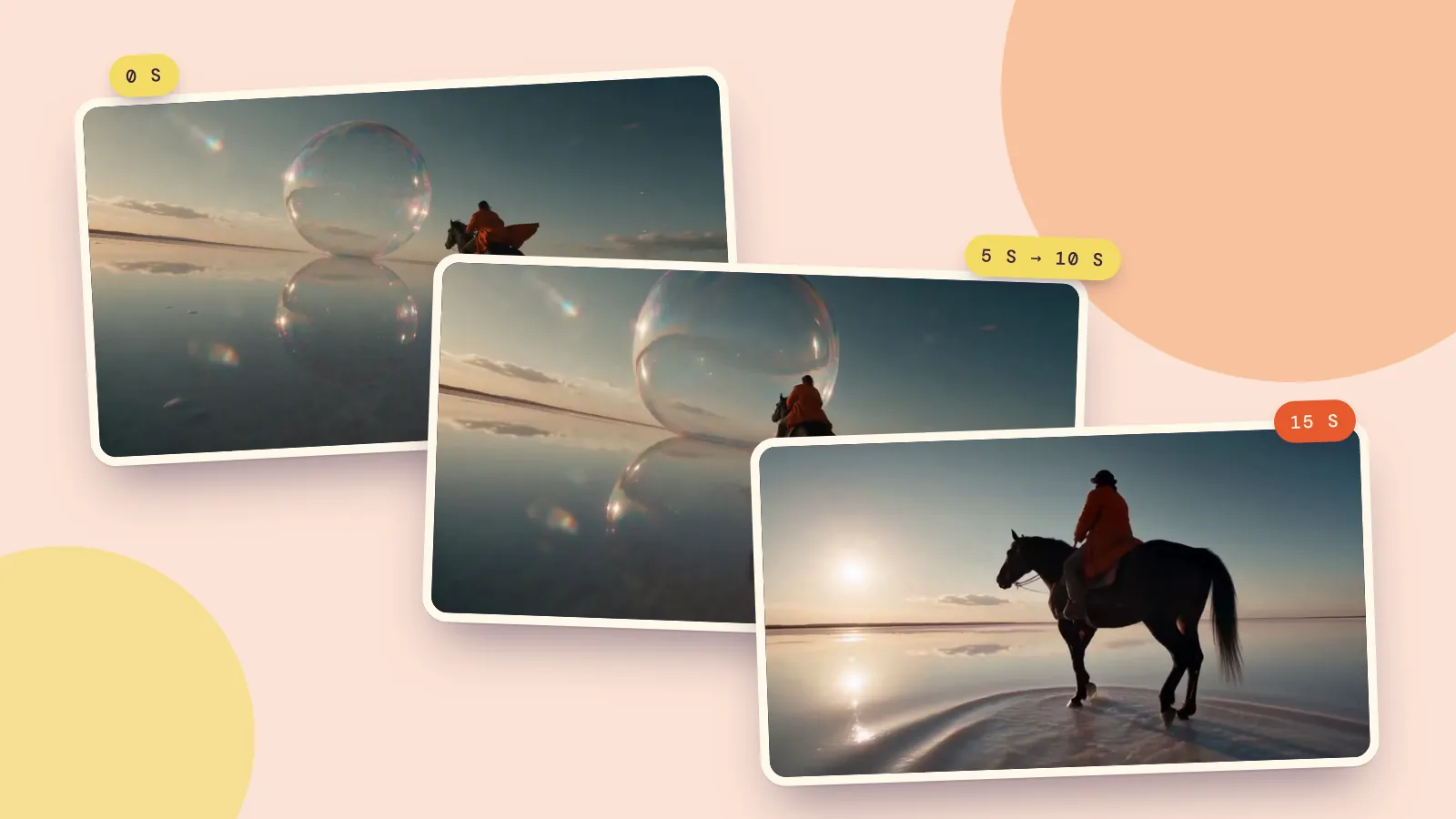
- The shot list. Ask it to break a scene into three 5-second shots with a camera move for each. Short shots are what current video models handle best.
- The prompt. Describe the subject, the action, the camera and the sound. A good video prompt reads like one clear paragraph, not a list of keywords.
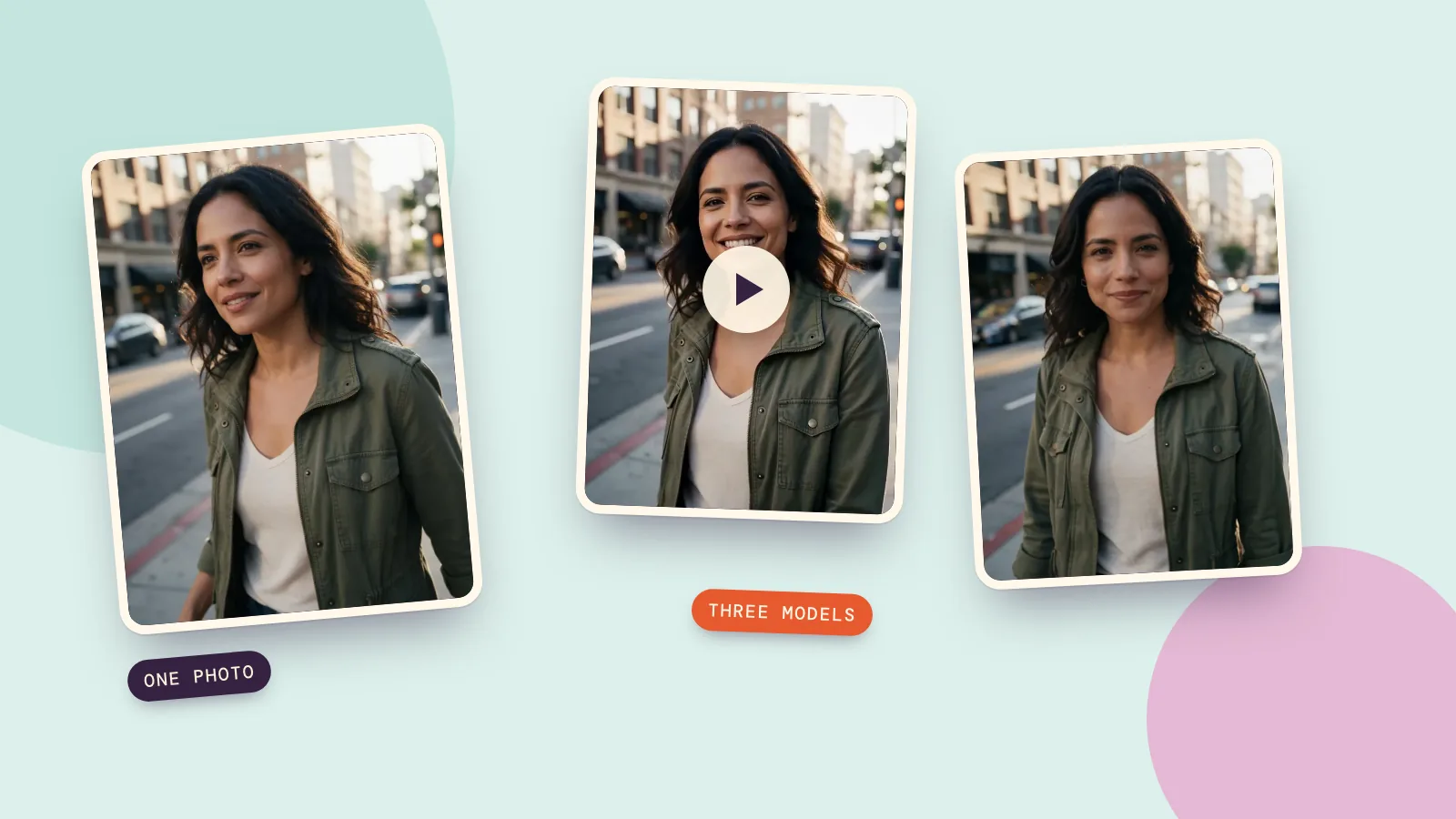
- The first frame. Have ChatGPT make a still image of your opening shot, then animate it with an image-to-video model so the clip starts exactly where you want.
Here's a prompt written this way, the same one we used to test six video models on October 17, 2026:
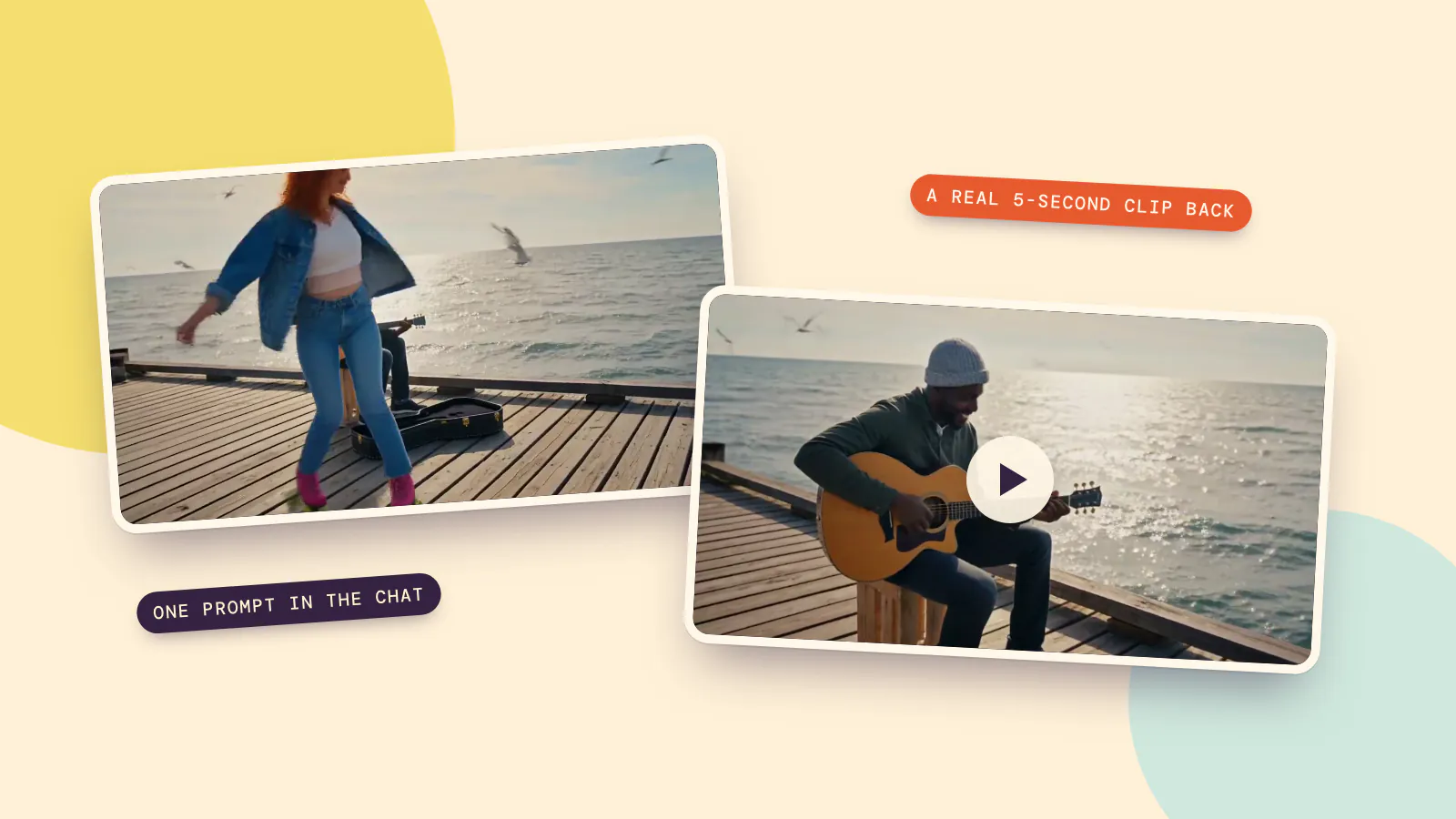
Golden hour on an old wooden pier by the sea. A Black street musician in his forties, wearing a gray knit beanie, sits on a crate playing acoustic guitar with his case open in front of him. A young woman with red hair and a denim jacket glides past on roller skates, spins once, and drops a coin into the guitar case; he grins and nods to her. Seagulls drift overhead and the water glitters behind them. Camera: a smooth tracking shot that follows her, then settles on him in a medium shot. Sound: a warm fingerpicked guitar melody, skate wheels rolling on wooden planks, waves, gulls, and the clink of the coin.
How to make videos inside ChatGPT with PopNow
ChatGPT can use tools from MCP servers. The Model Context Protocol is an open standard for plugging tools into AI assistants (modelcontextprotocol.io). PopNow runs one at api.popnow.ai/mcp. Once it's connected, ChatGPT can call PopNow's create_video tool, and the clip comes back as a link in the chat.
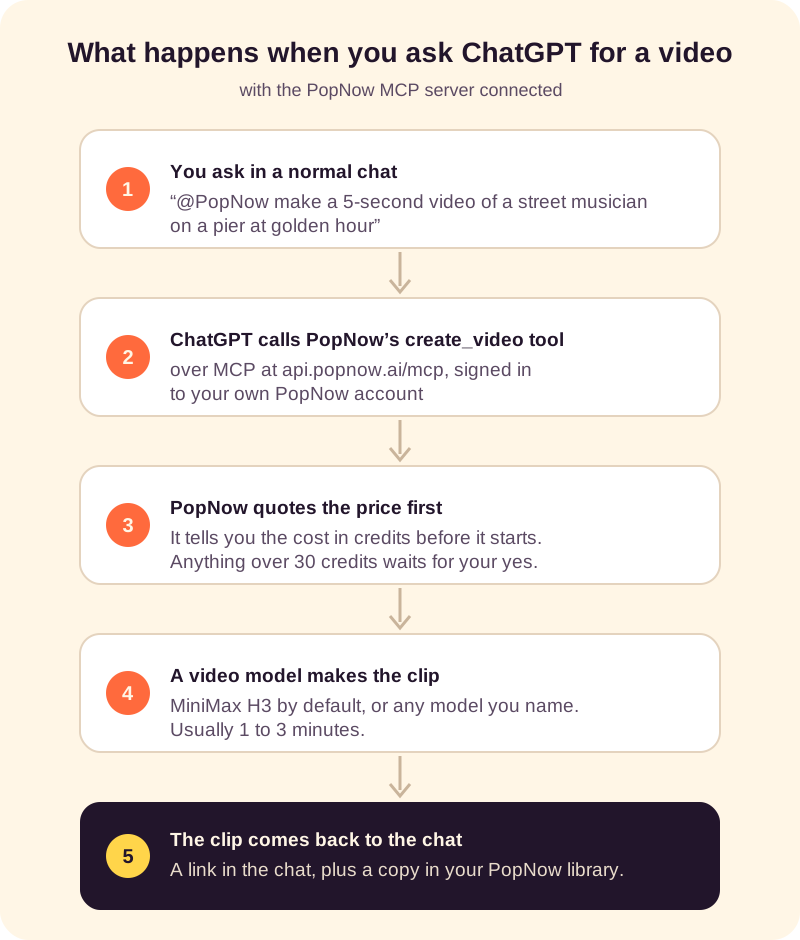
The steps:
- Open Plugins in ChatGPT on the web. Press the plus button and choose Add custom MCP server.
- Paste the PopNow address. Name it PopNow, enter
https://api.popnow.ai/mcpunder Connection and choose OAuth sign-in. Confirm the risk notice, then create it as a plugin. - Sign in and allow. ChatGPT opens PopNow; sign in and press Allow. You can disconnect it later from your PopNow account settings.
- Ask for a clip. In a new chat, type @, pick PopNow and describe the video. Mention a length or a shape (for example "vertical, for a phone") if it matters.
One honest catch: OpenAI's help center currently says custom MCP server connections are available on ChatGPT Business and Enterprise/Edu plans, on the web, and can't be set up from the mobile app. If you don't see Add custom MCP server, your plan or workspace admin doesn't allow it yet. The same steps, plus the Claude version, are on the PopNow in ChatGPT and Claude page.
What you get back, and what it costs
Without a model named, create_video uses MiniMax H3 at 768p, 16:9 and 5 seconds. That costs 28 credits, and a typical clip takes one to three minutes. Every request tells you the price before it starts, and anything over 30 credits waits until you say yes. If a clip fails, the credits go back to your balance.
This is what MiniMax H3 returned for the pier prompt above in our test, with those default settings:
She spins with her arms out, then the camera pushes in to a clean medium shot of the guitarist. The coin drop happened off screen, which is typical: five seconds is short, so keep each clip to one or two actions.
Want a different look? Name the model in your message. "Use Kling 3.0" gives you 4K as an option and the most natural motion in our test, and "use Seedance 2.5" goes up to 30 seconds in one take. Ask ChatGPT to "list PopNow's video models" and it calls list_models, which returns every model with its price.
No Business plan? Two other routes
- Claude. Anthropic's help center says custom connectors work on Free, Pro, Max, Team and Enterprise plans, with Free accounts limited to one (how to add one). Add the same PopNow address under Customize, then Connectors, and ask for a video the same way.
- The website. Let ChatGPT write the prompt, then paste it into the video generator. It's the same models, the same credits and the same library.
FAQ
Can ChatGPT make videos for free?
ChatGPT itself doesn't make videos on any plan. Through PopNow, new accounts get free credits, and the default 5-second clip costs 28 credits, so your first clip can be free. Connecting ChatGPT to an MCP server needs a plan that allows custom servers.
Is there an official ChatGPT video generator?
Not since Sora closed. Pages selling a "ChatGPT video generator" pair a chatbot with a separate video model, which is the same idea as connecting PopNow over MCP.
Can ChatGPT turn my photo into a video?
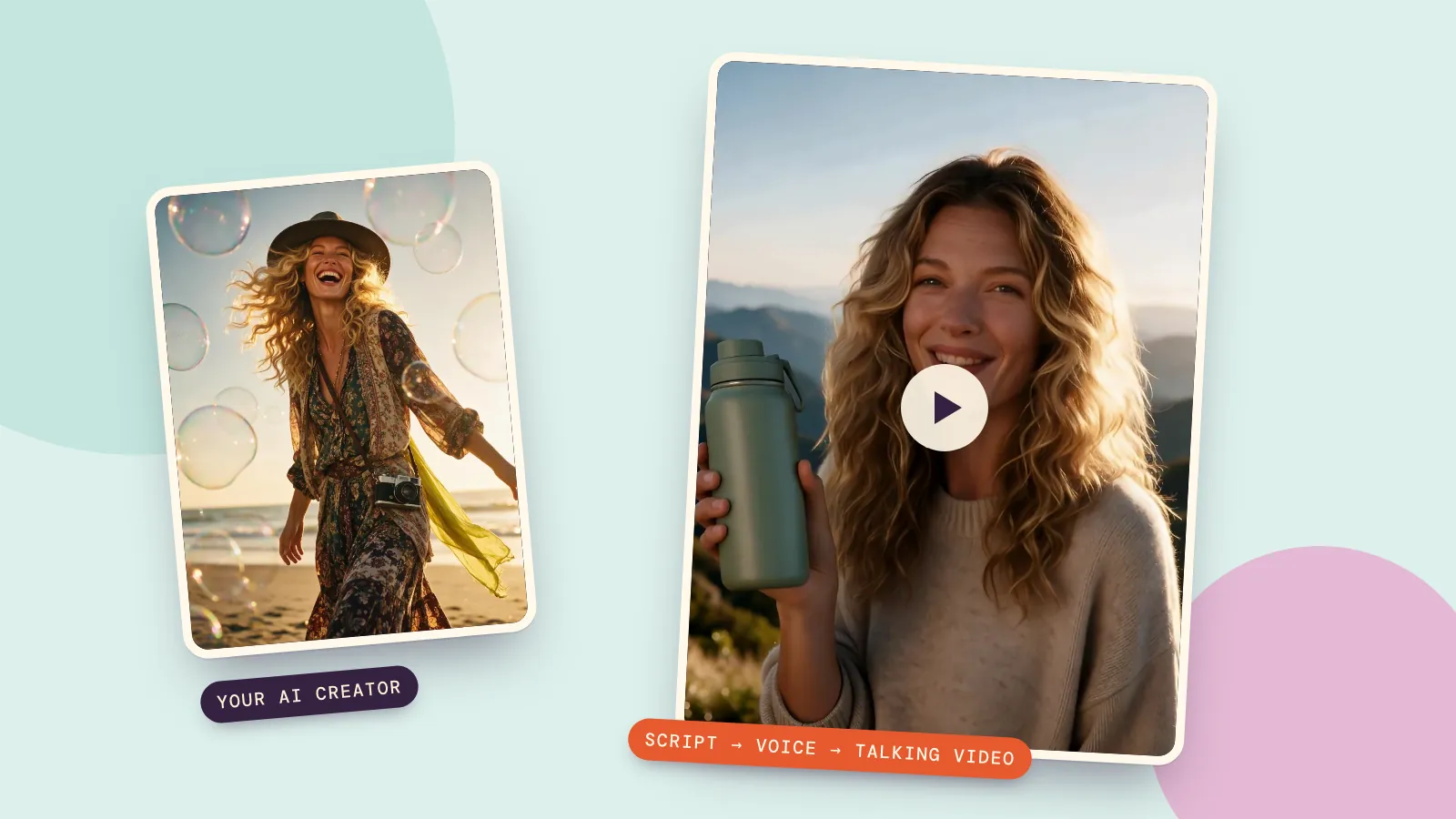
Not by itself. With PopNow connected, attach the photo and ask for it to move. create_video then runs an image-to-video model with your picture as the first frame.
Can ChatGPT edit a video I already have?
No. It can't open or change a video file. It can write the edit plan or captions for you to apply in a video editor.
Can ChatGPT make videos with sound?
The sound comes from the video model, not from ChatGPT. MiniMax H3, the default, has no sound switch and returned a soundtrack in our test: the guitar melody and the sea. Kling, Seedance and Wan let you turn sound on or off.