A UGC-style ad is the kind of video that looks like a person filmed it on their phone: one creator, talking straight to the camera, holding the product. You can make one with AI from a single photo and a short script. Ours took four steps and about eight minutes of waiting; the cost of each step is in the table further down.
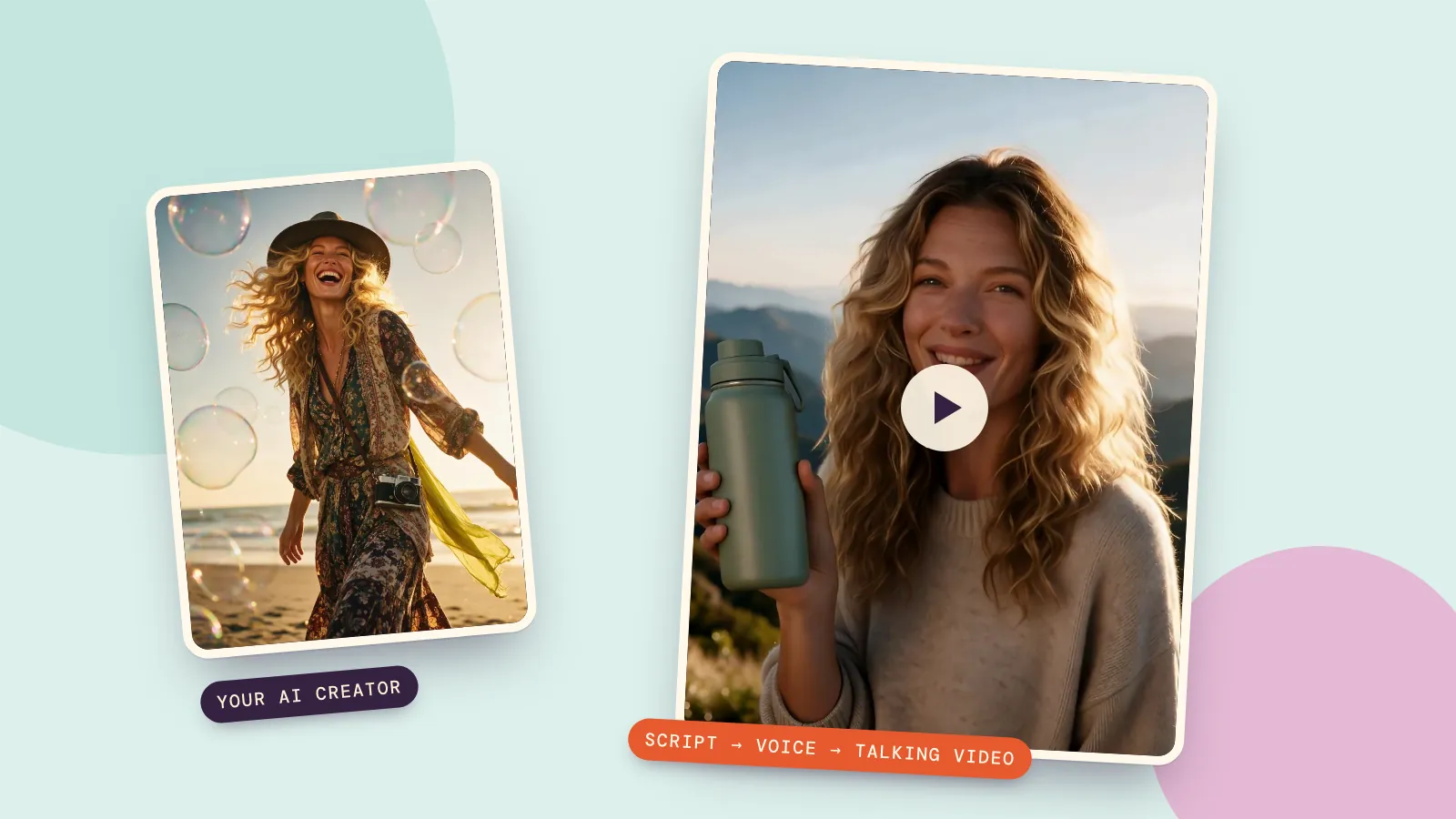
Here's the finished clip first, then every step with the exact prompts, settings and costs. The creator is Juno, a fictional person made on PopNow, and the bottle is a made-up product. Press play and unmute to hear it.
What you need
- A photo of your creator. Face toward the camera, mouth visible, good light. A waist-up framing leaves room for the product.
- A product in the shot. Either the creator already holds it, or you add it with a one-sentence edit (step 2).
- A script of 15 seconds or less. Roughly 35 to 45 spoken words.
- A voice. Your own recording, or one made with text to speech.
Step 1: Pick your creator
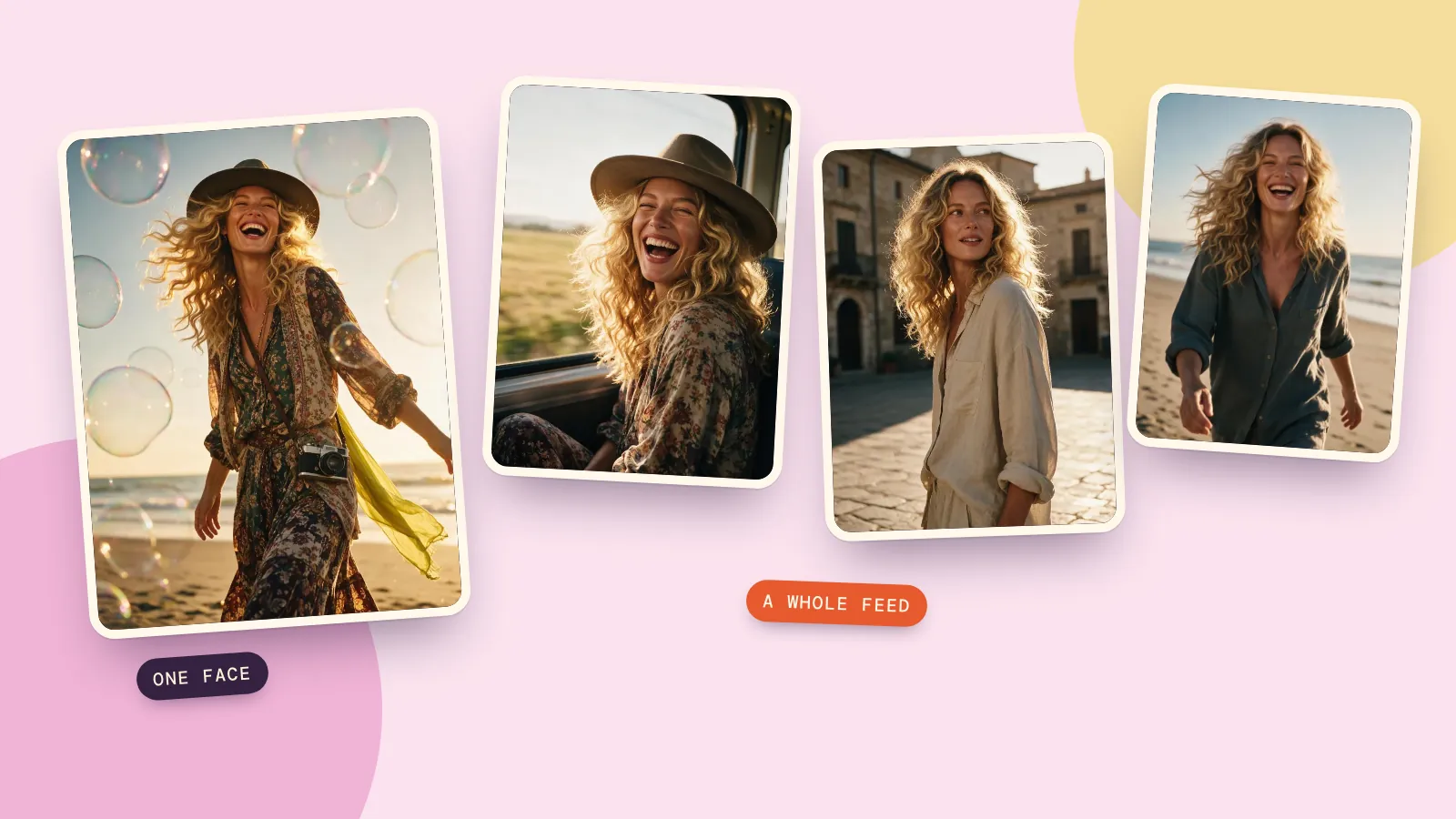
You can upload a photo of yourself, or use an AI person you created. We used Juno, one of the sample characters on the AI influencer page, because she already has a full set of photos with the same face. If you create your own there, you also get a consistent look across every post, which matters if the same creator will front several ads.
Use a fictional person or yourself. Don't build an ad around a photo of someone who hasn't agreed to it.
Step 2: Put the product in their hands
We took one of Juno's existing photos and asked an image editor to add the bottle. The keep-list at the end stops the model from changing her face or the scene:

She now holds a matte sage-green insulated water bottle with no logo, raised beside her face and turned toward the camera, as if showing it to a friend. Keep her face, curly hair, smile, cream sweater, the mountain background and the warm late-afternoon light exactly the same.
This cost 6 credits with Seedream 5.0 Pro and took about two minutes. For a real product, upload its photo as a second image and say "the bottle from the second image", so the shape and color match what you sell.
Step 3: Write a 15-second script
Short creator ads that work tend to follow the same shape: a hook in the first second, three quick reasons, then where to get it. This is ours:
Notice what the script doesn't say. There's no "I've used this for three weeks" or "it changed my life". An AI creator never used the product, so a line written as a personal experience would be a made-up testimonial. Describe what the product does instead, the way an ad would. More on that below.
Step 4: Turn the script into a voice
We generated the voice with Text to Speech using Gemini 3.8 Flash TTS: voice "Aoede", style "vocal smile", accent "American general", plus a one-line scene note: "A travel creator talking straight to her phone camera on a mountain viewpoint, upbeat and relaxed." The 12.7-second clip came back in 14 seconds and cost 1 credit.
Tips for the voice:
- Pick the voice before the photo is final. A breezy voice on a serious face looks wrong.
- Read the script out loud once. If you stumble, the AI voice will sound rushed there too.
- Keep music out of this file. Add music after the video is done; clean speech gives better lip sync.
Step 5: Make the photo talk
The talking video is made by a talking avatar model, which takes your photo and your audio and animates the face, lips and head to match. We used Kling Avatar 2.0 at 720p, with a short direction for the performance:
Friendly, upbeat delivery straight into the camera, small natural nods, she lifts the bottle slightly when she says this one checks all three.
The video is as long as the audio, so ours came out at 12.8 seconds. It took about six minutes and cost 100 credits. The Talking Avatar tool also offers a lower-priced model for when you're making lots of variations: 36 credits for the same length. We didn't use it for this clip.
What came out well: her mouth moves with every word, she blinks, smiles and tilts her head like someone talking to a phone, and her face stays the same from the first frame to the last. What to watch: the product. The bottle stays in her hand throughout, but its cap changes shape slightly from moment to moment, so look closely at your product before you post, and keep logos and small print off the item if you can. If you already have a video of a person and only want to change what they say, use Lip Sync instead.
What it cost
| Step | Model | Time | Credits |
|---|---|---|---|
| Product shot | Seedream 5.0 Pro, 1K edit | about 2 minutes | 6 credits |
| Voice, 12.7 s | Gemini 3.8 Flash TTS | 14 seconds | 1 credit |
| Talking video, 12.8 s | Kling Avatar 2.0, 720p | about 6 minutes | 100 credits |
Making three versions of the script with the same photo only repeats the last two steps, so variations are mostly the cost of the talking video.
Label it as AI and as an ad
Two rules are worth knowing before you post:
- Don't present an AI creator as a real customer. In the US, the FTC's rule on consumer reviews and testimonials bans testimonials that misrepresent who is speaking or that they used the product (FTC questions and answers). An AI presenter reading ad copy is fine; an AI "customer" describing an experience they never had is not.
- Use the platform's AI label. YouTube asks creators to disclose realistic altered or synthetic content when they upload (YouTube Help), and TikTok and Instagram have their own AI labels. Turn them on.
This isn't legal advice; if you run ads at scale, check the rules for your country and platform.
FAQ
Can I make UGC-style videos without hiring a creator?
Yes. You need a photo of a person (yourself or an AI person you made), a short script and a voice. A talking avatar model turns them into a video of that person speaking your script.
How long can the video be?
As long as your audio. Kling Avatar 2.0 handles clips of up to five minutes, but short ads of 10 to 20 seconds look most natural and are cheapest to remake.
Can I use my own voice?
Yes. Record yourself reading the script, upload the file in the talking avatar tool and skip the text to speech step. Clean audio without background music gives the best lip sync.
How much does an AI UGC video cost?
Our 13-second ad cost 6 credits for the product shot, 1 credit for the voice and 100 credits for the talking video on PopNow. New accounts get free credits, and every step shows its price before it runs.
Is it allowed to use AI creators in ads?
Generally yes, as long as you don't mislead people. Don't present the AI person as a real customer with real experience, follow the platform's AI labeling rules and only use faces you have the right to use.