Dress a portrait in a garment from a second image, made with Qwen Image 3.0
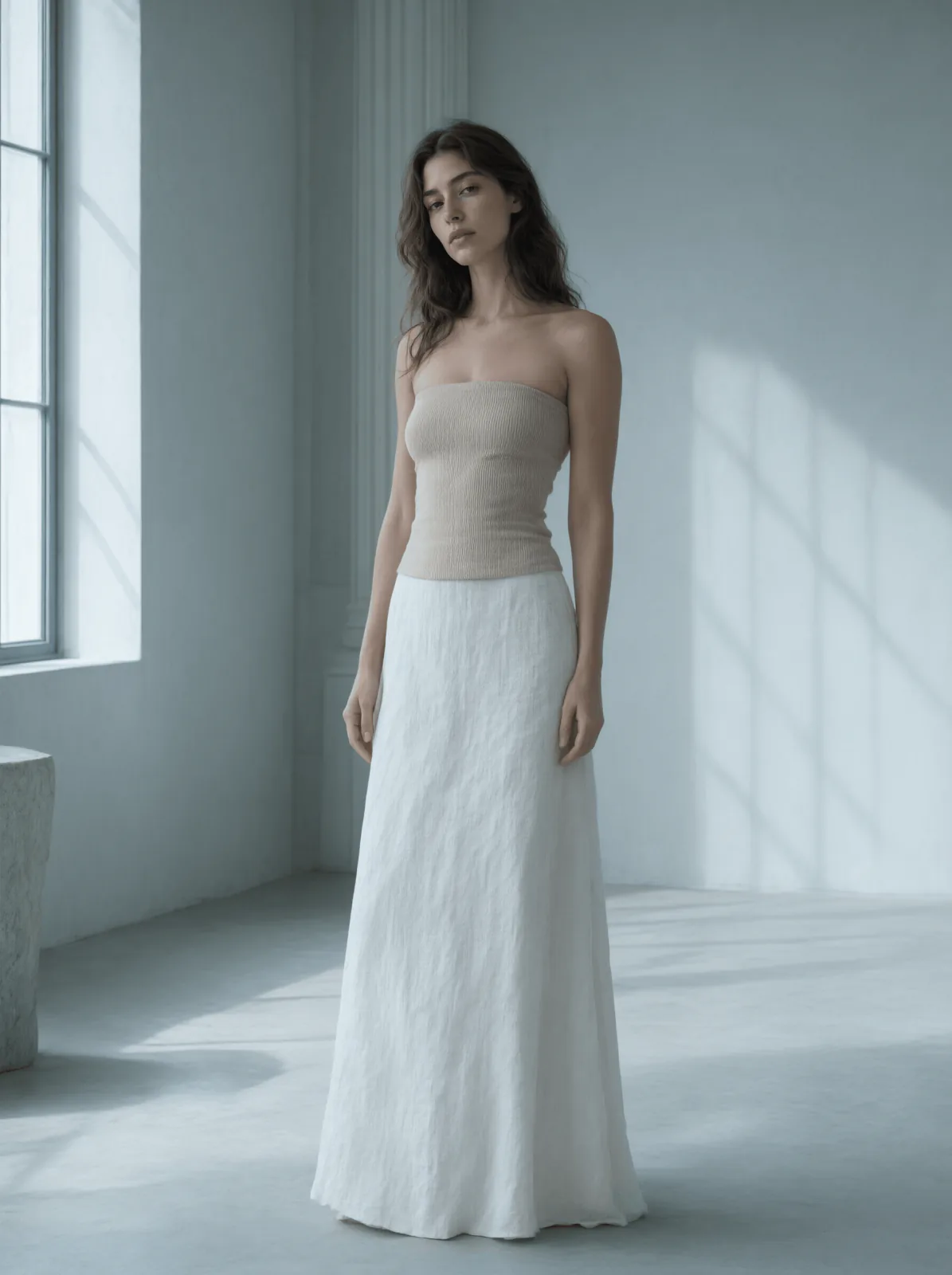
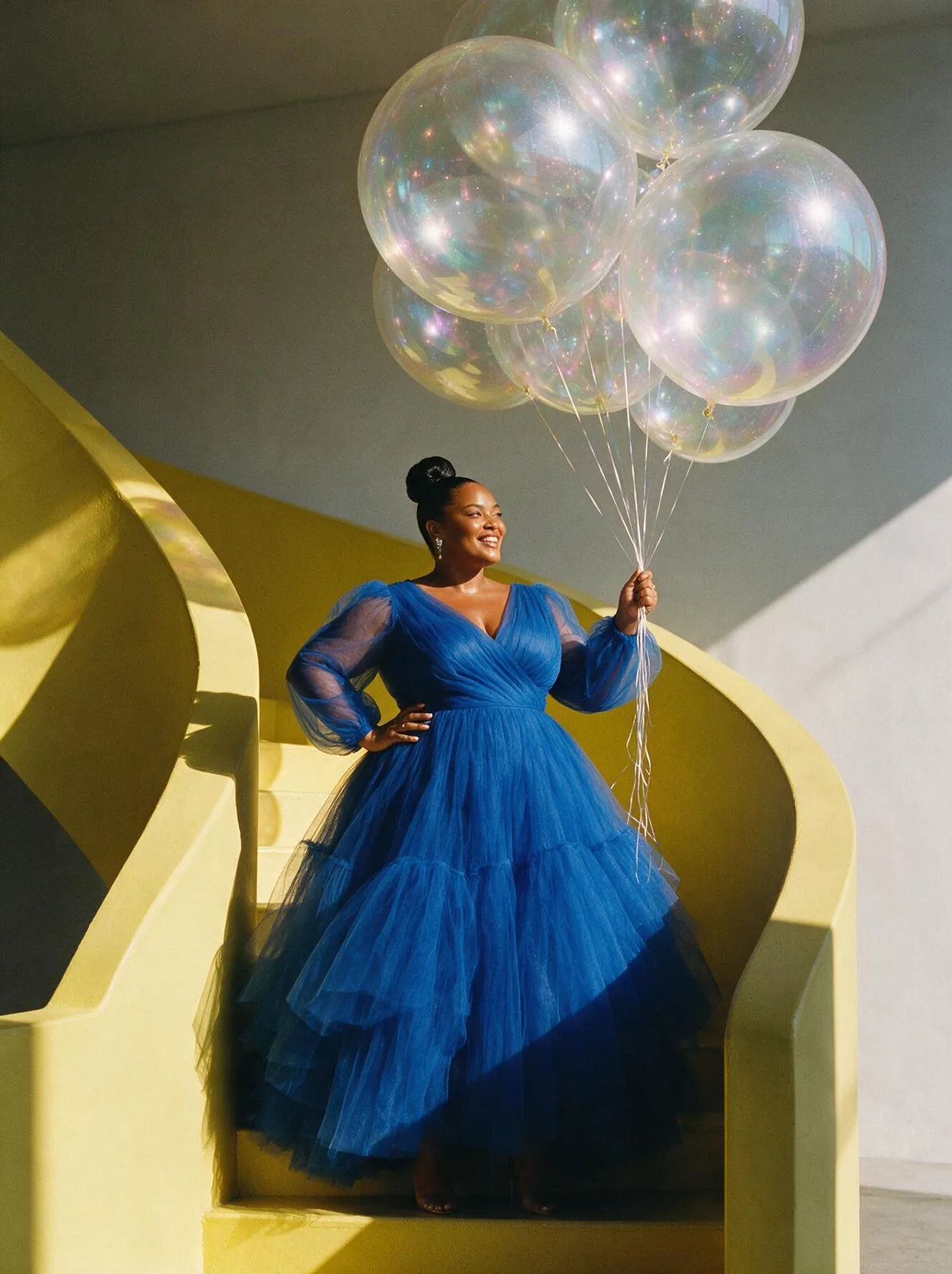
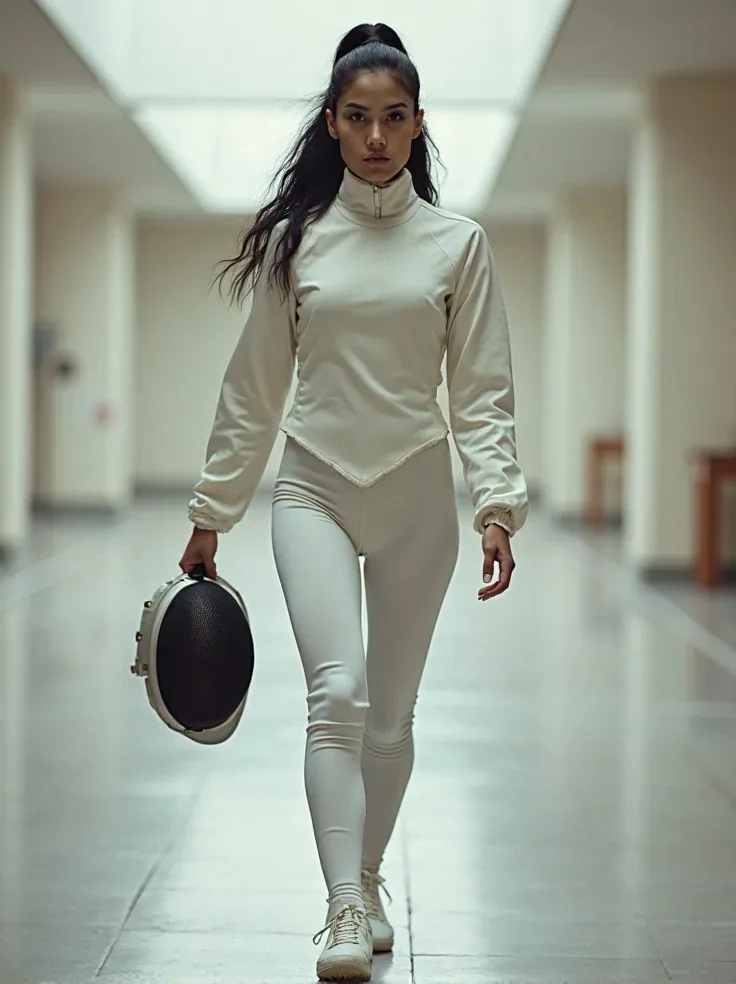
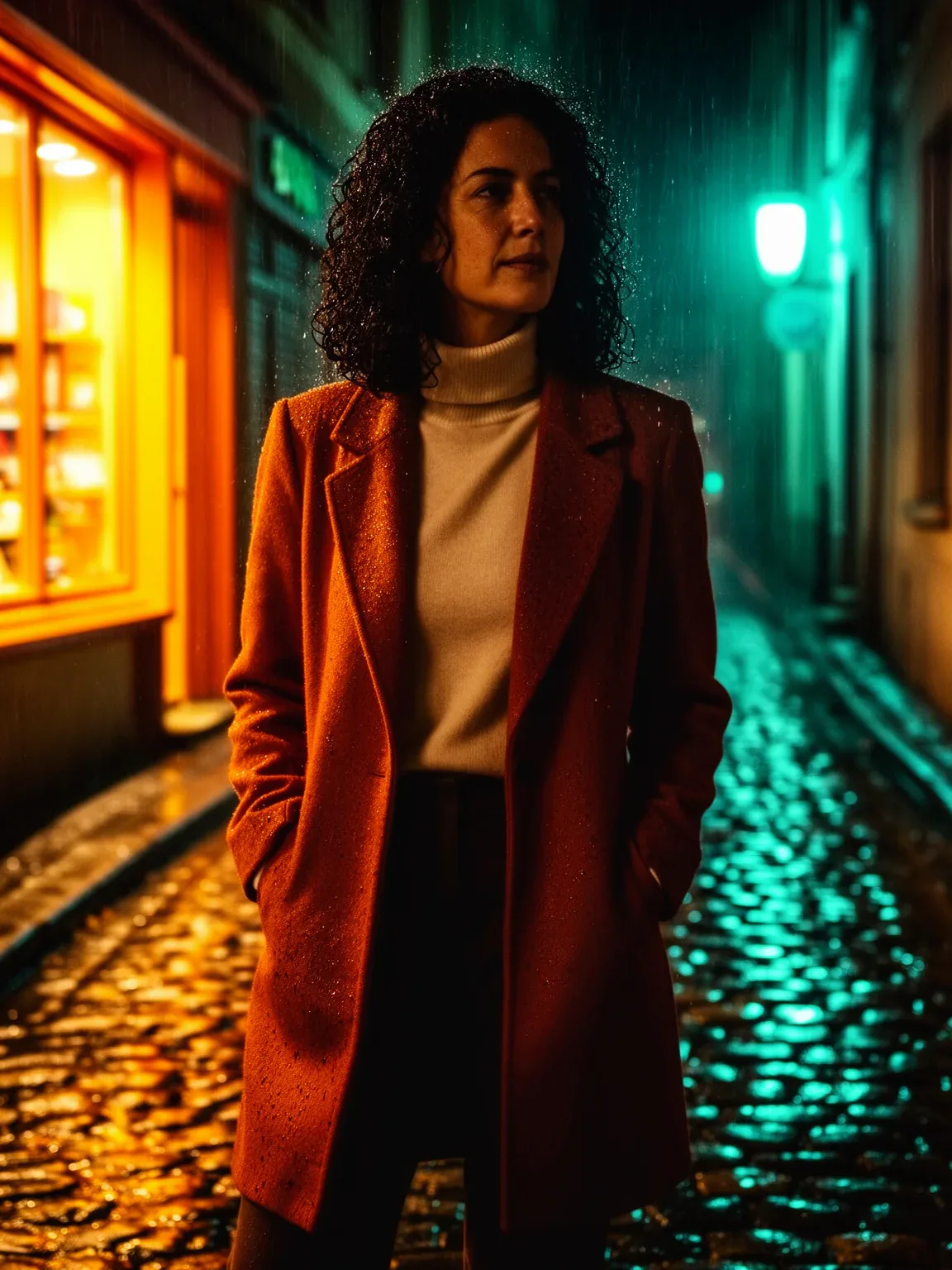
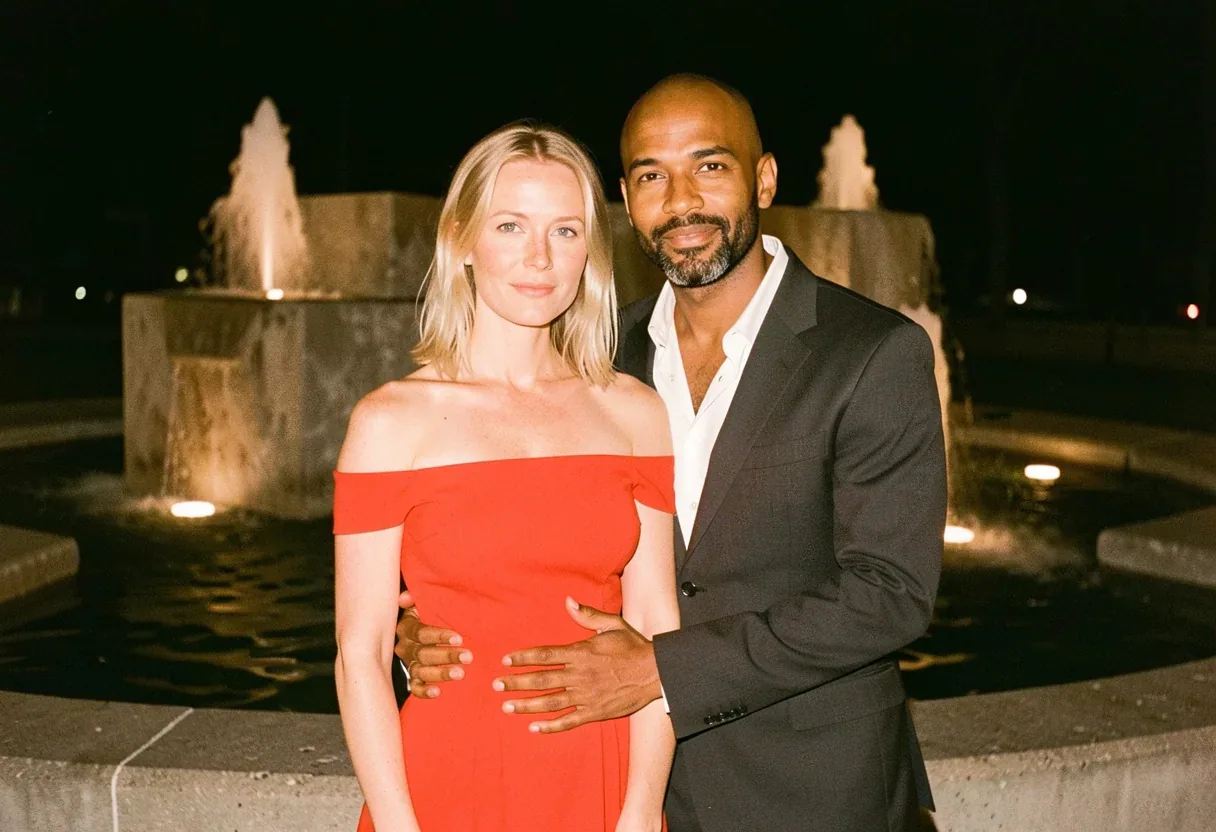
Example made with Qwen Image 3.0

Image editFashion

Qwen Image 3.0 image edit promptDress a portrait in a garment from a second image

An image-edit prompt for Qwen Image 3.0: you upload a picture and this text says what to change.

Prompt

Keep the face, hair, body and pose from the first image. Dress her in the sand-beige ribbed tube top from the second image, matching its rib texture and matte finish, and pair it with a floor-length chalk-white linen skirt. Keep the first image's north-window light direction, cool grey-blue fill and desaturated grade unchanged.

Prompts stay in English, the language these models follow best. Copy it as it is, or change a few words.

Opens Qwen Image 3.0 with this prompt and the settings below filled in. Add your own pictures and you are ready.

Settings

Mode
Image edit
Aspect ratio
3:4
Resolution
2k
Input pictures
Your own pictures
Price
From 5 credits

The exact price shows before you generate.

Make your own version

  1. This prompt edits a picture you upload. Describe only what should change, and say what must stay the same.
  2. For a different mood, rewrite only the light: Keep the first image's north-window light direction.

Photo edit prompt guide

Which photos work for this edit

Fashion image-to-image editing transfers a specific garment from a second reference photo onto a portrait model while preserving the original subject's identity. This prompt works with Qwen Image 3.0 because it explicitly locks the subject's anatomy and lighting environment before describing exact textile textures like matte ribbed knit and woven linen.

This dual-image edit requires a clear primary portrait and a clean, high-visibility clothing reference photo.

Works: Clean portrait with visible posture
Source portraits with uncluttered backgrounds and clear torso outlines allow the model to wrap the new garment naturally around the body.
Works: Flat-lay or mannequin clothing photos
Reference images showing the entire garment in even lighting give the model accurate fabric weave and silhouette details to extract.
Avoid: Obstructed limbs or heavy motion blur
If hands, hair, or shadows heavily cross the chest in the primary portrait, the replacement top will distort around the edges.
Avoid: Dark, low-resolution garment references
Grainy or poorly lit clothing photos cause the model to guess the fabric finish, resulting in muddy or incorrect textures.

What each instruction does

  1. identity lockKeep the face, hair, body and pose from the first image.

    This instruction stops the model from generating a generic face or shifting the pose. Removing it often causes the tool to blend the model's facial features with the person in the clothing reference.

  2. garment transfer targetDress her in the sand-beige ribbed tube top from the second image, matching its rib texture and matte finish,

    This specifies which garment to extract from the reference photo and which tactile surface details to copy. Without the texture keywords, the transferred garment can turn into smooth, plastic-like fabric.

  3. complementary stylingand pair it with a floor-length chalk-white linen skirt.

    This adds a coordinated lower garment to complete the outfit if the second image only contains a top. Omitting this leaves the model wearing whatever bottoms were present in the source portrait.

  4. lighting harmonizationKeep the first image's north-window light direction, cool grey-blue fill and desaturated grade unchanged.

    This ensures the imported garment adopts the studio shadows and color grade of the original portrait. If removed, the garment might retain conflicting studio lighting from the second photo.

Other edits in the same pattern

Tailored blazer transfer

Swaps the casual top for structured outerwear to test formal tailoring on the portrait.

Prompt

Keep the face, hair, body and pose from the first image. Dress her in the charcoal houndstooth wool blazer from the second image, matching its structured shoulders and matte weave, and pair it with black wide-leg pleated trousers. Keep the first image's soft studio rim light and neutral color balance unchanged.

Casual knit cardigan swap

Applies a loose, textured knitwear reference while keeping the portrait's warm ambient light.

Prompt

Keep the face, hair, body and pose from the first image. Dress her in the forest-green chunky cable-knit cardigan from the second image, matching its thick yarn texture and tortoiseshell buttons, and pair it with raw-hem washed denim. Keep the first image's warm afternoon sidelight and soft contrast unchanged.

Silk evening slip restyle

Replaces the outfit with a high-sheen evening gown, adapting highlights to the original portrait's shadows.

Prompt

Keep the face, hair, body and pose from the first image. Dress her in the champagne bias-cut satin dress from the second image, matching its lustrous drape and fluid sheen, and pair it with minimal gold wrist cuffs. Keep the first image's moody directional spotlight and deep shadow contrast unchanged.

Model and settings

Keep the mode on image-to-image with both input pictures attached. Use the default 3:4 aspect ratio to match standard portrait framing and prevent unwanted horizontal cropping. Select 2k resolution so fine fabric details like ribbing and linen weave stay crisp. If your source portrait is landscape or full-body, match the generation aspect ratio to the primary portrait instead.

  • Seedream 5.0 ProChoose Seedream 5.0 Pro when you want to provide multiple clothing angles or detailed fabric swatch close-ups alongside the primary portrait.

When the edit misses

The model's face or body shape changes to look like the person in the clothing reference
Strengthen the opening sentence to read: Retain exact facial geometry, skin tone, hair shape, and body proportions from image one without alteration.
The new garment appears pasted on with mismatched lighting and unnatural shadows
Add lighting integration cues such as: Cast natural soft shadows from the garment onto the body consistent with the primary image light source.
The fabric texture renders as flat color instead of ribbed knit
Specify the micro-details clearly by adding: Render distinct vertical knit ridges and tactile yarn texture across the top.

Questions about this edit prompt

How do I make sure the AI knows which photo is which?

Upload your model portrait as the first input and your clothing reference as the second input. The prompt explicitly references the first image for the person and the second image for the garment, which directs Qwen Image 3.0 to assign roles correctly.

Can I use a clothing photo worn by another person?

Yes, as long as the garment is clearly visible. The prompt instructs the model to take only the garment from the second image while locking the face and body of the first image.

Why is the lower half of the outfit changing unexpectedly?

If your second image only shows a top, the model must fill in the bottom half. Specifying a floor-length skirt or specific trousers directly in the prompt prevents the model from improvising random pants or skirts.